Most people who try NSFW role play with AI quit within a week, and it is rarely because the idea is boring. The characters feel flat, the replies loop, the filters kick in mid-scene, or the free tier runs dry right when the story gets good. This article fixes those problems one at a time. You will see which free apps are worth opening, how to build a character who stays in voice, which prompts get better scenes, and how to give your character a face with tasteful, photoreal images.
Everything here is for adults, stays suggestive rather than explicit, and treats the whole thing as what it is: collaborative fiction with a very responsive writing partner.
What NSFW Role Play Really Means
Chat Fiction, Not Just Flirting
NSFW role play is interactive storytelling where you play one character and the AI plays another (or several). The "NSFW" part usually means romance, tension, flirtation, and mature themes. The best sessions have far more to do with plot, banter, and atmosphere than with anything graphic. A slow-burn scene in a rain-soaked cafe beats a rushed, repetitive exchange every time.

Think of it as three layers working together:
- The model: the language engine that writes the replies.
- The character card: the personality, backstory, and speech style you give it.
- The scene: the setting, mood, and goal of the current conversation.
When one layer is weak, the whole session suffers. A great model with a lazy character card produces generic dialogue. A great card on a weak model forgets details after twenty messages.
Who Uses It and Why
The audience is wider than most people assume. Writers use it to test dialogue and draft romance chapters. Solo roleplayers use it because a human partner is not always online at midnight. Others enjoy it for confidence practice, flirting with a safe, patient partner before they try the real thing. Some just like interactive romance novels where they steer the story.

💡 Quick reality check: AI characters do not have feelings, memory of you outside the app, or real consent. Enjoy the fiction, and keep real relationships in the real world.
Free AI Chat Apps Compared
The market moves quickly, and many "best of" lists online are written by the apps themselves. Treat the table below as a starting point and check each app's current policy and pricing before you commit. Free tiers change often.
Browser Platforms with Character Libraries
Janitor AI is probably the name that comes up most often for mature chat. It has a huge community library of ready-made characters, a toggle for mature content, and a free tier. You can also bring your own API connection if you want more control over the model. Paid plans have been reported at around ten dollars a month, but verify that yourself.
SpicyChat and CrushOn AI follow a similar pattern: browse thousands of characters, open a chat, and start. They are the fastest way to try the hobby because there is nothing to install. The tradeoff is that free tiers usually limit message speed, memory length, or daily messages.
Character.AI remains the biggest name for general character chat, but its content filters are strict, so it is a poor fit for mature scenes. Its popularity is the reason so many alternatives exist.
Local Setups for Total Privacy
SillyTavern is the power user's front end. It is a free interface you run on your own computer, and it connects to whichever model you choose. Because the app itself does not impose a content policy, the rules come from the model behind it. Pair it with KoboldCpp, which runs open-weight models on your own hardware, and your chats never leave your machine. You need a reasonably strong graphics card for good speed, plus a bit of patience for setup.
The payoff is control: you can edit any character, rewrite any reply, run group chats with several characters, and keep your logs private.
Mobile Companion Apps
Replika, Kindroid, Chai, and Talkie lean toward ongoing companionship on a phone. They are better for daily check-ins and a single long-term character than for plotted adventures. Policies on mature content vary widely and change without much warning, so read the current terms before you assume anything.
| App type | Examples | Cost to start | Best for | Main drawback |
|---|
| Browser library | Janitor AI, SpicyChat, CrushOn AI | Free tier | Fast start, huge character choice | Message limits, variable quality |
| Local front end | SillyTavern with KoboldCpp | Free software | Privacy and total control | Setup time, hardware needs |
| Story writing tool | NovelAI, KoboldAI | Mostly paid or self-hosted | Long-form fiction | Less chat-like feel |
| Mobile companion | Replika, Kindroid, Chai, Talkie | Free tier | Daily conversation | Less plot control |
| Mainstream chat | Character.AI | Free tier | Safe, general chat | Strict filters for mature themes |
💡 Pro tip: Start with one browser platform to find out what you like, then move to a local setup only if you hit a wall on privacy or memory.
Building a Character That Feels Real
A character is a prompt, and prompts reward detail. The difference between a forgettable chat partner and one you look forward to is almost always the character card.

The Five-Part Character Card
Write your card with these five parts, in this order:
- Identity: name, age (always an adult, always stated), job, and where they live.
- Personality: three to five traits, with at least one flaw. A character who is only perfect is boring.
- Backstory: two or three sentences with a secret or a tension, such as a rivalry or an old regret.
- Relationship to you: how you met and what each of you wants from the other.
- Boundaries: what the character will not do, and how they respond when a scene gets uncomfortable.
That last part matters more than people think. A character with defined limits feels more human, and it gives the scene natural friction.
Voice and Speech Habits
Generic dialogue comes from generic instructions. Instead of "she is flirty", write "she teases by answering questions with questions, uses dry humor, and never uses emojis". Add two or three example lines in the character's voice. Models copy examples very closely, so a good sample line shapes every reply that follows.
A short table of weak versus strong instructions:
| Weak instruction | Strong instruction |
|---|
| "He is mysterious." | "He deflects personal questions with a half smile and changes the subject to the other person." |
| "She is confident." | "She speaks in short sentences, holds eye contact, and never apologizes for being late." |
| "They are romantic." | "They remember small details, like your coffee order, and bring them up weeks later." |
Memory and Scene Notes
Long chats drift. The model forgets that your character wore a green coat or that the story takes place in winter. Fix this with a short "scene note" that you paste every 15 to 20 messages: location, time of day, what each character knows, and the current mood. It costs you ten seconds and keeps the story consistent.
💡 Try this: Keep a running note called "Story so far" with five bullet points. Update it after each session, and paste it at the start of the next one.
Prompts You Can Copy
Good prompts set a scene and give the AI room to write. Swap the brackets for your own details.
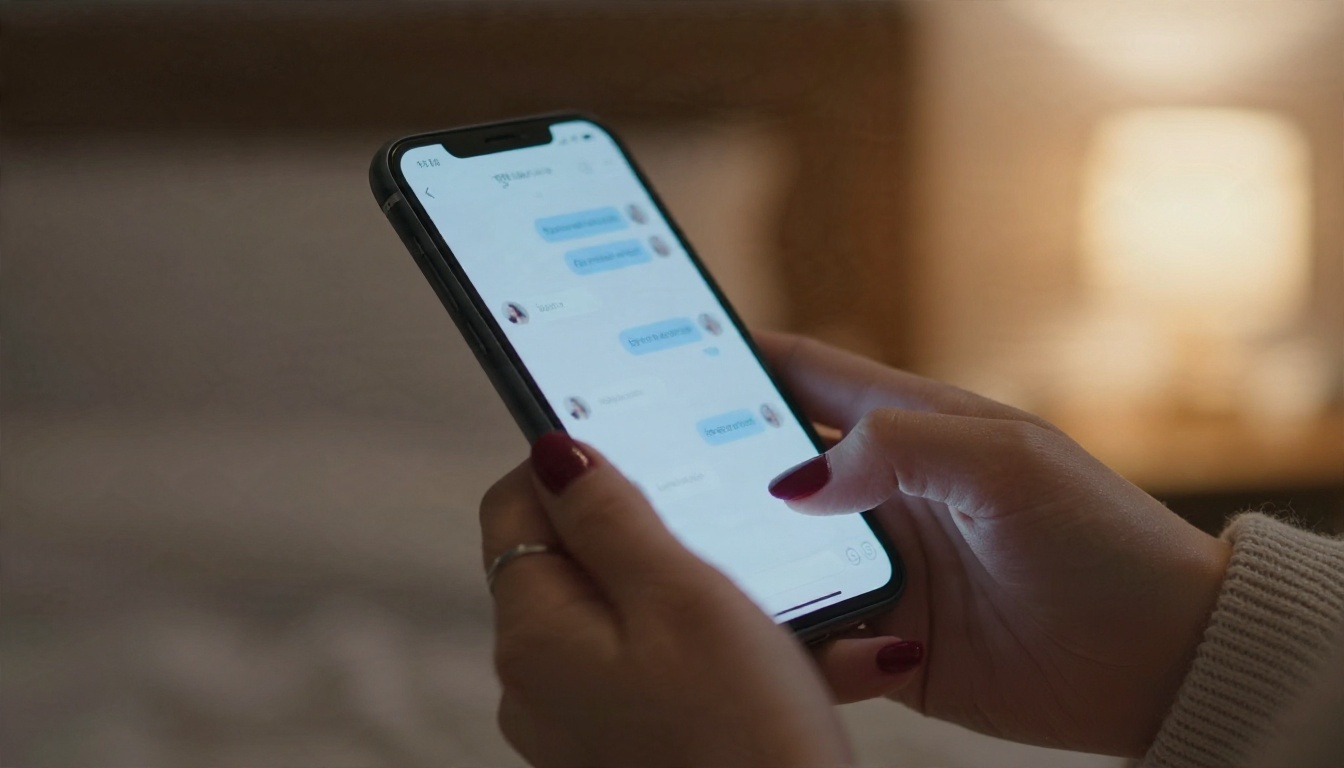
Opening Scene Prompts
Use these to start a session with atmosphere instead of a bare "hi".
- Slow burn: "Write in third person, past tense. [Character] and I are the last two people at a small jazz bar after closing. Start with her wiping down the counter and noticing me still sitting there. Keep the tension subtle and let me respond."
- Rivals to lovers: "[Character] is my fiercest rival at work. We are stuck in an elevator during a power cut. Write the first five lines of dialogue, sharp and funny, with a hint of attraction. Stop and wait for my reply."
- Reunion: "[Character] and I were together years ago and have not spoken since. We meet by chance at a wedding. Describe the first moment she sees me, then pause."

Steering a Scene Without Breaking It
Out-of-character commands pull the reader out of the story. Use light directions in brackets or parentheses instead:
- "(Slow down. Focus on small gestures and what she is thinking.)"
- "(Add a complication: someone knocks at the door.)"
- "(Keep replies to about 120 words, and do not write my character's actions for me.)"
That last line fixes the most common complaint: the AI speaking and acting for you. State it once at the start and repeat it when it slips.
Pacing and Fade-to-Black Prompts
Mature scenes work best when you control the pace. Ask for atmosphere, tension, and emotion, and let the story cut away at the right moment: "Build the moment with sensory detail and dialogue, then close the scene with a time skip to the next morning." This keeps the writing tasteful and often gets better prose than pushing for detail.
💡 Rule of thumb: What you imply tends to read as more intense than what you spell out. Suggestion is a skill, so use it.
Give Your Character a Face
Text is only half the experience. A portrait of your character, even a single one, makes the story feel more grounded and gives you a visual anchor for future scenes. This is where PicassoIA's image models fit in. For an adult audience they are the right tool because they let you produce suggestive, glamour-style imagery, and the platform keeps unlimited generation in view for the people who iterate a lot.

Portraits With Seedream 4.5
Seedream 4.5 is the first model to try for character art. It handles skin texture, fabric, and lighting very well, and it produces sharp images up to 4K.
How to use it, step by step:
- Open the Seedream 4.5 page and choose a 16:9 or 3:4 ratio, depending on whether you want a scene or a portrait.
- Describe your character like a photographer: age, hair, clothing, pose, setting, and light direction. Example: "Woman in her late twenties, dark bob, black satin robe, seated at a vanity mirror, warm bulb light from the front, 85mm lens, film grain."
- Add lens and film cues such as "85mm f/1.8" or "Kodak Portra 400". They push the output toward realistic photography.
- Keep the style suggestive and elegant: robes, lingerie-style glamour, swimwear, evening wear. Aim for beautiful rather than explicit.
- Generate a batch, pick the one that feels most like your character, and reuse its description text in future prompts to keep the face consistent.

Editing With Image Editor Pro
Once you have a portrait, the PicassoIA Image Editor Pro lets you adjust it. It offers unlimited generations, so you can try as many variations as you like: a different outfit, a new location, another hairstyle, or a change of mood. That matters for role play, where one character needs to appear in a cafe on Monday and on a beach by Friday.
Practical edit prompts:
- "Change the outfit to a red satin evening dress, keep the face and hair the same."
- "Move her to a rooftop terrace at golden hour."
- "Make the lighting softer and warmer, like late afternoon."

Other Models Worth Trying
Different models have different strengths, so it pays to compare.
Let an LLM Draft Your Character Card
Language models can speed up the writing side too. Models such as Gemini 3.5 Flash, Kimi K2.6, and Claude Sonnet 5 are good at turning a rough idea into a tidy character card, writing example dialogue, or tightening a scene note. Keep in mind that mainstream models apply their own content policies, so use them for the planning, backstory, and tone work, and keep the mature scenes suggestive.
A prompt that works well: "Write a character card for a 30 year old bookshop owner named [name]. Include personality, a flaw, a secret, speech habits, and three sample lines. Keep it romantic and subtle."
Staying Safe While You Play
This hobby is private and personal, which is exactly why it deserves a few habits.

Hard Rules Worth Keeping
- Adults only. Every character is an adult, clearly stated, with no exceptions. Never write or generate anything involving minors.
- Fictional people only. Do not build characters from real people, and never create images that use a real person's face without their permission.
- Protect your identity. Use a throwaway name, skip your real address and workplace, and avoid sharing photos of yourself in chats.
Privacy and Data
Cloud platforms store your conversations on their servers. Read how each app handles logs, whether it trains on chats, and how to delete your history. If that bothers you, a local setup with SillyTavern and KoboldCpp keeps everything on your own computer. Use a separate email for sign-ups, and a password manager for the accounts.
Know When to Step Back
Role play can be a fun creative outlet. It can also slide into a habit that crowds out sleep, friends, or real relationships. Set a time limit for sessions, and take a break if the chats start to feel like an obligation instead of a pleasure.
💡 Healthy balance: If an AI character is the only person you talk to for days, that is a signal to reach out to a real friend.
Quick Fixes for Common Problems
The AI repeats itself. Change the scene. Add a new character, a new location, or an interruption.
The character forgets details. Paste a short scene note every 15 to 20 messages.
Replies are too short. Add a line such as "Write 150 to 200 words per reply, with sensory detail and dialogue."
The AI controls your character. State once: "Never write my character's words or actions."
The filter interrupts the scene. Shift to a fade-to-black or a time skip, or move the heavier writing to a platform whose policy allows it.
Start Building Your Own Characters
You now have the full loop: pick an app that fits your budget and privacy needs, write a character card with real personality, steer scenes with light prompts, and finish with a portrait that makes your character feel like a person.
The image side is the quickest to try. Open Seedream 4.5 on Picasso IA, describe your character the way a photographer would, then refine the result in the PicassoIA Image Editor Pro with unlimited generations. Try a different outfit, a different city, a different mood, and watch your story gain a visual identity. When you want more options, browse the whole catalog at picassoia.com/en/all-models and mix models until your characters look exactly the way you imagined them.


