Most people judge an AI video model in the first ten seconds of footage. A cyclist crosses a wet street, the camera drifts, the light behaves like real light, and you either believe it or you don't. Runway Gen 4.5 is the model that made a lot of editors believe it. It follows prompts closely, holds motion steady from the first frame to the last, and handles camera direction better than most of its rivals.
This article gives you Runway Gen 4.5 examples you can copy, a straight look at its features and credit costs, honest answers about free options, and a working image to video routine. You can run that routine right now on PicassoIA, where Gen 4.5 is available with an optional starting image.
💡 Quick answer: Gen 4.5 turns a written prompt, or a still image plus a prompt, into a 5 or 10 second clip. Runway's own free plan is too thin to test it properly, so a hosted option is the easier way in.
What Runway Gen 4.5 Actually Is
Gen 4.5 is the current flagship video model from Runway, sitting above the earlier Gen 4 and Gen 4 Turbo releases. Its pitch is simple: sharper motion, stronger prompt fidelity, and fewer wasted generations. In practice that means you write one specific paragraph and get something close to it on the first or second try, rather than rolling the dice six times.
Three things stand out when you use it for a week.
- Motion that holds together. Hands keep their fingers, cloth keeps its folds, and water keeps moving in one direction.
- Camera language it respects. Words like dolly in, low angle, handheld and rack focus change the shot in a predictable way.
- A real image to video mode. Give it a still as the first frame and it animates forward without redrawing the subject.
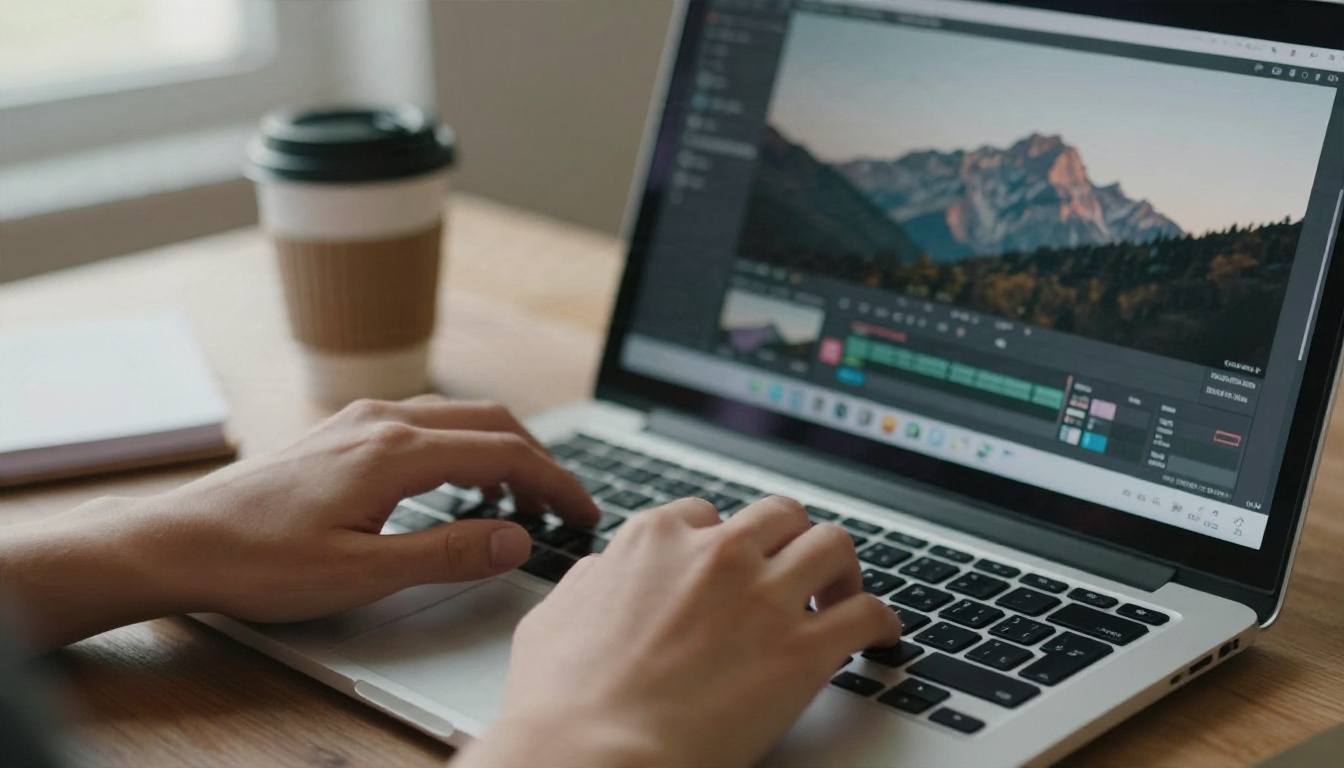
Where It Fits in the Runway Family
Runway has shipped several video and image tools, and they are easy to mix up. Here is how the ones available on PicassoIA line up.
| Model | Best for | Input |
|---|
| Gen 4.5 | Top quality text and image to video | Prompt, optional first frame |
| Gen4 Turbo | Fast, cheaper image to video drafts | Image plus prompt |
| Gen 4 Aleph | Recutting and restyling existing footage | Video plus prompt |
| Gen4 Image | Building scenes from reference images | Prompt plus references |
| Gen4 Image Turbo | Quick still frames to animate | Prompt plus references |
A sensible habit: build the still with an image model, test the motion on Gen4 Turbo, then spend your best credits on Gen 4.5 for the final render.
Runway Gen 4.5 Features Worth Knowing
Text to Video and Image to Video
The same model does both. With text alone, it invents the first frame. With an image, it locks that frame and decides how the scene moves. For anything where a face, product or location has to look right, image to video is the safer path.
Duration, Ratios and Resolution
On PicassoIA you can pick a 5 or 10 second clip and one of six aspect ratios: 16:9, 9:16, 4:3, 3:4, 1:1 and 21:9. Runway's own app lists a wider range of lengths, roughly 2 to 10 seconds, but five seconds is the sweet spot. Short clips drift less, and they cost half as much.
Prompt Fidelity
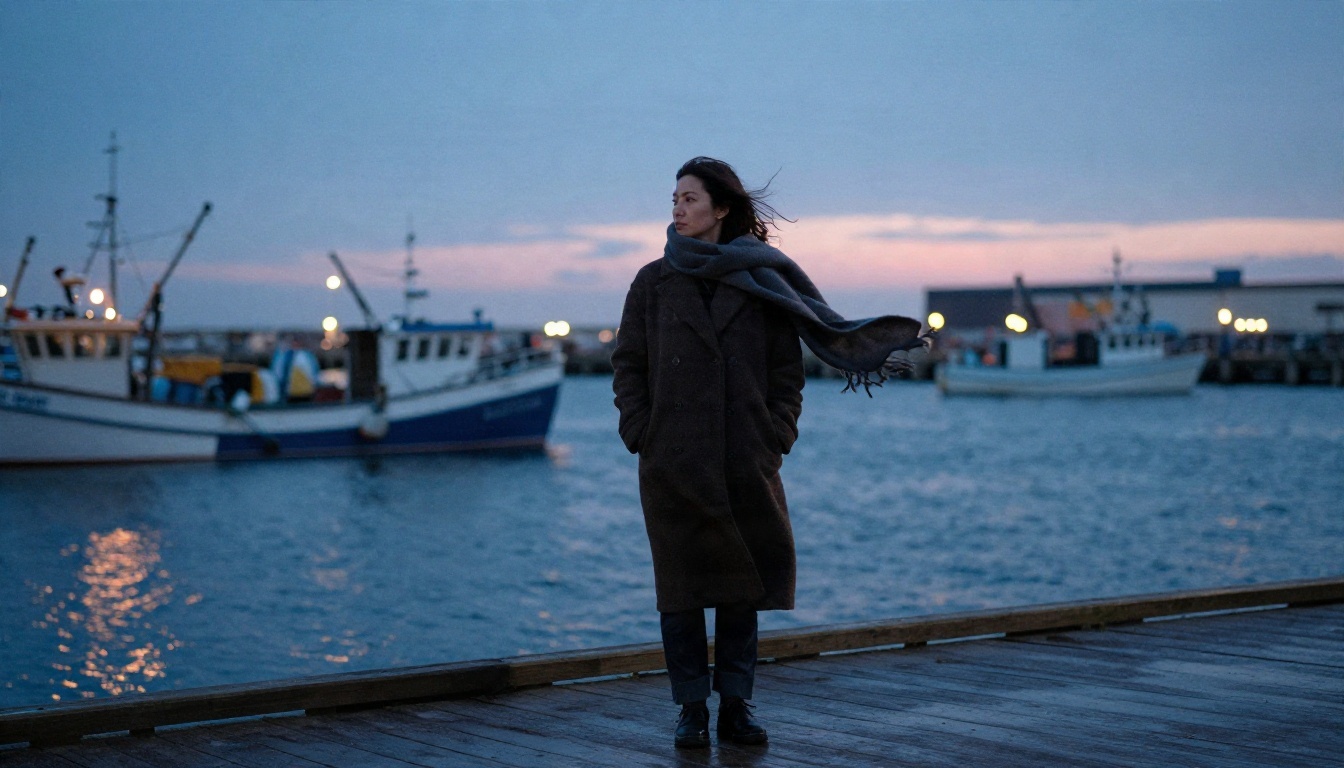
This is the feature that saves money. If you write "a woman in a long coat on a harbor pier at blue hour, scarf blowing left to right," you tend to get exactly that, not a generic woman near water. Detail in, detail out.
Audio
Gen 4.5 is a picture first model. Treat sound as a separate step. Add music, ambience or voice afterwards, or pick a model with native audio such as Veo 3.1 Fast when synced sound matters more than raw motion quality.
Runway Gen 4.5 Examples With Prompts
These are the prompt patterns that gave me the most predictable results. Each one follows the same order: subject, action, setting, camera, light, mood. Copy them as they are, then swap the nouns.
Example 1: Rain-Soaked Street Walk
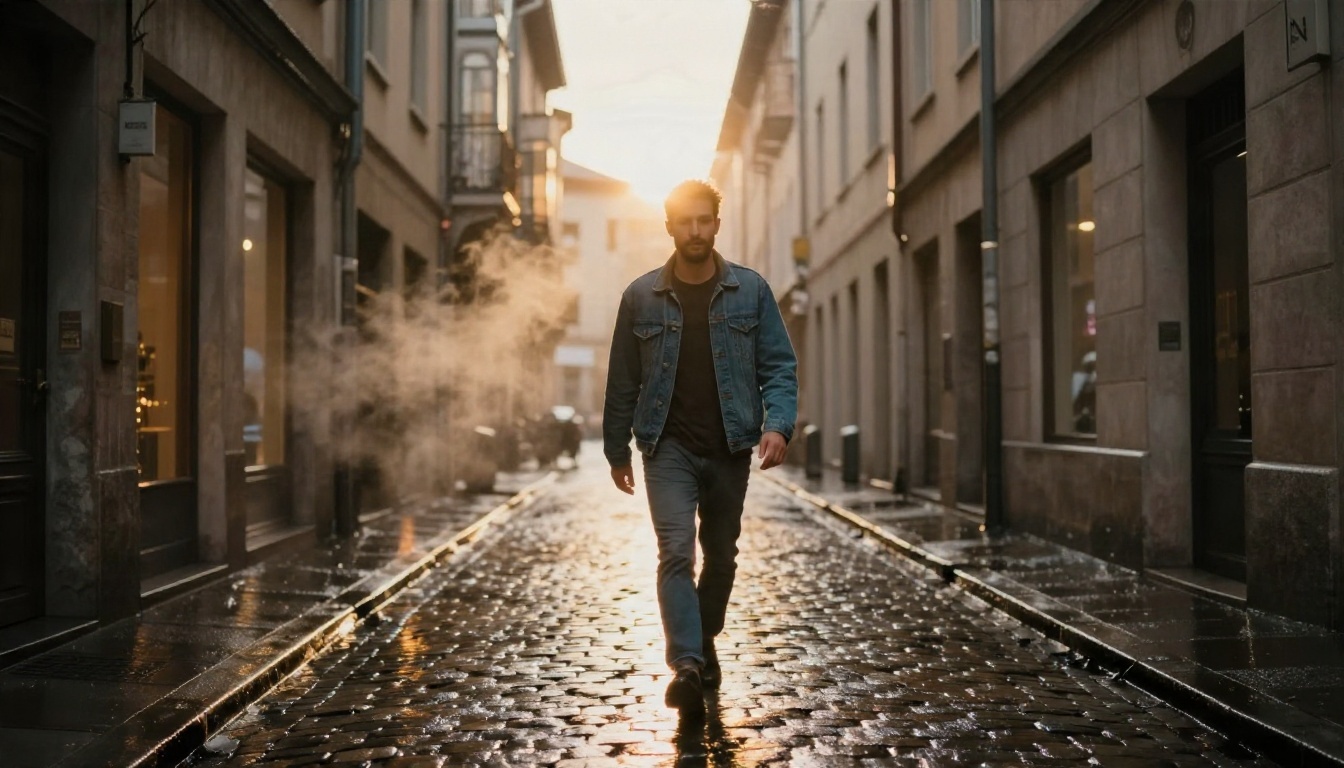
Prompt: A young man with a short beard in a denim jacket walks slowly toward the camera down a narrow European alley after rain. Warm shop windows reflect on wet cobblestones, steam drifts from a grate. Low angle, slow dolly back at walking pace, shallow depth of field. Golden hour backlight, quiet and cinematic.
Why it works: the camera move matches the subject move, so the model has no conflict to resolve. "At walking pace" fixes the speed.
Example 2: Aerial Coastal Drive
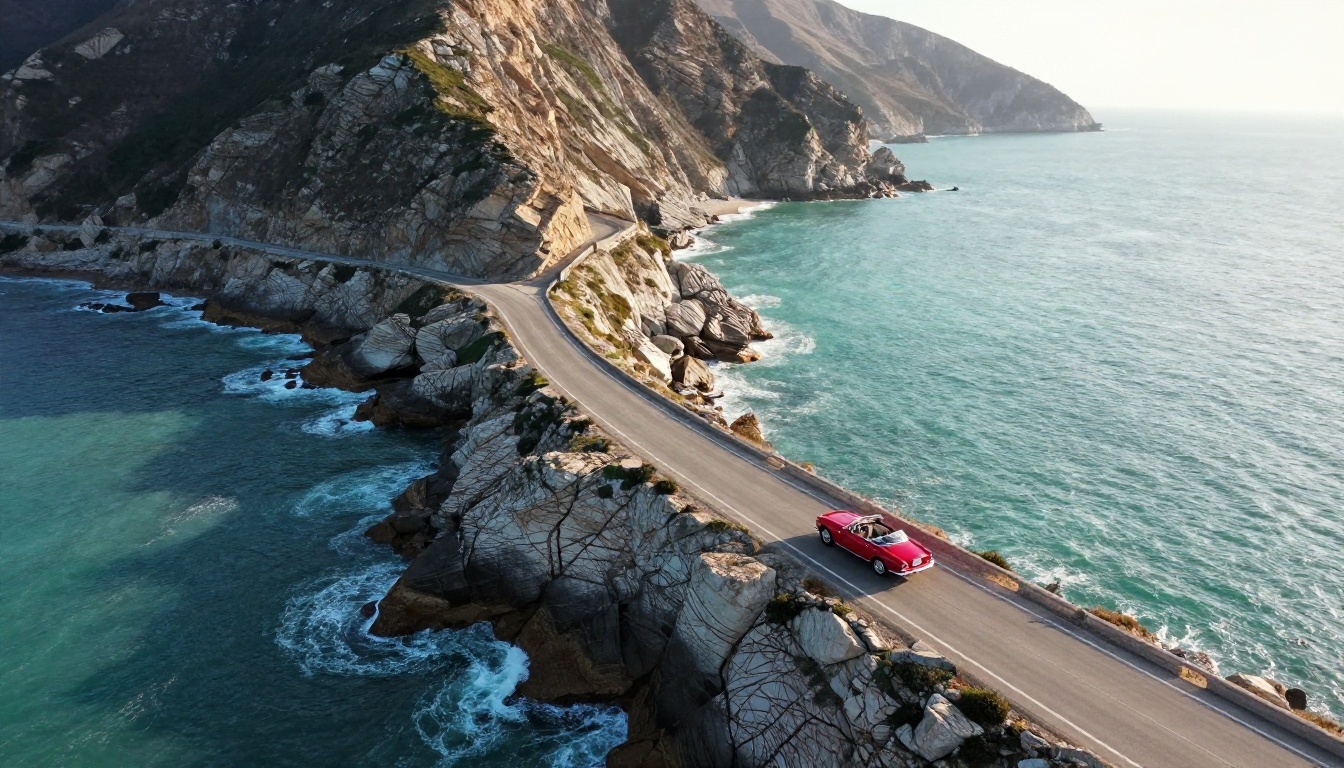
Prompt: A red vintage convertible drives along a winding cliff road above turquoise sea. Aerial view, the camera tracks forward and slightly above the car, then rises to reveal the coastline. Late afternoon sun, long shadows on limestone, light sea haze.
Why it works: one vehicle, one road, one camera move. Aerial shots fail when you ask for three things at once.
Example 3: Macro Food Pour
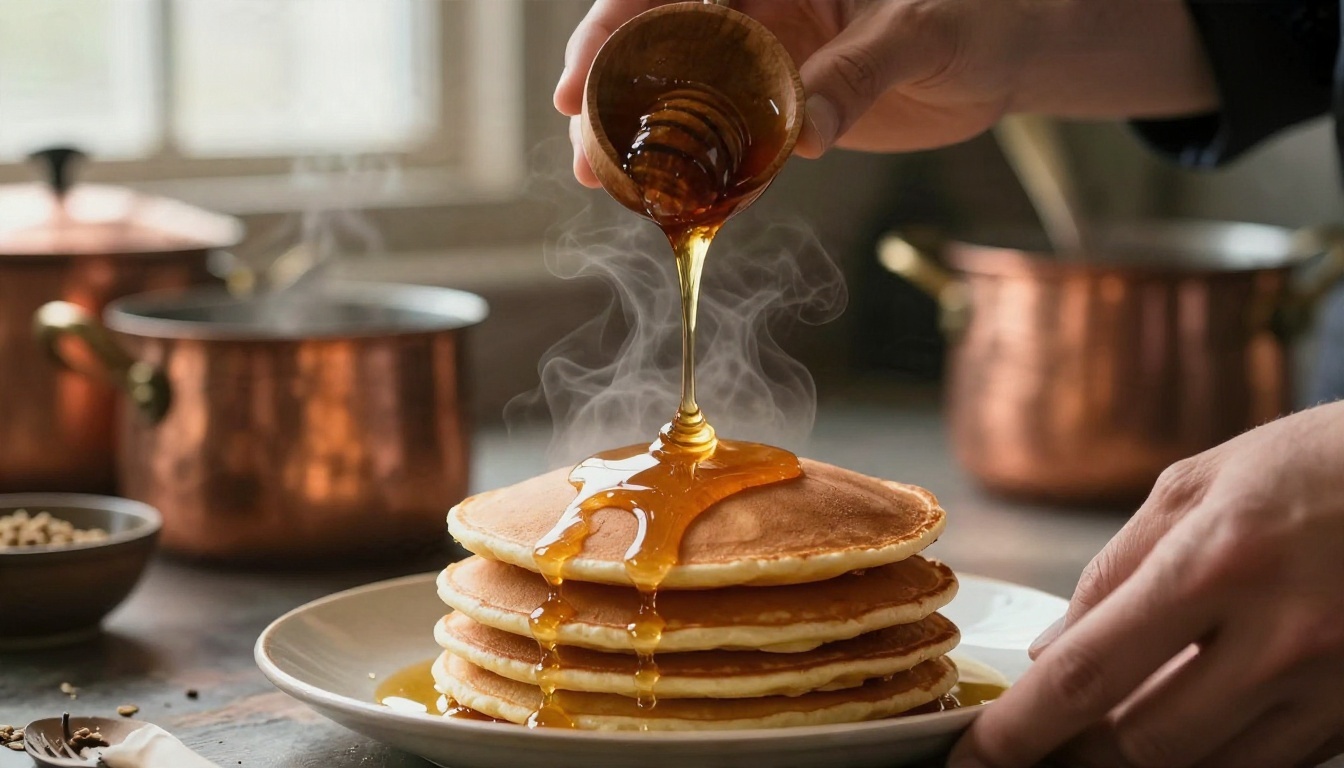
Prompt: Extreme close-up of dark honey pouring from a wooden dipper onto a stack of golden pancakes. The honey ribbon thickens and folds on itself, steam rises, copper pots blur behind. Static macro camera, soft side light from a window.
Why it works: liquids are a good stress test, and Gen 4.5 keeps the honey's viscosity believable. Product and food creators get the most out of this style.
Example 4: Desert Road Director Shot
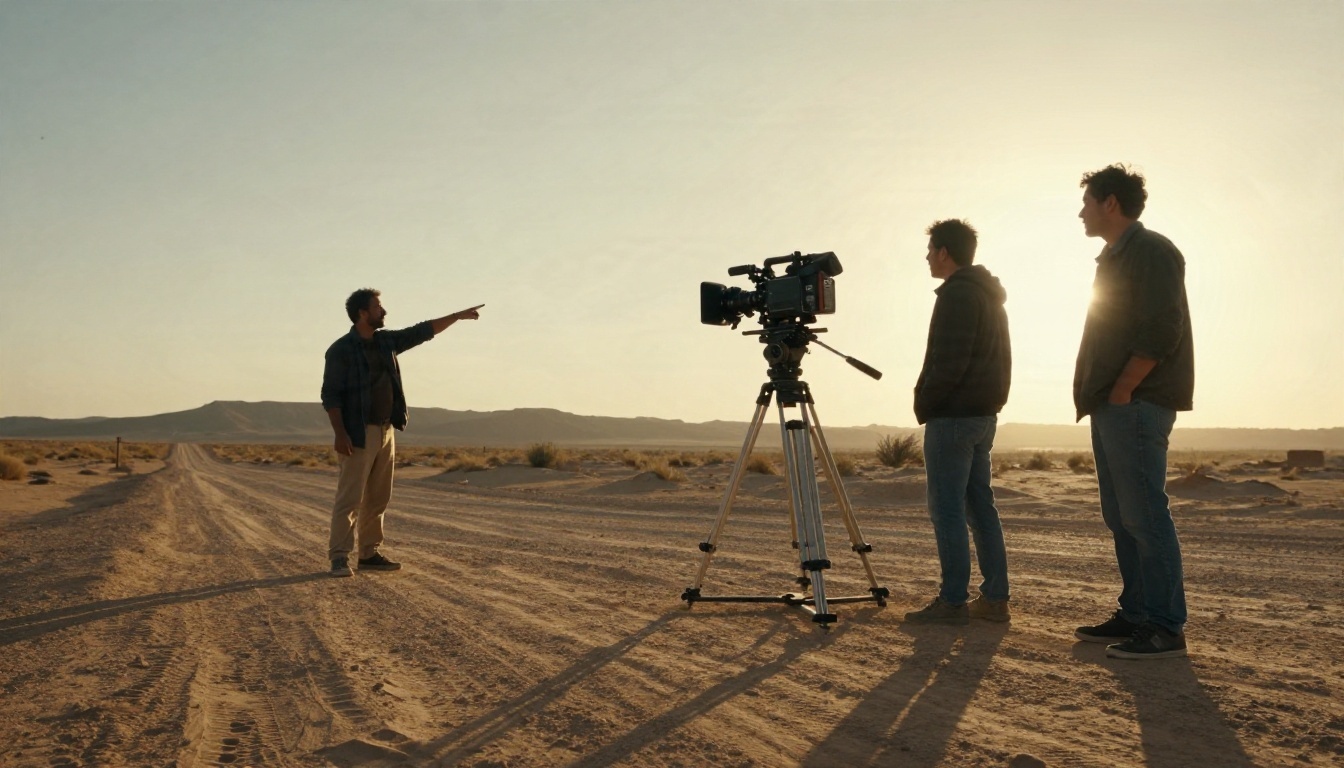
Prompt: Wide establishing shot at sunrise on a dusty desert road. A director points toward a distant mesa while a cinematographer adjusts a tripod-mounted cinema camera. Slow push-in from low angle, warm sun flare from the right, dust lifting in the light.
Why it works: it names the lighting direction and the camera behavior. Those two details do more than any adjective.
💡 Prompt formula: Subject + action + place + one camera move + light direction + mood. Keep it under 80 words and use one camera instruction per clip.
Write the Shot, Not the Story
Gen 4.5 renders a five second moment. It does not render a plot. "A man walks through an alley" works. "A man walks through an alley, finds a letter, then runs" does not, because the second and third beats have no room.
Use Camera Words That Mean Something
| Camera word | What you get |
|---|
| Slow dolly in | Smooth push toward the subject |
| Handheld | Small natural shake, documentary feel |
| Low angle | Subject looks larger, more heroic |
| Aerial | High, moving perspective |
| Rack focus | Focus shifts between foreground and background |
| Static | No camera movement, subject moves alone |
Name the Light
"Golden hour backlight," "overcast soft light," "blue hour with warm dock lamps." Light controls mood more than any other word you will write. Skip vague terms like "beautiful lighting."
Three Common Mistakes
- Stacking camera moves. A pan, a zoom and an orbit in one clip produces mush.
- Writing a script. Dialogue and plot twists are wasted on a five second shot.
- Fighting the first frame. In image to video mode, don't describe what is already in the image. Describe only what moves.
Image to Video With Gen 4.5
This is where the model earns its credits. A strong still gives you control over composition, wardrobe, color and location before motion enters the picture.
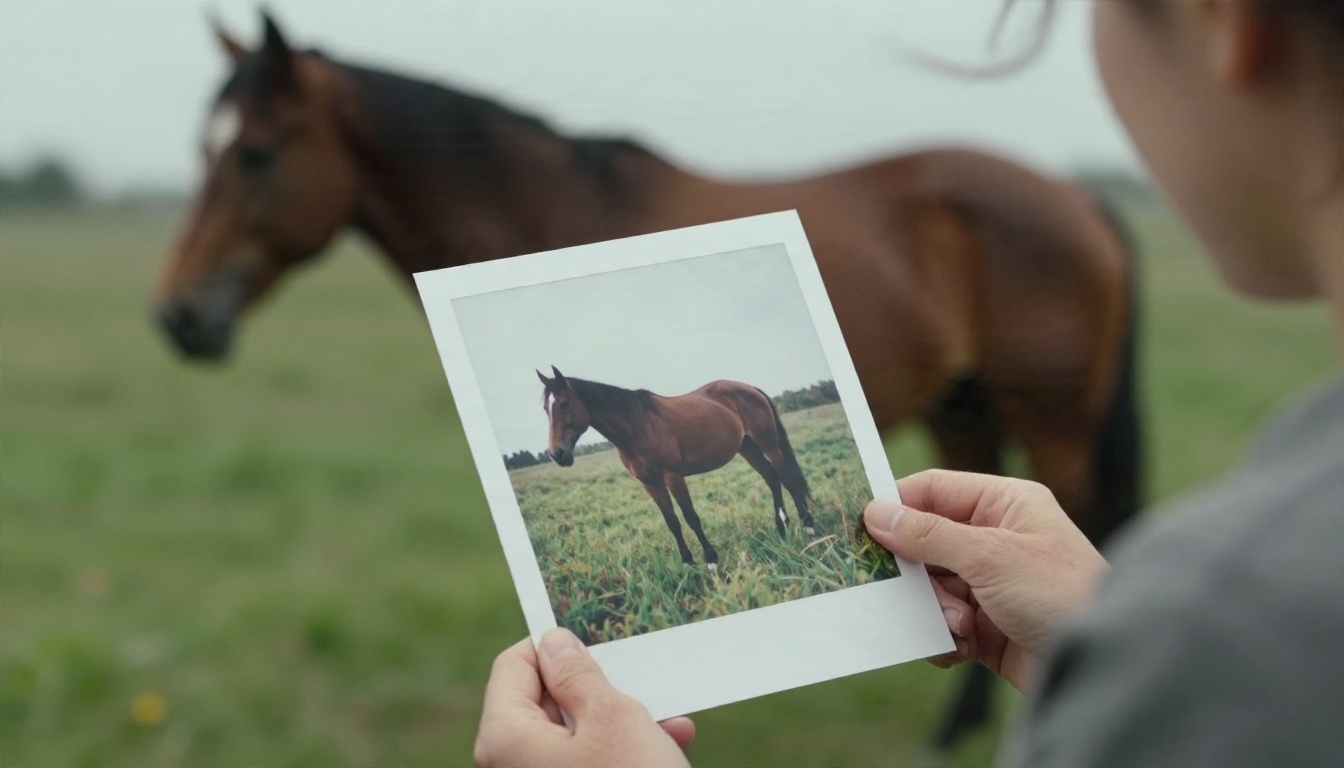
Pick the Right Starting Image
A good first frame has a clear subject, space to move into, and light you like. Avoid images with cropped hands, tangled backgrounds or tiny faces. Build a still with Seedream 4.5 or with Gen4 Image if you want to keep a character or product consistent across shots.
Write Motion-Only Prompts
If your still shows a woman on a pier, the prompt does not need to say so. Write this instead:
Her scarf and coat lift in the wind from left to right. Boats rock gently behind her. Slow dolly in, eye level. Mist drifts across the water.
The model reads the image for the subject and your text for the movement. That split keeps faces and outfits stable.
Keep Character Consistent Across Shots
Use the same still, or the same character reference, for every clip in a sequence. Change only the camera and action. Edit the best clips together and you have a short film with one recognizable lead.
Free Options and Real Costs
Here is the honest picture, based on what I could confirm on the day of writing. Plans and credit rates change, so check Runway's pricing page before you pay for anything.
What Runway's Free Plan Gives You
Runway's free plan comes with a one-time pool of 125 credits that do not renew. Gen 4.5 is reported to cost about 12 credits per second, and it is generally tied to paid plans, with Standard being the entry point. Free credits also carry a watermark. In short, the free plan is fine for trying Gen4 Turbo, but it is not a real trial of Gen 4.5.
What the Paid Plans Cost
| Item | Reported figure |
|---|
| Gen 4.5 rate | About 12 credits per second |
| Standard plan | About $15 per month for 625 credits |
| Footage from Standard | Roughly 52 seconds of Gen 4.5 per month |
| 5 second clip | About 60 credits |
| 10 second clip | About 120 credits |
Fifty-two seconds a month is about ten five second clips. That is enough for one polished short, not for experimenting freely. This is why people look at other options.

Ways to Test Without Paying Runway Directly
- Use a hosted version. Gen 4.5 on PicassoIA lets you run the model from a browser with an optional starting image.
- Draft on a cheaper model. Test the motion and the prompt on Gen4 Turbo first, then spend on Gen 4.5 only when the shot works.
- Use a free and unlimited model for rough passes. Seedance 2.5 Lite generates clips up to 10 seconds with no per-clip cost, which makes it handy for storyboard tests.
💡 Cost habit: Always run 5 second clips first. Move to 10 seconds only after the shorter version looks right.
How to Use Gen 4.5 on PicassoIA
Gen 4.5 is listed in the text to video collection and accepts an optional first frame. Here is the routine I use.
Step by Step
- Open the model page. Go to the Gen 4.5 page.
- Add a starting image (optional). Upload a still to pin the first frame. Skip it for pure text to video.
- Write your prompt. Use the formula: subject, action, place, one camera move, light, mood. Under 80 words.
- Pick the duration. Choose 5 seconds for tests, 10 seconds for final renders.
- Choose the aspect ratio. 16:9 for YouTube and film, 9:16 for Reels and Shorts, 1:1 for feeds, 21:9 for a widescreen look.
- Set a seed (optional). Fixing the seed lets you change one word in the prompt and see its effect.
- Run it and review. Check the first second for subject drift. If it is wrong, fix the prompt, not the settings.
Parameter Tips
| Setting | Recommendation |
|---|
| Duration | 5 for drafts, 10 for finals |
| Aspect ratio | Match the final platform before you generate |
| Seed | Lock it when you are comparing prompt changes |
| Image | Use a sharp, well lit still with room for movement |
| Prompt length | 40 to 80 words |

Alternatives Worth Testing
Gen 4.5 is not the only strong model, and each has its own strengths. All of these are on PicassoIA.
A practical split: use Wan or Hailuo for fast animation tests, Veo when you need sound, Kling for action, and Gen 4.5 when prompt accuracy and clean motion matter most.
Start Making Your Own Clips
The best way to judge Gen 4.5 is to feed it a shot you already have in your head. Pick one scene, write it in 60 words with a single camera move, and render a 5 second version. Then change only the lighting word and run it again. Two clips side by side teach you more than any list of tips.
Open Gen 4.5 on PicassoIA, drop in a still or start from text, and try the prompts above. When you want to test more engines, browse everything at picassoia.com/en/all-models and build your own short film one five second shot at a time.


