Runway Gen 4.5 produces some of the smoothest AI video you can get right now, and then the credit counter starts dropping. A five-second clip can eat a surprising share of a monthly plan, and the free tier will not let you test the flagship model the way most people expect. If you are about to subscribe, or you are trying to decide whether to stay, the numbers below will save you from an unpleasant invoice.
This article breaks down the Runway Gen 4.5 price, what the free credits actually do, where the limits bite, and which cheaper models on PicassoIA give you similar footage for less. Pricing in this space moves fast and reviewers disagree on a few details, so treat every figure here as a snapshot and confirm the final numbers on Runway's own pricing page before you pay.
What Runway Gen 4.5 Costs Per Clip

Runway does not sell clips. It sells credits, and every generation burns some of them depending on the model and the length of the output. That makes the headline subscription price almost meaningless until you convert it into seconds of video.
The Credit Rate
Most recent breakdowns agree that Gen 4.5 costs 12 credits per generated second. A handful of sources list 25 credits per second instead, which is a big gap, so check the live number inside your account before you plan a project around it. This article uses 12 because it is the figure the majority of sources repeat.
At 12 credits per second:
- A 5 second clip costs 60 credits.
- A 10 second clip costs 120 credits.
- A one minute sequence assembled from 5 second shots costs 720 credits, and that is only if every shot works on the first try.
💡 Tip: Credits are charged per generated second, not per usable second. A clip you throw away costs exactly the same as a clip you keep.
Five Seconds Versus Ten
Longer clips look like better value because you get more footage per prompt, but they raise the cost of a bad take. A failed 10 second generation burns 120 credits. A failed 5 second generation burns 60. If your prompts still need tuning, short clips are the cheaper way to experiment, and you can switch to 10 seconds once the motion and framing are locked in.
Runway Plans Side by Side
Here is how the paid tiers translate into Gen 4.5 footage, using the 12 credits per second rate. Prices are monthly billing as reported by third party reviews.
| Plan | Monthly price | Credits | Gen 4.5 seconds | 5 second clips | Cost per 5 second clip |
|---|
| Free | $0 | 125 one-time | Not usable on Gen 4.5 (reported) | 0 | n/a |
| Standard | $15 | 625 | about 52 | about 10 | about $1.44 |
| Pro | $35 | 2,250 | about 187 | about 37 | about $0.93 |
| Max | $95 | 9,500 | about 791 | about 158 | about $0.60 |
Annual billing lowers the monthly rate on Standard and Pro, but you commit for twelve months, which is risky if you are only testing.
Free Plan Reality
The free plan is a trial, not a workflow. You get a one-time grant of 125 credits that does not renew each month. According to several reviews, Gen 4.5 is locked behind a paid tier, so those free credits go to older models. Even if you could spend them on Gen 4.5, 125 credits at 12 per second is roughly 10 seconds of footage, which is two short clips and nothing more.
Standard and Pro
Standard at $15 suits someone who needs a handful of hero shots each month. Ten five-second clips sounds fine until you remember that most prompts need two or three attempts. In practice, Standard often delivers three or four usable clips.
Pro at $35 is where the per-clip cost starts to feel reasonable. At around 37 five-second generations, you can afford to iterate. It is the first tier that supports a small weekly content schedule without anxiety about the counter.
Max Replaces Unlimited
Runway's old Unlimited plan has been retired for new subscribers, and reports say existing legacy accounts keep running until the end of November 2026. The replacement is Max, which gives a much larger monthly credit pool and runs generations on demand instead of through a relaxed queue. If you relied on slow, unmetered generation to experiment, that option is effectively gone for new users, and every test now costs credits.

Free Credits and Their Limits
People search for "Runway Gen 4.5 free" hoping for a no-cost way to test the model. The honest answer is that there is no generous free path to this specific model.
What 125 Credits Buy
Think of the free allowance as a sampler. It lets you open the interface, try text-to-video and image-to-video on earlier models, and see how the credit counter behaves. It does not let you judge whether Gen 4.5 is worth $15, $35 or $95 a month. That is a problem, because the main reason to pay is the motion quality of the newest model.
Watermarks and Restrictions
Free outputs carry a visible Runway watermark. Resolution and export options are also trimmed compared to paid plans. A watermarked clip is fine for a private test, but it is useless for a client, a brand page or a product ad. Credits also do not renew on the free tier, so once they are gone, you either pay or move on.
💡 Tip: Before you buy any plan, write down the three shots you actually need. If you cannot name them, you are not ready to spend $35 on credits.
Real Cost Per Finished Video
The sticker price assumes every clip works. Real projects do not behave that way.

The Retake Tax
Most creators land a usable shot in two to four generations. If you need a 30 second video made of six clips, you might generate 18 to 20 clips to end up with six keepers. At 60 credits each, that is 1,080 to 1,200 credits for one short video. That is nearly two full Standard months, or about half a Pro month, for 30 seconds of footage.
Here is a quick way to estimate your own number:
- Count the shots in your final edit.
- Multiply by 3 for the average number of attempts.
- Multiply by 60 credits for 5 second clips.
- Compare the total with your plan's monthly credits.
If the answer is more than your plan allows, you are really paying for the next tier up, or for a different model.
API Pricing in Practice
Developers can also reach Gen 4.5 through Runway's API, billed separately from subscription credits. Reported figures put API credits at about one cent each, which means a five-second Gen 4.5 clip lands near $0.60. That matches the Max plan's effective rate, so there is no big discount for going programmatic. Subscription credits do not transfer to API use, so do not buy a plan expecting to power an app with it.

Is Gen 4.5 Worth the Price
Quality is the honest reason people accept the cost. Gen 4.5 is praised for fluid motion, accurate physical behavior, and prompts that land closer to what you typed. Camera moves feel intentional, hands and cloth behave better than in older models, and fewer clips come out with warped faces.
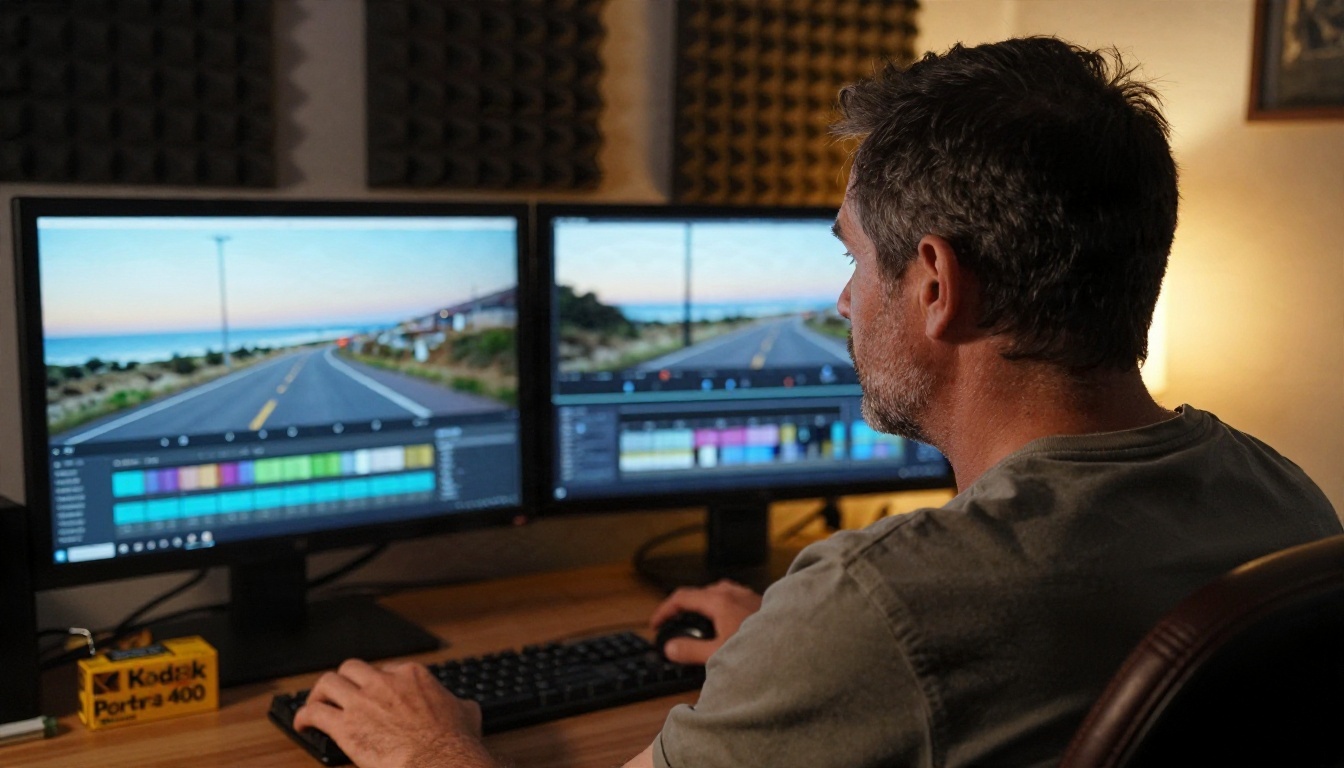
That said, quality is not the same as value. For many jobs, a model that is 10 percent less polished but 70 percent cheaper is the smarter purchase. Social clips, B-roll, concept pitches, product teasers and storyboard animatics rarely need the absolute best motion. They need speed, volume and a low cost of failure.
Where Gen 4.5 earns its price is on hero shots: the opening frame of a brand film, a key product reveal, or a scene where motion realism is the entire point. Pay for it there, and use cheaper models for everything else.
Cheaper Alternatives That Hold Up

PicassoIA hosts a wide range of video models, so you can switch between them per shot instead of locking yourself to one subscription. Here are the ones worth testing against Gen 4.5.
Seedance 2.5 Lite for Free Drafts
If your biggest fear is burning credits on bad prompts, start here. Seedance 2.5 Lite is positioned as a free and unlimited generator for clips up to 10 seconds. That changes how you work: you can run ten prompt variations, pick the winner, and only then spend money on a premium model for the final render. For creators watching every dollar, this single habit cuts a monthly video bill dramatically.
Kling v3 for Cinematic Shots
Kling v3 Video is a strong match when you want camera movement, believable lighting and human motion. There are related versions too, such as Kling v3 Omni Video for 1080p output and Kling v3 Motion Control for animating characters from reference movement. Many creators find it the closest rival to Gen 4.5 for polished, filmic clips.
Veo 3.1 Fast and Wan 2.5
Veo 3.1 Fast generates 1080p video with native audio, which saves a separate sound step. A lighter option is Veo 3.1 Lite. For quick turnaround and cheap experiments, Wan 2.5 T2V Fast and Wan 2.5 I2V Fast are practical choices, especially when you start from a still image and want to animate it.
How to Use Gen 4.5 on PicassoIA
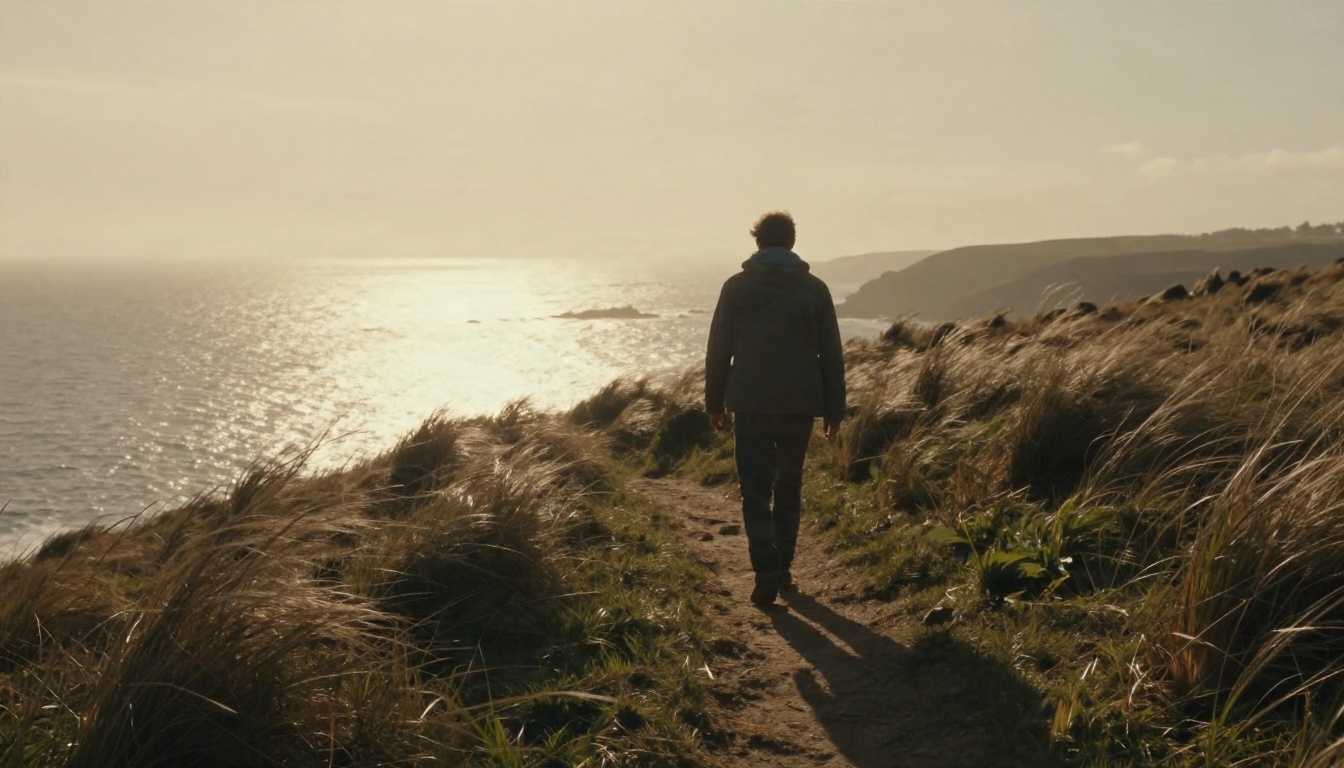
You do not have to commit to a Runway subscription to try the model. Gen 4.5 on PicassoIA turns a text prompt, or an optional starting image, into a 5 or 10 second clip.
Step by Step
- Open the Gen 4.5 page.
- Write your prompt: subject, action, camera move and lighting in one or two sentences.
- Optionally upload a starting image to pin the first frame.
- Choose an aspect ratio from 16:9, 9:16, 4:3, 3:4, 1:1 or 21:9.
- Set the duration to 5 or 10 seconds.
- Optionally set a seed so you can reproduce a result you like.
- Generate, review, and adjust the prompt before the next run.
Settings That Save Money
- Stay at 5 seconds until the framing and motion are right. Switch to 10 only for the final render.
- Lock a seed once you find a promising take, then change one word at a time.
- Use a starting image when composition matters. Generating a still first is cheaper than burning clips to get a layout right. Gen4 Image Turbo and Gen4 Image work well for building that first frame.
- Pick the right aspect ratio up front: 9:16 for short vertical posts, 16:9 for YouTube, 21:9 for a cinematic feel.
- Fix, do not regenerate. If a clip is nearly right, restyle it with Gen 4 Aleph or Aleph 2 instead of starting over.
💡 Prompt formula: [Subject doing one action] + [one camera move] + [light and mood]. Short prompts with a single clear action produce fewer failed clips than long, crowded ones.
Which Option Fits You

By Budget
| Situation | Smart move |
|---|
| You want to test with no spending | Use Seedance 2.5 Lite for drafts, then try Gen 4.5 on PicassoIA for a single hero shot |
| You make a few clips a month | Skip Standard if you only need two or three shots, and use pay-as-you-test models |
| You publish weekly | Draft with cheap models, finish only the best shots in Gen 4.5 |
| You run client work | Pro or Max can make sense, but keep Kling v3 and Veo 3.1 Fast as backups |
| You build an app | Compare API rates before committing, because subscription credits do not carry over |
A practical workflow looks like this:
- Draft the idea with a free or low-cost model.
- Pick the best composition and prompt wording.
- Render only the final shot in the premium model.
- Edit and combine clips in your video editor.
This approach usually costs a fraction of generating everything in one expensive model, and the final video looks just as good because only the best takes ever reach the timeline.
Start Making Your Own Videos

The Runway Gen 4.5 price makes sense for a narrow group: people who need the very best motion on a few important shots and have the credits to retake them. Everyone else can get strong results for far less by mixing models.
Open Picasso IA, try Gen 4.5 on a single prompt, then run the same idea through Seedance 2.5 Lite, Kling v3 Video and Veo 3.1 Fast. Put the clips side by side and let your own eyes decide whether the premium price earns its place. You can browse every video model at picassoia.com/en/all-models.


