You downloaded a promising SD1.5 NSFW LoRA, typed a prompt, and got a melted face, plastic skin and hands that look like bundled sausages. That is the usual first result, and it almost never means the LoRA is bad. It usually means the weight is too high, the sampler is wrong, or the base checkpoint fights the LoRA. This article fixes those problems in order: what an SD1.5 LoRA does, how to pick free ones without wasting a weekend, the exact settings that produce clean results, prompts you can copy, and what to use when you would rather skip local setup altogether.
Everything here is about adult, consensual, non-explicit glamour: swimwear, boudoir styling, fashion portraits and suggestive but tasteful imagery. That is also the style where SD1.5 LoRAs shine.
What an SD1.5 LoRA Actually Does
A LoRA (low-rank adaptation) is a small add-on file that nudges a big image model toward a specific look, pose, outfit or face style. You do not replace the model. You bolt a few megabytes of extra weights onto it at generation time.
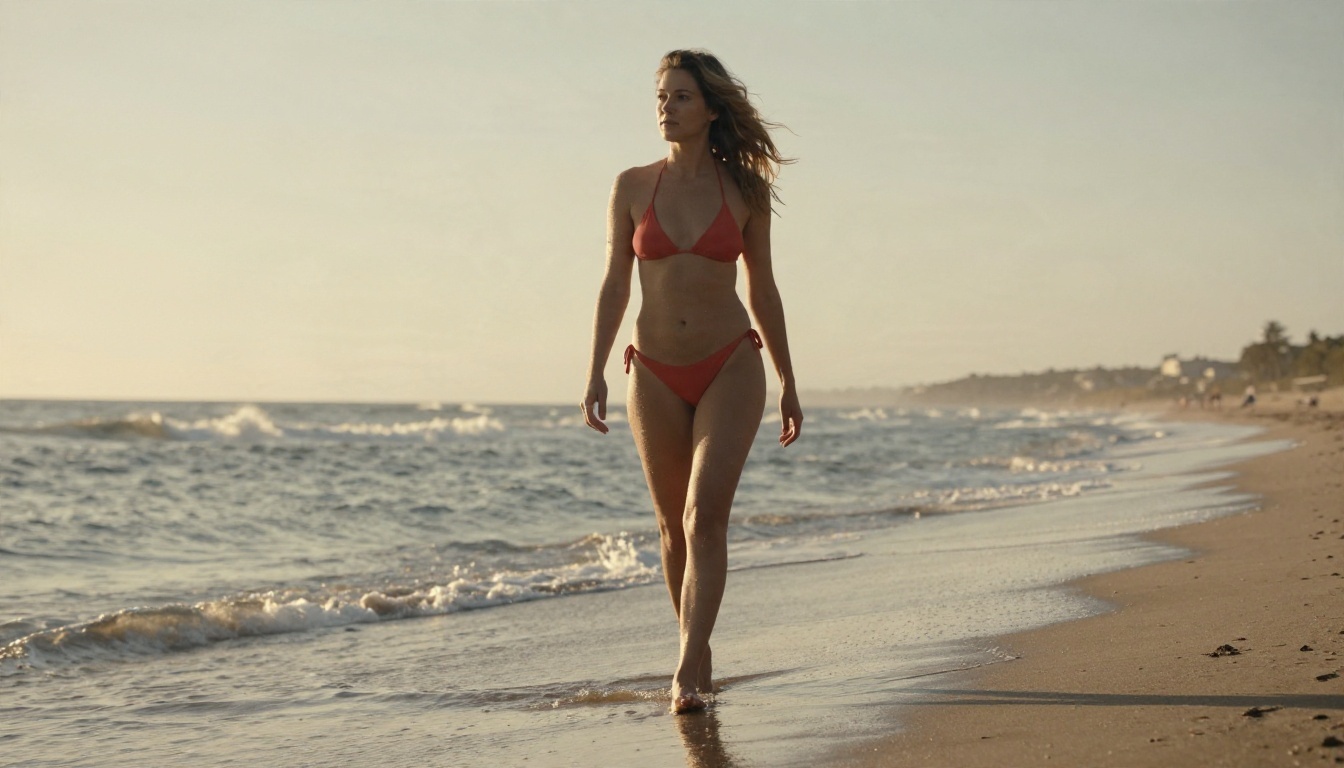
LoRA vs Checkpoint
A checkpoint is the full model, usually 2 to 4 GB for SD1.5. A LoRA is typically somewhere between 10 and 200 MB. The checkpoint decides the overall realism and anatomy. The LoRA adds a narrow specialty, such as a lighting style, a swimwear cut or a skin texture.
That split matters for troubleshooting:
- Bad anatomy and odd proportions usually come from the checkpoint or the resolution.
- A wrong outfit, wrong vibe or weak style usually comes from the LoRA or its weight.
- Washed-out or burnt colours usually come from CFG and the sampler.
Why SD1.5 Still Gets Used
Newer models are sharper, so why do people still search for SD1.5 LoRAs? Three reasons.
- Hardware. SD1.5 runs on modest graphics cards, and many people generate on 4 to 8 GB of VRAM.
- Library size. Years of community uploads mean a huge catalogue of styles and poses.
- Speed. At 512 by 512 or 512 by 768, a single image takes seconds on a mid-range card.
The trade-off is real, though. SD1.5 was trained at low resolution, so faces get soft, hands break often, and you need extra steps (hires fix, inpainting) to get a polished photo. Keep that in mind when we reach the alternatives.
💡 Quick rule: if your LoRA says "SD1.5" or "SD 1.5" on its page, it will not work on SDXL or newer models. Always match the base version.
Best Free Picks by Type
I am not going to hand you a list of file names. Pages get deleted, creators re-upload under new names, and a "top 10" from last month is often dead links today. What lasts is knowing which type of LoRA to look for and how to vet it.
| LoRA type | What it improves | Typical weight | Best for |
|---|
| Realistic skin and lighting | Pores, sheen, soft shadows | 0.4 to 0.7 | Portraits, boudoir |
| Swimwear and outfit | Fabric cut, straps, textures | 0.6 to 0.9 | Beach, pool scenes |
| Pose and composition | Body angle, framing | 0.5 to 0.8 | Fashion, glamour |
| Film look | Grain, colour palette | 0.3 to 0.6 | Analog style photos |
| Detail tweaker | Sharper fine detail | -1 to 1 | Final polish |
Realistic Glamour LoRAs
Look for LoRAs whose sample images show natural skin, not airbrushed porcelain. Zoom into the example images on the model page. If every sample has the same glossy face, the LoRA is overfit and will push that face onto everything you generate.
A strong base helps more than people admit. Realistic Vision v5.1 is an SD1.5-based photoreal checkpoint, and pairing a realism LoRA with a realism checkpoint gives far steadier results than pairing it with an anime-leaning base.
Pose and Outfit LoRAs
These are the most fragile. A pose LoRA trained on a narrow set of photos will lock the camera angle and sometimes the background. Use a lower weight (0.5 to 0.7) and describe the scene yourself in the prompt so the LoRA only steers the body angle.
Skin and Lighting LoRAs
This is the category worth hunting for if you only keep one or two LoRAs. Skin texture and soft window light are exactly what SD1.5 struggles with out of the box. A good one makes a visible difference at weight 0.5.
How to Vet a Download
Before you install anything, run through this checklist:
- Sample images with metadata. Pages that show the prompt, sampler and seed let you reproduce the result. If you cannot reproduce it, skip it.
- Trigger words listed. A LoRA without a trigger word list is harder to use.
- Base model stated. It must say SD1.5.
- File format. Prefer the safetensors format. Avoid old pickle-based checkpoint files, since those can carry executable code.
- Recent comments. Scroll down. Users report problems quickly.
- Licence note. Check what the creator allows for commercial use.
💡 Download one LoRA at a time and test it alone before stacking. Stacking three untested LoRAs makes it impossible to know which one broke the image.
Settings That Actually Work
These are sensible starting values for SD1.5 photoreal work. Creators publish their own recommended numbers on each LoRA page, and those win when they differ. Treat the table as your baseline.
| Setting | Starting value | Notes |
|---|
| Sampler | DPM++ 2M Karras | DPM++ SDE Karras for softer skin |
| Steps | 22 to 30 | More steps rarely helps past 35 |
| CFG scale | 5 to 7 | Above 8 burns colour and adds crunch |
| Resolution | 512x768 portrait | Never start above 768 on one side |
| LoRA weight | 0.6 to 0.8 | Lower if faces distort |
| Clip skip | 1 for realism bases | 2 for anime-leaning bases |
| Hires fix | 1.5x to 2x | Denoise 0.4 to 0.5 |
Sampler, Steps and CFG
DPM++ 2M Karras around 25 steps and CFG 6 is a safe default. If skin looks crunchy or oversaturated, drop CFG by one point before touching anything else. If the image feels flat and ignores your prompt, raise CFG by one.
LoRA Weight
The weight is the single most important number. In most interfaces you write it inside the prompt as a tag with the LoRA name and a number, for example 0.7.
- Under 0.4: you will barely see the effect.
- 0.6 to 0.8: the sweet spot for most LoRAs.
- Above 1.0: faces melt, colours shift, backgrounds repeat.
A useful trick is generating the same seed at 0.4, 0.6 and 0.8 and picking the strongest one that keeps the face clean. Perceived strength also changes when you change sampler, CFG or resolution, so retest the weight whenever you change one of those.
Resolution and Hires Fix
SD1.5 was trained near 512 pixels. Generate at 512 by 768, then use hires fix to upscale by 1.5x to 2x with a denoise around 0.4 to 0.5. Going higher on the first pass is the classic cause of doubled heads and stretched torsos.
If your hires result is sharp but the face changed, lower the denoise. If it stays blurry, raise it slightly or switch the upscaler.
Prompts You Can Copy
SD1.5 responds well to a short, ordered prompt: subject, outfit, setting, light, camera. Long poetic prompts get diluted.
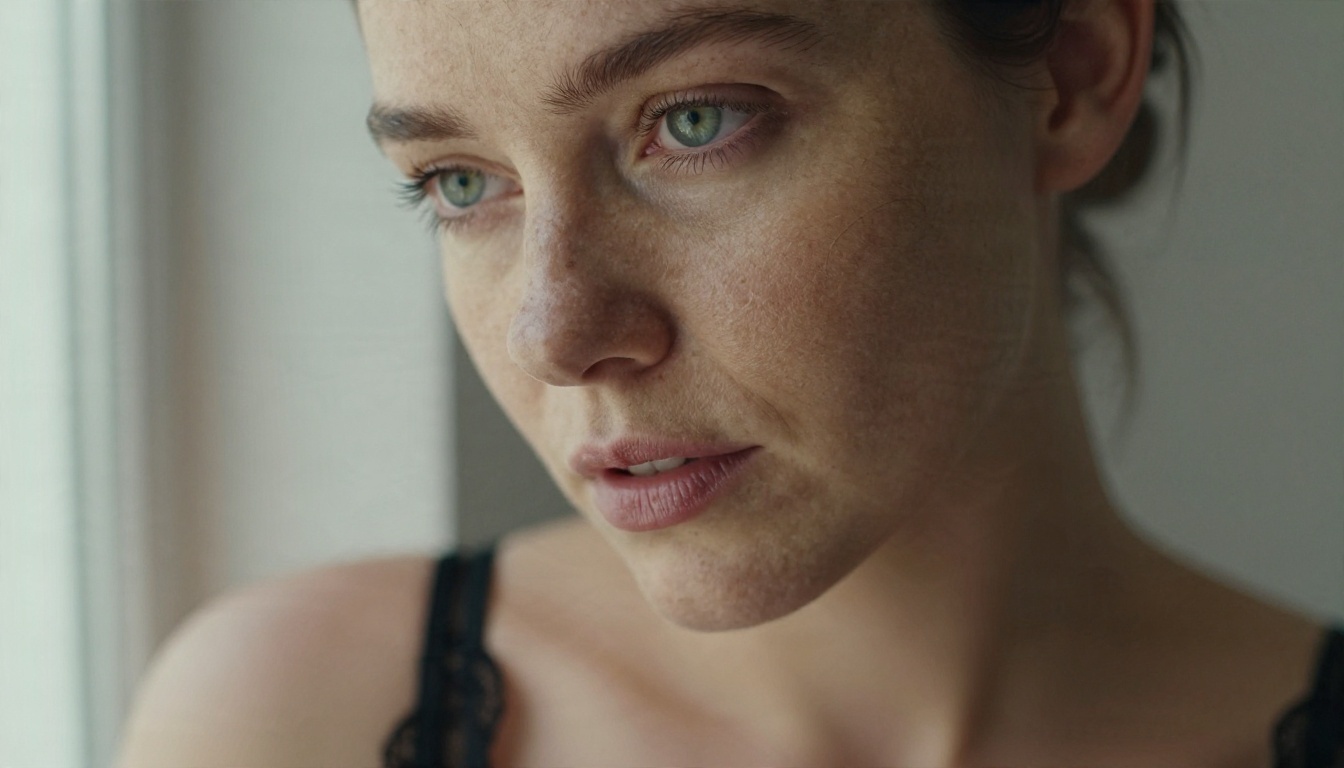
Positive Prompt Skeleton
Use this order and swap the parts:
photo of an adult woman, [hair and features], wearing [outfit], [location], soft window light from the left, 85mm lens, shallow depth of field, natural skin texture, film grain, Kodak Portra 400, [LoRA tag and weight] [trigger word]
Three working variations:
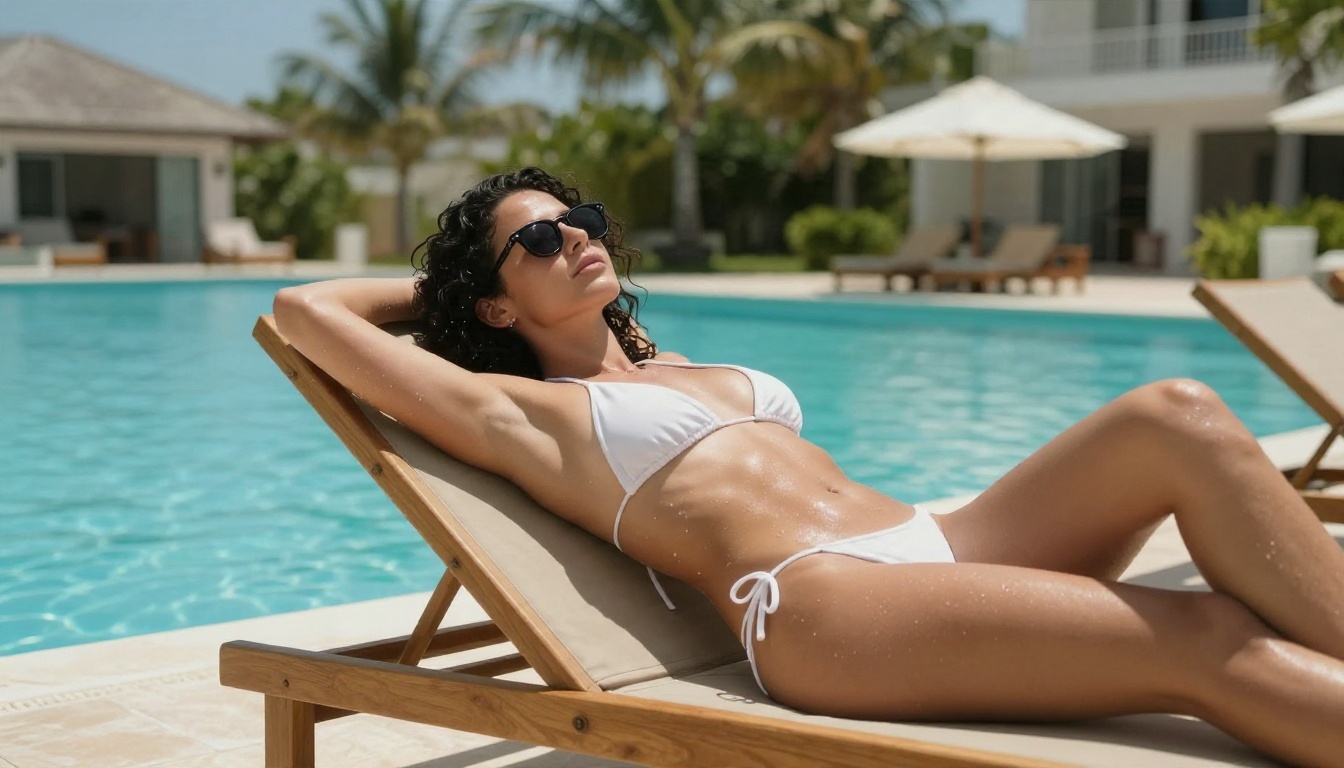
- Beach: photo of an adult woman, sun-bleached hair, coral bikini, wet sand at golden hour, backlit, 50mm lens, visible skin texture, film grain
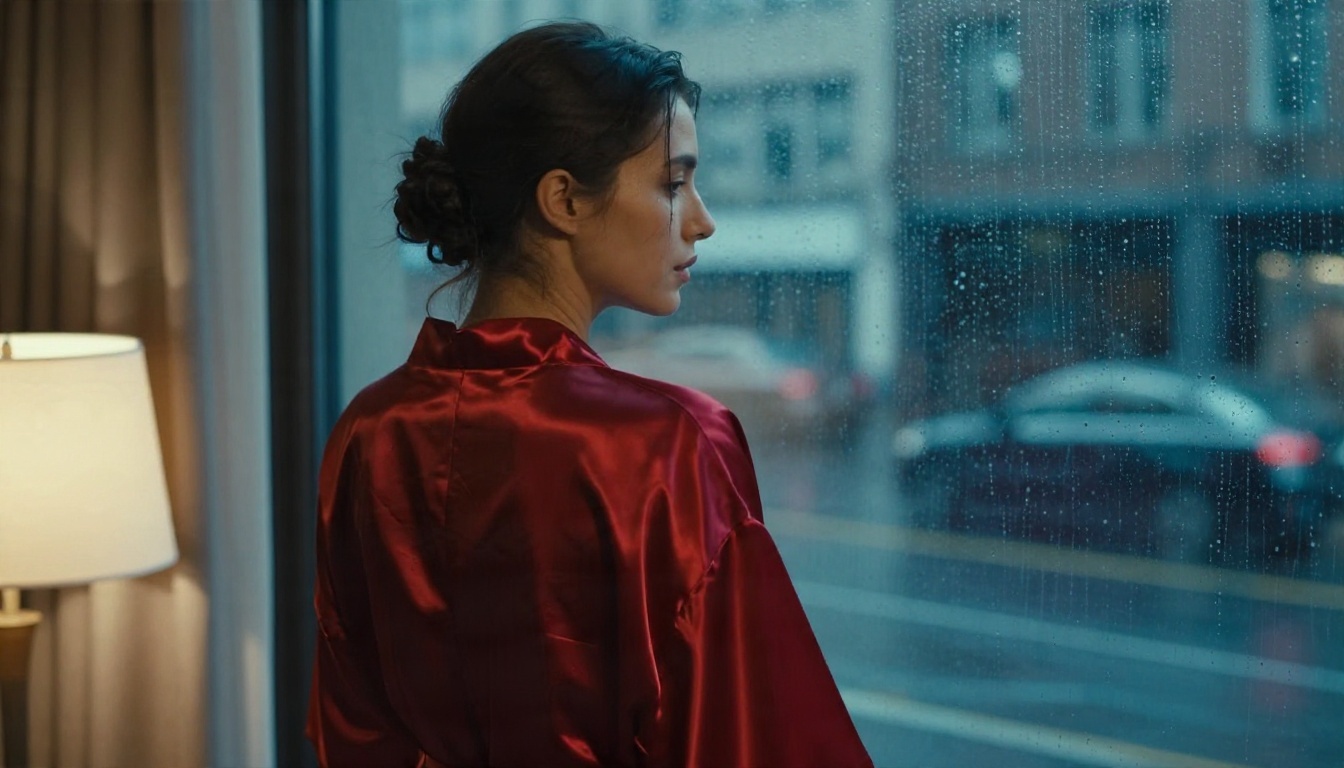
- Boudoir: photo of an adult woman, wavy chestnut hair, silk robe, unmade white linen bed, soft morning light, 85mm lens, shallow depth of field
- Fashion: photo of an adult woman, pale blue swimsuit, white studio backdrop, softbox light, full-length framing, sharp fabric detail
Notice the camera words. Lens length and light direction pull SD1.5 toward photography and away from the painted look many checkpoints default to.
Negative Prompt List
A short negative list beats a giant one. Start with:
blurry, lowres, bad anatomy, extra fingers, extra limbs, deformed hands, plastic skin, oversaturated, watermark, text, cartoon, illustration
Add a negative embedding if your interface supports it, but test with and without. Some embeddings flatten skin texture.
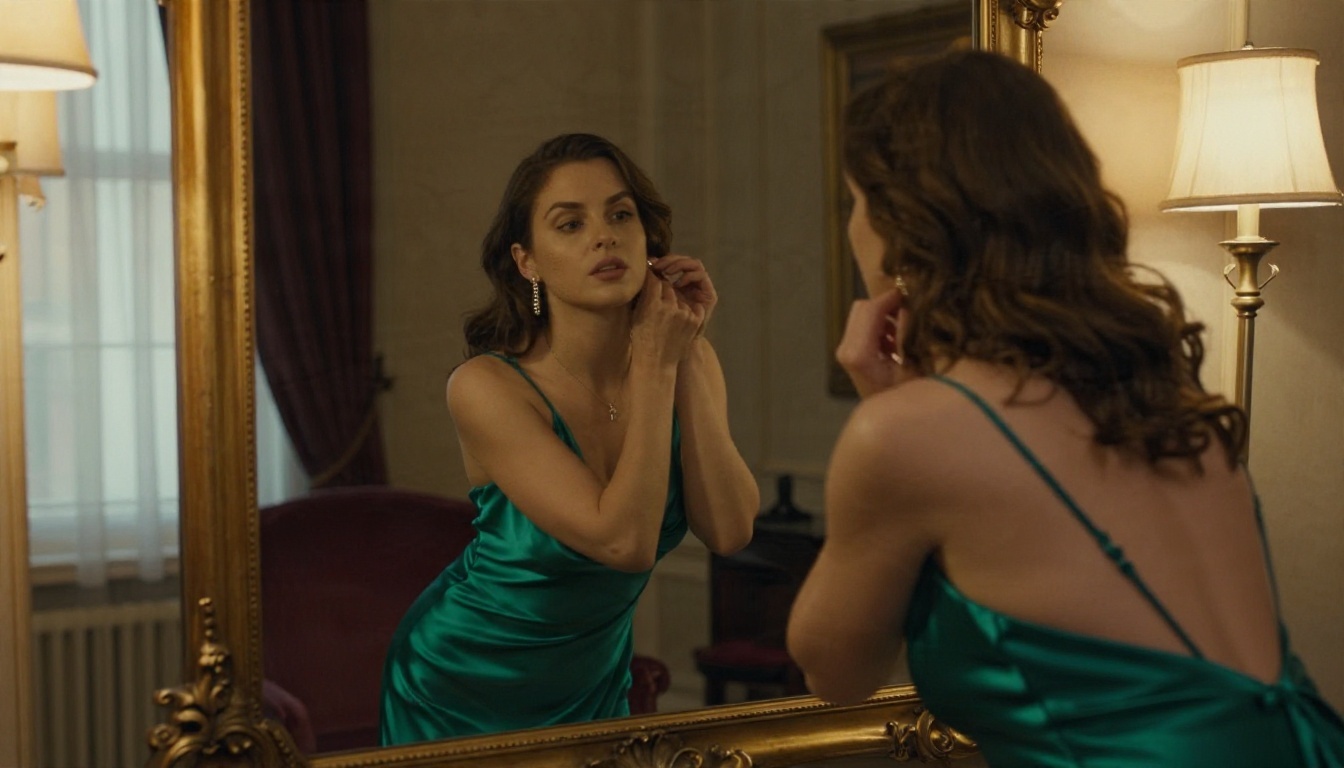
3 Common Mistakes
1. Stacking too many LoRAs. Two is plenty. Past three, the weights fight and faces drift. Keep the combined weight near 1.5 at most.
2. Ignoring the base checkpoint. A realism LoRA on an anime-style checkpoint gives muddy, confused skin. Match the style of the LoRA to the style of the base.
3. Fixing everything with CFG. People crank CFG to force the prompt, then wonder why colours look burnt. Fix the prompt, the weight or the seed first.
💡 Hands and faces: run an inpainting pass on the face and hands after hires fix. It takes under a minute and removes the most obvious AI tells.
Online Alternatives With No Setup
Local SD1.5 is cheap but fiddly. You install a UI, download checkpoints, hunt LoRAs, tune weights and still fight soft faces. If your goal is a good picture rather than a hobby, an online model skips all of it.
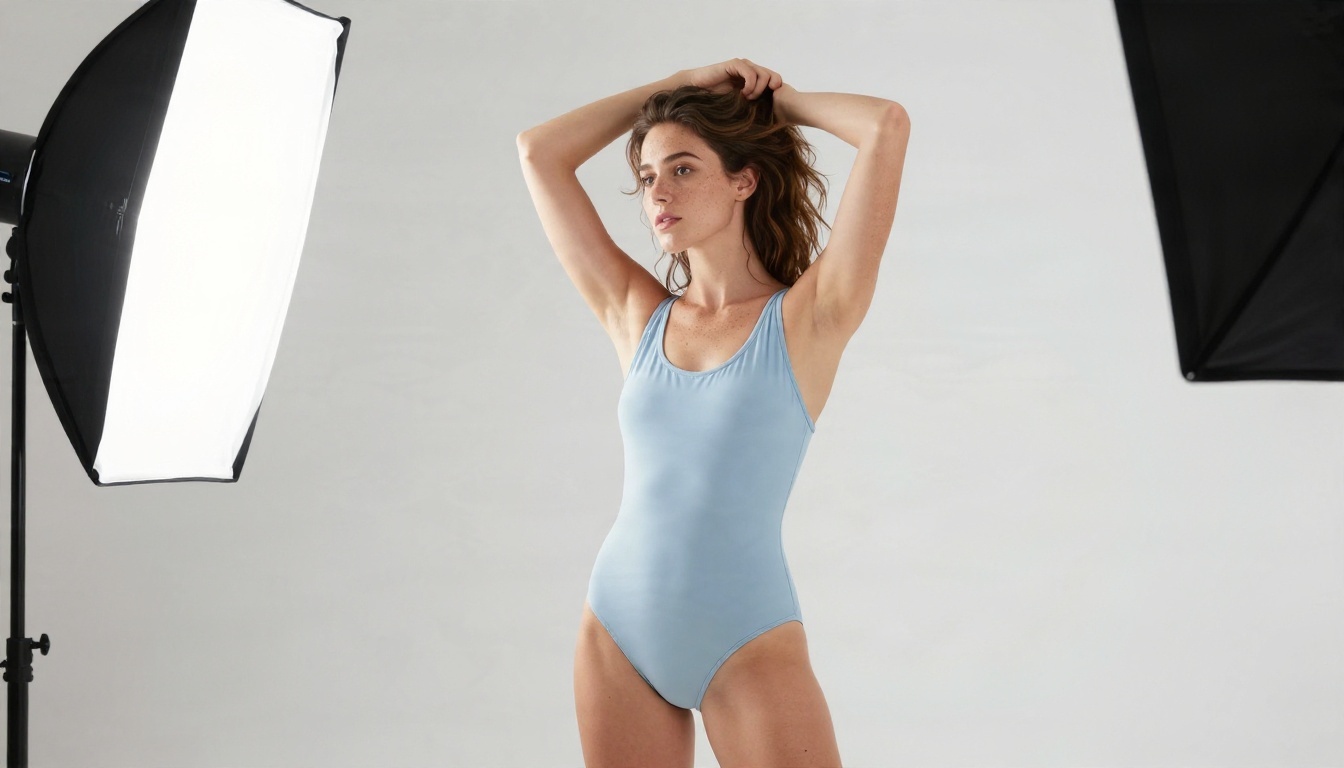
SD1.5 itself is not on PicassoIA, and SD1.5 LoRA files are not something you load there. For similar results today, these models are, in the order I would try them:
The biggest practical difference: you write a plain-English sentence instead of tuning twelve numbers, and you get a usable 2K or 4K result on the first or second try.
How to Get Similar Results Online
Seedream 4.5 is the first model I would reach for when you want what an SD1.5 realism LoRA gives you, without the setup.
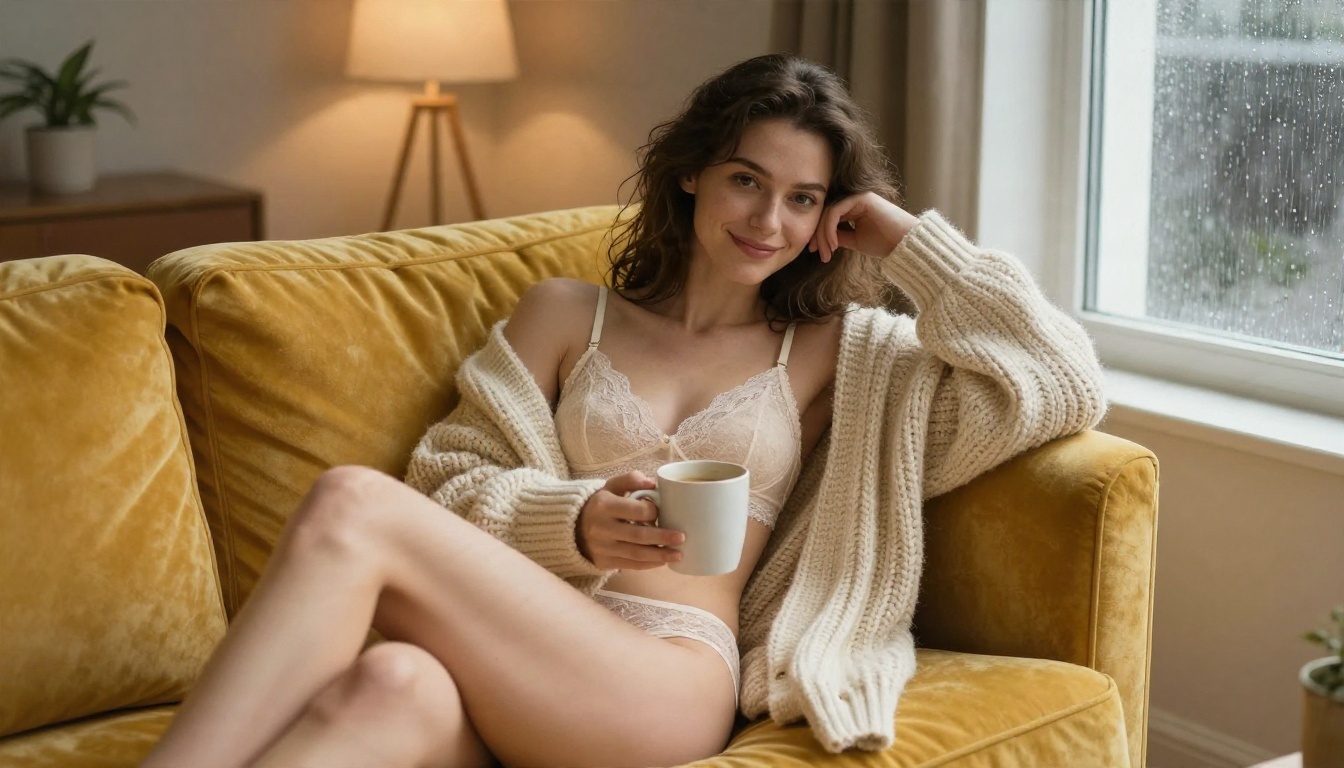
Step by Step With Seedream 4.5
- Open the Seedream 4.5 page.
- Write your prompt as a normal sentence. Reuse your SD1.5 skeleton, but drop the weight tags and trigger words, which mean nothing here.
- Set the aspect ratio to 16:9 for scenes or 3:4 for portraits.
- Add camera and light words: 85mm lens, soft window light from the left, shallow depth of field, Kodak Portra 400 grain.
- Generate, then change one detail at a time (outfit, location, light) and regenerate.
- Send your favourite into PicassoIA Image Editor Pro for local fixes such as colour, background or small details.
Parameter tips:
- Describe light direction. It does more than any adjective.
- Keep prompts to two or three sentences. Over-long prompts blur the subject.
- Name fabrics and textures: satin, linen, lace, wet sand.
- Keep it tasteful and suggestive rather than explicit. That is where the results look best anyway.
💡 A prompt that worked in SD1.5 usually works here with the LoRA tag removed. Start by pasting the clean part.
Other Models to Try
For a classic SD1.5 flavour, try Realistic Vision v5.1. If you need to copy a pose from a reference, SDXL Multi Controlnet LoRA gives pose and structure control. For a visual style with LoRA-like steering, Flux 2 Klein 9B Base LoRA is worth a test run.
Safety and Licensing Basics
A few rules keep your workflow clean:
- Adults only. Every subject should be clearly an adult. Never generate anything that suggests a minor.
- No real people without consent. Do not use LoRAs trained on a real person's likeness unless you have their permission.
- Check licences. Some LoRA creators forbid commercial use. Read the page.
- Prefer safetensors files. Avoid unknown executables or old pickle formats.
- Keep it non-explicit if you publish. Most platforms and ad networks restrict explicit imagery.
Try It Yourself
If you have been fighting weights, samplers and hires fix for hours, give the online route ten minutes. Take your best SD1.5 prompt, strip the LoRA tags, and paste it into Seedream 4.5. Then polish the winner in PicassoIA Image Editor Pro, where generations are unlimited, so you can iterate until the light, the outfit and the mood are exactly right.
When you want more options, browse every available model at picassoia.com/en/all-models, pick one, and start creating your own photoreal glamour images today.


