Most people who go hunting for SDXL NSFW checkpoints end up with forty browser tabs, six half-installed interfaces and a folder of images that all look slightly melted. The checkpoint matters, but it is only one third of the result. The other two thirds are your settings and your prompt, and that is where most beginners lose the plot. This article sorts the checkpoint families into plain categories, gives you sampler, CFG and step numbers that work, hands you prompt formulas you can copy, and then shows how to get the same kind of tasteful, suggestive results online for free, with no GPU and no installs.
💡 Scope note: everything here is about adult, non-explicit glamour work: bikinis, boudoir styling, fashion, lingerie-style editorial. Always depict adults only, and never use a real person's likeness without their consent.
What SDXL NSFW Checkpoints Really Are
Base model versus fine-tune
Stable Diffusion XL is the base architecture. A checkpoint is a full set of weights that someone trained further on top of it, usually with a curated dataset of a particular look. The base SDXL release was deliberately conservative about adult anatomy and skin, so the community built fine-tunes that handle swimwear, lingerie, skin texture and body proportions much better.
The word "NSFW" in a checkpoint name rarely means explicit by default. In practice it means the model was not trained to refuse or blur adult-leaning subjects, so a prompt about a woman in a satin slip produces a convincing result instead of an awkward one.
Three families to know
Almost every popular checkpoint falls into one of three families:
- Realistic SDXL merges: built for photographic skin, fabric and lighting. Juggernaut XL and RealVisXL are the names you will see most.
- Pony Diffusion derivatives: trained on a huge tagged dataset, famous for strong anatomy and pose control, with its own prompt vocabulary.
- Illustrious derivatives: a newer line with clean tag following and a lot of stylized output, plus some realistic merges.
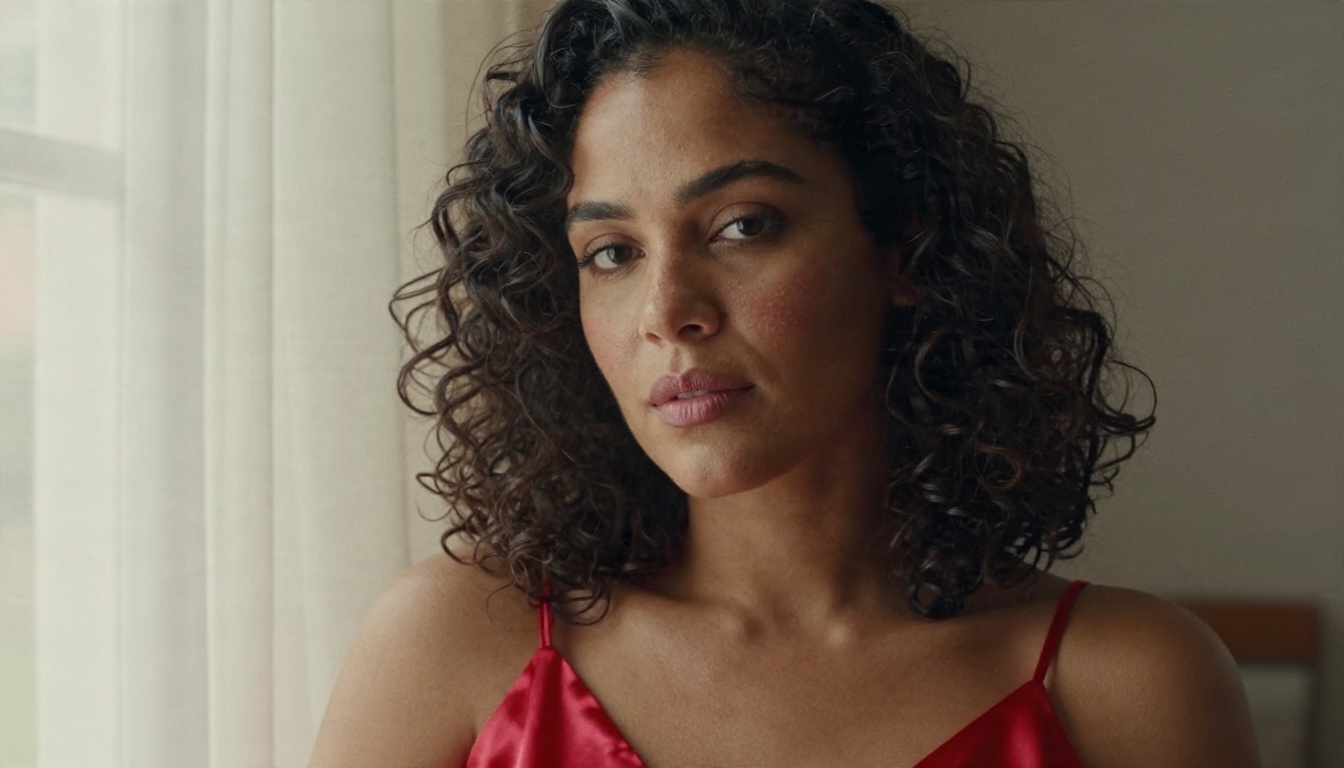
Best Checkpoints by Style
Community checkpoints are distributed on model-sharing sites, and they change versions quickly. Juggernaut XL, Pony Diffusion V6 XL and Illustrious XL are named here in plain text because they are not hosted on PicassoIA. For the SDXL-family models that are on the platform, links are included below.
Photoreal picks
If your goal is a photograph-like glamour shot, start with the realistic family:
- Juggernaut XL (v10 era): the most-cited choice for photorealism. Reliable skin, good lighting behavior, forgiving with short prompts.
- RealVisXL: often named as the runner-up, with a slightly softer, more editorial look. Version 4.0 gets frequent praise from the community. On PicassoIA you can try RealVisXL v3.0 Turbo for fast photographic output, or RealVisXL v3 Multi Controlnet LoRA when you need pose or structure control.
Pony and Illustrious picks
- Pony Diffusion V6 XL: the parent of a huge family of merges. Excellent for body proportion and poses, less naturally photographic unless you use a realistic merge.
- Illustrious XL and fine-tunes: the official v2.0 release is a popular base. WAI-Illustrious is one of the best-known fine-tunes and has been distributed in both censored and uncensored variants, so check which one you download.
A quick comparison:
| Family | Best for | Prompt style | Typical weak spot |
|---|
| Realistic SDXL merge | Photographic glamour, fashion | Natural language | Plastic skin if over-sharpened |
| Pony V6 and merges | Poses, anatomy, character work | Score tags plus tags | Needs its own vocabulary |
| Illustrious and merges | Clean tag following, stylized looks | Danbooru-style tags | Realism depends on the merge |
💡 Compatibility trap: Pony LoRAs and Illustrious LoRAs do not work across each other. Match the LoRA to the checkpoint family or you will get noise.
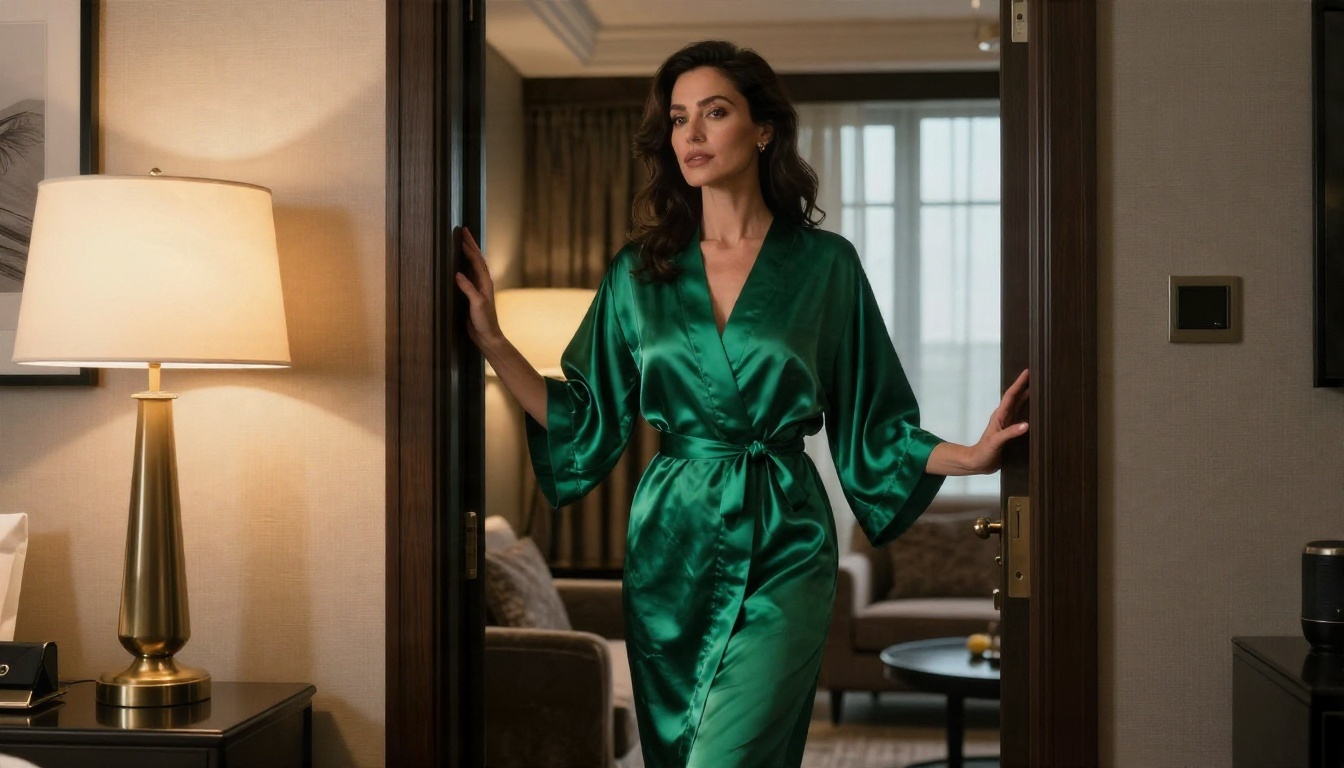
Settings That Actually Work
The numbers below come from what checkpoint authors and community write-ups commonly recommend. Treat them as starting points, then check the page of whichever checkpoint you download.
Sampler and steps
| Checkpoint family | Sampler | Steps | Notes |
|---|
| Juggernaut XL | DPM++ 2M Karras | 30 to 40 | Reliable default for photoreal |
| Generic realism SDXL | DPM++ 2M Karras | 20 to 30 | Faster, still clean |
| Pony V6 | Euler a (or DPM++ SDE Karras) | 25 or more | Euler a is the common default |
| Illustrious XL v2.0 | Euler a | 28 to 35 | Stable for tag prompts |
More steps do not mean better images past a point. Beyond roughly 40, you mostly add time and a slightly overcooked look.
CFG and resolution
CFG controls how hard the model follows your prompt. Too high and skin turns waxy, colors burn out and edges look crunchy.
- Realistic merges: CFG 3 to 7. Start at 5.
- Pony: CFG around 7.
- Illustrious: 5.5 to 7 for the official release. Some merges behave best at 4 or below.
- Resolution: SDXL was trained near one megapixel. Use 1024x1024, 896x1152 for portraits, or 1216x832 for landscape framing. Going far beyond that tends to duplicate limbs and faces.
Clip skip, VAE and hires fix
Pony-family models typically want clip skip 2, while realistic merges are usually fine at the default. If colors look washed out, switch to the VAE recommended on the checkpoint page. For extra detail, generate at 1024 and then use a hires fix pass at 1.5x with denoise around 0.3 to 0.4. Higher denoise changes the face.
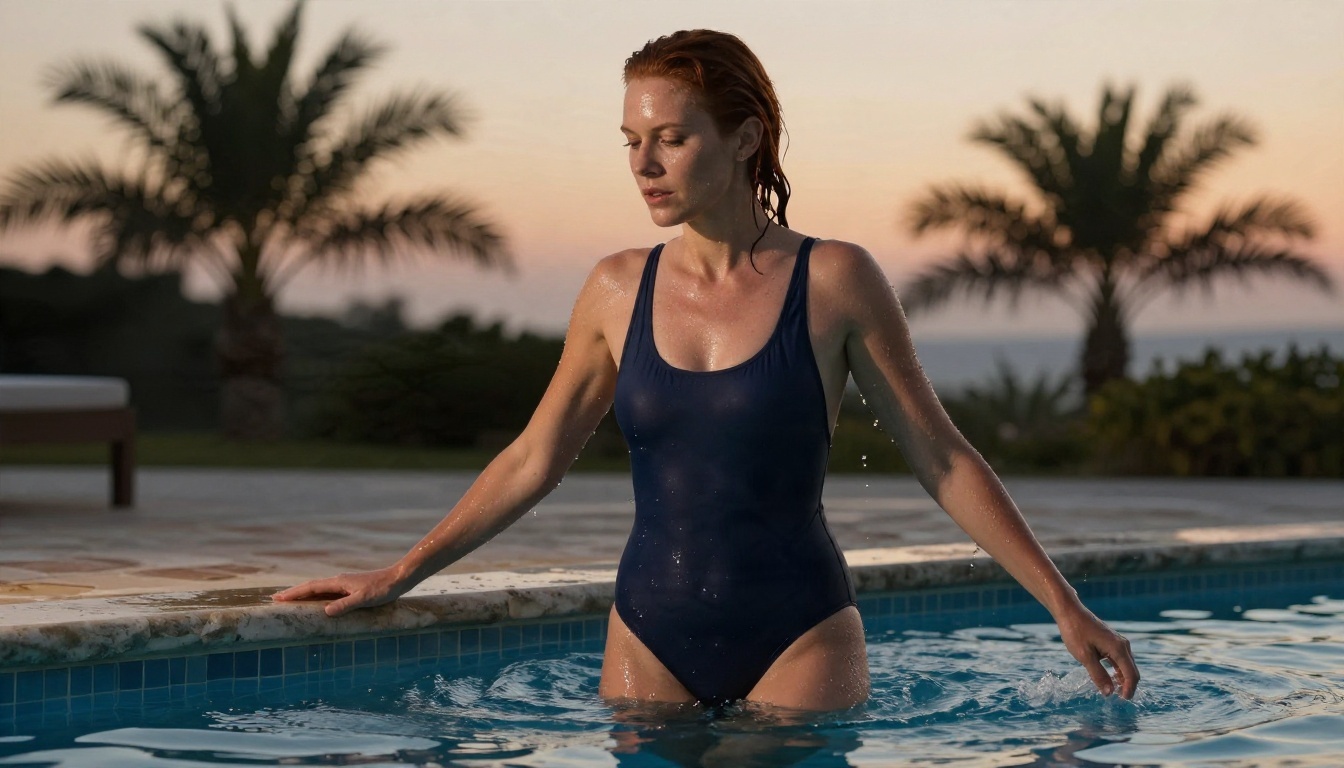
Prompts That Hold Up
A photoreal prompt formula
For a realistic checkpoint, write in natural language and keep a fixed order: subject, wardrobe, pose, setting, light, lens, film stock.
Adult woman with auburn hair, navy one-piece swimsuit, stepping out of an infinity pool at dusk, water beads on shoulders, warm sunset rim light from behind, 85mm f/1.8, Kodak Portra 400 grain, natural skin texture
Concrete lighting direction and a real lens length do more for realism than a pile of quality words like "masterpiece" or "8k".
Pony and Illustrious tag prompts
Pony expects a block of score tags at the start, for example score_9, score_8_up, score_7_up, then descriptive tags separated by commas. Illustrious leans on Danbooru-style tags: hair color, outfit, setting and camera terms, comma separated. Both reward short, specific tags over long sentences.
Useful tag groups to include:
- Subject:
1girl, adult, long hair, brown eyes
- Wardrobe:
black bikini, silk robe, lace trim
- Setting:
balcony, sunset, ocean view
- Camera:
from below, close-up, depth of field
Negative prompts that matter
Keep the negative prompt short. A long list often hurts more than it helps.
blurry, low quality, deformed hands, extra fingers, plastic skinwatermark, text, cropped, duplicate
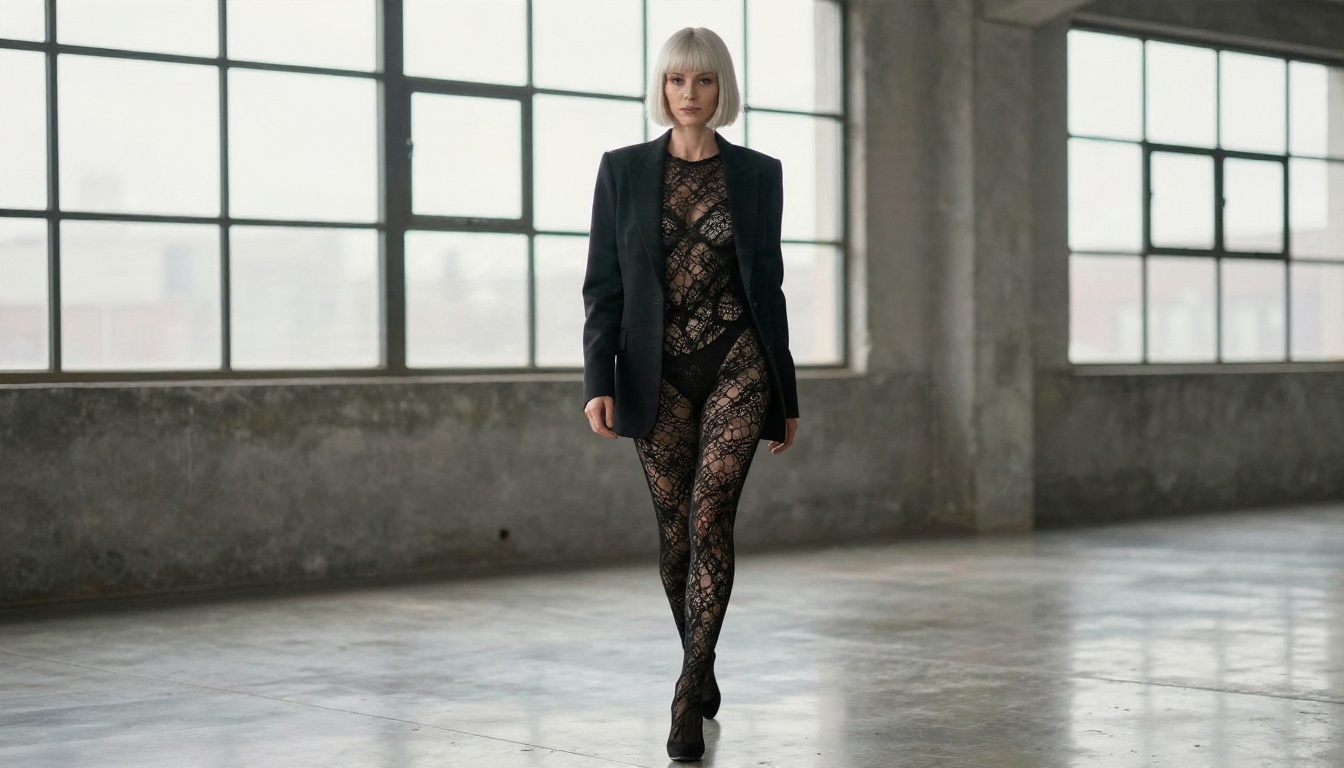
Free Online Use Without a GPU
Why skip the local install
Running SDXL checkpoints locally means a GPU with 8 GB of VRAM or more, an interface to install, a folder of checkpoints that each weigh around 6 GB, and constant version juggling. Plenty of people only want good images this afternoon. Browser-based generation removes the setup and lets you test prompts in seconds.
SDXL-family models on PicassoIA
You can work with SDXL-style generation online on PicassoIA without downloading anything:
For the strongest photoreal results with the least tweaking, though, newer models usually beat any SDXL checkpoint. That is where the next section comes in.
💡 Workflow tip: draft fast with SDXL Lightning 4Step, lock your composition, then re-render the best idea with a higher-fidelity model.
How to Use Seedream 4.5 on PicassoIA
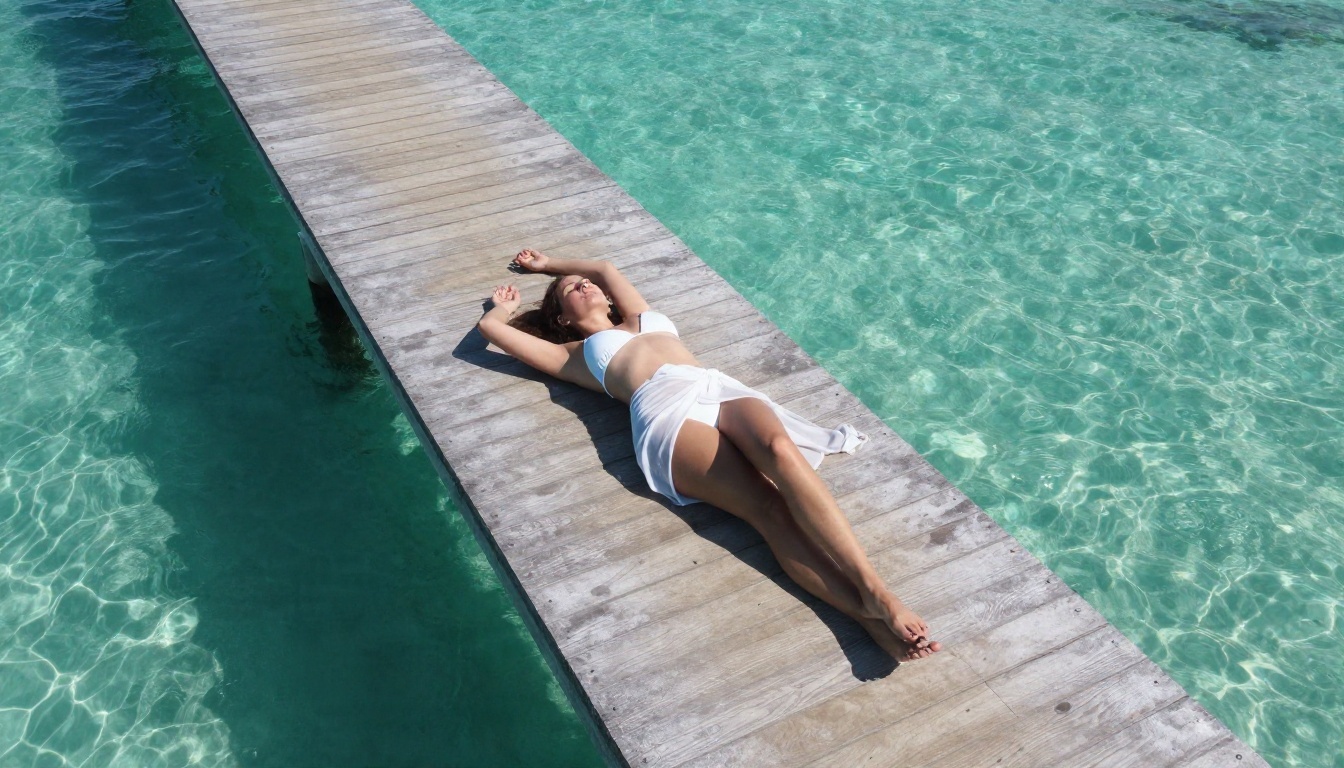
Seedream 4.5 is the model to try first for adult glamour and fashion work. It follows natural-language prompts closely, produces convincing skin and fabric, outputs up to 4K, and does not need a checkpoint hunt, a sampler choice or a negative prompt.
Step by step
- Open the Seedream 4.5 page on PicassoIA.
- Paste a natural-language prompt using the photoreal formula above: subject, wardrobe, pose, setting, light, lens, film stock.
- Choose a 16:9 or 3:4 aspect ratio depending on whether you want a scene or a portrait.
- Generate, then review the face, hands and fabric edges.
- Adjust one thing at a time: light direction, wardrobe or lens length, and run it again.
Parameter tips
- Be literal about light: "low golden sun from camera left" beats "beautiful lighting".
- Name the fabric: satin, lace, linen, wet cotton. Material words produce realistic sheen and folds.
- Skip the tag soup: plain sentences work better here than comma tag lists.
- Keep it tasteful: suggestive styling through pose, wardrobe and light gives better, more shareable results than pushing for explicit content.
Edit and Finish Your Images
Even strong generations sometimes need a small fix: a stray finger, an odd strap, a background object you do not want. That is a job for an editor, not a re-roll.
Unlimited editing with Image Editor Pro
PicassoIA Image Editor Pro gives you unlimited generations and edits in the browser. Upload an image, describe the change in plain words ("change the bikini to emerald green", "remove the bag on the sofa"), and it handles the inpainting for you. It is the fastest way to rescue an image that is 90 percent there.
Other models worth a look
Depending on your goal, these PicassoIA models are good companions:
For the full catalogue, browse picassoia.com/en/all-models.
Fixing Common Problems
Plastic or waxy skin
Almost always a CFG problem or an over-sharpened hires pass. Lower CFG by one or two points, reduce hires denoise to 0.3, and add a film stock and a real lens to the prompt. In Seedream 4.5, simply add "natural skin texture, visible pores".
Hands and extra limbs
SDXL checkpoints are better than older Stable Diffusion at hands, but not perfect. Keep hands simple in the prompt (holding a glass, resting on a knee), and fix leftovers with inpainting or with PicassoIA Image Editor Pro.
Blurry faces at distance
Faces get fewer pixels in wide shots. Either frame closer, or generate at 1024 and run a face detail pass. If you work online, re-render the same idea as a portrait crop with Seedream 4.5 and compose the wide scene around it.
Checkpoint and LoRA mismatch
If an image looks like static or has strange colors, check whether the LoRA was trained for Pony, Illustrious or standard SDXL. Mixing families is the most common cause.
Quick Reference Cheat Sheet
| Goal | Best pick | Settings or tip |
|---|
| Photographic glamour, no setup | Seedream 4.5 | Natural-language prompt, 16:9 |
| Fix details fast, unlimited | Image Editor Pro | Describe the change in plain words |
| Fast SDXL drafts | SDXL Lightning 4Step | Short prompt, iterate quickly |
| Realistic SDXL look | RealVisXL v3.0 Turbo | Lens and light in the prompt |
| Local photoreal | Juggernaut XL | DPM++ 2M Karras, 30 to 40 steps, CFG 5 |
| Local poses and anatomy | Pony V6 merges | Euler a, 25 steps, CFG 7, clip skip 2 |
| Local tag-driven work | Illustrious XL | Euler a, 28 to 35 steps, CFG 5.5 to 7 |
Make Your Own Images Today
Local SDXL checkpoints are still a fine hobby if you enjoy tinkering, but you do not need them to get polished, suggestive, photographic results. Start with Seedream 4.5, write one clear prompt using the subject, wardrobe, light and lens formula, then refine the winner with PicassoIA Image Editor Pro, where generations are unlimited. If you want to compare other engines side by side, the full list is at picassoia.com/en/all-models. Pick a look, type your first prompt, and see how far a single afternoon of experimenting takes you on PicassoIA.


