Type "Seadream 5.0 NSFW" into a search bar and you will land on a pile of conflicting claims: free unlimited access, secret filter bypasses, "uncensored" demos that turn out to be locked behind a paywall. Here is the straight version. Seedream 5.0 (often misspelled as Seadream) is ByteDance's newest image model family, and its official apps apply content filters. If what you want is suggestive, photorealistic glamour imagery, such as swimwear shoots, boudoir lighting and editorial portraits, there are models you can use online right now that handle it far better. This article walks through what Seadream 5.0 is, what "free online access" realistically means, which alternatives deliver today, and the exact prompts that produced the examples below.
What Seadream 5.0 Actually Is
Seedream is ByteDance's text-to-image line, and the 5.0 generation arrived in tiers. From what I could confirm, a Lite version appeared in February 2026, a standard 5.0 release followed shortly after, and a Pro version was announced in July 2026. Coverage of Pro points to better realistic textures, region-specific editing, layered editing and multilingual text rendering. Reports differ on how many reference images it accepts, so treat any exact number with caution.
💡 Quick note on spelling: "Seadream" is a very common typo for "Seedream". Searching either way leads to the same ByteDance model family.
The Spelling Confusion
Because so many people type Seadream, scam sites and low-quality mirrors use the misspelling to catch traffic. If a page promises "Seadream 5.0 uncensored, no limits, no sign-up" and asks you to download something, close it.
Where It Stands on PicassoIA
Seedream 5.0 itself is not on PicassoIA, so I will write about it in plain text and will not pretend otherwise. It is also not what you need for this topic. The sections below point to models that are on PicassoIA and that handle suggestive glamour content.
Free Online Access: What to Expect
Let's break down the three ways people try to reach Seadream 5.0 for adult-leaning content, and what actually happens with each.
| Route | Cost | NSFW tolerance | Reality check |
|---|
| Official ByteDance apps | Free tier with daily limits | Low, strict filters | Great for safe content, blocks suggestive prompts |
| Third-party "Seadream" websites | Credits or subscriptions | Unclear, varies by page | Often resell the same filtered model |
| Open model platforms with permissive image models | Free or unlimited plans | Higher for glamour | Best path for swimwear and boudoir styles |
Why Filters Exist
Most commercial image models apply a safety layer before and after generation. That layer scans your prompt and the finished image. A prompt that mentions lingerie, wet fabric or bare shoulders in the wrong combination can be rejected, even when the image would have been tasteful.
What "Free" Usually Means
A free plan typically gives you a small daily number of generations, a watermark, or lower resolution. "Free and unlimited" is rare, so check the plan details before you invest time in a workflow.
💡 Rule of thumb: If a site hides its pricing until after you write a prompt, expect the free tier to be much smaller than advertised.
Models That Handle Glamour Today
If your goal is suggestive but tasteful imagery, these are the models to reach for. Seedream 5.0 is not on PicassoIA yet; for similar results today, try the following, in this order.
Seedream 4.5 First
Seedream 4.5 comes from the same ByteDance family and is the closest relative to what people hope Seadream 5.0 delivers: sharp skin detail, accurate fabric, natural lighting and strong prompt following at up to 4K. It is my first pick for swimwear, boudoir and editorial portraits.
PicassoIA Image Editor Pro
PicassoIA Image Editor Pro is the one to pick when you want volume. It offers unlimited generations, which makes it ideal for iterating on a look until the pose, outfit and light match what you imagined. It is also fast, so a dozen test runs cost you minutes rather than an afternoon.
Seedream 4 and Flux 2 Klein
Seedream 4 is a solid second option when you like the Seedream look but want a different rendering feel. Flux 2 Klein 9B Base LoRA adds a styled, LoRA-ready alternative for readers who prefer a slightly different aesthetic.
⚠️ One model to avoid for this topic: Seedream 5 Lite blocks adult content, so it is not a fit for glamour or boudoir prompts.
How to Get Similar Results on PicassoIA
This is the workflow I use with Seedream 4.5 for glamour images. The same steps work in PicassoIA Image Editor Pro.
Step by Step
- Open the model page. Go to the Seedream 4.5 page and open the generator.
- Write a subject line. Start with who and what: "adult woman in her late twenties, cream satin two-piece swimsuit, standing waist-deep in an infinity pool".
- Add the setting. Name the place and two or three concrete props: "Mediterranean villa terrace, terracotta pots, rattan chair".
- Set the light. This is where realism comes from: "low golden sun from camera left, warm rim light on the shoulder".
- Pick the lens. "85mm f/1.8, shallow depth of field" gives the portrait compression people associate with magazine work.
- Add texture words. "Visible skin pores, water droplets, satin sheen, Kodak Portra 400 film grain".
- Choose 16:9 or your preferred ratio and generate.
- Iterate. Change one variable at a time: outfit, light direction or camera distance.
Parameter Tips
| Setting | Recommendation | Why |
|---|
| Aspect ratio | 16:9 for scenes, 3:4 for portraits | Matches how editorial work is framed |
| Resolution | Highest available | Skin and fabric detail hold up |
| Prompt length | 50 to 120 words | Short prompts get generic faces |
| Seed | Lock it once you like a result | Lets you compare small changes fairly |
💡 Speed tip: Run your first six or seven drafts in PicassoIA Image Editor Pro, where unlimited generations remove the pressure. Move the winning prompt to Seedream 4.5 for the final 4K render.
Prompts That Work
A good glamour prompt reads like a photographer's shot list. It tells the model what to point the camera at, where the light comes from and what the surfaces feel like.
The Basic Formula
[Subject and outfit] + [pose or action] + [setting] + [light direction] + [lens and angle] + [texture and film stock]
Here is a filled-in example:
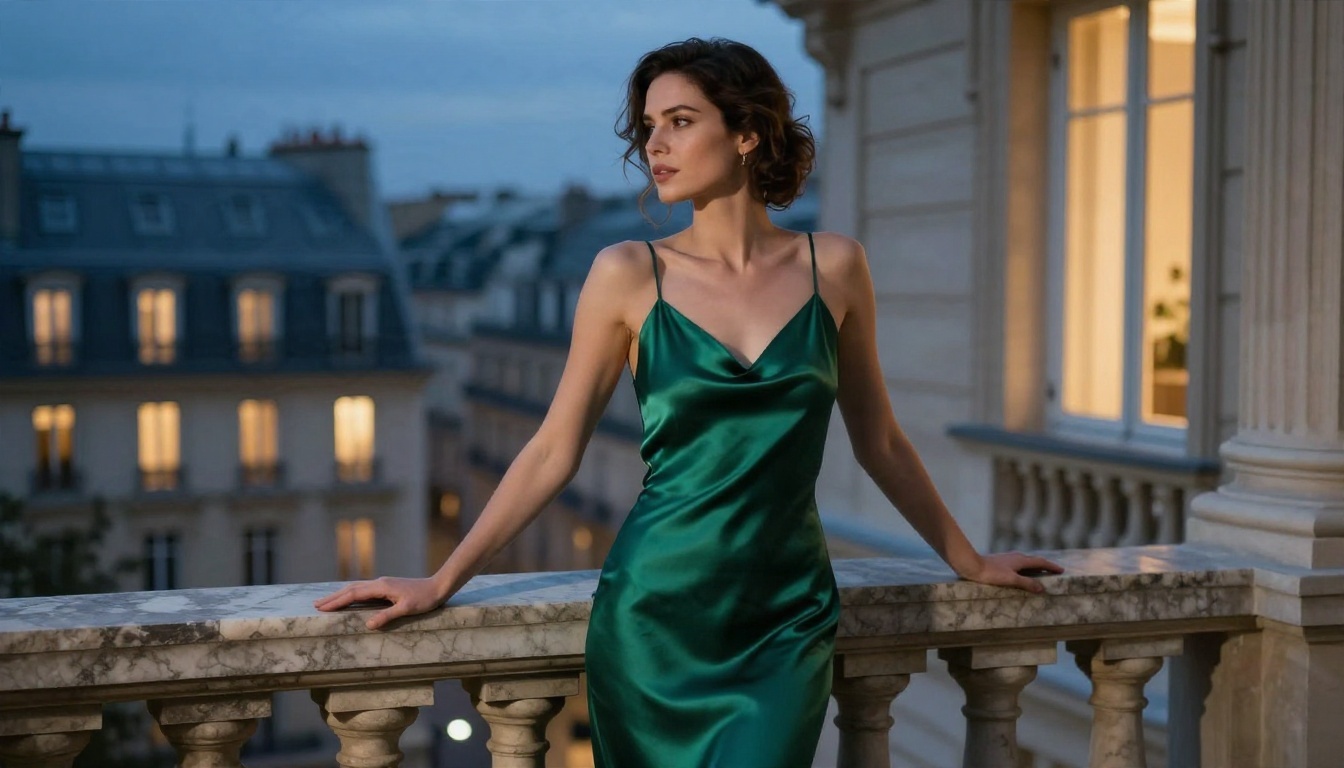
Adult woman in an emerald silk slip dress leaning against a marble balcony railing in a Paris apartment at blue hour, city rooftops and warm window lights behind, soft window light from the right with warm lamp fill, silk folds with realistic sheen, loose updo with strands at the neck, 50mm f/1.4, Kodak Portra 400 grain.
Words That Raise Realism
- Light: golden hour, rim light, soft window light, overcast daylight, tungsten glow
- Skin: visible pores, fine freckles, natural sheen, goosebumps, sun-warmed skin
- Fabric: satin sheen, crochet texture, lace detail, velvet nap, wet cotton
- Camera: 85mm f/1.8, 50mm f/1.4, 35mm f/2, low-angle, overhead, over-the-shoulder
- Film: Kodak Portra 400, film grain, subtle halation, true-to-life color
Words That Hurt Results
- "Perfect", "flawless", "ultra HD" on their own (they push toward plastic skin)
- Stacked style tags such as "glowing, neon, futuristic" (they break photorealism)
- Vague outfits like "sexy clothes" (name the garment instead)
💡 Keep it adult and clear: Always state "adult woman" in the prompt and keep outfits to swimwear, lingerie-inspired fashion or evening wear. It improves results and keeps your images in clean, tasteful territory.
Examples by Scene
Below are scene ideas with the prompt angle that made each one work. Every image in this article is photorealistic, suggestive at most, and explicit content is deliberately left out.
Boudoir Window Light
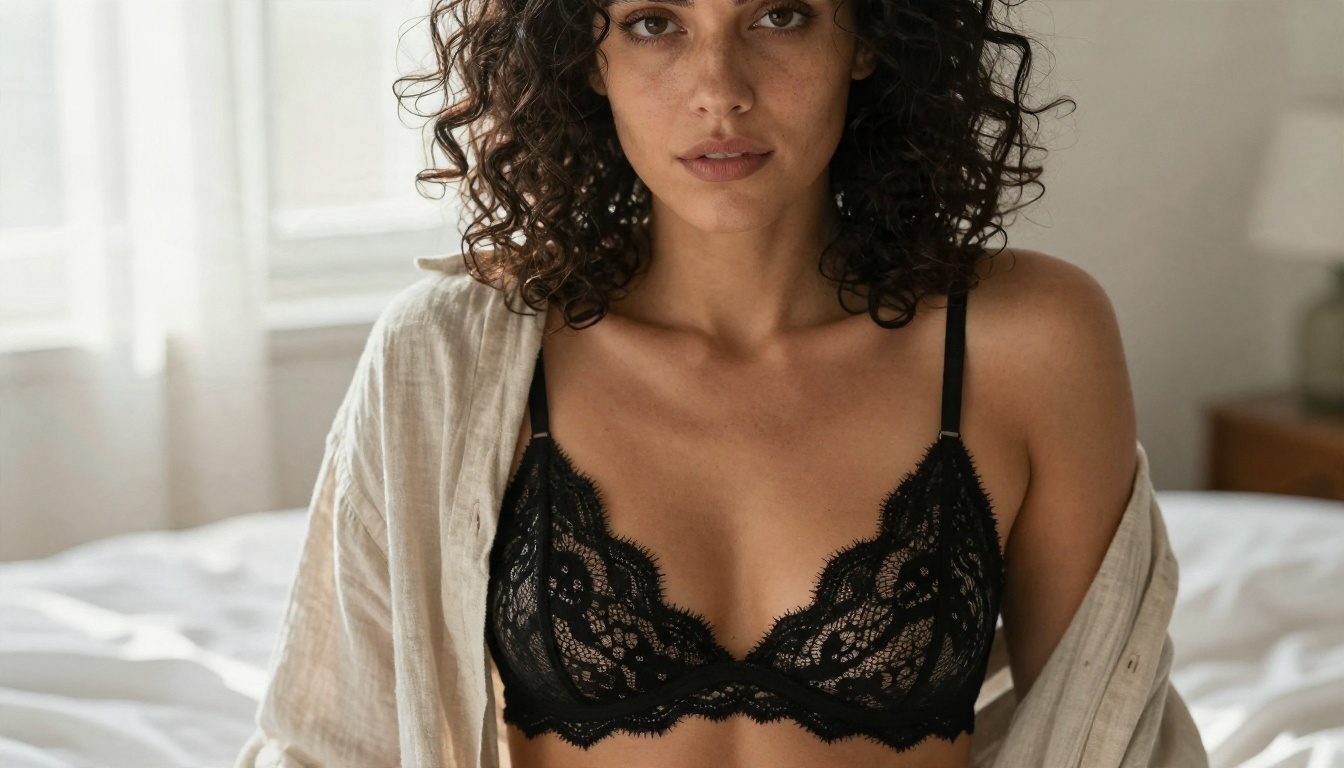
The portrait at the top of this article used a close crop, sheer curtains and rumpled white sheets. The prompt highlighted "soft morning light from the left", "black lace bralette under an open linen shirt" and "85mm f/1.8". The result feels intimate without showing anything beyond a fashion editorial.
Beach and Pool Swimwear
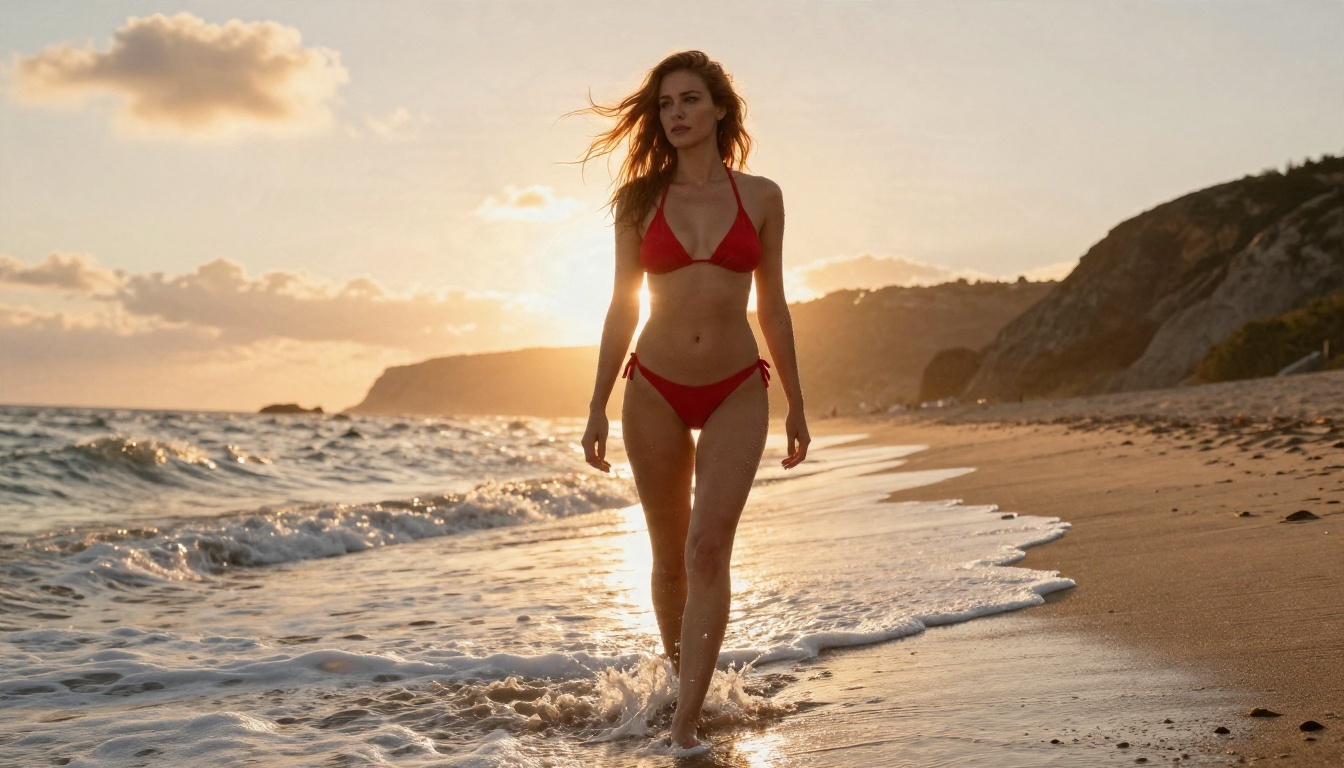
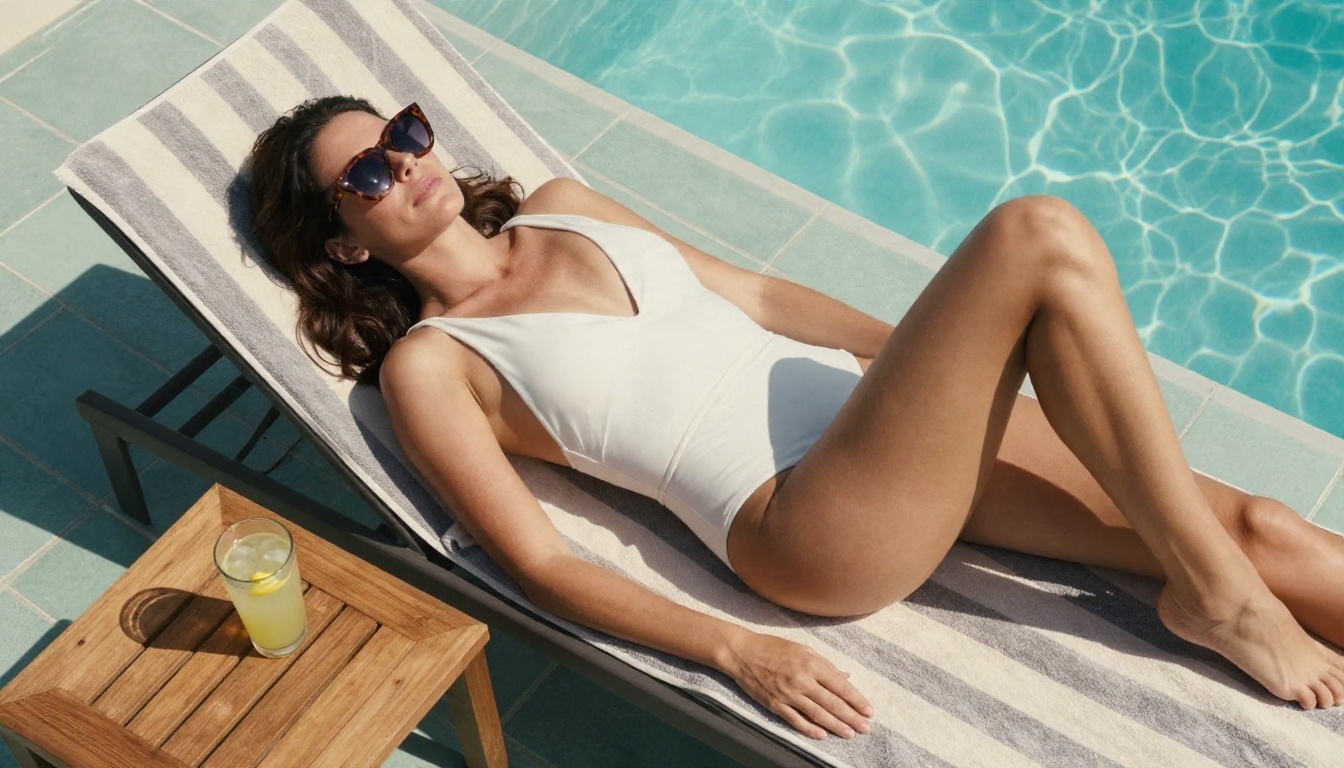
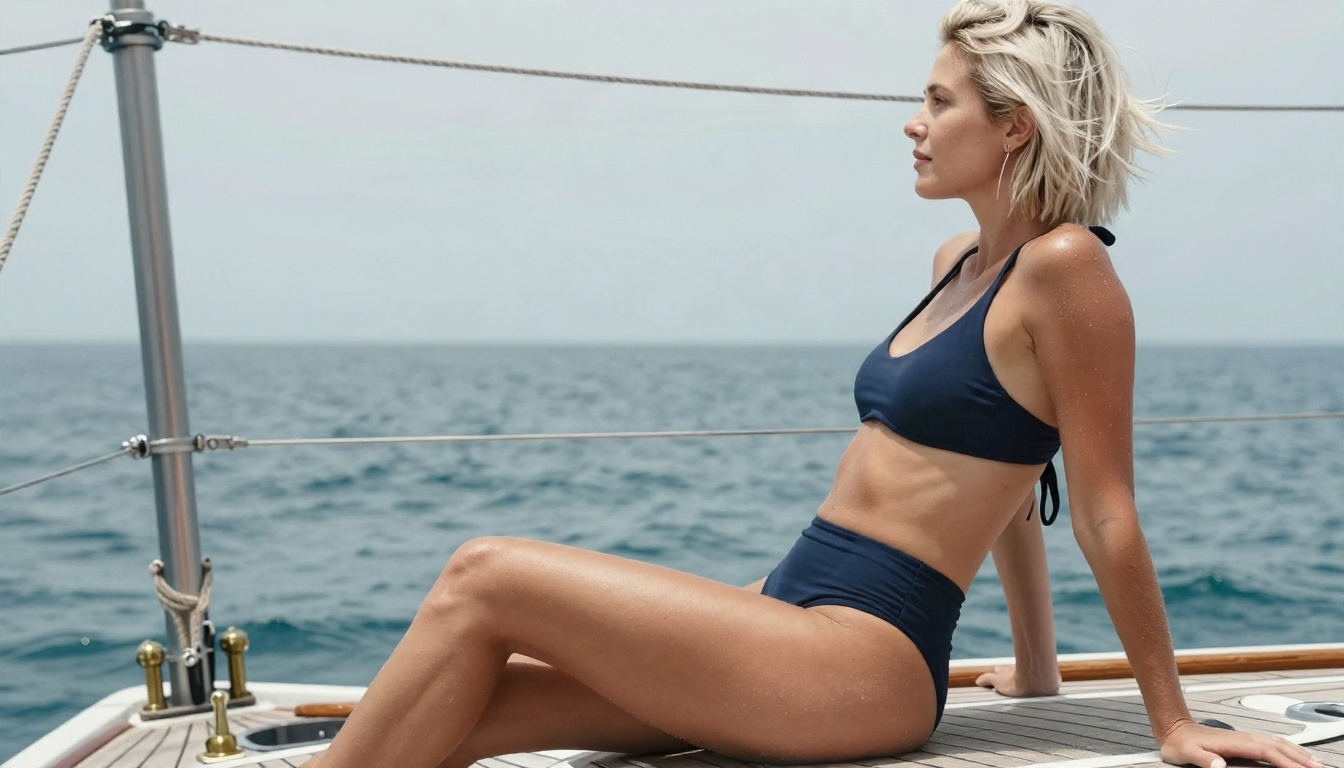
Swimwear is the easiest glamour category because the settings are naturally bright and the outfits are widely accepted. The sunset beach walk used a low-angle shot and a red halter bikini, with the sun placed behind the subject for a golden rim. The rooftop pool shot flipped the approach: an overhead 24mm view with crisp midday shadows and a white one-piece.
| Scene | Camera | Light | Outfit |
|---|
| Sunset beach | Low angle, 35mm | Backlit golden hour | Red halter bikini |
| Rooftop pool | Overhead, 24mm | Hard midday sun | White high-cut one-piece |
| Sailboat deck | Side profile, 70mm | Bright overcast | Navy bikini top, board shorts |
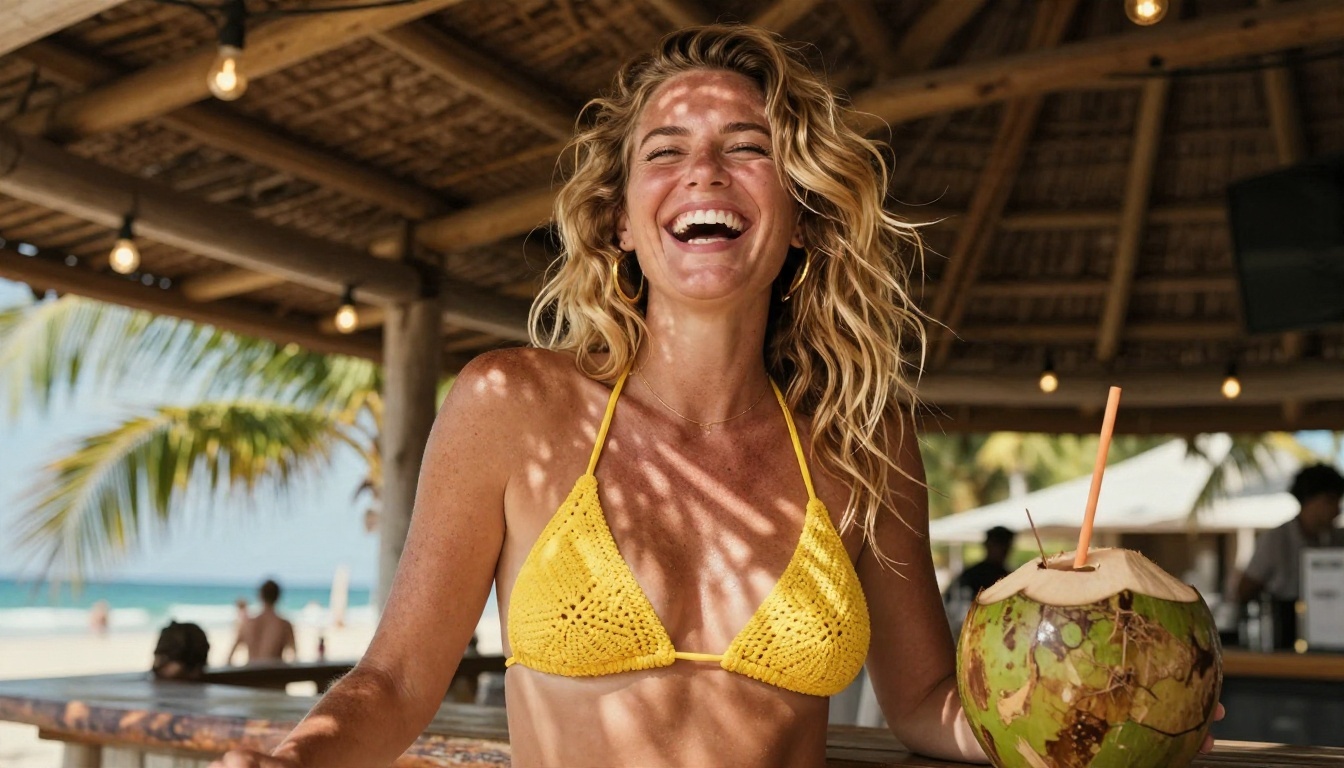
| Beach bar | Medium close-up, 50mm | Dappled palm shade | Crochet bikini top, sarong |
Evening and City Looks
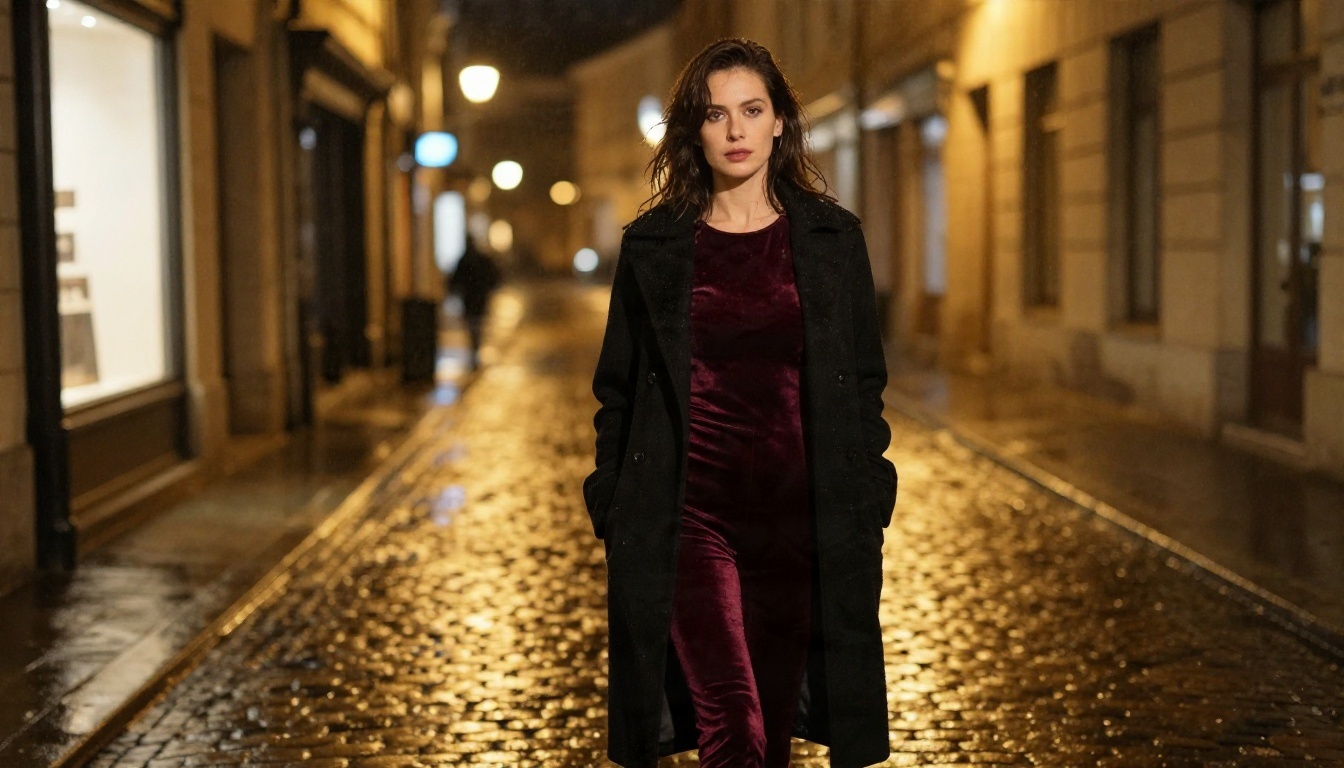
The Paris balcony and the rainy cobblestone street show that glamour does not have to mean a beach. Silk, velvet and tungsten streetlight give a more cinematic, film-still feel. For night scenes, mention the light source by name ("warm streetlamp", "window lamp fill") or the model tends to flatten the exposure.
Relaxed Lifestyle Shots
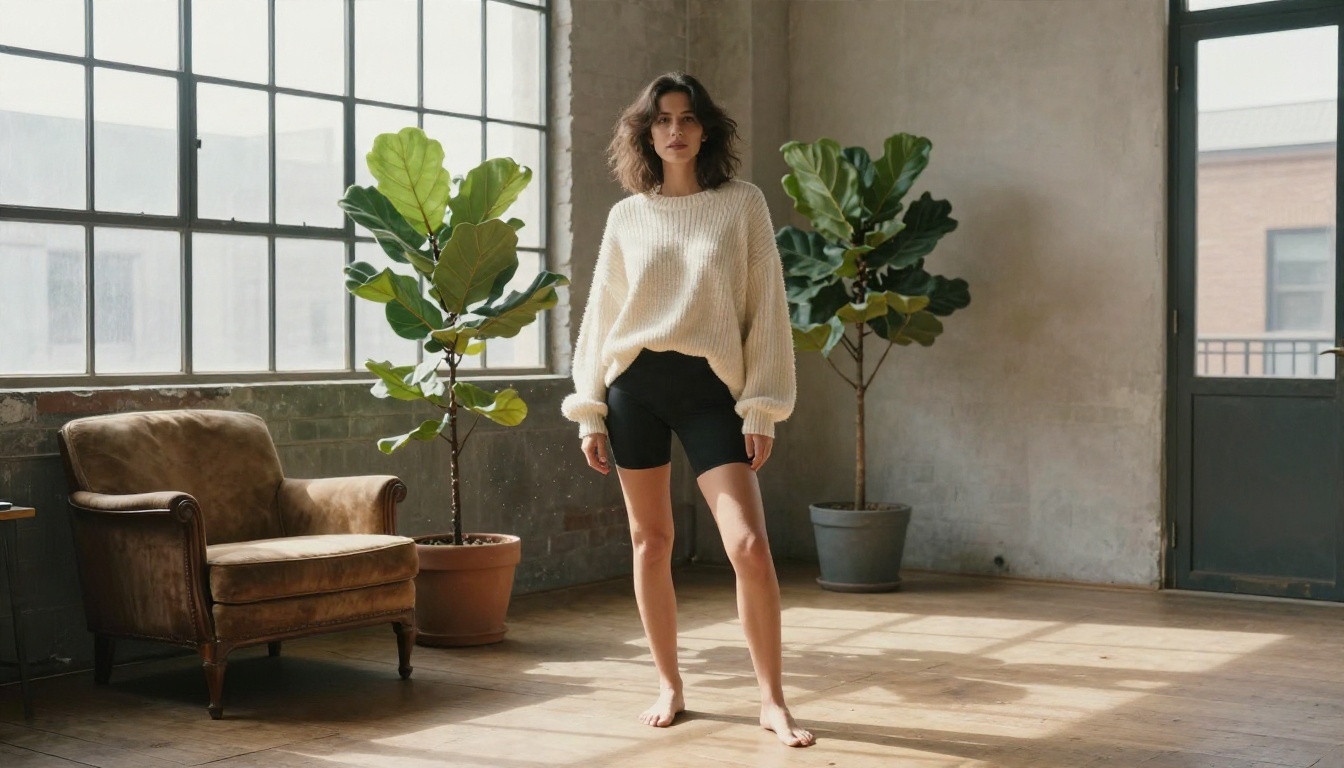
Not every glamour image needs a swimsuit. The loft studio frame uses an oversized knit sweater, barefoot posing and a shaft of afternoon light with visible dust motes. It reads as warm and casual, which is exactly the lifestyle look many brands and creators want.
💡 Moderation tip: If a prompt gets blocked, do not repeat it with tiny word swaps. Change the outfit or the framing. During production of this article, one loft image was rejected until I replaced a sheer robe with a knit sweater, and the replacement looked better anyway.
Common Mistakes and Fixes
Most disappointing results come from the same handful of habits. Here are the ones I see most.
Mistake 1: Skipping the Light
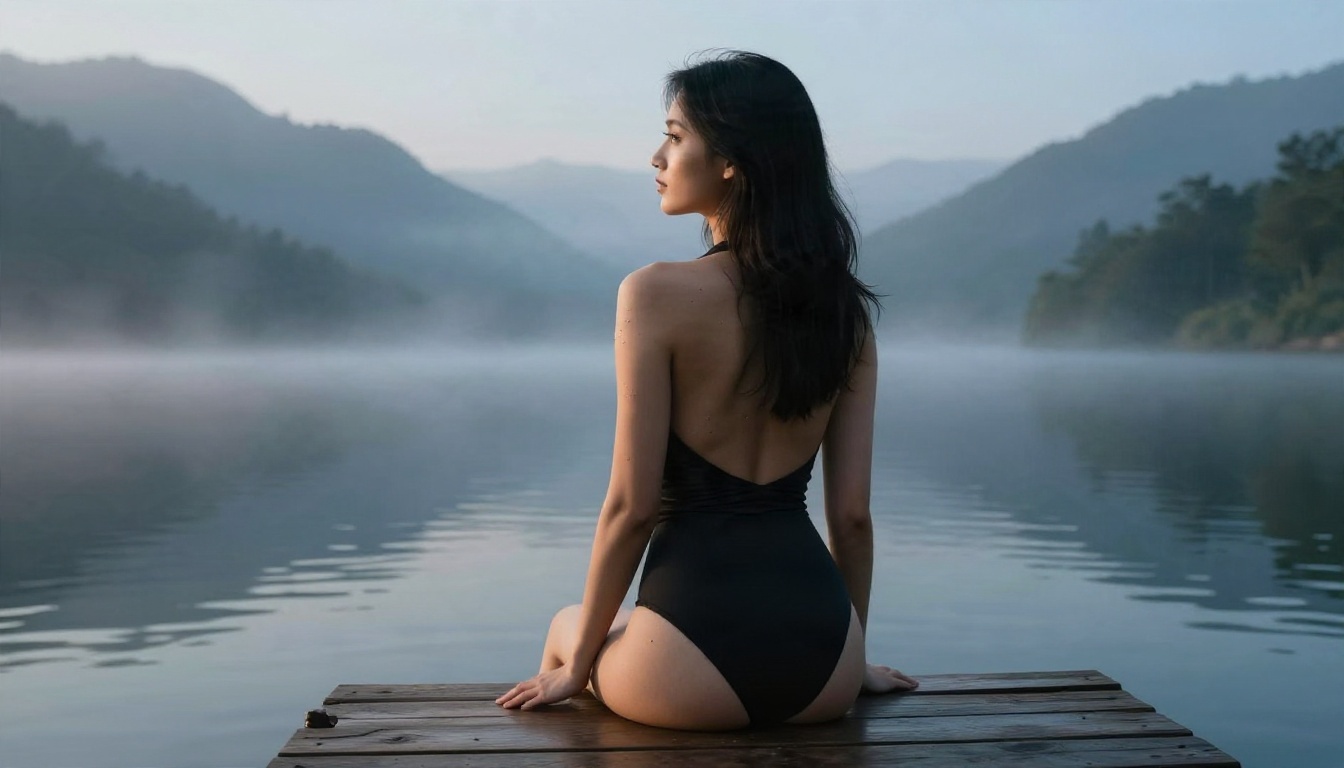
If you do not say where the light comes from, you get flat, even illumination that looks like a stock photo. Always name a direction and a time of day. The dawn lake dock above came from "cool soft blue light with warm first sun on her shoulders".
Mistake 2: One Giant Style Pile
Prompts that list twenty adjectives confuse the model. Pick one mood (moody, joyful, quiet luxury) and support it with three or four concrete details.
Mistake 3: Ignoring Hands and Poses
Hands remain the most common flaw in any image model. Give the hands a simple job: "one hand brushing hair back", "holding a coconut drink", "resting on a railing". A clear task produces cleaner fingers.
Mistake 4: Chasing Free Mirrors
Sites that clone the Seadream name often add watermarks, collect your prompts or charge after a few runs. A platform with clear pricing and unlimited plans, such as PicassoIA Image Editor Pro, saves both time and risk.
Mistake 5: Forgetting Consent and Context
Only create images of fictional adult subjects. Do not generate likenesses of real people without their permission, and do not publish suggestive images in places where they would be unwelcome. That keeps your work on the right side of platform rules and common sense.
Tips to Polish Your Results
A good first render is rarely the final one. These small steps push an image from decent to magazine quality.
Edit Instead of Starting Over
When one detail is wrong, such as an earring, a strap or the background, fix it with an edit rather than rerolling the whole image. PicassoIA Image Editor Pro is built for this, and the unlimited generations mean you can try a fix several times.
Keep a Prompt Library
Save your best prompts with the seed and the model name. Over a few weeks you will have a small set of reliable "recipes" for beach, boudoir, city night and studio looks. Swap only the outfit and the location to produce a new image in the same style.
Match the Model to the Job
Try It Yourself on PicassoIA
You do not need to wait for Seadream 5.0 to reach a platform with fewer restrictions. Start with Seedream 4.5 for sharp, photorealistic glamour, draft freely in PicassoIA Image Editor Pro with its unlimited generations, and test the same prompt in Seedream 4 or Flux 2 Klein 9B Base LoRA to compare looks.
Copy one of the prompts from this article, change the outfit and the location, and see what comes back. Then keep going: swap the light direction, try a lower camera angle, or switch from a beach to a rainy street. Ten minutes of testing will teach you more than any list of tips.
Ready to see the full lineup? Browse every model at picassoia.com/en/all-models and start creating your own images today.


