Anime is the hardest style to get right in AI video, and it is also the one people ask for most. The look depends on tiny rules: flat color fields, confident outlines, hair that moves in clumps, wind that always seems to blow from the left. Break one of those rules and the clip reads as a cheap filter instead of a shot from a real series. Seedance 2.0 from ByteDance is the first model in a while that keeps those rules intact across a full clip, and it does it with sound attached. This article shows the prompt structure that works, ten example prompts you can paste and adapt, the settings worth touching, and how to fix the usual problems.
You can run the model right now on PicassoIA: Seedance 2.0 for the full-quality version, Seedance 2.0 Fast for quick drafts, and Seedance 2.0 Mini when you want cheap iterations.
💡 Quick take: Short, specific prompts beat long poetic ones. Name one style reference, describe one action, add one camera move, and let the model handle the rest.
What Seedance 2.0 Does Well for Anime
Style holds across a whole shot
Older video models drifted. You would ask for a cel-shaded hero and get a painterly one by second three. Seedance 2.0 tends to lock the look it sees in your prompt or first frame and keep it. Outlines stay thin, shadows stay in two or three flat tones, and backgrounds keep their soft painted gradients instead of sharpening into photographic detail.
That consistency is why it suits anime so well. The genre is built on repeatable design, so a model that respects design is a model that respects the genre.
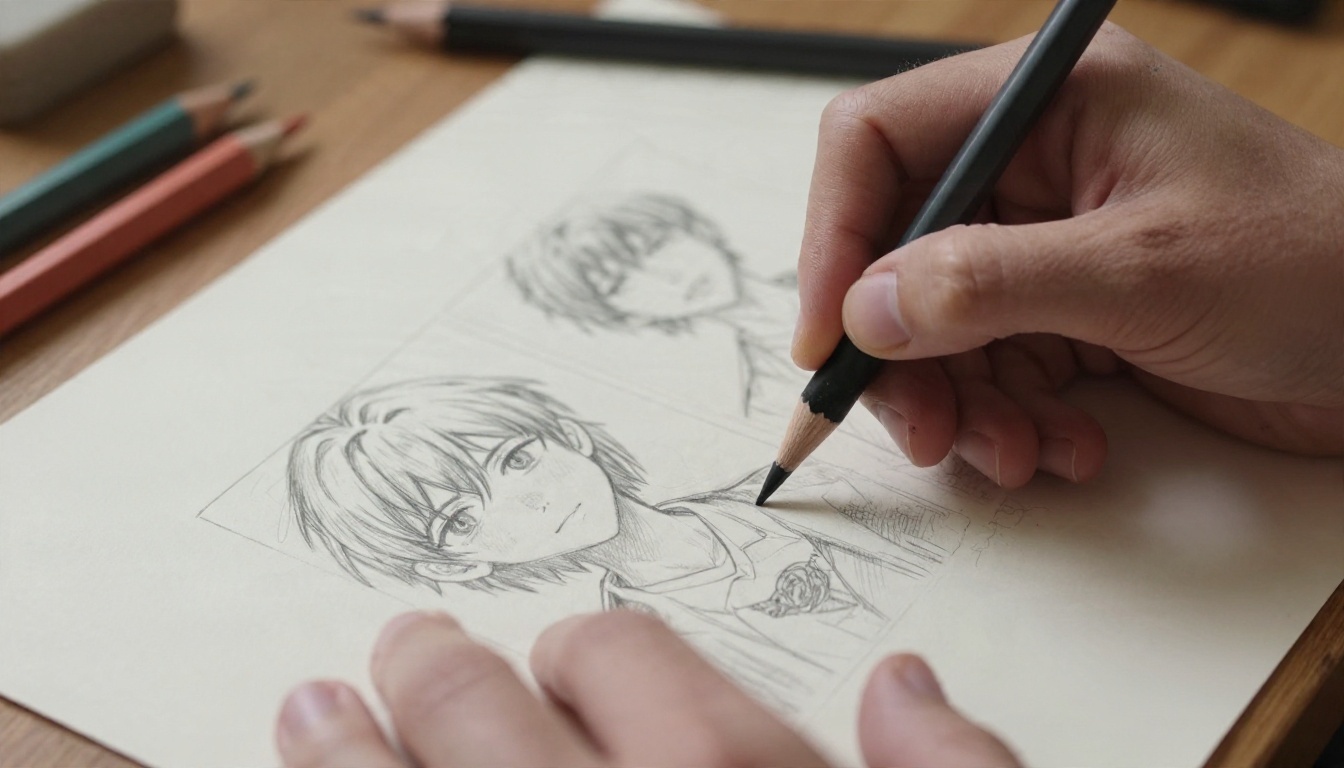
Treat the storyboard stage seriously even if you never touch a pencil. A rough sketch of your shot, or a single clear first frame, gives the model something concrete to follow. Your results will be noticeably steadier than with text alone.
Audio comes built in
Seedance 2.0 generates audio by default. For anime this matters more than you would expect, because half of the genre's feeling lives in sound: cicadas on a summer rooftop, rain on an umbrella, the metallic ring of a blade leaving a sheath. Mention those sounds in the prompt and the model will usually build them into the clip.
Dialogue is possible but less dependable than ambient sound. For lines of speech, generate the visual first and add a voice track afterward with a text to speech model if the result needs to be exact.
Five parts in order
Third-party testers and provider docs agree on a rough sweet spot of 30 to 100 words. Inside that range, this order gives the cleanest results:
- Subject: who is in the shot, with two or three visual traits.
- Action: one clear movement, in present tense.
- Style: one named anime look, such as 90s cel animation or soft modern feature-film style.
- Camera: one move, like a slow push-in or a static wide shot.
- Atmosphere: light, weather, and sound.
Here is the formula applied to a single idea:
A girl with short silver hair and a red scarf stands at a train platform, turning her head as a gust of wind lifts her scarf. 90s cel anime style, flat colors, thin dark outlines. Slow push-in from a medium shot. Overcast morning light, distant train horn, soft wind.
That is 45 words. Every sentence does a job, and none of them argues with another.
Style words that steer the look
Pick one main style phrase. Stacking three conflicting ones is the fastest way to a muddy result.
| Style phrase | What you get | Best for |
|---|
| 90s cel anime | Grainy color, hard shadows, slightly soft edges | Nostalgic drama, sci-fi |
| Modern feature-film anime | Rich skies, detailed backgrounds, clean lines | Slice of life, romance |
| Shonen action style | Bold lines, speed lines, high contrast | Fights, chases |
| Watercolor storybook anime | Soft washes, muted palette | Fantasy, quiet scenes |
| Retro OVA look | Film grain, warm tint, lower saturation | Moody, noir-leaning pieces |
Camera moves anime fans expect
The genre has its own camera vocabulary. Use phrases that map to it:
- Slow push-in on a face during an emotional beat.
- Static wide shot with only the wind or clouds moving, a staple of quiet scenes.
- Low-angle tilt up for a hero reveal.
- Fast lateral pan for chases, paired with the words "speed lines."
- Pull-back reveal that opens on a detail and widens to a landscape.
Avoid asking for three moves in five seconds. Anime shots are often locked off or move very simply, and the model handles that restraint better than a busy camera.
Ten Anime Prompts You Can Copy
These are written for the model's strengths. Swap names, colors, and locations freely.
Rooftop dialogue scene
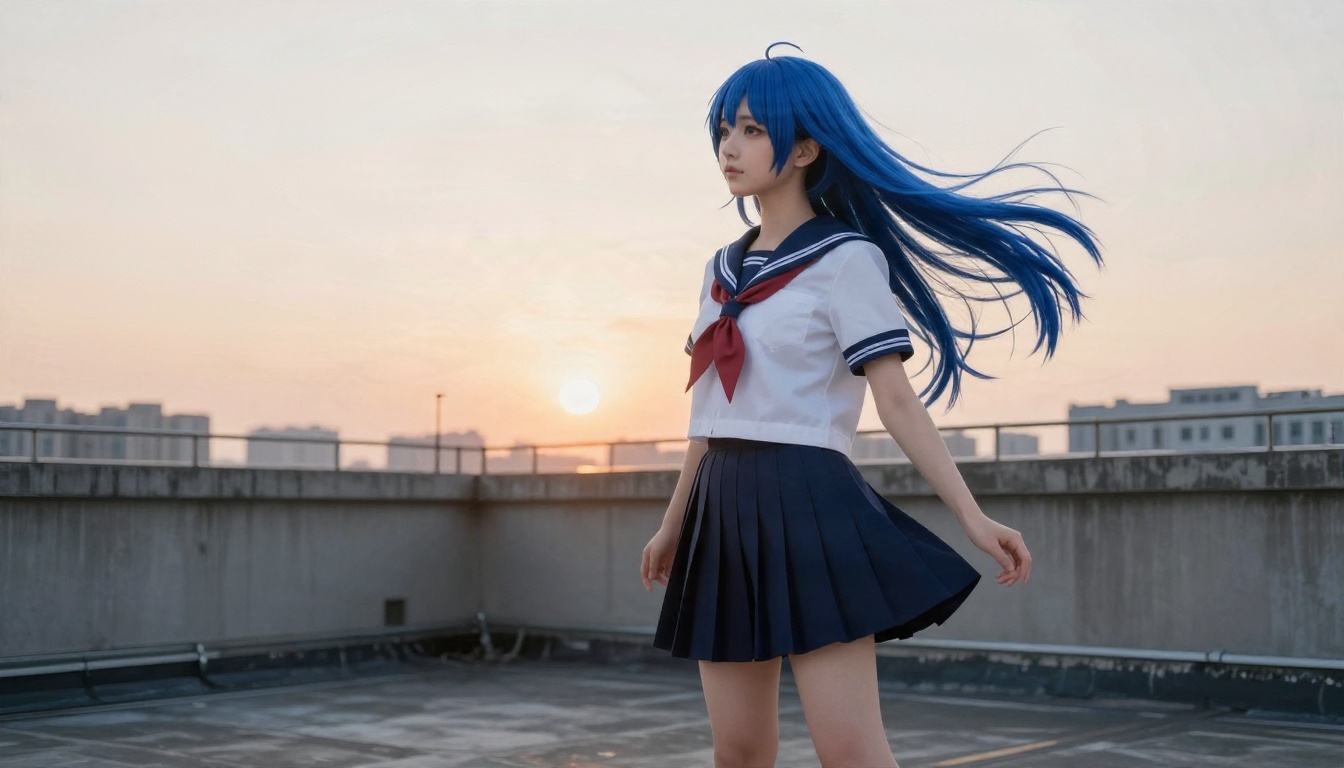
Prompt 1: A girl with long blue hair in a navy sailor uniform stands on a school rooftop at sunset, wind pushing her hair across her face as she looks toward the city. Modern feature-film anime style, painted sky, clean outlines. Slow push-in, medium shot. Warm backlight, distant traffic, soft wind.
Prompt 2: Two students sit on a rooftop ledge sharing a drink, one laughing and the other looking away. Soft slice-of-life anime style, pastel colors. Static medium shot. Late afternoon light, cicadas, faint school bell.
Rooftops are a safe starting point. The composition is simple, the sky does most of the visual work, and wind gives you hair and clothing motion for free.
Sword fight in bamboo
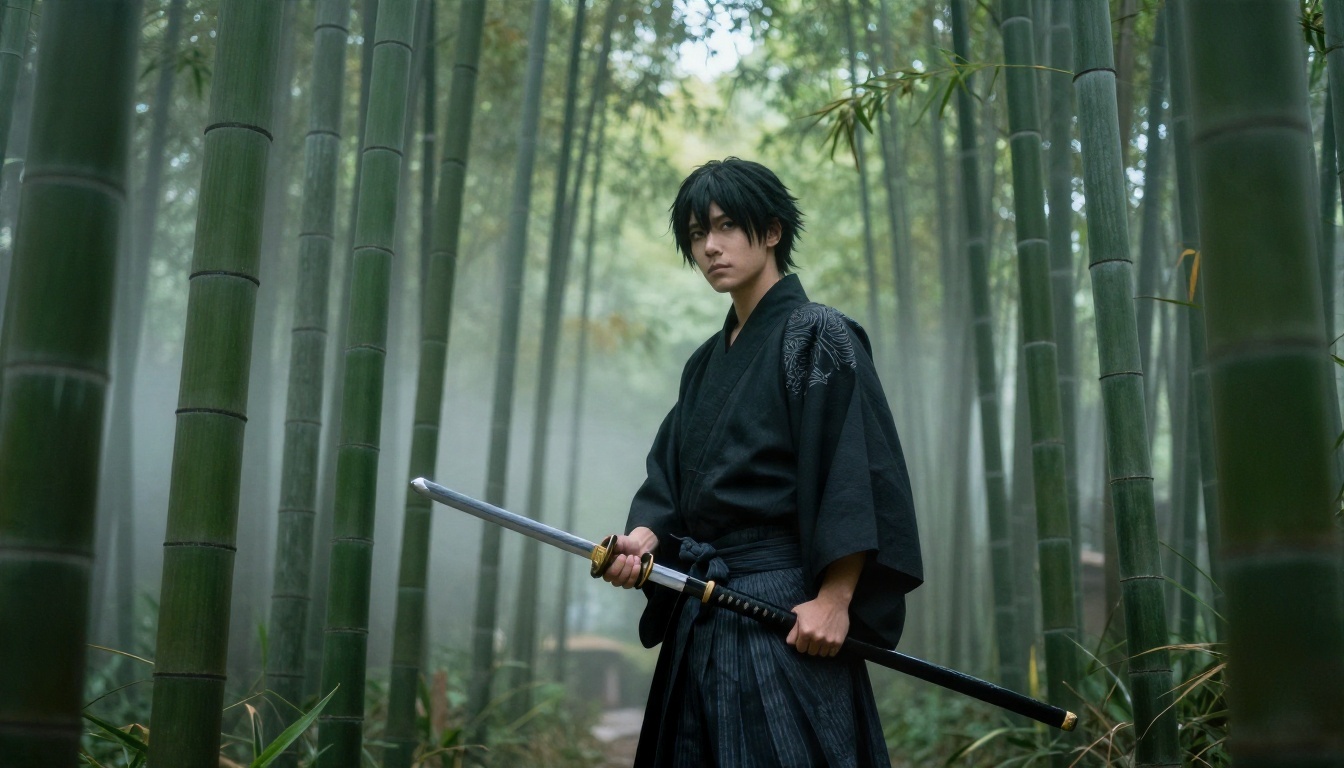
Prompt 3: A swordsman in a dark hakama draws his blade in a misty bamboo forest, then lunges forward in one smooth strike. Shonen action style, bold outlines, speed lines. Low-angle shot with a quick tilt up. Cool green morning light, steel ring, rustling bamboo.
Prompt 4: Two rival swordsmen face each other across a clearing, petals blowing between them, one blade rising slowly. Retro OVA look, film grain. Static wide shot, then a slow push-in. Tense silence, a single wind gust.
For fights, keep it to one strike per clip. If you need a full duel, generate several short shots and cut them together. That is also how real anime is edited.
Rainy street mood piece
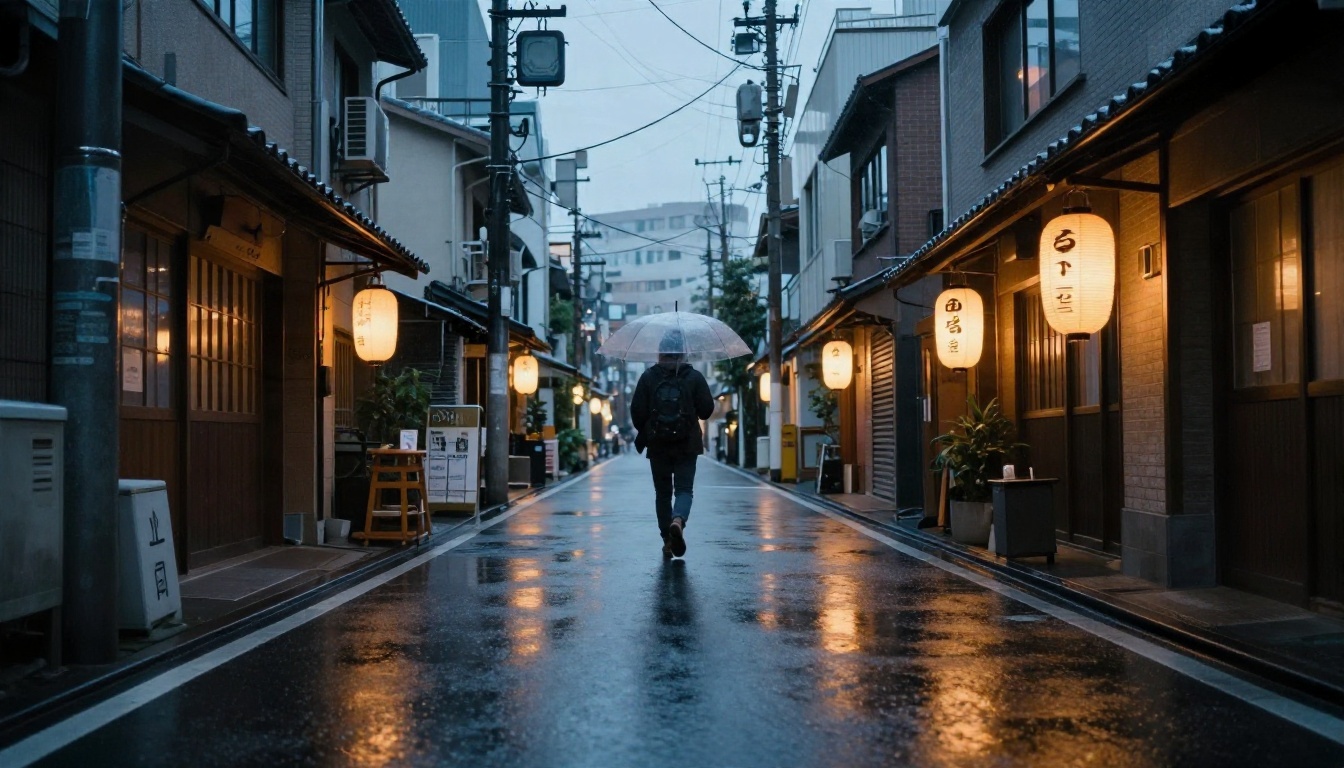
Prompt 5: A lone figure with a clear umbrella walks down a narrow Tokyo alley after rain, puddles reflecting warm lantern light. Modern feature-film anime style, detailed background, soft color. Slow pull-back from a low angle. Dripping eaves, distant chatter, footsteps on wet stone.
Prompt 6: A boy with headphones leans against a vending machine at dusk while rain falls gently, a tram passing behind him. Lo-fi anime style, muted teal and amber. Static medium shot. Rain patter, muffled music, tram rumble.
Rain scenes show off the model's ability to keep reflections and ambient motion believable without breaking the painted look.
Slice of life at the crossing
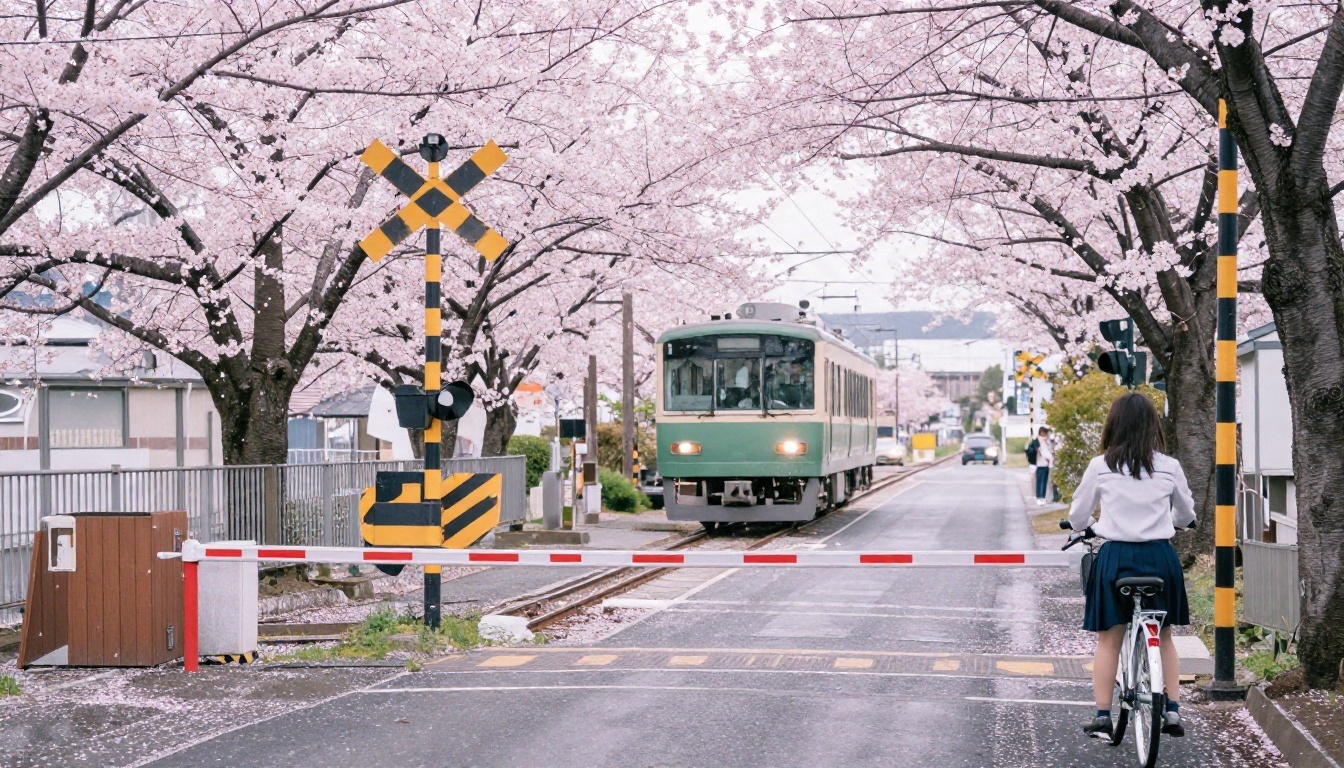
Prompt 7: A schoolgirl waits at a railway crossing with her bicycle as cherry blossom petals drift across the tracks and a small train approaches. Soft modern anime style, pastel pink and white. Static wide shot. Crossing bell, train rumble, spring breeze.
Prompt 8: A girl with a ponytail runs along a riverside path in spring, glancing back and smiling. Bright feature-film anime style, vivid sky. Fast lateral tracking shot. Footsteps, birdsong, bicycle bell in the distance.
Prompt 9: A cat jumps onto a windowsill where a sleeping student's notebook flutters in the breeze. Warm storybook anime style. Slow push-in. Soft room tone, distant playground voices.
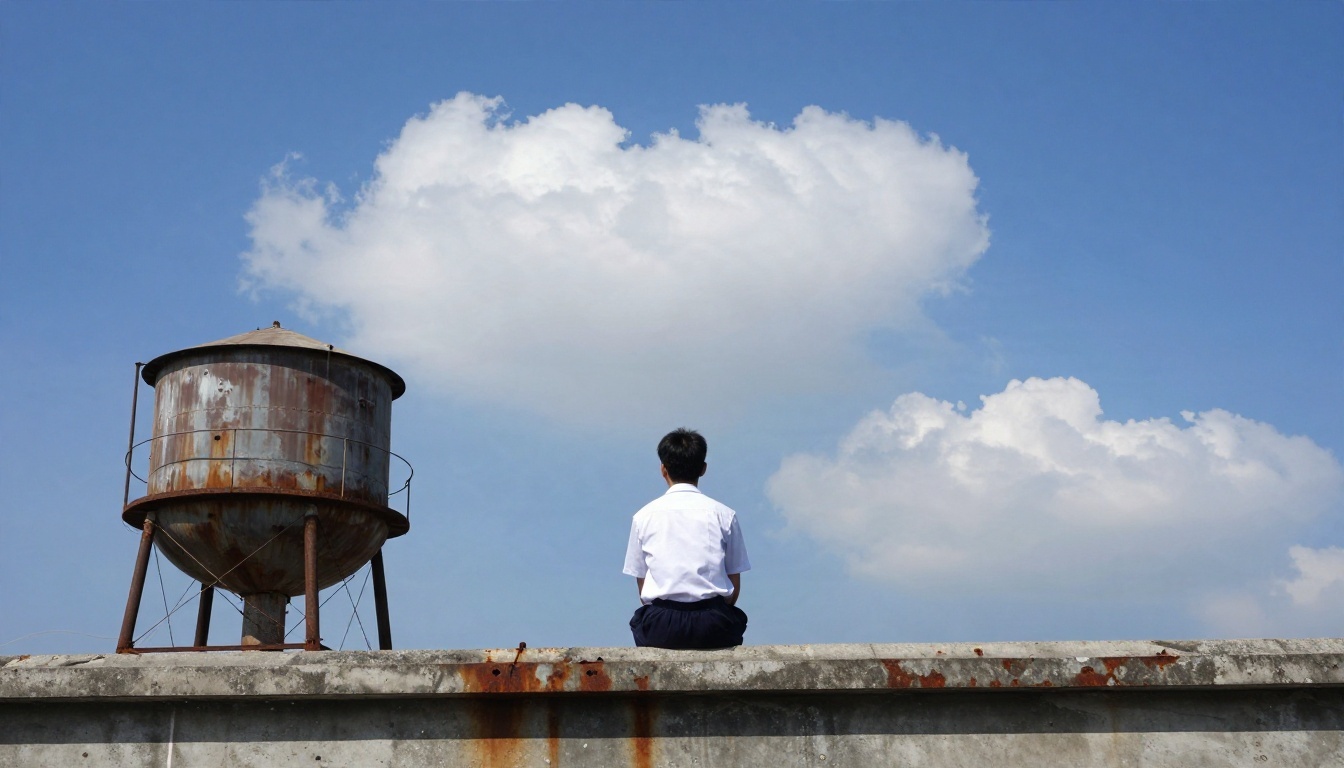
Prompt 10: A girl sits beneath a water tower watching enormous white clouds roll over a blue summer sky. Nostalgic anime style, bold color. Low-angle wide shot. Cicadas, a light breeze, far-off school brass band.
💡 Reuse trick: Keep the same style line across a whole project, word for word. Changing "90s cel anime" to "retro anime" between shots is enough to shift the look.
Settings That Actually Matter
Resolution and duration
Settings differ between providers, so always check the model page for current limits. Based on what providers and testers report, the typical range looks like this:
| Setting | Typical range | Recommendation for anime |
|---|
| Duration | About 4 to 15 seconds | 5 to 8 seconds per shot |
| Resolution | 480p up to 1080p (some listings go higher) | Draft at 720p, finish at the highest available |
| Audio | On by default | On for finals, off for silent drafts |
| Reference inputs | Several images, short video clips, audio files | One strong image reference per shot |
| Prompt length | 30 to 100 words | 45 to 70 words |
Duration deserves a note. Longer clips give the model more room to wander. In anime, most shots last two to six seconds anyway, so there is no benefit to pushing the maximum. Short clips stay cleaner, cost less, and cut together more naturally.
Resolution is a workflow choice. Start at 720p, find the shot you like, then re-run it at the highest resolution once the prompt is locked. Spending on 1080p for experiments is wasteful.
Reference images and tags
Seedance 2.0 accepts reference material alongside the text prompt. Reported limits include up to 9 images, 3 video clips, and 3 audio files in one generation, and you point to them inside the prompt using labels such as [Image1], [Video1], and [Audio1].
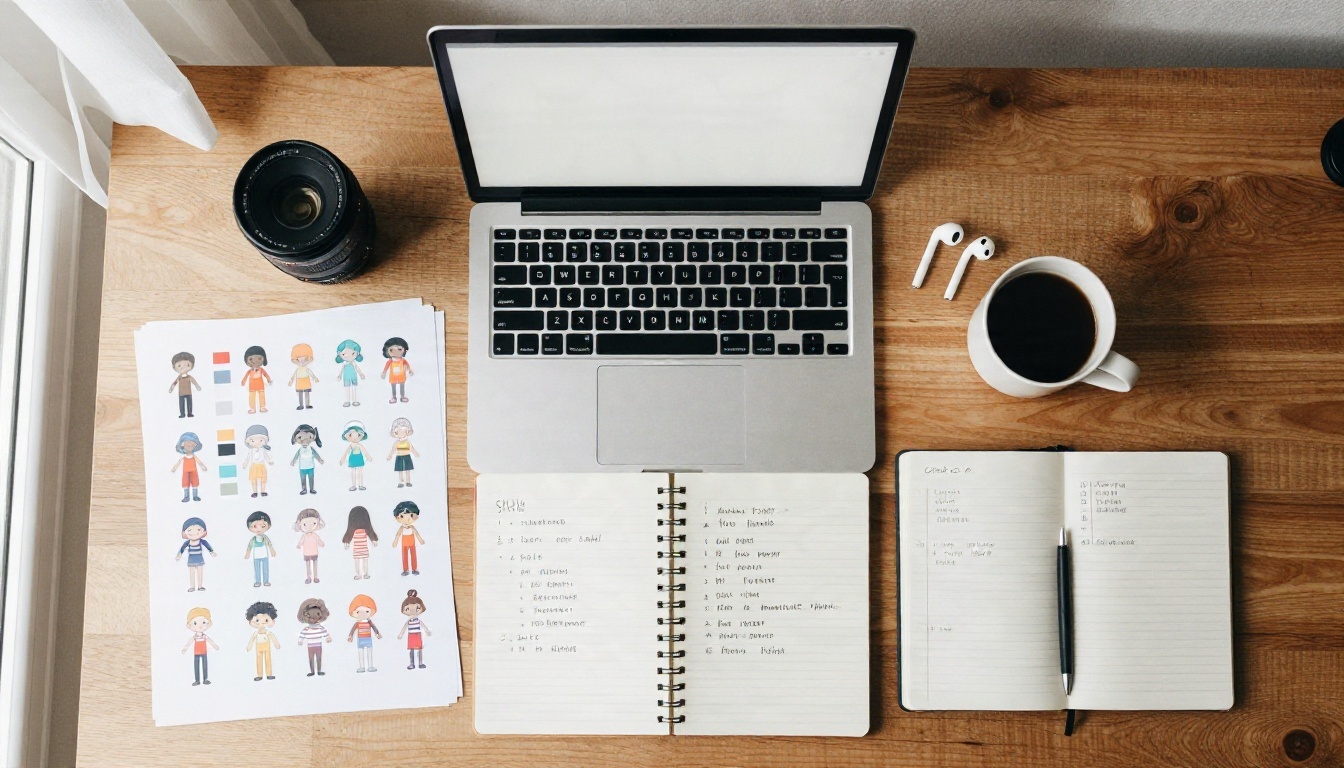
For anime, references are the single most useful setting. A character sheet or a clean first frame pins the design in place. Here is a pattern that works:
The girl from [Image1] turns toward the camera as wind lifts her scarf. Same flat colors and thin outlines as the reference. Slow push-in. Soft morning light, distant train horn.
Keep the reference simple: front-facing, even lighting, plain background. Busy references confuse the model about which details are the character and which are scenery.
Audio on or off
Leave audio on for finished clips, since the sound design is part of what makes Seedance 2.0 feel different from earlier models. Turn it off during drafting if your provider offers the option and you only care about motion and style. You can also record a separate music bed with an AI music generation model and layer it in an editor.
💡 Workflow tip: Draft at 720p without audio to test motion. When a shot works, rerun it at full quality with sound described in the prompt.
How to Use Seedance 2.0 on PicassoIA
The steps below take you from an empty prompt box to a finished anime shot.
Picking the right variant
| Variant | Best use | Speed and cost |
|---|
| Seedance 2.0 | Final shots, detailed backgrounds, best audio | Slowest, highest quality |
| Seedance 2.0 Fast | Testing prompts and camera moves | Faster, lower cost |
| Seedance 2.0 Mini | Rapid iteration, many variations | Fastest and cheapest |
Step by step:
- Open the model page. Start with Seedance 2.0 Mini or Seedance 2.0 Fast for drafts.
- Paste your prompt. Use the five-part formula: subject, action, style, camera, atmosphere. Aim for 45 to 70 words.
- Add a reference image if you have one. A clean character image or a first frame stops the design from drifting. Tag it in the prompt as
[Image1].
- Set duration and resolution. Pick 5 seconds and 720p for the first pass.
- Describe the sound. Add one line naming two or three sounds, such as wind, a bell, or footsteps.
- Generate and review. Check the first second for face and outline problems, then the last second for drift.
- Adjust one thing at a time. Change only the camera or only the style line between runs, so you know what caused the change.
- Final render. Move the winning prompt to Seedance 2.0 at the highest resolution available.
💡 Availability note: Access to Seedance 2.0 has varied by region and provider since launch, and some sources reported rollout pauses. Check the model page for what is currently offered.
Fixing Common Anime Problems
Even a strong model slips sometimes. This table covers the issues that come up most with anime-style prompts.
| Problem | Likely cause | Fix |
|---|
| Face changes mid-clip | No reference, or too many characters | Add a clean reference image, limit to one or two characters |
| Outlines flicker or thicken | Competing style words | Use one style phrase and add "consistent thin outlines" |
| Colors shift toward realism | Words like "cinematic" or "realistic" in the prompt | Remove them, name an anime era instead |
| Motion looks too smooth or floaty | Long duration, vague action | Shorten the clip, describe one sharp movement |
| Hair or clothes behave oddly | Strong wind plus complex outfit | Simplify the outfit, specify "gentle wind" |
| Background turns photographic | Detailed scene description | Add "painted background, soft gradients" |
| Audio feels generic | No sound described | Name two or three specific sounds |
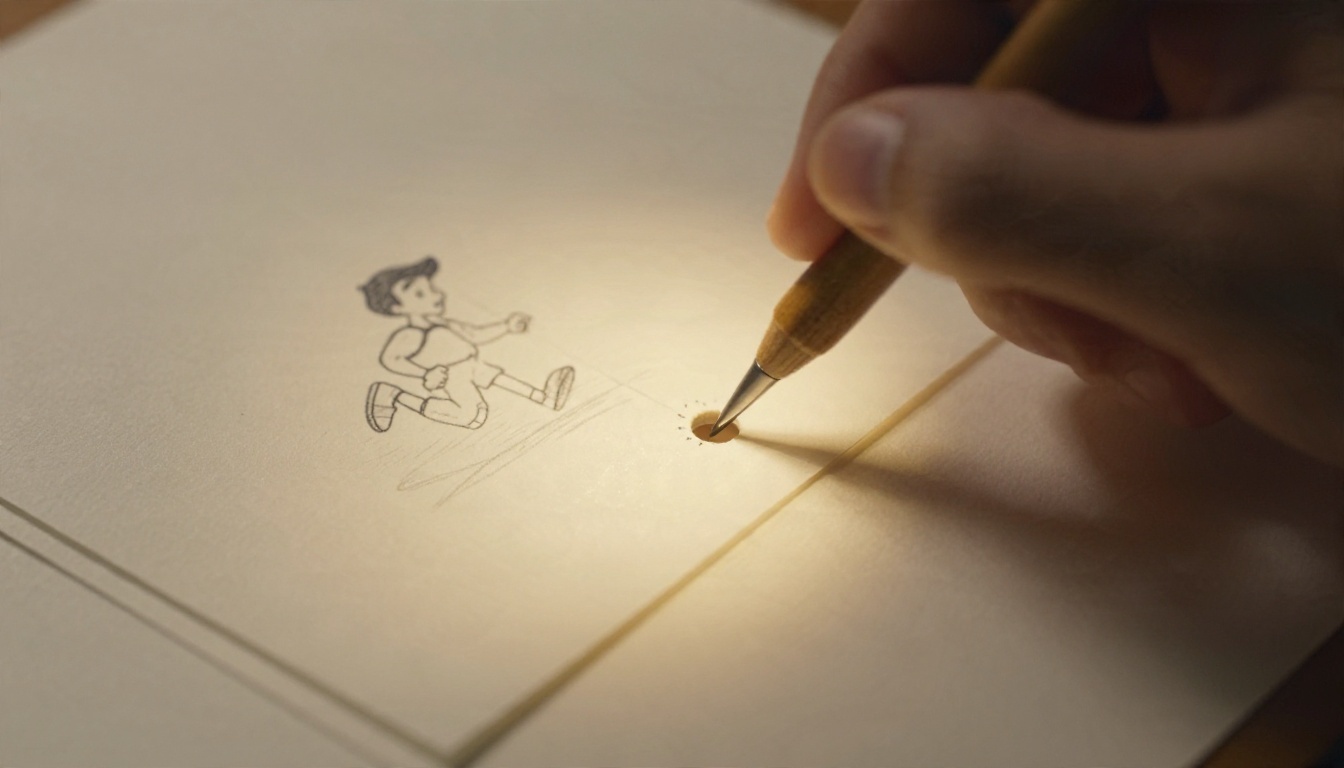
The pattern behind most of these fixes is the same: fewer, clearer instructions. Traditional animators work from limited frame counts and simple motion, and the model responds to the same discipline.
Pairing Seedance With Other Models
Seedance 2.0 is excellent, but it is not the only tool worth having. A few combinations work well:
- Start with a still. Generate a precise first frame with Seedream 4.5, then use it as the reference image in Seedance 2.0. You control the character design completely before any motion starts.
- Compare motion styles. Run the same prompt on Kling v3 Video to see which model handles your scene better. Fast action sometimes suits one, and quiet atmospheric shots suit the other.
- Use an older model for a softer look. Seedance 1.5 Pro has a slightly different feel and can be a useful comparison for retro styles.
- Finish in post. Upscale with a super resolution model and add voice or music from the audio tools on the platform.
For a short anime sequence, a reliable workflow is: write a six-shot list, generate each shot with the same style line and reference image, pick the best take for each, then cut them in any editor with a music bed underneath.
Start Your Own Anime Shots
You now have the formula, ten prompts to borrow, and a table of fixes for the problems that matter. The fastest way to improve is repetition: pick one prompt from this article, run it on Seedance 2.0 Mini, change a single word, and watch what moves. After a dozen runs you will have a feel for how the model reads style phrases and camera instructions.
Open PicassoIA, try Seedance 2.0 on your own character or scene, and build a small library of prompts that work for your style. When you want more options, browse every model at picassoia.com/en/all-models and pair video with image, voice, and music tools in one place.


