Type "Seedance 2.5 free" into a search bar and you get a pile of contradicting answers. One page says ByteDance gives away daily credits. Another says you need a funded account before you can touch the model. A third promises "uncensored" output and then buries a paywall three clicks deep. If you just want to make a 30-second video with sound and skip the runaround, this is the straight version of what is true, what is marketing, and what you can use today.
Here is the short answer. Seedance 2.5 is a ByteDance video model that makes clips of up to 30 seconds with native audio. Free access exists in a few places, but it is almost always capped. "Uncensored" is a loose word, because every hosted video tool has some hard limits. The practical question is how strict the filters are on suggestive, glamour, and swimwear content. That is where the platform you pick matters most.
What Seedance 2.5 Actually Is
Seedance 2.5 is the newest release in ByteDance's Seedance video family. It takes a text prompt, a still photo, or reference clips and returns a finished video where picture and sound are rendered together. Earlier AI video tools handed you silent footage and left the sound to another app. This one writes dialogue, sound effects, and background music in the same pass.
Specs That Matter
Here is what the model offers when you run it on PicassoIA, according to its Seedance 2.5 page:
| Feature | What you get |
|---|
| Clip length | Up to 30 seconds in one generation |
| Audio | Synced dialogue, sound effects, and music |
| Resolution | 480p or 720p |
| Reference images | Up to 30, for consistent faces, outfits, and products |
| Frame control | Set a first frame and a last frame |
| Lip sync | Write spoken lines in double quotes |
| Aspect ratios | 16:9, 4:3, 1:1, 3:4, 9:16, 21:9, or adaptive |
The reference system is the part that separates it from cheaper models. Feed it a handful of photos of one character and the face, outfit, and styling stay stable across shots. That matters if you build anything with a recurring subject, whether that is a fashion model, a mascot, or a product.
Where It Stands Right Now
Release reports for Seedance 2.5 disagree on dates. Some outlets place the first announcement in late June 2026, others point to a launch inside ByteDance's own consumer apps at the end of July, with developer API access following in August. Most pages that repeat these dates are resellers rather than official sources, so treat the exact timeline loosely. What is not in dispute is that the model is out, that it is in wide use, and that it has been rolled out to apps and API platforms in stages.
💡 Tip: Official pricing for Seedance 2.5 was still unclear in the reports I found. Any per-second price you see on a reseller site is probably an estimate built from Seedance 2.0 rates, not a published rate card.
Is Seedance 2.5 Really Free?
Partly, and it depends entirely on where you open it. "Free" in AI video almost never means unlimited. It usually means a trial allowance that runs out after a handful of clips.
Official Apps and Daily Credits
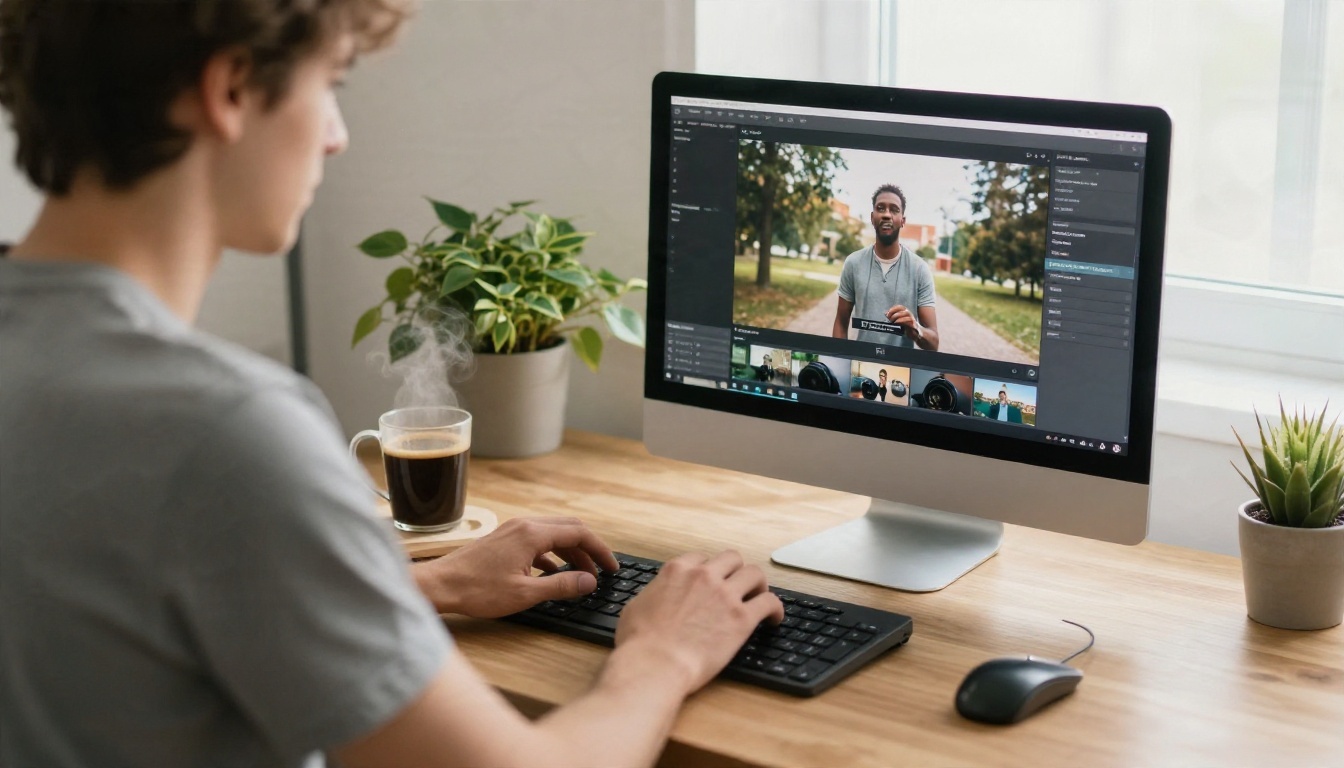
The model reportedly appeared first in ByteDance's own consumer products, Jimeng AI and Doubao. Some write-ups mention daily free credits there, meant for testing rather than steady production. Other pages claim the opposite: that API access needs a funded balance, or that an enterprise beta ships with no free quota at all. Both can be true at once, because consumer apps and the developer API run on different rules.
Regional availability adds another layer. Accounts, language, and payment methods vary by country, so a free route that works for a creator in one region may be closed in another.
Third-Party Platforms and Resellers
A growing list of sites resell Seedance 2.5 through the API. Many advertise a free tier, often a small starter bundle of credits. Those credits belong to the platform's generic plan, not to a special Seedance allowance, and a single 30-second render can eat most of them.
Compare the main routes side by side:
| Route | Free allowance | Typical catch |
|---|
| Official consumer apps | Daily test credits reported | Region locks, moderation, queue times |
| Developer API | Often none | Needs a funded balance |
| Reseller sites | Small starter credits | Credits drain fast on long clips |
| PicassoIA | Seedance 2.5 page lists free online use; Lite is unlimited on Elite and Infinite plans | Resolution capped at 720p |
Free on PicassoIA
On PicassoIA you can open Seedance 2.5 directly in the browser. If you iterate a lot, Seedance 2.5 Lite is the more relevant one. It is the lightweight edition, tuned for 480p and 720p, and Elite and Infinite members run it without a per-clip cost or a daily counter. The trade is shorter clips, with a ceiling of 10 seconds.
What "Uncensored" Actually Means
Search engines push the word "uncensored" hard on this topic, so it deserves a plain explanation. No mainstream video generator is free of all rules. What changes between platforms is how aggressively the filter blocks ordinary glamour content.

Moderation on Official Platforms
Consumer apps from large companies tend to filter in a broad, cautious way. That protects them legally, but it also produces false positives. Prompts about swimwear, a boudoir portrait, a beach scene, or a satin dress can get refused or quietly softened. Creators describe the experience as hitting a wall without an explanation, then rewording the same prompt five times.
Official apps also usually check the input image. A first-frame photo that a stricter filter dislikes will fail before the model ever starts.
Where the Lines Stay Fixed
Even on a platform with relaxed settings, a few boundaries never move:
- No explicit or pornographic output. Suggestive, attractive, and artistic is fine. Hardcore is not.
- No minors, ever. This is absolute everywhere.
- No real people without consent. Deepfaking a celebrity or an ex is both unsafe and illegal in many places.
- No harassment or fake news footage. Realistic video makes these harms worse.
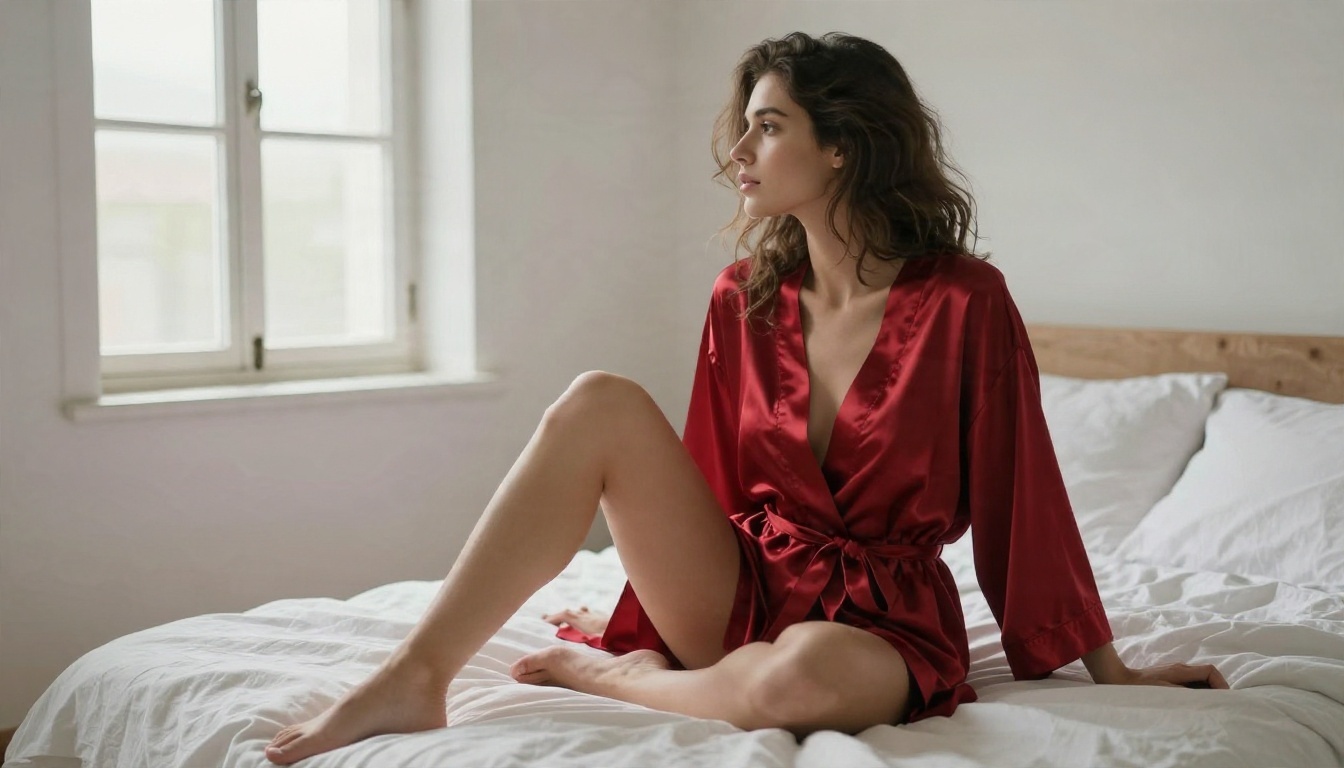
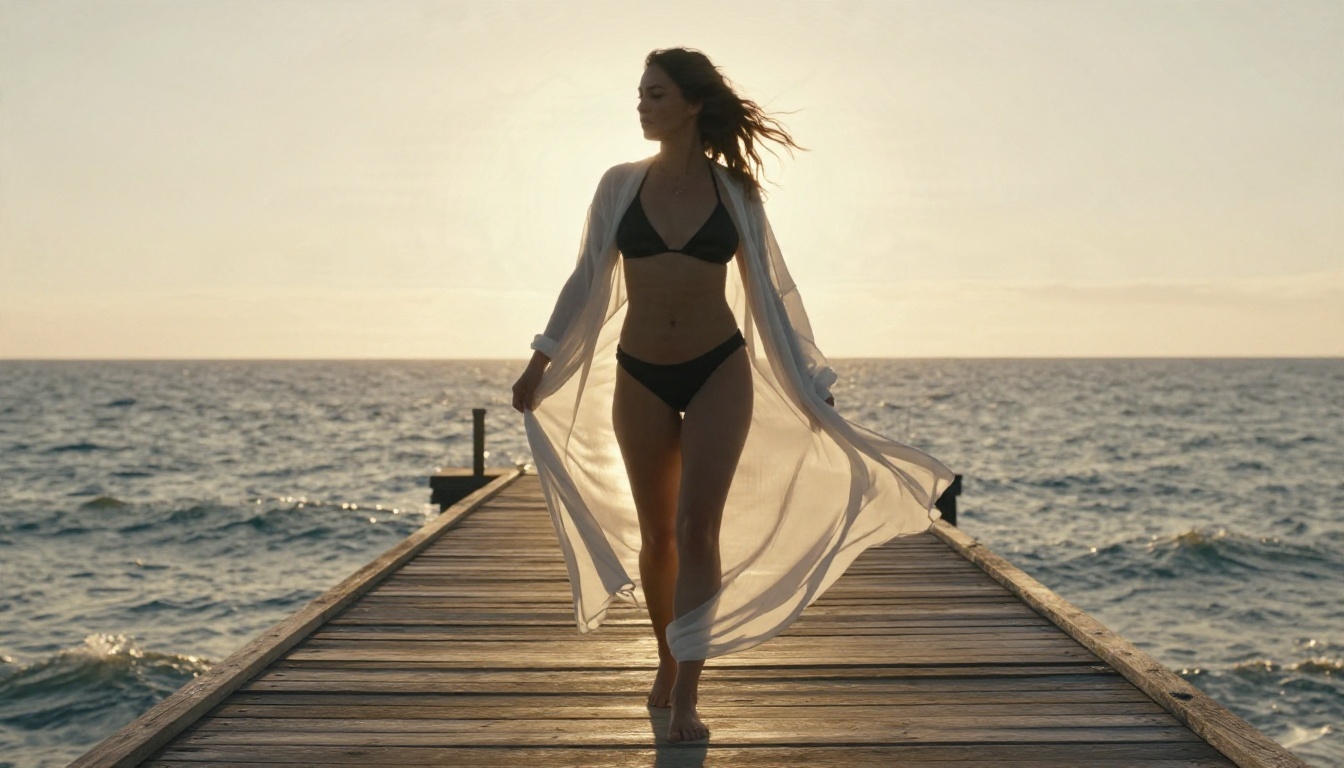
What people usually want when they type "uncensored" is the freedom to make non-explicit glamour content without a filter treating a bikini like a threat. That is a reasonable thing to ask for, and it is the standard PicassoIA works to. Swimwear, lingerie-style fashion, boudoir lighting, and sensual portraits are all fair territory. Explicit material is not.
💡 Tip: If a platform promises "no limits at all," read that as a warning. Sites that skip every safeguard tend to have the worst privacy practices and the least reliable output.
The Real Limits of Free Plans
Free plans differ in the numbers, but the same four constraints show up almost everywhere.

Length and Resolution Caps
A full 30-second render costs far more compute than a 5-second one, so free tiers nearly always cut length first. You may get a few seconds at 480p while the long, sharp output sits behind a plan. On PicassoIA, Seedance 2.5 outputs at 480p and 720p, and the Lite edition tops out at 10 seconds in exchange for unlimited use on supported plans.
Queues, Credits, and Watermarks
Three other limits matter more than people expect:
- Queue time. Free jobs wait behind paid ones. A clip that renders in two minutes on a paid plan can sit for an hour on a free one.
- Credit burn. Failed or refused generations can still cost credits on some platforms. Ask before you commit.
- Watermarks. Many free outputs carry a logo. On PicassoIA's Seedance 2.5 page the watermark option defaults to off.
One more cost never shows up on a pricing page: wasted attempts. Video prompts are less predictable than image prompts. Plan on several tries per shot, which is why an unlimited plan beats a "free credits" plan once you leave the testing stage.
How to Use Seedance 2.5 on PicassoIA
Here is the workflow I use for a first clip. It takes about five minutes.

Step by Step
- Open the Seedance 2.5 page on PicassoIA.
- Write your prompt in the prompt box. The limit is 2,000 characters.
- Optionally upload a first-frame image to animate a photo you already have.
- Choose 720p for the sharper result, or 480p for a quick test.
- Pick a duration. The default is 5 seconds, and you can set -1 to let the model choose the length.
- Leave Generate Audio on if you want sound. Put any spoken lines in double quotes.
- Press generate, then download the finished MP4.
Parameter Tips
- Aspect ratio: use 9:16 for Reels and Shorts, 16:9 for YouTube, and 21:9 for a cinematic look. Set it to adaptive when you give a first-frame image.
- Seed: write down a seed when you like a result. The page notes that reproducibility is not guaranteed, but it still helps you stay close to a good take.
- Reference images: up to 30 are allowed. Refer to them in your prompt as [Image1], [Image2], and so on. This mode cannot be combined with first and last frame images, so choose one route per clip.
- Last frame image: it needs a first-frame image. Use the pair when you want a shot that starts and ends in exact poses.
A Prompt Formula That Works
Write chronologically, the way a director would describe the shot. Use this structure:
Subject and starting pose, then the motion over time, then camera movement, then light and mood.
For example: A woman in a black satin dress stands on a hotel balcony at golden hour, wind lifting her hair. She turns toward the camera and smiles. Slow dolly-in, shallow depth of field, warm sunlight from the left, sea breeze and distant gulls.
Short, concrete verbs beat adjectives. "Turns," "steps," and "lifts" give the model something to animate. "Beautiful and stunning" gives it nothing.
Better First Frames, Better Clips
Image-to-video clips are only as good as the picture you start from. A soft, over-smoothed frame produces a soft, over-smoothed video. Spend your effort on the first frame.
Seedream 4.5 for the Frame
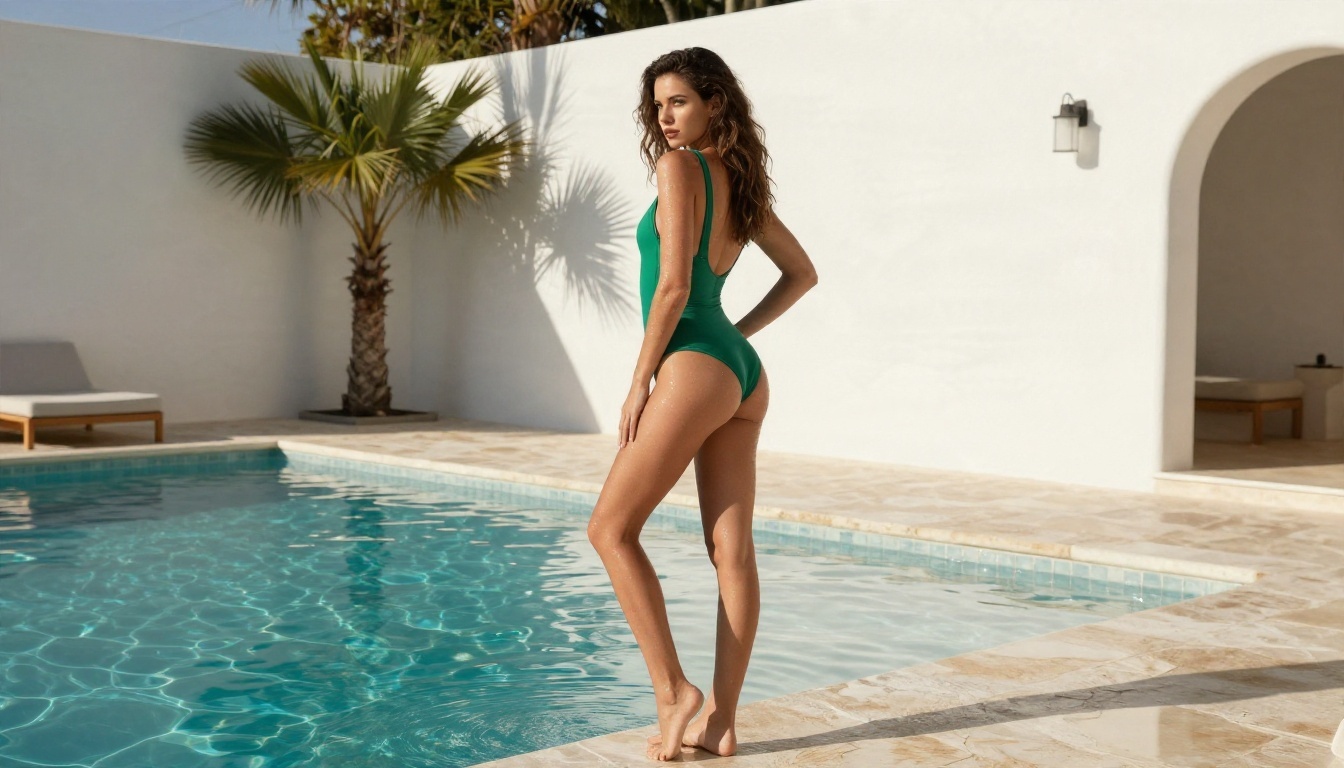
For adult-leaning and glamour work, start with Seedream 4.5. It produces sharp, photoreal skin, fabric, and water, and it handles swimwear and boudoir scenes without the false refusals that stricter tools throw. A strong first frame should have a clear subject, readable light direction, and room for the subject to move. A pool edge, a balcony railing, or a beach all give the camera something to do.
Generate a few options at the aspect ratio you plan to use for the video, then pick the one with the cleanest hands and face. Those two areas are where motion exposes mistakes.
Image Editor Pro for Fixes
When the frame is almost right, do not regenerate from scratch. Open PicassoIA Image Editor Pro and fix it with a text prompt. It is unlimited, so you can run as many edits as you need, and most finish in a few seconds. You can swap an outfit color, clean up a background, or remove a stray object. It also accepts up to three reference images, which helps when you want to keep a face consistent between edits.
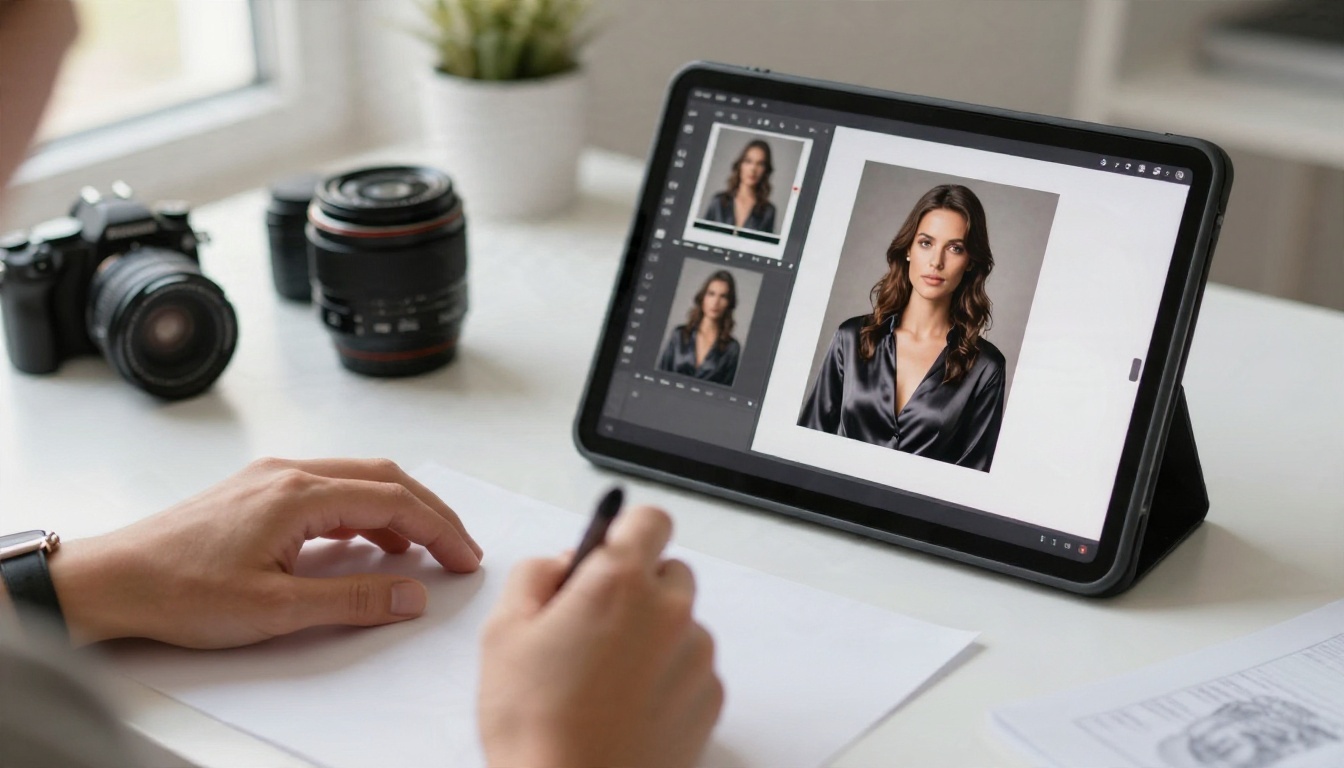
💡 Tip: Fix problems in the still, not in the video. An edit takes seconds and costs nothing on an unlimited plan. A video retry takes minutes.
Alternatives That Work Today
If Seedance 2.5 is not the right fit, whether because of clip length, speed, or budget, these options on PicassoIA are worth trying. Each one is linked so you can open it in a click.
Seedance 2.5 Lite for Volume
Seedance 2.5 Lite is the best pick when you want to iterate without watching a counter. It outputs 5 or 10 seconds at 480p or 720p, supports text-to-video and image-to-video, and includes synchronized audio by default. Elite and Infinite members run it with no per-clip cost. Use it to test ten prompt variations, then move the winning idea to the full model for a longer cut.
Seedance 2.0 Mini and LTX 2.5 Fast
Two more models fill different gaps:
- Seedance 2.0 Mini offers text-to-video with native audio in a smaller, quicker package. It suits short social clips.
- LTX 2.5 Fast is built for speed. Pick it when you want a rough motion draft in seconds before committing to a slower render.
Here is how the four compare at a glance:
Start Creating Your Own Clips
You do not need to chase a leaked "uncensored" build or hand a payment card to a site you have never heard of. The shortest path is this: generate a sharp first frame with Seedream 4.5, polish it with PicassoIA Image Editor Pro, then animate it in Seedance 2.5 or Seedance 2.5 Lite.
Start small. Write one prompt, render one 5-second clip at 480p, and see how the model reads your wording. Then raise the resolution, add reference images, and push the duration. Every clip you make teaches you which verbs and camera moves the model follows.
Ready to make your own? Open PicassoIA, pick a model, and run your first prompt today. When you want to try more, browse the full catalog at picassoia.com/en/all-models.


