Everyone searching for Seedance 2.5 Spicy wants the same thing: the motion quality of ByteDance's newest video model, without a filter that panics at a silk robe or a swimsuit. The name sounds official. It is not quite that simple, and the details change what you should pay for, what you should write in a prompt, and where you should spend your time. This article sorts out the facts, gives you prompt formulas you can paste today, lays out the free and paid routes, and points you to alternatives that you can run right now.
💡 Quick answer: Seedance 2.5 Spicy is a relaxed-moderation variant offered through third-party API marketplaces, and it has no confirmed page on ByteDance's official Seedance 2.5 site. It is not on PicassoIA. For similar results today, use Seedream 4.5 for first frames and Seedance 2.5 Lite or Seedance 2.5 for motion.
What Seedance 2.5 Spicy Actually Is

The relaxed-moderation idea
The standard Seedance 2.5 model, built by ByteDance, produces video with native audio and handles long clips of up to 30 seconds in a single generation. Like most mainstream video models, it runs a content-safety layer that refuses or softens a lot of prompts involving bodies, lingerie, or intimate settings.
"Spicy" is the label some third-party platforms use for a variant with that layer loosened. Listings describe it as bolder, with higher contrast and more willingness to render mature themes such as swimwear, boudoir lighting, and sensual movement. Think of it as a different policy setting on a familiar engine, not a new engine.
Where it stands today
Here is what I could confirm, written plainly, because the sources disagree on several points:
- Origin: The Spicy name appears on API marketplace pages such as MuAPI, and one documentation site, Sogni, says the uncensored version is also called Seedance 2.5 Spicy.
- Official status: I found no Spicy listing on ByteDance's own Seedance 2.5 pages, and no independent benchmarks.
- Availability: One marketplace page says the variant is "launching soon" while others show live endpoints for text-to-video and image-to-video.
- Specs: Clip length is listed at up to 16 seconds on the marketplace, which is shorter than the 30 seconds ByteDance states for the base model. Resolution claims range from 1080p to 4K depending on who you ask.
So treat any Spicy spec sheet as a seller's claim, not a manufacturer's promise.
⚠️ Heads up: Seedance 2.5 Spicy has no PicassoIA page, and you cannot run it on PicassoIA. Later in this article you will find the models that you can run, each with a link.
Prompts That Work

A simple prompt formula
Video models reward prompts that read like a shot list, not a mood board. Use this order:
- Subject and starting pose: who is in frame and what they are doing at second zero.
- Motion over time: what changes across the clip, in sequence.
- Camera move: dolly, pan, orbit, handheld drift, or locked off.
- Light and atmosphere: direction, color temperature, time of day.
- Sound cue: a short phrase for ambient audio, since Seedance generates sound natively.
Short and specific beats long and vague. A 40 to 70 word prompt usually gives the model enough to work with without fighting itself.
Seven prompts to paste
All of these are suggestive and non-explicit, which also happens to be what keeps outputs sharp on most platforms.
| # | Scene | Prompt |
|---|
| 1 | Hotel window | A woman in a black silk slip dress stands by a tall window at golden hour, then slowly turns toward the camera and brushes a curtain aside. Slow dolly-in, warm side light, soft city hum. |
| 2 | Poolside | A woman in a navy swimsuit sits up on a white lounger, pushes sunglasses into her hair, and smiles. Aerial pull-back, bright morning sun, water lapping. |
| 3 | Satin robe | A woman in a champagne satin robe sits on the edge of a bed, exhales, and looks toward bright morning light. Gentle push-in, diffused window light, quiet room tone. |
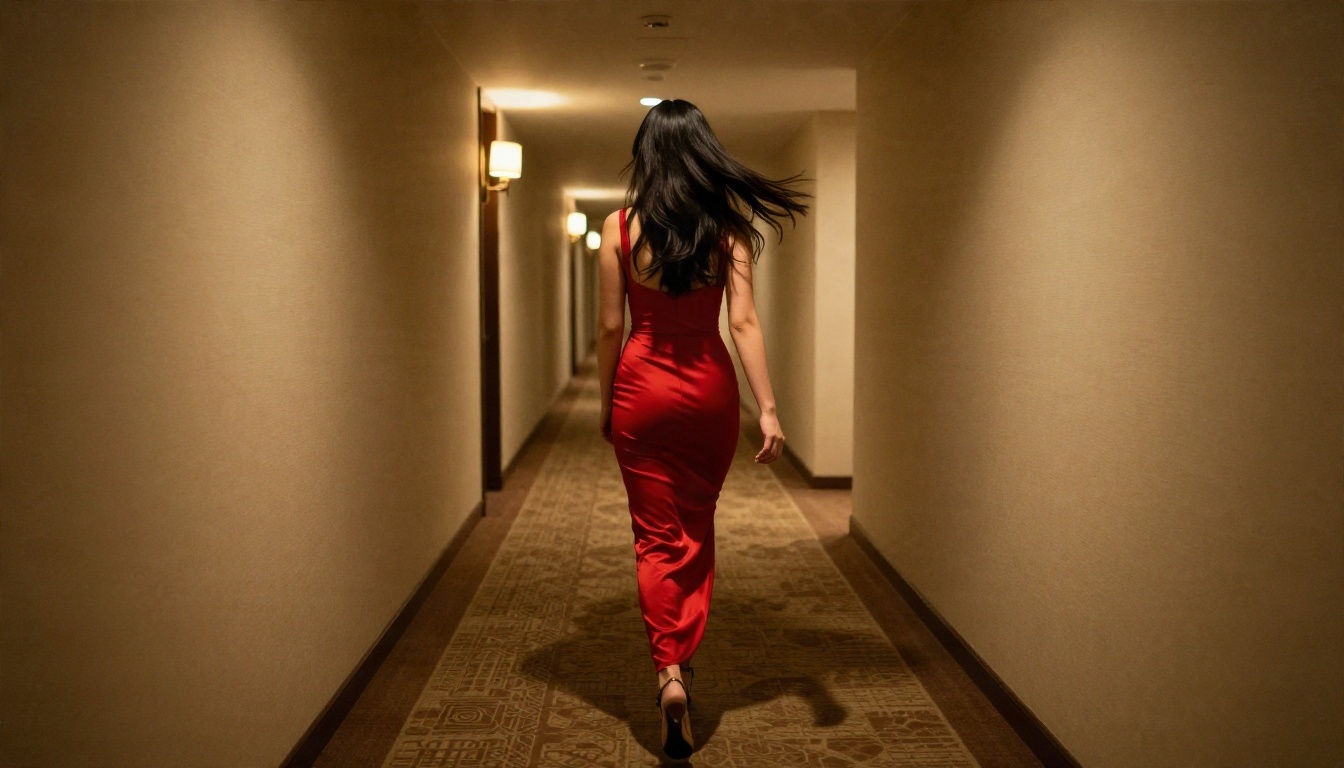
| 4 | Corridor walk | A woman in a red evening dress walks away down a hotel corridor, hair swaying. Low-angle tracking shot, tungsten sconces, soft footsteps on carpet. |
| 5 | Sailboat sunrise | A woman in a linen shirt over a white bikini steadies herself on the rigging as the boat rocks. Slow orbit, pink horizon, wind and creaking rope. |
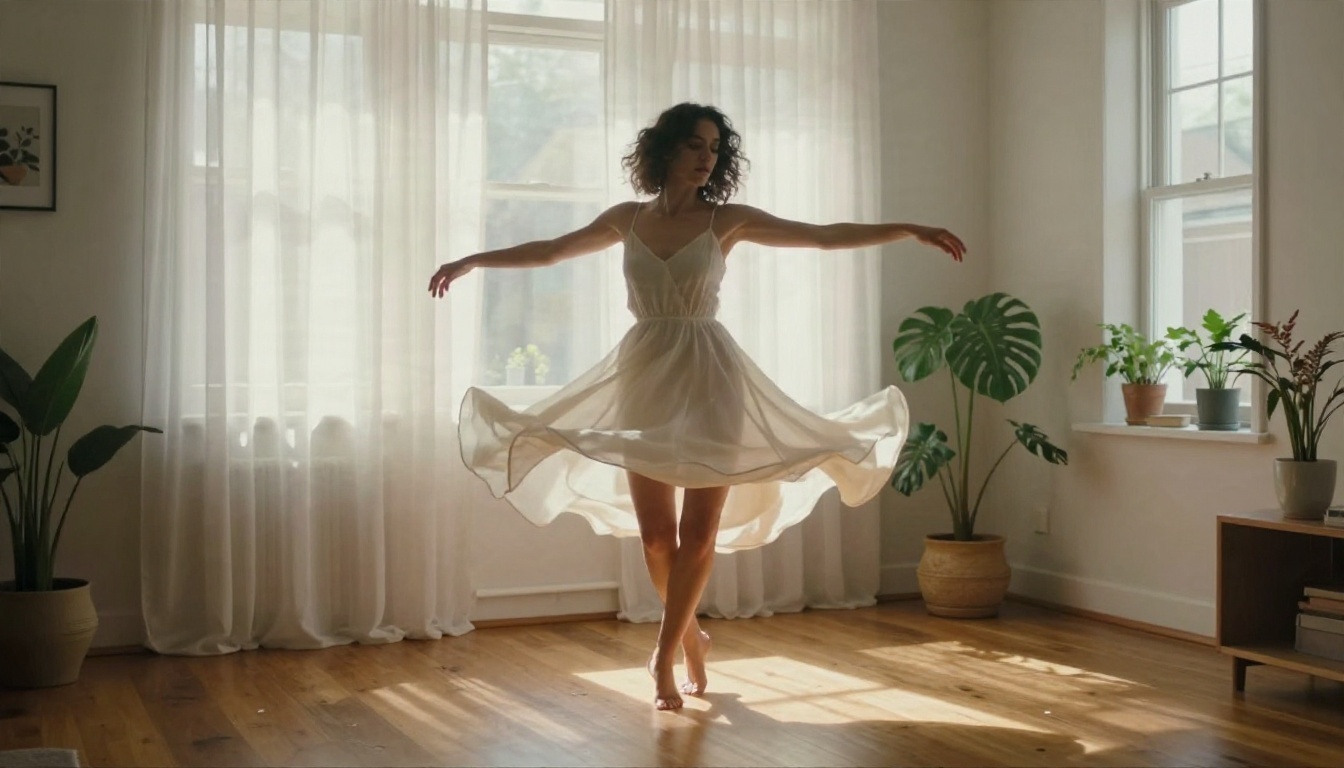
| 6 | Dancing | A woman in an ivory slip dress spins in a sunlit apartment as sheer curtains billow. Handheld drift, strong backlight, soft music from a distant speaker. |
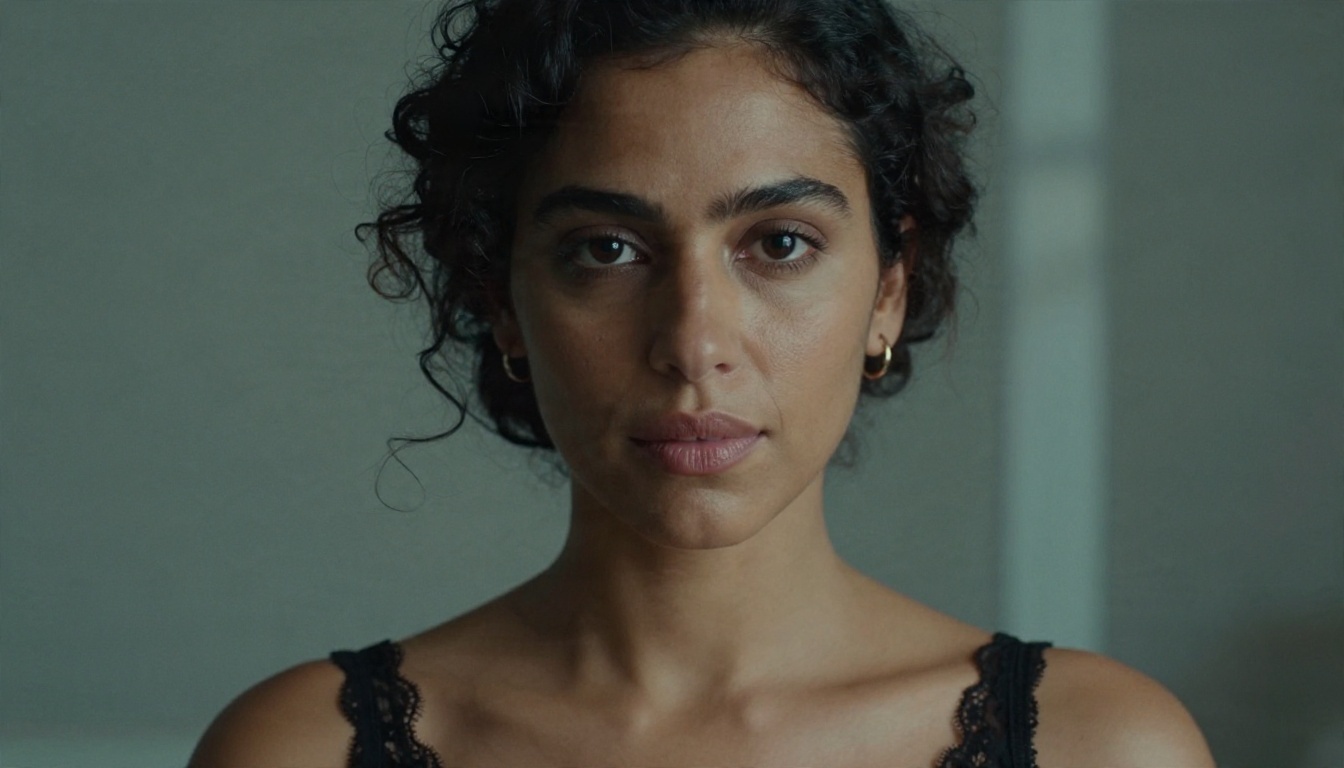
| 7 | Portrait | A close-up of a woman with curly hair and gold earrings who holds the lens with a calm gaze, then gives a slow half smile. Locked off, soft window light. |
Camera moves that behave
Some moves give cleaner results than others, especially on a short clip:
- Slow dolly-in: the safest option. Faces stay stable and the motion feels expensive.
- Orbit: works best at a quarter turn or less. Full circles tend to warp hands and hair.
- Tracking from behind: hides facial drift and is great for walking shots.
- Handheld drift: adds realism but increases flicker on fine fabric patterns.
- Whip pans and fast zooms: avoid them. They break limbs and fabrics.
💡 Tip: Put the camera instruction in its own sentence. When it is buried in the middle of a scene description, models often ignore it.
Free Options and Real Costs

Free tiers and trials
Searching for "Seedance 2.5 Spicy free" brings up a lot of noise. Here is the honest picture:
- Marketplace trials: some API platforms give a small starting credit. It disappears after a handful of clips, and the Spicy tier may be excluded from it.
- Mobile and web apps: a few apps wrap the model and advertise free generations, usually with watermarks, queues, or daily caps.
- Anything claiming "unlimited free Spicy": be skeptical. Rendering video costs real compute, so unlimited and uncensored together should make you look closely at the terms, the data policy, and what the site does with your uploads.
What paid access costs
Based on the marketplace listings I found, the Spicy tier is priced about 10 percent above the standard tier. The per-second rates quoted were roughly these:
| Resolution | Listed price per second | A 10 second clip |
|---|
| 480p | $0.187 | about $1.87 |
| 720p | $0.374 | about $3.74 |
| 1080p | $0.935 | about $9.35 |
Those numbers add up fast. Ten test clips at 1080p to find one good shot is close to $100. Prices from resellers also change without notice, so check the current rate before you load credit.
Limits You Will Hit

Length, resolution and consistency
- Clip length: short. Listings quote up to 16 seconds for Spicy, and you will often get better results from 5 to 8.
- Resolution: claims of 4K conflict with documentation that says the model tops out at 1080p. Plan around 1080p and treat anything above it as a bonus.
- Identity drift: faces and outfits shift when the camera turns far from the starting frame. An image-to-video workflow with a strong first frame reduces this a lot.
- Hands and fabric: fingers, lace patterns, and fine jewelry are the first things to glitch.
- Audio: native sound is convenient, but ambient audio can be generic. Plan to replace it if the clip matters.
Rules that no tier removes
A relaxed filter does not change the rules that matter. Use only fictional adult characters or your own likeness with your own consent. Never generate a real person without their permission, and never generate anyone who looks underage. Responsible platforms enforce these limits regardless of how loose the rest of the policy is, and you should too.
Alternatives You Can Use Today
Seedance 2.5 Spicy is not on PicassoIA yet; for similar results today, these four models are. For a suggestive, non-explicit look, the best workflow is simple: build a beautiful first frame as an image, refine it, then animate it.
Seedream 4.5 for first frames
Seedream 4.5 is where I would start. It produces sharp 4K stills with realistic skin texture and believable fabric, which is exactly what an image-to-video model needs as a starting point. A strong first frame fixes the face, outfit, and lighting before any motion happens, so you waste fewer video generations on drift.
PicassoIA Image Editor Pro
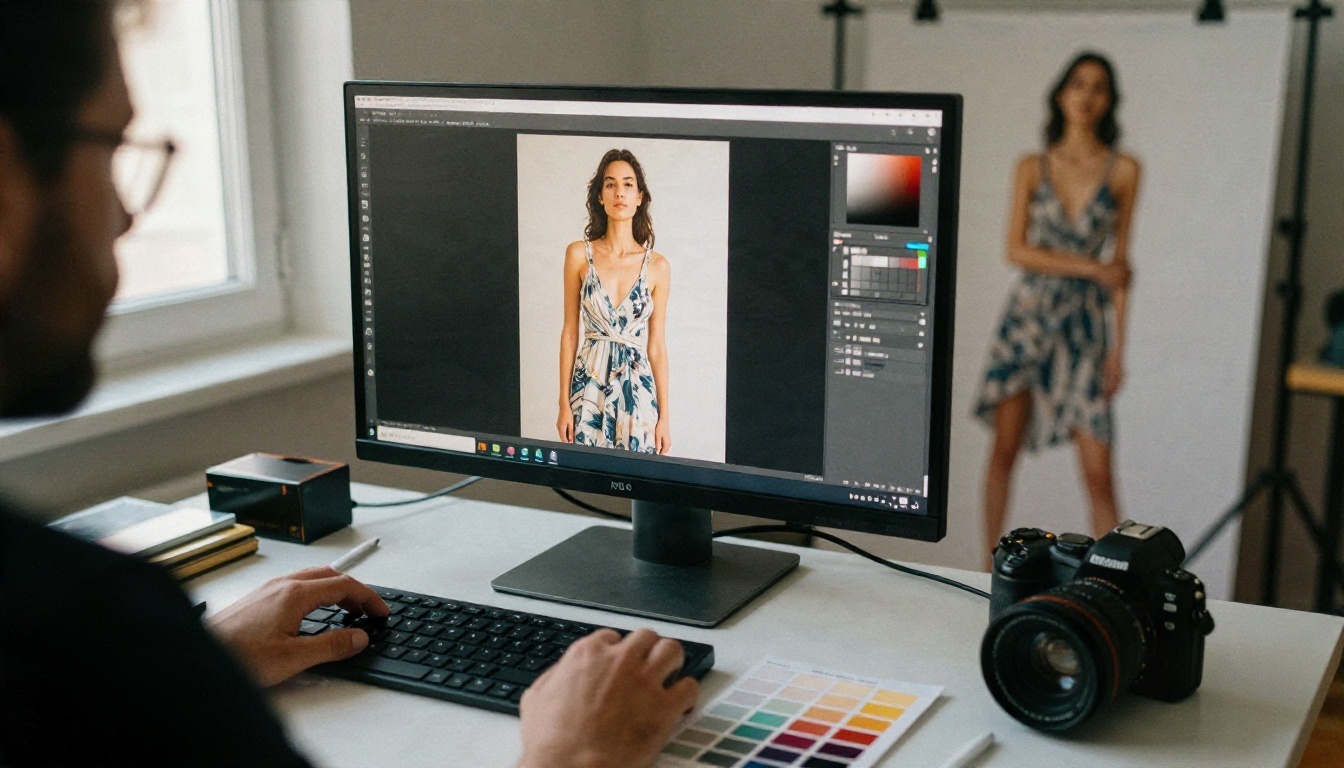
PicassoIA Image Editor Pro comes second in the workflow, and its big advantage is unlimited generations. Use it to fix a hand, change an outfit, swap a background, or soften a harsh highlight on your first frame. When you can iterate without watching a credit counter, your final frame ends up much better.
Seedance 2.5 Lite for free motion
Seedance 2.5 Lite is a free and unlimited video generator for clips up to 10 seconds. It is the closest match to the zero-cost experimentation people hope to find when they search for free Spicy options. It is a mainstream model, so write tasteful, suggestive prompts and expect some filtering on anything bolder.
Seedance 2.5 for longer clips
Seedance 2.5 is the full model, listed for videos up to 30 seconds. Choose it when a scene needs room to breathe: a slow walk, a long orbit, or a single take that lasts. The same prompt formula applies, and the same moderation caution applies too.
How to Get Similar Results on PicassoIA
The workflow below uses Seedance 2.5 Lite for motion, with Seedream 4.5 and Image Editor Pro building the frame first.
Step 1: Build the first frame
Open Seedream 4.5 and write a photographic prompt. Name the subject, the outfit, the room, the light direction, and a lens such as "85mm f/1.8". Ask for natural skin texture and film grain. Generate a few options and pick the one with the cleanest hands and face.
Step 2: Polish it
Send your favorite frame to PicassoIA Image Editor Pro. Fix any odd fingers, clean the background, and correct color. Because generations are unlimited, do not settle for a frame that is almost right.
Step 3: Animate with Seedance 2.5 Lite
Open Seedance 2.5 Lite, upload your polished frame as the starting image, and write a motion prompt using the formula above. Describe what moves, in order, then give one camera instruction.

Parameter tips
- Duration: start with 5 seconds. Extend only when the first take is stable.
- Motion strength: keep it modest. Subtle movement looks more expensive than dramatic movement.
- Prompt length: 40 to 70 words, one camera move, one lighting setup.
- Iterate in small steps: change one variable per run, so you know what caused the improvement.
- Longer shots: if the scene needs more than 10 seconds, move the same frame and prompt to Seedance 2.5.
Mistakes to Avoid
- Paying before testing. Run your prompt on a free model first. If the motion idea does not work there, it will not work better at $0.37 a second.
- Writing from text only. Text-to-video gives the model too much freedom. A first frame locks identity and style.
- Stacking camera moves. "Orbit while zooming and tilting" produces mush. Pick one move.
- Overlong prompts. Past 100 words, models begin to drop details instead of adding them.
- Trusting spec sheets. Resolution and duration claims from resellers varied across the pages I found. Test a short clip before you commit to a plan.
- Ignoring consent. Using someone's face without permission is the fastest way to lose an account, and it is simply wrong.
💡 Rule of thumb: If you would not want to explain a clip to the person in it, do not make it.
Try It Yourself on Picasso IA
You do not need a Spicy label to get striking, sensual-but-tasteful video. You need a strong first frame, a clean prompt, and room to iterate. Start with Seedream 4.5, refine with the unlimited PicassoIA Image Editor Pro, then bring the frame to life with Seedance 2.5 Lite or the longer Seedance 2.5.
Pick one of the seven prompts above, change the outfit and the room, and run it today. When you want to see everything else you can pair with it, browse the full catalog at picassoia.com/en/all-models and build your own look.


