You typed a perfectly reasonable prompt for a glamour clip, hit generate, and got a refusal. Or worse, you got a flat, over-cautious video that looks nothing like what you pictured. That is the everyday experience of using Seedance 2 for anything adult-leaning, and it explains why "Seedance 2 NSFW" is such a busy search. People want to know three things: what the model will actually render, whether a free route exists, and where the hard walls are.
This article answers all three in plain terms. It also gives you prompt wording that works for suggestive, tasteful footage (swimwear, boudoir, glamour), plus real examples of the visual style that tends to pass, and a practical plan for when the filter blocks you. Everything here stays on the non-explicit side, because that is where the model, and most platforms, draw the line.
💡 Quick answer: Seedance 2 is built with content filtering inside the model itself, so it behaves much the same on every platform that offers it. Suggestive swimwear and boudoir styling can pass. Explicit nudity and sexual acts do not, and no prompt trick reliably changes that.
What Seedance 2 Actually Allows
The Filter Sits Inside the Model
Seedance 2 is ByteDance's video model with native audio, and the research I found points in one direction: the moderation is not just a wrapper added by one website. Reports describe the filtering as part of the model itself, which means a third-party host inherits the same restrictions. There is no public "uncensored" switch. Even vendors that advertise looser access admit that fully nude and illegal content stays off the table, and that some edgy prompts still get refused.
I could not find an official ByteDance policy page spelling out every rule, so treat the exact boundary as something you test, not something you read once. Platforms also reportedly differ in region and tier, and the model's rollout has been uneven across countries.
💡 A note on availability: Seedance 2 is not on PicassoIA yet. Later in this article you will find alternatives that are, each linked, so you are not left guessing.
What Passes and What Gets Blocked
From the reports and the pattern of results, the line looks roughly like this:
| Content type | Typical result | Notes |
|---|
| Bikini and swimwear scenes | Usually passes | Beach, pool, resort settings work best |
| Lingerie and boudoir styling | Mixed | Passes more often with soft, editorial wording |
| Implied intimacy (a look, a pose) | Mixed | Depends on phrasing and camera framing |
| Fully nude bodies | Blocked | Both prompt and output are checked |
| Sexual acts | Blocked | No reliable workaround |
| Real people's likeness | Blocked or restricted | Celebrity and private-person faces trigger extra checks |
| Anything involving minors | Blocked, always | Absolute limit everywhere |
The pattern matters more than any single row. The filter checks your text before generation and the frames after. A clean prompt can still produce a flagged output, and a slightly spicy prompt can still come back clean. That randomness is why people think they have found a "trick" when they have only had a lucky run.
Prompts That Pass the Filter
The Four-Part Prompt Formula
Video prompts behave differently from image prompts. You are describing motion over time, not a single frame. The structure that gives the most consistent results has four parts:
- Subject and wardrobe. Who is in the shot and what they are wearing, in plain, non-clinical words ("a woman in a black satin slip dress").
- Setting and light. Where it happens and how it is lit ("loft apartment, window light from the left").
- Motion. What changes over the clip ("she turns her head slowly and smiles").
- Camera. How the camera moves ("slow push-in, shallow depth of field").
Keep the motion small. Hair moving in a breeze, a slow turn, a hand brushing a curtain. Big, fast, physical action gives the model more room to drift into territory the filter dislikes, and it also tends to warp bodies.
Ten Prompt Examples to Adapt
Use these as starting points and swap in your own setting and wardrobe. Every one of them is written to stay on the suggestive, editorial side.
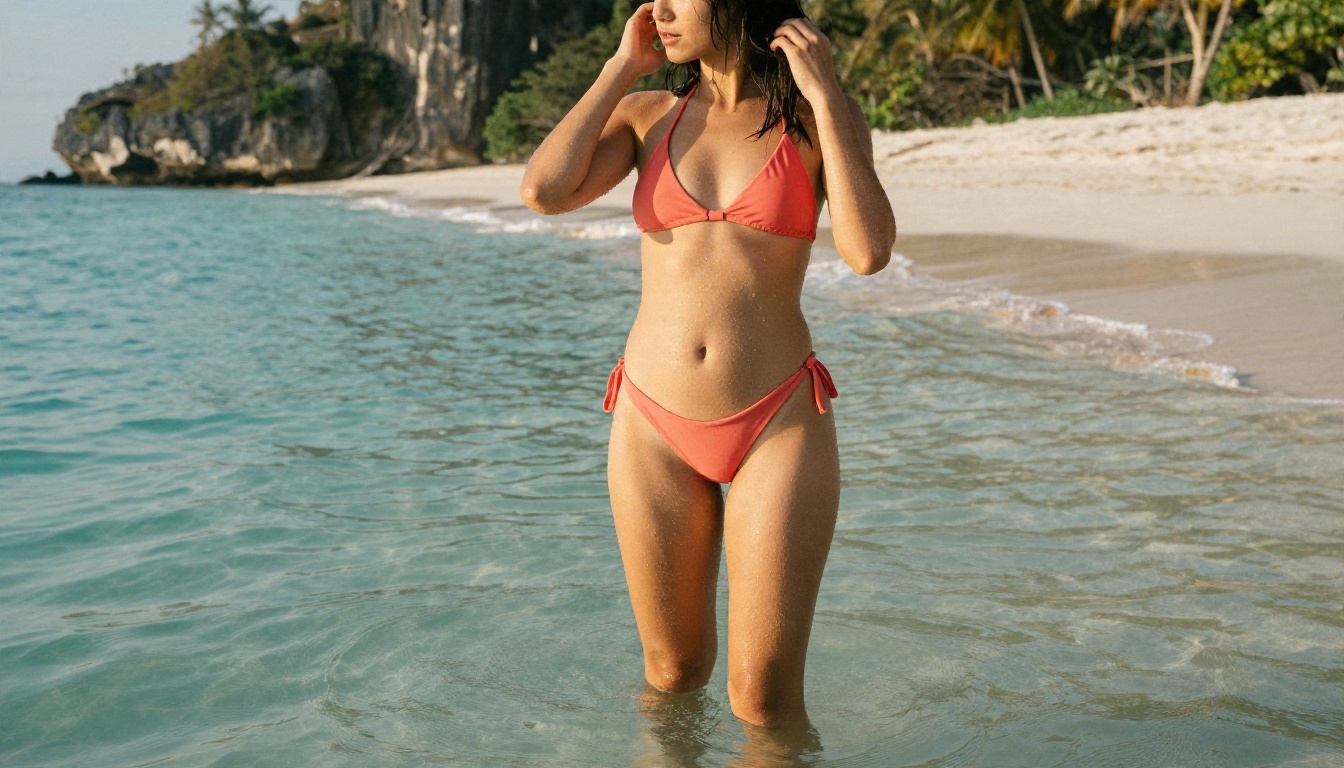
- A woman in a coral bikini walks out of shallow turquoise water at golden hour, pushing wet hair back, handheld camera, warm rim light.
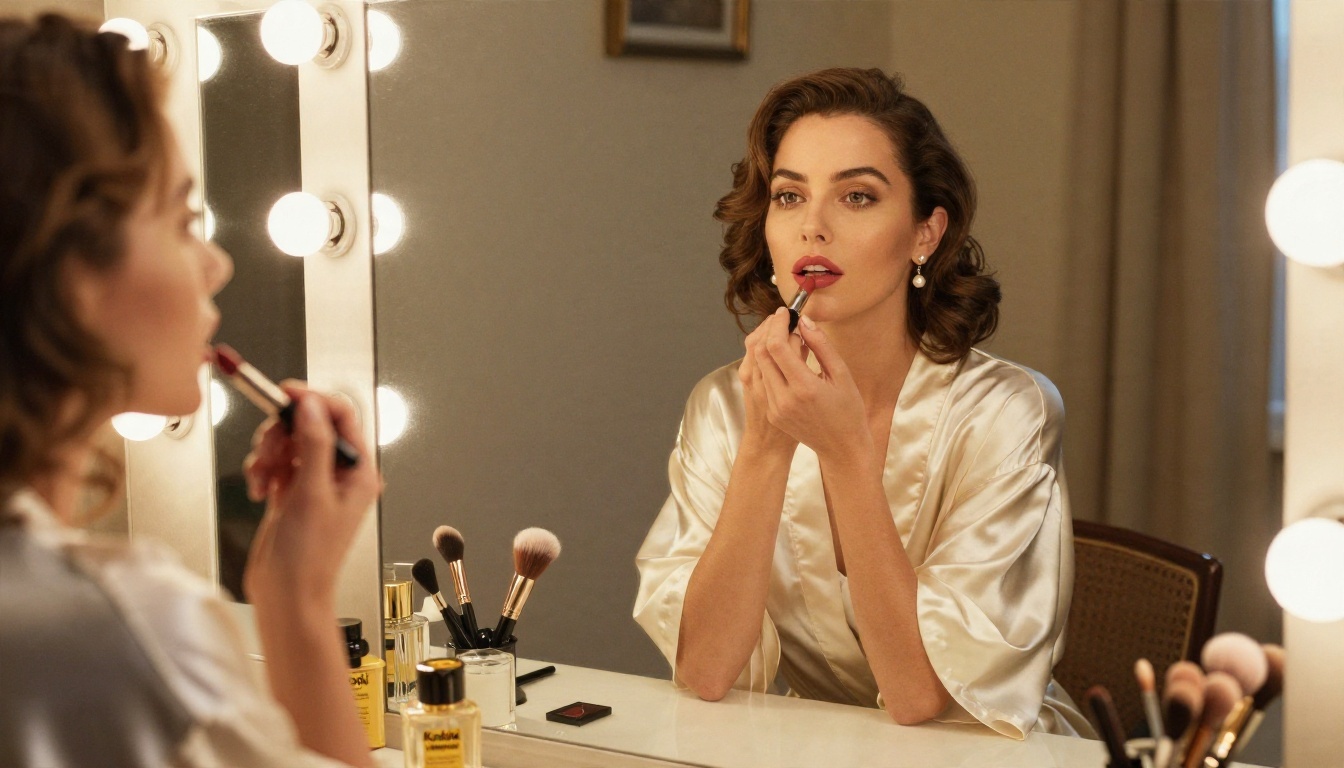
- A woman in a cream silk robe sits at a vintage vanity and applies lipstick, glancing at the mirror, slow push-in, tungsten bulbs and window light.
- A woman in a white one-piece swimsuit floats on her back in an infinity pool, ripples spreading, slow overhead drift, bright midday sun.
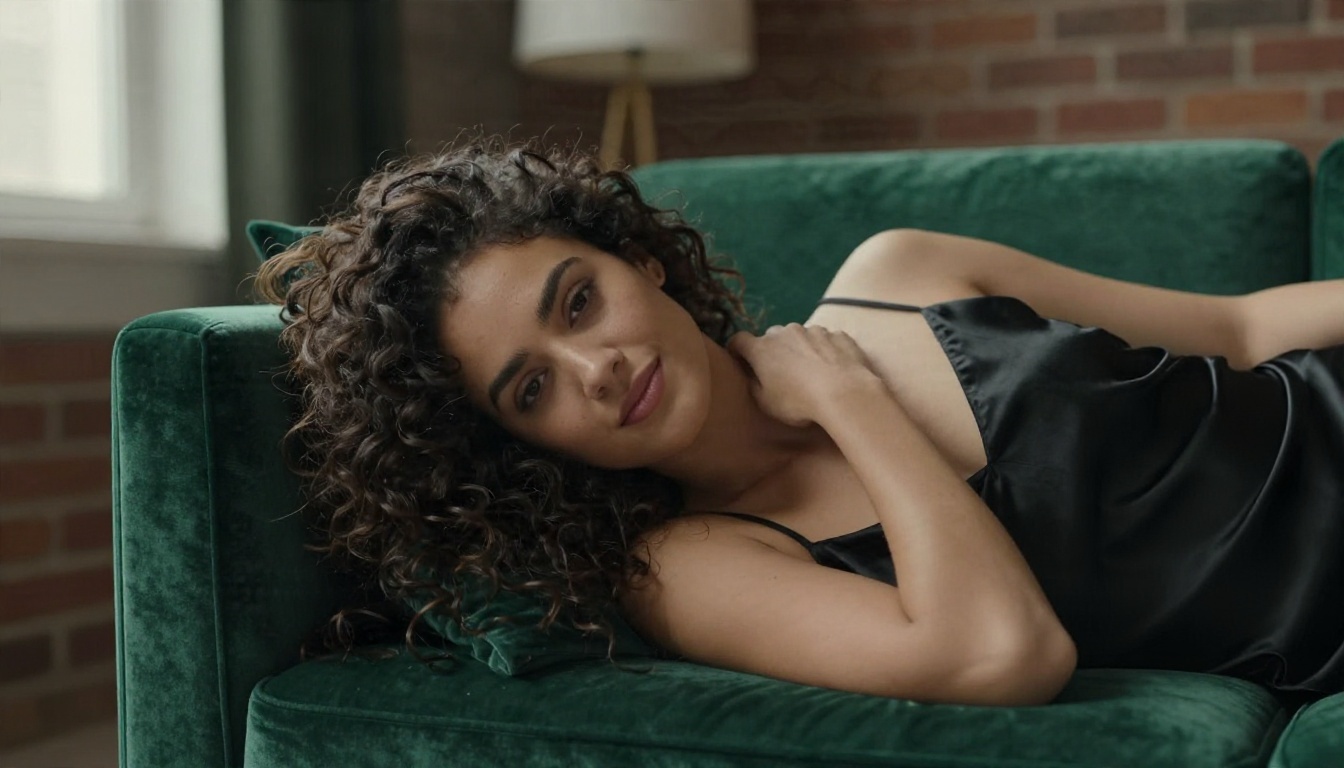
- A woman in a black slip dress lies on a velvet sofa, turns toward the camera with a soft smile, shallow depth of field, low warm lamp light.
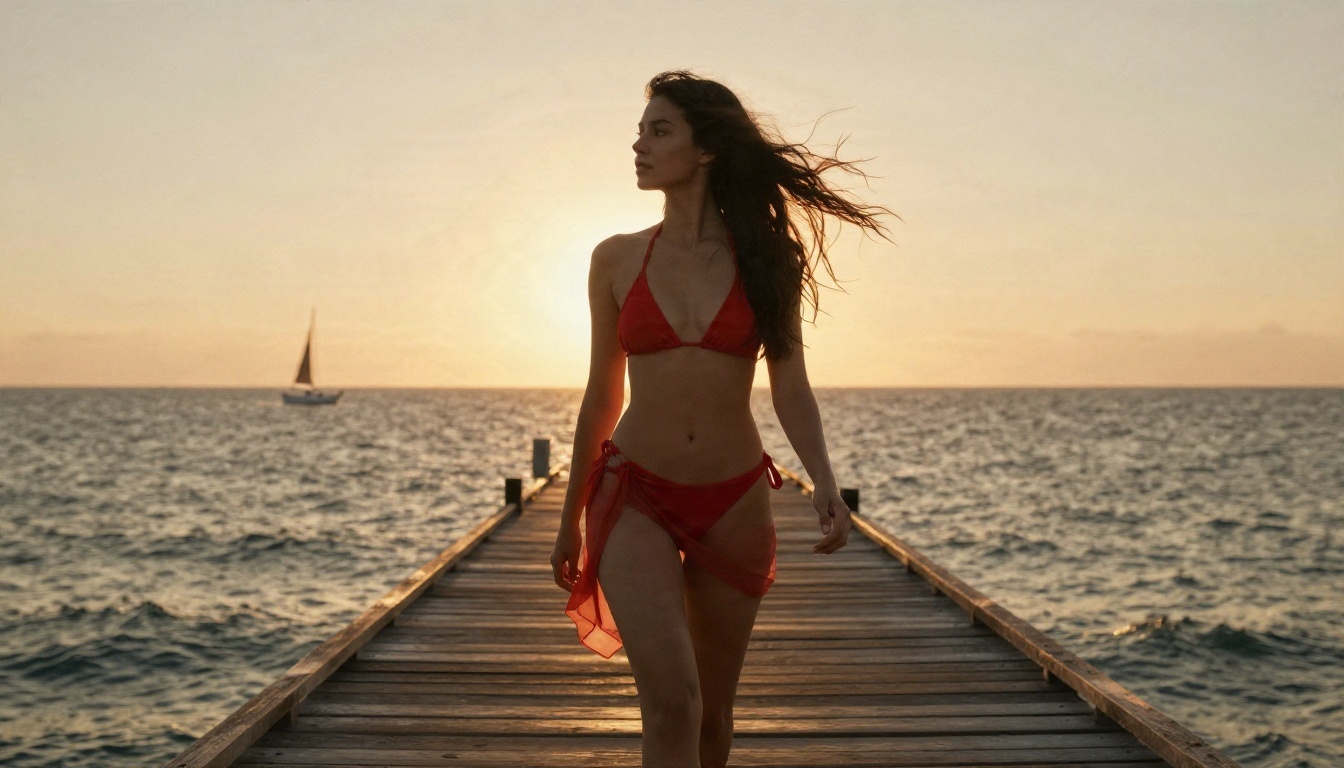
- A woman in a red halter bikini and sheer sarong walks along a wooden pier at sunset, wind lifting her hair, slow tracking shot from behind.
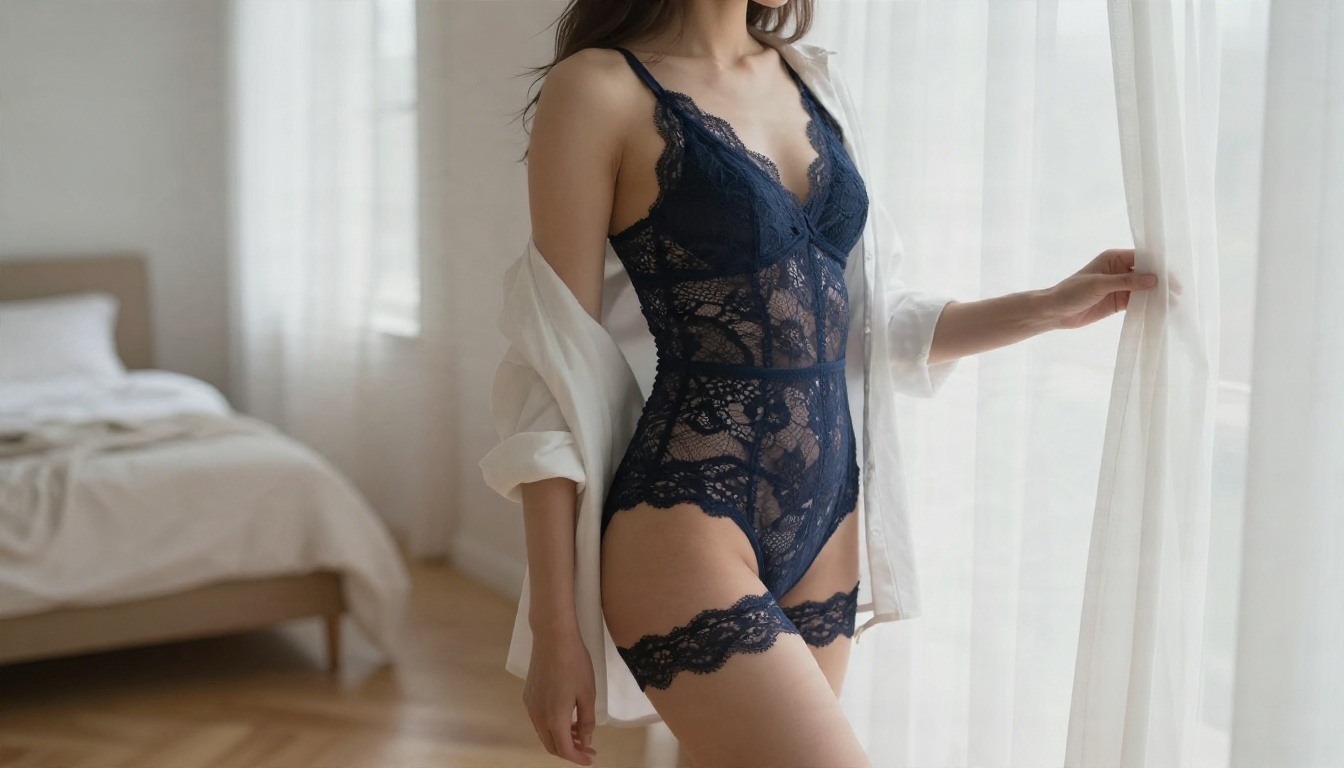
- A woman in a navy lace bodysuit and open white shirt stands at a tall window, touching the curtain as it moves, morning haze, locked-off camera.
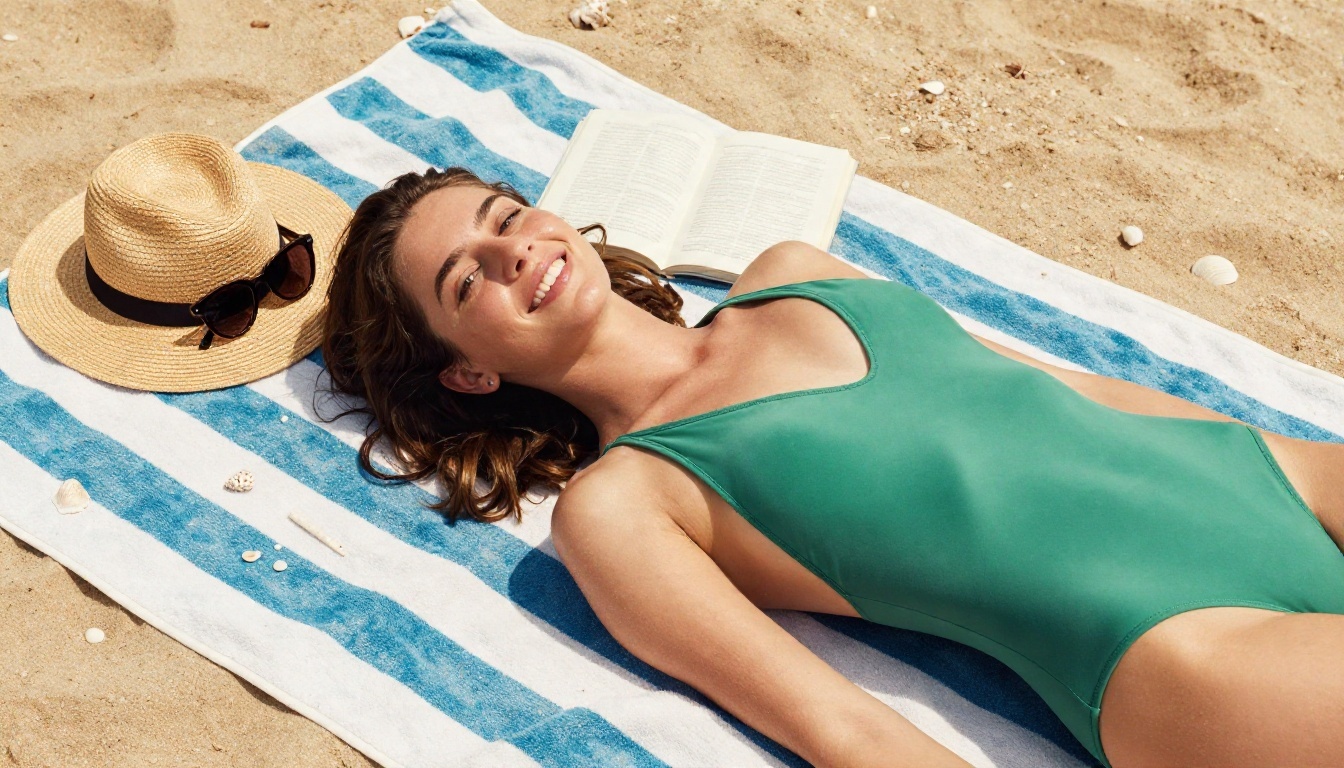
- A woman in a green swimsuit laughs on a striped towel on the sand, turning toward the lens, high-angle slow orbit, natural sunlight.
- A woman in an off-the-shoulder silk robe pours coffee in a bright hotel suite, steam rising, gentle dolly-in.
- A woman in a linen shirt and swimwear steps onto a balcony at dawn, sea breeze moving the curtains, wide shot slowly tightening.
- A woman in an evening gown with a low back adjusts an earring at a mirror, soft flash of warm light, slow side-tracking move.
💡 Pro tip: Add a lens and a film look to the end of your prompt, such as "85mm, shallow depth of field, Kodak Portra 400 grain." It nudges the output toward photographic realism and away from the plastic, over-smoothed look that screams AI.
Words That Trigger Blocks
Some wording sets off the filter even in an otherwise harmless prompt. Anything anatomical, anything that names an explicit act, and anything that sexualizes age ("teen", "schoolgirl", "young") will get refused, and repeating attempts with synonyms can flag your account on some platforms. Name brands of real people are another trap, since likeness checks run separately from the nudity checks.
A better habit is to describe mood and styling instead of body parts. "Confident, relaxed, sun-warmed" does more for an attractive shot than any blunt term, and it keeps you inside the lines.
Examples of the Style That Works
Swimwear and Beach Scenes
Resort and beach settings are the safest ground. The context explains the wardrobe, the light is flattering without effort, and there is built-in motion: water, wind, waves. If you are testing a new prompt, start here, because a refusal on a beach prompt tells you the platform is stricter than usual.
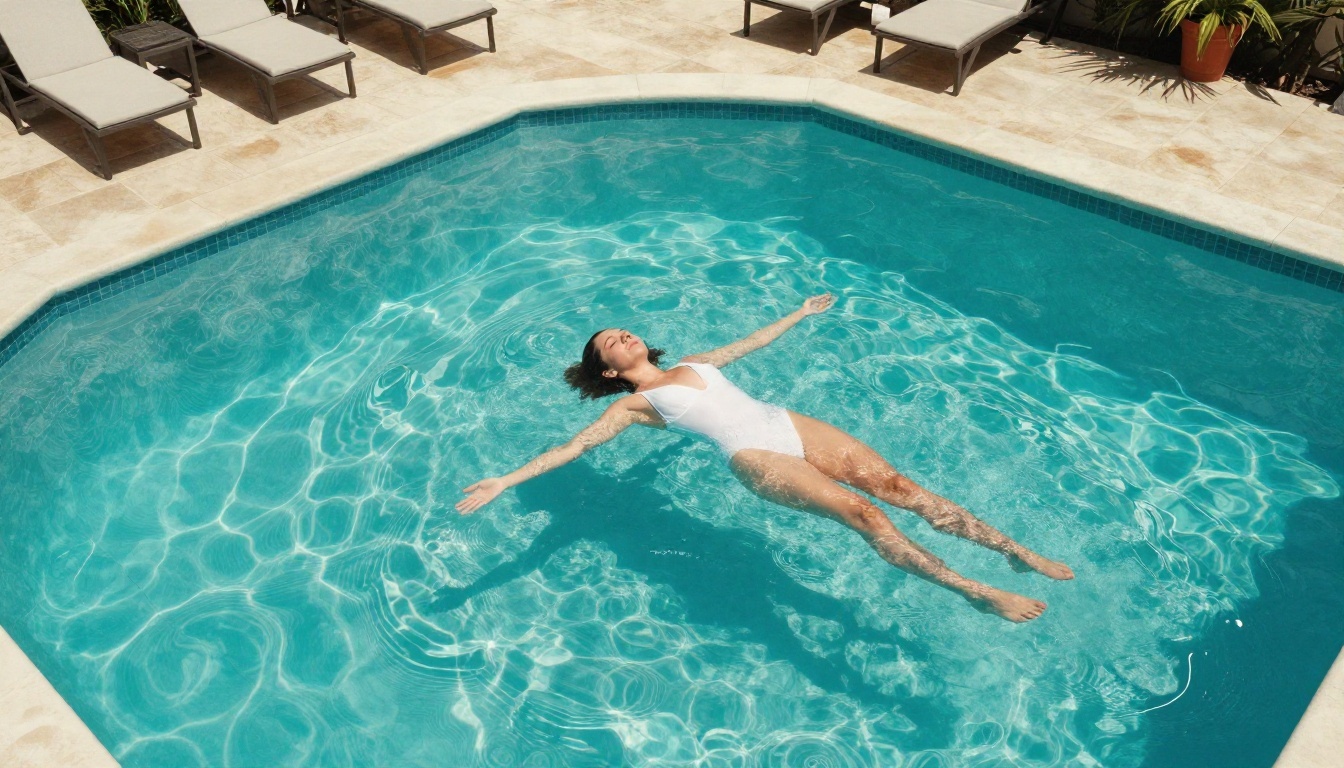
Camera height changes everything. An overhead shot like the pool image above reads as editorial and playful. A low angle makes the subject look powerful and glossy. A close portrait feels intimate without showing anything explicit. Vary the angle on every attempt, since each one gives the model a different composition to resolve.
Boudoir and Lingerie Portraits
This is the gray zone. Lingerie and bodysuits sometimes pass and sometimes do not, even with identical wording. What helps is an editorial frame: a window, a robe, a mirror, natural light, a slow camera. What hurts is a bedroom setup with no story and a pose that could only mean one thing.
Sunset and Travel Glamour
Golden hour does a lot of the work for you. Backlit hair, warm skin tones, a calm sea. These clips look expensive and rarely trip filters because nothing about the scene is ambiguous.
Free Options and What They Really Give You
What "Free" Really Means
Searching for a free route turns up a lot of confident claims, and most of them come from vendors selling access. Here is what the pattern looks like once you strip out the marketing:
- Free tiers usually run the same safe-mode filter you would find on any mainstream tool, often with watermarks, short clips or daily caps.
- Paid tiers are where "unrestricted mode" claims appear, and even those keep hard limits on explicit and illegal material.
- Business access is a separate channel, described as limited to eligible customers.
One source even lists the model's own maker as not allowing NSFW through its direct service, which sits awkwardly next to other pages promising free adult generation. When two vendors contradict each other, believe the one that is not selling you something.
How to Test Without Wasting Credits
Free credits run out fast, so spend them like a scientist:
- Run one safe baseline prompt first (a beach scene). If it works, the platform is healthy.
- Change one variable at a time: wardrobe, then setting, then camera move.
- Log what was blocked and what passed in a note. After ten runs you will know the boundary better than any forum thread.
- Stop when you see repeated refusals. Retrying the same blocked idea burns credits and, on some services, raises flags.
💡 Keep expectations honest: If a site promises "no filter, no limits, free forever," treat it as a red flag. Real compute costs money, and real hosts of this model inherit its restrictions.
Content Limits No Workaround Removes
Hard Limits
Some lines do not move, whatever the platform and whatever the price:
- Anything involving minors, or anyone who could be read as one.
- Explicit sexual acts and fully nude bodies.
- Real people's likeness without consent, including celebrities.
- Non-consensual or violent sexual content.
These are not just model settings. Hosting platforms carry legal duties, and payment processors enforce them too.
Why Workarounds Backfire
Prompt tricks circulate constantly: misspellings, coded words, splitting a request across steps. They are unreliable for a simple reason. The moderation runs on the output frames too, so a clever prompt only delays the block. Worse, a clip that slips through once can be removed later, and accounts that probe the filter repeatedly sometimes get restricted.
Consent and Likeness
If your clip features a real person, you need their permission, full stop. Using a photo of someone to make suggestive video without their agreement causes real harm and breaks the rules of nearly every platform. Stick to fictional, generated subjects. They are safer for you and fairer to everyone else.
Seedance 2 Is Not on PicassoIA Yet
Seedance 2 has no page on PicassoIA, so there is nothing to link to by that name, and I will not pretend otherwise. There are related models from the same family on the platform, but they are different models with their own behavior: Seedance 2.5, Seedance 2.5 Lite (listed as a free, unlimited generator for clips up to 10 seconds) and Seedance 2.0 Mini. Check each model's page for its current rules before you build a plan around it.
For adult-leaning, tasteful visuals today, these are the tools to try, in this order:
The big advantage of this route is room to work. You can run many more attempts, you do not burn paid video credits on a refusal, and you can refine a still until it is exactly right before you decide whether it needs motion. Once you have a frame you love, you can animate it with a video model such as Wan 2.6 I2V or Kling v3 Video, checking each model's page for its content rules.
How to Get Similar Results on PicassoIA
The fastest route to polished, attractive imagery is Seedream 4.5. Here is the workflow, step by step.
Step 1: Write a Photographic Prompt
Open the Seedream 4.5 page and describe the shot like a photographer would: subject, wardrobe, setting, light direction, lens. For example: "A woman in a coral bikini standing ankle-deep in turquoise water, golden hour sunlight from camera right, 35mm lens, shallow depth of field, Kodak Portra 400 film grain, natural skin texture."
Step 2: Set the Frame
Choose a 16:9 ratio for video-style framing, or a vertical ratio for social feeds. Keep a single subject per image. Crowded scenes make faces and hands less reliable.
Step 3: Generate and Compare
Run three or four variations. Change only one thing at a time, such as the camera angle or the light, so you can see what each change does. This is the same discipline that saves credits on video tools.
Step 4: Refine in Image Editor Pro
Send your best frame to PicassoIA Image Editor Pro. Because generations are unlimited there, you can fix small problems freely: swap a wardrobe color, soften a shadow, clean up the background. For quicker, lighter edits, P Image Edit returns results in under a second.
Step 5: Animate If You Need Motion
When you have a frame you like, bring it to life with an image-to-video model and a small, simple move: a slow push-in, hair in the breeze. Short, gentle motion produces cleaner footage than big action.
💡 Parameter tips: Keep prompts between 40 and 80 words. Name the light direction and the lens. Avoid stacking more than three wardrobe details. If a result looks plastic, add "natural skin texture, visible pores, film grain."
Common Mistakes to Avoid
- Piling on adjectives. "Stunning, gorgeous, sexy, perfect" adds nothing. Describe light and setting instead.
- Ignoring hands. Give the hands something simple to do, such as touching hair or resting on fabric.
- Retrying a blocked idea. If a prompt keeps failing, change the concept, not the spelling.
- Skipping the baseline. Always test one safe scene so you can tell a strict platform from a bad prompt.
Make Your Own Images Today
Seedance 2 will keep drawing curiosity, and its built-in filter means the honest answer to "how do I get around it" is that you mostly cannot. What you can do is work smart: write clean, photographic prompts, keep the motion simple, test one change at a time, and use tools that give you room to experiment.
That is where PicassoIA fits. Start with Seedream 4.5 for sharp, photorealistic glamour stills. Polish them with PicassoIA Image Editor Pro, where generations are unlimited, and speed things up with P Image Edit and Flux 2 Klein 9B Base LoRA. Then browse every option at picassoia.com/en/all-models and build your own set of tasteful, beautiful visuals. Pick one of the ten prompts above, change the setting to something that suits your style, and see what you get in the next five minutes.


