Type "Seedance 2 uncensored" into a search bar and you get a wall of confident promises: no filters, no limits, no cost. Then you open the tool, write a prompt about a woman in a swimsuit on a beach, and the result is a refusal message. That gap between the promise and the experience is exactly what this article is about. Below you will find what the moderation layer around Seedance 2 actually does, where the "uncensored" label comes from, what free access really looks like, and which models you can use today when you want attractive, suggestive, glamour-style output without fighting a filter.
A quick note on scope: everything here is about non-explicit content, meaning swimwear, boudoir, fashion and cinematic glamour. Explicit material is outside what this article supports, and outside what the models recommended here are meant for.
💡 Short answer: Seedance 2 is not a filter-free model in any official sense. Some platforms that host it add less moderation than others, but the model itself still has built-in limits. And Seedance 2 is not on PicassoIA yet, so the later sections point you to alternatives that are.
Is Seedance 2 Really Uncensored?
Seedance 2 is the second-generation video model from ByteDance. It became popular fast because it produces smooth motion, consistent faces and synchronized audio from a short text prompt or a reference image. Popularity brings a predictable side effect: people immediately start asking how far the model will go.
The honest answer has two layers. The first layer is the model and the safety systems ByteDance built around it. The second layer is the platform you use to reach it. Those two layers behave differently, and almost every "uncensored" claim online blurs them together.
Where the Claim Comes From
Most "uncensored Seedance 2" pages trace back to one of three sources:
- Hosting platforms that say they run the model without an additional moderation filter on top.
- Tutorial blogs that collect prompt tricks and call the result "unrestricted."
- Forum threads where users share a single lucky output and generalize from it.
The most specific claim comes from an API platform that markets itself as the only place to run the model without its own extra moderation step. Read carefully, even that claim keeps standard limits in place for fully nude and illegal material. In other words, "uncensored" in that context means "we do not add a second filter," not "anything goes."
Why Marketing Beats Reality
A vendor that sells access has a commercial reason to use the word. A tutorial site has a traffic reason. Neither has a reason to tell you that the same prompt can pass on Monday and fail on Friday because thresholds are probabilistic and updated quietly.
💡 Rule of thumb: If a page promises "100% uncensored" and "free" in the same headline, one of the two words is doing a lot of unpaid work.
What the Filters Actually Block

Based on what several independent testers have reported, the moderation around Seedance 2 is broad and sometimes inconsistent. Swimwear, artistic nudity and anything that the detection system reads as suggestive can trigger a refusal, even when a human reviewer would call the prompt harmless.
Soft Limits and Hard Limits
It helps to separate the two kinds of restriction, because they respond to different strategies.
| Type | What it covers | Does rewording help? |
|---|
| Soft limits | Suggestive poses, swimwear, boudoir, tight clothing, lingering camera movement | Sometimes. Framing and context change the score. |
| Hard limits | Explicit nudity, sexual acts, minors, real public figures, graphic violence | No. These are blocked regardless of wording. |
| Platform limits | Extra filters added by the site hosting the model | Depends on the site, and the rules differ from one to the next. |
Soft limits are probabilistic. A prompt that mentions "elegant evening dress, golden hour terrace, slow camera drift" scores very differently from one that mentions the same person with an emphasis on the body. That is why two testers can report opposite results for what looks like the same request.
The Real-Person Problem
Another category that surprises people is likeness. Seedance 2 has had a rocky history with copyrighted characters and real faces, which led to stricter checks and watermarking during its wider rollout. If your prompt or reference image looks like a recognizable real person, the result is far more likely to be blocked, and for good reason. Creating suggestive video of a real person without their consent is a line worth never crossing.
Platform Filters Stack on Top
If you reach the model through a video suite, the platform may screen your prompt before the model even sees it. One comparison of popular hosts noted that some of them block or rewrite adult-leaning prompts at their own layer, and that the main consumer apps block adult content and realistic violence outright. So a refusal does not always mean the model said no. Sometimes the wrapper said it first.
Free Access: What Is Real
The word "free" attached to Seedance 2 deserves the same skepticism as "uncensored." Video generation is expensive to run, so truly unlimited free access to a flagship model is rare.
Credits, Trials and Blocked Prompts
Here is what the landscape typically looks like, based on researched reports rather than any official price list:
- Trial credits that cover a handful of short clips, then stop.
- Monthly plans that bundle a fixed number of seconds, with unlimited tiers priced in the tens of dollars per month on some video suites.
- API pricing charged per second of output, which adds up quickly when you iterate.
- Blocked prompts, which according to at least one third-party writeup do not consume credits. That detail is worth checking on whichever platform you choose, because policies differ.
Free Traps to Avoid
💡 Watch for these: sites asking for a card "for verification," tools that watermark every frame, "free" generators that quietly swap in a weaker model, and downloads that ask you to install anything. If a site says it runs Seedance 2 but the output looks like an older model, it probably does.
Free access that actually works usually comes from a different angle: models that are built to be generous with generations rather than models that are heavily discounted. That is where the alternatives below come in.
Seedance 2 Is Not on PicassoIA Yet
Let's be direct. Seedance 2 is not on PicassoIA. There is a smaller sibling, Seedance 2.0 Mini, but it is a separate, lighter variant and not the same model, so treat it as its own thing rather than a stand-in for the flagship.
I can't tell you when or whether Seedance 2 will arrive. What I can tell you is which models on PicassoIA give you similar creative results today for suggestive, glamour-style work. For similar results today, try the models below, in this order.
Alternatives That Work Today
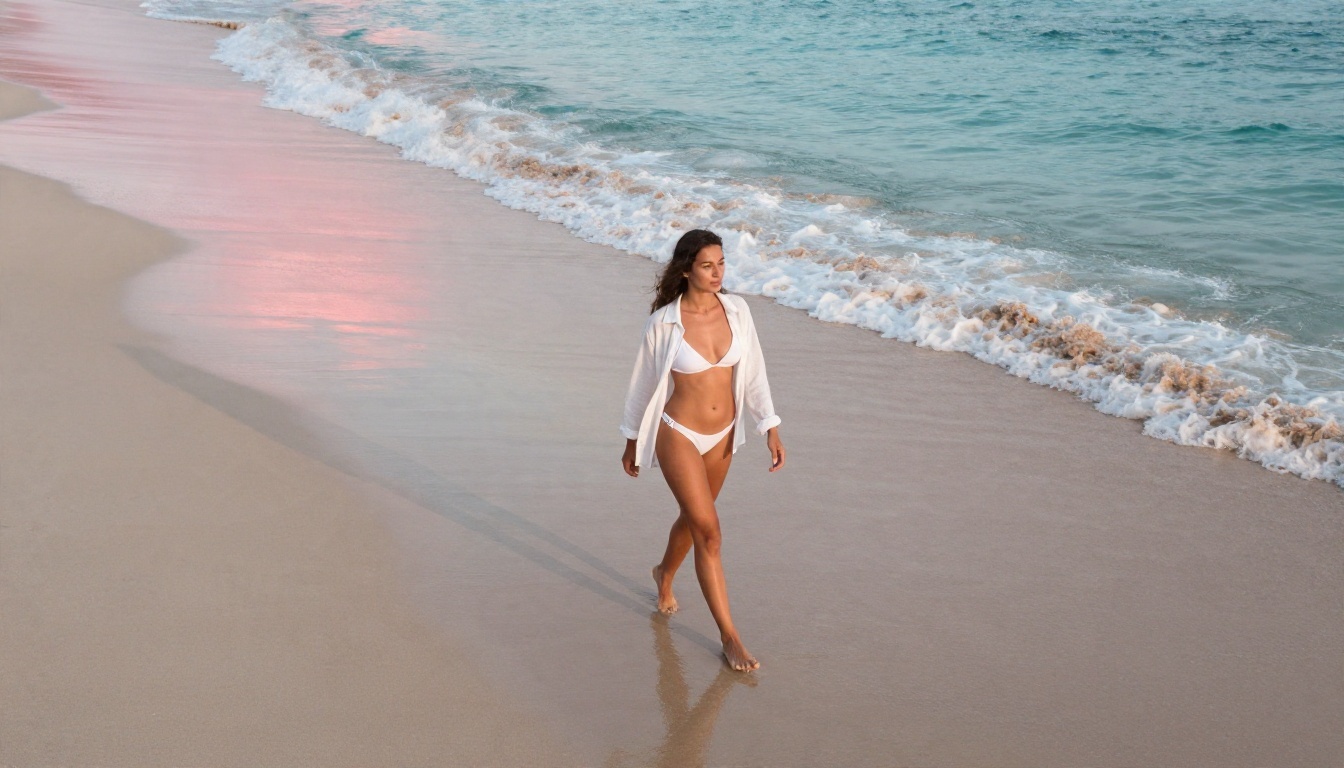
If your real goal is beautiful, attractive imagery and motion without a refusal on every second prompt, the smartest workflow is not "find the one uncensored video model." It is "build a strong still image first, then animate it." Stills are cheaper, faster to iterate, and give you full control over the look before you spend anything on motion.
1. Seedream 4.5 for Glamour Stills
Seedream 4.5 is the starting point. It produces sharp, detailed images with natural skin texture, believable fabric and strong lighting control, and it handles swimwear, boudoir styling and fashion glamour without the constant pushback many people expect. For this kind of work it is the most reliable first move.
2. PicassoIA Image Editor Pro for Unlimited Edits
PicassoIA Image Editor Pro is the one to reach for when you want volume. It offers unlimited generations, which changes how you work: you stop rationing prompts and start iterating freely. Change an outfit, shift the lighting, adjust a pose, and try again as many times as you like. For a creator who burned through credits elsewhere, that freedom is the whole point.
3. Seedance 2.5 Lite for Motion
When the still is ready, Seedance 2.5 Lite turns it into video. It is positioned as a free and unlimited generator with clips up to 10 seconds, which makes it a practical way to test movement without watching a credit counter. If you need longer sequences or more polish, Seedance 2.5 goes up to 30 seconds.
4. Wan 3 for a Different Look
Wan 3 gives you a more cinematic, film-like feel, and Wan 3 Prime pushes to 1080p. Having a second video model in your toolkit is useful because every model reads the same prompt a little differently, and a prompt that stalls in one can flow in another.
Quick Comparison
| Model | Best for | Output | Why pick it |
|---|
| Seedream 4.5 | Glamour and swimwear stills | Image up to 4K | Detail, skin texture, lighting control |
| Image Editor Pro | High-volume iteration and edits | Image | Unlimited generations |
| Seedance 2.5 Lite | Free motion tests | Video up to 10 s | Free and unlimited |
| Seedance 2.5 | Longer polished clips | Video up to 30 s | Length and motion quality |
| Wan 3 | Cinematic look | Video | A second opinion on every prompt |
💡 Not sure where to begin? Open the full catalog at picassoia.com/en/all-models and filter by text-to-image or text-to-video.
How to Get Similar Results on PicassoIA
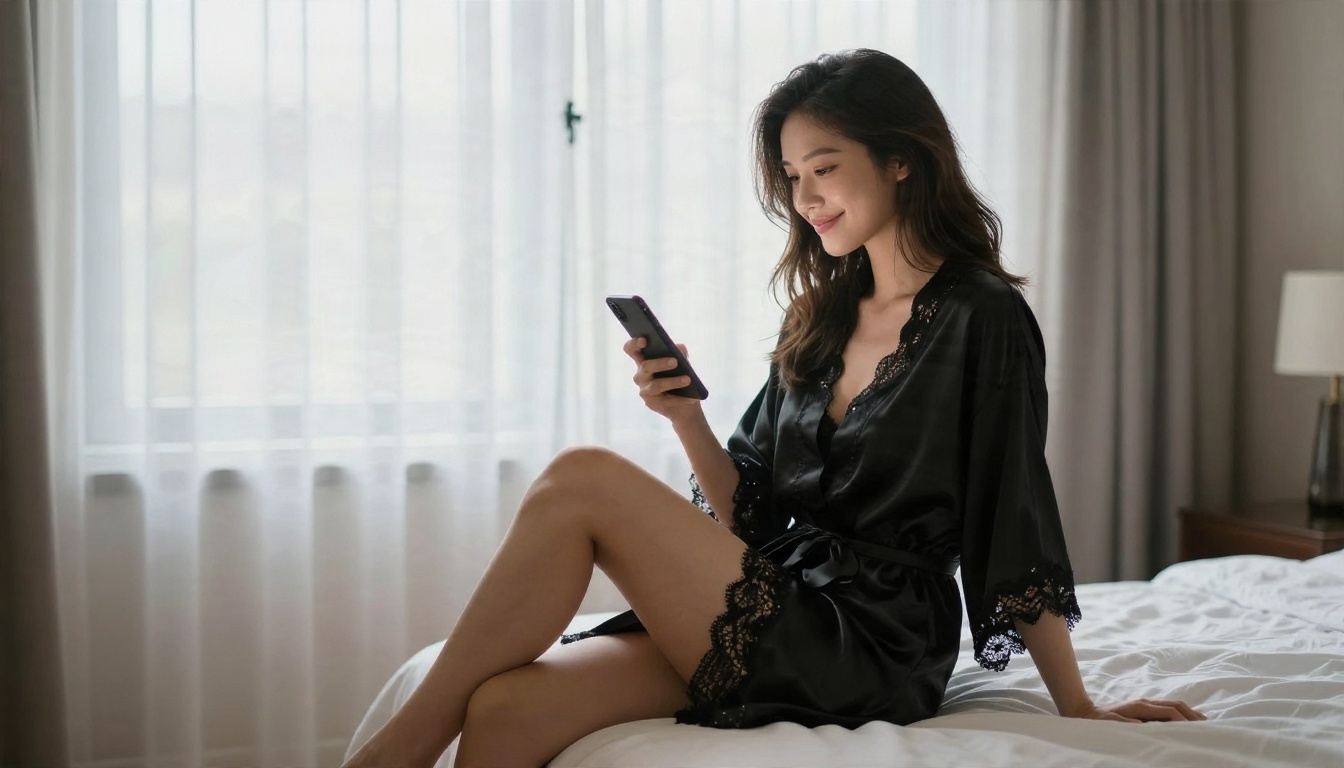
This workflow uses Seedream 4.5 for the still, then moves to video. It takes a few minutes and gives you far more control than a single text-to-video gamble.
Step 1: Write a Photographer's Prompt
Describe the shot the way a photographer would brief a crew. Name the subject, the clothing, the setting, the light direction and the lens. For example:
"A woman in a navy one-piece swimsuit and sarong lounging on a teak yacht deck at midday, deep blue water behind her, bright sunlight from the upper right, 28mm lens at low angle, natural skin texture, film grain."
Notice what is missing: no emphasis on the body, no suggestive adjectives stacked on top of each other. Describing the scene and the light produces better images and better results than describing the effect you want to provoke.
Step 2: Set the Parameters
- Aspect ratio: 16:9 for video-ready frames, since your first frame defines the clip's shape.
- Resolution: the highest option available, because detail survives animation better.
- Style words: "natural light," "film grain," "realistic skin texture." Avoid "ultra perfect" or "flawless," which tend to produce plastic skin.
Step 3: Iterate with Image Editor Pro
Take your best frame into Image Editor Pro and refine it. Swap the outfit color, soften the shadows, change the background. Because generations are unlimited, you can run twenty variations and pick the one that feels like a real photograph.
Step 4: Animate the Winner
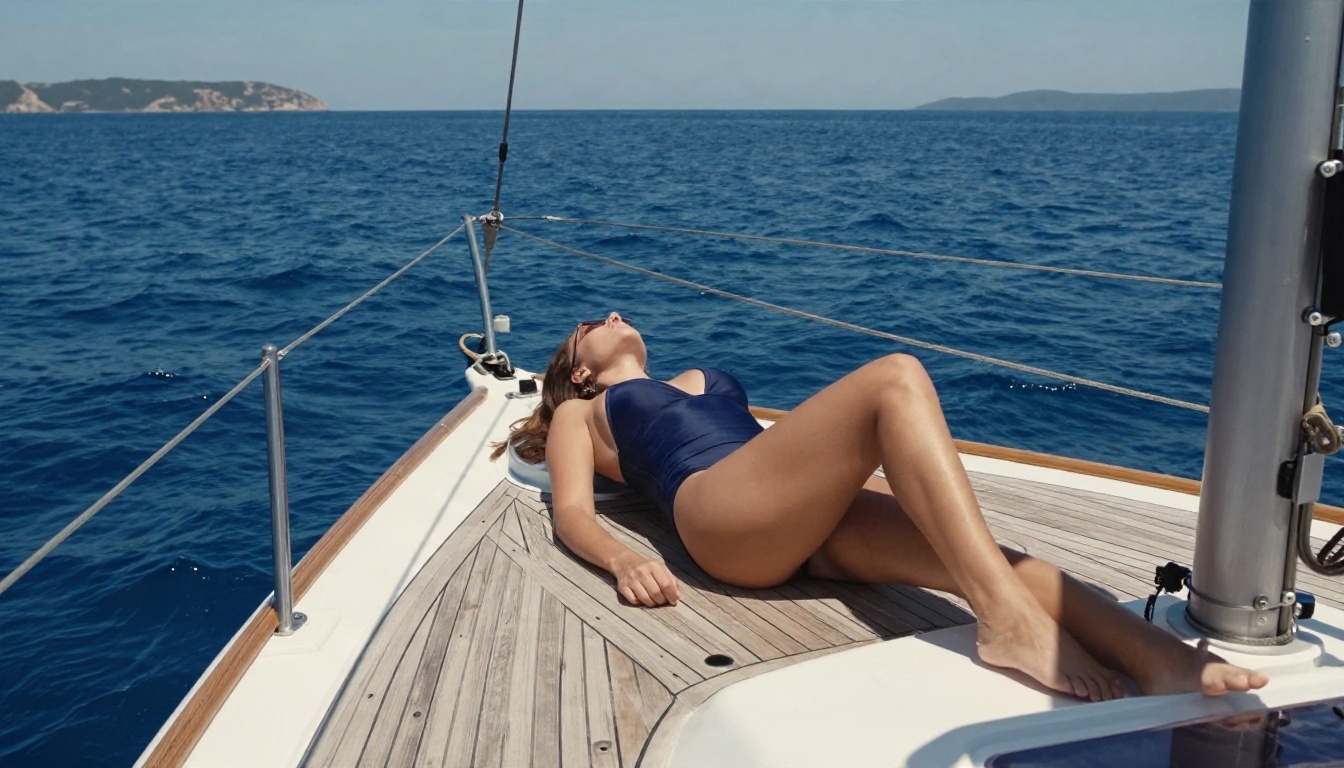
Upload the chosen frame to Seedance 2.5 Lite as the first frame. Then write a motion prompt in plain chronological language:
"The woman turns her head toward the sea as a light breeze lifts the sarong. The camera drifts slowly forward. Sunlight glints on the water."
Keep motion simple. One subject action and one camera move is enough. Complicated choreography is where video models drift and faces lose consistency.
💡 Pro habit: generate three clips from the same frame with slightly different motion prompts, then keep the best. Short clips are cheap to test and easy to compare.
Prompts That Stay Tasteful
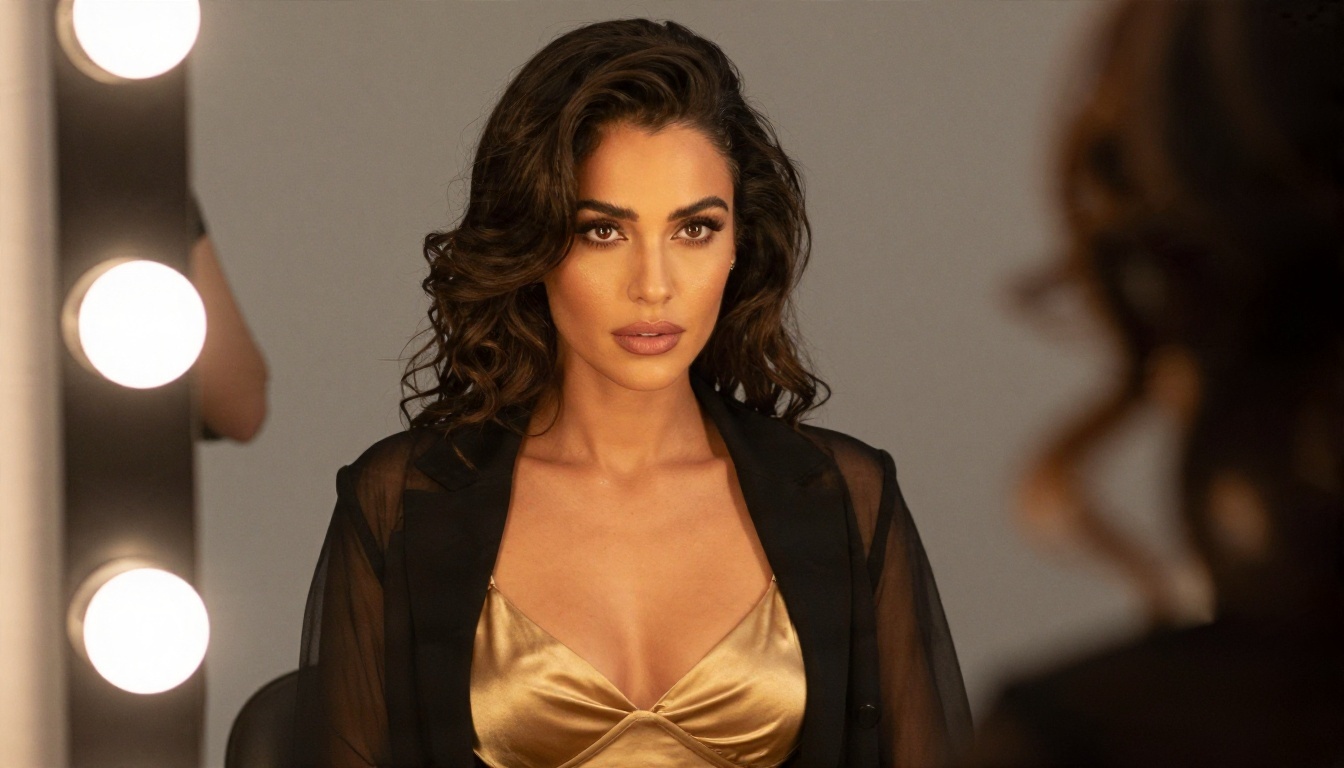
The best glamour imagery is almost never the most explicit. It works because of light, styling, composition and confidence. That is also the style that every model handles most reliably.
Lead with Light and Setting
A golden-hour terrace, a candlelit corridor, a vanity with warm bulbs: setting does most of the emotional work. A strong location and lighting description will carry a prompt further than any list of adjectives.
Use Fashion Language
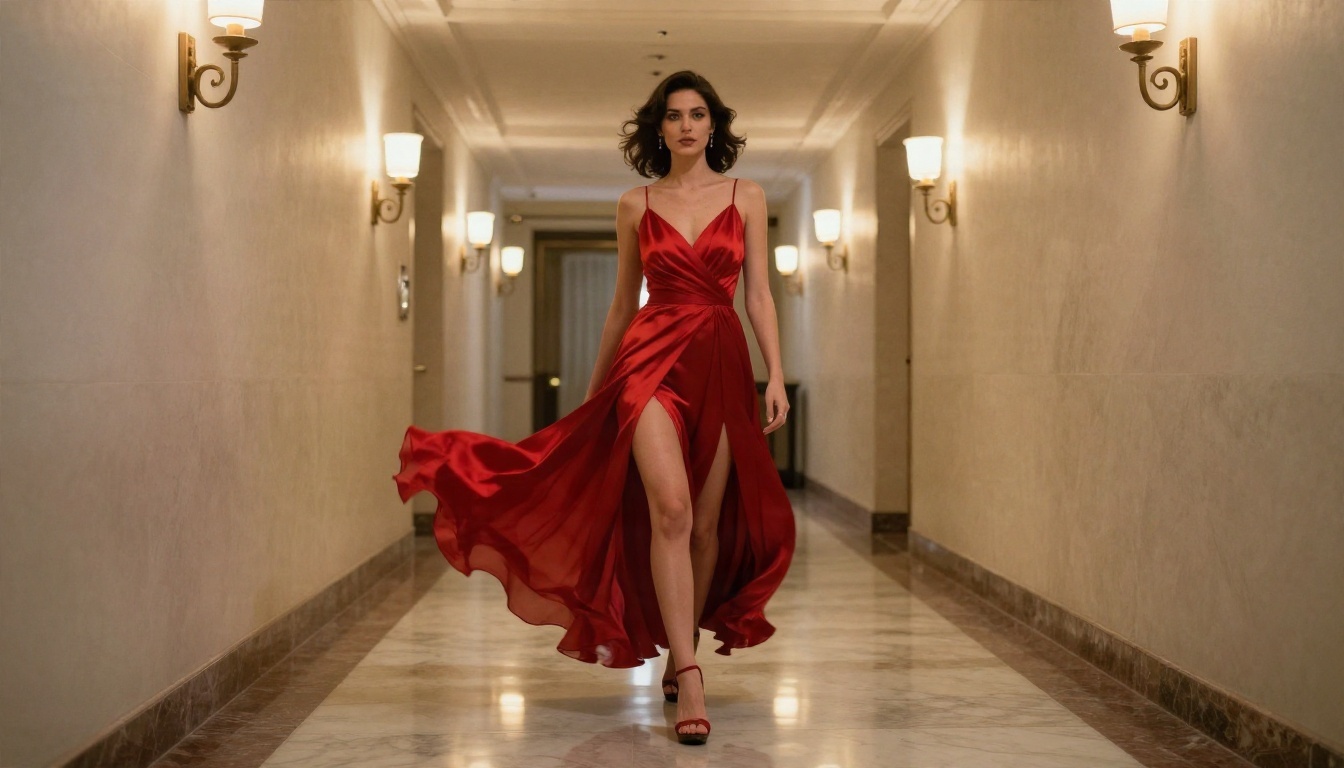
Words like "satin," "silk slip," "bralette top with a sheer blazer," "evening gown with a high slit" give the model a clear fashion reference. They also read as editorial rather than provocative, which usually produces better-looking results.
Keep Faces Original
Never prompt for a real person's likeness. Invent your subject. It keeps you on the right side of consent and law, and it keeps your output clear of the strictest filters on any platform.
Add Camera Details
Lens, angle and film stock produce a photographic feel that models respond to. "85mm f/1.8, shallow depth of field, Kodak Portra 400 grain" does more for realism than the word "realistic" ever will.
Common Mistakes
- Stacking suggestive adjectives. It raises the chance of a refusal and lowers image quality.
- Skipping the lighting. Flat light produces flat, artificial-looking skin.
- Overloading motion. Three actions in five seconds usually produces a mess.
- Chasing a "magic prompt." Reliable results come from a repeatable workflow, not a secret phrase.
What About Prompt Tricks on Seedance 2?
You will see lists of workarounds online: rephrasing, adding context, splitting a request into stages. Some of them occasionally help with soft limits. None of them change hard limits, and none of them are stable, because the thresholds are adjusted without notice.
There is also a practical cost. Time spent testing rewordings is time not spent making content. A model that simply accepts a normal fashion prompt will always beat one that demands a puzzle first.
A Sensible Test
Before committing to any platform, run the same three prompts: a swimwear beach shot, a satin robe boudoir frame, and an evening gown walk. If a platform handles all three smoothly, it is good enough for glamour work. If it blocks two of them, move on.
When Hard Limits Apply
If your idea only works when it is explicit, no amount of tuning changes the outcome on mainstream hosted models, and that is by design. The workflows in this article are built for suggestive and beautiful, not explicit.
Start Creating Your Own
Seedance 2 is a strong model, but the "uncensored" label around it is more marketing than reality, and free access is rarely as free as it sounds. The practical path is simpler: build a great still, iterate without limits, then add motion.
Open Seedream 4.5 and write your first photographer-style prompt. Refine it in PicassoIA Image Editor Pro with as many tries as you want, then bring it to life with Seedance 2.5 Lite. Try the same frame in Wan 3 to compare looks.
Want to see everything on offer? Browse the full catalog at picassoia.com/en/all-models, pick a model, and make your first clip today.


