You typed "Seedance 4.5 uncensored" into a search bar and got a wall of vendor pages, each promising no filters, no limits, and no cost. Before you spend a cent or hand over an ID, here is the part most of those pages skip: I could not confirm that a model called Seedance 4.5 exists. The names that do show up in current coverage are Seedance 2.0, Seedance 2.0 Mini, and Seedance 2.5. Seedream 4.5 is real too, but it is ByteDance's image model, and the similar name causes a lot of the confusion.
This article sorts out what is real, what "uncensored" means in practice, which free routes exist, how to write prompts that get through moderation without tricks, and which models on PicassoIA give you the closest results today.
Does Seedance 4.5 Exist?
Short answer: not as far as any reliable source shows. Searches for a ByteDance release under that name return Seedream 4.5 pages (an image generator launched in late 2025) and pages about Seedance 2.5. Nothing describes a Seedance 4.5 video model, its specs, or its release date.
So why does the keyword get searched? A few likely reasons:
- Name mix-ups. Seedream 4.5 and Seedance 2.5 sit side by side in product lists, and people merge them into one.
- Version guessing. Users assume the video line sits at the same number as the image line.
- SEO bait. Some sites publish pages for versions that do not exist, hoping to catch the traffic.
💡 Quick test: If a page claims Seedance 4.5 specs (resolution, clip length, pricing) without naming a release date or a provider, treat it as unverified.
Seedance 4.5 is not on PicassoIA, and I am not claiming it is or will be. What PicassoIA does carry is the real, current Seedance line, plus other strong video models. Those are covered below, with links.
What "Uncensored" Actually Means
The word gets used in three very different ways, and mixing them up is how people get burned.
| Meaning | What it really is | Typical cost |
|---|
| Fewer false positives | A platform with lighter moderation that blocks fewer harmless prompts | Free or low |
| Adult opt-in | Paid, age-gated access where the sensitive content filter is switched off after verification | Pay per render |
| Local open weights | A model you run yourself on your own GPU, with no server-side filter | Free, plus hardware |
For the official ByteDance model family, closed commercial models, the hard lines hold. Reporting from around the public launch of Seedance 2.0 found that adult content is the one wall that stays firm, and that many blocks trigger at the word level before the scene is even evaluated. Some third-party hosts advertise Seedance 2.5 or 2.0 Mini "uncensored" variants, but those are paid, require an 18+ opt-in, and come from vendors with a commercial interest in saying so.
Why Filters Exist
Video models can produce realistic people. Platforms block sexual content, real-person likeness abuse, and anything involving minors, because the legal and reputational risk is huge. That is not going to change, and it is worth knowing before you build a workflow around getting past it.
Where I Draw the Line
This article is about glamour, romance, swimwear, fashion, and suggestive-but-non-explicit scenes. I will not describe ways to push explicit sexual content through a moderation system, and nothing here involves real people's likenesses without consent. Everything below stays on the side of tasteful, cinematic work.
Free Options That Actually Exist
Here is the honest map of free routes in late 2026.
Free Tiers on Hosted Models
Seedance 2.5 Lite is listed as a free and unlimited video generator, with clips up to 10 seconds. That is the closest thing to a free Seedance route. One caveat from other write-ups: Lite versions tend to apply stricter content policies than the full model. So if a prompt works on Seedance 2.5, it may still get flagged on Lite. Plan for that.
Local Open Weights
If you want a filter-free setup at zero per-clip cost, the real answer is local. Open-weight video models run through ComfyUI on your own graphics card. You trade convenience for control: you need a capable GPU, patience with setup, and you take full responsibility for what you create. Seedance itself is a closed model, so local does not mean Seedance. It means a different model entirely.
Paid Adult Opt-In Hosts
Some hosts run Seedance variants with the moderation layer turned off for verified adults. These bill per render, so costs climb fast when you iterate. If you go this route, check the age verification process, the data retention terms, and whether the host states what content is banned outright. Many still ban real-person likeness and anything involving minors, regardless of the toggle.
Quick Comparison
| Route | Cost | Filter strength | Setup effort | Best for |
|---|
| Hosted free tier | Free | Moderate to strict | Minutes | Testing ideas |
| Hosted full model | Credits | Moderate | Minutes | Polished clips |
| Paid adult opt-in | Per render | Light, age-gated | Account verification | Adult creators |
| Local open weights | Hardware only | None (your rules) | Hours | Tinkerers |
Prompts That Pass Filters Cleanly
Most blocked prompts fail because of word choice, not because the idea was bad. A cinematic romantic scene and a blocked scene can describe the same moment in very different language.

The Cinematic Formula
Write like a director, not like a search query. A reliable structure:
- Subject and wardrobe: who is on screen and what they wear.
- Action over time: what moves in the five seconds.
- Camera: slow dolly-in, handheld follow, low-angle tilt.
- Light and mood: golden hour, tungsten street lamps, overcast window light.
- Texture cues: silk sheen, wet cobblestones, skin detail.
Words That Trigger Blocks
Skip anatomical language, explicit verbs, and anything that reads as a request for sexual content. Also avoid naming real celebrities. Moderation checks the text first, so an innocent scene wrapped in the wrong vocabulary gets stopped before a single frame is made.
Example Prompts
💡 Fashion walk: "A woman in a flowing emerald slip dress dances slowly on a sunlit terrace, fabric rippling, slow dolly-in, warm late-afternoon light, shallow depth of field, film grain."
💡 Romance beat: "A woman in a red evening dress steps out of a vintage car onto wet cobblestones at dusk, glances back over her shoulder, handheld follow shot, tungsten street lamps in soft bokeh."
💡 Coastal editorial: "A woman in a white linen dress walks along a turquoise shoreline, foam washing over her ankles, aerial drone view that slowly descends, soft morning light."
Each one is glamorous, atmospheric, and clean. They also give a video model plenty of motion to work with.

Limits You Will Hit
Even with the right route and the right prompt, every video model has ceilings. Knowing them saves credits.

Clip Length
Most models in this class produce short clips. Seedance 2.5 Lite tops out at 10 seconds. The full Seedance 2.5 is listed for much longer output, up to 30 seconds. If you need a longer scene, plan it as several connected shots instead of one long generation.
Consistency
Faces and outfits drift between clips. The fix is to start from a fixed first frame: generate one strong still, then animate it. That keeps the character, wardrobe, and lighting consistent across shots.
Moderation Is Layered
Expect checks at three points: the text prompt, the input image, and the output video. Passing the first does not guarantee the others. If a clip gets blocked after a long wait, the input image is the usual suspect.
Realistic Expectations
| Limit | What to expect |
|---|
| Explicit content | Blocked on mainstream hosted models |
| Real-person likeness | Often restricted or flagged |
| Clip length | 5 to 30 seconds depending on model |
| Hands, fabric, fast motion | Occasional artifacts |
| Audio | Varies by model |
Strong Alternatives on PicassoIA
Seedance 4.5 is not on PicassoIA yet, and a model with that name is not confirmed to exist. For similar results today, these are the models to reach for, in the order I would try them for glamour, fashion, and suggestive-but-non-explicit work.
Seedream 4.5 for the First Frame
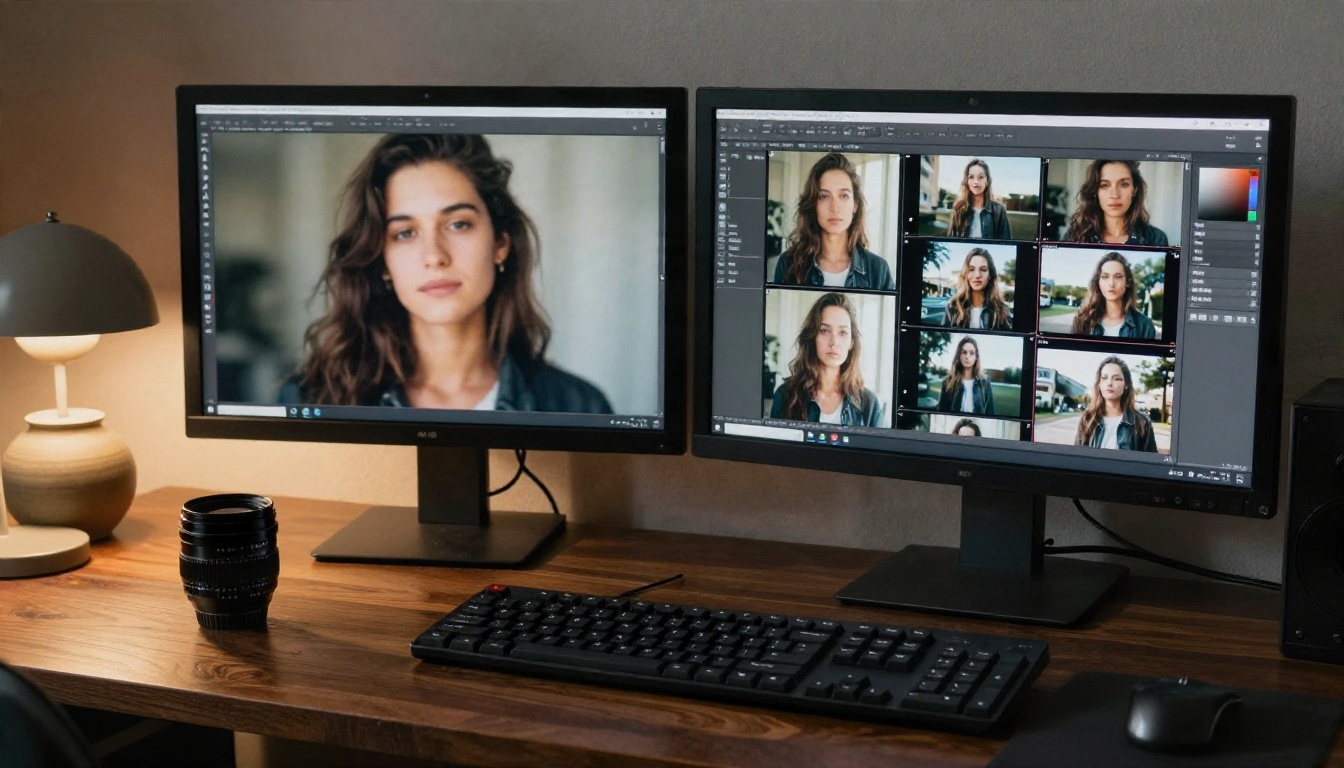
Seedream 4.5 is the strongest starting point. It makes sharp, photorealistic 4K images with natural skin texture and believable fabric, which is exactly what a video model needs as an opening frame. It handles adult-leaning fashion and glamour prompts with fewer false blocks than many alternatives, and it is fast enough to iterate on in minutes.
PicassoIA Image Editor Pro for Edits
PicassoIA Image Editor Pro offers unlimited generations, so you can adjust outfits, lighting, backgrounds, and poses over and over without watching a credit meter. For a workflow that depends on trying many variations of one frame, that matters a lot.
Seedance 2.5 Lite for Free Clips
Seedance 2.5 Lite is the free and unlimited video route, with clips up to 10 seconds. Good for testing motion before spending anything on a longer clip.
Seedance 2.5 for Longer Scenes
Seedance 2.5 is the stronger full model, listed for clips up to 30 seconds, with the same family look as the Lite version.
Wan 3 as a Different Flavor
Wan 3 comes from a different lab and produces cinematic motion with a distinct look. If one model's filter or style keeps fighting you, a second family is a useful fallback. Wan 3 Prime pushes to 1080p.
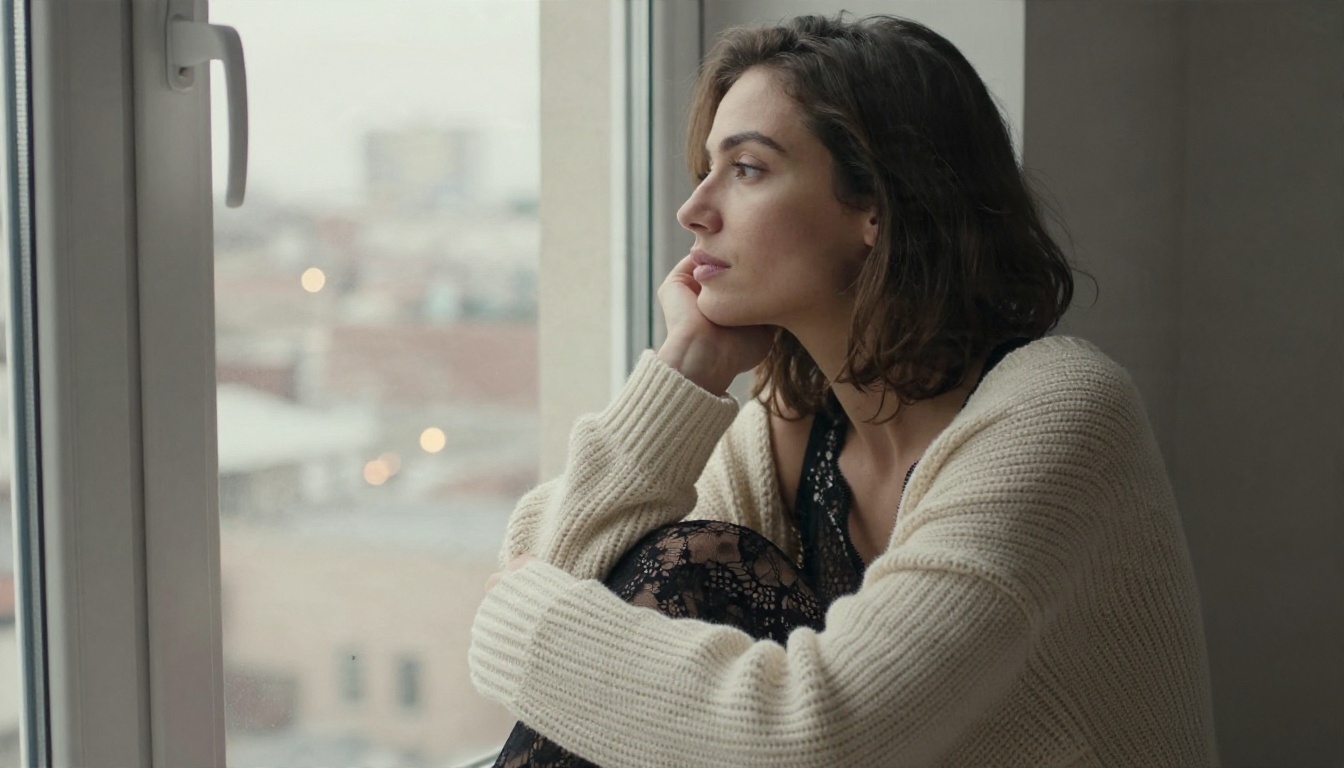
Side by Side
| Model | Type | Best at | Link |
|---|
| Seedream 4.5 | Image | Photoreal first frames | Open |
| Image Editor Pro | Image editing | Unlimited variations | Open |
| Seedance 2.5 Lite | Video | Free 10 second clips | Open |
| Seedance 2.5 | Video | Longer scenes | Open |
| Wan 3 | Video | Cinematic motion | Open |
How to Get Similar Results on PicassoIA
This workflow starts with Seedream 4.5 for the frame and then moves to Seedance 2.5 Lite for motion.

Step 1: Build the Opening Frame
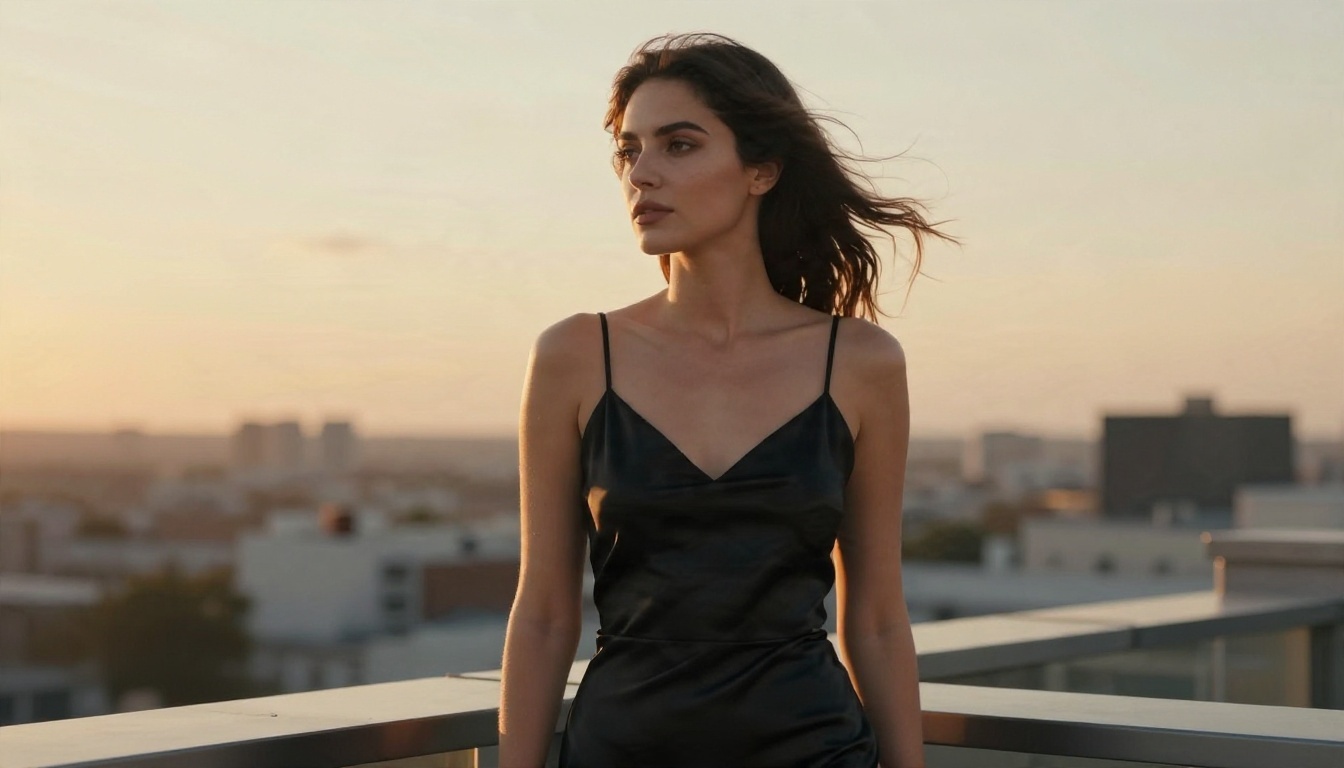
Open Seedream 4.5 and write a prompt with subject, wardrobe, setting, light, and lens. For example: "a woman in a black satin slip dress at a rooftop railing, golden hour, 50mm lens, shallow depth of field, film grain, skin texture visible." Choose a 16:9 ratio so the video later matches.
Step 2: Refine in Image Editor Pro
Bring the best frame into Image Editor Pro. Because generations are unlimited, fix small things freely: a different dress color, softer shadows, a cleaner background. A strong frame is worth the extra passes.
Step 3: Animate With Seedance 2.5 Lite
Open Seedance 2.5 Lite, upload the frame, and write a motion prompt: what moves, how the camera moves, what the light does. Keep it to one idea per clip. "Wind lifts her hair, slow dolly-in, warm rim light" beats a paragraph of instructions.
Step 4: Tune Parameters
- Duration: start at 5 seconds, extend only after the motion looks right.
- Prompt length: two or three sentences is plenty.
- Camera: pick one move per clip, not three.
- Seed: reuse the seed when you like the look and only change the action.
Step 5: Step Up When Needed
If a clip needs more length or detail, rerun the same frame and prompt on Seedance 2.5. Same family, longer output.
💡 Tip: Save your best first frames. A good frame can feed five different motion prompts.
Mistakes That Waste Your Time
Most disappointing results come from a short list of habits.
- Chasing a model that does not exist. Verify the name and a release date before paying anyone.
- Skipping the first frame. Text-only prompts drift more than image-led ones.
- Stacking camera moves. A dolly, a pan, and a zoom in five seconds leaves a muddy clip.
- Ignoring the input image. If your starting image trips a filter, no prompt will rescue it.
- Paying per render too early. Test on free tiers first, then spend credits on keepers.
- Trusting "no limits" banners. Every hosted service has rules, and the loudest claims come from the ones selling access.
Your Next Clip Starts Here
You do not need a version that may not exist to get cinematic, glamorous video. A strong first frame, a clean motion prompt, and the right model get you most of the way, and you can start for free.

Pick a scene you can already picture: a rooftop at golden hour, a rainy cobblestone street, a shoreline at dawn. Build the frame in Seedream 4.5, polish it in PicassoIA Image Editor Pro with unlimited generations, then bring it to life with Seedance 2.5 Lite. When you want to compare more options, browse every model at picassoia.com/en/all-models and try a few of your own ideas on PicassoIA today.


