Most people who search for Seedance NSFW prompts hit the same wall within five minutes: a blocked request, a vague refusal, or a clip that looks nothing like what they typed. The frustrating part is that the wall is not random. Seedance, the video model family from ByteDance, refuses explicit content, yet it handles suggestive, glamour-style footage surprisingly well when the prompt is written the right way. Swimwear, silk robes, evening dresses, wet hair, golden light: all of that is fair game, and it looks great in motion.
This article is about that middle ground. You will get a prompt formula, twelve copy-ready examples, the settings that actually change results, and a few free ways to try everything without paying for credits. No filter tricks, no myths. Just what works.
What Seedance Actually Allows
Let's be direct first, because a lot of pages online are not. Seedance filters explicit sexual content. Researchers and creators who have tested the models report the same thing: direct requests get refused, and euphemisms rarely slip through either. Platforms that host the model add their own moderation on top, so the same prompt can behave differently depending on where you run it.
What does work is non-explicit, adult-oriented imagery: the kind you would see in a swimwear campaign, a perfume ad, or a boudoir photo shoot. That is the territory this article stays in.
Suggestive vs Explicit
The line the model draws is about what is shown and implied, not about skin alone. A bikini on a beach is ordinary. A silk robe slipping off a shoulder is ordinary. The moment a prompt describes a sexual act or explicit anatomy, the request is rejected.
| Prompt content | Typical result |
|---|
| Swimwear, beachwear, resort style | Passes, looks natural |
| Silk robes, slip dresses, lingerie-adjacent fashion | Usually passes with soft wording |
| Wet hair, water, sun, sweat as texture | Passes |
| Nudity or sexual acts | Blocked |
| Real people, celebrities, public figures | Blocked or heavily limited |
| Anyone who might read as a minor | Always blocked |
💡 Tip: Every person in your prompt should be clearly an adult. Say "adult woman in her late twenties" or "adult man in his thirties". It removes ambiguity and avoids needless refusals.
Why Prompts Get Refused
Most refusals come from three triggers: explicit vocabulary, real names, and vague youthful descriptions. A fourth, quieter trigger is stacking too many provocative words in one sentence. Ten loaded adjectives read as a red flag even when none of them is banned on its own. Calm, visual language like "soft morning light, linen sheets, relaxed expression" travels much further.
Seedance rewards structure. A good clip prompt reads like a short shot description from a film script, in chronological order. Here is the formula used for every example below:
Subject + wardrobe + setting + motion over time + camera move + light + sound.
Subject, Wardrobe, Setting
Open with who and what. Be specific about clothes, fabric and place, because those details carry the whole mood. "An adult woman in a cream two-piece swimsuit, waist-deep in turquoise water at a limestone cove" gives the model far more to work with than "a sexy woman at the beach".
Fabric words are underrated. Satin, silk, linen, terry cloth and wet cotton each move differently, and Seedance simulates that movement well.
Motion and Camera Moves
Describe what changes over time. One main action per clip works best: a hand lifts wet hair, a robe settles, a dress sways as she turns. Then add one camera move: slow dolly-in, gentle orbit, low tracking shot, handheld follow. Two competing camera moves in one clip tend to produce wobble.
Light and Sound
Light is where realism lives. Name the direction and the time of day: "low golden sun from the left, rim light on the hair." Newer Seedance versions generate native audio, so add a line like "soft waves, distant gulls, light breeze" and the clip arrives with a believable soundtrack.
💡 Tip: Keep prompts between 40 and 90 words. Shorter ones leave too much to chance, and longer ones start to contradict themselves.
12 Seedance NSFW Prompt Examples
Every prompt here is non-explicit and ready to paste. Swap in your own wardrobe colors and locations.
Beach and Pool Prompts
1. Cove at golden hour. An adult woman in a cream two-piece swimsuit stands waist-deep in calm turquoise water, lifts wet hair off her shoulder and turns toward the camera with a relaxed half-smile. Slow dolly-in at chest height. Low golden sun from the left, rim light on her hair. Soft waves and distant gulls.
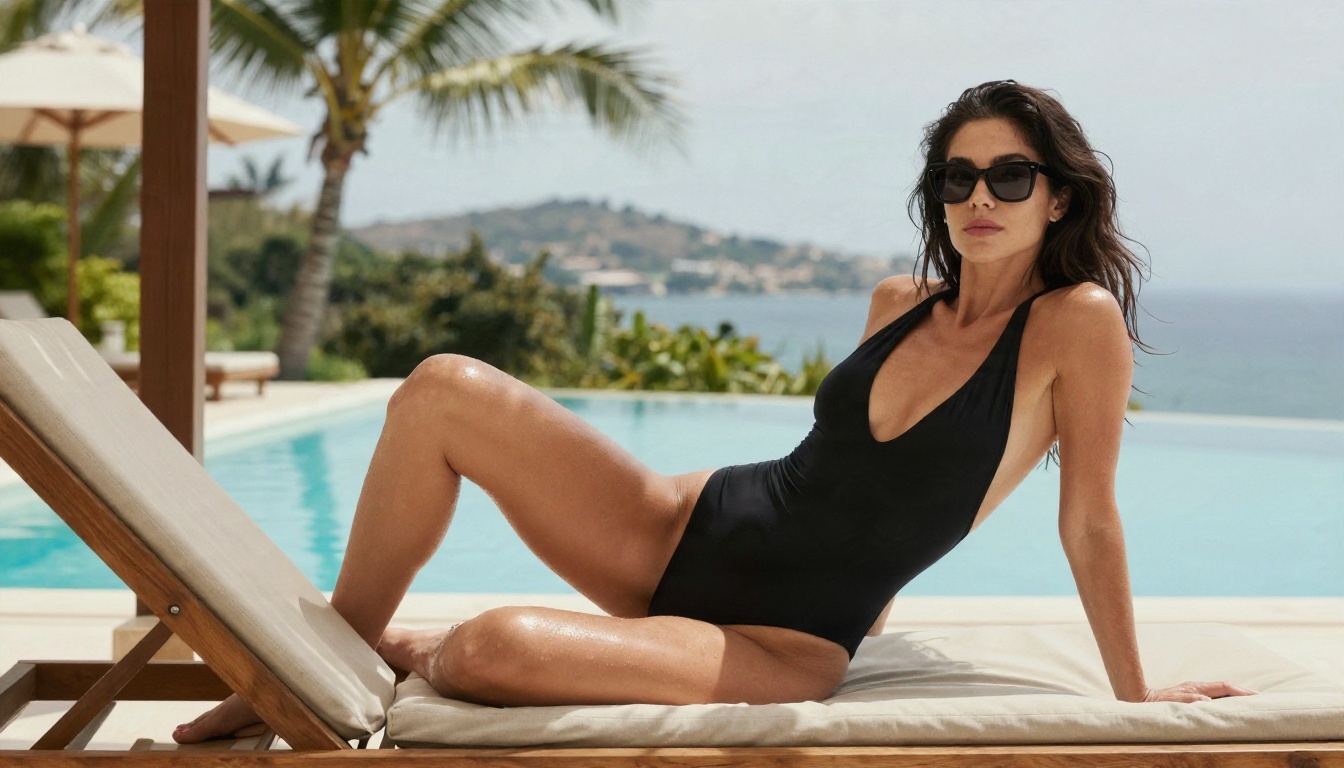
2. Infinity pool daybed. An adult woman in a black one-piece swimsuit reclines on a teak daybed beside an infinity pool, pushes her sunglasses into her dark hair and glances at the camera. Static shot with a very slow push-in. Midday sun filtered through a linen canopy, water reflections moving across her skin.
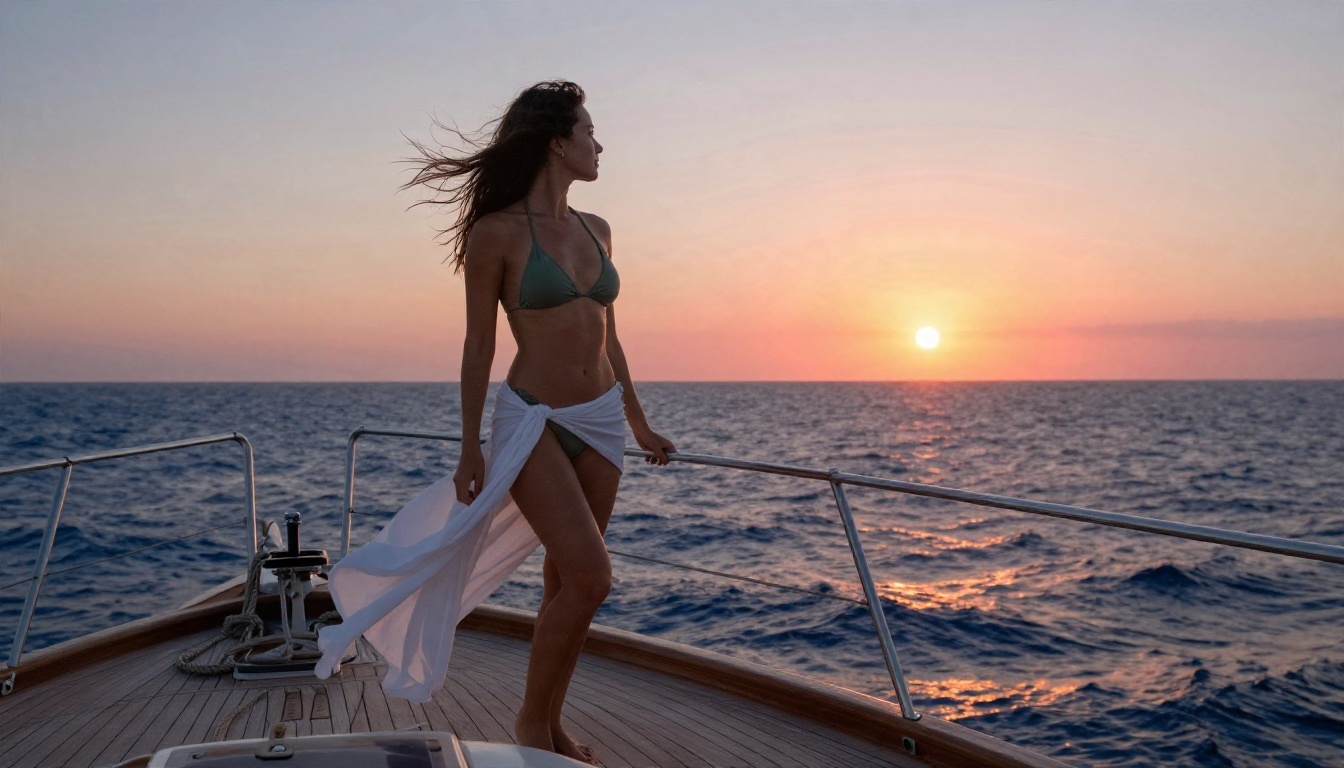
3. Yacht deck sunset. An adult woman in a sage-green bikini and a white sarong grips the rail at the bow of a wooden yacht, wind lifting her hair and the fabric. Low angle from the deck, slow upward tilt toward the horizon. Warm sunset rim light, sea spray, rope creaking.
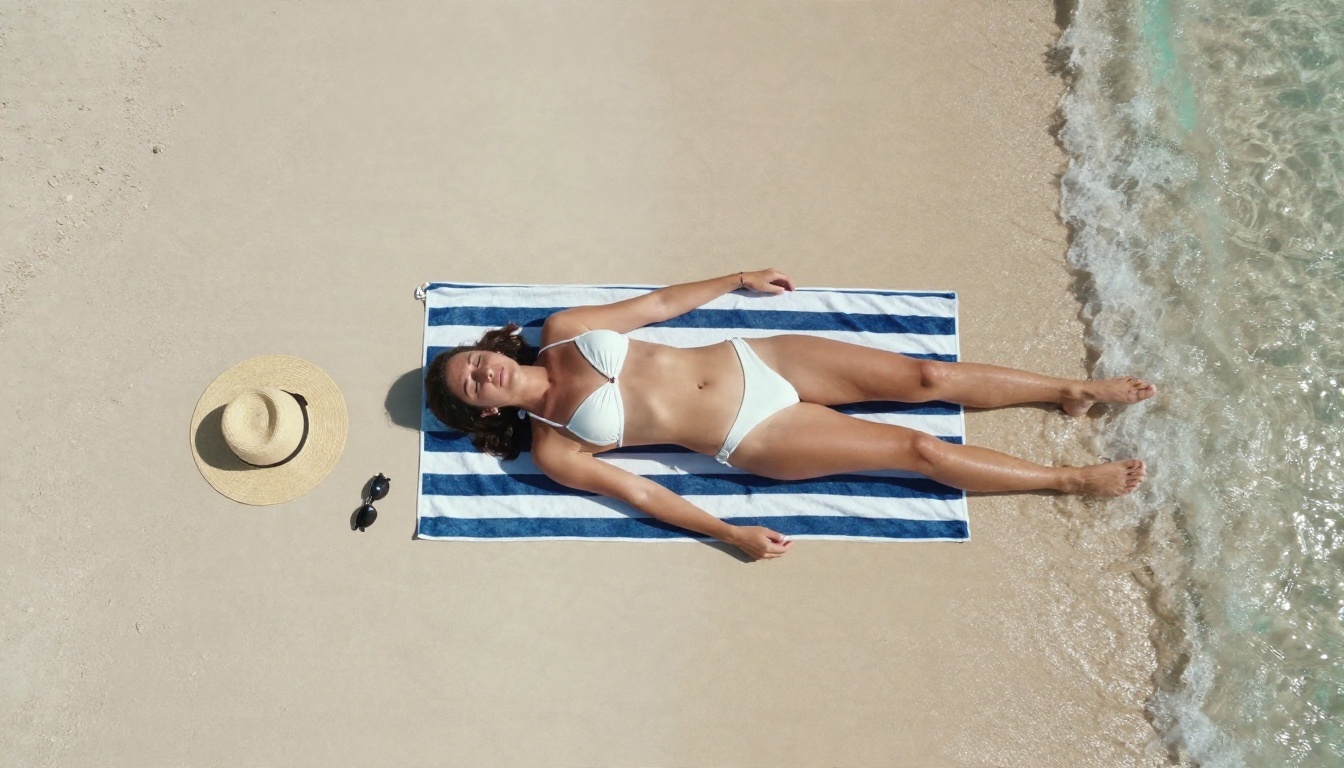
4. Sand and surf from above. Top-down drone view of an adult woman in a white bikini lying on a striped towel, stretching her arms overhead as shallow turquoise waves roll in. Slow ascent, the frame widening over the beach. Bright morning sun, short soft shadows.
Bedroom and Boudoir Prompts
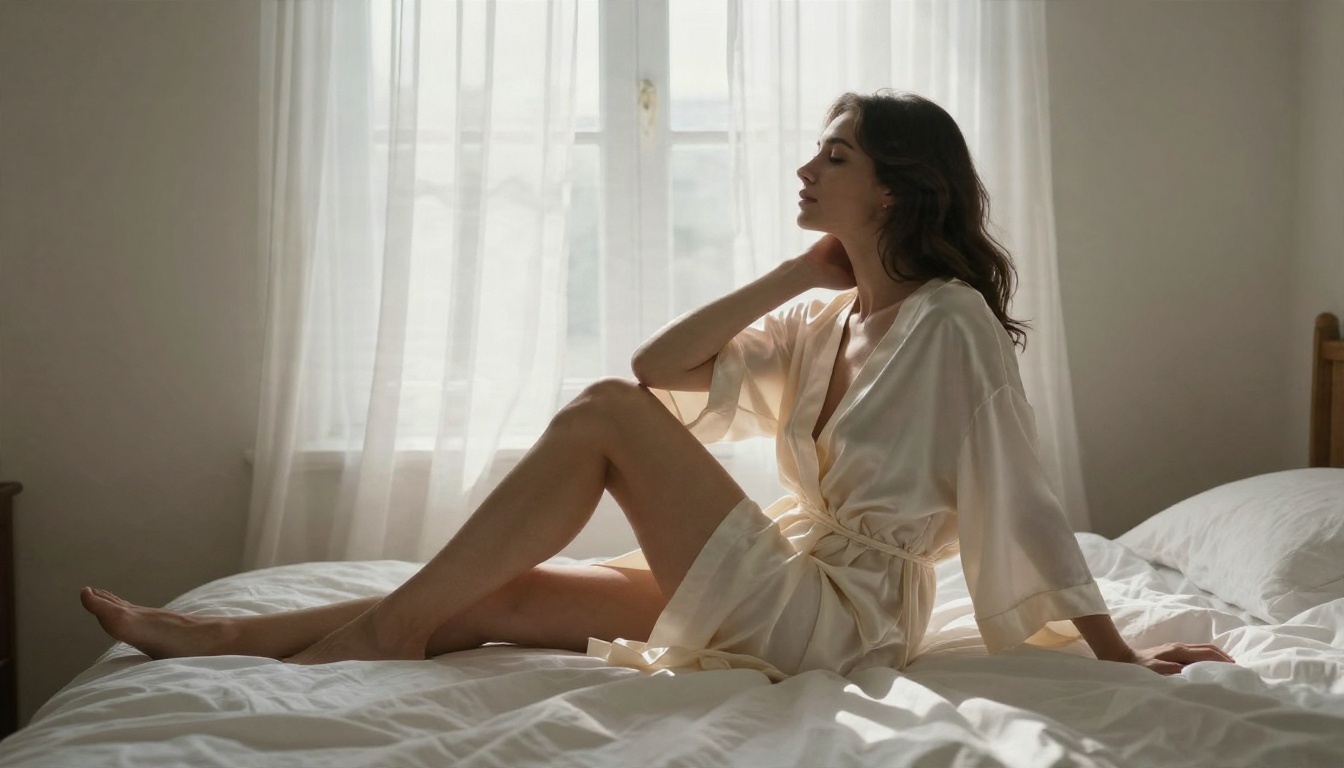
5. Silk robe, morning window. An adult woman in an ivory silk robe sits on the edge of a rumpled white bed, the robe sliding softly on one shoulder, and she turns her head toward a tall window. Sheer curtains drift. Slow orbit, 85mm look, soft morning light with visible dust motes.
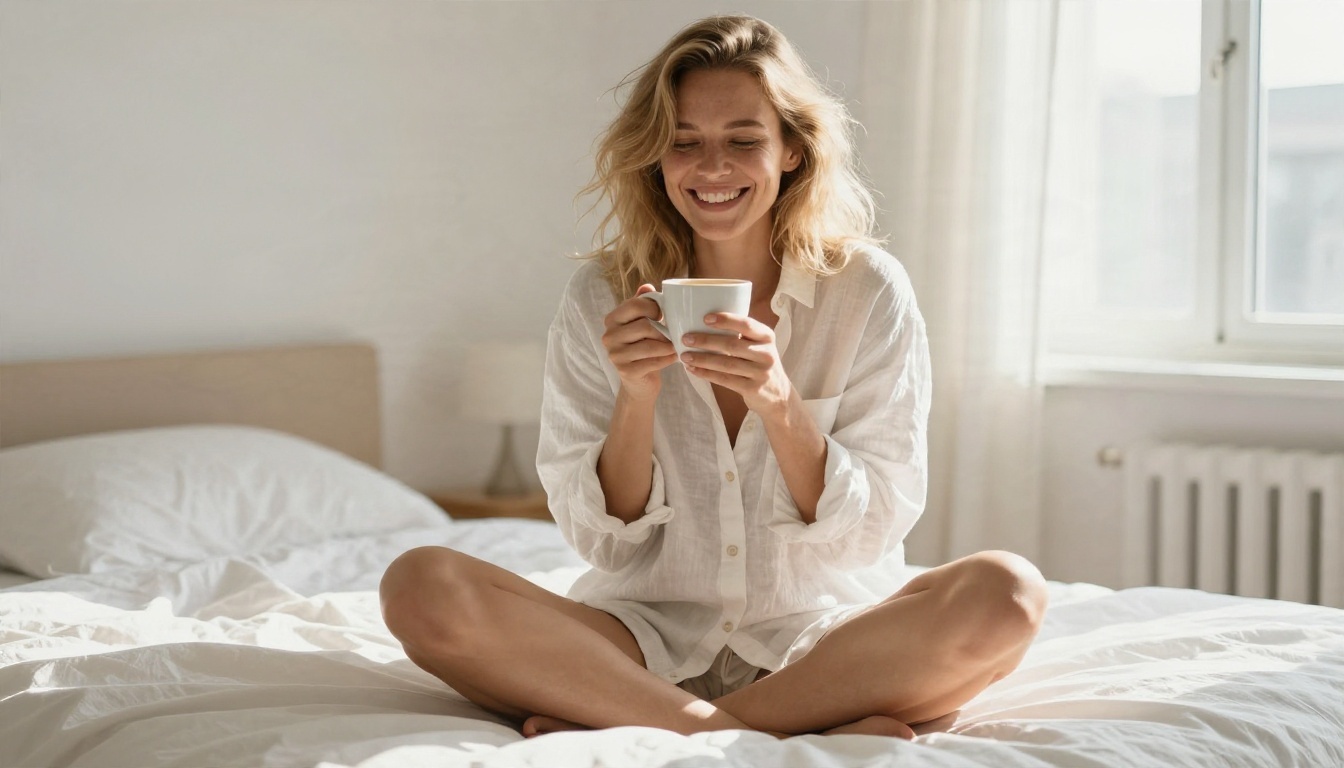
6. Linen shirt, coffee. An adult woman in an oversized white linen shirt sits cross-legged on a sunlit bed, laughing quietly while she lifts a coffee cup. Handheld, eye-level, gentle sway. Bright Scandinavian bedroom, hard-edged morning light from the right.
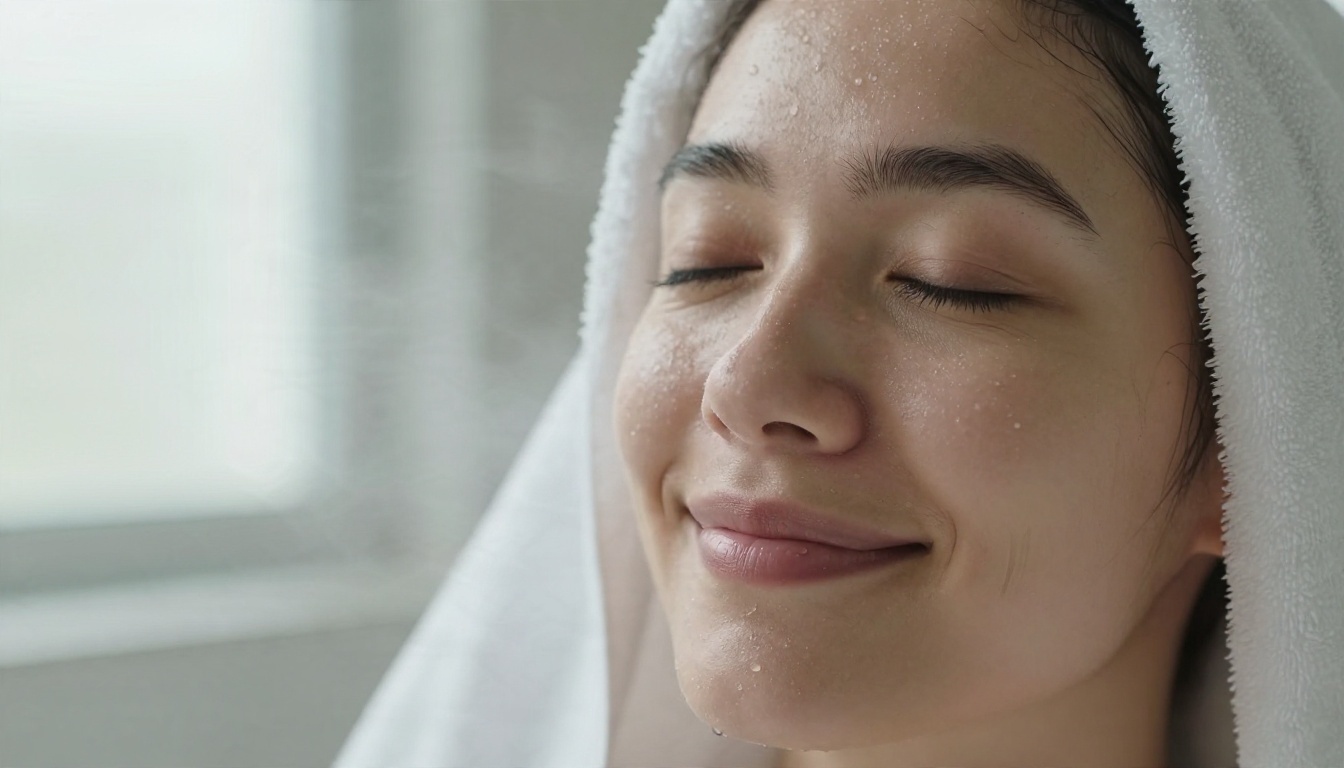
7. Spa towel close-up. Close-up of an adult woman in a white terry towel, eyes closed, a few water drops running along her shoulder. Slow push-in on her face. Diffused window light, soft steam drifting behind her, faint sound of water dripping.
8. Hair brush, vanity mirror. An adult woman in a satin slip sits at a vanity and brushes her hair, meeting her own eyes in the mirror before glancing at the camera. Locked-off shot, slow rack focus from the mirror to her face. Warm lamp light, quiet room tone.
Evening and City Prompts
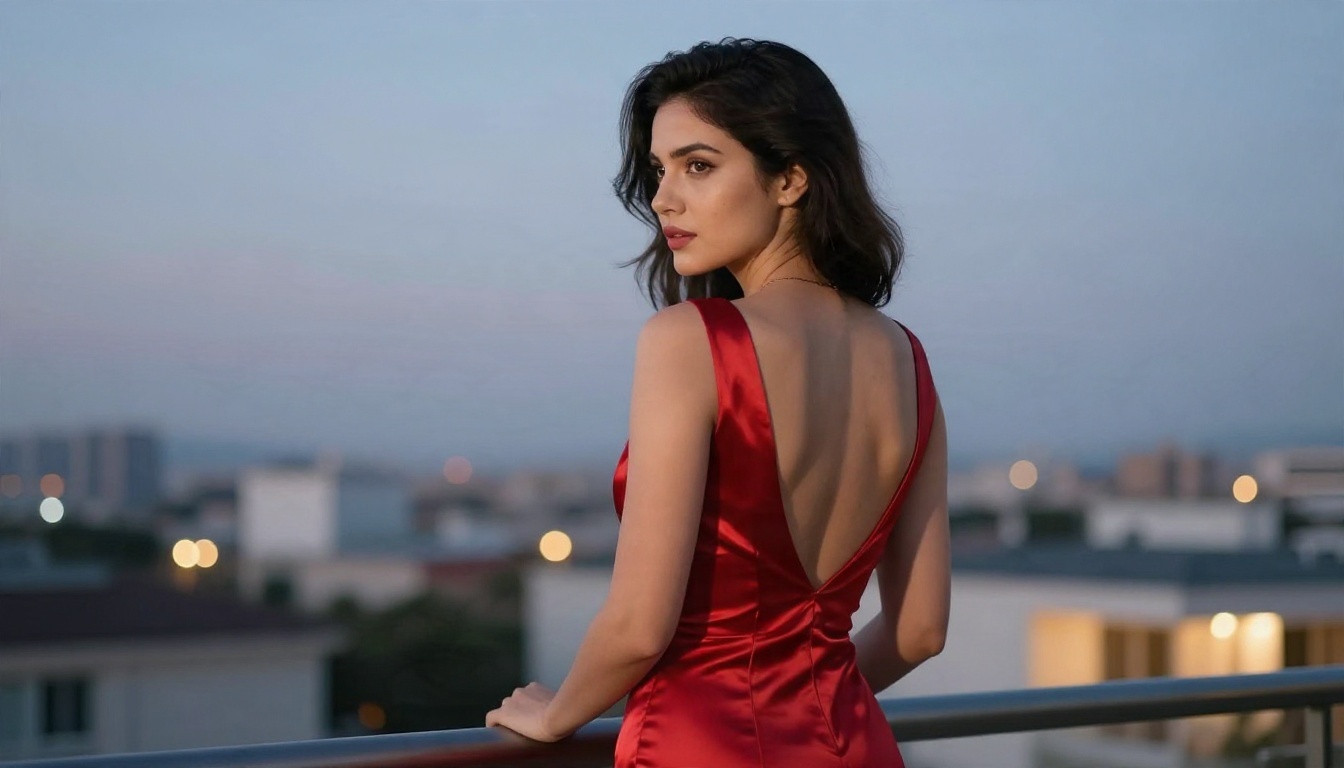
9. Red dress balcony. An adult woman in a fitted red satin evening dress with an open back stands on a hotel balcony at dusk and looks back over her shoulder. Slow low-angle orbit from behind. Blue-hour sky, warm window spill, distant traffic hum.
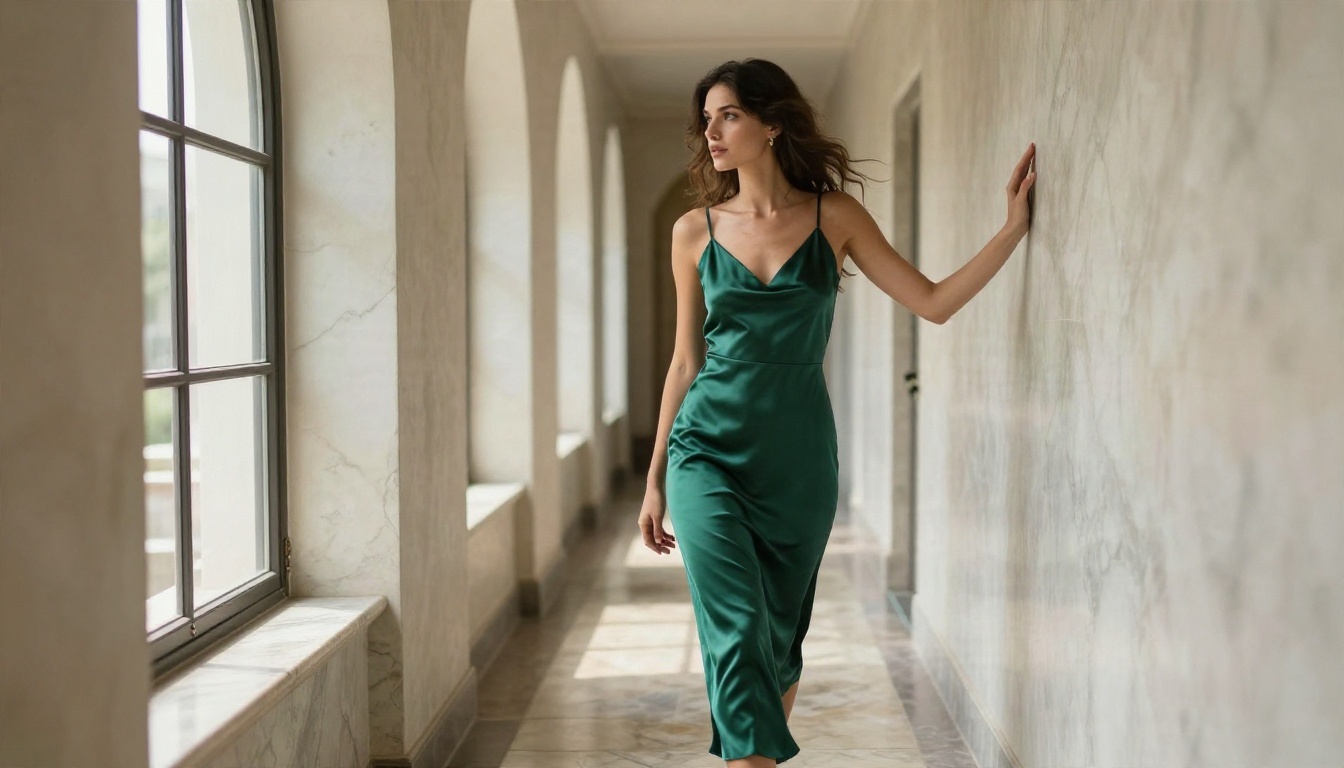
10. Marble hallway walk. An adult woman in a long emerald silk slip dress walks slowly down a marble hotel hallway, one hand trailing along the wall. Low tracking shot moving backward in front of her. Diagonal sunlight from arched windows, heels echoing.
11. Rooftop bar, wind. An adult man in an open-collar linen shirt and an adult woman in a halter dress laugh at a rooftop bar rail, wind pulling at their clothes. Handheld, gentle drift. Warm string lights, natural dusk light, city murmur.
12. Rain on the window. An adult woman in an oversized knit sweater sits on a windowsill, tracing a finger through rain on the glass, then looks into the room. Slow dolly-in. Grey daylight, soft lamp glow, steady rain sound.
💡 Tip: Run the same prompt three times before judging it. Seedance varies between runs, and the best clip is often the second or third.
Settings That Change the Result
Prompts get the attention, but settings decide whether a good prompt turns into a good clip. The names vary by model page, but these are the ones that matter.
| Setting | What it does | Practical advice |
|---|
| Duration | Length of the clip | Start at 5 seconds, extend only after the motion works |
| Aspect ratio | Frame shape | 16:9 for cinematic, 9:16 for social feeds |
| Resolution | Sharpness and cost | Test at 480p or 720p, finish at the highest your plan allows |
| Audio | Native sound track | Leave on, describe the sound in the prompt |
| Seed | Repeatability | Lock a seed once you like a result, then tweak one word at a time |
| First frame image | Fixes the starting look | Best for consistent faces and outfits |
Duration and Pacing
Short clips are cheaper, faster, and more coherent. If you ask for a 10-second clip with one gesture, the model will invent filler motion. Write the action so it fills the time: "slowly turns, pauses, then smiles" gives a ten-second clip a shape.
Aspect Ratio and Resolution
Choose the ratio before you write the prompt, because composition depends on it. A 9:16 vertical clip wants a single subject and a vertical environment such as a staircase, a doorway or a tall window. A 16:9 clip handles wide landscapes and slow lateral moves.
Seeds and First Frames
When a face and outfit look right, keep them. A first-frame image is the most reliable way to hold a character steady across several clips. If you build that still yourself, you decide the wardrobe, the lighting and the pose before the video model ever starts. More on that workflow below.
Free Ways to Try Seedance
Credits add up fast when you are iterating. Here are the options worth knowing.
Seedance 2.5 Lite
Seedance 2.5 Lite is listed on PicassoIA as a free and unlimited video generator with clips up to 10 seconds. For prompt testing, this is the right starting point: you can run the same idea ten times without watching a balance drop.
Other Seedance Variants
If you want to compare generations, these versions are on PicassoIA as well:
The full Seedance 2.0 model is not on PicassoIA; for similar results today, Seedance 2.5, 2.5 Lite and 2.0 Mini are the closest matches.
Budget Habits That Save Credits
Write once, run three times, change one variable. Draft at the lowest resolution, pick the winner, then re-run at full quality. Blocked prompts are usually rejected before generation, so a refusal is not a reason to panic, just a reason to soften the wording.
How to Use Seedance 2.5 Lite on PicassoIA
Here is the quickest path from idea to finished clip.
- Open the Seedance 2.5 Lite page on PicassoIA.
- Paste one of the prompts above into the text field. Start with example 1 or 5.
- Pick your aspect ratio first: 16:9 for cinematic scenes, 9:16 for vertical posts.
- Set the duration to 5 seconds for your first test.
- Keep audio on and make sure your prompt names at least one sound.
- Generate, watch twice, and note what moved wrongly. Edit one phrase, not the whole prompt.
- Once the motion works, extend the duration or move to Seedance 2.5 for a longer final version.
💡 Tip: If the model page offers an image input, upload a still of your character as the opening frame. Otherwise, describe the same outfit and setting in identical words across every prompt.
Build Better First Frames
The strongest Seedance clips often start from a great still. For adult and glamour content, Seedream 4.5 is the best place to begin. It produces sharp, photoreal skin, convincing fabric and accurate lighting, and it is far less restrictive than most mainstream image tools when you stay within non-explicit territory.
Seedream 4.5 for the Look
Write the still like a photograph: lens, light direction, fabric, skin texture. Something like "85mm f/1.8, warm window light from the left, ivory silk robe, visible skin texture, Kodak Portra 400 grain" gives you a frame that already feels like film. Then use that same description as the base of your motion prompt.
Image Editor Pro for Fixes
When the still is nearly right, PicassoIA Image Editor Pro is the faster way to fix it. It offers unlimited generations, so you can change the wardrobe color, adjust the background or tidy a detail without counting credits. It is also the easiest route to a consistent character: make the edits, then carry the final frame into your video prompt.
💡 Tip: Want to see every option in one place? Browse the full list at picassoia.com/en/all-models and filter by text-to-image or text-to-video.
Common Mistakes to Avoid
Almost every disappointing clip traces back to one of these.
Overloaded Prompts
Packing a dozen actions into five seconds produces a blur. One subject, one action, one camera move.
Contradictory Light
"Golden sunset" and "cold moonlight" in the same sentence cancel each other. Pick a single light source and describe it once.
Ignoring Hands and Fabric
Hands and long fabric are where video models slip. Give the hands something simple to do, like holding a cup or touching hair, and choose fabrics that hang cleanly.
Skipping the Sound Line
If audio is on and you say nothing about it, you get generic ambience. One short sound phrase makes the clip feel finished.
Treating Refusals as Puzzles
If a prompt is blocked, rewrite it with calmer vocabulary and a clearer adult subject. Trying to trick the filter wastes time and rarely works.
Make Your Own Clips Today
You now have the formula, twelve prompts, and a list of settings worth adjusting. The fastest way to improve is volume: pick two prompts above, run each three times, and keep the best.
Start with a still in Seedream 4.5, polish it in PicassoIA Image Editor Pro, then animate the idea with Seedance 2.5 Lite. Everything runs in one place, and the free options mean you can experiment as much as you like. When you want more choices, open picassoia.com/en/all-models and try a different model on the same prompt.


