If you typed "Seedance porn generator" into a search bar, you probably hit the same wall most people hit: a polite refusal, a blocked prompt, or a free trial that vanished after three clips. Seedance is one of the most impressive AI video models around, with smooth motion, sharp faces and synced audio. It is also built as a general-purpose tool, and that shapes everything about what you can and cannot do with it.
This article gives you the honest picture. You will see what Seedance filters, what the free tiers look like, which limits will slow you down, how to write prompts for glamour and swimwear clips that actually pass, and which alternatives suit adult-leaning creative work better. Everything here stays on the suggestive and artistic side of the line. Explicit material is not covered, and neither is anything involving real people without their consent.

What the Search Really Means
Why This Keyword Is So Popular
People want the quality of Seedance with fewer restrictions. The model produces natural body motion, believable fabric and hair movement, and clean lighting, which are exactly the things that make glamour, lingerie, swimwear and boudoir clips look good. Naturally, curiosity follows: can I push it further?
Most searchers fall into three groups:
- Creators who want sensual but tasteful content for social media, mood reels or portfolio work.
- Curious testers who want to see where the filter draws its line.
- Adult content producers who need a pipeline that does not reject every second prompt.
The first group is well served today. The third group should look at tools designed for their needs, and the middle group will get a quick answer in the next section.
What Seedance Actually Allows
Seedance comes from ByteDance and runs inside several products, including Dreamina, CapCut and partner platforms such as Runway. Reports from third-party reviewers agree on the basics: the model is not positioned as an adult platform, and its policies reject sexually explicit output. Filters reportedly apply across those platforms in similar ways, and terms of use ban deepfakes of real individuals made without consent.
Some blogs claim there are loopholes or relaxed filters. Treat those claims carefully. They are usually unverified, they change from one update to the next, and platforms tighten rules without warning. A trick that worked last month can get an account flagged this month.
💡 Reality check: If a page promises an "unfiltered Seedance" that works perfectly forever, it is either selling you something or relying on a gap that will close. Plan your workflow around what is stable.

Free Seedance Options That Exist
Free Tiers on Official Platforms
Free access exists, but it is thin. Based on what reviewers report, the picture looks like this:
| Platform type | Free access | Typical catch |
|---|
| Dreamina and Jimeng | Small daily credits for new users | Credits run out fast, queues at busy hours |
| Runway free plan | Roughly 125 monthly credits (reported) | Enough for testing, not for steady work |
| CapCut | Very few Seedance runs per month | Often tied to a paid plan |
| Third-party aggregators | Limited daily credits | Watermarks and slower speeds |
Prices and allowances move often, so check the current numbers inside each app before you plan around them. One reassuring detail that reviewers mention: prompts blocked by the filter reportedly do not burn credits, because charges apply only when a video is actually produced. That is a single-source claim, so test it with a cheap prompt before relying on it.
Free Seedance on PicassoIA
PicassoIA hosts several Seedance variants, and one of them is built around the "free" angle. Seedance 2.5 Lite is listed as a free and unlimited video generator with clips up to 10 seconds. That removes the credit anxiety that defines most official free tiers. If you want to iterate twenty times on a single swimwear shot, you can.
The other variants worth knowing:
- Seedance 2.5 handles longer clips, up to 30 seconds according to its model page.
- Seedance 2.0 Mini offers text-to-video with native audio in a lighter package.

The Real Limits You Will Hit
Credits, Clip Length and Queues
Even with a good free option, there are practical ceilings. Official apps cap clip length, resolution and daily runs. Peak hours add waiting time, and a clip that took one minute at 7 a.m. can take ten at 9 p.m. Watermarks also show up on many free outputs, which matters if you plan to post the result.
Plan around these three realities:
- Short clips are the norm. Five to ten seconds is the sweet spot for quality. Longer runs tend to drift in face and outfit consistency.
- Every retry costs something. On credit-based tiers, a vague prompt wastes the same credits as a sharp one.
- Queues are unpredictable. Batch your attempts during off-peak hours.

Filters, Faces and Consent
The filter limit matters more than the credit limit. Seedance-based apps tend to reject three categories: explicit sexual content, harmful content, and real people used without permission. The third one deserves attention. Uploading a photo of an actual person, such as a celebrity, a coworker or an ex, and animating it in a suggestive way is both a policy violation and a real-world harm. Do not do it.
Stay with fictional adult characters you generated yourself, or with your own likeness and your own consent. That keeps you inside the rules and keeps the content defensible.
💡 Rule of thumb: If the person in your clip could be recognised as a real individual who has not agreed to appear, stop and change the character.
Prompts That Work for Glamour Clips
A Simple Prompt Formula
Good prompts for tasteful adult-leaning video follow the same structure that photographers use when briefing a shoot. Describe the subject, the outfit, the place, the light, the camera and the motion, in that order.
Formula: [Adult subject + outfit] + [location] + [light] + [camera lens and movement] + [motion over 5 to 10 seconds]
Here is a working example for a boudoir-style clip:
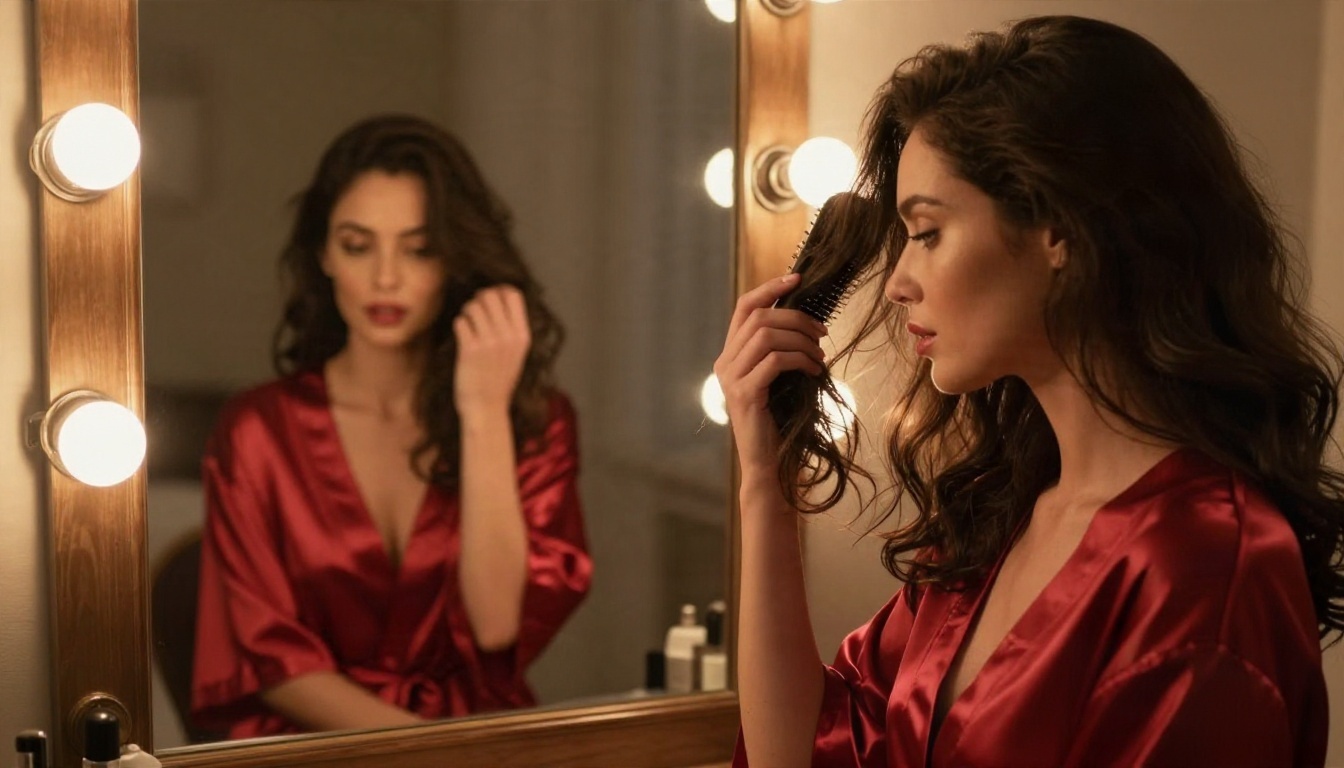
"An adult woman in a deep red silk robe sits at a vintage vanity mirror, slowly brushing her dark hair. Warm tungsten bulbs frame the mirror, soft glow on her cheekbones. 85mm lens, shallow depth of field, slow push-in. Fabric shifts gently as she turns toward the camera and smiles."
Notice what is missing: nothing explicit, nothing that needs a workaround. The sensuality comes from light, fabric and mood.
Motion Words That Help
Video models respond strongly to verbs. These phrases tend to give elegant results:
- slow push-in, gentle pan, handheld sway
- hair lifts in the breeze, fabric ripples, water drips from the shoulder
- turns over the shoulder, glances at the camera, slow smile
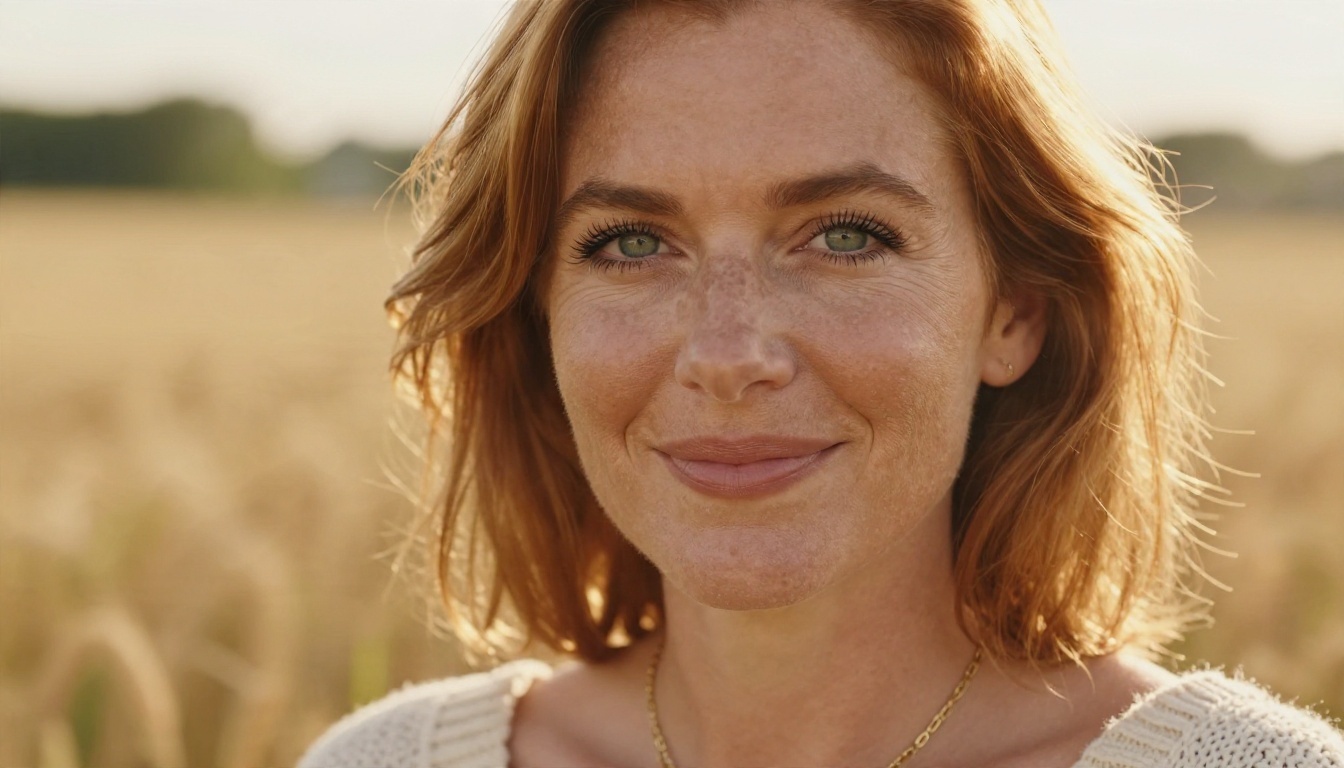
- golden hour backlight, soft window light, warm rim light
Keep one main action per clip. Three actions in five seconds usually produce distorted hands and flickering outfits.
Prompts That Get Blocked
Filters look at both intent and wording. Prompts that name explicit acts, use graphic anatomical terms, or reference real names will fail on most platforms. Rewording to dodge a filter is a losing game, because the model also analyses the generated frames, not just your text. Spend that effort on better lighting and composition instead.
| Instead of | Try |
|---|
| Vague "sexy" requests | Specific outfit, pose and light description |
| Real celebrity names | A fictional adult character with a clear look |
| Fast, chaotic action | One slow, deliberate movement |
| Long rambling prompts | Five or six focused sentences |
Alternatives That Fit Better
If your project leans toward glamour, lingerie, swimwear or artistic nude-adjacent photography, a pipeline built around image models gives you more control and fewer refusals. PicassoIA is built around that idea, and the models below are listed in the order that works best for adult-leaning creative work.
Seedream 4.5 Comes First
Seedream 4.5 is the strongest starting point. It makes sharp 4K images with convincing skin texture, believable fabric and clean lighting, and it handles glamour, bikini and boudoir concepts with far fewer rejections than a general-purpose video app. It is also fast, so you can test ten looks in the time it takes a Seedance queue to return one clip.
Use it to lock the character, outfit and setting before you spend any time on motion.
Image Editor Pro for Unlimited Edits
PicassoIA Image Editor Pro offers unlimited generations, which changes how you work. You can change an outfit, adjust the lighting, fix a hand, swap a background or refine a face again and again without watching a credit counter. For creators who iterate heavily, this is the biggest practical advantage over official free tiers.
More Models Worth Trying
- Qwen Image 3 Pro produces photorealistic portraits with good prompt following.
- Wan 2.5 I2V Fast animates a still image quickly, which suits the image-first workflow below.
- Wan 2.5 T2V turns text directly into video when you do not have a source image.
- LTX 2.5 Fast is built for speed when you are testing ideas.

How to Use Seedance on PicassoIA
Since Seedance variants are on the platform, here is a practical walkthrough using Seedance 2.5 Lite as the example.
Step by Step
- Open the model page. Go to Seedance 2.5 Lite from the link above and sign in.
- Write your prompt. Use the formula from earlier: subject, outfit, place, light, lens, motion.
- Choose your duration. Start at 5 seconds. Go to 10 seconds only after the shorter version looks right.
- Generate and review. Watch for face drift, hand glitches and outfit changes in the final second.
- Refine, do not rewrite. Change one variable at a time, such as the light or the camera move, so you can see what helped.
- Step up when needed. Move to Seedance 2.5 for longer clips once the look is locked.
Parameter Tips
| Setting | Recommendation |
|---|
| Clip length | 5 seconds for tests, 10 for finals |
| Camera move | One slow move only |
| Subject count | One adult character per clip |
| Lighting | Name the source and direction |
| Audio | Describe ambient sound, such as waves or soft music |
💡 Pro habit: Keep a text file of prompts that worked. A good prompt is reusable with a new outfit or location and saves you real time.
The Image-First Workflow
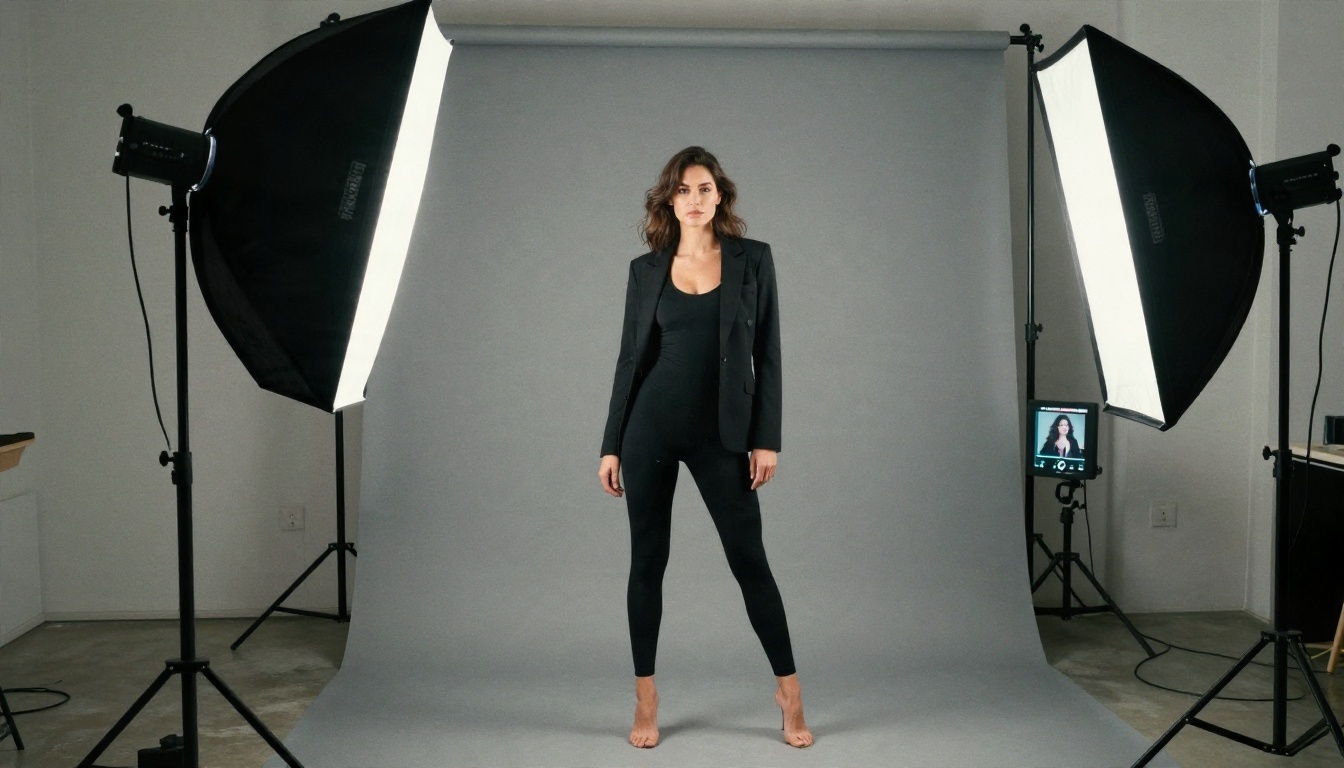
The most reliable way to make adult-leaning video is not text-to-video. It is image first, motion second. You build the still frame with an image model, approve it, and then animate it.
Why It Beats Pure Text-to-Video
A still image lets you control the character before any motion exists. Faces stay consistent, outfits stay the same and the light is already right. When you animate, the video model only has to add movement, which is the thing it does best.
A Four-Step Pipeline
- Generate the still in Seedream 4.5 with a detailed photographic prompt.
- Refine it in Image Editor Pro until outfit, light and pose are exactly right.
- Animate it with Wan 2.5 I2V Fast or a Seedance variant, using a short motion prompt.
- Pick the best take and, if needed, upscale it for posting.
This approach also cuts waste. You do not spend video credits on a face you were never going to keep.
Common Mistakes to Avoid
- Chasing loopholes. They close quickly, and accounts get flagged.
- Overloading the prompt. Six actions in one clip means six glitches.
- Skipping the still stage. You pay for motion on a design you have not approved.
- Using real faces. It is unfair to the person, and platforms ban it.
- Ignoring lighting. Most "cheap" looking results come from flat light, not from the model.
Make Your Own Clips Today
The best answer to "Seedance porn generator" is not a trick. It is a better setup: strong stills from Seedream 4.5, unlimited refinement in Image Editor Pro, and short, well-directed motion from a Seedance or Wan model. That combination gives you glamour, swimwear and boudoir clips with real photographic quality and far fewer dead ends.
Open PicassoIA, write a prompt about a golden-hour beach walk or a silk-robe portrait, and see how far one well-lit still can take you. When you want more options, browse the full catalogue at picassoia.com/en/all-models and pick the model that matches your next idea.