You typed two names into a search bar because you want one straight answer: which AI video model deserves your time and your money? Seedance, built by ByteDance, and Sora, built by OpenAI, took very different roads in 2026. One keeps spreading across platforms with free daily credits and longer clips. The other had its consumer app shut down in April and its API scheduled to close in September. Before you commit a budget to either, here is what each one costs, how much you can generate without paying, and which test scenes expose the real differences.
The Short Answer
If you want a free or cheap way to make video today, Seedance wins. If you want to study the look that made Sora famous, you can still compare it, but you should not build a long term workflow around it.
Here is the quick version:
| Question | Seedance | Sora |
|---|
| Easiest free access | Yes, several platforms offer daily or trial credits | No true free tier reported |
| Longest clip on PicassoIA | Up to 30 seconds | Up to 12 seconds |
| Native audio | Yes, dialogue, effects and music | Yes, synced audio |
| Reference images and video | Up to 30 images, 10 videos | One optional first frame |
| Long term outlook | Active, new versions keep arriving | App closed, API wind down announced |
💡 Rule of thumb: use Seedance for production and volume, and use Sora only as a side by side reference for realism and physics.
Where Sora Stands Today
Any honest comparison has to start here, because it changes what "better" means.
What Happened to the App
OpenAI announced on March 24, 2026 that it was discontinuing Sora. The web and mobile app closed in late April 2026, and the API was scheduled to follow in September. Reports gave several reasons: falling usage after a viral launch, heavy compute costs, and a company shift toward coding tools. A planned Disney partnership also fell apart before any money changed hands.
Reports conflict on one point: whether the underlying video model will live on inside other products. Treat any claim about a comeback as a rumor until OpenAI says otherwise.
Why It Still Matters for Comparisons
Sora 2 set the bar for physical realism, believable light and synced sound when it launched, and many creators still use it as the yardstick. PicassoIA still lists Sora 2 and Sora 2 Pro, so you can run the same prompt through it and a Seedance model and judge the difference with your own eyes.
💡 Tip: if you ever rely on a model for client work, check its roadmap first. A model that looks perfect today can disappear within one quarter.
Pricing: What Each One Costs
Pricing in this space shifts monthly, and third party sites often disagree. The figures below come from reported numbers, so check the current price on the platform before you pay.

Sora Pricing
When Sora was live, access came through ChatGPT subscriptions. Reports put ChatGPT Plus at about $20 per month with a capped number of generations and a 1080p ceiling, and ChatGPT Pro at about $200 per month for higher volume and longer clips. Most sources agreed there was no real free tier. Late in 2025, OpenAI also capped how many videos users could make because chips were scarce.
With the app closed, those plans no longer buy you Sora video through OpenAI's own product. That leaves third party platforms, where cost depends on the platform.
Seedance Pricing
Seedance is sold differently. Because it is a model rather than one app, you pay (or don't) wherever you use it:
- Credit based platforms: one popular host reportedly gives new users a few free generations plus about 120 free points per day, and after that charges around 8 points per second of video.
- Short trials: some regional apps run a small paid trial, reported at roughly one yuan for seven days.
- Monthly plans: a few sites sell a Pro plan near $10 per month with a daily credit refresh.
- PicassoIA: Seedance 2.5 Lite is unlimited for Elite and Infinite members, with no per clip cost and no daily counter.
Pricing Side by Side
| Item | Seedance | Sora |
|---|
| Entry price (reported) | Free credits on several platforms, plans from about $10 per month | About $20 per month (ChatGPT Plus, before the shutdown) |
| High volume option | Unlimited Lite model on PicassoIA for members | About $200 per month (ChatGPT Pro, before the shutdown) |
| Pay per second | Around 8 points per second on credit platforms | Priced per second through the API |
| Hidden cost | Credits vanish fast at 1080p and long durations | Capped generations even on paid plans |
💡 Budget tip: draft every idea at 480p or 720p first. Spend high resolution credits only on the one take you plan to publish.
Free Limits Compared
"Free" means very different things for these two models.
Seedance Free Options
Free Seedance access usually looks like this:
- Daily points: enough for roughly 15 seconds of video per day on the most generous credit platforms.
- Sign up bonus: a handful of free generations when you create an account.
- Watermarks and queues: free renders often carry a watermark and wait behind paid users.
- Resolution caps: free tiers tend to stop at 720p.
On PicassoIA, Seedance 2.5 can reach 30 seconds in one generation, while the lighter Seedance 2.5 Lite tops out at 10 seconds for fast, high volume testing. If you want a smaller entry point, Seedance 2.0 Mini offers text to video with native audio.
Sora Free Options
There is no meaningful free Sora route from OpenAI. Even before the shutdown, you needed a paid ChatGPT plan, and the free limits that existed on invite era access were small and temporary. On PicassoIA, Sora 2 lets you pick 4, 8 or 12 seconds in portrait (720 by 1280) or landscape (1280 by 720). You can also add your own OpenAI API key, in which case OpenAI bills you directly.
| Free limit | Seedance | Sora |
|---|
| Daily free credits | Reported on several platforms | None reported |
| Max clip length (PicassoIA) | 10 s (Lite), 30 s (Seedance 2.5) | 12 s |
| Resolution | 480p and 720p | 720p |
| Watermark on free | Common on credit platforms | Not applicable |
Examples: Same Prompt, Different Results
Specs only get you so far. The fastest way to decide is to run identical prompts through both models. These are the three test scenes I would use, because each one stresses a different weakness.
💡 Fair test rule: use the same prompt, the same duration, the same aspect ratio and no reference images. Change one thing at a time.
Motion and Dance
Human motion is where AI video breaks. Fast limbs, flowing fabric and a changing floor reflection all have to stay consistent from frame to frame.
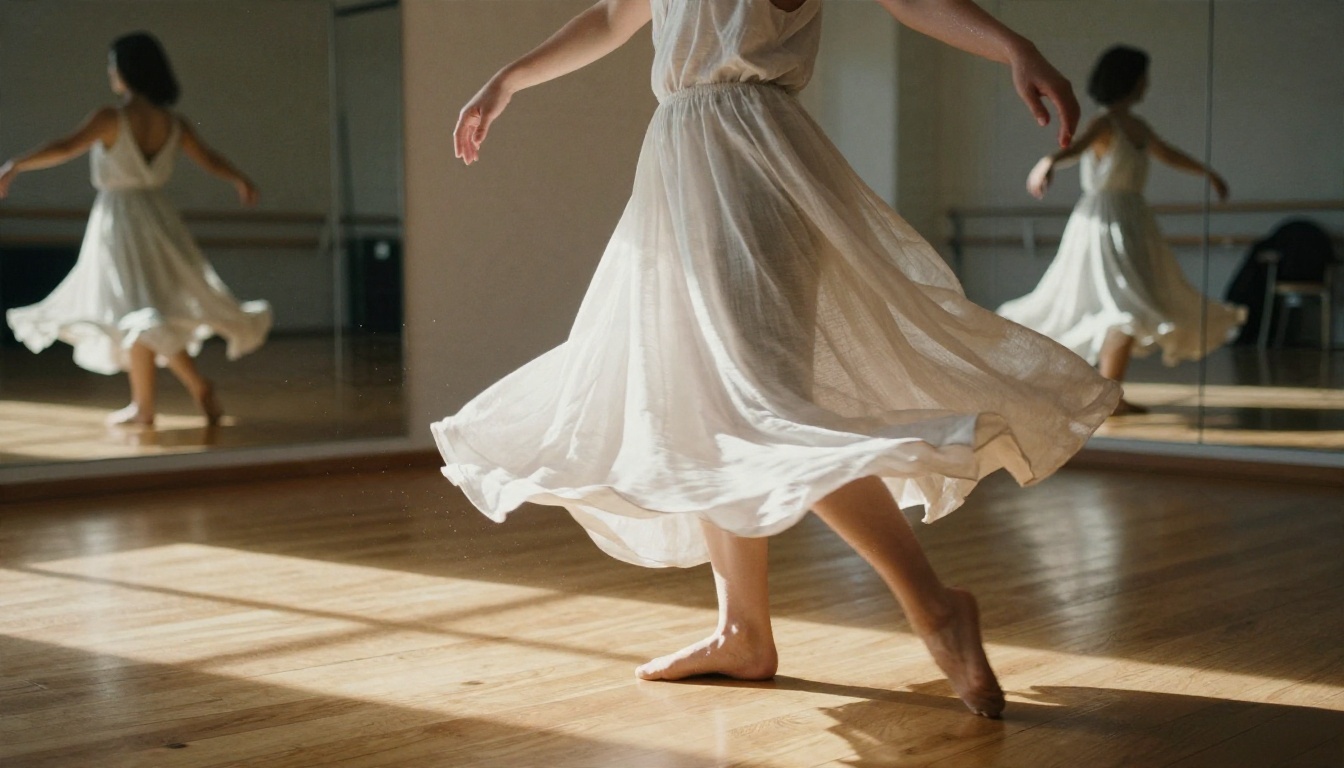
Test prompt: "A contemporary dancer spins across a sunlit wooden studio floor, linen clothes flaring, low camera tracking sideways, mirrors reflecting the movement."
Watch for these problems:
- Fingers merging or splitting during the spin
- Fabric that ignores the direction of motion
- A mirror reflection that does not match the dancer
Landscapes and Aerial Shots
Scenery is usually the easiest test, which makes it good for judging pure image quality: sea spray, haze, shadows and the tiny movement of vegetation.
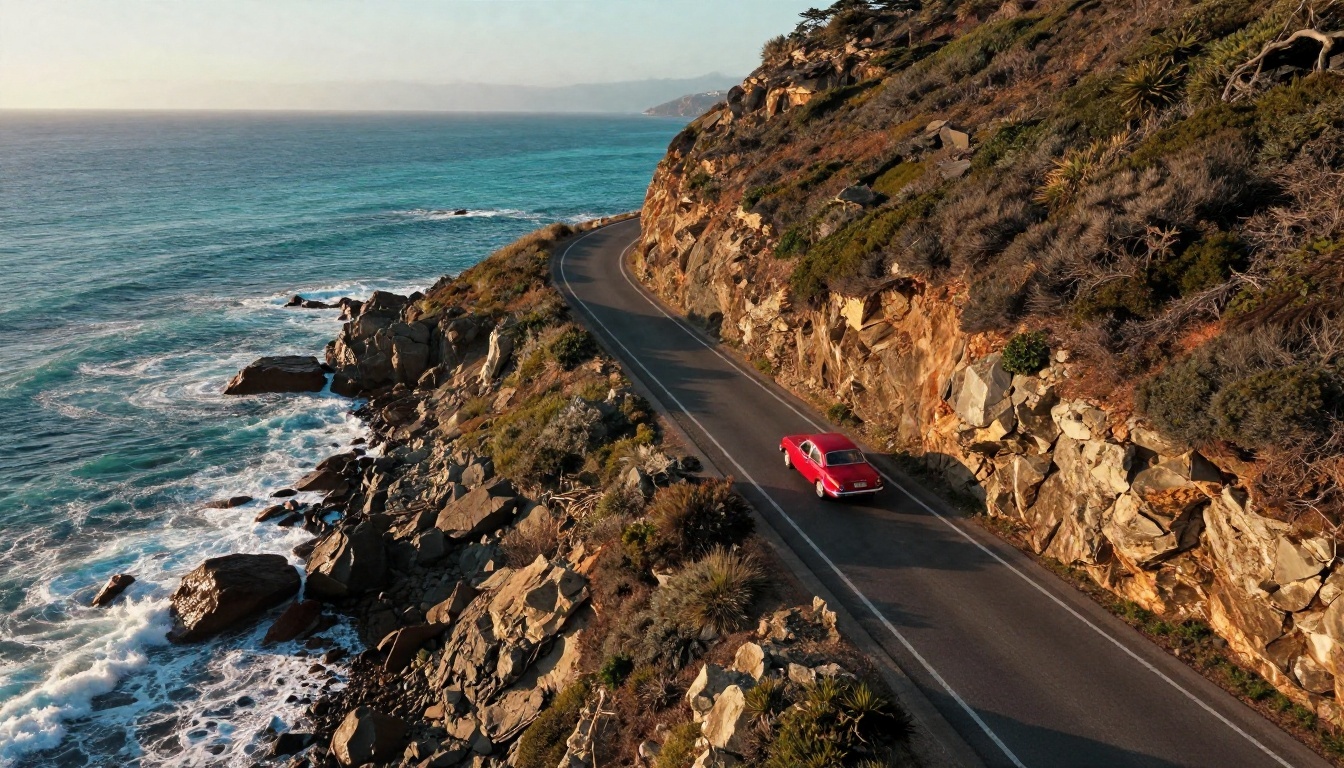
Test prompt: "Drone shot following a red vintage car along a coastal cliff road at golden hour, waves breaking on rocks below, slow forward flight."
Look at whether the car keeps a stable shape, whether the shadows follow the sun, and whether the waves loop or truly break.
Close-Ups and Sound
Both models generate audio with the picture, so a close-up with a clear sound source is a useful test. A pan in a busy kitchen should sizzle in rhythm with the toss.
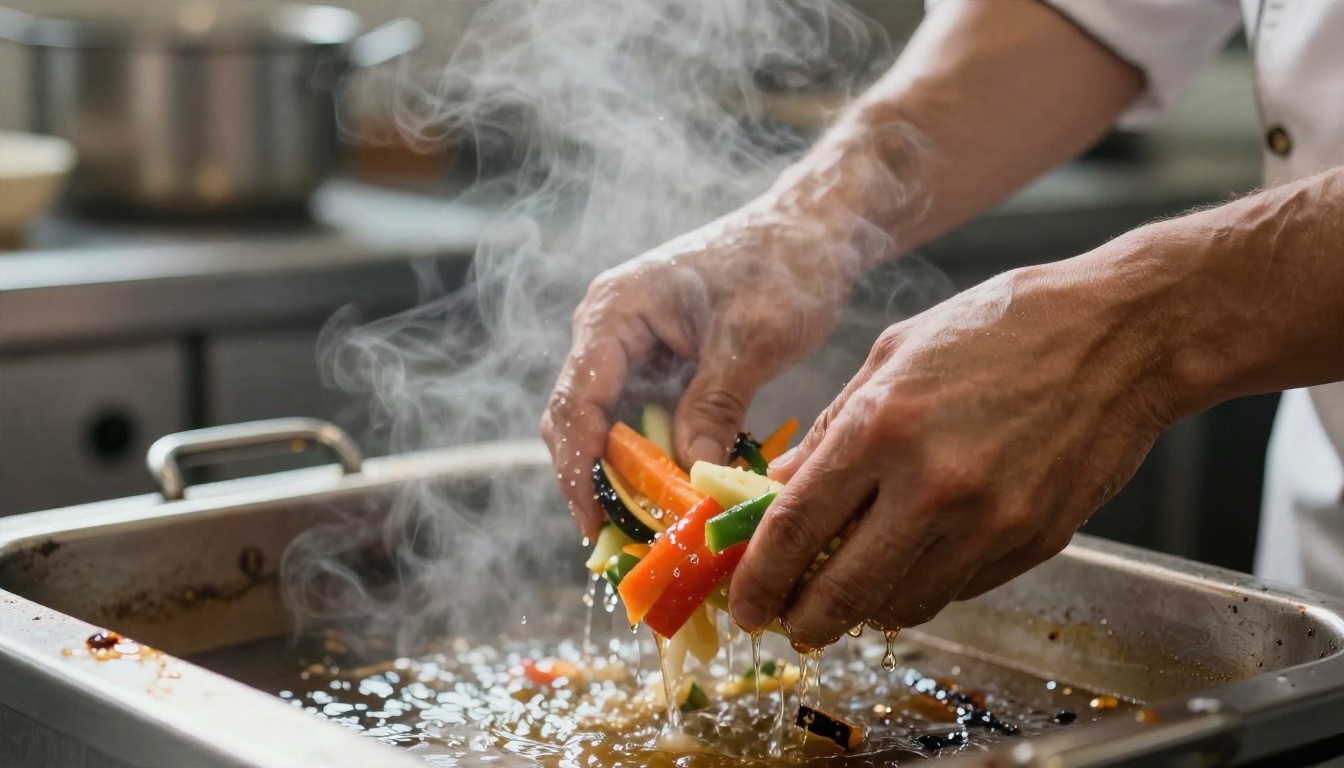
Test prompt: "Macro shot of a chef tossing vegetables in a steel pan, steam rising, oil sizzling, kitchen chatter in the background."
Judge three things: does the sizzle match the movement, does the steam behave naturally, and does the ambient noise fit the room?
💡 Seedance extra: write spoken lines in double quotes and Seedance 2.5 will produce a character whose lip movement matches the dialogue.
Which One Fits Your Work
Pick Seedance If
- You need free or low cost generation
- You want longer clips without stitching shots together
- You need character consistency across scenes through reference images
- You want to iterate fast with many prompt variations
- You care about a model that keeps receiving updates

Pick Sora If
- You want to compare against a famous benchmark for physical realism
- You only need very short, polished clips of 4 to 12 seconds
- You already hold an OpenAI API key and are happy to pay per use
Keep in mind that the app and API wind down makes Sora a poor foundation for a repeatable pipeline.
Alternatives Worth Testing
Neither model has to be your only option. Two strong rivals on PicassoIA are worth a quick test:
If you have a stack of reference photos, clips or audio and want them all in one generation, PicassoIA Reference To Video is also worth a look.
How to Use Seedance on PicassoIA
Here is the fastest route from idea to finished clip.

Choose Your Version
Open the model page for the version that matches your goal:
Write a Chronological Prompt
Describe the shot in the order it unfolds. A good pattern is: subject and starting pose, then action, then camera move, then light and mood. For example: "A barista pours milk into a ceramic cup, slow dolly in, warm window light, soft café noise."
Set the Parameters
| Setting | What to pick |
|---|
| Resolution | 480p for drafts, 720p for the final take |
| Duration | 5 seconds to test an idea, 10 or more for a full action |
| Aspect ratio | 16:9 for YouTube, 9:16 for Shorts and Reels, 1:1 for feeds |
| Audio | Leave on for ready to post clips, turn off for silent footage |
| Seed | Lock a value when you want to repeat a result |
Add Frames and References
Upload an image to use as the first frame. In Seedance 2.5 you can also add a last frame to control how the shot ends, or attach up to 30 reference images so a face, outfit or product stays identical from shot to shot.
Iterate With Seeds
Change one word at a time, keep the seed fixed, and compare. Once a draft works on Seedance 2.5 Lite, run the same prompt on Seedance 2.5 for the polished version.
💡 Pro move: run your best prompt through Sora 2 as well. Seeing both results side by side takes about a minute and teaches you more than any spec sheet.
Try Both Yourself
Reading a comparison is useful, but your own prompts are the only test that matters. Your subject, your lighting and your style will favor one model over the other in ways no article can predict.
Here is a simple plan for this week:
- Pick one scene from the test list above.
- Draft it on Seedance 2.5 Lite at 720p.
- Run the same prompt on Sora 2.
- Keep the winner, and polish it with Seedance 2.5 if you need a longer take.
Head to Picasso IA, load your first prompt and see which model gives you the clip you had in your head. For every other video, image and audio model on the platform, browse picassoia.com/en/all-models and keep experimenting until the result looks exactly how you imagined it.


