You typed "Seedream 2.5 uncensored" into a search bar because you want a ByteDance image model that stops refusing your prompts. Fair. But before you hand over an email address to the first site promising it, you should know something that most of those pages skip: I could not confirm a public Seedream 2.5 image model. The versions people actually use are Seedream 3, Seedream 4, Seedream 4.5 and the newer Seedream 5 line. The "2.5" in many search results is a mix-up with Seedance 2.5, which is a video model.
That does not leave you empty-handed. Seedream 2.5 is not on PicassoIA, so this article does not pretend otherwise. What it does is show you what the name most likely refers to, how filters behave on the Seedream family, which prompt wording gets suggestive, photorealistic results, and where you can generate those images for free right now.
💡 Quick answer: Seedream 2.5 is not on PicassoIA. For similar results today, try Seedream 4.5, then PicassoIA Image Editor Pro for unlimited generations.
What "Seedream 2.5" Really Means
Search behavior around this keyword is messy, and understanding why saves you time. People hear that a new ByteDance model "has no filter," remember a version number loosely, and type it in. Sites that sell access then rank for the wrong name.
The Seedream versions that exist
ByteDance's image line moved quickly: Seedream 3 first, then Seedream 4, then Seedream 4.5, and later the Seedream 5 releases. I found no confirmed public release labeled Seedream 2.5 for images. If a page offers a "Seedream 2.5 download" or a "Seedream 2.5 uncensored checkpoint," treat it with suspicion.
The Seedance 2.5 confusion
Seedance 2.5 is a video model. Many "uncensored" articles about it are being picked up under the Seedream spelling. The moderation behavior reported for that video model is not a reliable guide to what a text-to-image model will accept, so do not carry those claims over.
| Name | Type | Status I could verify |
|---|
| Seedream 2.5 | Image | No confirmed public release |
| Seedance 2.5 | Video | Exists, different model |
| Seedream 3 | Image | On PicassoIA |
| Seedream 4 | Image | On PicassoIA |
| Seedream 4.5 | Image | On PicassoIA |
| Seedream 5 Lite and 5 Pro | Image | On PicassoIA, stricter on adult content |
Why "uncensored" is a loose word
No hosted model is truly filter-free. There are usually two layers: the model's own training, which shapes what it is willing to draw, and a separate checker that scans prompts and outputs. A platform can sometimes relax the second layer. It cannot rewrite the first one.
How Seedream Filters Actually Behave
Reports from users of the Seedream line describe a pattern. Seedream 4.5 was considered fairly relaxed for glamour and swimwear. Seedream 5 releases drew complaints within days of launch because prompts that 4.5 accepted were suddenly refused. One host even saw 4.5 blocked for a short time and then restored.
What usually passes
Fashion, swimwear, lingerie campaign looks, boudoir lighting, beach and pool photography, and implied or artistic styling pass most of the time. The model responds well to the language of professional photography.
What usually gets blocked
Explicit sexual acts, graphic nudity, anything involving minors, real public figures in sexual contexts, and prompts that stack several loaded words. Those are refused on nearly every platform, and they should be.
False positives are common
Filters misfire. Harmless prompts about a person at the beach, a wet T-shirt in a rainstorm, or a medical illustration can trigger a block. This is the most frustrating part of the Seedream family, and it is also the part you can fix with better wording.
💡 Tip: If a prompt gets refused, do not just resubmit it. Strip adjectives like "sexy" or "seductive," describe the clothing, light and setting instead, and try again.
Free Access That Works Today
Here is the honest shortlist. Seedream 2.5 is not on PicassoIA yet; for similar results today, these models are the ones to try, in this order.
Seedream 5 Lite blocks adult content, so it is not the right pick for this kind of work.
Why Seedream 4.5 leads
It is the strongest of the line for skin, fabric and light. It produces 2K or 4K images, accepts up to 14 reference images, and can generate a batch of related pictures in one run. Its settings also include a safety checker toggle that, when turned off, relaxes input moderation to block only illegal content. Use that responsibly, and keep every image non-explicit.
Why Image Editor Pro comes second
Speed and volume. With unlimited generations you can iterate on a prompt ten times without watching a counter, which matters when you are working around a filter that is occasionally jumpy.
How to Get Similar Results on PicassoIA
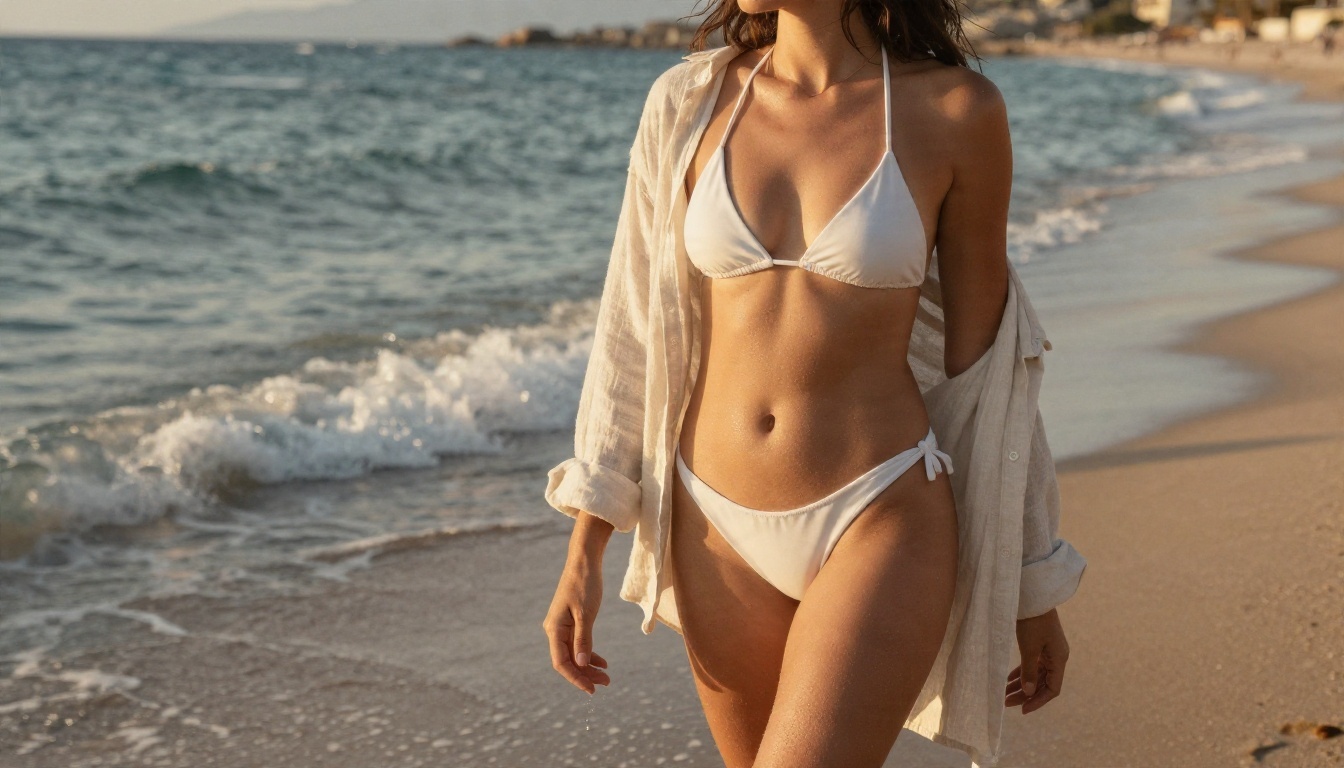
Since Seedream 2.5 is not on PicassoIA, use Seedream 4.5 as your base. The steps are short.
Step by step
- Open the Seedream 4.5 page on PicassoIA.
- Write your prompt in the Prompt box. Up to 4,000 characters are allowed, so be specific.
- Set size to 2K for fast drafts. Switch to 4K when you have a winner.
- Choose an aspect ratio. 16:9 suits landscapes and wide scenes, 3:4 and 2:3 suit portraits.
- Leave sequential image generation on "disabled" for one image, or set it to "auto" and raise max images to get a set of variations.
- Run it, review the result, and adjust one detail at a time.
Parameter tips that matter
| Parameter | Suggested setting | Reason |
|---|
| size | 2K for tests, 4K for finals | Saves time while you refine wording |
| aspect_ratio | 16:9 or 3:4 | Match your intended use |
| image_input | 1 to 3 references | Locks a face, outfit or pose across images |
| max_images | 4 to 6 | Gives you options without guesswork |
Fix a result with Image Editor Pro
When the composition is right but a detail is off, such as a hand, a strap or the background, bring the image into PicassoIA Image Editor Pro. Because generations are unlimited, you can keep adjusting until it looks right.
Prompts That Pass the Filter
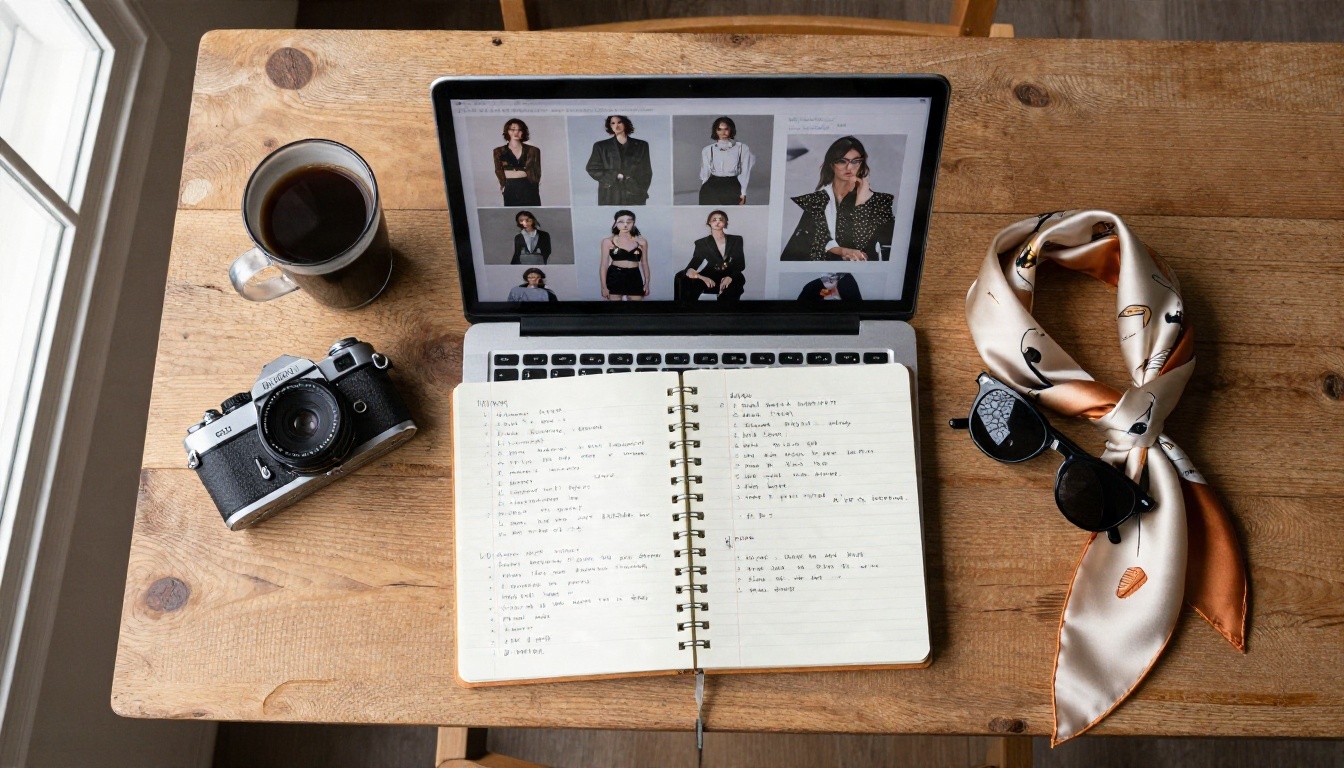
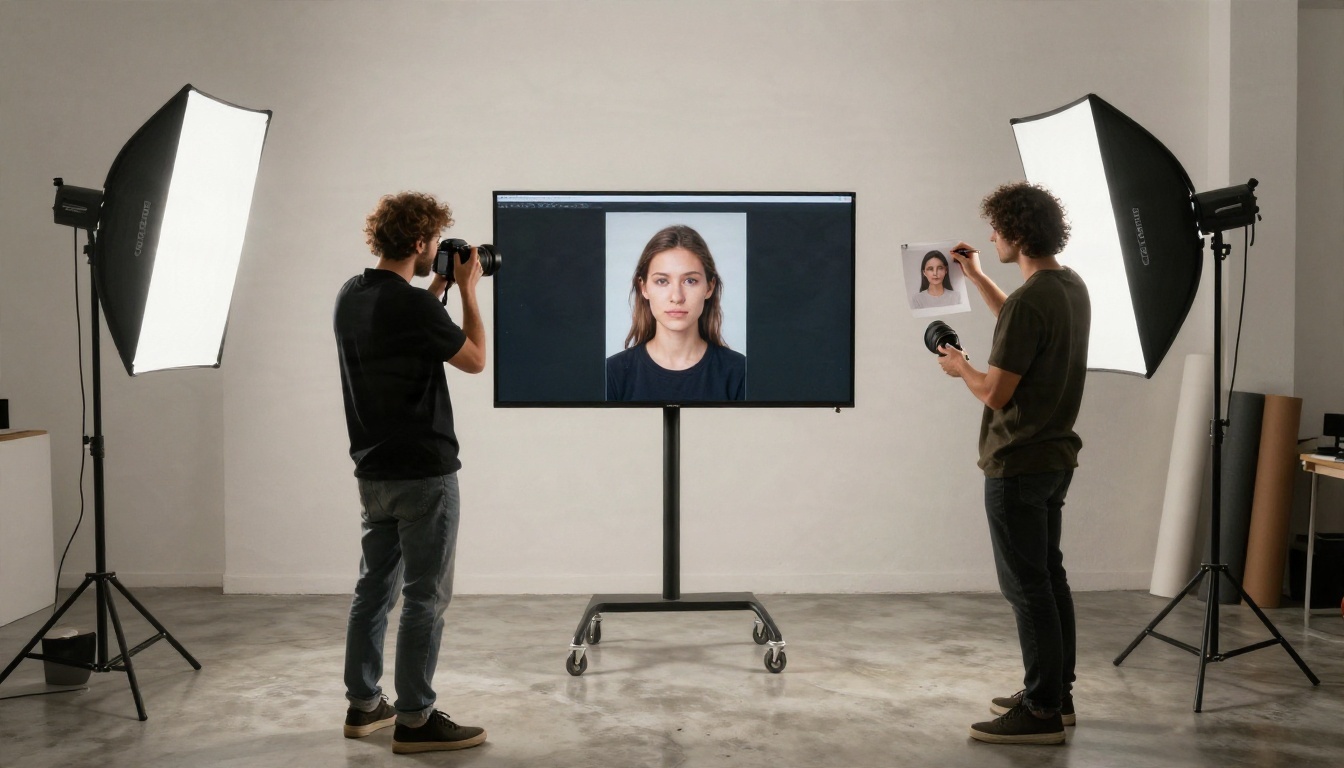
Seedream models respond to what a photographer would say, not what a caption writer would say. The structure that works is: subject, clothing, setting, light, lens, film look.
Swimwear and beach
An adult woman in a white string bikini and loose linen shirt walking on a Mediterranean beach at golden hour, wet sand reflecting the sky, warm side light from the left, 50mm f/1.8, shallow depth of field, Kodak Portra 400 grain, natural skin texture.
Boudoir and evening light
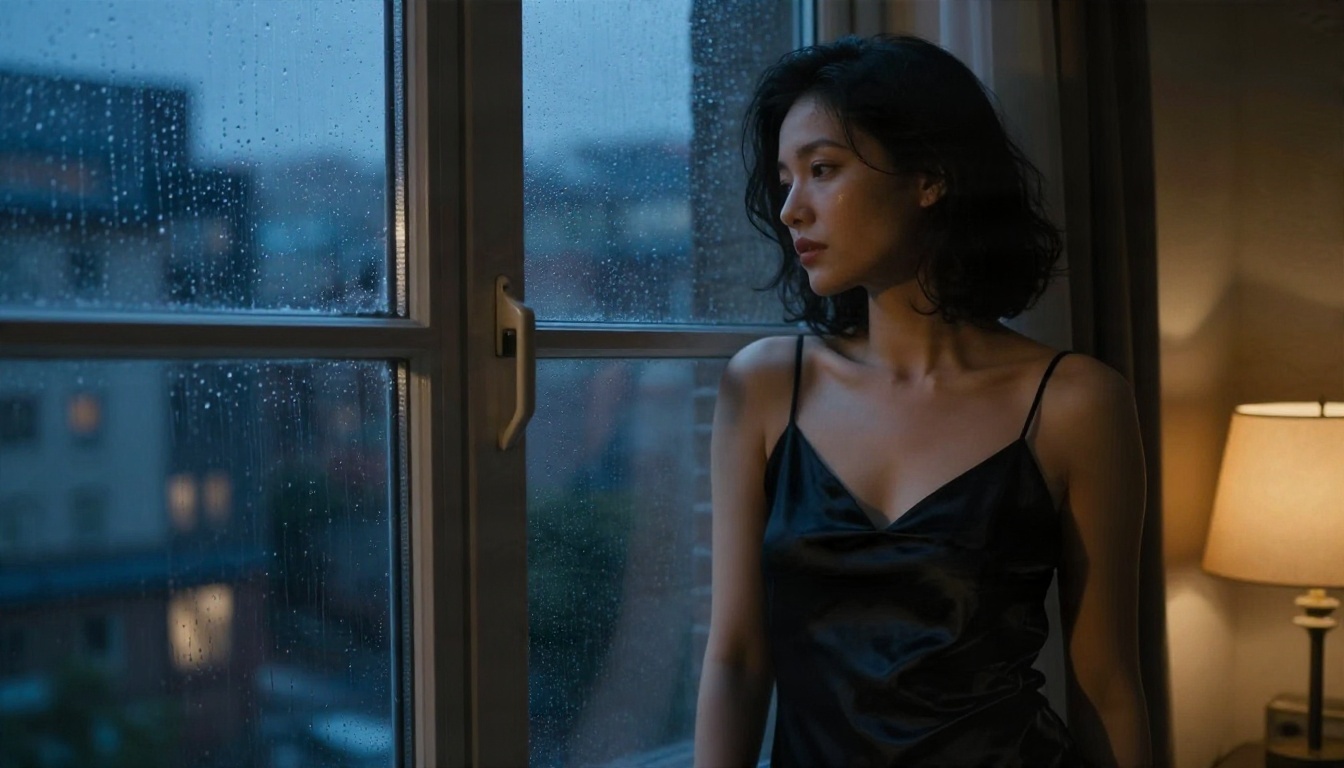
An adult woman in a black satin slip dress beside a rain-streaked window in a dim loft at dusk, warm lamp light from the right and cool blue window light from the left, 85mm f/1.4, cinematic film grain, elegant and tasteful.
Poolside glamour
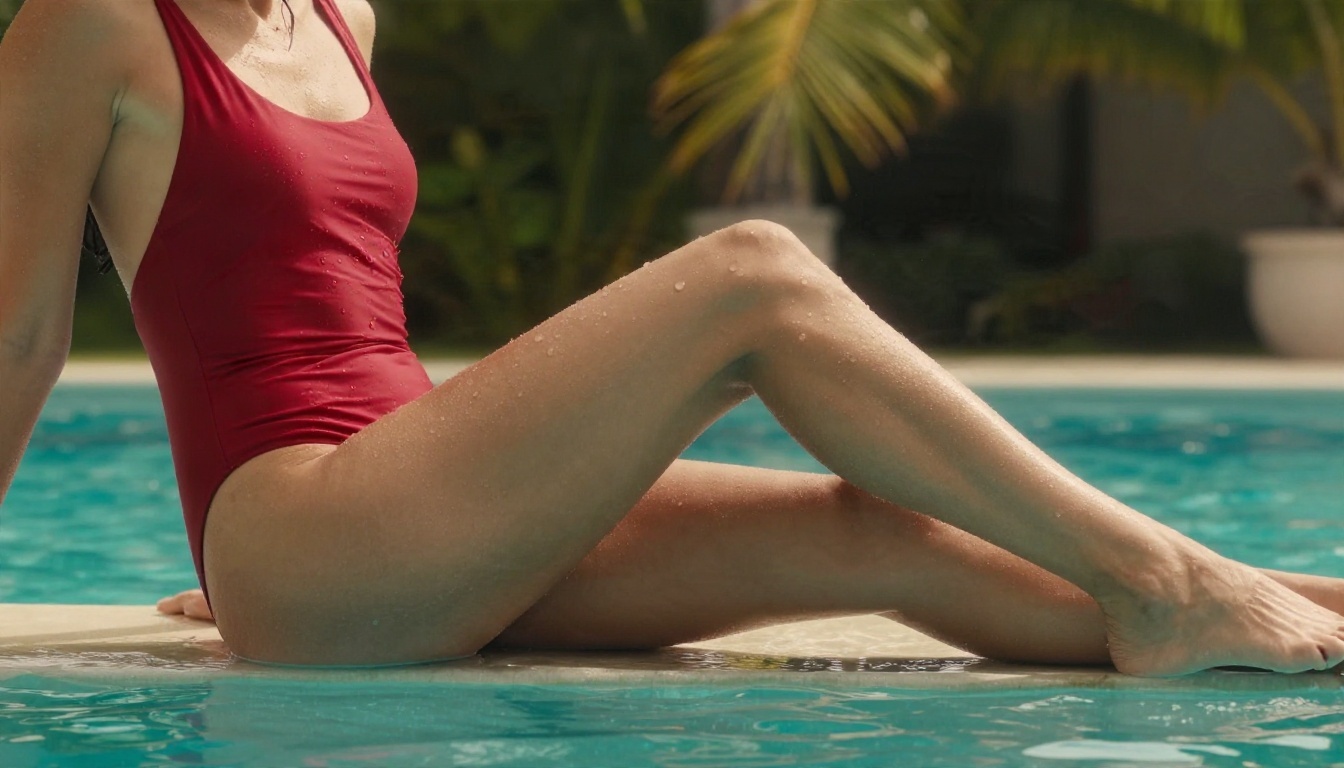
An adult woman in a red one-piece swimsuit sitting at the edge of an infinity pool in the morning, sunlight from behind, droplets on skin, palm trees blurred, 70mm f/2, Kodak Portra 400.
Words that help
- Lens and aperture: "85mm f/1.4" pushes the model toward portrait realism.
- Light direction: "window light from the left" beats "good lighting."
- Surface detail: "fine pores, freckles, fabric weave" adds believable texture.
- Film stock: "Kodak Portra 400, fine grain" keeps skin tones warm and natural.
Words that hurt
- Stacked intensity words such as "seductive, sensual, erotic."
- Anatomical terms.
- Vague age cues. Always state adult.
- Brand names and real people.
💡 Rule of thumb: Describe the photograph, not the desire. A prompt that reads like a shot list passes more often than one that reads like a request.
Why Filters Block Harmless Prompts
If you hit a refusal on something innocent, the cause is usually one of three things.
Trigger words out of context
A word that is fine in a swimwear shoot can be flagged when it sits next to another word the checker dislikes. "Wet," "tight," "bare" and "undressed" are common culprits.
Over-long prompts
A 300-word prompt gives the checker more surface to misread. Trim anything that does not change the picture.
Reference images
Uploading reference photos adds a second moderation pass. If a result is refused, try the prompt without the reference first, then add it back.
| Problem | Likely cause | Fix |
|---|
| Instant refusal | Loaded adjective | Replace with clothing and light details |
| Blurry or altered output | Soft moderation | Rephrase and simplify |
| Refusal only with reference | Image check | Use a different reference photo |
| Works on 4.5, fails on newer model | Stricter filter | Stay on Seedream 4.5 |
Realism Is the Real Upgrade
People chase "uncensored" when what they often need is a better photograph. A tasteful image that looks real beats a risky one that looks plastic.
Skin and texture
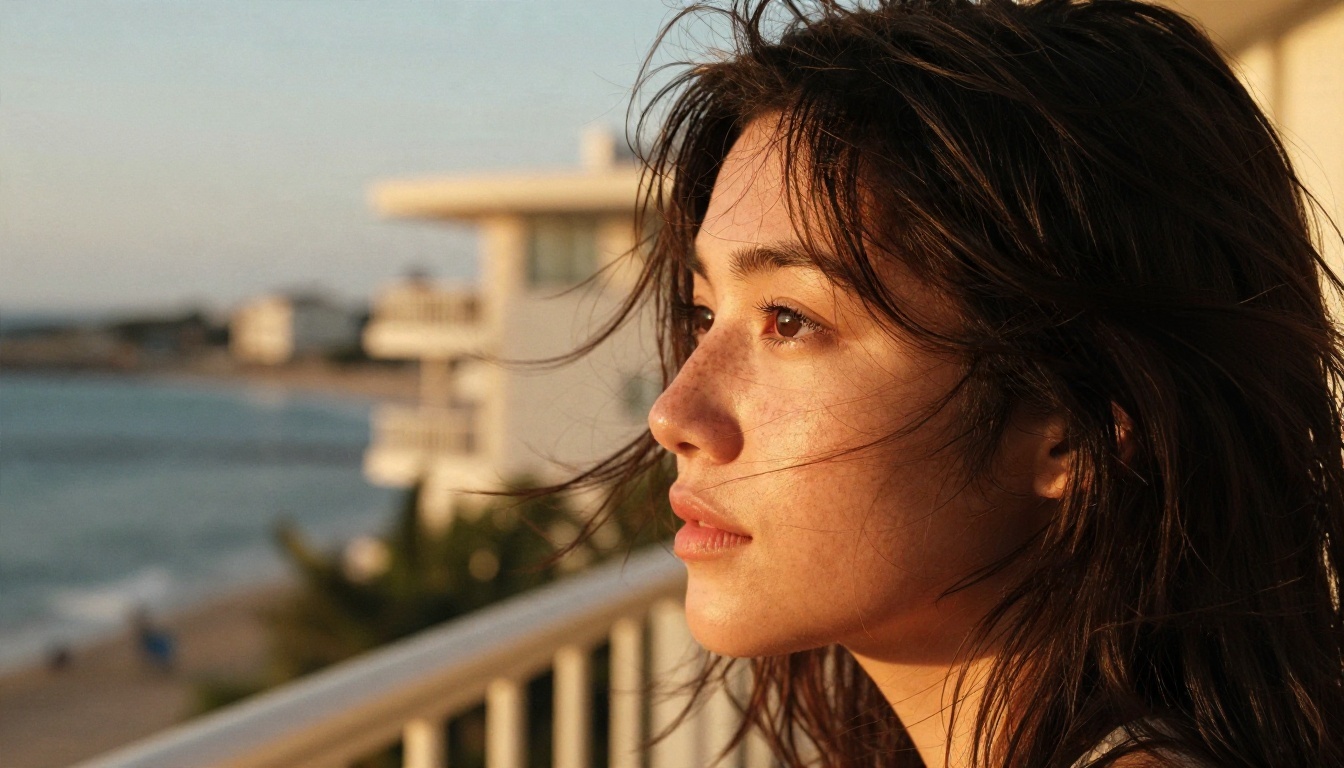
Ask for pores, freckles, flyaway hair and a natural sheen. Seedream 4.5 handles these well, and the difference shows at 4K.
Light and lens
One light direction, one lens, one film look. Mixing five styles in one prompt tends to flatten the image.
Composition variety
Change the angle between runs: low angle, side profile, overhead, wide environmental shot. A set of varied frames looks like a real shoot.
Safety and Limits You Should Respect
There is a firm line that no platform should cross and no honest article should help you cross.
Non-negotiables
- Adults only. Every subject should be clearly an adult.
- No real people. Do not generate sexual content of real individuals or public figures.
- No explicit material. Suggestive and artistic is fine; pornographic is not what these models are built for.
Check where your images go
If you plan to publish, read the host platform's rules. Many social networks restrict swimwear and boudoir content even when it is fully non-explicit.
Beware of sites selling "unlimited uncensored" access
Several sites rank for this keyword by promising a version that does not exist. If a service asks for payment up front for "Seedream 2.5 uncensored," you are paying for a mislabeled copy of a different model at best.
Try It Yourself on PicassoIA
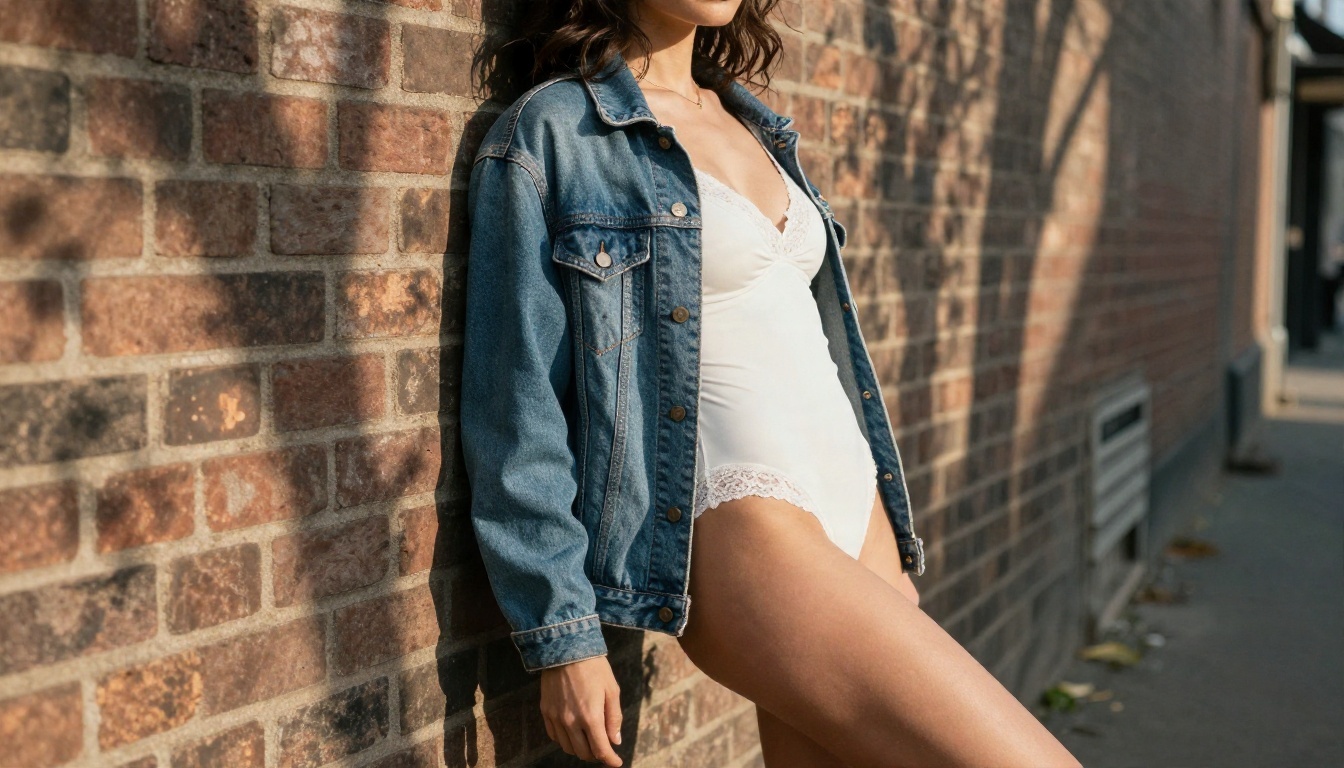
The fastest way to settle this is to test it. Open Seedream 4.5, paste one of the prompts above, and generate a 2K draft. If you want to iterate without limits, switch to PicassoIA Image Editor Pro and refine the same idea across as many variations as you like. For a quick alternative, Seedream 4 and Seedream 3 are both ready to use.
Want to see everything available? Browse the full catalog at picassoia.com/en/all-models, pick a model, and start creating your own photorealistic glamour images today. Change one detail per run, keep a note of what passes, and you will build a prompt library that works better than any "uncensored" label ever promised.


