People search for "Seedream 4.0 NSFW" because they have heard the same thing in a dozen forums: ByteDance's fourth-generation image model is looser than the rest. Some posts call it fully uncensored. Others say every second prompt gets blocked. Both camps are describing something real, and the truth sits in the middle. This article lays out what the model actually does with adult themes, what the free limits look like, and which prompts give you attractive, suggestive images without hitting a wall.
A quick note on scope. Everything here is about non-explicit NSFW: glamour, swimwear, lingerie, boudoir portraits and sensual editorial photography of adult subjects. That is the territory where Seedream 4.0 performs best, and it is also where you get the most photorealistic results.
💡 Short answer: Seedream 4 has a lighter filter than most mainstream image models, so bikinis, lingerie and boudoir scenes usually go through. It is not a free-for-all, and the same prompt can pass once and fail the next time.
What Seedream 4.0 Does With NSFW
Seedream 4.0 was released as ByteDance's unified text-to-image and editing model, with 4K output and strong prompt following. Its safety layer is the part people argue about. Unlike some competitors that refuse anything with bare skin, this model tolerates a lot of suggestive material. Unlike a self-hosted open model, it still has a filter.
Where the Filter Draws the Line
In practice, the filter behaves like a gradient rather than a wall. Here is how typical requests tend to fare:
| Request type | Typical outcome | Notes |
|---|
| Swimwear, bikinis, one-pieces | Passes almost always | Beach and pool scenes are the safest bet |
| Lingerie and bralettes | Passes most of the time | Works best with a styling context such as a hotel room or dressing table |
| Boudoir and glamour portraits | Passes often | Soft light and fashion language help |
| Implied artistic nudity | Inconsistent | Some attempts pass, others are blocked |
| Explicit sexual content | Blocked or sanitized | Not the model's intended use |
The pattern is that context and tone matter more than individual words. A prompt that reads like a fashion editorial gets through far more often than one that reads like a request for shock value.
Why Reports Disagree
If you read ten threads you will find ten opinions, and there are three reasons for it.
- Probabilistic filtering. The moderation step is not a fixed word list. It scores the prompt and often the output, so identical settings can produce different outcomes.
- Different hosts, different rules. The same model weights can be offered by several platforms, and each one adds its own policy on top. A site that markets "uncensored" access is describing its own setup, not the model itself.
- Version mix-ups. Newer releases such as Seedream 5 Pro are reported to be stricter than the 4.x line, so people comparing notes across versions end up talking past each other.
💡 When someone says "Seedream is uncensored," ask which version and which platform. The answer changes everything.
Uncensored Results: What to Expect
"Uncensored" is a loaded word, so let's define it honestly. With this model it means fewer unnecessary refusals on adult-themed but non-explicit scenes. It does not mean there are no limits at all.
Swimwear and Beachwear
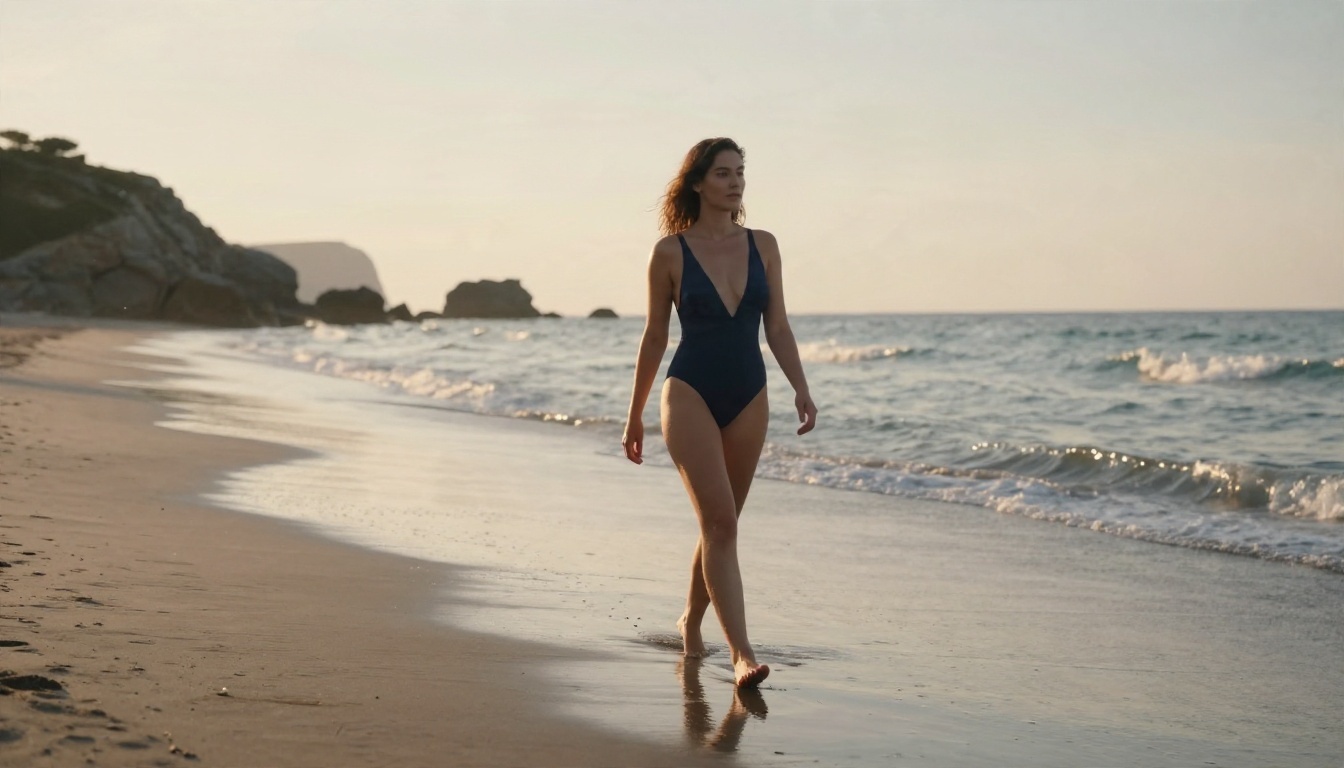
This is where the model shines. Skin texture, wet fabric, sun glints on water and the way a swimsuit sits on a body are rendered with a realism that older models struggled with. Bikinis, high-cut one-pieces, sarongs and beach cover-ups are handled without drama. Expect clean anatomy, believable hands and convincing sand and water.
A few things that raise the pass rate for swimwear prompts:
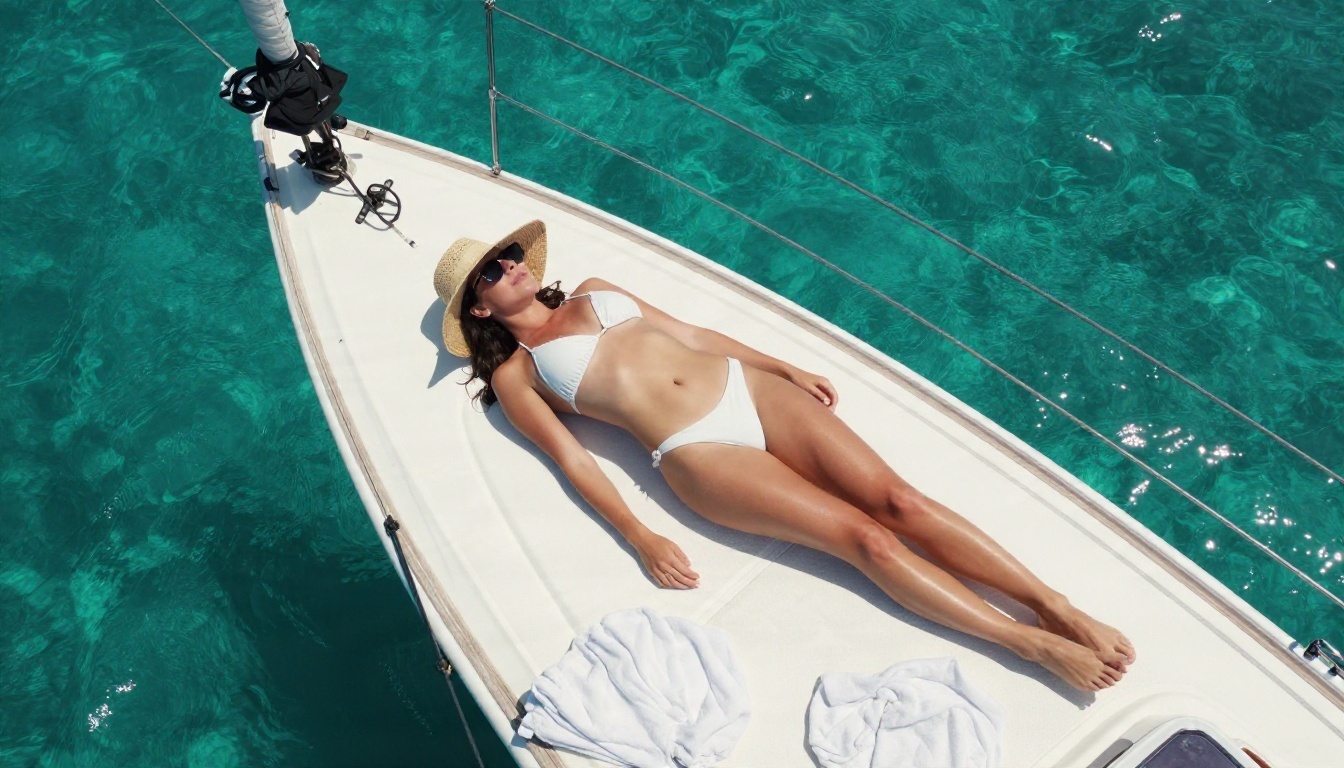
- Name a location (sailboat deck, villa pool, Mediterranean cove).
- Describe natural light rather than a vague "sexy lighting."
- Add a camera and lens so the model treats the scene as photography.
Lingerie and Boudoir
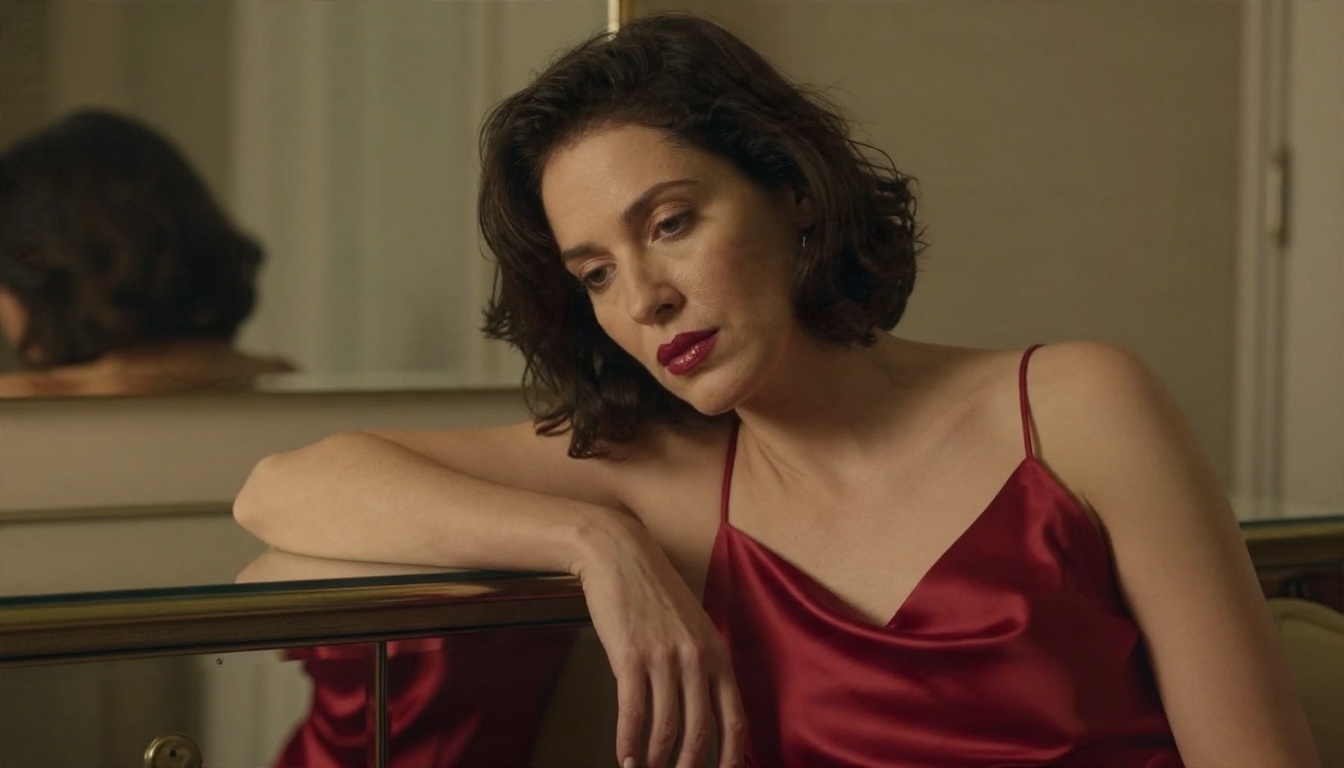
Lingerie is the middle zone. It usually passes when the scene reads as styled photography: a hotel suite, a vanity, a loft window in the evening. It tends to fail when the prompt is only a list of body-focused keywords with no setting.
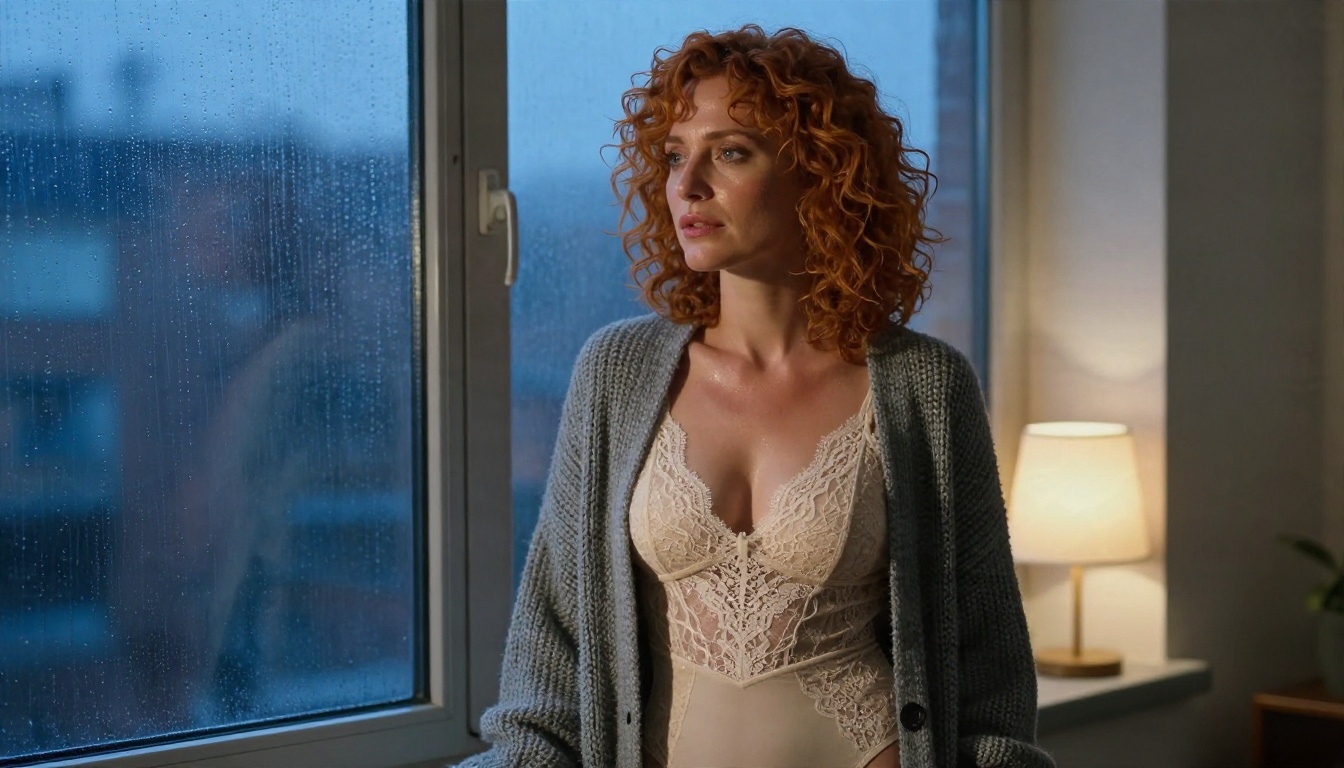
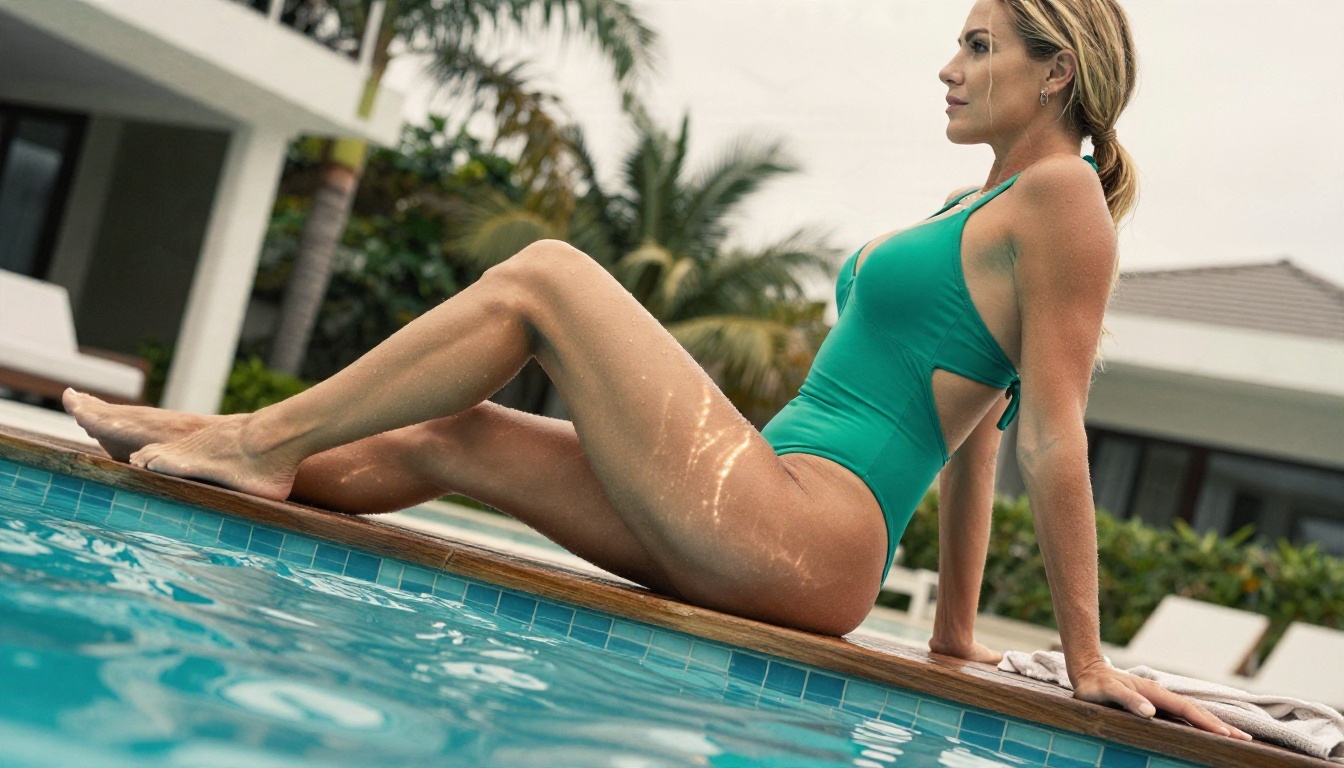
The model is also good at the details that make boudoir photography feel real: lace thread patterns, satin folds, the slight sheen on skin under warm lamp light. If you want a softer, more intimate mood, ask for it with environmental cues like rain on glass, tungsten lamps, or rumpled linen.
💡 Adults only. Describe adult subjects in every prompt, and never use the name or likeness of a real person. Beyond being the right thing to do, platforms block both and it wastes your generations.
Free Limits and Real Costs
The second half of the search keyword is "free limits," and this is where details get blurry because limits change from platform to platform.
Free Generations
Most hosts that offer the model give new accounts a small allowance of free generations, often just a few, with no card required. After that you pay per image or buy a credit pack. Third-party APIs that sell "uncensored" access typically charge a few cents per image after a trial batch.
On PicassoIA, the Seedream 4 page lists the current free allowance and model settings, so check it before you plan a batch. If you expect to iterate a lot, which you will with NSFW-adjacent prompts because of the probabilistic filter, a capped free tier runs out fast.
Here is how the cost picture usually looks:
| Option | Free allowance | Best for |
|---|
| Trial on a hosted platform | A handful of images | Testing whether the style suits you |
| Pay per image API | Small trial credit | Developers and bulk batches |
| Unlimited editor | No per-image cap | Heavy iteration and retries |
Resolution and Batch Size
Resolution is the other limit people ask about. Seedream 4.0 can produce up to 4K output, though some hosts cap it at lower sizes, and one popular third-party tool restricts it to about 1536 by 1536 pixels. Batch size also varies, with some platforms returning up to four images per request.
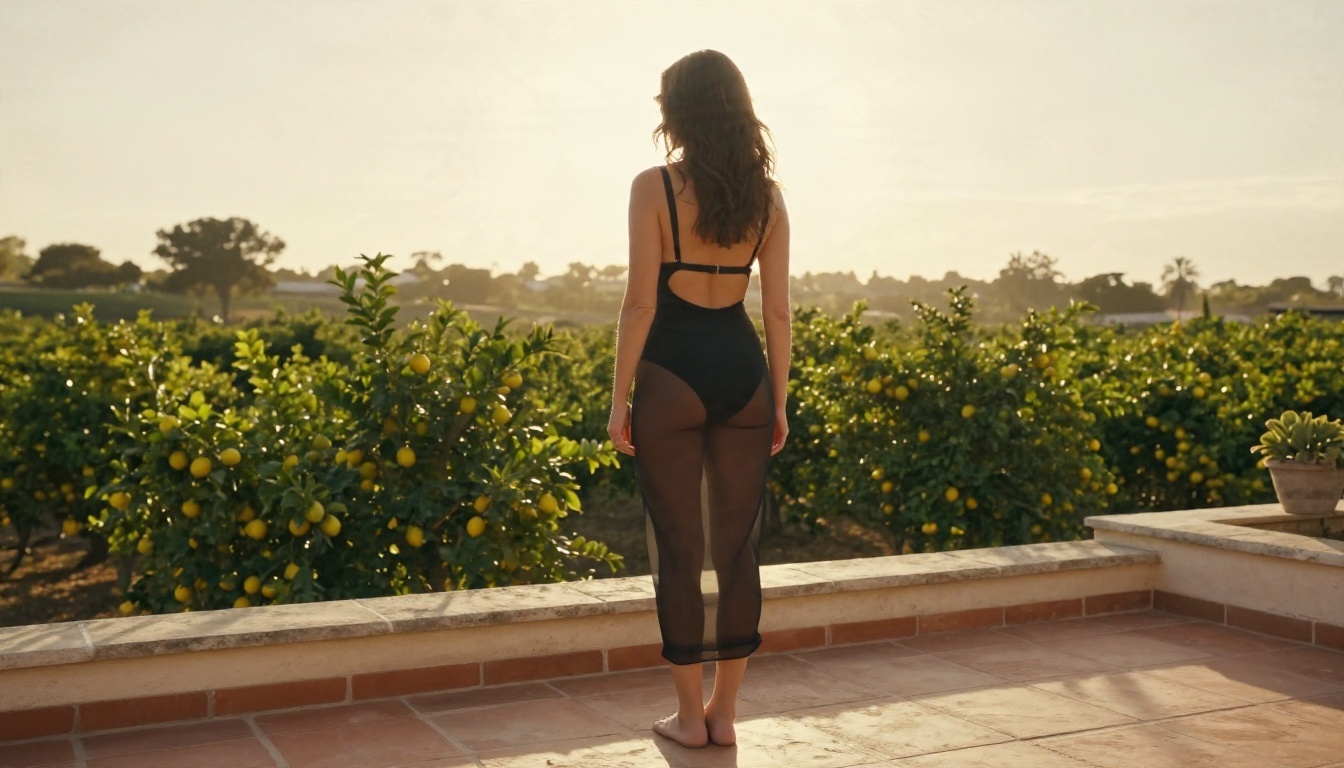
Higher resolution does not change what the filter allows. It only changes how much skin texture, fabric weave and background detail you get. If your first result is soft, run it through a super resolution tool rather than regenerating at a bigger size and spending another attempt.
Prompt Examples That Work
Prompts for this model respond best to short, natural sentences instead of long keyword piles. Think like a photographer briefing an assistant: who is in the frame, where they are, what the light is doing, which lens you are using.
Boudoir Prompt Formula
Use this order and keep each part to one clause:
- Subject: age group, hair, outfit
- Pose and expression: seated, leaning, looking over the shoulder
- Setting: hotel suite, dressing table, loft
- Light: direction, color temperature, softness
- Camera: lens, aperture, angle
- Texture cues: skin, fabric, film grain
Here is a prompt built on that structure:
Adult woman in her late twenties with long wavy chestnut hair, wearing a black lace bralette under an open white linen shirt, seated on the edge of an unmade bed in a sunlit hotel suite, soft half smile toward the camera. Golden morning light from tall windows on the left, sheer curtains, rumpled ivory sheets. 85mm lens at f/1.8, shallow depth of field, visible skin texture, Kodak Portra 400 film grain, photorealistic.
The cover image of this article came from that kind of prompt. Notice there is nothing in it that a fashion magazine would not print.
Swimwear Prompt Examples
Three templates you can adapt:
- Adult woman in a navy one-piece swimsuit walking along a quiet beach at sunrise, wet sand reflecting the sky, low camera angle, 35mm lens, warm side light, sea spray on skin, film grain.
- Overhead shot of an adult woman in a white bikini lying on a teak sailboat deck, straw hat beside her, bright midday sun with crisp shadows, 24mm lens, water glitter, natural skin texture.
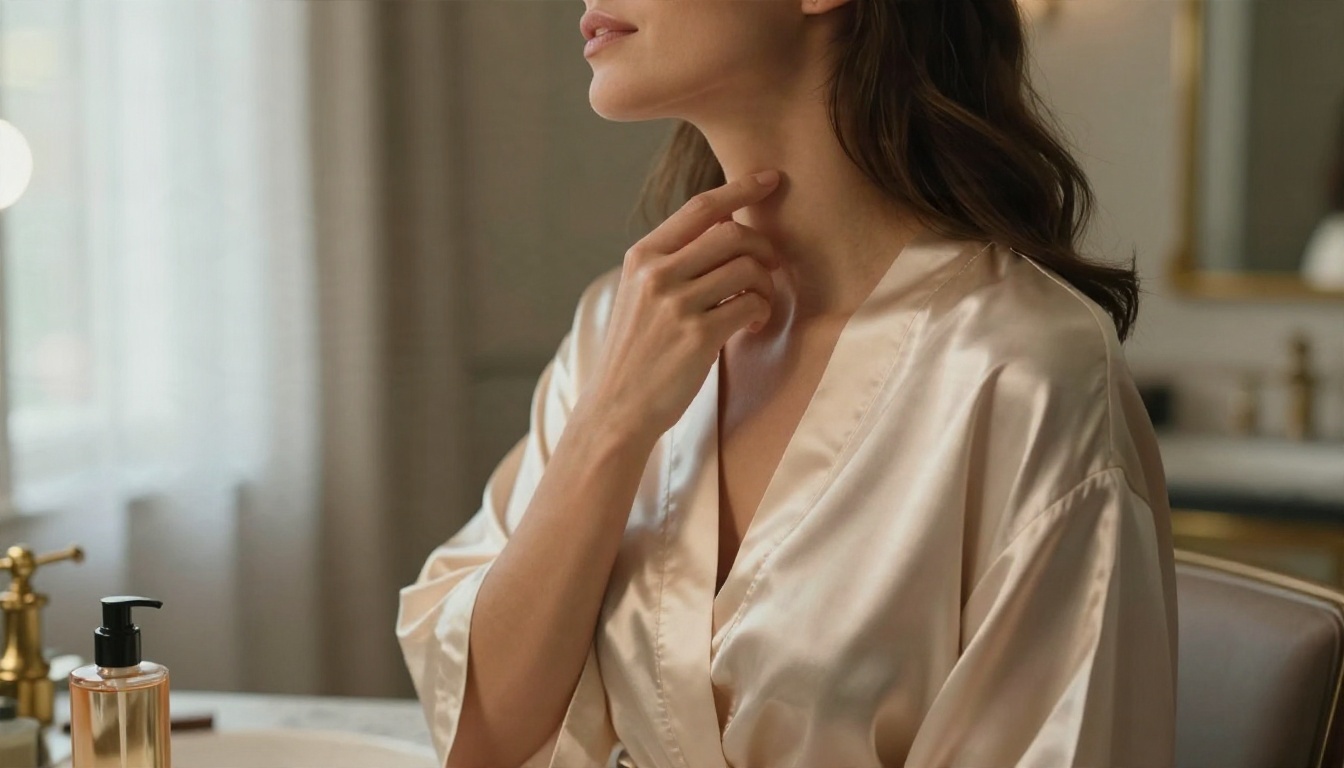
- Adult woman in an emerald bikini sitting on the edge of a villa pool with her feet in the water, soft overcast light, palm trees behind, 40mm lens, water droplets on skin.
Fixing Blocked Prompts
When a generation is refused or comes back sanitized, change the framing before you change the content. These adjustments help most often:
| Problem | Fix |
|---|
| Prompt refused outright | Remove body-focused keywords and describe setting and light instead |
| Output looks overly modest | Specify the outfit explicitly and add a styling context |
| Face looks generic | Add age range, hair details and one expression cue |
| Inconsistent results | Re-run the identical prompt once or twice, since the filter is probabilistic |
| Soft or plastic skin | Add "visible skin texture, film grain" and a real lens name |
How to Use Seedream 4 on PicassoIA
Seedream 4 is available directly on PicassoIA, so you can test everything above without installing anything.
Step by Step
- Open the Seedream 4 model page and sign in.
- Paste your prompt into the text box. Keep it to a few natural sentences.
- Choose your aspect ratio. Use 16:9 for editorial scenes and 3:4 for portraits.
- Pick the resolution that fits your use. Start low to test the prompt, then go higher on the version you like.
- Generate, review, and re-run once if the result is blocked or off. Because the filter is probabilistic, a second attempt sometimes passes.
- Download the best image, or pass it to an upscaler for extra detail.
Parameter Tips
- Aspect ratio: match the scene. A wide beach shot wants 16:9, a vanity portrait wants a tall frame.
- Prompt length: two to four sentences beat a wall of keywords.
- Seeds: when a composition is close to what you want, reuse the seed and change one detail at a time.
- Negative framing: state what you want ("fully clothed in lingerie, tasteful editorial") instead of listing what you do not.
💡 Workflow tip: Generate at a lower resolution until the pose, outfit and light are right. Then spend your higher-resolution attempt on the final.
Better Models for Adult Content
Seedream 4.0 is a solid pick, but it is not the only one, and for adult-themed work it is no longer the first one I would reach for.
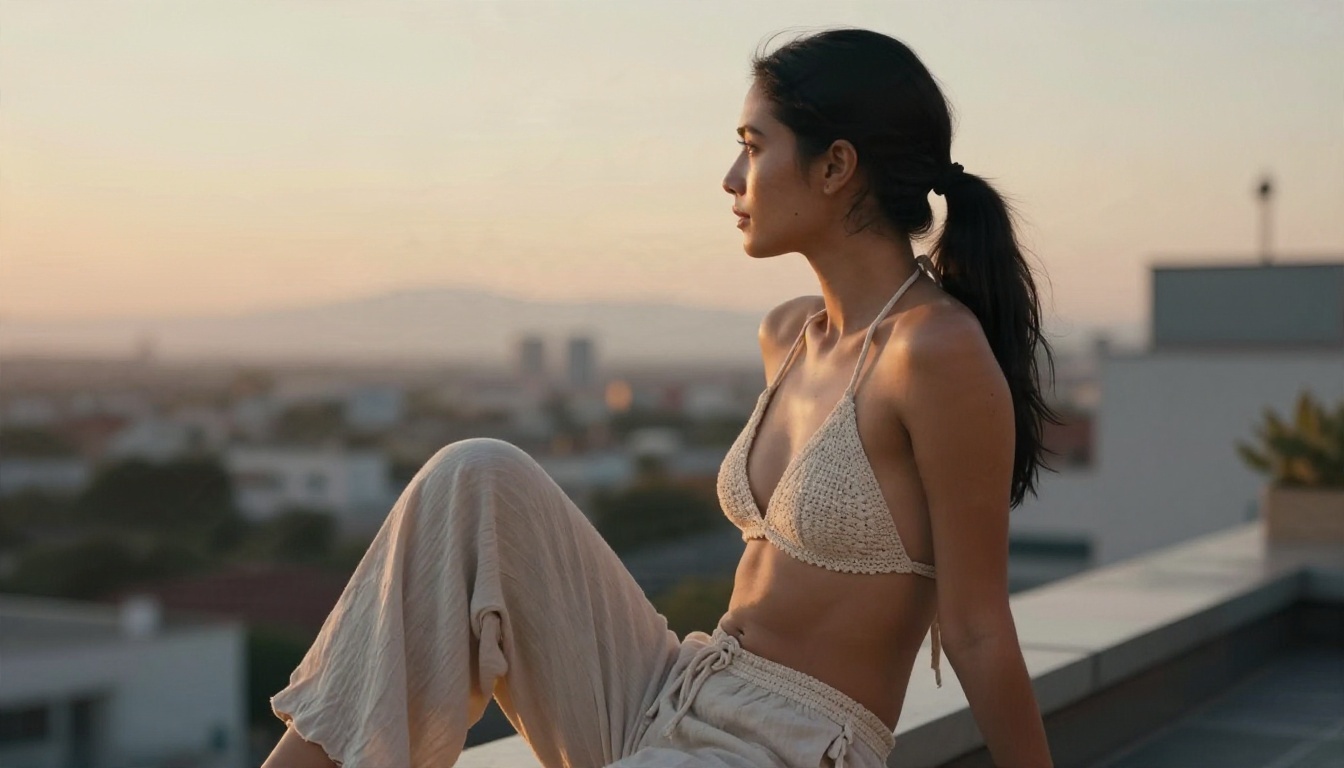
Seedream 4.5 First
Seedream 4.5 is the natural upgrade. It keeps the permissive behavior people liked in the 4.x line and adds sharper detail, better skin rendering and stronger prompt following. If you have a prompt that works on 4.0, run it on 4.5 and compare. The newer Seedream 5 generation is reported to be stricter with adult requests, so for this type of work the 4.x line is still the better choice.
Image Editor Pro Unlimited
PicassoIA Image Editor Pro is where the free-limit problem goes away. It offers unlimited generations, which matters when you are retrying prompts because of a probabilistic filter. It is quick, handles both generation and editing, and works well for refining an image you already like: change the outfit, fix the lighting or adjust the setting without starting over.
Other Options
| Model | Best use | Link |
|---|
| Seedream 4.5 | Sharper, more detailed glamour portraits | Open model |
| PicassoIA Image Editor Pro | Unlimited generation and editing | Open model |
| Seedream 4 | Reliable swimwear and boudoir scenes | Open model |
| Seedream 3 | Lightweight 2K images for quick tests | Open model |
You can browse the full catalog at picassoia.com/en/all-models, including editing, upscaling and background tools that pair well with these generators.
Try It Yourself
The real way to see what Seedream 4.0 does with adult themes is to run your own prompts. Start with a swimwear scene, since those pass most reliably. Then move to a boudoir portrait with a clear setting and soft light, and compare the results against the same prompt on Seedream 4.5.
Open Picasso IA, pick Seedream 4 or Seedream 4.5, and paste in one of the prompts above. If you want to retry freely without watching a counter, switch to PicassoIA Image Editor Pro and iterate until the light, outfit and mood are exactly right. Change one detail at a time, keep a note of which phrasing passes, and build your own prompt library from there.


