Type "Seedream 4.5 unrestricted" into a search bar and you will get a mess of promises: no filters, no limits, no catch. The truth is more useful than the hype. Seedream 4.5 really is the most relaxed model in the Seedream family when it comes to glamour, swimwear and boudoir photography, and you can try it for free online. But "unrestricted" has edges, and knowing where they sit saves you time, credits and frustration.
This article walks through what the word actually means, how to run the model on PicassoIA, which prompts give you believable skin and fabric, and which requests will still get blocked no matter where you generate.
💡 Quick answer: Seedream 4.5 on PicassoIA accepts suggestive, attractive, non-explicit adult aesthetics such as bikinis, lingerie editorials and boudoir portraits. It does not produce illegal content, and no platform setting changes that.
What "Unrestricted" Really Means
The word gets thrown around loosely, so let's pin it down before you spend a single generation.
Where the filter actually sits
A blocked prompt can come from three different places: the model itself, the platform hosting it, or the settings of the app you use to call it. That is why two websites running the same model can behave very differently. One refuses a swimsuit request, the other renders it in four seconds.
ByteDance's official channels are the strictest. Their hosted APIs ship with a content pre-filter switched on by default, and users have long complained that it trips on harmless requests. Third-party platforms decide for themselves how much of that filter to keep. Seedream 4.5 on PicassoIA is set up for adult glamour work, which is why people searching for an "unrestricted" version end up there.
Hard limits that never move
Some lines are not negotiable on any site:
- No minors, ever, in any context or styling.
- No real people without consent, including celebrities, public figures and anyone you know.
- No explicit pornographic output. Suggestive and beautiful is fine. Graphic is not.
- No illegal content of any kind. Even with a safety checker relaxed, the model blocks it at its core.
If you treat those as fixed and work inside them, the model is generous. If you try to push past them, you waste generations on refusals.
Why Seedream 4.5 Stands Out
Plenty of image models can draw a person. Fewer can draw a person who looks photographed. That gap is where Seedream 4.5 earns its reputation.
Photoreal skin and fabric
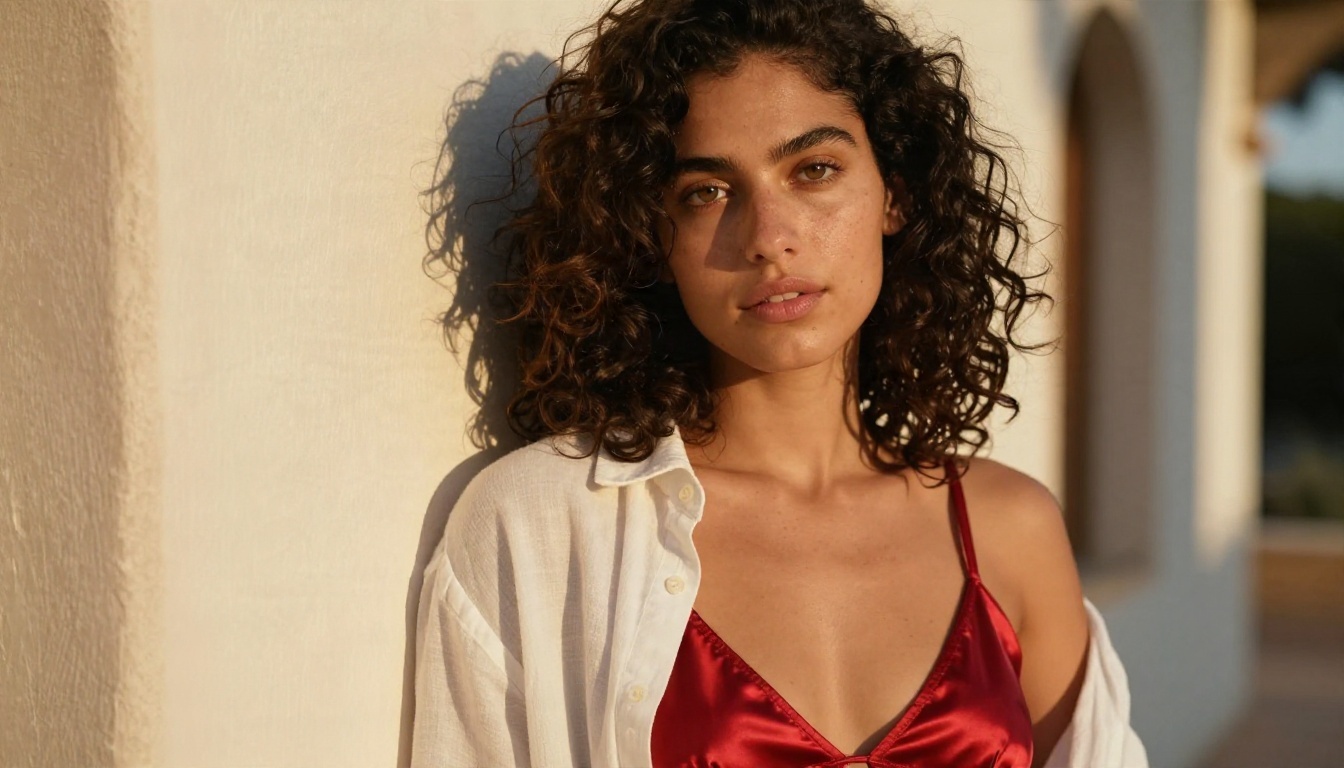
The model handles the small things that give away fake images: pores, freckles, flyaway hair, the sheen on wet skin, the way satin catches a highlight and lace shows individual threads. When you write a prompt with a lens, a light direction and a film stock, it follows those cues closely. A line like "85mm f/1.8, warm window light from the left, Kodak Portra 400 grain" produces a very different frame from "beautiful woman, high quality."
For adult-themed work this matters more than anywhere else. Swimwear, lingerie and boudoir shots depend on skin and textile realism. A plastic-looking face ruins the whole picture, and Seedream 4.5 rarely makes that mistake.
Resolution and text rendering
Seedream 4.5 outputs sharp high-resolution images, which means you can crop a portrait, print it or post it without the mushy look of smaller models. It also reads long prompts well. You can describe the pose, the room, the light and the lens in one paragraph and expect most of it to land.
| Feature | What you get with Seedream 4.5 |
|---|
| Skin detail | Visible pores, freckles, natural sheen |
| Fabric | Satin folds, lace threads, knit texture |
| Prompt following | Handles long, layered descriptions |
| Output size | High resolution, up to 4K class |
| Content range | Glamour, swimwear, boudoir, fashion |
| Hard limits | Illegal content and minors blocked |
Free Online Use Without a Card
"Free" is the second half of the search, so here is what to realistically expect.
What the free trial gives you
PicassoIA offers a small number of free generations so you can test Seedream 4.5 before paying. At the time of writing that trial is reported at around three generations, with no credit card needed. Treat the exact number as something to check on the model page, because free allowances change.
Use those first runs wisely. Do not burn them on a vague one-line prompt. Write one detailed prompt, run it, and look at what the model does with the light, the skin and the background. That single result tells you more than ten sloppy tests.
💡 Tip: Save the prompts that work. A good prompt is reusable, and small edits to subject, outfit or location give you a whole set of consistent images.
Unlimited route with Image Editor Pro
If you want to keep going after the trial, PicassoIA Image Editor Pro offers unlimited generations. It is the practical choice when you are iterating, testing outfits, adjusting a pose or refining a face across a batch. You can generate, tweak the prompt, and generate again without watching a counter.
A sensible workflow is to draft ideas in Image Editor Pro, then use Seedream 4.5 for the final high-resolution frames where skin detail matters most.

How to Use Seedream 4.5 on PicassoIA
The process takes about a minute once you know the layout.
Step by step
- Open the Seedream 4.5 model page on PicassoIA.
- Paste your prompt into the text box. Aim for 50 to 100 words with subject, setting, light and lens.
- Pick the 16:9 ratio for landscape scenes, or a vertical ratio for portraits and social posts.
- Choose the highest resolution available for final images.
- Press generate and wait a few seconds.
- Review the result, adjust one thing in the prompt (light, outfit or pose), and run it again.
Change one variable per run. If you rewrite the whole prompt each time, you cannot tell which change helped.
Parameter tips
| Setting | Recommendation |
|---|
| Aspect ratio | 16:9 for scenes, 3:4 or 2:3 for portraits |
| Prompt length | 50 to 100 words works best |
| Lens cue | Add "85mm f/1.8" for portraits, "35mm" for wide scenes |
| Film cue | "Kodak Portra 400, fine grain" for warm skin tones |
| Light cue | State direction: "from the left", "backlit", "overhead" |
| Seed | Reuse the same seed to compare small prompt changes |
Avoid stacking style words like "ultra, hyper, masterpiece, 8K, best quality." They add noise, not detail. Describe what a camera would see instead.
Prompts That Work
Here are tested patterns for the categories people search for most. Adapt the details, keep the structure.
Glamour and beachwear
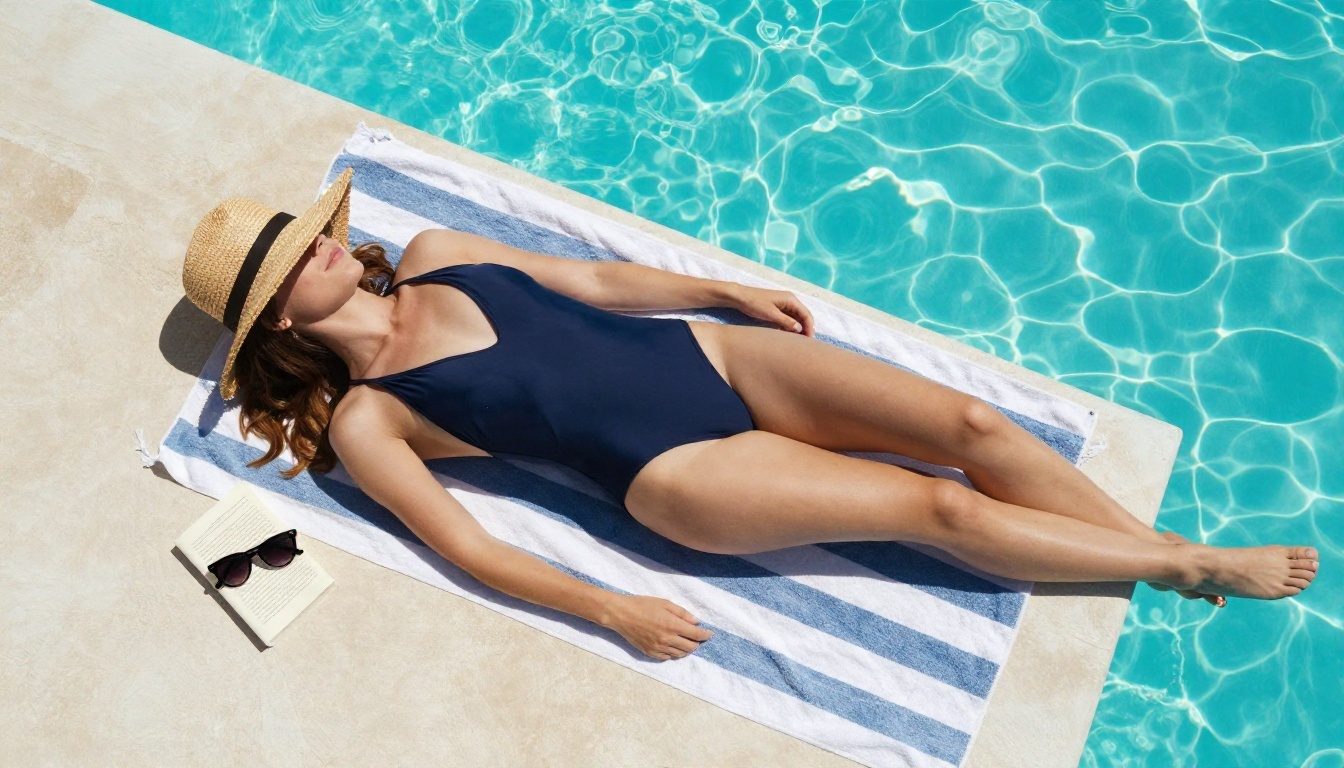
Swimwear is the easiest category because the model has seen thousands of real beach and pool photographs. The formula is simple: subject, location, light, lens.
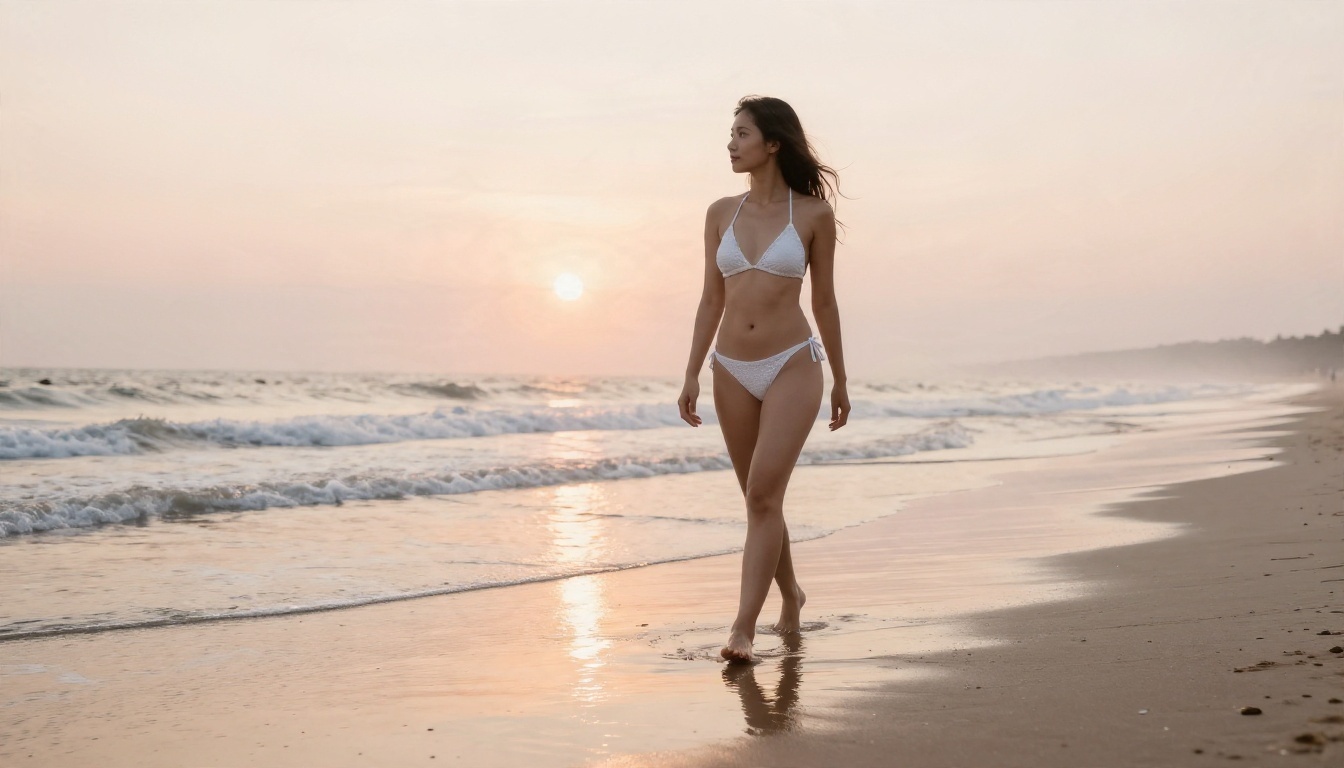
A woman in a white crochet bikini walking along an empty beach at sunrise, wet sand reflecting a pale peach sky, gentle waves around her ankles, soft backlight on her hair, 35mm f/2.8, salt haze, realistic skin sheen, Kodak Portra 400 grain.
Notice there is no adjective pile-up. Every phrase is something you could photograph. Try changing the time of day, the swimsuit color or the camera angle (low, aerial, eye level) to build a varied set.
Boudoir and lingerie editorial
This is where most people expect the model to refuse, and where Seedream 4.5 is noticeably more relaxed than its newer siblings. The trick is to write it like a fashion editor, not like a request for something explicit. Lead with the setting and the light.
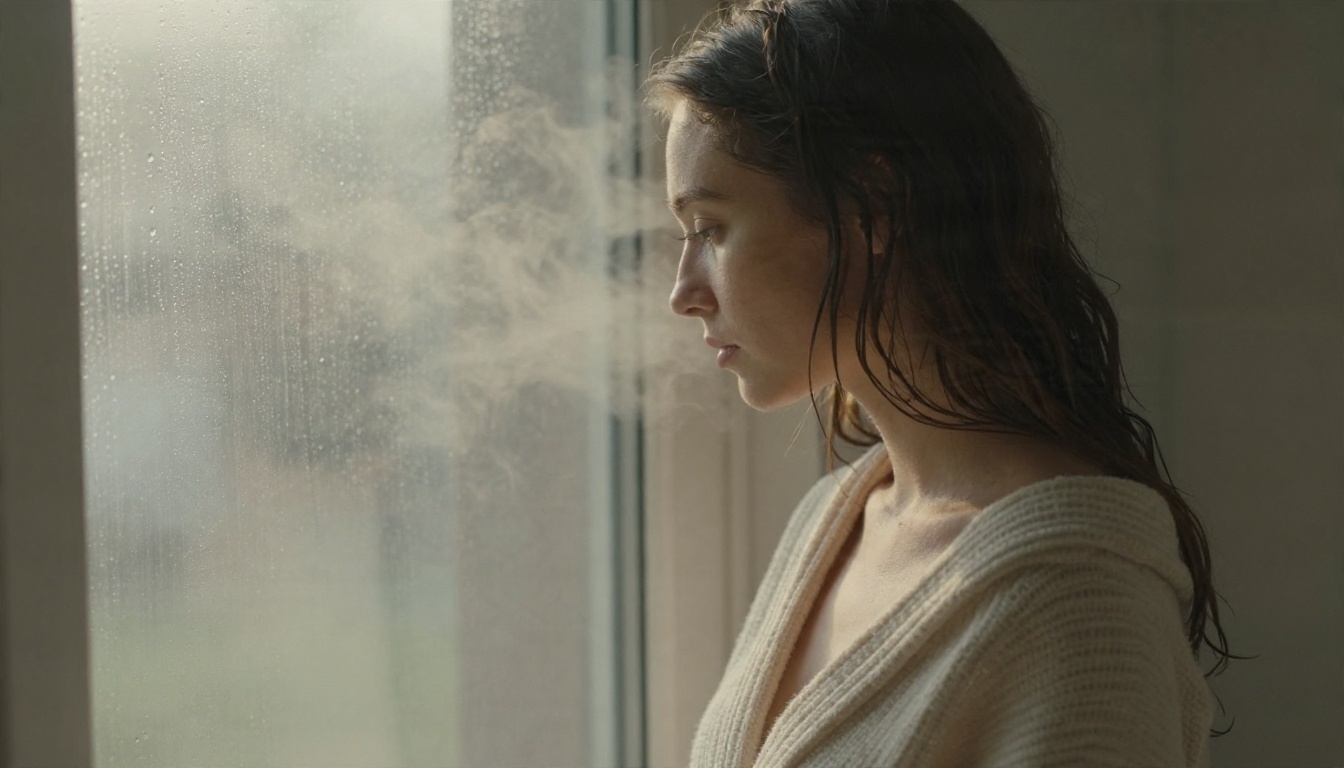
A woman in a cream knit robe slightly off the shoulder at a bathroom window with morning steam, soft diffused light from the left, droplets on the glass, 85mm f/2, delicate skin texture, muted warm tones, tasteful boudoir style, Kodak Portra 400 grain.
Tasteful framing gives you better pictures. Lace, silk, velvet and soft window light look expensive. Heavy-handed prompts look cheap and are more likely to be blocked.
Fashion and evening wear
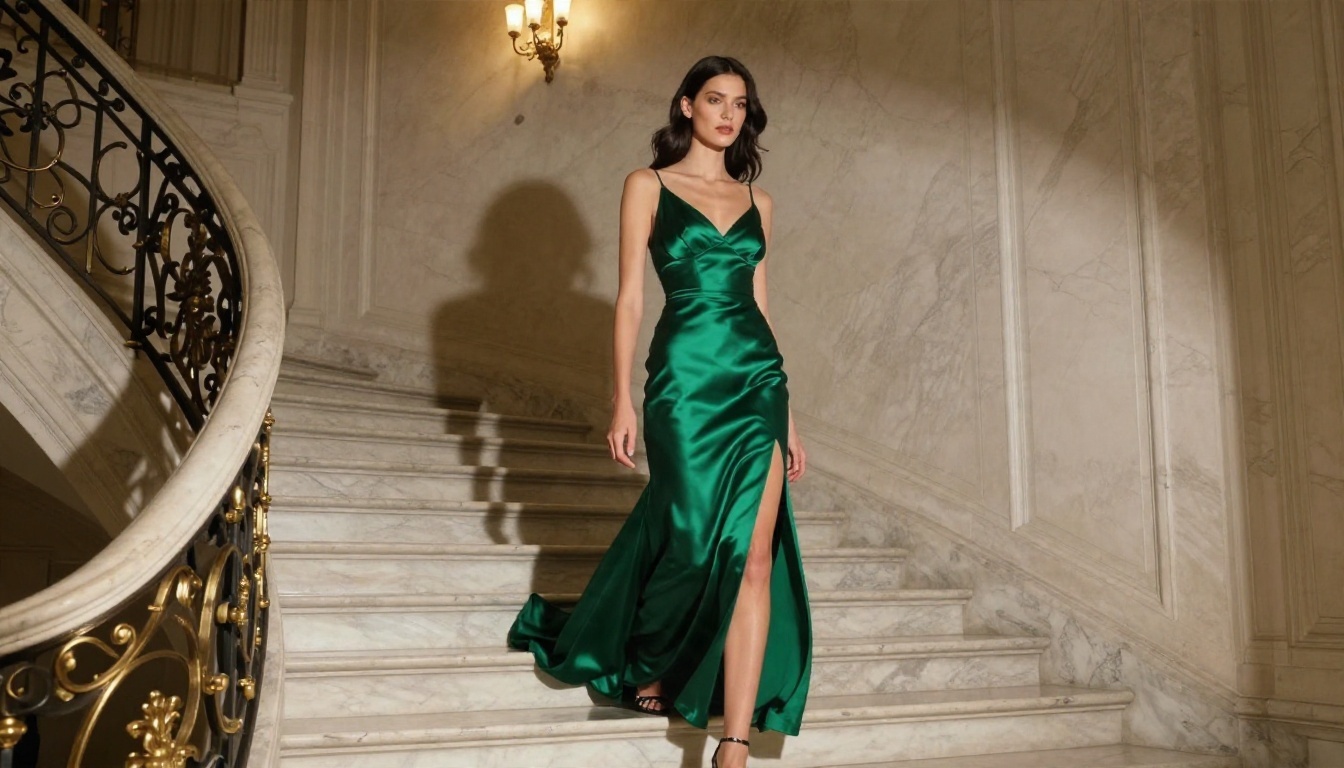
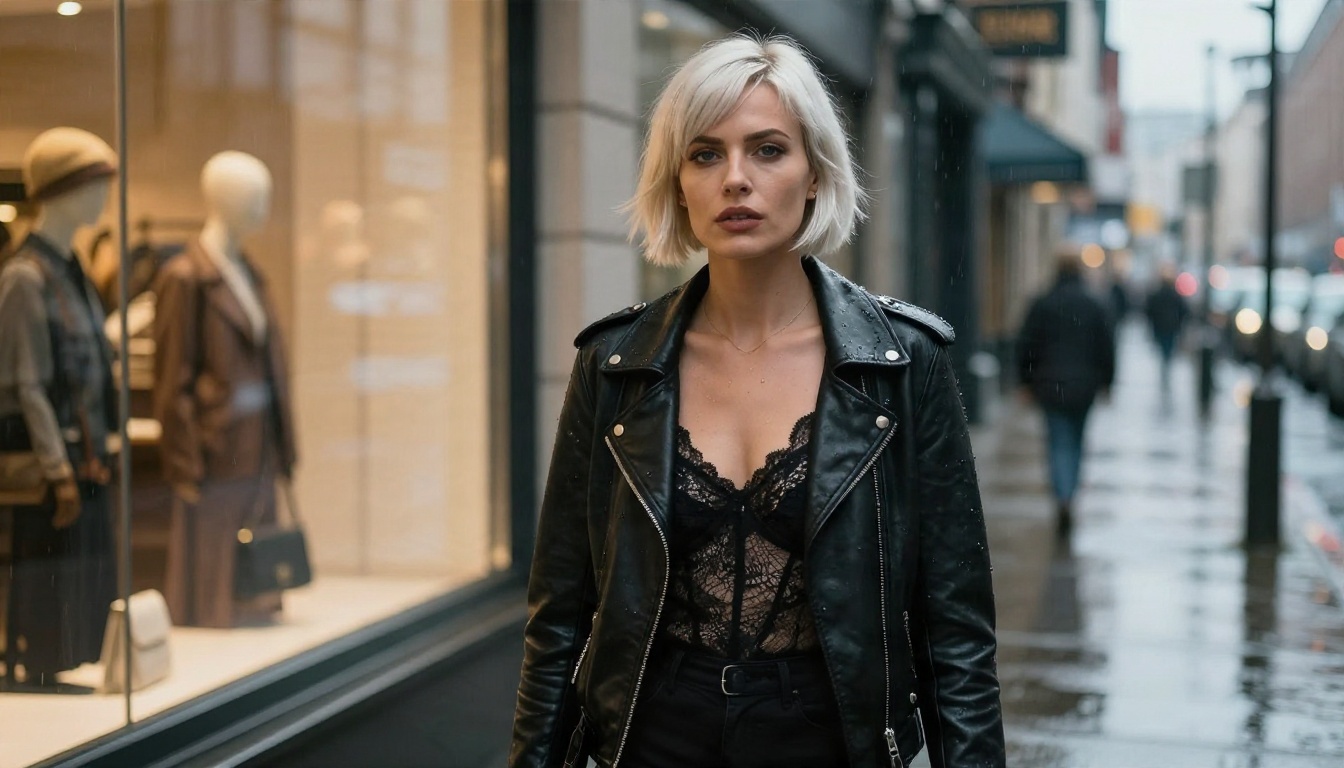
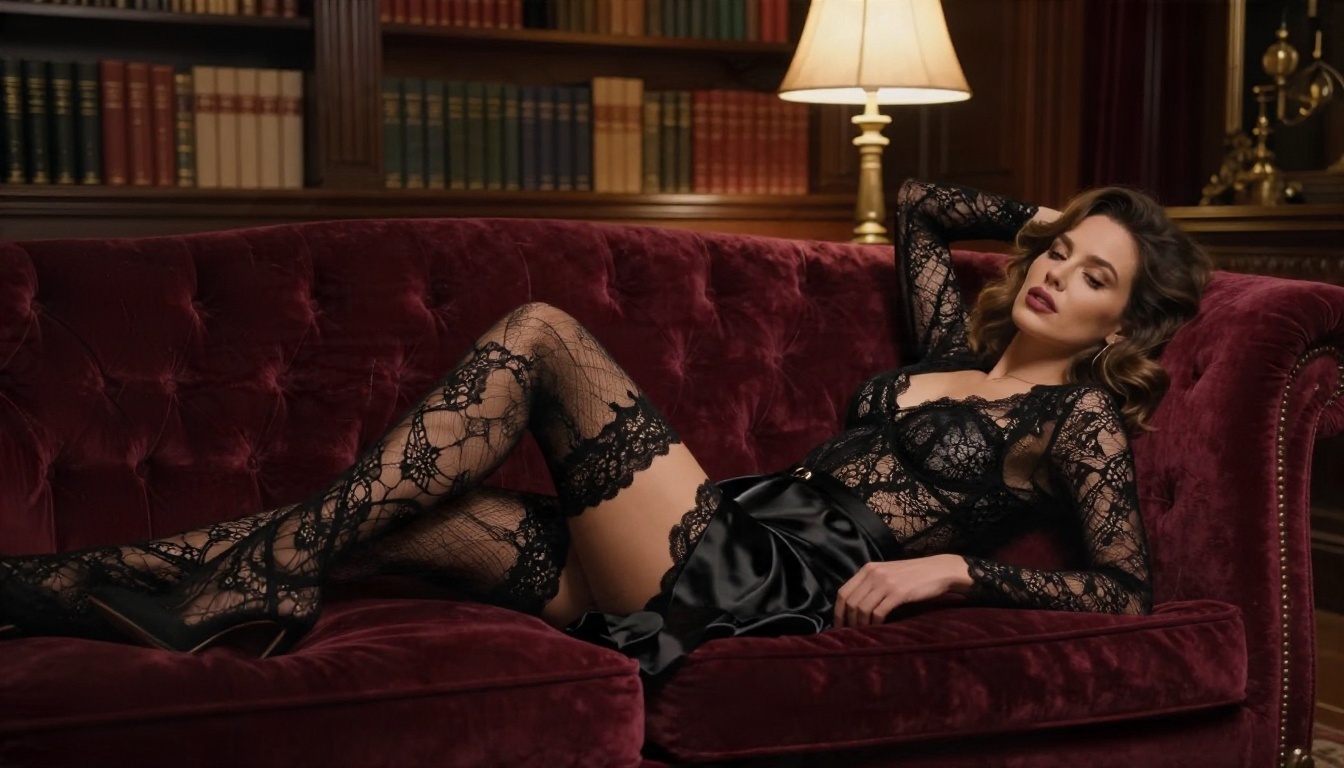
Not every adult-oriented image needs skin. Evening gowns with high slits, leather jackets over lace, and silk robes in a library all read as glamorous and sensual without crossing a line. These also tend to pass any platform's filter.
A tall woman in an emerald satin gown with a high leg slit descending a marble staircase in a Parisian townhouse, chandelier light from above, low angle 35mm f/2, flowing fabric, Kodak Portra 400 grain.
Prompt formula table
| Part | Example |
|---|
| Subject and pose | "Woman leaning on a plaster wall, one hand in her hair" |
| Outfit | "Red satin bralette, open white linen shirt" |
| Setting | "Mediterranean villa, terracotta floor" |
| Light | "Golden hour from the right, soft shadows" |
| Lens | "85mm f/1.8, shallow depth of field" |
| Film | "Kodak Portra 400, fine grain" |
Fill each row, join them into one paragraph, and you have a reliable prompt.
Real Limits to Expect
Even a permissive model has friction. Better to know it now.
Blocked prompts
If a prompt gets refused, the cause is usually one of three things: a banned term, an explicit request, or a reference to a real person. Remove the flagged part, rewrite the scene in photographic language, and try again. Describing clothing, light and mood almost always works better than describing acts.
Anatomy and hands
No image model is perfect. Hands holding objects, fingers crossing and complex multi-person poses can still come out strange. Keep poses simple, one hand visible and relaxed, and regenerate if something looks off. A single clean frame beats a messy action scene.
Policy shifts
Access to permissive models can change quickly. Reports in early 2026 described Seedream 4.5 being blocked on one third-party platform for a few days before it came back. Platforms adjust rules without notice, so do not build a workflow that depends on a single site. Keep your best prompts saved and be ready to move.
Newer Seedream releases are also stricter. Seedream 5 Lite blocks adult content, and testers report that Seedream 5 Pro refuses prompts that 4.5 accepted. For this kind of work, newer is not better.
Alternatives Worth Trying
If Seedream 4.5 does not give you the look you want, or you want a second opinion on the same prompt, these models on PicassoIA are worth a run:
Run the same prompt through two or three of them. Differences in skin, light and mood show up fast, and you will learn which model suits which kind of shot. You can browse every option at picassoia.com/en/all-models.
Make Your First Set Today
You now have what you need: a model that handles adult glamour with real photographic detail, a free way to test it, an unlimited route through Image Editor Pro, and a clear picture of where the lines are.
Start with one prompt from the sections above. Run it on Seedream 4.5, change the light, then change the outfit, and build a small set of five or six frames. Keep the ones that look like real photographs and save the prompts behind them.
When you want unlimited iteration, switch to PicassoIA Image Editor Pro and keep refining. Open PicassoIA, paste a prompt, and see what one well-written paragraph can produce.


