You typed "Seedream 5.0 Lite NSFW" into a search bar because you want a straight answer, so here it is: Seedream 5.0 Lite is not an uncensored model. It is fast, sharp and cheap, and it is very good at photorealistic portraits, swimwear and fashion. But its safety filter blocks adult content, and no prompt wording changes that. What you can do is use it for tasteful glamour, then pick a different model when you need fewer restrictions.
This article lays out what the filter does in practice, what free access gives you, what a single image costs, and which models on PicassoIA fit adult-leaning work better. Every image below was made as non-explicit glamour, because that is the line between "pretty" and "pornographic" that most platforms enforce.
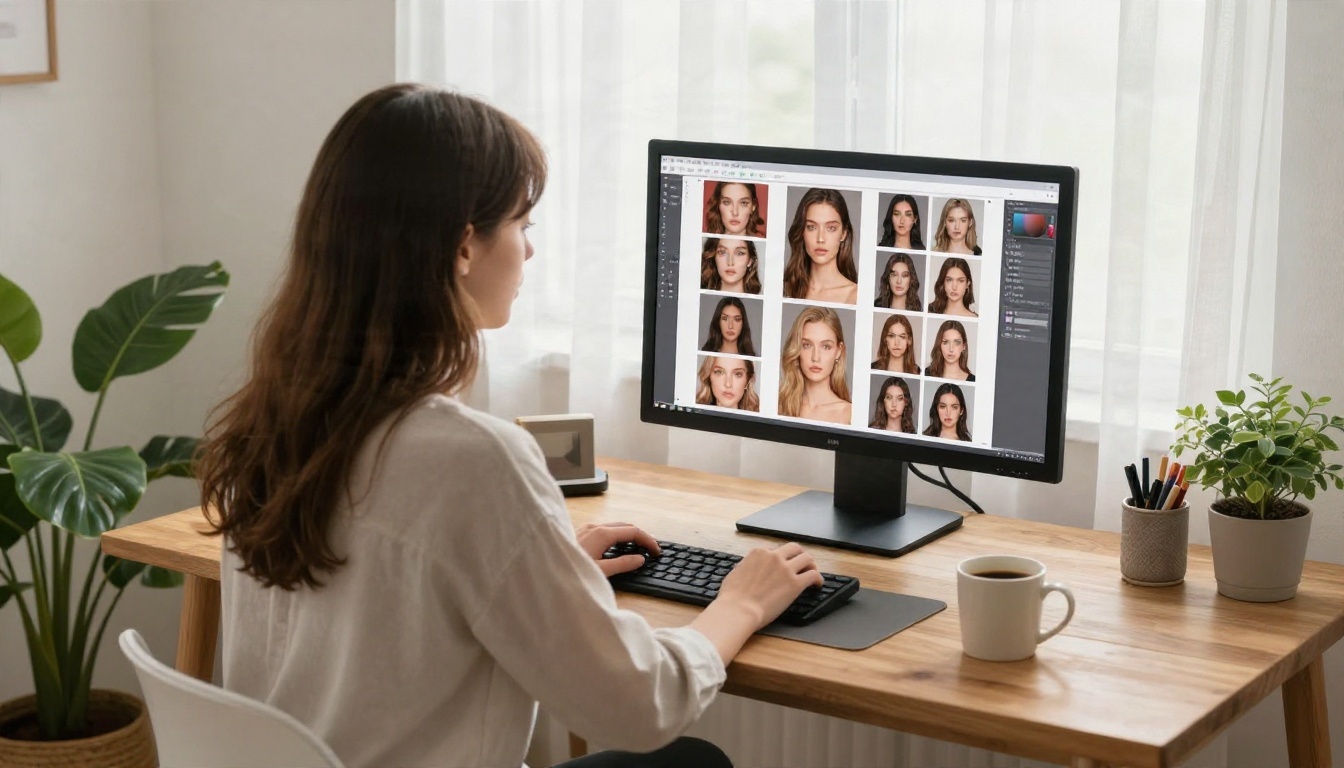
The Short Answer on NSFW
Seedream 5.0 Lite comes from ByteDance and sits in the "Lite" tier of the Seedream 5 family, built for speed and low cost per image. Like most mainstream models from large companies, it runs prompts and outputs through a moderation layer.
💡 Quick verdict: Swimwear, lingerie-style fashion and sensual portraits sometimes pass. Nudity, explicit poses and clearly sexual scenes get blocked or come back softened. If your goal is uncensored output, Seedream 5.0 Lite is the wrong tool.
I could not find a public policy page from ByteDance that spells out every rule for this specific version, so treat the behavior below as what users actually see rather than a legal definition.
What Usually Passes
- Bikinis, one-piece swimsuits and beachwear
- Silk robes, slip dresses and evening gowns
- Boudoir-style window portraits with a covered body
- Fashion editorials with plunging cuts or leg slits
What Usually Gets Blocked
- Nudity, including "artistic" nudity written directly into the prompt
- Sexual acts or suggestive scenes involving multiple people
- Real public figures in revealing contexts
- Anything involving minors, which every responsible platform blocks without exception
Why the Filter Exists
ByteDance distributes its models through consumer apps and cloud APIs. Any host that resells the model, from API platforms to design tools, needs the model to stay inside advertising and app store rules. The filter is a business requirement, not a bug you can configure away.
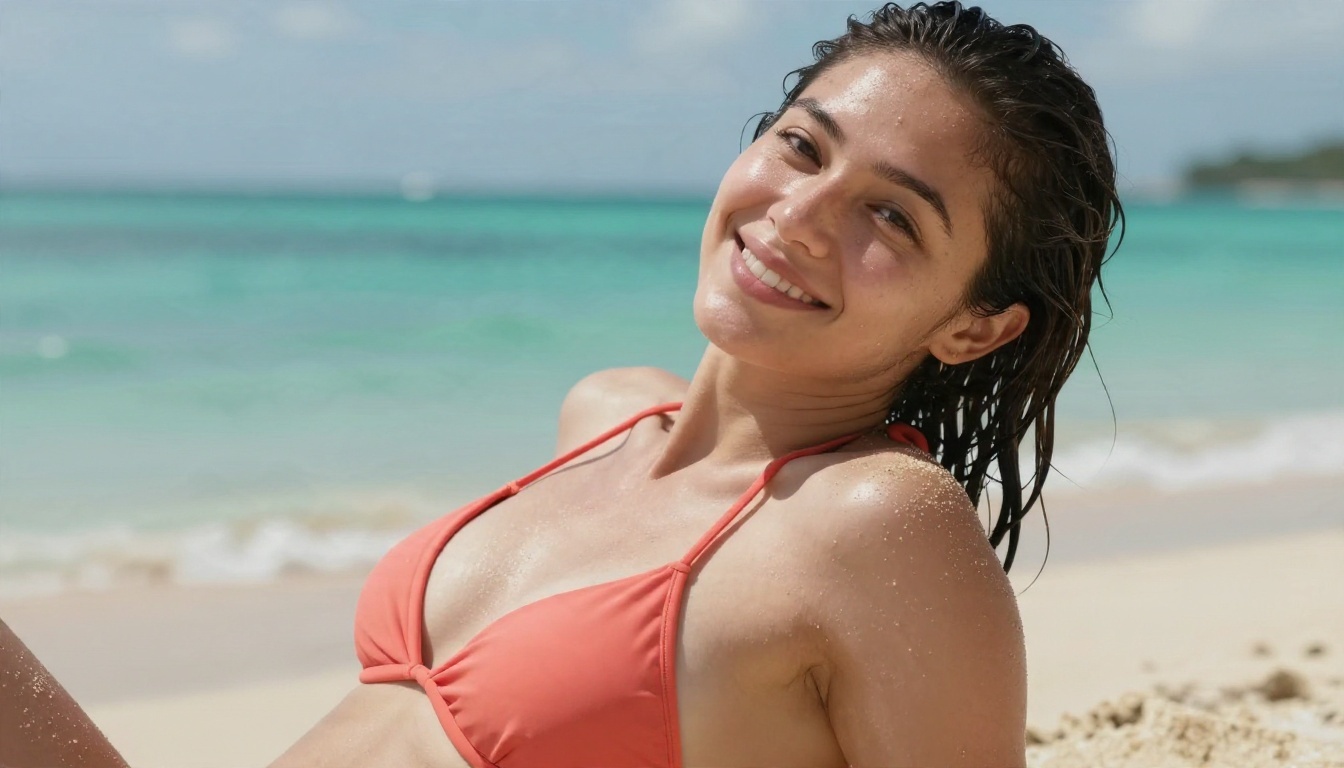
What "Uncensored Results" Really Means
People searching for "uncensored" usually mean one of three different things, and mixing them up leads to frustration.
| What you want | Does Seedream 5.0 Lite deliver? | Better option |
|---|
| Sexy swimwear and glamour shots | Often yes, within limits | Seedream 5 Lite works here |
| Boudoir with more skin and mood | Inconsistent, many refusals | Seedream 4.5 or Image Editor Pro |
| Nudity or adult content | No, filtered | Models with fewer restrictions |
| Editing an existing photo freely | Limited | Image Editor Pro |
Softened Outputs Are the Real Trap
The most annoying behavior is not a clear refusal. It is the quiet rewrite: you ask for a daring outfit and get a modest one, with a higher neckline and extra fabric. The image looks fine, but it is not what you asked for. If your results keep drifting toward "safe," the filter is steering you, and you are wasting credits.
Prompt Tricks Do Not Work Reliably
Forum posts love "jailbreak" wording. In practice, rewording either gets blocked again or produces the same softened result. I would not spend time on it. Switching models is faster and cheaper.
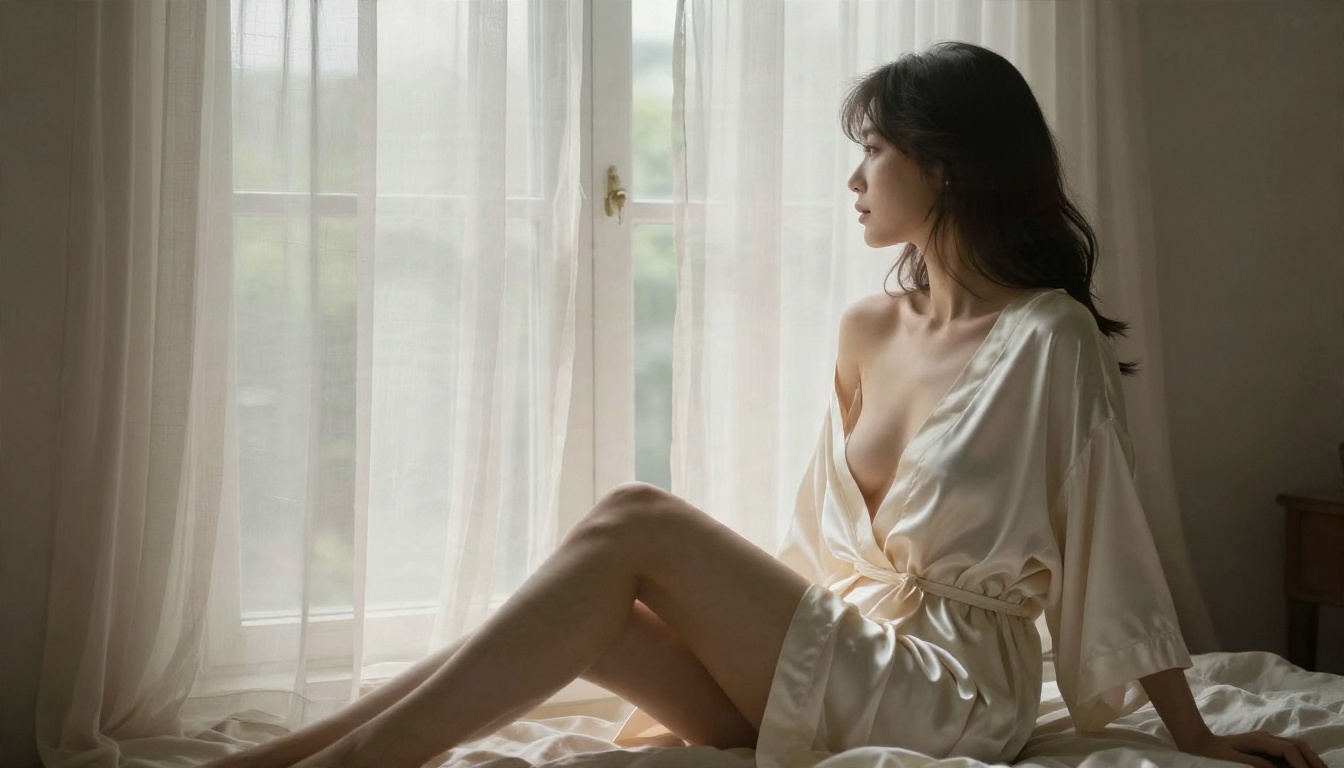
Free Limits: What You Actually Get
"Free" means different things depending on where you run the model. From the sources I checked, here is the picture.
Free Access by Platform Type
- ByteDance's own consumer apps: Dreamina reportedly gives free daily credits for images and video, with 5.0 Lite as the quick option. The China-focused apps Doubao and Jimeng are free with limits.
- Design and creative suites: Some offer Seedream 5.0 Lite with generous or even unlimited access on certain plans. These offers change often, so check the current plan details before you rely on them.
- Aggregators like PicassoIA: Registered free users get clean images without forced watermarks on Seedream 5 Lite. Daily quotas apply on free plans, and the exact numbers can change.
- Retired access: At least one creative platform, Morphic, has retired Seedream 5.0 Lite and moved to Seedream 5.0 Pro. Availability is not guaranteed anywhere.
💡 Tip: A "free" tier with a watermark is not free for real work. Check whether exports are clean before you build a workflow around it.
Free Does Not Change the Filter
This surprises people: free, paid and API users all hit the same moderation layer. Paying more does not unlock adult content on this model. The only difference is volume and speed.
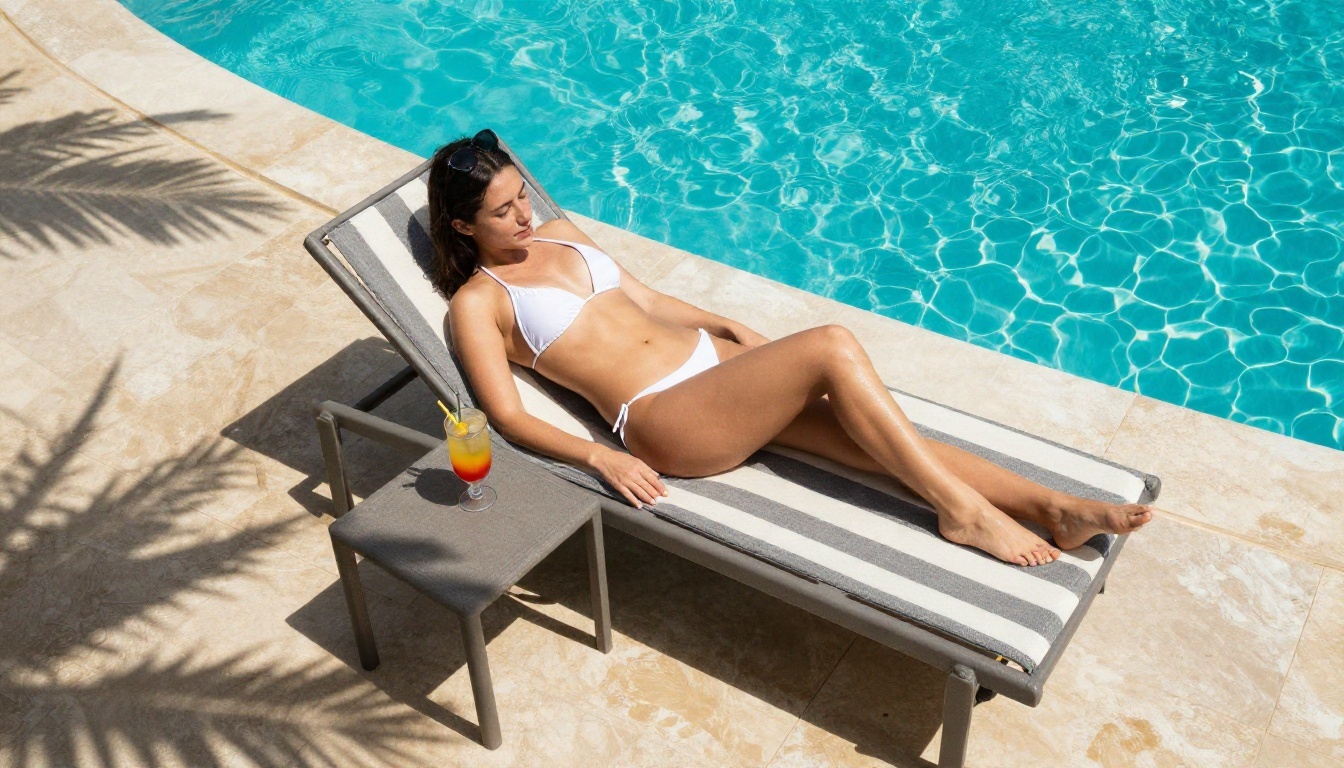
The Real Cost of Each Image
Pricing is where Seedream 5.0 Lite shines. It was built to be cheap.
| Where | Reported price per image | Notes |
|---|
| fal (API) | About $0.035 | Read from the provider's pricing at run time |
| Atlas Cloud (API) | About $0.032 | Flat rate, same cost at any resolution or aspect ratio |
| Consumer apps | Credits | Daily free credits, paid bundles for more |
| PicassoIA | Free tier with daily quota | Clean exports for registered users |
What That Means in Practice
At roughly three and a half cents per image, 100 generations cost about $3.20 to $3.50 through an API. That is cheap enough to test dozens of prompts without worry. The flat rate also means you do not pay extra for a higher resolution.
Where Costs Sneak In
- Refused generations: Some hosts still charge for a blocked or softened result. Ask before you assume.
- Retries: Chasing a specific look with repeated attempts adds up quickly.
- Editing passes: Each upscale or edit call is its own charge on most APIs.
💡 Budget rule: Generate small batches of 4 to 8, pick the best, then upscale only the winner.

Where Seedream 5 Lite Is Strong
Do not write the model off because of the filter. For the right job, it is excellent.
Skin and Fabric Texture
Seedream 5 Lite renders believable skin pores, flyaway hair and fabric weave. Satin catches light the way real satin does, and linen shows its weave. For fashion and swimwear, this is a real strength.
Speed and Consistency
It is quick, which makes it good for exploring ideas in volume. If you need 20 variations of an outfit on the same location, a fast model beats a slow one.
Strong Prompt Following
Describe the lens, the light direction and the pose, and it generally respects all three. That is why detailed photographic prompts work so well on it.
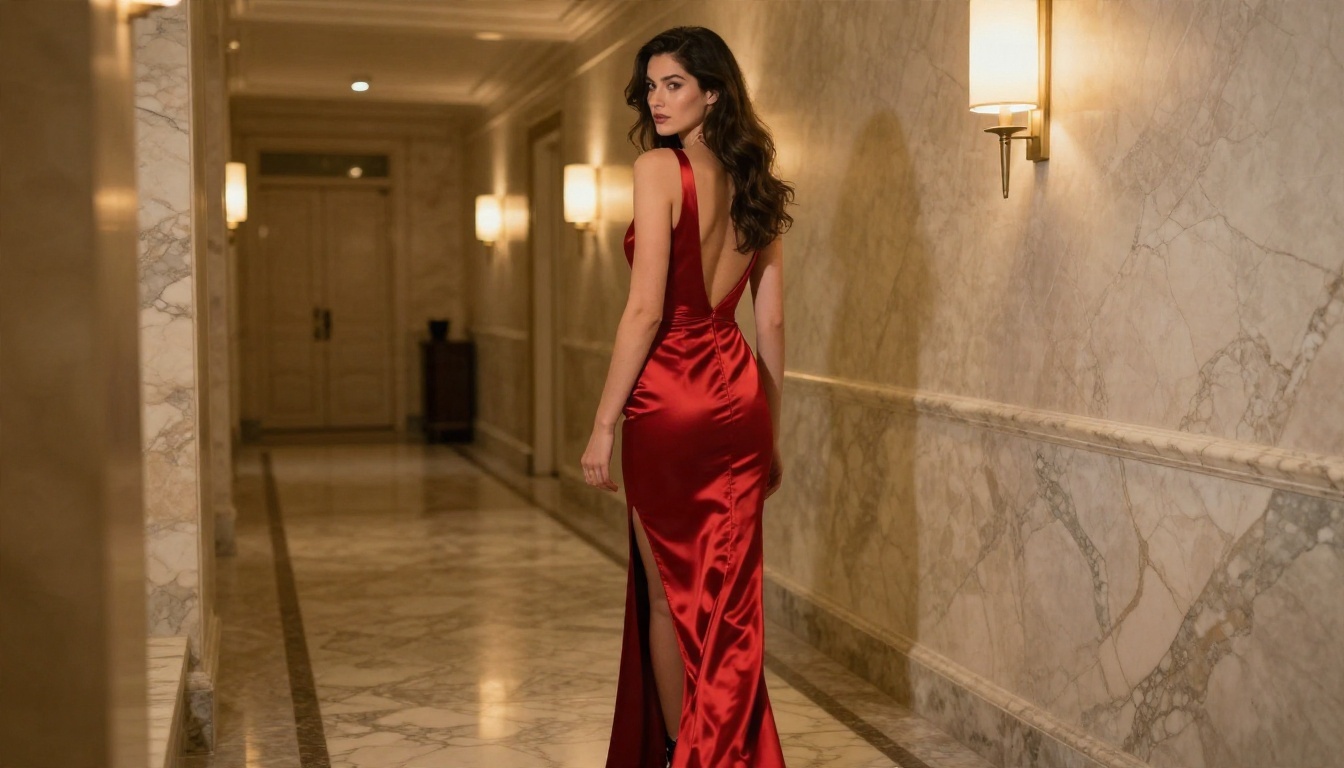
How to Use Seedream 5 Lite on PicassoIA
If your project is glamour, swimwear or fashion that stays inside the filter, here is a simple workflow on Seedream 5 Lite.
Step 1: Open the Model Page
Go to the Seedream 5 Lite page on PicassoIA and sign in. A free account is enough, and registered free users get clean exports.
Step 2: Write a Photographic Prompt
Structure your prompt in this order: subject and pose, environment, light direction, lens, texture details. For example:
"A woman in a champagne satin slip dress at a hotel window, warm lamp light from the right, 35mm f/1.8, visible satin sheen, natural skin texture, Kodak Portra 400 grain."
Step 3: Set Aspect Ratio and Resolution
Use 16:9 for landscape glamour scenes, 3:4 or 2:3 for portraits. Start at the default resolution and increase it only for finals.
Step 4: Generate a Small Batch
Run 4 to 8 variations. Compare faces, hands and fabric, then pick one.
Step 5: Refine or Switch
If the output drifts toward a modest, covered version of your idea, the filter is steering you. Do not retry the same prompt ten times. Move to a model with fewer restrictions, covered in the next section.
💡 Parameter tip: Name a film stock, such as Kodak Portra 400, and a light direction. These two details do more for realism than any long list of adjectives.
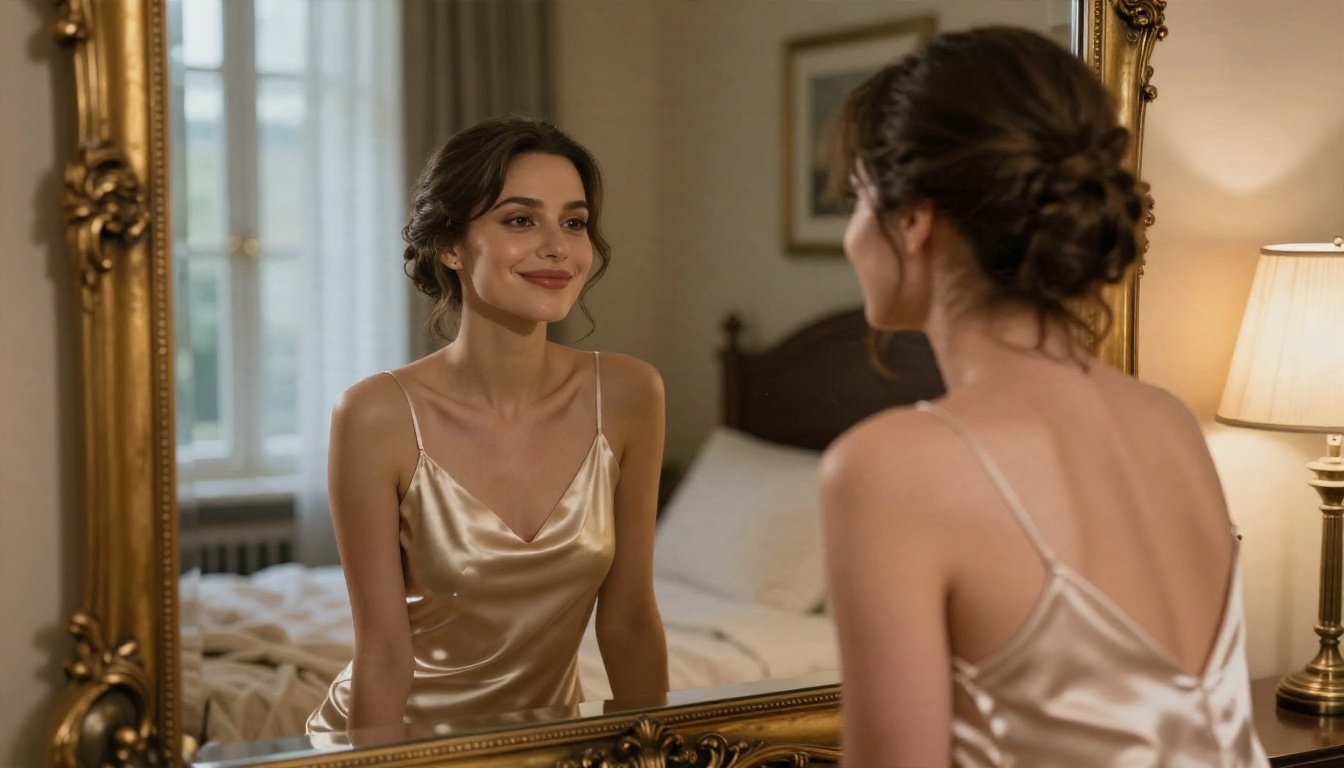
Better Models for Adult Glamour
When you need fewer limits, switch models rather than fight the filter. Here are the options on PicassoIA, in the order I would try them.
1. Seedream 4.5
Seedream 4.5 is the first model to try. It keeps the Seedream look, with sharp skin, strong lighting and real fabric texture, and it handles uncensored adult glamour work far more freely than the Lite version. It also outputs at up to 4K, so you get more detail for large prints.
2. PicassoIA Image Editor Pro
PicassoIA Image Editor Pro offers unlimited generations, which removes the credit anxiety of testing. It is also an editor, so you can start with an existing photo and change outfits, backgrounds or lighting. For iterating on a look, that unlimited volume is the real selling point.
3. Seedream 4
Seedream 4 is the older sibling and still a strong option for photorealistic portraits at 4K, with a free tier.
4. Seedream 5 Pro
Seedream 5 Pro is the higher-quality sibling of the Lite version, with sharper 2K output. It is a good pick for polished commercial fashion, but keep expectations realistic on moderation.
💡 Rule of thumb: Use Seedream 5 Lite for fast, filtered fashion and swimwear. Use Seedream 4.5 or Image Editor Pro when you need freedom and volume.
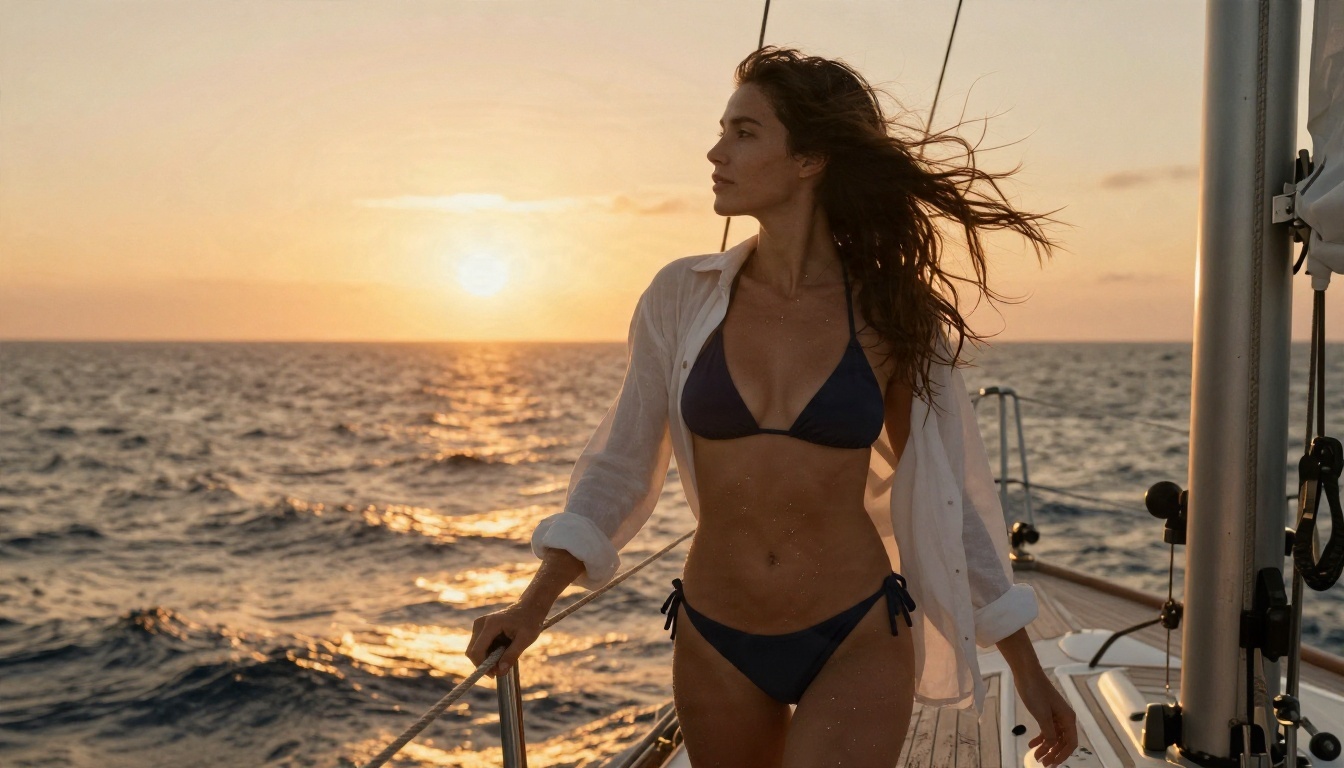
Side-by-Side Comparison
| Model | Strength | Best for | Free access |
|---|
| Seedream 5 Lite | Speed, low cost | Filtered fashion, swimwear | Free tier, daily quota |
| Seedream 4.5 | 4K detail, fewer limits | Uncensored glamour | Free tier available |
| Image Editor Pro | Unlimited runs, editing | Iterating and photo edits | Unlimited |
| Seedream 4 | Reliable photorealism | Portraits | Free tier |
| Seedream 5 Pro | Sharper 2K output | Commercial fashion | Plan dependent |
Tips for Better Glamour Prompts
Whichever model you pick, these habits improve results.
Describe Light First
Light makes a glamour image feel expensive. "Warm late-afternoon sun from camera left with a soft rim on the hair" beats "beautiful lighting" every time.
Name the Lens
An 85mm f/1.8 gives portrait compression and soft backgrounds. A 24mm gives a dramatic, wide setting. Be specific.
Add Texture Words
Pores, sea salt on skin, satin sheen, linen weave, wet tile. These small details separate a photo from a render.
Avoid Stacking Adjectives
"Sexy, hot, gorgeous, stunning" just trips the filter on filtered models and adds nothing on open ones. Describe the scene instead.
Keep a Prompt Log
Save the prompts that worked. Reusing a good structure with new locations is the fastest way to build a consistent set.
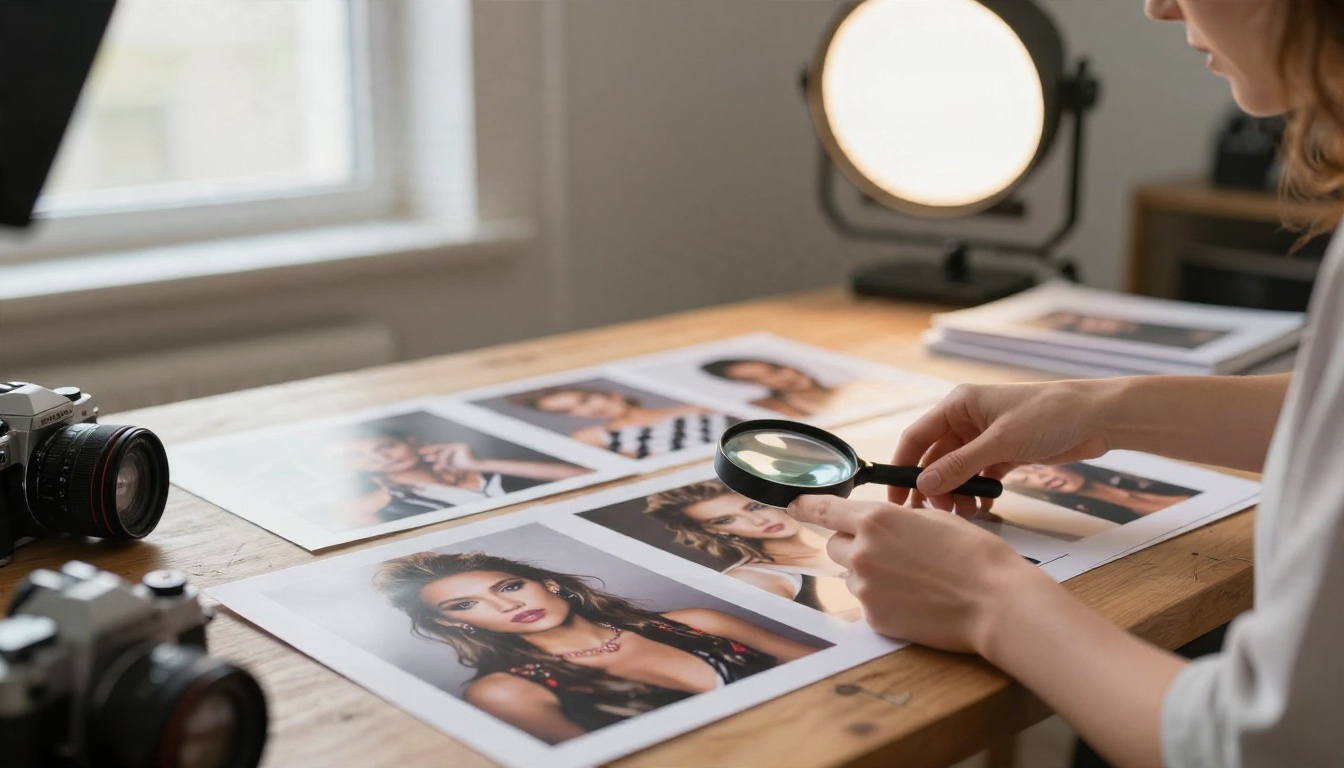
Responsible Use Matters
A few rules apply no matter which model you use. Do not generate images of real people without their consent. Never create anything involving minors. Label AI work honestly when you publish it, and check the terms of any platform where you plan to post, since many ban adult content regardless of how it was made.
Create Your Own Images Today
The honest summary is simple. Seedream 5.0 Lite is a fast, affordable model with great skin and fabric texture, but its filter makes it a poor match for uncensored work. Use it for swimwear, evening wear and fashion. When you want fewer limits, switch to Seedream 4.5 or PicassoIA Image Editor Pro and generate as much as you like.
Pick one scene from this article, copy its structure, and run it on two different models. Comparing the results side by side will teach you more than any review. You can browse every available model at picassoia.com/en/all-models and start creating your own images right now on PicassoIA.


