You typed a perfectly reasonable beach portrait prompt into Seedream 5.0, and the result was a refusal message or a bland, over-dressed image that looked nothing like what you asked for. You are not alone. Since ByteDance shipped the 5.0 family in early 2026, "Seedream 5.0 uncensored" has become one of the most searched phrases around AI image generation, and most of the answers online are written by vendors who want to sell you credits. This article sorts through the noise: what the filter really does, which free options are real, and which alternatives give you the look you want today.
💡 Short version: Seedream 5 Lite blocks adult content outright. Seedream 5 Pro is also filtered on the official side. The model that gives you far more room for glamour, swimwear and artistic portraits is Seedream 4.5, and it is available right now with a free way to start.
What "Uncensored" Really Means Here
The word "uncensored" gets thrown around loosely. In practice, nobody offers a model with zero rules, and you would not want one. What people actually mean is: a model that does not refuse ordinary glamour, swimwear, boudoir and artistic portrait requests. That is a much narrower and more reasonable target.
Two layers of filtering
Almost every hosted image model has two separate gates:
- The prompt gate: a text classifier that reads what you wrote and refuses before any pixels are produced.
- The output gate: an image classifier that checks the result and blurs, blocks or replaces it if it looks too revealing.
On top of that, the model itself may have been trained to avoid certain content, so even when both gates let you through, the picture can come back softened. A host can loosen its own outer layer, but it cannot easily remove what is baked into the weights. That is why the same model behaves differently on different websites.
Why Seedream is strict by design
Seedream is built by a large company that sells to advertisers, e-commerce teams and consumer apps. Its priority is safe, brand-friendly output at scale. The 5.0 generation also leans harder into reasoning, search and knowledge features, which means more layers sitting between your prompt and the image. Strict moderation is a business decision, not a bug you can prompt your way around.
Seedream 5.0 Filter Limits in Practice
The 5.0 family is not one model. It is a set of tiers, and they behave differently. Both tiers are on PicassoIA, so you can test the difference yourself.
Seedream 5 Lite
Seedream 5 Lite is the cheaper, faster tier. It was reported to launch in February 2026, and API pricing around $0.035 per image has been widely quoted. It is a strong model for product shots, posters, clean portraits and anything that needs sharp text. For adult-leaning prompts, though, it is not the right tool: it blocks adult content, and reworded prompts rarely change that. If your goal is glamour or swimwear with any real edge, skip it.
Seedream 5 Pro
Seedream 5 Pro aims at sharper 2K output and better prompt following. The picture around its moderation is murkier. Reports from third-party hosts disagree: some users say the official endpoint returns refusals on borderline prompts, while others claim looser behavior on certain resellers. Most of those claims come from marketing pages and forum threads, not from ByteDance documentation, so treat them cautiously. My practical advice is to plan on Pro being filtered, and be pleasantly surprised if a prompt passes.
Typical refusal triggers
Across both tiers, these are the patterns that most often cause a block or a watered-down result:
- Explicit anatomical terms, even in an artistic context.
- Prompts that name real public figures in revealing scenarios.
- Anything that suggests minors, school settings or youthful descriptors. This is a hard line everywhere, and it should be.
- Heavy emphasis on nudity words such as "topless" or "nude", which trip the classifier before the rest of the prompt is even read.
- Revealing edits uploaded as a reference photo, which are filtered on the image side.
Ordinary swimwear, lingerie fashion and boudoir-style lighting are a grayer area. Results vary by wording, and that is exactly where the older Seedream versions pull ahead.
| Model | Adult content | Best for | On PicassoIA |
|---|
| Seedream 5 Lite | Blocked | Posters, product shots, clean portraits | Yes |
| Seedream 5 Pro | Filtered, results vary by host | Sharp 2K general imagery | Yes |
| Seedream 4.5 | Much more permissive on glamour work | Photoreal portraits, swimwear, boudoir style | Yes |
| Seedream 4 | Permissive on suggestive content | Fast 4K drafts | Yes |
Free Options That Actually Work
"Free" is where most pages mislead. Many sites advertise free Seedream access, then hide a credit wall after two or three images. Here is what is honestly available.
Free trial credits
Trial credits are the most common form of free access. You get a small bundle of generations, enough to judge quality and see whether a prompt style passes. They are not permanent free access, and every vendor expects you to pay afterward. On PicassoIA, Seedream 4.5 can be tried with a short free allowance and no credit card, which is enough to run your own side-by-side test.
Unlimited editing route
If you want volume rather than a taste, the better route is an editor with unlimited generations. PicassoIA Image Editor Pro is built for exactly that: unlimited generations, quick turnaround and room to iterate on a look until it is right. Unlimited matters more than people expect. Photoreal glamour rarely lands on the first try, and a pay-per-image model quietly punishes you for experimenting.
Running models on your own hardware
Open-weight models run locally can remove host-side filters entirely, but they require a capable GPU, time to set up, and your own judgment about what you generate. For most creators the effort outweighs the benefit, especially now that hosted options are less restrictive than they were a year ago.
💡 Watch for this trap: Sites that promise "Seedream 5.0 uncensored, free, unlimited" are usually running a different model under that name, or a cheaper tier with a thin wrapper. If the output looks soft or the faces look generic, you are probably not getting what the page says.
How to Use Seedream 4.5 on PicassoIA
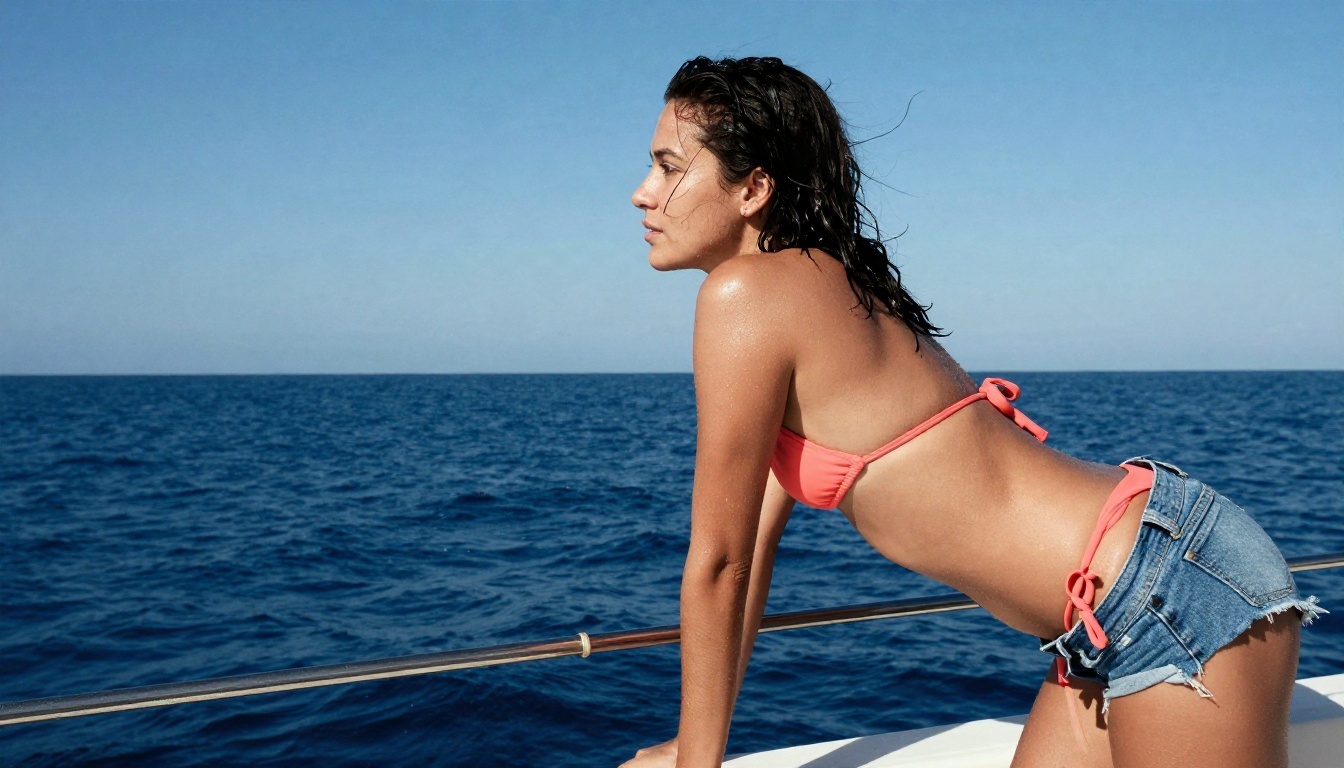
Since Seedream 5 Lite is out for this kind of work, Seedream 4.5 is the model to start with. It produces 4K images from text and handles skin texture, fabric and lighting with a photographic look that the newer Lite tier does not match for glamour subjects.
Step by step
- Open the Seedream 4.5 page and sign in. A new account gets a few free generations.
- Write your prompt in plain sentences. Describe the subject, the setting, the light and the camera, in that order.
- Choose a 16:9 or 3:2 aspect ratio for scenic and editorial shots, and 2:3 or 3:4 for full-length portraits.
- Generate one image first. Do not queue a batch until you have confirmed the prompt behaves.
- Adjust one thing at a time: the light, the outfit or the lens. Changing three things at once tells you nothing.
- When you like a result, run it through a refinement pass or upscale it for final delivery.
Parameter and prompt tips
- Name a real camera setup. Phrases like "85mm f/1.8, shallow depth of field" push the model toward photographic realism.
- Describe light direction. "Low golden sunlight from the left with a soft rim on the shoulder" beats "nice lighting" every time.
- Mention texture. Skin pores, fabric weave, wet hair and sand grains all add believability.
- Keep the outfit simple. "Cream string bikini" or "black satin camisole" works better than a paragraph of fashion jargon.
- Add film language. "Kodak Portra 400, fine grain" gives warm, natural tones instead of the plastic look.
When to switch to Image Editor Pro
Once you have a prompt that works, take it to PicassoIA Image Editor Pro. Because generations are unlimited there, it is the right place to produce twenty variations, fix a hand, change the outfit color or push the mood warmer. Use Seedream 4.5 to find the look, and the editor to polish it.
Alternatives Worth Trying
If Seedream 4.5 is not giving you quite what you want, a few other models on the platform are worth testing for glamour, fashion and suggestive portrait work. Each has a different personality, so run the same prompt through two or three.
Seedream 4
Seedream 4 is the older sibling and still a good pick when you want quick 4K drafts. It follows the same visual language as 4.5, so a prompt written for one transfers easily to the other.
Flux 2 Klein 9B Base LoRA
Flux 2 Klein 9B Base LoRA suits creators who want a particular visual style, such as a grainy film look or a high fashion palette. It gives you more stylistic control, though it takes a few tries to find the right wording.
Z Image Turbo
Z Image Turbo is the speed option. When you want to test ten prompt ideas in a few minutes, it gets you sharp previews quickly, and you can then move the winners to Seedream 4.5 for the final render.
💡 Workflow that saves time: draft in Z Image Turbo, refine the winning prompt in Seedream 4.5, then finish and iterate in Image Editor Pro.
Prompts That Stay Inside the Lines
Good glamour photography has always been about suggestion, not exposure. The prompts that work best with filtered or semi-filtered models are the ones a fashion photographer would write.
Wording that works
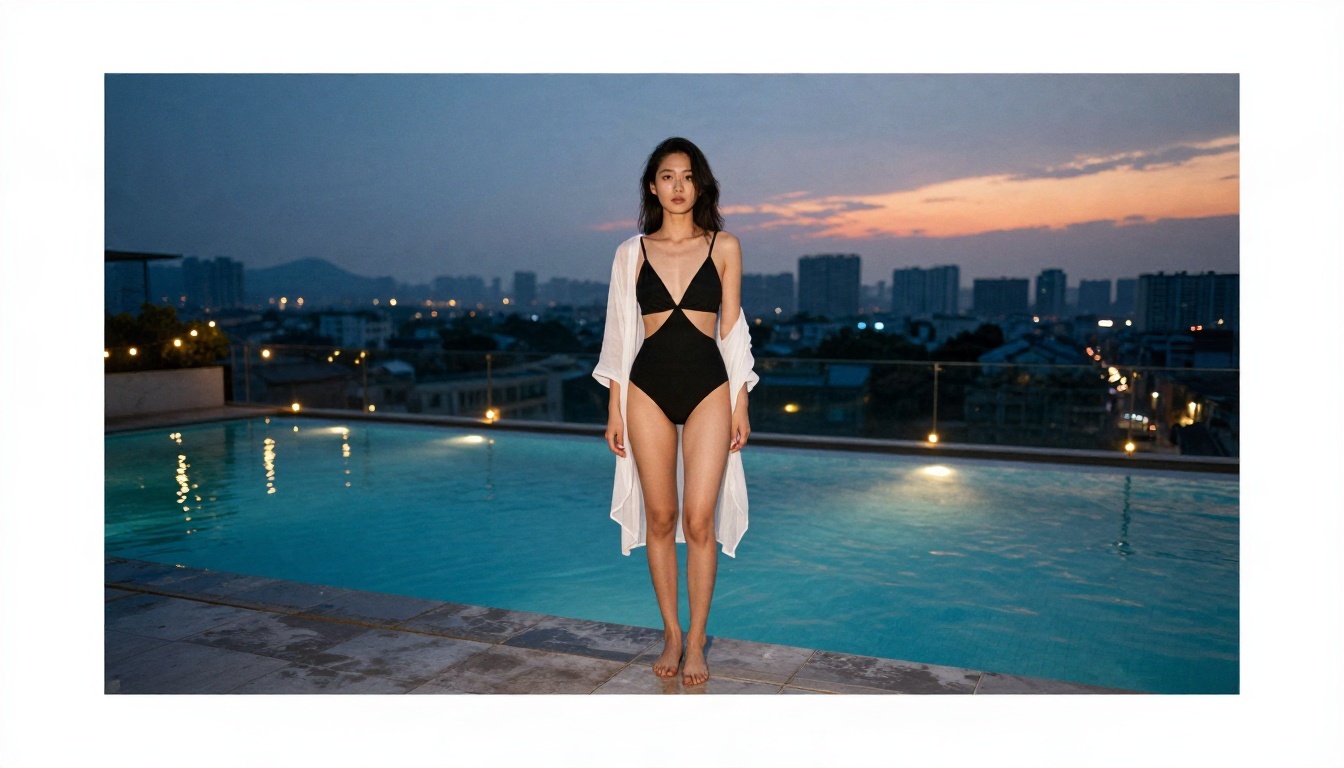
- Use fashion vocabulary. "Editorial swimwear shoot", "boudoir lighting" and "resort campaign" signal an artistic intent.
- Lead with the scene. A strong location and light carry the image, so the outfit needs fewer words.
- Prefer mood to anatomy. "Relaxed, confident, sun-warmed" is better than any physical description.
- State that the subject is an adult. Say "adult woman in her late twenties" so the model never has to guess.
Mistakes that cause refusals
- Stacking explicit words. One borderline term is often fine. Three in a row is not.
- Using real names. Public figures are blocked on nearly every platform.
- Rewriting the same prompt twenty times. Repeated near-identical attempts can trigger stricter checks. Change the scene instead.
- Ignoring the reference image. An uploaded photo is judged by the image classifier, so a heavily revealing source will be blocked no matter how mild your text is.
Cost and safety, honestly
Even the "permissive" models have limits, and a good platform keeps them. Content involving minors, non-consensual scenarios or real people without permission is off the table, and any site that claims otherwise is one to avoid. Keep your work to fictional adults, stay within the rules of the platform, and do not publish generated images of real individuals without their consent. Cost-wise, trial credits get you started, an unlimited editor handles volume, and paying per image on a strict model is the most expensive way to get the least freedom.
Make Your Own Images Today
You now have a clear map. Seedream 5 Lite blocks adult content, Seedream 5 Pro is filtered and unpredictable, and Seedream 4.5 is the practical choice for photoreal glamour, swimwear and artistic portraits. For unlimited iteration, PicassoIA Image Editor Pro is where you can keep experimenting until the light, the skin and the mood are exactly right.
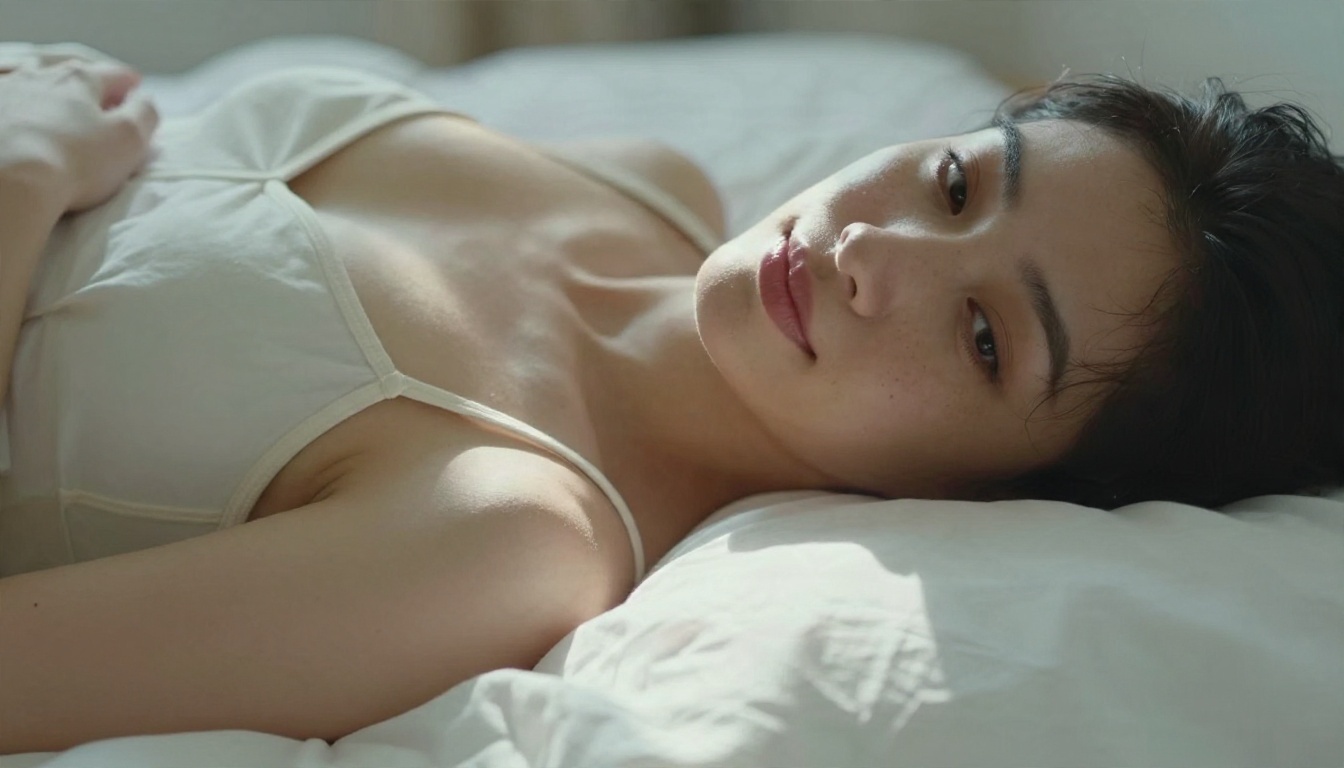
The fastest way to settle the question is to test it yourself. Take one prompt, run it through Seedream 4.5, then through the editor, and compare against the rest of the lineup. Picasso IA gives you the whole set in one place, so you can see the difference in minutes instead of reading another vendor's claims. Browse every available model at picassoia.com/en/all-models, pick one, and start creating your own images now.


