You typed a perfectly reasonable glamour prompt into Seedream 5, waited a few seconds, and got a refusal or a blurred placeholder. You are not imagining it. Seedream 5 is one of the strictest image models on the market, and the confusion around it is real: some pages claim it is uncensored, others say it blocks everything. The truth sits in between, and it depends on the version you pick and the platform that hosts it.
This article sorts it out. You will see what each Seedream 5 variant allows, which free online options actually deliver tasteful adult-style imagery (swimwear, lingerie, boudoir, glamour), and the prompts and settings that give clean, photorealistic results without wasting generations. Everything here stays non-explicit: suggestive, attractive, and aesthetic, the way a fashion or boudoir photographer would shoot it.
💡 Quick answer: Seedream 5 Lite blocks adult content. For NSFW-style glamour work, start with Seedream 4.5, then use PicassoIA Image Editor Pro for unlimited generations. Details and links are below.
What Seedream 5 Actually Allows
Seedream is ByteDance's image model family. Version 5 brought sharper detail, better text rendering, and strong prompt following. It also brought tighter safety filters. Early testers noticed that prompts that passed on Seedream 4.5 sometimes got refused on version 5, even when the request was only a bikini photo.
Seedream 5 Lite
Seedream 5 Lite is the fast, cheap 2K variant. It is great for product shots, landscapes, posters, and portraits in everyday clothing. It is not the model for adult content: the filter rejects lingerie, boudoir, and anything it reads as suggestive. If your goal is glamour imagery, do not burn time trying to rephrase around it.
Seedream 5 Pro
Seedream 5 Pro is the higher-fidelity 2K model, and it is the strongest Seedream 5 option for portraits, fabric, and skin detail. Its stance on NSFW is where the internet disagrees. Some hosts advertise it as permissive, while other sources report that official access refuses even mild requests. The honest summary: results depend on the host and its own policy, so treat Pro as a SFW portrait specialist and check for yourself before building a workflow on it.
Why the Same Model Behaves Differently
A refusal can come from three places:
- The model itself, trained to decline certain concepts.
- The hosting platform, which adds its own prompt and output filter.
- Your account settings, such as a safe mode toggle or region rules.
That is why one site says "uncensored" and another says "blocked" for the exact same model name. When you compare options, compare the platform, not just the version number.
Free Online Options Ranked
Here is how the realistic choices stack up for tasteful NSFW-style work, in the order I would try them.
| Rank | Model | Best for | Adult glamour | Free access |
|---|
| 1 | Seedream 4.5 | Photoreal portraits, 4K output | Yes, non-explicit | Free tier available |
| 2 | PicassoIA Image Editor Pro | Unlimited generation and editing | Yes, non-explicit | Unlimited generations |
| 3 | Seedream 4 | Reliable 4K, fast iteration | Yes, non-explicit | Free tier available |
| Skip | Seedream 5 Lite | Everyday SFW images | Blocked | Free, but filtered |
Seedream 4.5 First
Seedream 4.5 is the sweet spot. It keeps the realism people want from Seedream 5, renders 4K output, and handles swimwear, lingerie, and boudoir prompts without constant refusals. Skin texture, satin sheen, lace patterns, and wet hair all hold up well. Speed is excellent, so you can test several prompt variations in a minute.
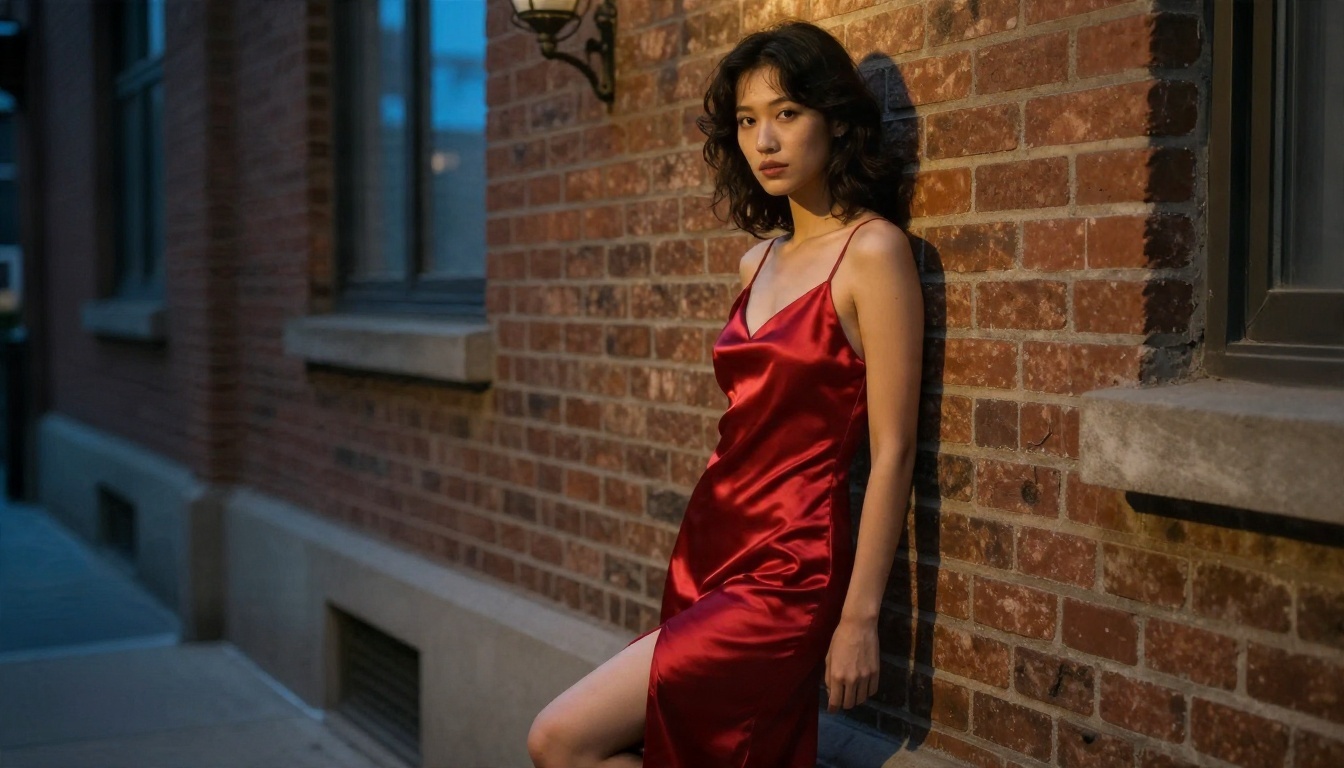
Image Editor Pro for Unlimited Runs
PicassoIA Image Editor Pro is the one to open when you want to iterate without watching a counter. It offers unlimited generations, works as both a generator and an editor, and is quick enough to suit trial-and-error prompting. Good prompt work usually takes five to fifteen attempts, so an unlimited model changes the economics completely.
Seedream 4 as the Backup
Seedream 4 is the older sibling and still a very capable 4K model. If a prompt keeps drifting on 4.5, running the same text on Seedream 4 often gives a slightly different color rendering, which can be exactly what you need.
💡 Tip: Different models read the same prompt with a different "taste." If one gives you stiff skin, run the identical prompt on another before rewriting it.
How to Use Seedream 4.5 on PicassoIA
This is the fastest route to results that Seedream 5 would likely refuse. Open the model page: Seedream 4.5 on PicassoIA.
Step by Step
- Open the model page and sign in. A free tier lets you start without a credit card.
- Write your prompt using the structure in the next section: subject, wardrobe, setting, light, lens, texture.
- Pick the aspect ratio. Use 16:9 for scenic or full-body shots, 3:4 or 2:3 for portraits, and 1:1 for avatars.
- Choose the resolution. Draft at a lower size, then go to 4K for the shot you like.
- Generate and compare. Run three to four variations before you change a single word.
- Refine one thing at a time. Adjust lighting or wardrobe, not both at once, so you know what caused the change.

Settings That Work
| Setting | Recommended value | Why |
|---|
| Aspect ratio | 16:9, 3:4 or 2:3 | Matches fashion and boudoir framing |
| Resolution | Draft low, final at 4K | Saves time and credits |
| Prompt length | 60 to 120 words | Enough detail, no contradictions |
| Variations | 3 to 4 per prompt | Reveals what the prompt really does |
| Lighting | One named source | Prevents flat or mixed light |
| Lens | 50mm to 85mm | Flattering proportions |
Prompts That Work
A prompt that performs follows a consistent order. Use this skeleton and swap the pieces:
[Adult subject and pose] + [wardrobe and fabric] + [location] + [single light source and direction] + [camera and lens] + [skin and texture details] + [film look]
Always state that the subject is an adult, and keep wardrobe tasteful. Both choices help the model and keep your results within platform rules.
Swimwear at Golden Hour
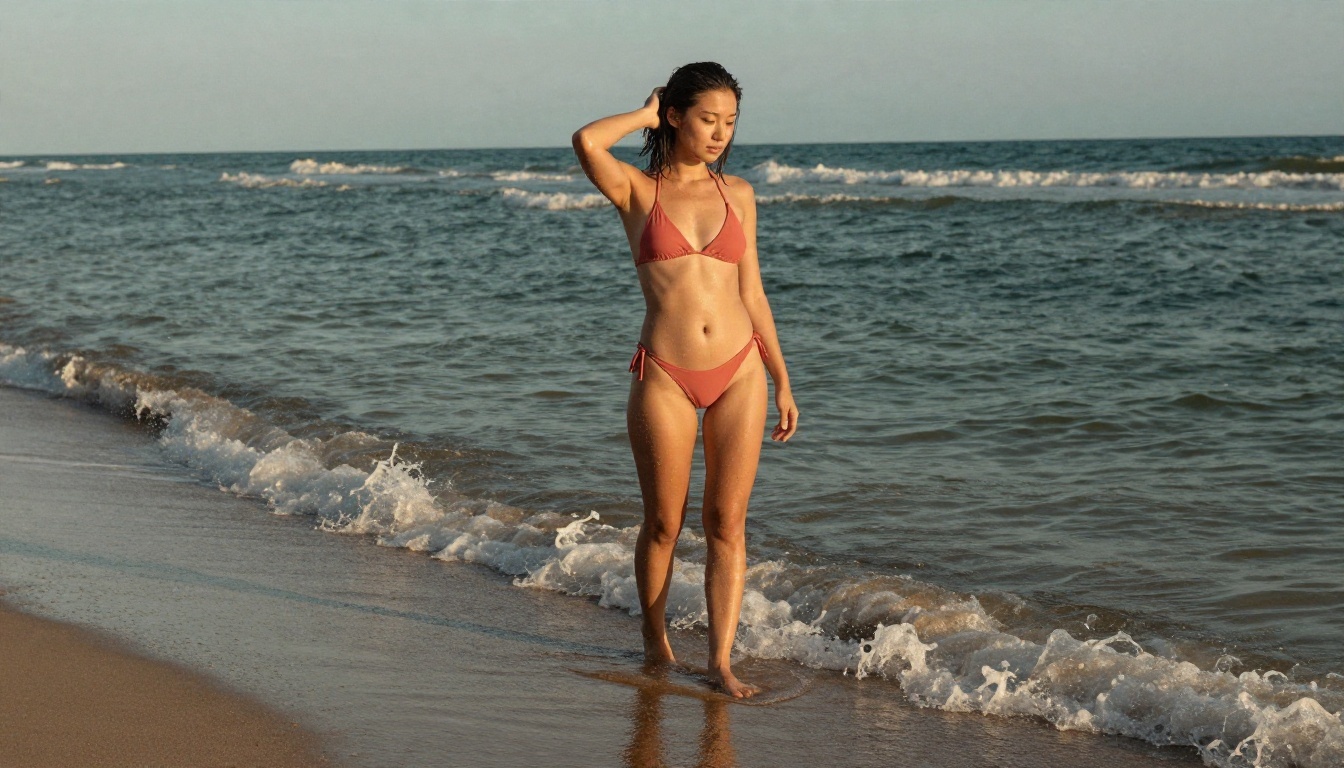
Adult woman in a coral two-piece bikini standing ankle deep at a quiet beach at golden hour, tucking wet hair behind her ear, foam around her feet. Warm low sun from the right with rim light on the shoulders. Wide low-angle shot, 35mm f/2.8, damp reflective sand, water droplets on skin, Kodak Portra 400 film grain.
Why it works: one light source, one pose, concrete texture words ("water droplets", "damp sand"). The model has nothing to guess.
Soft Boudoir Light
Adult woman in an ivory satin camisole and silk robe sitting on a rumpled white linen bed in a boutique hotel suite. Soft morning window light from the left through sheer curtains. 85mm f/1.8, shallow depth of field, visible fabric creases, fine skin pores, subtle film grain, calm and intimate mood.
Why it works: the mood word ("calm and intimate") sets tone, while the lens and light set realism. This is the formula behind the cover image of this article.
Close-Up Beauty Portrait
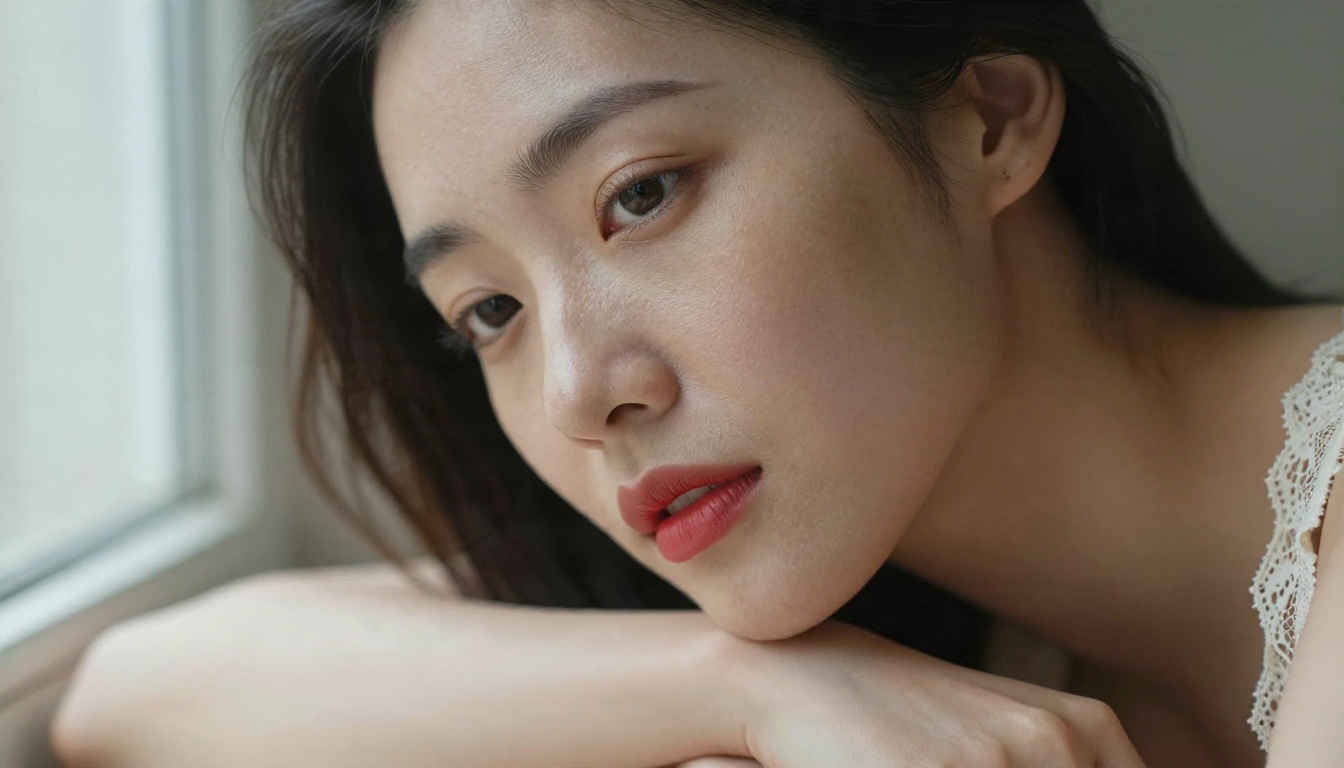
Close-up beauty portrait of an adult woman with dewy skin and soft red lipstick in a lace-trimmed camisole, chin resting on her hand by a window. Soft overcast light from the left, visible pores and freckles, catchlight in the eyes, 100mm f/2, pale blurred interior, Kodak Portra 400 tones.
Why it works: it asks for imperfections. Words like "pores", "freckles", and "flyaway hairs" push the model away from the plastic, airbrushed look.
Evening and City Looks
Adult woman in an emerald silk lingerie set with a matching robe at a floor-to-ceiling penthouse window at night, back partly turned, city lights as soft bokeh. Warm lamp light from camera right, 35mm f/1.8, silk sheen, fine grain.
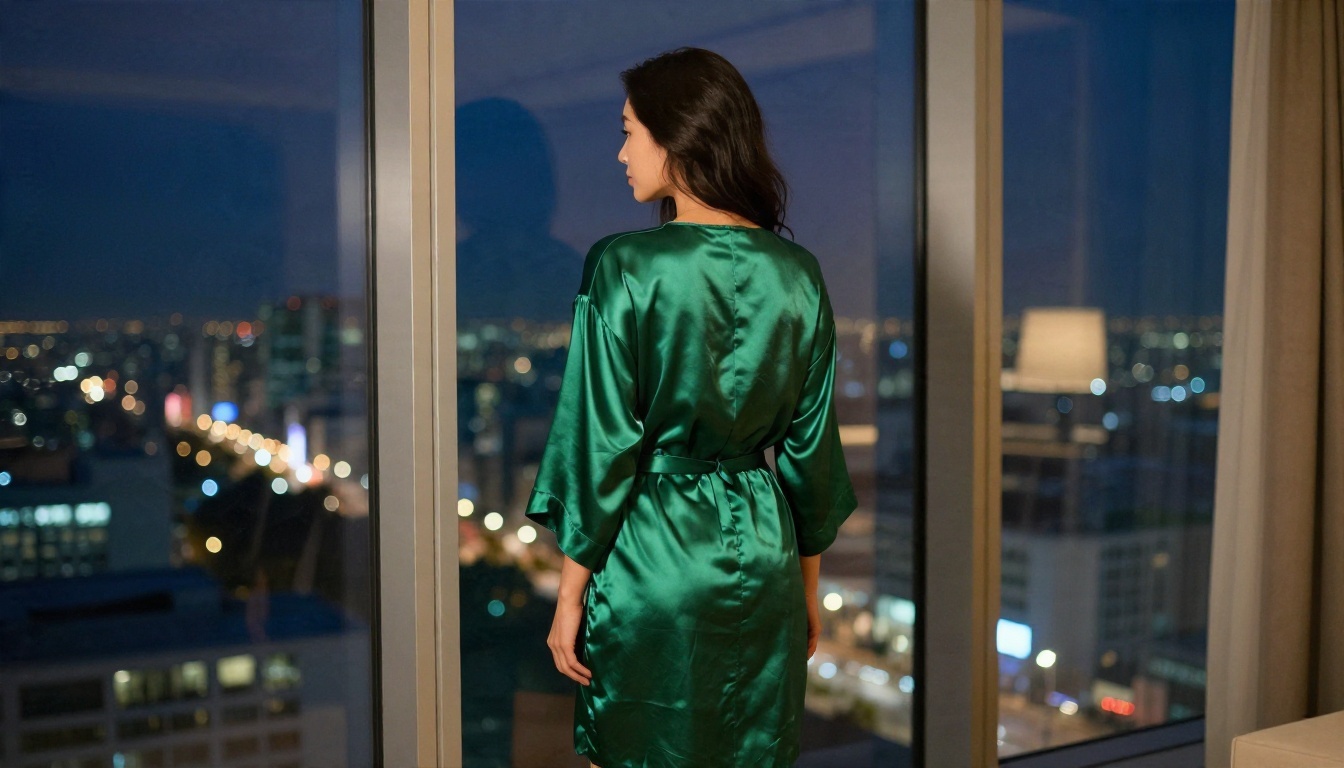
Why it works: contrast between warm interior light and cool distant lights gives depth without any "glow" effects.
💡 Wording tip: Prefer suggestive over explicit phrasing. "Robe slipping off one shoulder" gives a more attractive and more consistent result than blunt descriptions, and it avoids filter trips on every platform.
Settings That Make the Difference
Most weak results do not come from the prompt wording. They come from small choices around it.
Light Beats Everything
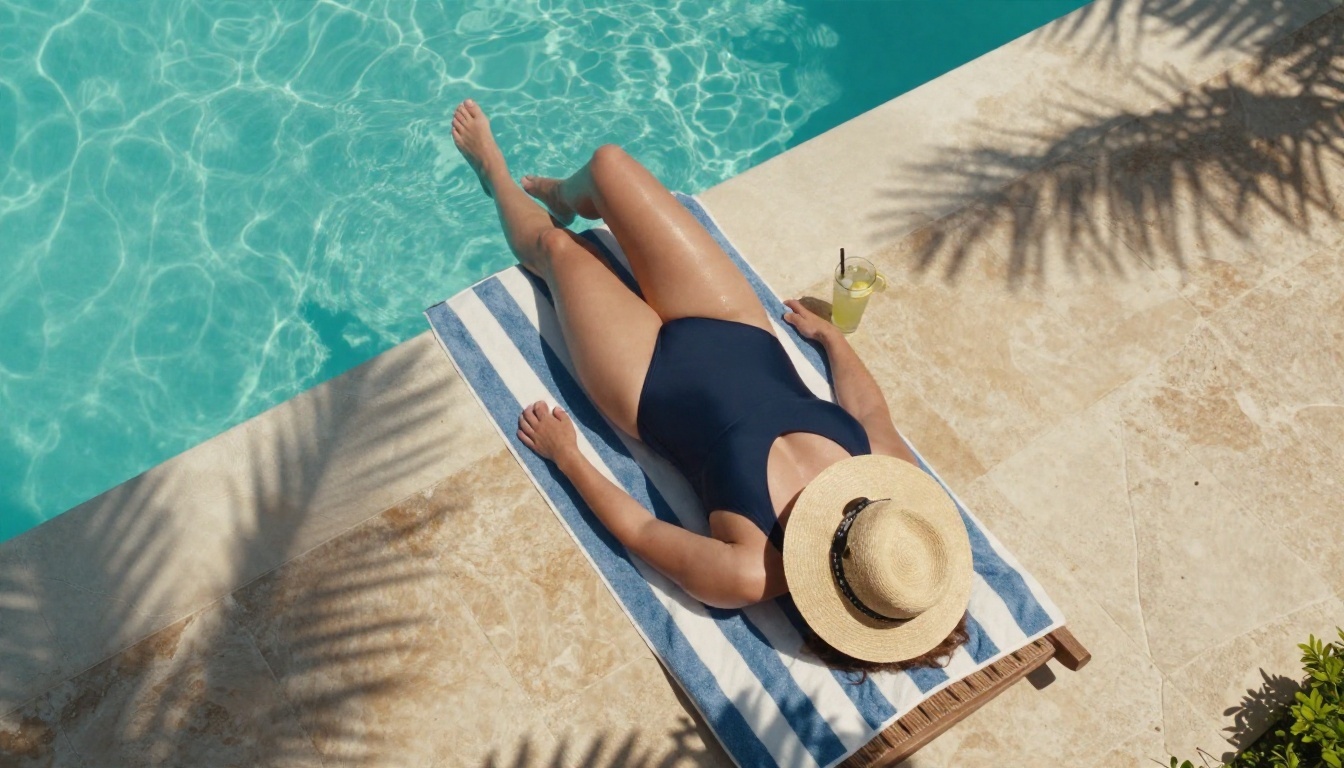
Name one light source and its direction: "window light from the left", "low sun from the right", "warm lamp from behind camera right". Mixed or vague lighting ("beautiful lighting", "cinematic") gives flat, generic images. When you do want two sources, name both and give each a role, such as warm tungsten key plus cool blue fill.
Lens and Distance
The lens you name changes proportions, not just the look:
- 24mm to 35mm: environmental and full-body shots, a little drama in the perspective.
- 50mm: natural, neutral, good for half-body.
- 85mm to 100mm: flattering portraits, soft backgrounds, intimate feeling.
Add the aperture too (f/1.8, f/2.8). It controls how blurred the background becomes.
Texture Words Are Your Realism Switch
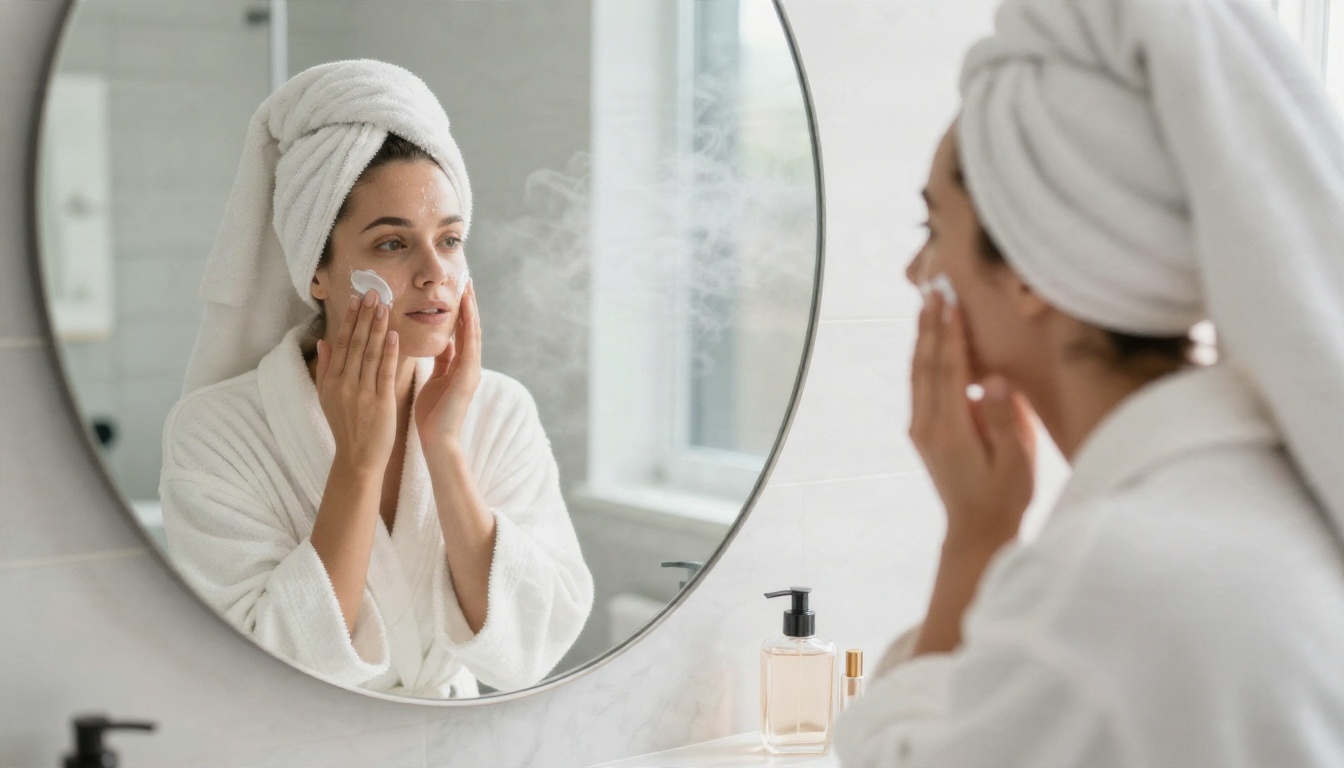
Add two or three of these to every prompt: visible pores, freckles, fine flyaway hairs, fabric creases, satin sheen, lace pattern, water droplets, film grain, Kodak Portra 400. They are cheap, short, and they remove most of the plastic look.
Resolution Strategy
Draft small, finalize big. Run quick low-resolution tests to lock composition and light, then render only the winner at 4K. It makes sessions faster and your free allowance last longer.
Mistakes That Waste Credits
Fighting a Filter With Rewrites
If a model refuses a prompt, ten rewordings of the same idea rarely work. Switch models instead. A prompt that fails on Seedream 5 Lite can run fine on Seedream 4.5 or in Image Editor Pro with no changes.
Stacking Too Many Ideas
A prompt that asks for a beach, a bedroom, a city night, and four outfits will produce mush. One scene, one outfit, one pose. If you want a series, keep the subject description constant and change one variable per image.
Skipping the Adult Statement
Always describe the subject as an adult woman or adult man. It sets the right look, avoids ambiguous faces, and keeps your work on the right side of every platform's rules. Never depict minors or real people without consent.
Ignoring the Hands and Fabric
Hands and fabric folds are where small errors hide. If a result is almost right, inpaint or edit the problem area in Image Editor Pro instead of regenerating the whole picture. It keeps the pose and light you liked.
Chasing a Look With Style Words
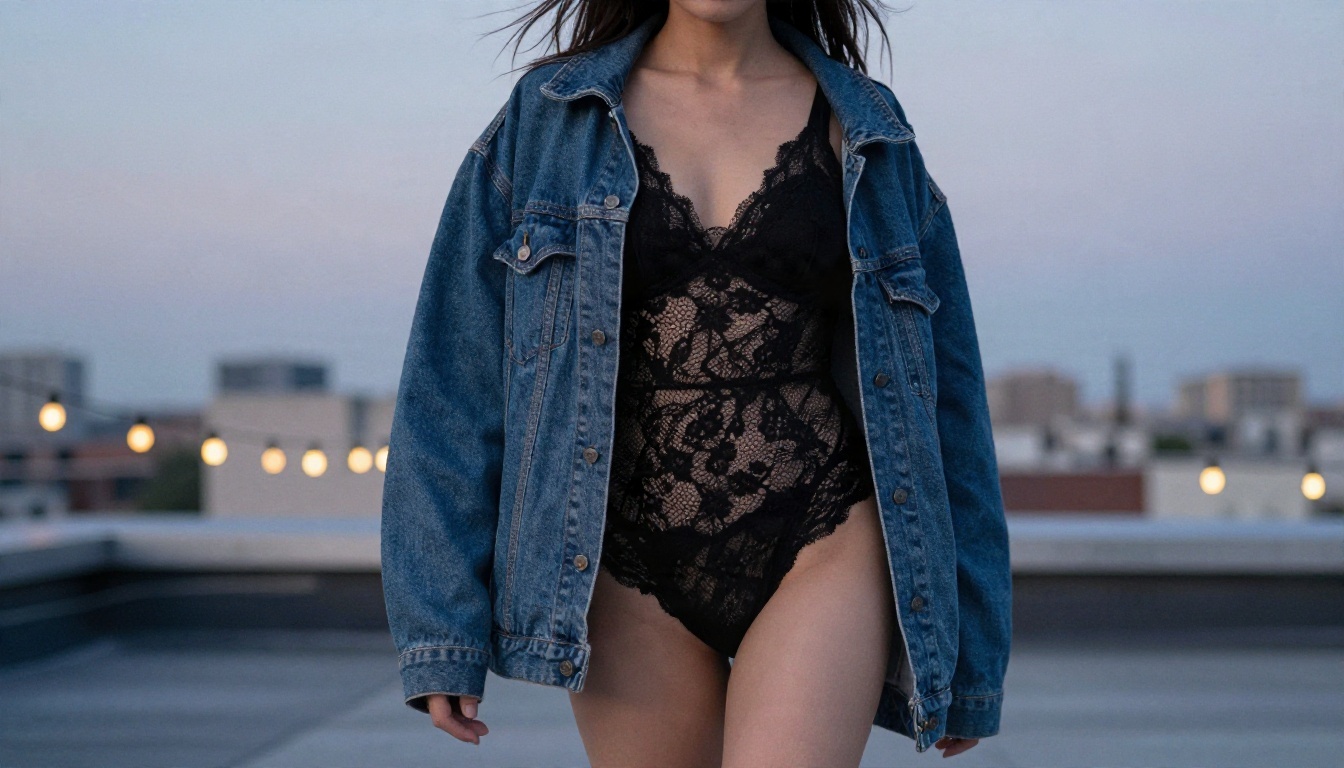
Terms like "neon", "glowing", "cyberpunk", or "3D render" drag the output away from photography. For believable results, stay with real camera language: lens, aperture, light direction, film stock.
A Faster Workflow in Five Rounds
Here is a routine that works well in practice. It takes about ten minutes per final image.
- Round one, composition. Run the skeleton prompt at low resolution, four variations. Pick the best framing.
- Round two, light. Keep the prompt, change only the light direction or time of day.
- Round three, wardrobe. Swap one fabric or color. Satin, lace, silk, denim, and knit all behave differently, so try two.
- Round four, texture. Add or remove realism words until skin looks right.
- Round five, final render. Send the winner to 4K, then fix details in the editor if needed.
💡 Batch idea: Save the first prompt that gives you a good face and reuse the subject description word for word across scenes. Consistent wording gives a more consistent character.
Where Seedream 5 Still Makes Sense
None of this means Seedream 5 is a bad model. For fully clothed portraits, fashion lookbooks, product mockups, posters with text, and social content, Seedream 5 Pro is excellent, and Seedream 5 Lite is a quick, cheap choice for everyday images. The practical split looks like this:
| Task | Best pick |
|---|
| Swimwear, lingerie, boudoir, glamour | Seedream 4.5 or Image Editor Pro |
| Fast iteration with no limits | Image Editor Pro |
| Alternate color rendering | Seedream 4 |
| Fully clothed portraits, text, posters | Seedream 5 Pro or Lite |
Use each model for what it does best and you will spend far less time fighting refusals.
Try It on PicassoIA Today
You do not need to wait on a stricter model to loosen up. Open Seedream 4.5 for photoreal 4K glamour with a free tier, then switch to PicassoIA Image Editor Pro when you want unlimited generations and quick edits. Paste one of the prompts above, change the outfit and the light, and watch how much the results shift with a few words.
When you want to compare more engines, browse the full catalog at picassoia.com/en/all-models. Pick a model, run your best prompt, and see which one gives your images their look.


