People type "spicy" next to Seedream 5.0 Pro for one reason: they want glamour, swimwear and boudoir-style portraits that look like real photographs, and they want to know what it costs before they commit. Fair question. The model is sharp, it follows long prompts well, and its price per image is low. But the word "spicy" hides a few facts that decide whether you will be happy with the results.
Here is the short version. Seedream 5.0 Pro does not have an official "Spicy" mode. Prices change from host to host, and a few hosts quote numbers that disagree with each other. Free trials exist, but they are usually small credit packs, not open-ended access. And if your goal is suggestive, non-explicit adult-leaning imagery, there are better starting points on PicassoIA than Pro itself.
Below you get prompt templates you can paste today, a plain breakdown of per-image costs, the trial routes worth your time, and a short tutorial for running Seedream 5 Pro on PicassoIA.

What "Spicy" Really Means
It is a search label, not a model variant
ByteDance's Seedream line currently lists Pro and Lite. I found no separate "Spicy" release, no toggle, and no special checkpoint with that name. When people say "Seedream 5.0 Pro Spicy" they usually mean one of three things:
- Using Pro for glamour and swimwear portraits with a lot of skin texture and warm light.
- Looking for a less restrictive host, where content filters are lighter.
- Trying to push the model toward explicit output, which is a bad idea and not what this article supports.
Everything below sticks to the first meaning: tasteful, suggestive, magazine-style imagery. Think satin, lace, bikinis, wet hair and golden-hour skin. Nothing pornographic.
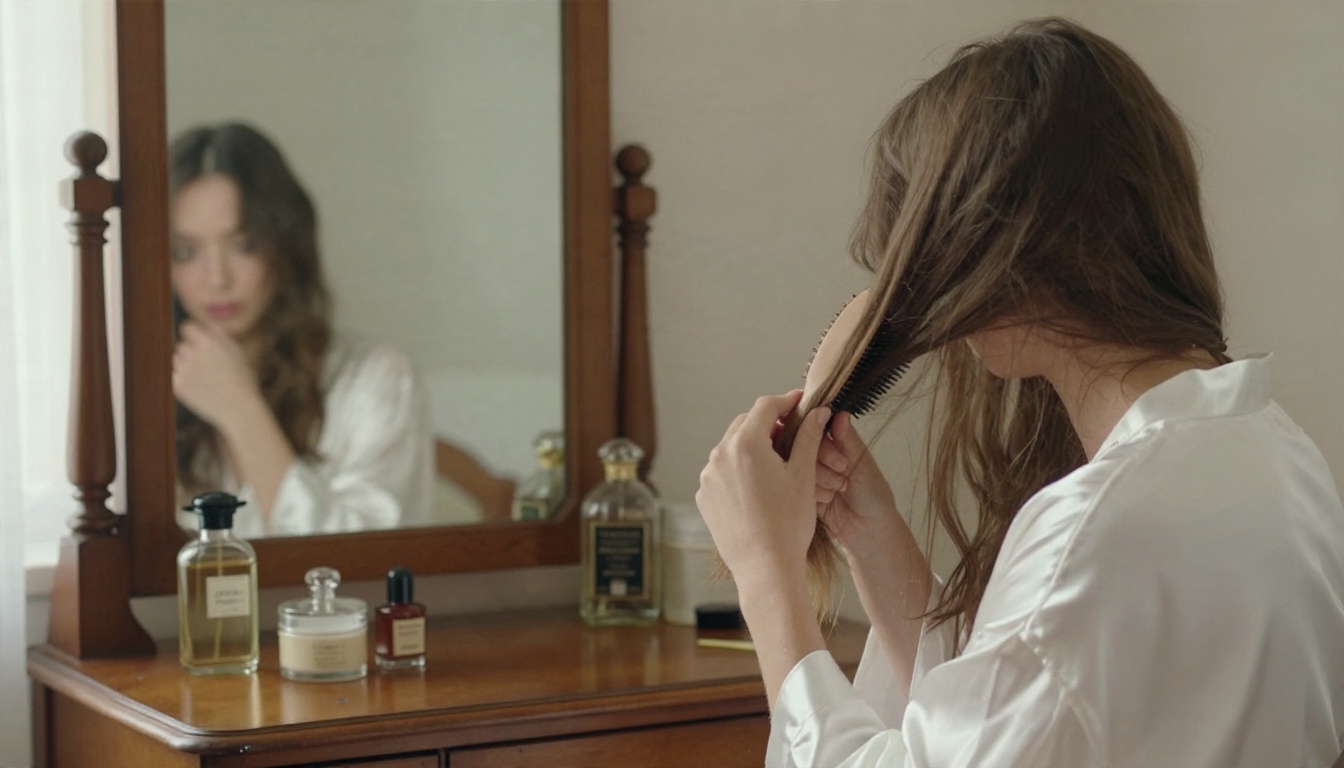
Filters are part of the deal
Hosted versions of Seedream apply safety filters. How strict they are depends on the platform and can change without notice. A prompt that passes on one site may be refused on another. Seedream 5 Lite is the strictest of the family and blocks adult content outright, so skip it for this kind of work. For Pro, plan around the filter instead of fighting it: write prompts that describe fashion, lighting and mood, and let the image stay on the right side of the line.
💡 Tip: If a prompt gets refused, do not add more explicit words. Rewrite it as a fashion editorial brief: name the garment, the setting and the lens. That is also what produces the best photographs.
What Pro Does Well
Specs at a glance
| Feature | What PicassoIA lists for Seedream 5 Pro |
|---|
| Output sizes | 1K (about 2 megapixels) and 2K (about 4 megapixels) |
| Reference images | Up to 10 per generation |
| Aspect ratios | Match input, 1:1, 4:3, 3:4, 16:9, 9:16, 3:2, 2:3, 21:9 |
| Prompt length | Up to 4000 characters |
| Formats | PNG or JPEG |
The recommended sweet spot is a prompt under roughly 600 English words. Past that point extra detail tends to get ignored, not rewarded.
Skin, fabric and light
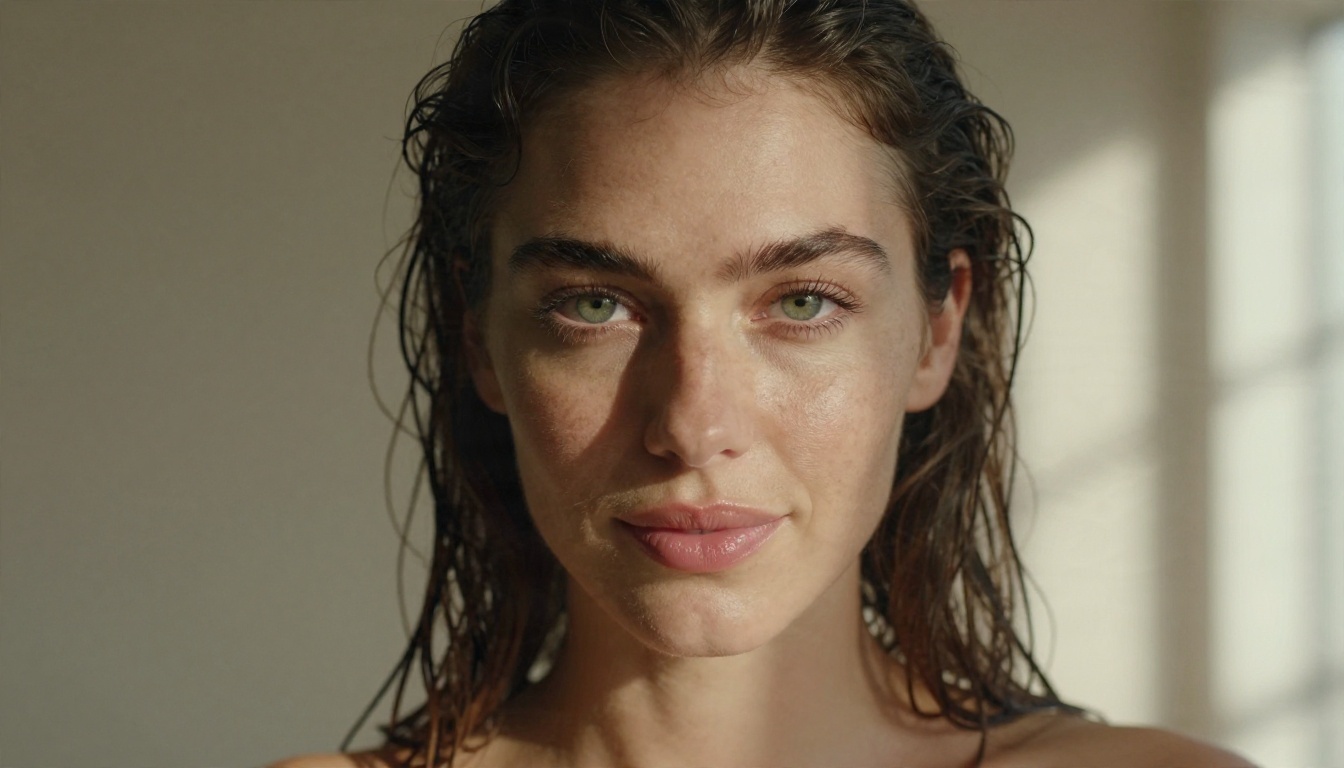
Pro is strong where glamour work is hardest: pores, flyaway hair, satin highlights, lace threads and wet skin. It reads lighting instructions literally, so "backlit morning light from camera left" gives you exactly that. For portraits this matters more than any style keyword.
Reference photos
With up to 10 reference images, you can keep one face, one outfit and one location consistent across a set. That makes Pro a good choice for lookbooks, character sets and mood boards. Use references for people you have the right to depict, such as yourself, a model who has signed a release, or a fictional character you built.
Prompts That Actually Work
The five-part structure
Every strong glamour prompt answers five questions, in this order:
- Subject and pose. Who is in frame and what are they doing.
- Wardrobe. Fabric, color, cut. Be specific: "black satin slip dress with lace trim" beats "sexy outfit".
- Environment. Room, props, background depth.
- Light. Direction, time of day, quality (soft, hard, rim, bounce).
- Camera. Lens, angle, depth of field, film look.
Skip any of these and the model fills the gap with a generic choice. That is when images start looking like stock art.
Template 1: loft portrait
A woman in her late twenties with long wavy chestnut hair reclines on a cream linen sofa in a sunlit loft, wearing a black satin slip dress with lace trim, one knee bent, calm confident gaze at the camera. Tall windows with sheer curtains, marble coffee table, dried pampas grass. Warm golden-hour light from the left with soft rim light on her shoulders. 85mm lens at f/1.8, eye level, shallow depth of field, Kodak Portra 400 film grain, visible skin pores and fabric sheen.
This is the same style as the cover image of this article. Swap the dress for a silk robe or a linen shirt and you get a different mood without changing anything else.
Template 2: beach golden hour
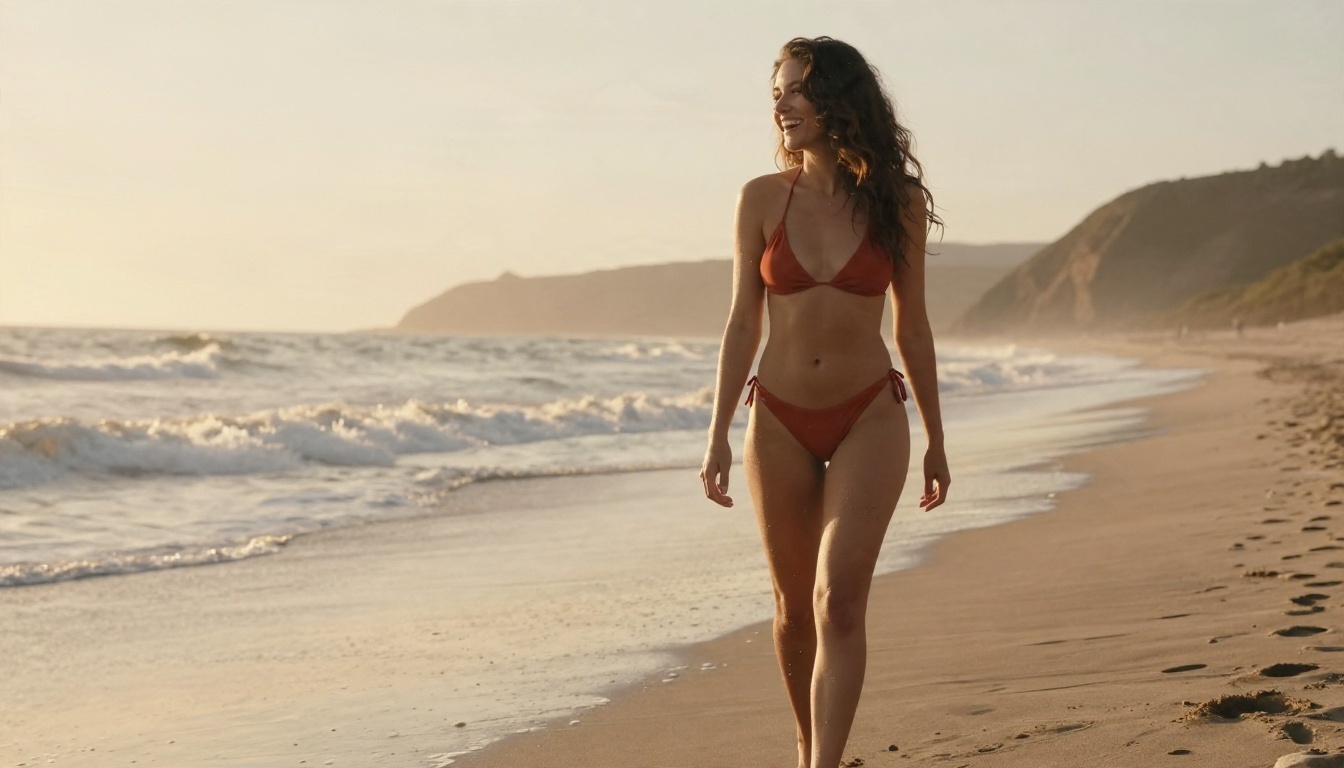
A woman in a terracotta bikini walks along a wet sandy beach at sunset, laughing and looking over her shoulder, small waves around her ankles, distant cliffs in haze. Low-angle full-body shot from knee height, warm backlight with rim light on her hair, 35mm lens at f/2, sand grains and water droplets on sun-kissed skin, natural color, fine film grain.
Template 3: poolside overhead
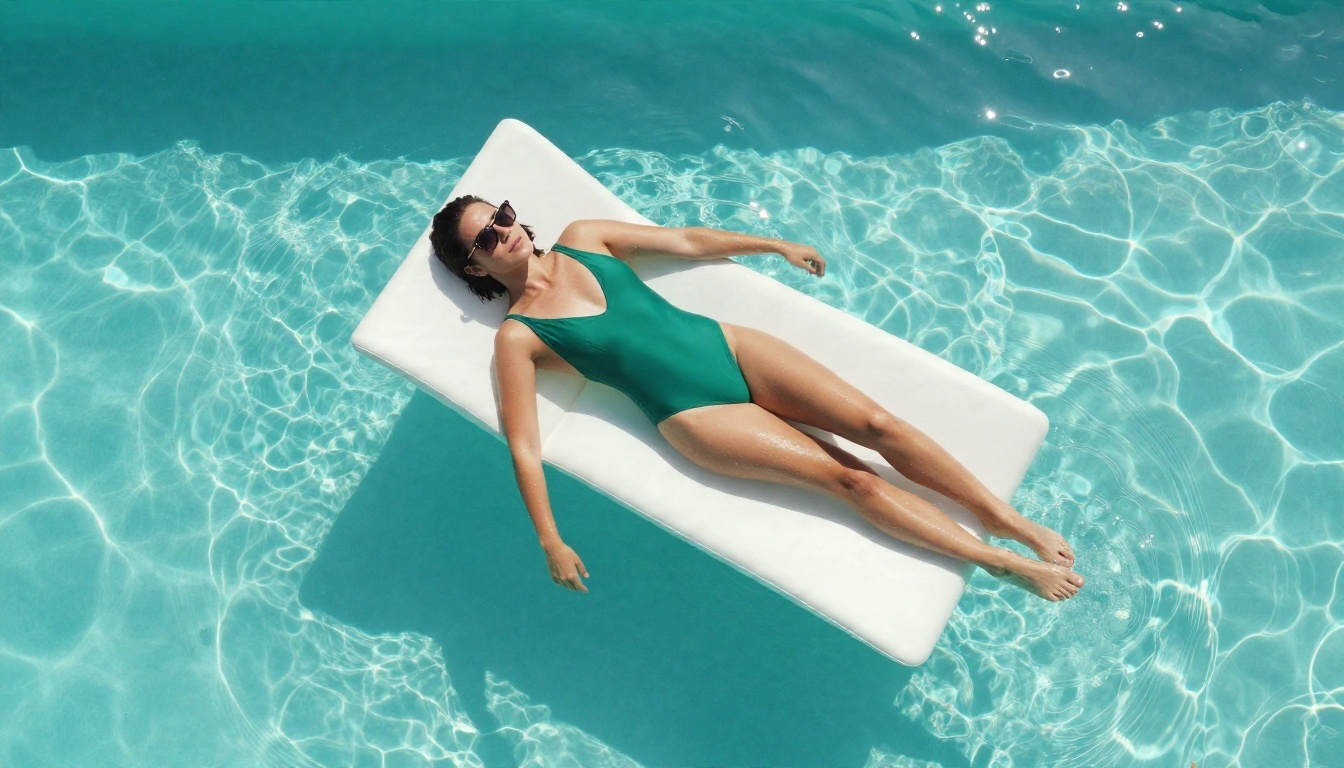
Top-down aerial photograph of a woman in an emerald one-piece swimsuit on a white inflatable lounger in a clear turquoise pool, sunglasses on, one hand trailing in the water. Caustic light patterns on the pool floor, direct midday sun, 24mm lens from drone height, glistening wet skin, saturated but natural color.
Writing long prompts without losing control
Long prompts are where Pro shines, but they need order. Put the subject first, the light second, and the camera last. Keep each idea in its own sentence. If you stack ten adjectives on the face, the model averages them and you get a bland result.

Five common mistakes
| Mistake | What happens | Fix |
|---|
| Vague outfit words | Generic clothing, plastic look | Name fabric, color and cut |
| No light direction | Flat, even lighting | Say where the light comes from |
| Stacked style tags | Muddy, over-processed skin | Use one film look, such as Portra 400 |
| Explicit wording | Refusal or blocked output | Describe mood and wardrobe instead |
| Ignoring aspect ratio | Awkward crops | Choose 16:9, 3:2 or 2:3 on purpose |
The Real Cost of Seedream 5 Pro
Per-image rates across hosts
Published prices do not agree, and that is worth knowing before you budget. Here is what the main sources report, in my own summary:
| Source | Reported rate | Notes |
|---|
| BytePlus (the official platform) | From about $0.045 per image | First reference image free, extra references about $0.003 each |
| Atlas Cloud | $0.045 up to about 2.36 MP, $0.09 above | First reference free |
| Aixploria listing | About $0.075, $0.15 for larger sizes | Billed per image through an API, not free |
| Vercel AI Gateway | Roughly $0.035 to $0.04 | The page itself shows more than one figure |
Treat these as a range, not a promise. Hosts update prices often, so check the current page of whichever platform you plan to use.

What 100 images really cost
Most people do not keep their first result. A realistic ratio is 3 to 5 generations per keeper.
| Rate per image | 100 generations | 1,000 generations |
|---|
| $0.035 | $3.50 | $35 |
| $0.045 | $4.50 | $45 |
| $0.075 | $7.50 | $75 |
| $0.09 | $9.00 | $90 |
| $0.15 | $15.00 | $150 |
So a set of 20 finished glamour shots, at 4 tries each, runs from about $2.80 to $12 depending on the host. Cheap per image, but it adds up when you iterate.
Hidden costs to watch
- Size tiers. Several hosts charge double above about 2.36 megapixels. PicassoIA describes the 2K setting as roughly 4 megapixels, so on a tiered host the larger size may land in the higher bracket.
- Reference images. Cheap each, but a 10-reference batch adds up over many runs.
- Credit packs. Some platforms sell bundles with an expiry, for example a pack of a few hundred images valid for 30 days. Unused credits vanish.
- Failed or refused prompts. Depending on the host, a blocked request may or may not be refunded. Check before you buy.
Free Trial Options That Exist
Starter credits on API platforms
BytePlus advertises a new-user offer, and third-party platforms such as getimg.ai and Artlist have been reported to give trial credits. I could not verify those offers directly, so confirm the size and the expiry before you sign up. Expect something like a handful of free generations, not weeks of use.

Free runs on PicassoIA
The Seedream 5 Pro page on PicassoIA describes the model as free and online, with no design software or coding needed. That makes it a low-risk place to test your prompt templates before you spend anything elsewhere. Run your best template, check the skin and the light, and only then decide if you need a paid API.
Unlimited editing as a trial substitute
If your real goal is changing an existing photo (outfit, background, mood) and not generating from scratch, PicassoIA Image Editor Pro has no per-edit cap and no daily quota. You can iterate as long as you like, which is exactly what a trial period is meant to give you.
How to Use Seedream 5 Pro on PicassoIA
Step by step
- Open the Seedream 5 Pro model page.
- Paste a prompt built from the five-part structure above.
- Pick 16:9 for editorial and landscape looks, 2:3 for full-body fashion.
- Choose 2K for final images and 1K for quick drafts.
- Add up to 10 reference photos if you want a consistent face or outfit.
- Select PNG for editing later or JPEG for quick posting.
- Generate, compare, and change one variable at a time.
Parameter tips
| Setting | Recommendation |
|---|
| size | 1K to test wording, 2K to finish |
| aspect_ratio | 16:9 for scenes, 2:3 for standing portraits, 21:9 for cinematic banners |
| output_format | PNG for retouching, JPEG for sharing |
| image_input | One clear, well-lit reference works better than ten mixed ones |
| prompt | Under 600 words, one idea per sentence |
💡 Tip: Change only one thing per run: the light, or the lens, or the wardrobe. If you change three, you will never know which one fixed the image.
Better Picks for Adult-Leaning Work
Seedream 4.5 comes first
For suggestive, non-explicit glamour, start with Seedream 4.5. It outputs up to 4096 by 4096 pixels, accepts 1 to 14 reference images, and can produce batches of up to 15 related images in one run. It handles swimwear, lingerie-style wardrobe and boudoir lighting more readily than the newer Lite model, and it is the model I would try before Pro.
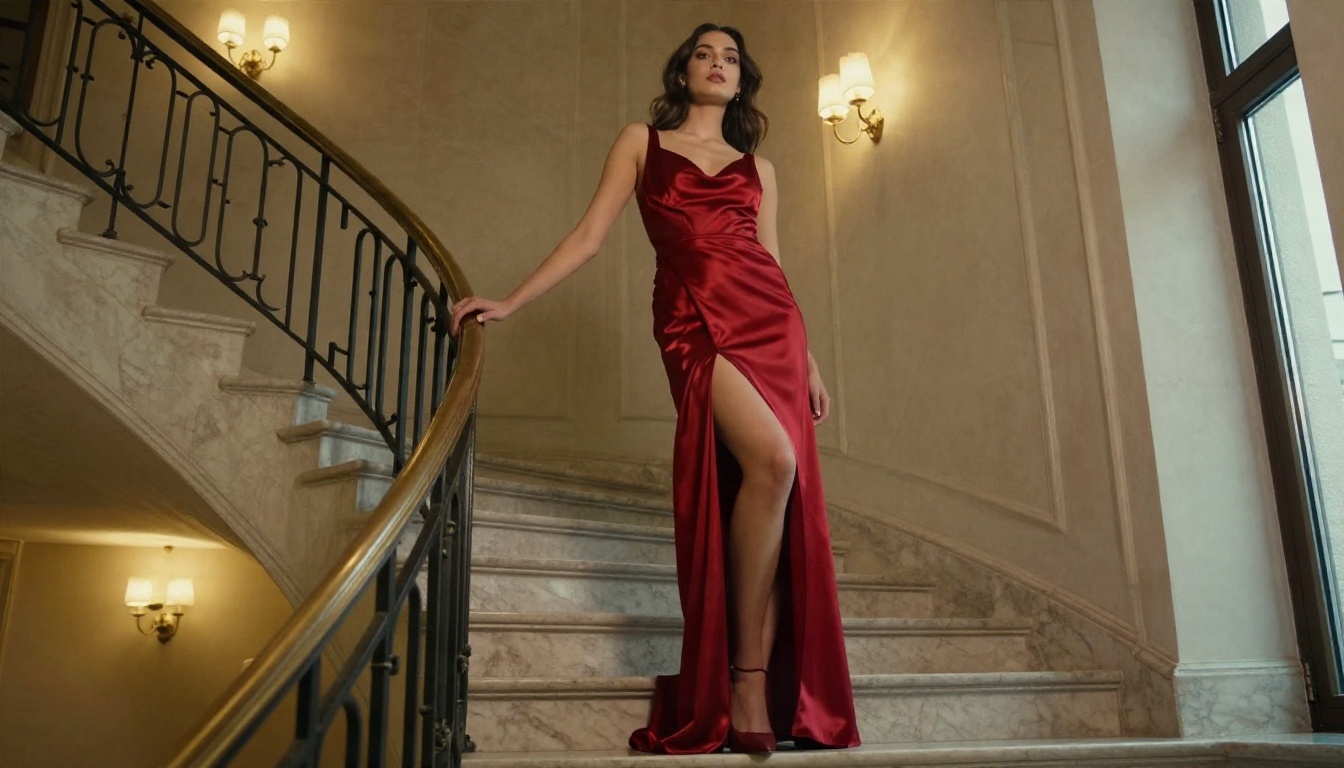
Image Editor Pro for edits
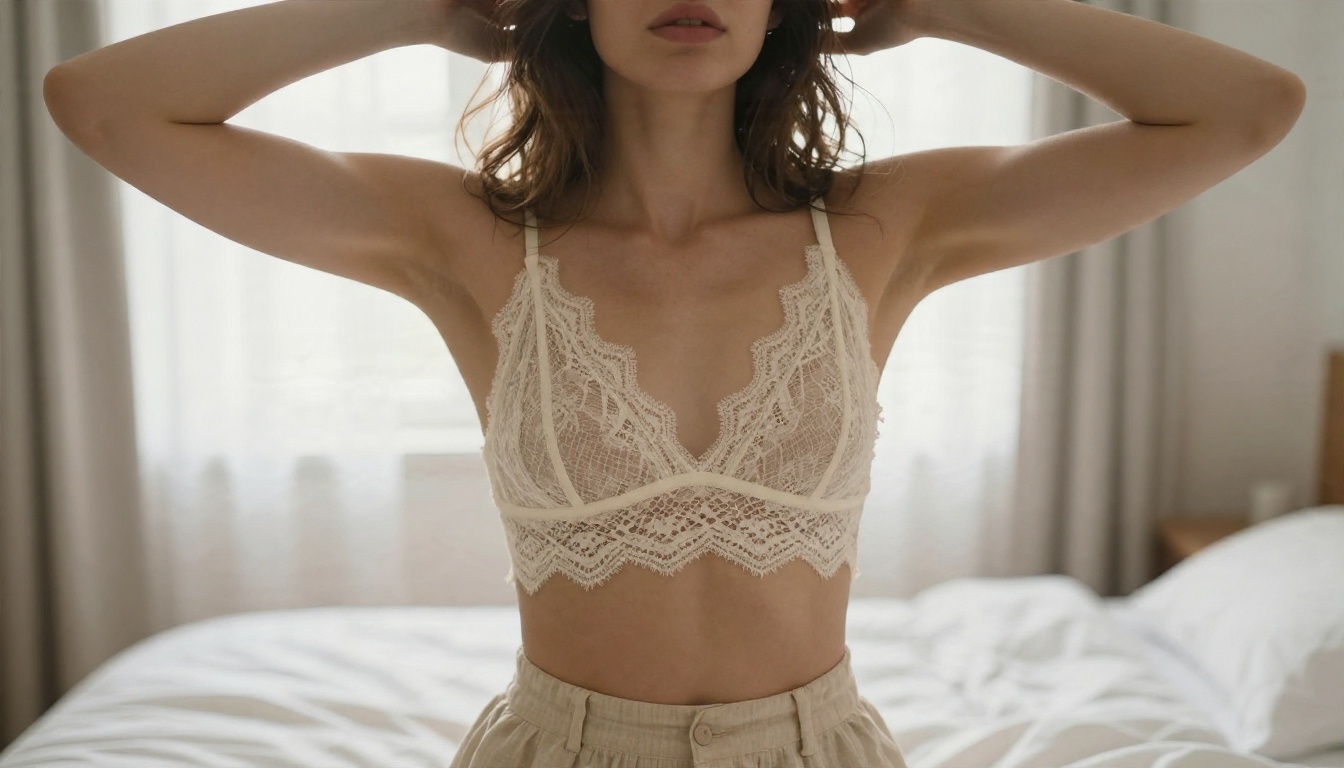
PicassoIA Image Editor Pro is the second stop. It is unlimited, fast (most edits finish in seconds), and accepts up to three reference images that you can address by name in the prompt. Typical uses: change a swimsuit color, swap the background to a pool or a bedroom window, soften the light, or fix a hand. Unlimited use matters here, because glamour work needs many small corrections.
Quick comparison
Keep it suggestive, not explicit
Stay with wardrobe, light and mood. Use real people's likeness only with consent, and never depict anyone who is, or looks like, a minor. That rule is not negotiable, and it keeps your account and your work safe on every platform.
Try Your Own Prompts Today
Pick one template from this article, change the wardrobe and the location, and run it. Start with Seedream 4.5 for glamour, refine the result in PicassoIA Image Editor Pro, and compare it against Seedream 5 Pro with the same prompt. Ten minutes of side-by-side testing will tell you more than any spec table.
You can also browse every available model at picassoia.com/en/all-models and pick the one that fits your style. Write the prompt, press generate, and see what your own idea looks like as a photograph.


