If you typed "Seedream X Spicy" into a search bar, you probably want three things: prompts that actually work, a look at what the results can be, and a straight answer about what is allowed and what gets blocked. Here is the honest version. "Seedream X Spicy" is not an official product name. It is a label people use for a loose idea: ByteDance's Seedream image models pushed toward bolder, more suggestive, glamour-style output. Searching for it turns up third-party "spicy" tiers for ByteDance's video model Seedance, plus a community-tested uncensored build of Seedream 4.5 reviewed by a small AI site. Neither is an official ByteDance release called Seedream X Spicy.
That does not mean the idea is empty. You can get bold, beautiful, photorealistic glamour images from Seedream-class models today, as long as you keep them tasteful and non-explicit. This article gives you free prompts, real examples, a clear picture of content limits, and a step-by-step workflow you can run on PicassoIA.
What "Seedream X Spicy" Really Means
A search term, not a model
Seedream is ByteDance's image generation family. Seedance is its video sibling. The word "spicy" got attached to both in third-party marketplaces, usually to describe a looser content tier: fewer refusals, more skin, more attitude. The "X" in the middle looks like a community mash-up of the two ideas.
💡 Reality check: Seedream X Spicy is not on PicassoIA as a named model, and I will not pretend otherwise. What you can use is the model family it is usually compared with, and I will show you exactly which ones below.
Why people search for it
The intent behind the query is almost always one of these:
- Prompt hunting: people want copy-and-paste prompts for glamour, swimwear and boudoir-style photos.
- Limit testing: people want to know what a "spicy" tier will and will not generate.
- Free access: people want results without paying per image or hitting a daily cap.
All three can be solved without chasing a model that may not exist in the form the label suggests.
What the label usually promises
| Promise | What it usually means in practice |
|---|
| "Uncensored" | Fewer refusals on swimwear, lingerie, and implied nudity |
| "Spicy" | Bolder poses, closer framing, more skin visible |
| "Free" | Limited daily credits or trial caps on most sites |
| "Seedream quality" | Sharp 2K to 4K output with strong skin and fabric detail |
Where Seedream Fits on PicassoIA
The models you can actually use
Seedream X Spicy has no page on PicassoIA, so there is nothing to link and nothing to launch under that name. For similar results today, these models are the ones to try, in this order:
- Seedream 4.5: the first stop for glamour and swimwear work. It produces up to 4K images from text with excellent skin texture and fabric detail.
- PicassoIA Image Editor Pro: an unlimited AI photo editor, ideal when you want to keep generating and refining without watching a credit counter.
- Seedream 4: the earlier generation, still strong for portraits and a good second opinion on a prompt.
- Flux 2 Klein 9B Base LoRA: a different engine and a different look, useful when Seedream renders a prompt too polished.
💡 Heads up: Seedream 5 Lite is a fast 2K model, but it blocks adult content. Skip it for anything suggestive.
Speed and cost compared
| Model | Best for | Output | Access notes |
|---|
| Seedream 4.5 | Hero glamour shots | Up to 4K | Fast text-to-image |
| Image Editor Pro | Unlimited iteration and edits | High resolution | Unlimited generations |
| Seedream 4 | Portraits, second opinions | Up to 4K | Free to try |
| Flux 2 Klein 9B LoRA | Alternate styles | High resolution | Styled output |
12 Free Prompts You Can Copy
These prompts are written for photorealistic, non-explicit glamour. Each one names a subject, an environment, a light direction, and a lens, which is the structure Seedream models respond to best. Paste them as they are, then swap clothing, color or location.
Swimwear prompts
1. Poolside close-up
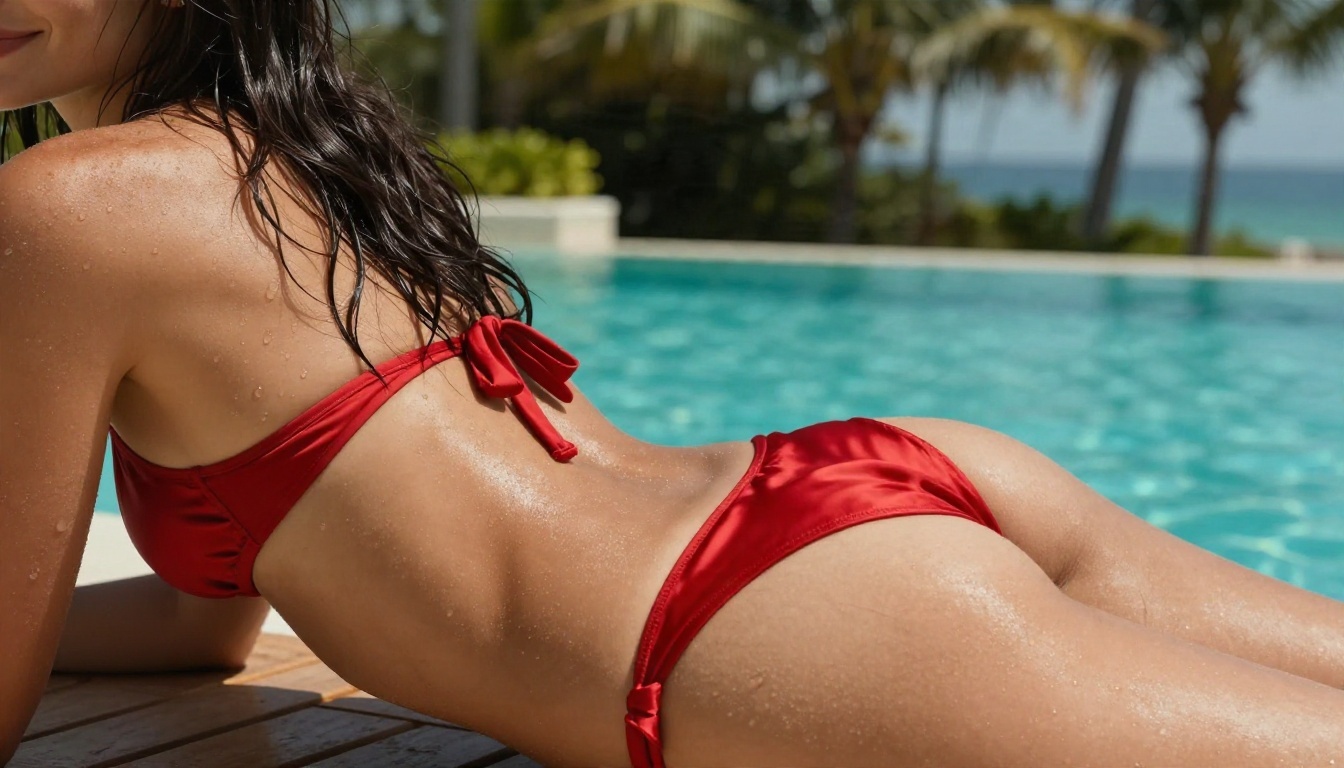
Close-up of a woman in a red satin bikini on a teak sun deck beside an infinity pool, turning toward the camera with a relaxed smile, wet hair slicked back, water droplets on tanned skin, hard midday sun from upper right, 85mm f/1.8, shallow depth of field, Kodak Portra 400 grain, realistic skin texture.
2. Golden hour beach walk
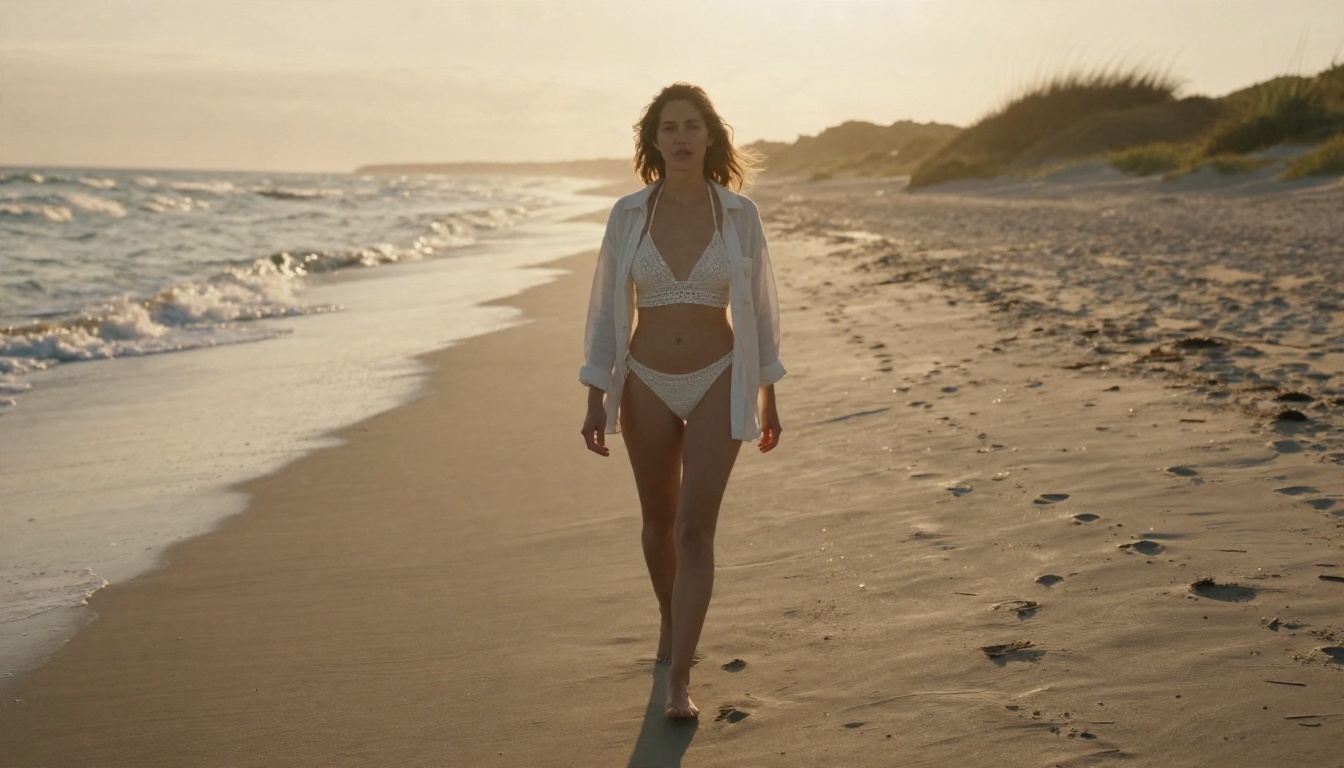
Wide low-angle shot of a woman in a white crochet bikini and open linen shirt walking barefoot on a quiet beach, foam around her ankles, long shadow toward the camera, warm backlight rim glow, 35mm f/2, fine sand texture, film grain.
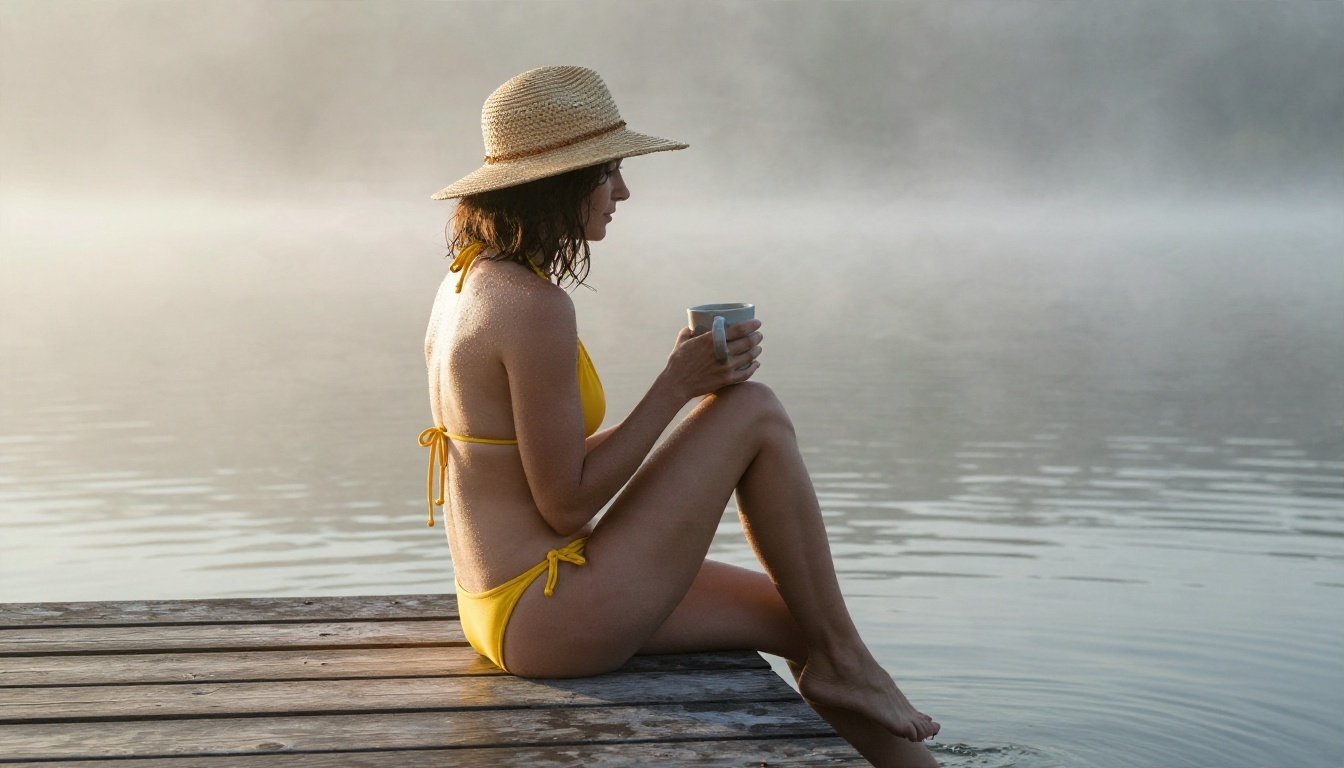
3. Lake dock at sunrise
Candid side profile of a woman in a yellow string bikini and straw hat sitting on a wooden dock, mist over the water, holding a ceramic mug, soft sunrise light from behind, 135mm f/2, weathered plank texture, dew on skin.
4. Aerial sea float
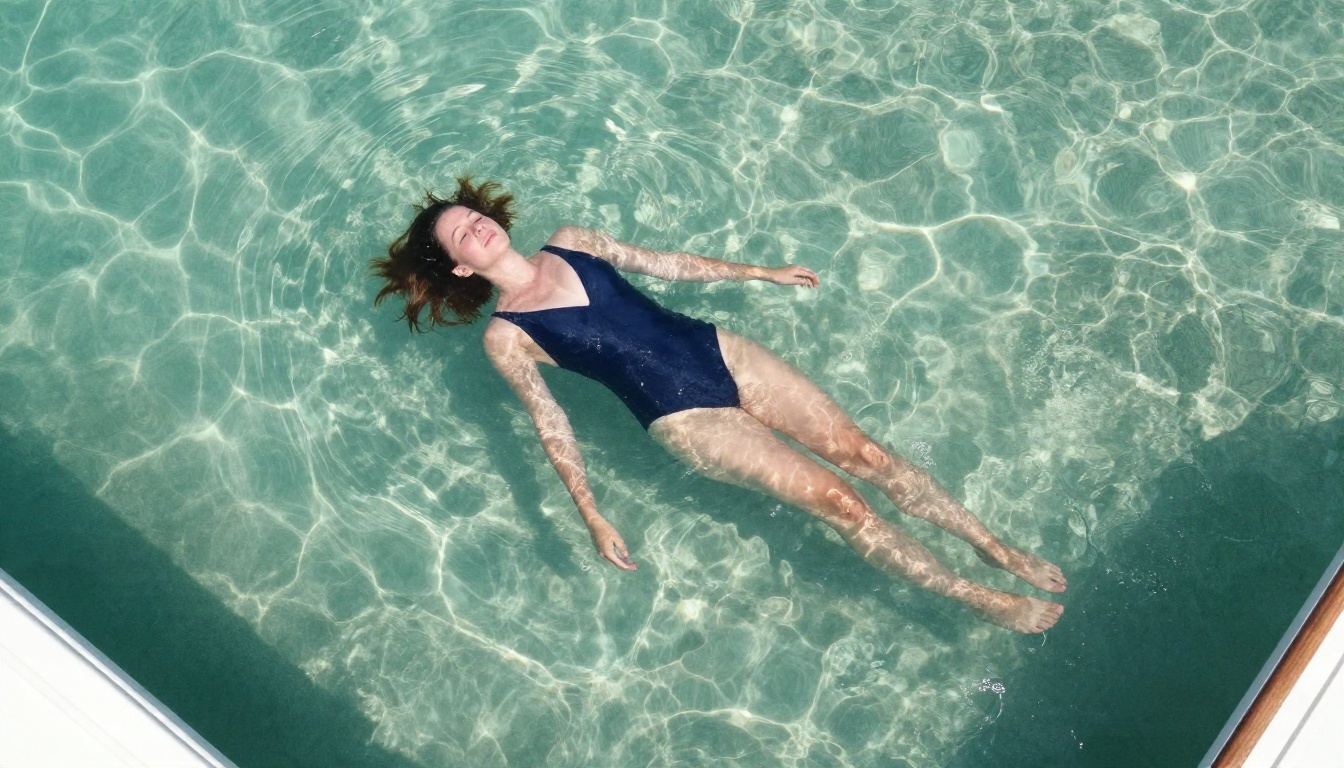
Top-down aerial view of a woman in a navy one-piece swimsuit floating on her back in clear turquoise water, hair fanned out, caustic light patterns on the sandy seabed, 24mm drone lens, bright overhead light.
Lingerie and evening prompts
5. Velvet bar portrait
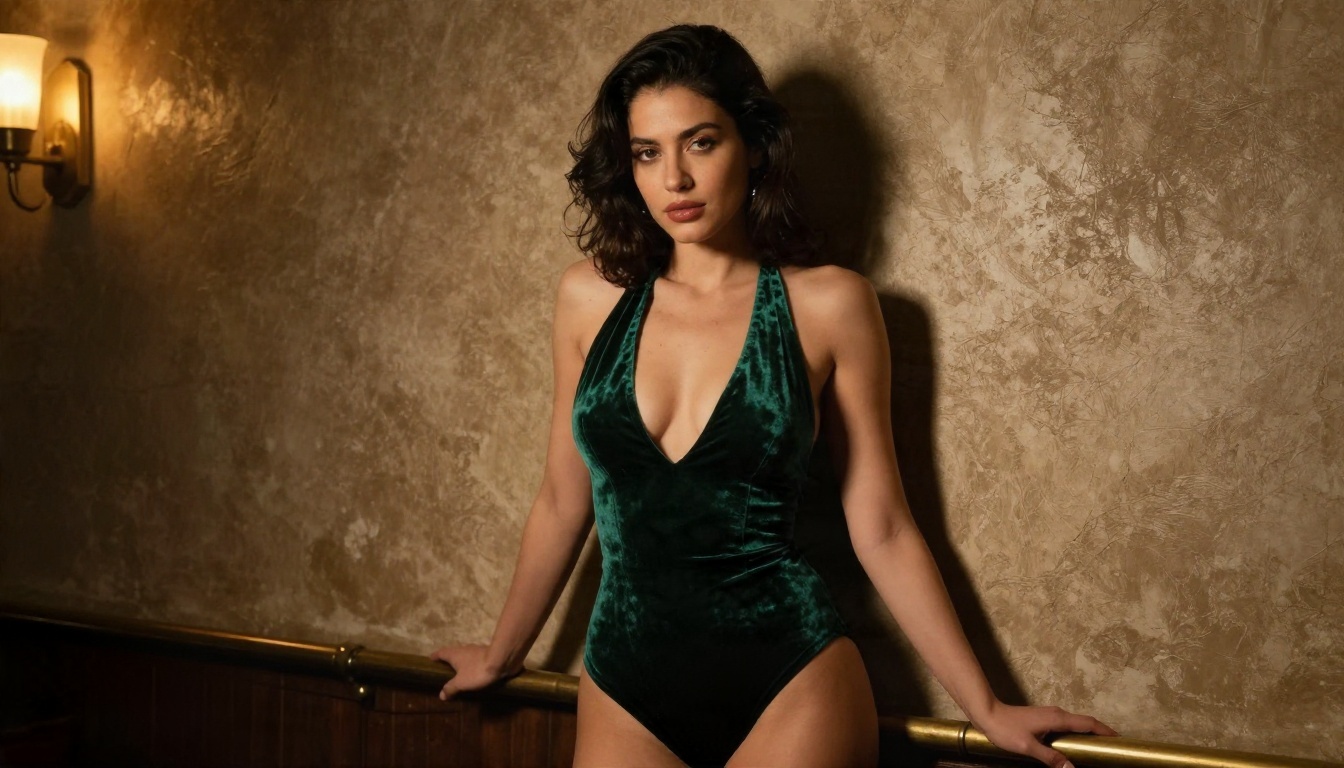
Medium portrait of a woman in a deep emerald velvet bodysuit with a plunging neckline against a textured plaster wall in a dim jazz bar, one hand on a brass railing, warm tungsten sconce from the left, 85mm f/1.4, visible pores and flyaway hairs.
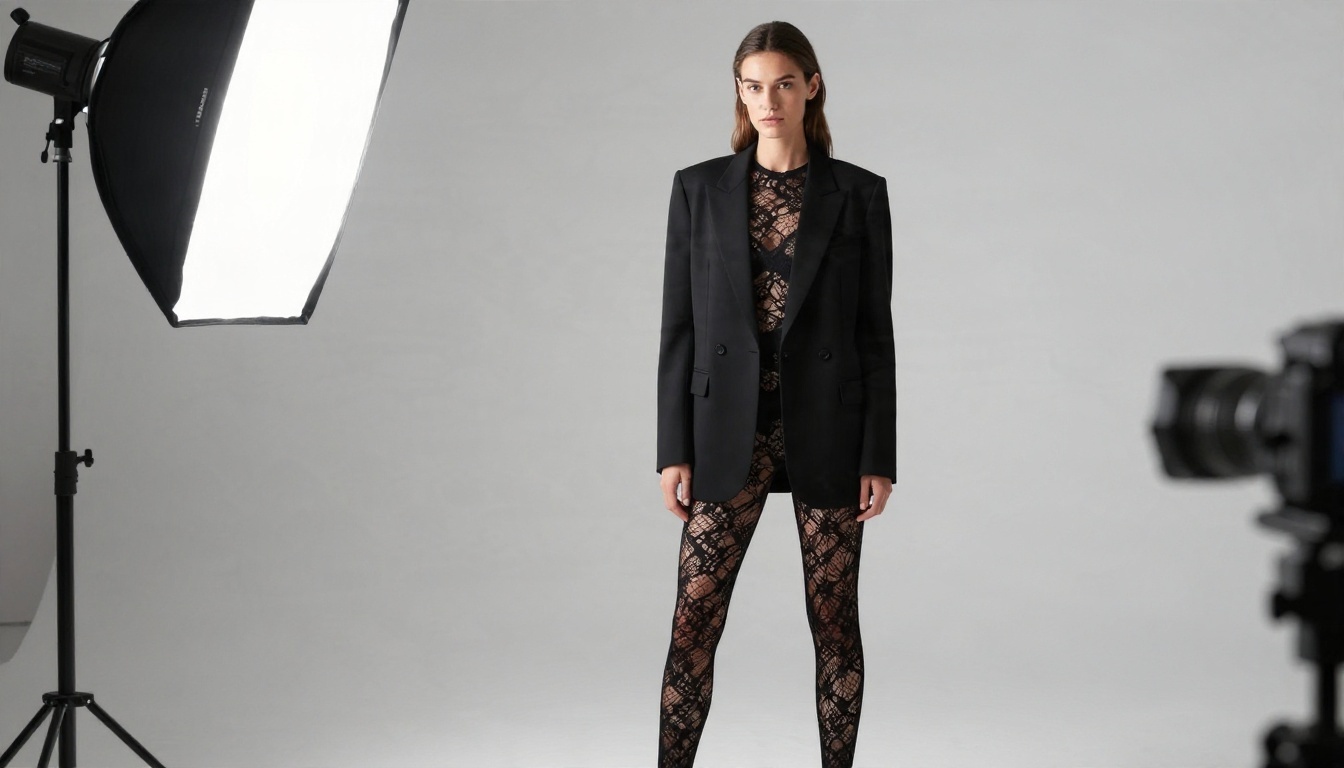
6. Studio lace and blazer
Full-length fashion shot of a woman in a black lace bodysuit under an oversized tailored blazer in a minimalist studio with grey seamless backdrop, softbox from front left, 70mm f/2.8, crisp lace detail, behind-the-scenes editorial look.
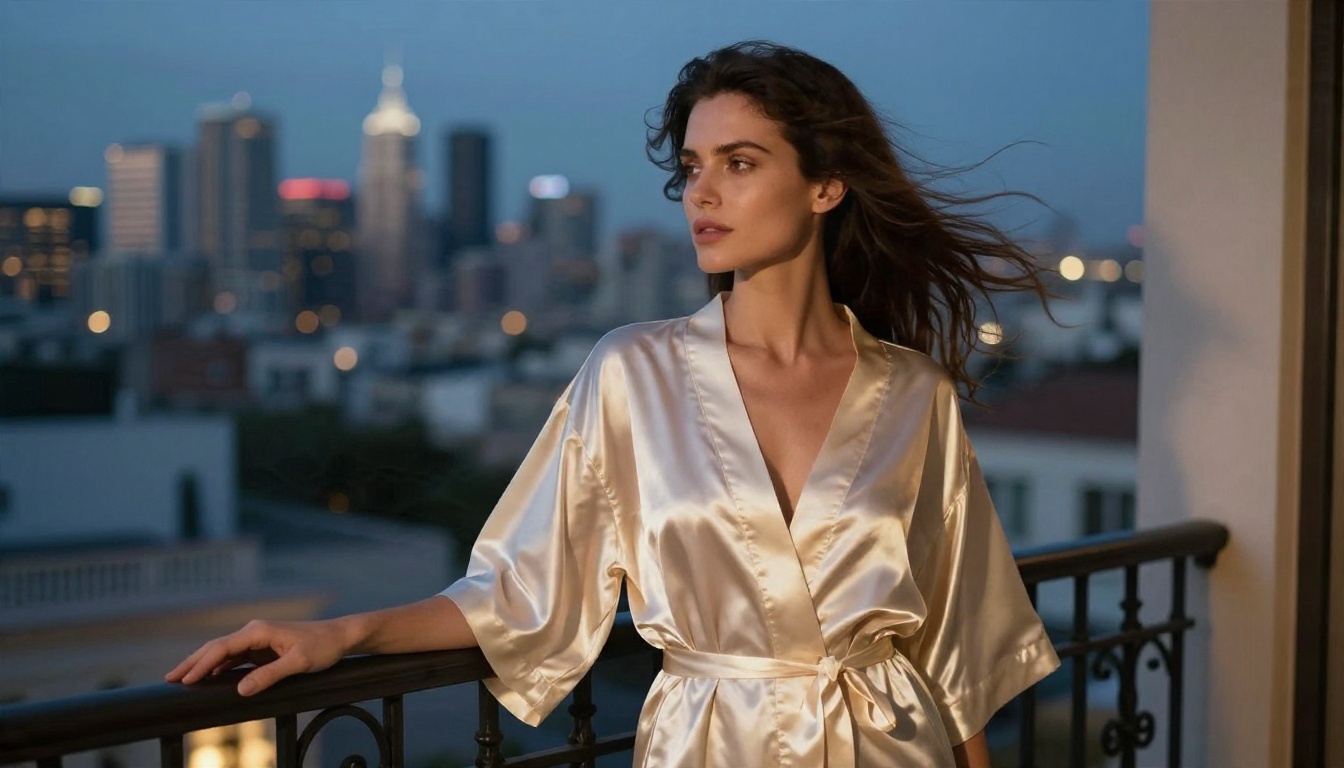
7. Satin robe at dusk
Woman in a cream satin robe loosely tied at a hotel balcony railing at dusk, city skyline softly lit behind her, wind moving her hair and the fabric, warm last light on her face with cool blue fill, 50mm f/1.8.
8. Silk slip in morning light
Woman in a black silk slip dress seated on a rumpled white linen bed in a sunlit hotel suite, sheer curtains moving, golden light from camera left, 85mm f/1.8, creamy bokeh, fine film grain.
Intimate and artistic prompts
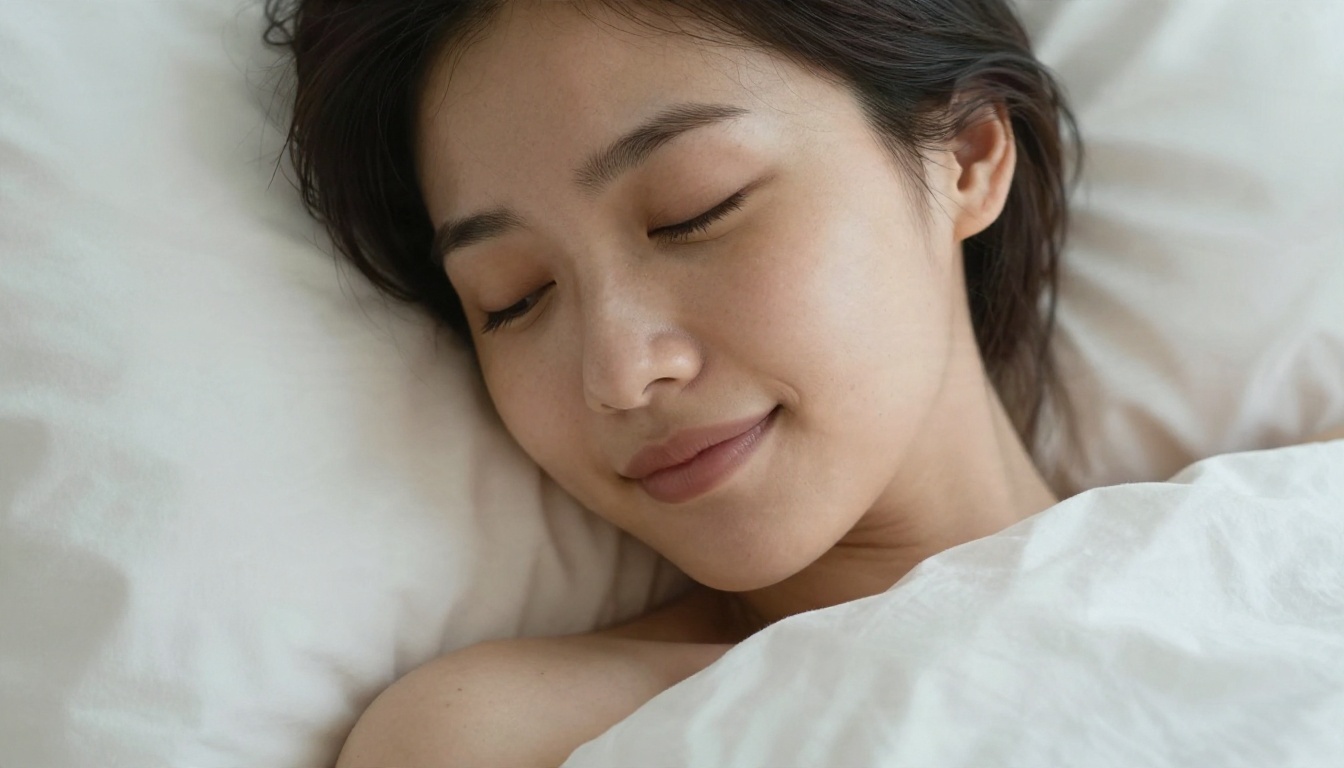
9. Implied sheet portrait
Close-up of a woman's face and bare shoulders with a white bedsheet draped across her chest, soft window light from the right, eyes half closed with a faint smile, tousled hair on a cotton pillow, visible freckles, 100mm f/2, artistic and non explicit.
10. Mirror light study
Woman in a sheer white shirt over a bikini top standing in front of a tall mirror in a sunlit bedroom, light raking across from a side window, reflection slightly soft, 50mm f/2, natural skin tones.
11. Rain window silhouette
Woman in a lace slip leaning against a rainy window at night, warm lamp light from behind creating a soft edge glow, droplets on the glass in sharp focus, 85mm f/1.8, moody film grain.
12. Terrace breakfast
Woman in a knit cropped sweater and high-waisted briefs-style shorts at a terrace table with fruit and coffee, early morning sun from the left, 35mm f/2, relaxed candid expression.
💡 Prompt tip: Name the light direction, not just the mood. "Golden light from camera left" gives a far better result than "warm and sexy."
What Content Limits Really Apply
What "spicy" does not mean
Every serious platform, including the ones that advertise looser tiers, draws a hard line in the same places. Expect these to be blocked or refused, and treat them as off the table no matter which model you use:
- Anything involving minors. No exceptions, no workarounds.
- Real people without consent. That includes celebrities, classmates, colleagues and exes. Face swaps onto intimate imagery are a legal and moral problem in many countries.
- Explicit pornographic content. Even "uncensored" labels rarely mean unrestricted.
- Non-consensual or violent scenes.
What is realistic to expect
| Content type | Usually allowed | Usually blocked |
|---|
| Bikinis and swimwear | Yes | n/a |
| Lingerie and boudoir | Often, on looser models | Stricter on mainstream apps |
| Implied or artistic nudity | Model dependent | Frequently refused |
| Explicit acts | No | Blocked on responsible platforms |
| Real public figures | No | Blocked |
Why the Seedream 5 Lite wall exists
Newer lightweight models from the same family tend to ship with stricter safety filters because they are aimed at mass-market apps. That is the reason a prompt that works on Seedream 4.5 can come back refused on a newer Lite release. If a prompt gets blocked, rewording it into a fashion or editorial frame often helps: describe the photo shoot, not just the body.
How to Get Similar Results on PicassoIA
The closest match to what people hope Seedream X Spicy delivers is Seedream 4.5 on PicassoIA. Here is the workflow I use.
Step 1: Open the model
Go to the Seedream 4.5 page and choose text-to-image. If you are starting from your own photo instead, open PicassoIA Image Editor Pro and upload it there.
Step 2: Paste a structured prompt
Use the formula subject and pose, then environment, then light, then lens, then texture. Any of the twelve prompts above fit this pattern. Keep them between 50 and 80 words. Shorter prompts leave too much to chance, and longer ones start to contradict themselves.
Step 3: Set the frame
- Choose 16:9 for landscape editorial shots and 3:4 or 2:3 for portraits.
- Pick the highest resolution offered for hero images.
- Run a batch of two to four variations before changing the wording.
Step 4: Iterate in Image Editor Pro
When a result is close, take it into Image Editor Pro and refine it with plain instructions: change the dress color, soften the shadows, adjust the background. Because generations there are unlimited, you can run ten small edits without worrying about cost.
Step 5: Compare with a second model
Run the same prompt through Seedream 4 and Flux 2 Klein 9B Base LoRA. Each interprets skin, fabric and light a little differently, and the best frame often comes from the engine you did not expect.
💡 Parameter tip: Fix the lens and light in your prompt, then change only one other variable per run. That way you know exactly what caused each difference.
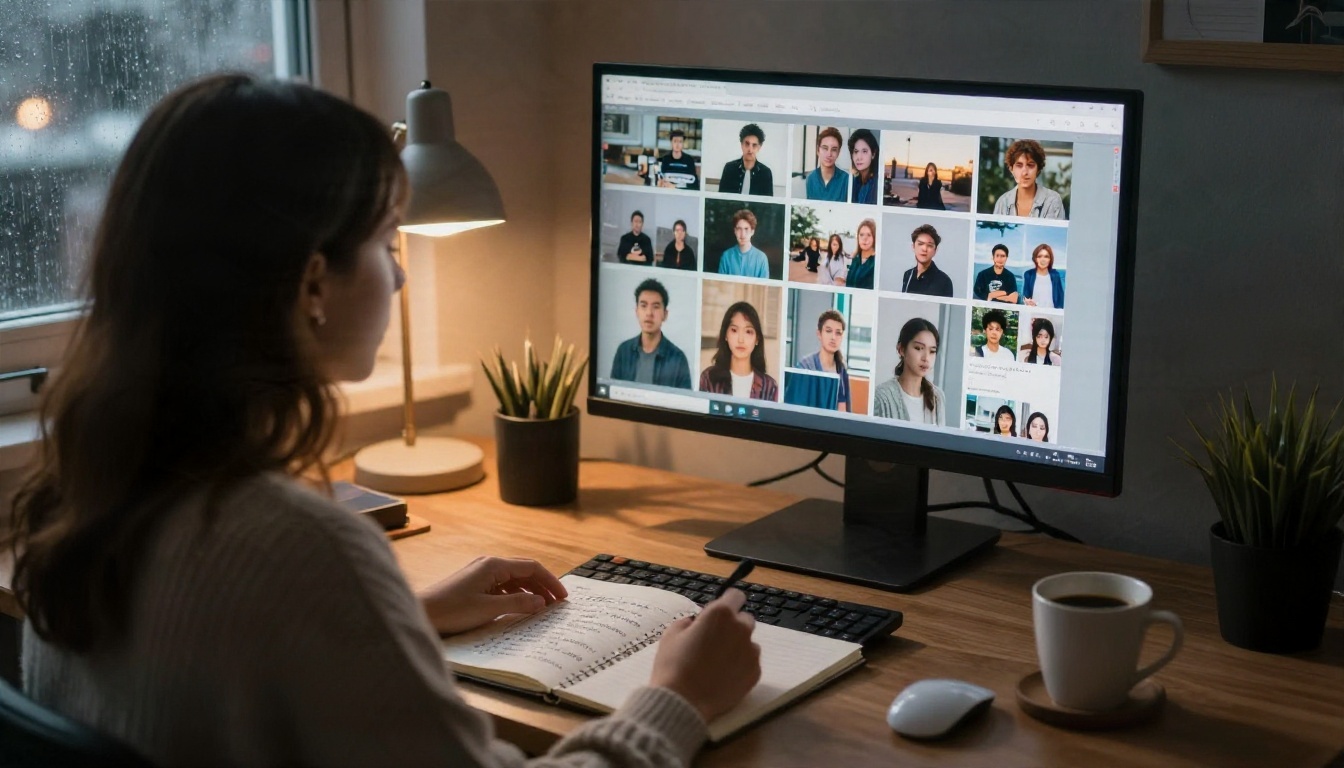
Fixing Common Prompt Mistakes
Plastic skin
Add real texture words: "visible pores, fine freckles, faint skin sheen, no airbrushing." Also name a film stock such as Kodak Portra 400, which pushes the model toward natural color and light grain.
Wrong or flat lighting
Replace "soft light" with a direction and source: "window light from camera right," "tungsten sconce from the left," "backlight from the setting sun." Light direction is the single biggest upgrade you can make.
Repetitive poses
If every result looks like the same standing portrait, change the camera angle. Try a low angle, an aerial view, a Dutch angle, or an over-the-shoulder frame. The angle changes the pose more than any pose description does.
Refusals on innocent prompts
When a filter trips on a harmless request, rewrite it around clothing, location and photography language. "Editorial swimwear shoot on a dock at sunrise" passes far more often than a vague body-focused request.
Free, Unlimited, and Worth It?
What free usually costs
Most sites that advertise "free spicy Seedream" give you a small daily credit pool, watermark the output, or throttle you after a handful of images. Those limits kill iteration, and iteration is where good glamour work comes from. A single prompt rarely gives the best frame on the first try.
Why unlimited matters
The reason I point people to PicassoIA Image Editor Pro is simple: unlimited generations. You can try a prompt, tweak a single word, try again, and keep going until the frame is right. Pair that with the sharp base images from Seedream 4.5 and you have both quality and room to experiment.
Quick comparison
| Need | Best pick |
|---|
| Hero image with maximum detail | Seedream 4.5 |
| Dozens of quick variations | Image Editor Pro |
| A second look at a tough prompt | Seedream 4 |
| A different visual flavor | Flux 2 Klein 9B Base LoRA |
Start Making Your Own Images
You do not need a model called Seedream X Spicy to get bold, beautiful, photorealistic glamour images. You need a good prompt structure, honest limits, and a tool that lets you iterate without a meter running. Pick one of the twelve prompts above, paste it into Seedream 4.5, then refine the best result in PicassoIA Image Editor Pro. Change the light, change the lens, change the location, and keep what works.
For more options, browse every image model at picassoia.com/en/all-models and see which one fits your style. Open Picasso IA, run your first prompt today, and see how far a single well-written sentence can take you.


