You download an app that promises an AI partner who flirts back, remembers your birthday and sends photos on request. Ten messages later, a paywall appears. If that sounds familiar, you are not alone, and it explains why so many people search for sex AI apps with the words "free", "pricing" and "alternatives" attached. This article sorts out what these apps do, what they really cost, how roleplay behaves once the novelty fades, and which cheaper routes give you more control over the images side of things.
A quick note on scope. Everything here is about adults, consenting use and non-explicit, glamour-style content. The image tools I recommend are used for suggestive, attractive photography, the kind you would see in a swimwear shoot or a boudoir editorial, not for pornographic material.
What Sex AI Apps Actually Are
The label is broad. Under it sit three very different kinds of product, and mixing them up is the fastest way to waste money.
Chat Companions
These are text (and sometimes voice) partners. You pick or build a character, and the app plays that person in conversation: flirty, supportive, jealous, funny, whatever the persona is set to. Replika, Nomi and Character.AI belong in this family, though they differ a lot in how they treat adult themes. Character.AI, for example, is known for strict limits on sexual content, while Replika and Nomi have shifted their stance more than once over the years.
Image Generators
Here the goal is pictures, not conversation. You describe a person and a scene, and a model produces a photo. These tools range from simple one-click apps to full text-to-image platforms where you choose the model, aspect ratio and style. If images are what you want, a dedicated generator nearly always gives better quality per dollar than a chat app that bolts on a picture feature.
Hybrid Apps
Candy AI and similar services mix chat, voice notes and generated pictures in one subscription. They are convenient, but the bundle is where the confusing credit systems tend to live. You often pay a monthly fee and then pay again for tokens whenever you want a picture or a voice message.

Free Options: What You Really Get
"Free" is the most abused word in this category. After reading through recent pricing roundups, I would split free offers into three buckets. Keep in mind that most roundups are affiliate blogs, and apps change plans without warning, so check the current terms before you sign up.
Free Message Caps
The most common model: you get a daily or total allowance of messages. Some apps reportedly allow around a hundred messages a day on the free tier, which is enough to see whether you like the character. Others stop you after a handful. The cap is the app's way of letting you form a habit before charging for it.
Free Trials With Strings
A "free trial" frequently asks for a credit card up front, then bills you when the trial ends. If you forget to cancel, you are on a monthly plan. Set a calendar reminder the moment you start any trial, and use a virtual card with a spending limit if your bank offers one.
Truly Free Routes
The only genuinely unlimited free experiences come from two places. The first is open source chat models you run yourself, which takes some technical comfort. The second is platforms that give you generous access to image models without a per-picture credit meter. On the image side, PicassoIA Image Editor Pro offers unlimited generations, which removes the "should I spend a token on this?" hesitation entirely.
💡 Tip: If an app hides its free limits behind a signup wall, treat that as information. Good products tell you the cap before you hand over an email address.
The Real Cost of Paid Plans
This is where people get surprised. Headline prices look modest, and then the extras arrive.

Typical Monthly Prices
Based on figures commonly reported in 2026 comparisons (treat them as ballparks, not quotes):
| App type | Typical entry price | What the money buys |
|---|
| Character.AI (c.ai+) | About $9.99 per month | Faster replies, priority access, strict content limits |
| Replika Pro | About $19.99 per month, lifetime around $299.99 | Voice calls, relationship modes, more customization |
| Candy AI | Roughly $5.99 to $12.99 per month depending on billing | Chat, voice and image features, with extras sold separately |
| Nomi style companions | Around the mid teens per month | Long memory, voice, group chats |
| Unlimited image platform | Often a flat plan or free tier | Photos only, but with real model choice |
Regional pricing also moves things around. One roundup noted that the same subscription can cost about a third as much in some countries as in others, so what you see on a blog may not be what your app store shows.
Credits and Hidden Add-Ons
The monthly fee is rarely the whole bill. Watch for:
- Token packs for each generated picture or voice note
- Tiered memory, where better recall costs more
- Annual billing that looks cheaper but locks you in
- Auto-renewal that bills for another year without a reminder
A simple rule of thumb: if you plan to use an app daily for a year, multiply the monthly price by twelve and add 50 percent for extras. If that number feels silly for a chatbot, the app is not for you.
Is It Worth Paying?
For pure conversation, a mid-priced plan can be reasonable if you use it often. For images, paying per picture is rarely the best deal anymore, because strong text-to-image models are available with far more flexibility. That is the main reason the alternatives section below exists.
Roleplay: What Works and What Breaks
Roleplay is the feature that keeps people subscribed, and also the one that disappoints them most. Here is what usually happens.
Memory and Consistency
The first week feels magical. By week three, the character forgets your job, contradicts a backstory, or slips into generic replies. Long memory is a premium feature for a reason: it is the hardest thing for these models to do well. If continuity matters to you, test it directly. Tell the character three specific facts, chat for an hour about something else, then ask what you said.
Setting Boundaries
A good app lets you control tone. You should be able to dial a persona toward playful, romantic or slow-burn without being pushed into content you did not ask for. Look for settings that adjust intensity, and for an easy way to reset or delete a conversation. Apps that escalate on their own are a red flag.
Using an LLM for Character Bios
You do not need a dedicated app to build a good character. A general-purpose language model can draft a persona sheet: name, personality, speech habits, shared history, favorite places. Models such as Claude Sonnet 5, GPT 5.6 Luna and Gemini 3.5 Flash are all good at this kind of creative writing. They follow their own content policies, so use them for the personality, the dialogue style and the scene setting, and keep it tasteful. Then pair that character with images from a photo model to give it a face.
💡 Tip: Ask the language model to write a one-paragraph "visual description" of your character. Paste that paragraph into an image prompt later and your pictures will stay consistent from one scene to the next.
Privacy and Safety Checks
This is the part most reviews skip, and it matters more than the pricing.

Where Your Chats Go
Intimate conversations are sensitive data. Before you share anything personal, check whether the app stores chats, whether it uses them to train models, and whether you can delete your history. If the privacy policy is vague, assume the worst. Avoid sharing your full name, address, workplace or real photos in a chat with any AI service.
Age and Consent Rules
Reputable apps verify that users are adults, and several have tightened age checks recently. That is a good thing. Never use any tool to create content involving minors, and never generate sexual imagery of a real person without their consent. Image models on legitimate platforms are meant for fictional characters and for adults who have agreed to be depicted.
Emotional Dependence
Companion apps are designed to be pleasant, available and endlessly patient. That is the appeal, and also the risk. If you notice that you are skipping plans with friends, or you feel anxious when the app is down, step back. These tools work best as entertainment or practice for conversation, not as a replacement for people.
Alternatives Worth Using Today
If your interest is mostly visual, you can skip the subscription trap and use a text-to-image platform directly. You write what you want, the model produces a photo, and you edit until it looks right. No tokens, no persona lock-in.
Here is the order I would try things in on PicassoIA, with the strengths of each:
Why Seedream 4.5 Leads
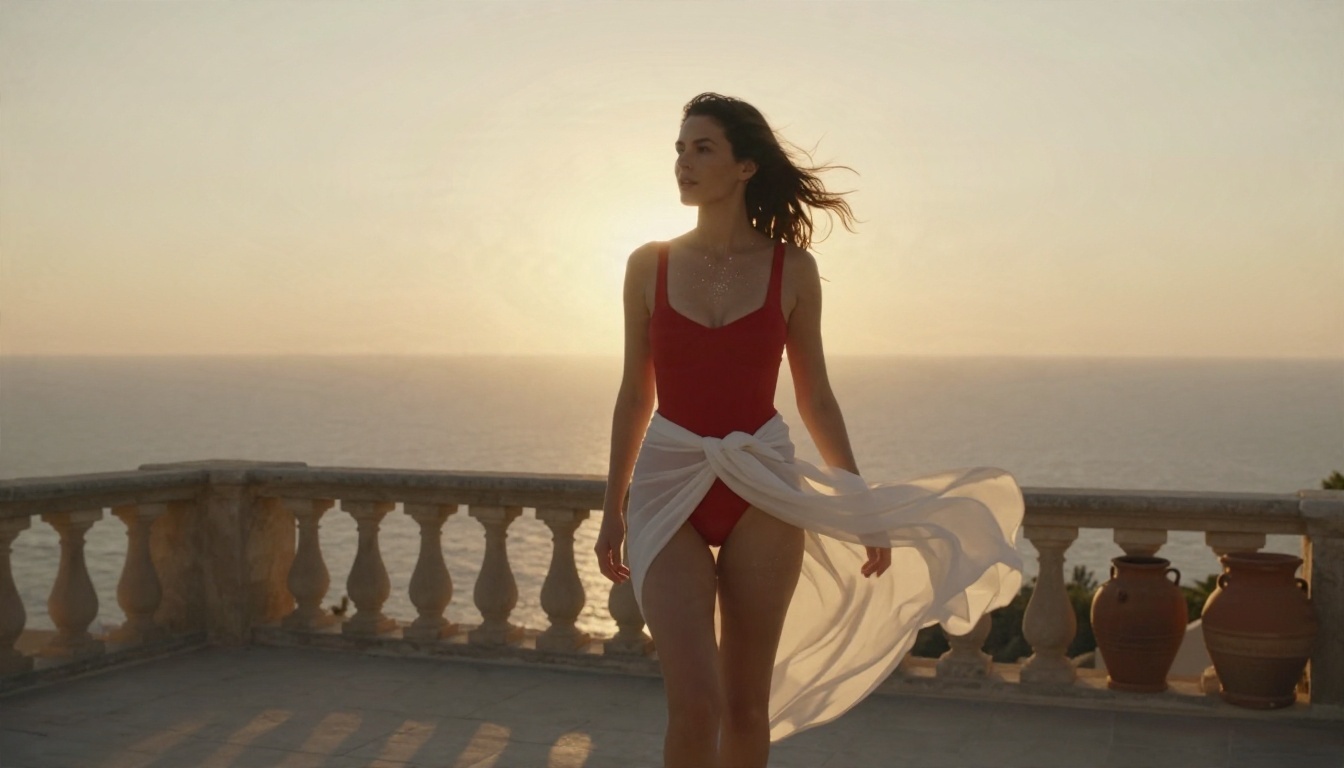
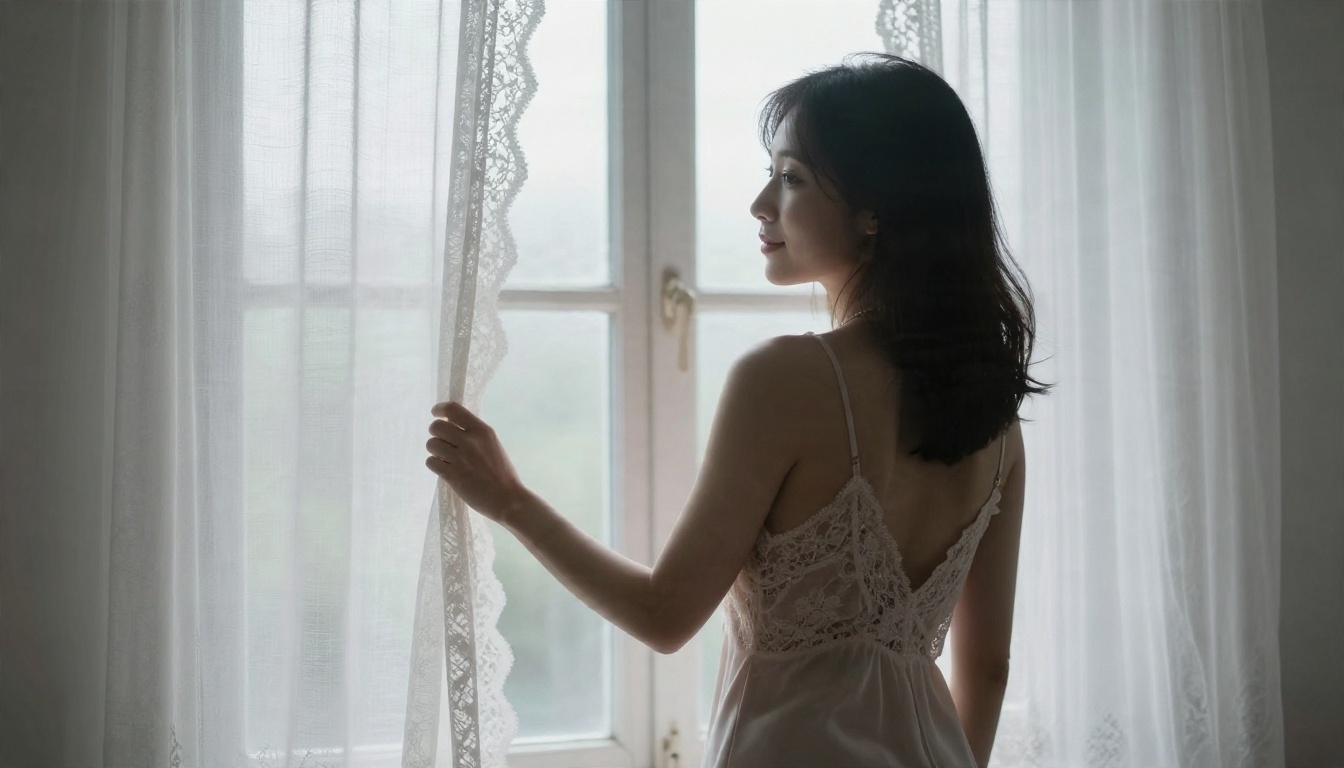
Seedream 4.5 handles skin texture, lighting and fabric in a way that looks like a real photo shoot rather than an illustration. It is also the model I reach for first when the brief is glamour: swimwear, lingerie-style editorials, beach and bedroom scenes with attractive, suggestive framing. It is uncensored in the sense that it will not refuse tasteful adult-oriented glamour prompts, and it is fast enough to iterate a dozen times in an evening. Newer releases are not always better for this use. For example, Seedream 5 Lite blocks adult content, so skip it for this kind of work.
Why Image Editor Pro Is the Value Pick
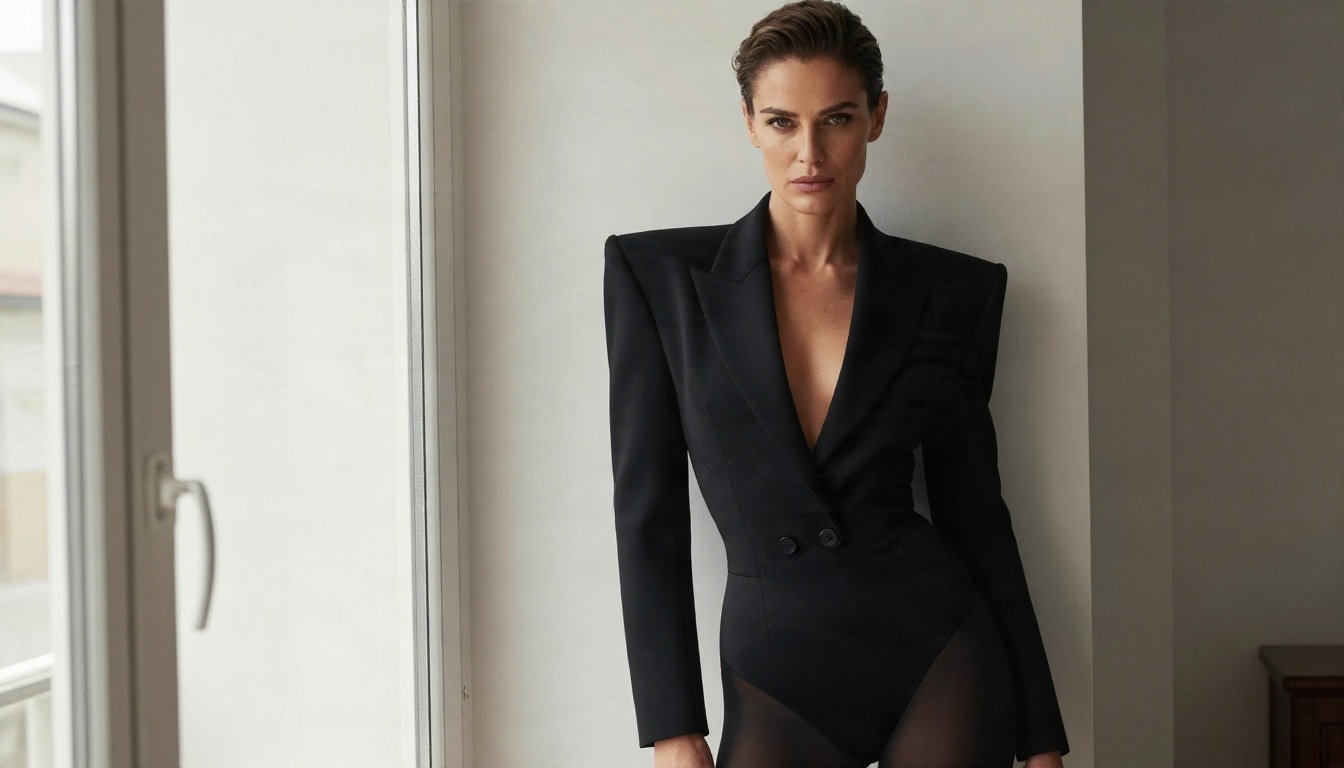
The strongest argument against credit-based apps is simple math. With PicassoIA Image Editor Pro, generations are unlimited, so you can try fifty variations of a lighting setup without watching a balance fall. You can also edit what you already have: change an outfit, adjust a background, fix a hand, or soften a shadow. For anyone who has burned through a token pack in an afternoon, that freedom is the whole point.
When a Real Person Beats an App
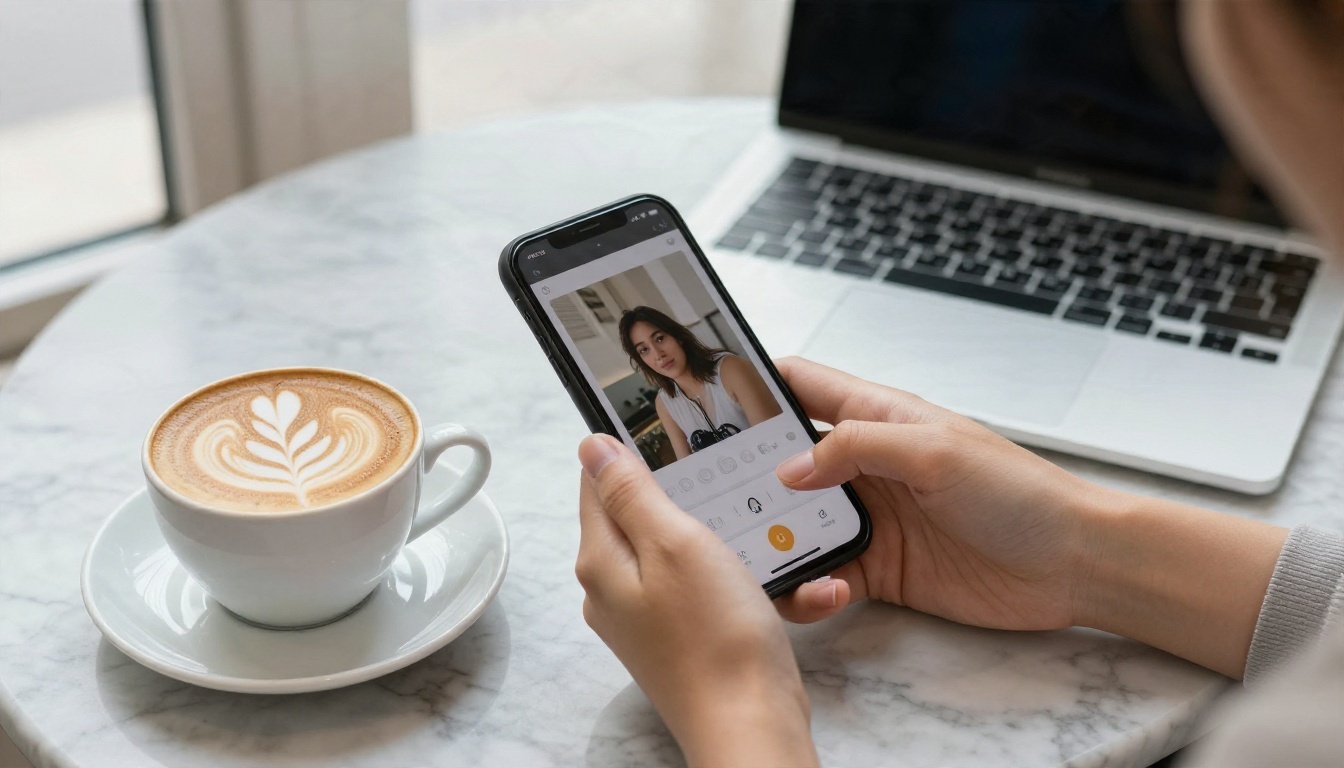
Sometimes the honest alternative is not software at all. If loneliness is what pushed you toward a companion app, a conversation with a friend, a dating app used with real intent, or a local group may give you something no chatbot can. Using AI for images and creative play and people for connection is a healthy split.

How to Use Seedream 4.5 on PicassoIA
Here is a simple workflow for making glamour images that stay tasteful and look like photography.
Step by Step
- Open the Seedream 4.5 page and sign in.
- Write your prompt in this order: subject and pose, setting, lighting, camera and lens, then texture details.
- Choose a 16:9 ratio for wide scenes or a vertical ratio for portraits.
- Generate a first batch and pick the one with the best face and light.
- Adjust one thing at a time: the outfit, the time of day or the lens.
- Send your favorite to Image Editor Pro for fixes and small edits.
Prompt Tips That Work
- Name the light. "Soft window light from the left" beats "good lighting" every time.
- Name the lens. "85mm f/1.8, shallow depth of field" gives a flattering portrait look.
- Describe skin honestly. Words like "fine pores" and "natural texture" prevent the plastic, airbrushed look.
- Use film language. "Kodak Portra 400 grain" pushes warm, realistic tones.
- Keep it tasteful. Suggestive and attractive is the target. Frame the shot with fabric, shadow and angle instead of explicit detail.
Here is a prompt skeleton you can adapt:
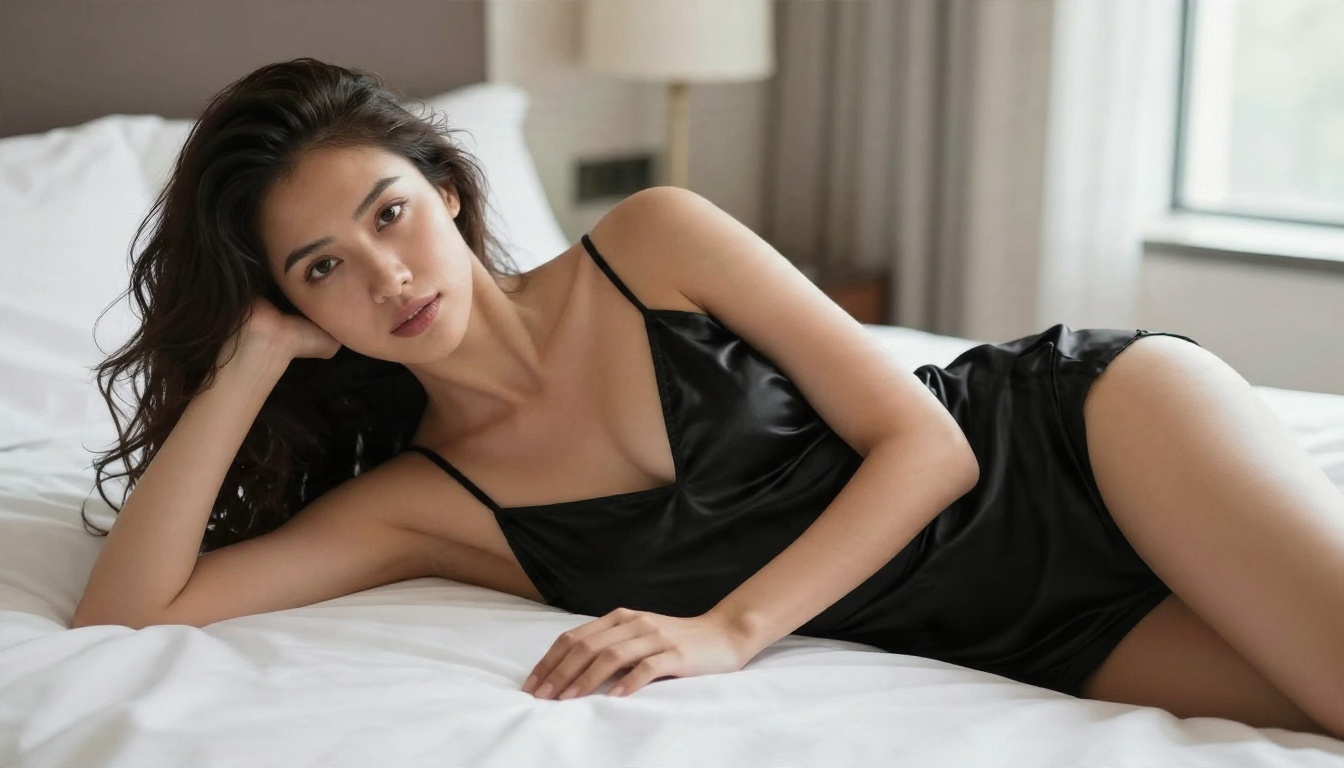
Adult woman in a black satin robe seated on the edge of a hotel bed, morning window light from the right, 85mm f/1.8, shallow depth of field, visible skin texture, Kodak Portra 400 grain, editorial boudoir photography.
Fixing Common Problems
| Problem | Quick fix |
|---|
| Plastic, glossy skin | Add "natural skin texture, fine pores, no retouching" |
| Odd hands | Hide them in the pose, or fix them in the editor |
| Flat lighting | Name a direction and add a soft rim light |
| Inconsistent face across scenes | Reuse the same visual description paragraph every time |
| Over-dramatic colors | Ask for "true to life colors, natural grading" |
A Simple Way to Choose
If you are still unsure, here is a short decision list:
- You want a talking partner and will pay monthly: pick one companion app, read the privacy policy, and cap your spending.
- You want pictures with no meter running: use Image Editor Pro and Seedream 4.5.
- You want a custom character with a story: draft the persona with a language model, then build the visuals with an image model.
- You are mostly curious: stay on free tiers, skip trials that ask for a card, and set a time limit for yourself.
Try It Yourself Tonight
The cheapest way to find out what you like is to make something. Open Picasso IA, start with Seedream 4.5 for a first glamour portrait, then refine it in Image Editor Pro where generations are unlimited. Write a character bio with a language model, give her or him a consistent look, and build a small photo series: a morning scene, a beach scene, an evening out. When you are ready to experiment with more styles, browse every model at picassoia.com/en/all-models and see which one fits your taste.
No tokens to count, no surprise renewals, just you, a prompt and a few minutes of play.


