You typed "sex AI no login" into a search bar because you want something fast: no email, no password, no payment form, just a chat window or an image box that works right now. That is a fair thing to want. It is also a request that comes with trade-offs most landing pages skip over. Free adult chat without an account usually means a message cap, a short memory, and filters you can't change. Free adult images without an account usually mean a queue, a watermark, or a low resolution. None of that is a scandal, it is just how the economics work. This article lays out what you realistically get, where the limits bite, how to protect your privacy, and what to use when you want unlimited, tasteful, photorealistic results without fighting a paywall every ten minutes.
💡 Quick take: truly open, no-login adult tools exist, but they are rare and limited. If you want volume and quality, a free account on a platform with unlimited generations beats any anonymous demo.
What "No Login" Really Means
The phrase sounds precise, but it covers several very different setups. Knowing which one you are dealing with saves you time and keeps you from handing over more than you meant to.
Anonymous vs. Account-Free
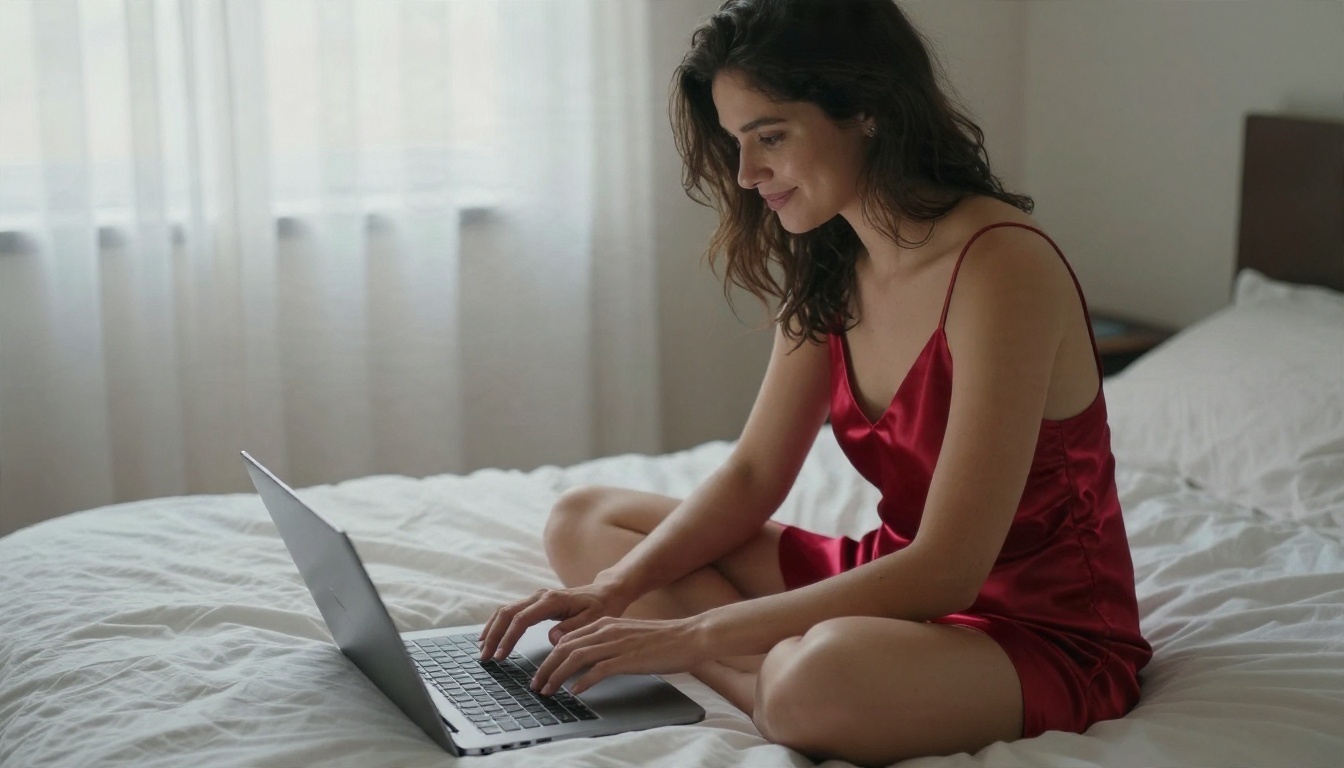
Account-free means you don't create a profile. It does not mean you are anonymous. Your IP address, browser fingerprint and device details can still be logged, and a cookie often tracks how many messages you have used today. Anonymous is a much higher bar: no persistent identifiers, no stored conversations, no tracking. Almost nothing in the adult AI space meets it.
Why Adult Sites Ask for Accounts
Adult content raises the stakes for operators. They need some way to enforce age rules, limit abuse, block banned content, and keep a record if something goes wrong. An account gives them a handle for all of that. Payment processors also push platforms toward verified users. So when a tool really does skip the login, it usually compensates in other places: tighter filters, stricter caps, or very little functionality.
| Access type | What you give up | What you typically get |
|---|
| True no login, no cookies | Almost everything | A short demo, a few replies or one image |
| No login, cookie tracked | Anonymity | A daily cap that resets, basic chat |
| Email only, free tier | An email address | Higher caps, saved chats, more images |
| Paid account | Money and more personal data | Long memory, fewer limits, higher resolution |
Free Chat Without Signing Up
Adult chat is the most common thing people try first, and it is where the "free" label stretches the furthest.
Daily Message Caps
Free tiers across the category tend to land somewhere between a couple dozen and a few dozen messages per day, though the numbers shift often and vary by operator, so treat any figure you read as a rough guess. Without a login, the cap is enforced by your browser or IP. Clear cookies and it may reset, switch networks and it may reset, but you may also get blocked for looking like automated traffic.
Memory and Context Limits
This is the limit people notice second, and it frustrates them more than the cap. A no-login chat usually forgets who the character is after a short stretch. The model only sees a limited window of recent text, and without an account there is nowhere to store a persona, a backstory or a running scene. If you want continuity, you have to paste the setup back in yourself.
Filters That Still Apply
Even on tools that advertise themselves as open, there are usually layers underneath: the model's own training, a moderation pass on your input, and a second pass on the output. Anything involving minors, real people without consent, or violence is blocked almost everywhere, and rightly so. Expect refusals, vague replies or sudden topic changes when a conversation crosses a line the operator has drawn.
💡 Tip: if a chat keeps stalling, the problem is rarely your phrasing. It is the platform's rules. Switching tools beats rewording the same prompt twenty times.
Image Options With No Account
Images are where "no login" gets more interesting, because generation is a single request rather than an ongoing relationship. The operator doesn't need to remember you to give you a picture.
Watermarks and Queues
Anonymous image generators tend to protect their servers in three ways: a shared queue where you wait behind paying users, a visible watermark that disappears on paid plans, and a small daily allowance of generations. A watermark is more than cosmetic. If you plan to use an image in a personal project, a mood board or a character reference, it is a real obstacle.
Resolution and Style Limits
Free demos often run on smaller, faster models and cap output at a modest resolution. You may also be locked into one style, usually a stylized or heavily smoothed look. If you want believable skin texture, natural window light and film grain, you need a stronger model and more control over the prompt.
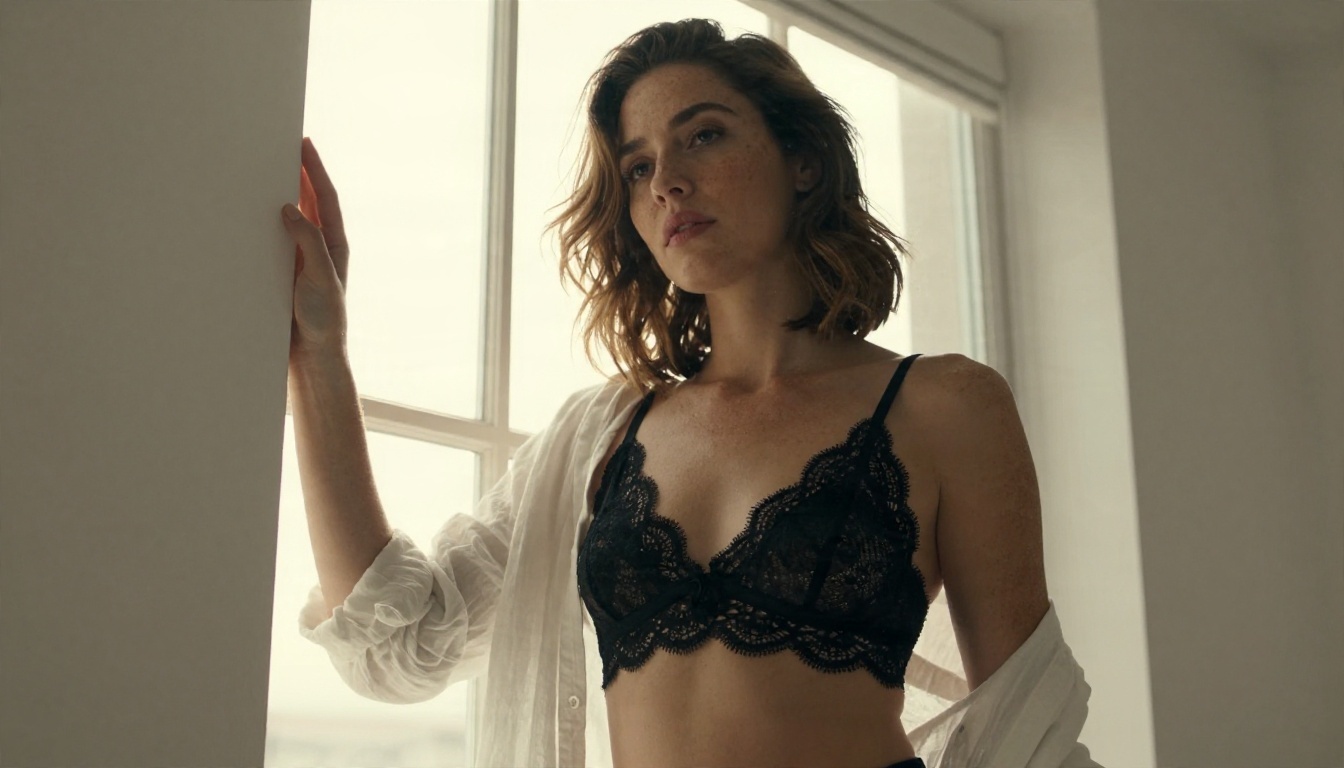
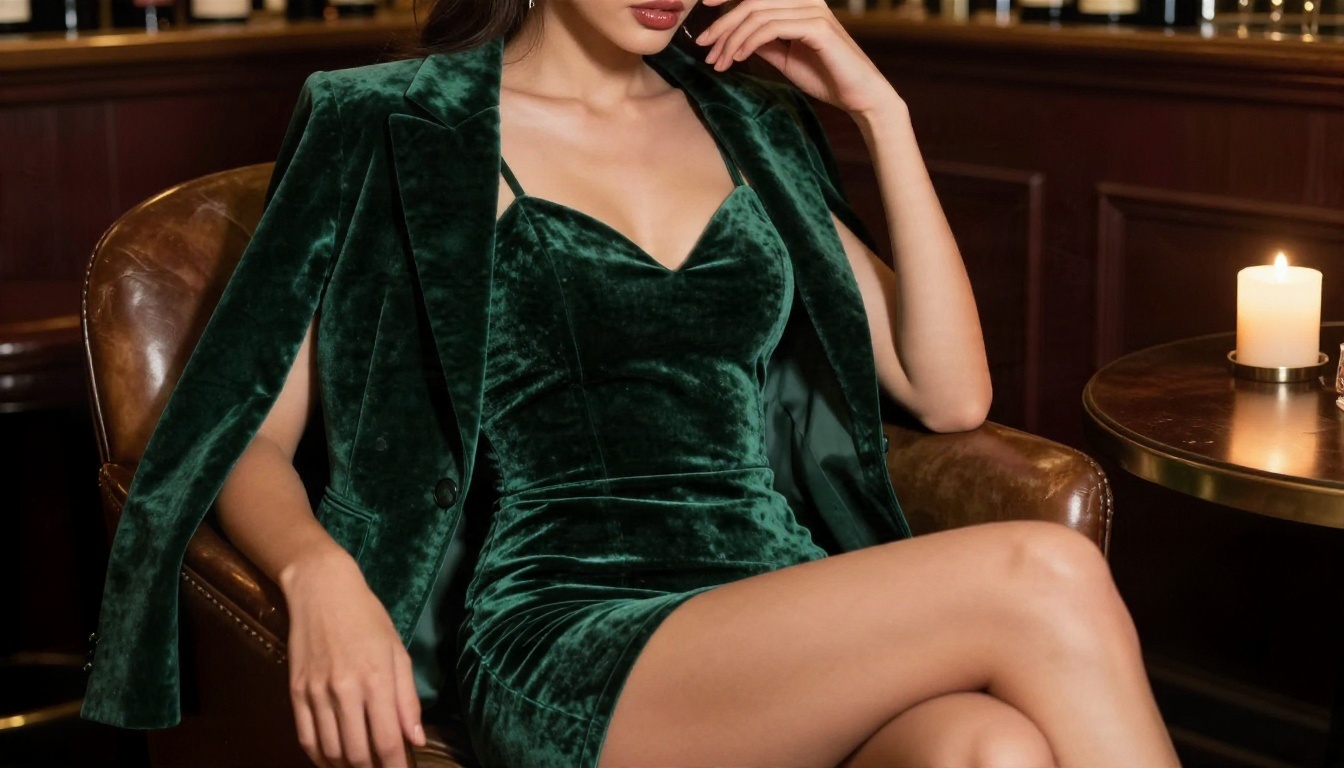
The picture above is the kind of tasteful boudoir portrait a good photorealistic model can produce: suggestive and attractive, never explicit. That is a useful line to hold, both for your own comfort and because it keeps your work shareable.
Privacy Risks Worth Knowing
Adult content is personal, and the cost of a leak is higher than for most other topics. A few minutes of thought here is worth more than any prompt trick.

What Gets Stored
Assume your prompts and the images you generate are logged somewhere, even when no account exists. Operators keep them to moderate abuse, debug problems and sometimes to improve their models. Before you type anything you would hate to see exposed, look for a plain-language privacy policy and a way to delete your data. If you can't find either, treat the tool as public.
Age Checks and Consent
Adult tools are for adults only, and that goes for the people in the images too. Several platforms rely on a simple "I am 18" checkbox, which is weak protection and puts the burden on you. Keep to a few firm rules:
- Only generate fictional adults. Never describe, depict or imply anyone under 18.
- Never use a real person's face or likeness without their clear consent.
- Don't upload photos of other people to an anonymous tool.
- Don't share generated images in ways that could be mistaken for real photographs of a real person.
Practical Privacy Habits
- Use a separate email address if you do sign up for a free tier.
- Skip real names, workplaces, cities and any identifying details in chat.
- Avoid public Wi-Fi for anything personal.
- Close the tab and clear site data when you finish.
💡 Rule of thumb: if the page doesn't tell you what it does with your data, assume it keeps everything.
A Faster Route to Unlimited Images
If your goal is good-looking, photorealistic adult-friendly images, you don't need a no-login gimmick. You need a model that handles glamour themes well and a platform that doesn't ration you after three tries. That is where PicassoIA fits, and this is the order that makes the most sense.
Seedream 4.5 First
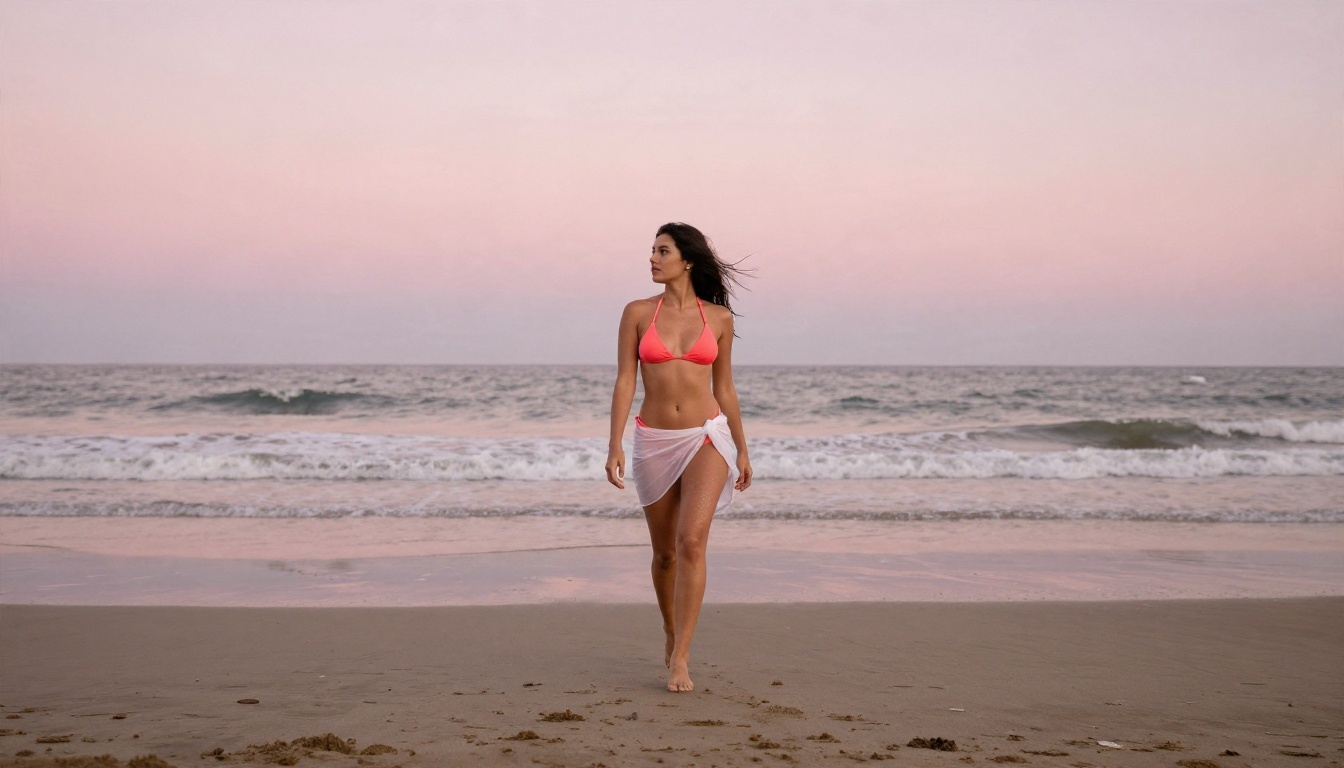
Seedream 4.5 is the model to start with. It produces sharp, high-resolution photorealistic images with convincing skin, fabric and lighting, and it handles swimwear, lingerie-style glamour and boudoir portraits without constantly refusing. It is also fast, so you can iterate on a prompt in seconds rather than waiting in a queue. For most people searching this topic, it is the most direct path from an idea to a finished image.
Image Editor Pro for Unlimited Edits
PicassoIA Image Editor Pro is the second stop. Its main selling point is unlimited generations, which changes how you work. Instead of rationing attempts like you do on a free demo, you can try ten variations of an outfit, a pose, a background or a lighting mood, then keep the best one. It is also an editor, so you can adjust an existing image rather than starting over each time.
Other Models Worth Trying
Different models have different strengths, and a quick comparison pays off.
| Model | Best for | Speed | Link |
|---|
| Seedream 4.5 | Sharp photorealistic glamour portraits | Fast | Open model |
| Image Editor Pro | Unlimited tweaks and edits | Fast | Open model |
| Z Image Turbo | Quick drafts and style testing | Very fast | Open model |
| Flux 2 Klein 9B Base LoRA | Styled looks with LoRA control | Medium | Open model |
| Qwen Image 3 Pro | Natural, realistic scenes | Medium | Open model |
Some mainstream models apply strict filters on adult themes, so results vary by model. If one refuses a perfectly tasteful prompt, move to the next one on the list rather than rewriting your idea.
How to Use Seedream 4.5 on PicassoIA
Here is a practical routine that works well for tasteful glamour and boudoir-style images.
Step by Step
- Open the Seedream 4.5 page and sign in with a free account.
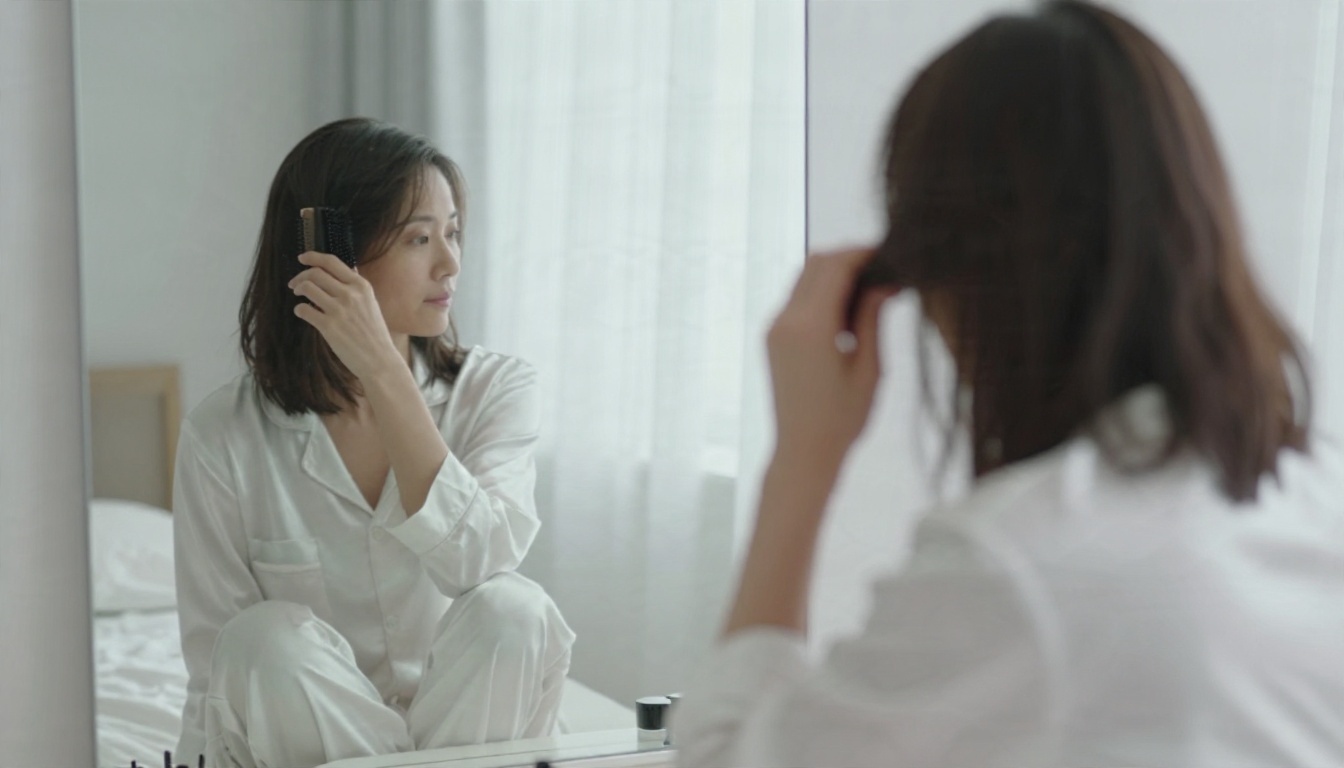
- Write a prompt with a clear subject, wardrobe, setting, light and lens. For example: "adult woman in a white silk sleep set at a vanity mirror, soft morning window light from the right, 50mm f/2, Kodak Portra 400 grain".
- Set the aspect ratio. 16:9 suits wide scenes, while 3:4 or 2:3 suits portraits.
- Generate, review and note what worked. Change one thing at a time: the light, the lens or the outfit.
- Send a favorite to Image Editor Pro for local adjustments, and run as many variations as you like.
Prompt Parameters That Matter
- Light direction: "soft window light from the left" gives believable shadows and depth.
- Lens and aperture: "85mm f/1.8" creates flattering background blur for portraits.
- Film look: "Kodak Portra 400, fine film grain" keeps skin warm and natural.
- Texture words: "visible skin pores, satin sheen, linen weave" push the model away from a plastic look.
- Age: state "adult" and a clear age range, such as "late twenties", every time.
💡 Tip: keep a short text file of prompts that worked. Reusing a good base saves more time than any new trick.
Writing Better Chat and Prompts
Chat is the weaker half of the no-login promise, but you can improve it with a little preparation, especially if you use chat to write prompts rather than to roleplay.

Use an LLM as a Prompt Writer
A language model is excellent at turning a loose idea into a detailed image prompt. On PicassoIA you can use models such as Gemini 3.5 Flash, Deepseek v3.1 or Kimi K2.6 to draft character sheets, scene descriptions and lighting notes, then paste the result into an image model. Each language model applies its own content rules, so keep the writing tasteful and non-explicit, and switch models if one declines.
Build a Reusable Character Sheet
Because free chats forget, write a short sheet once and paste it at the start of every session:
- Name, a clear adult age and general look
- Personality in three or four words
- Tone of voice and how much humor to use
- Setting and mood for the scene
- Topics that are off limits
This single block does more for continuity than any memory setting on a free tier.
Know When to Walk Away
If a tool pushes you toward a paywall every few messages, leaks your chat history into ads, or asks for more personal information than it needs, leave. Plenty of platforms offer better terms, and none of them deserve details you would not give a stranger.
Try It Yourself on PicassoIA
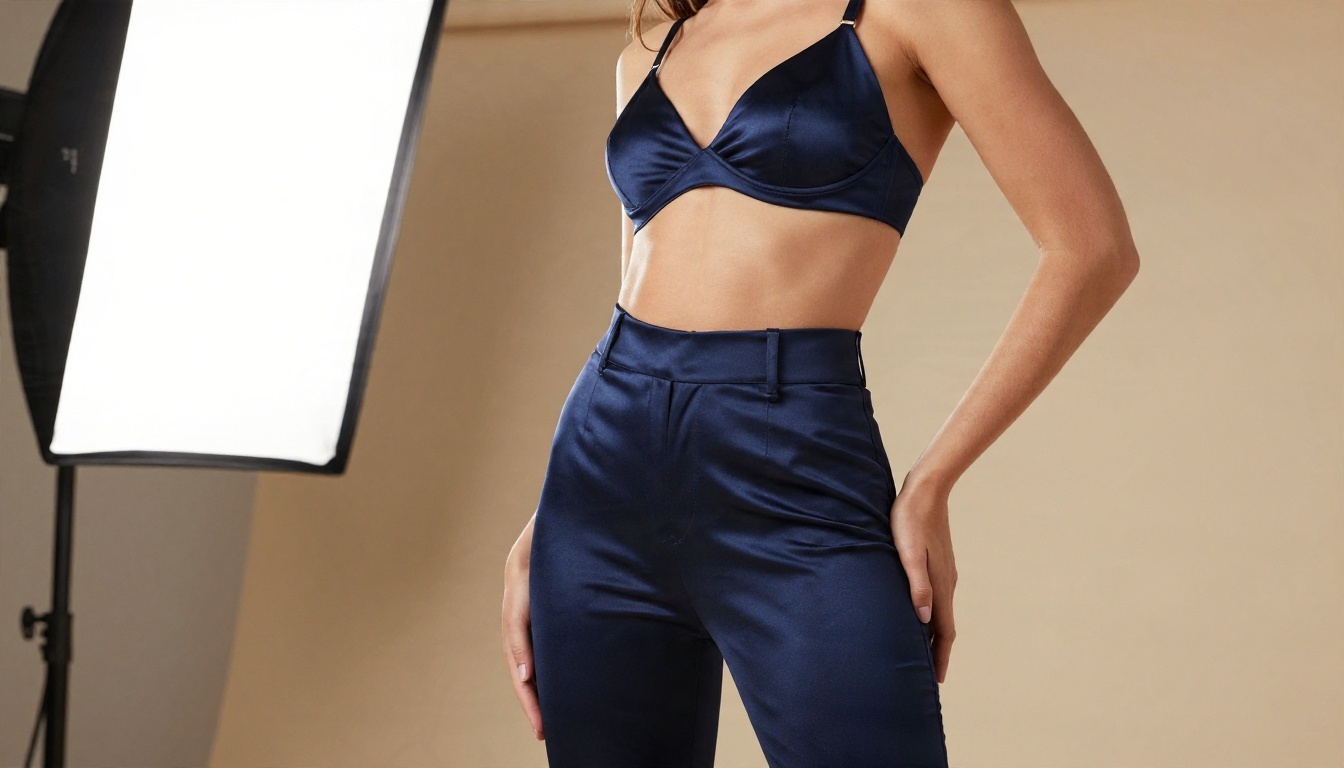
No-login adult AI is a narrow slice of what you actually need. Chat caps, short memory, watermarks and weak privacy are the trade for skipping a signup form, and for most people the trade isn't worth it. A free account on a platform with fast photorealistic models and unlimited generations gives you more control, cleaner results and fewer interruptions.
Start with Seedream 4.5 for sharp glamour portraits, move to PicassoIA Image Editor Pro when you want unlimited variations and edits, and use a language model to write better prompts. Keep your subjects fictional and adult, keep your personal details out of every chat, and keep your images tasteful. Then open Picasso IA, write your first prompt, and see how far a good model and a good light description can take you. When you want to see everything on offer, browse the full catalog at picassoia.com/en/all-models.


