You typed "sex anime AI free" into a search bar and got a wall of apps that promise everything, then block your first prompt, ask for a card, or bury results under watermarks. That frustration is the real story here. Most people searching this phrase want one simple thing: an adult-themed, anime-inspired image generator that does not lecture them, does not cost a fortune, and returns something that looks good.
This article sorts the noise. You will see what free and uncensored actually mean in practice, which generators on PicassoIA handle glamour, lingerie and boudoir prompts, how to write prompts that get past the usual refusals, and how online apps stack up against local installs. Everything here assumes adult characters only and non-explicit results: suggestive, stylish, beautiful, never pornographic.
What People Mean by Sex Anime AI
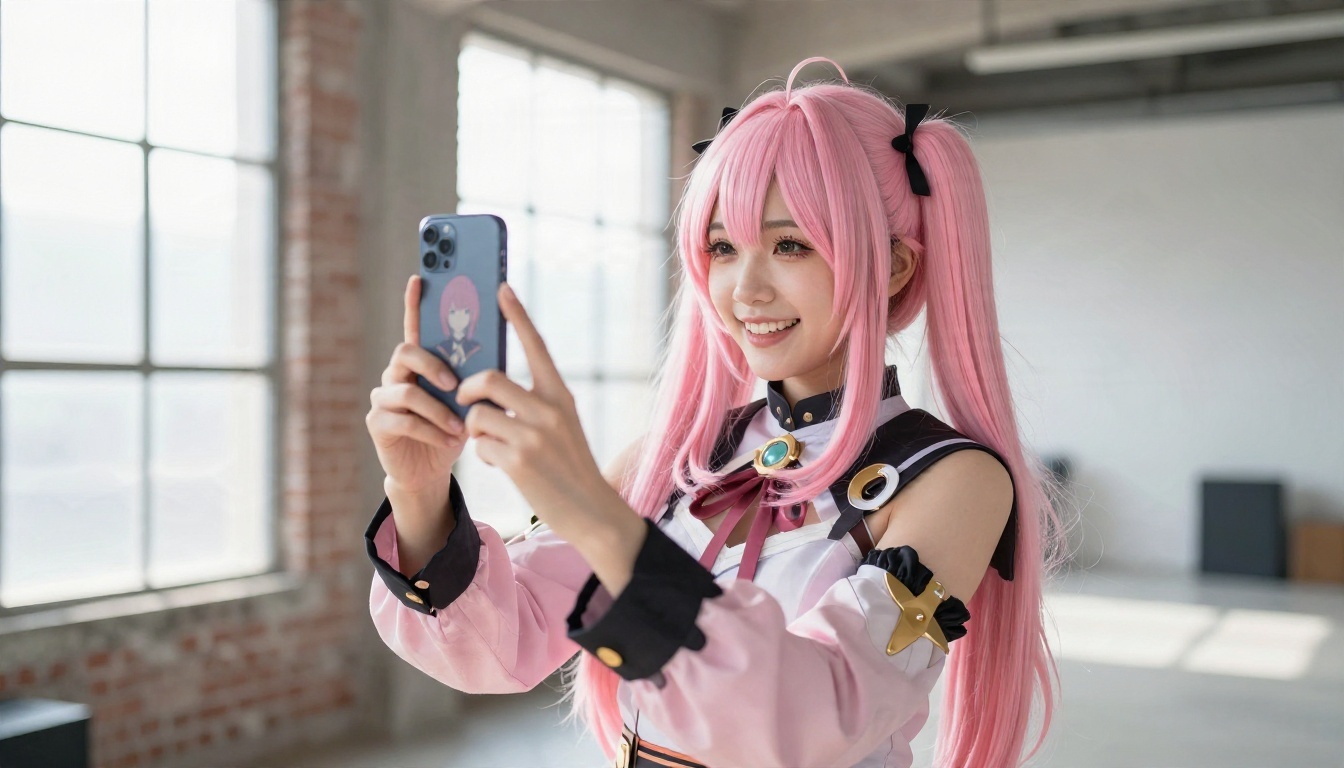
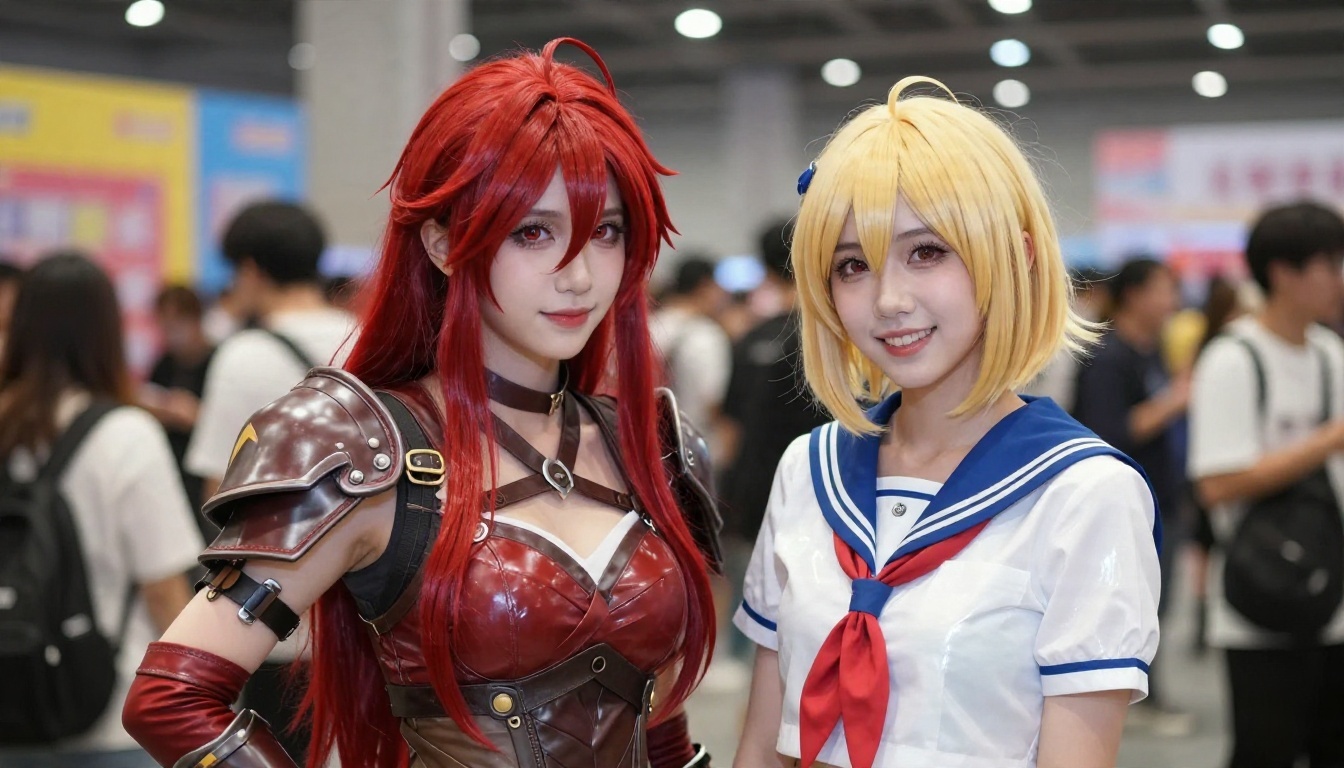
The phrase bundles three different wishes into one search. Some people want stylized anime art of adult characters with a sensual tone. Others want a photorealistic version of that look: a real-looking person dressed as an anime-inspired character, the way cosplay photographers shoot it. A third group wants to turn an existing photo into an anime-style picture, or the other way around.
All three are valid creative goals, and all three are handled by the same family of text-to-image and image-editing models. The difference is in how you prompt them and which model you pick.
Why Searches Keep Growing
Anime aesthetics went mainstream a long time ago. Cosplay conventions fill stadiums, character design is a hobby for millions, and adult-oriented fan art has always been part of that culture. AI generators made the barrier drop to zero: no drawing skill, no commission fees, no waiting weeks for an artist.
The catch is that many mainstream tools added strict filters. A prompt with the word "lingerie" or "bikini" can trigger a refusal, even when the request is perfectly legal and tasteful. That is why "uncensored" became the most searched word next to "free".
Adult Characters Only
One line that never moves: every character you generate must be an adult. State an age in your prompt (27, 29, 31) and use adult descriptors such as "woman" and "mature features". Anime styling often makes characters look younger than intended, so spelling out adulthood is not only the right call, it also gives the model a clearer instruction and better anatomy.
💡 Quick rule: If a character could be read as a minor, rewrite the prompt. Add an age, adult clothing and adult proportions. If you cannot do that, skip the idea.
Also avoid using the likeness of real people without their consent. Invented characters, original cosplay looks and your own photos are the safe path.
Free and Uncensored: What It Really Means
Both words get abused in marketing, so here is a plain translation.
Where Free Tiers Stop
Most "free" generators give you a handful of images per day, then lock you behind credits. Others let you generate but stamp a watermark across the result, or limit resolution so the image looks soft when zoomed. A few quietly slow you to a crawl after the first three generations.
A useful free tool has three traits: no hard daily wall, no watermark on exports, and resolution high enough to actually use. If a site hides those details, assume they are not in your favor.
| Free tier trap | What it looks like | What to do |
|---|
| Credit wall | 3 to 10 images, then a paywall | Pick a tool with unlimited editing or generous daily limits |
| Watermark | Logo across the corner | Check exports before investing time |
| Low resolution | 512 px outputs | Use a model that outputs 2K or 4K |
| Queue throttling | Minutes per image | Choose a fast model for batches |
Why Filters Exist
Uncensored does not mean lawless. Model providers add filters to block illegal content, non-consensual imagery and anything involving minors. Those lines are not negotiable and they should not be. What annoys users is over-filtering: tools that refuse a swimsuit portrait, a silk robe, or a glamour pose that any fashion magazine would print.
The sweet spot is a generator that allows suggestive, adult-themed glamour while still holding firm on the truly harmful categories. That is the territory this article stays in.
Best Generators on PicassoIA
PicassoIA hosts a long list of text-to-image models, so you can switch between them without creating a new account for each one. Here is the order I would try them in for adult-themed, anime-inspired glamour.
Seedream 4.5 First
Seedream 4.5 is the model to start with. It produces sharp 4K results, follows long prompts closely, and handles skin texture, fabric and lighting in a way that looks like a real photo shoot. For this topic that matters a lot: wigs, satin, lace and costume details come out crisp instead of mushy.
It also tolerates suggestive prompts far better than most mainstream generators. Bikinis, boudoir robes, glamour poses and lingerie-style outfits go through without constant refusals, as long as you keep the result non-explicit.
💡 Tip: Seedream 5 Lite blocks adult-themed content, so do not use it for this kind of work. Stay with Seedream 4.5.
Image Editor Pro Unlimited
PicassoIA Image Editor Pro is the second stop, and its big selling point is unlimited generations. That changes how you work. Instead of rationing five tries a day, you can iterate twenty times on a single outfit, swap the wig color, change the background, fix a hand, and try again until it is right.
It is also an editor, not only a generator. Upload your own photo, then ask for a new outfit, a different hairstyle or an anime-inspired makeup look. If you want the "photo of me as a character" result, this is the quickest route.
Fast Options for Batches
When you want a dozen variations in a few minutes, speed matters more than perfect detail.
- Z Image Turbo returns sharp images in seconds, which makes it ideal for testing prompt ideas before you commit to a slower, higher quality run.
- Flux 2 Klein 9B Base LoRA is useful when you want a particular style locked in through a LoRA.
- Qwen Image 3 Pro leans photorealistic and does well with detailed costume descriptions.
- Flux Dev remains a dependable all-rounder for portraits with natural skin.
Models With a True Anime Look
If you prefer drawn anime over photorealistic cosplay, three models are worth testing:
Here is the quick comparison:
| Model | Best for | Look | Speed |
|---|
| Seedream 4.5 | Glamour and boudoir portraits | Photorealistic, 4K | Medium |
| Image Editor Pro | Unlimited edits and outfit swaps | Photoreal edits | Fast |
| Z Image Turbo | Rapid prompt testing | Sharp, clean | Very fast |
| Flux 2 Klein 9B LoRA | Locked style runs | Styled | Fast |
| Qwen Image 3 Pro | Costume detail | Photorealistic | Medium |
| Proteus v0.3 | Drawn anime characters | Anime | Fast |
| Photo To Anime LoRA | Photo conversion | Anime | Fast |
You can browse the full catalog any time at picassoia.com/en/all-models.
How to Use Seedream 4.5 on PicassoIA
This is the fastest path from idea to a finished image. It takes about two minutes.
Step by Step
- Open the Seedream 4.5 page on PicassoIA.
- Paste your prompt into the text box. Start with a subject, an age, and one clear outfit.
- Choose a 16:9 ratio for wide scenes or a vertical ratio for full-body portraits.
- Pick the highest resolution available if you plan to share or print the result.
- Generate, review, then adjust one thing at a time: the wig color, the lighting, the lens.
- Send the best result to Image Editor Pro for small fixes such as a hand, a strap or a background object.
Settings That Matter
| Setting | Recommended | Why |
|---|
| Aspect ratio | 16:9 or 3:4 | Matches the framing you described |
| Prompt length | 50 to 120 words | Long enough for detail, short enough to stay clear |
| Age in prompt | Always stated, 25 and over | Keeps characters clearly adult |
| Lighting note | One source named | Avoids flat, muddy results |
| Lens note | 50mm or 85mm | Flattering portrait compression |
💡 Pro habit: Change one variable per run. If you rewrite the whole prompt each time, you never learn what fixed the problem.
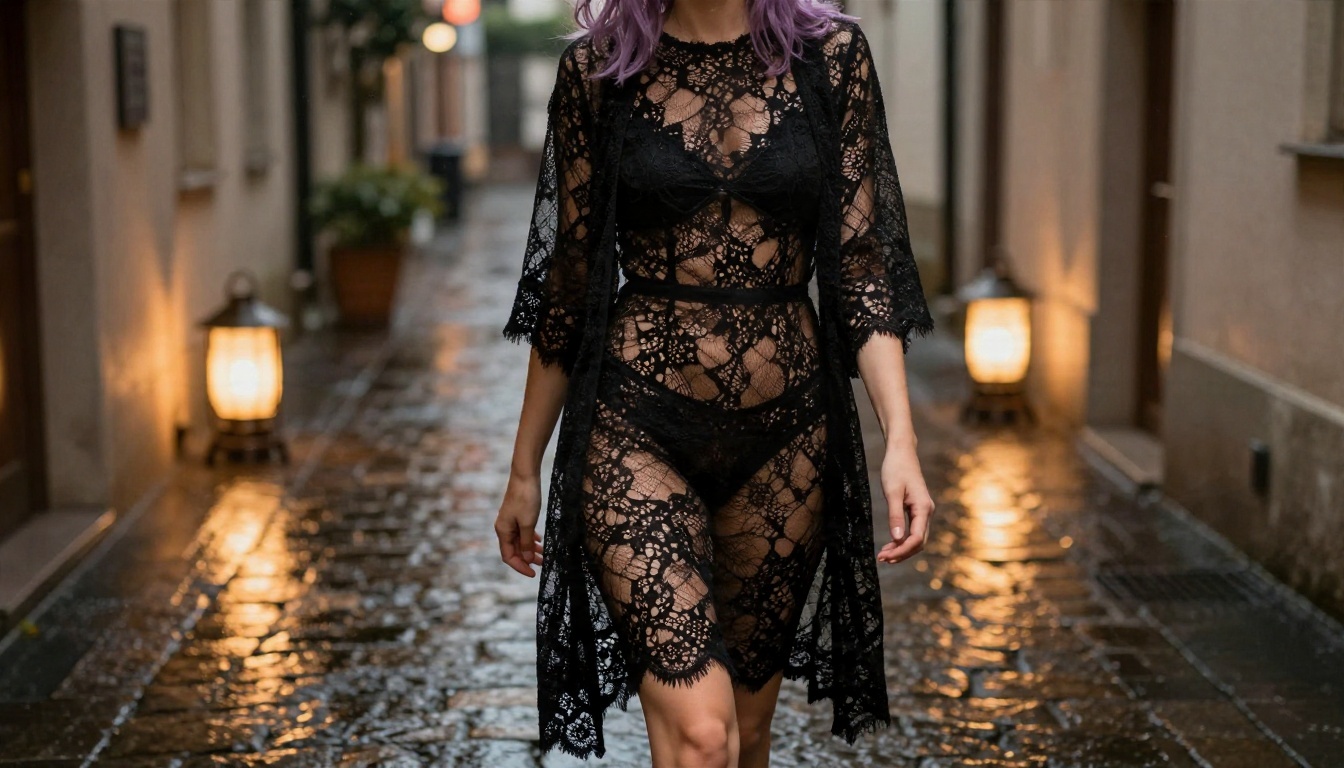
Prompts That Actually Work
A good prompt reads like a photographer's shot list. It names the subject, the pose, the place, the light and the camera. Vague prompts such as "hot anime girl" produce generic, plastic results and are the most likely to be refused.
The Prompt Formula
Use this order:
- Subject and age: "adult woman, 28"
- Anime-inspired details: wig color, hair style, winged eyeliner, cat ears, ribbon accents
- Outfit: fabric first (satin, lace, silk, velvet), then cut
- Pose and expression: soft smile, looking over the shoulder, seated on a bed edge
- Environment: boutique hotel suite, rooftop at dusk, lantern-lit alley
- Light: warm window light from the left, golden hour from behind
- Camera: 85mm f/1.8, shallow depth of field, Kodak Portra 400 grain
Here are five prompts you can paste directly into Seedream 4.5 and edit:
- Adult woman, 28, long silver-lavender wig with blunt bangs, black satin corset top, seated on a white linen bed, warm morning window light from the left, 85mm f/1.8, soft film grain.
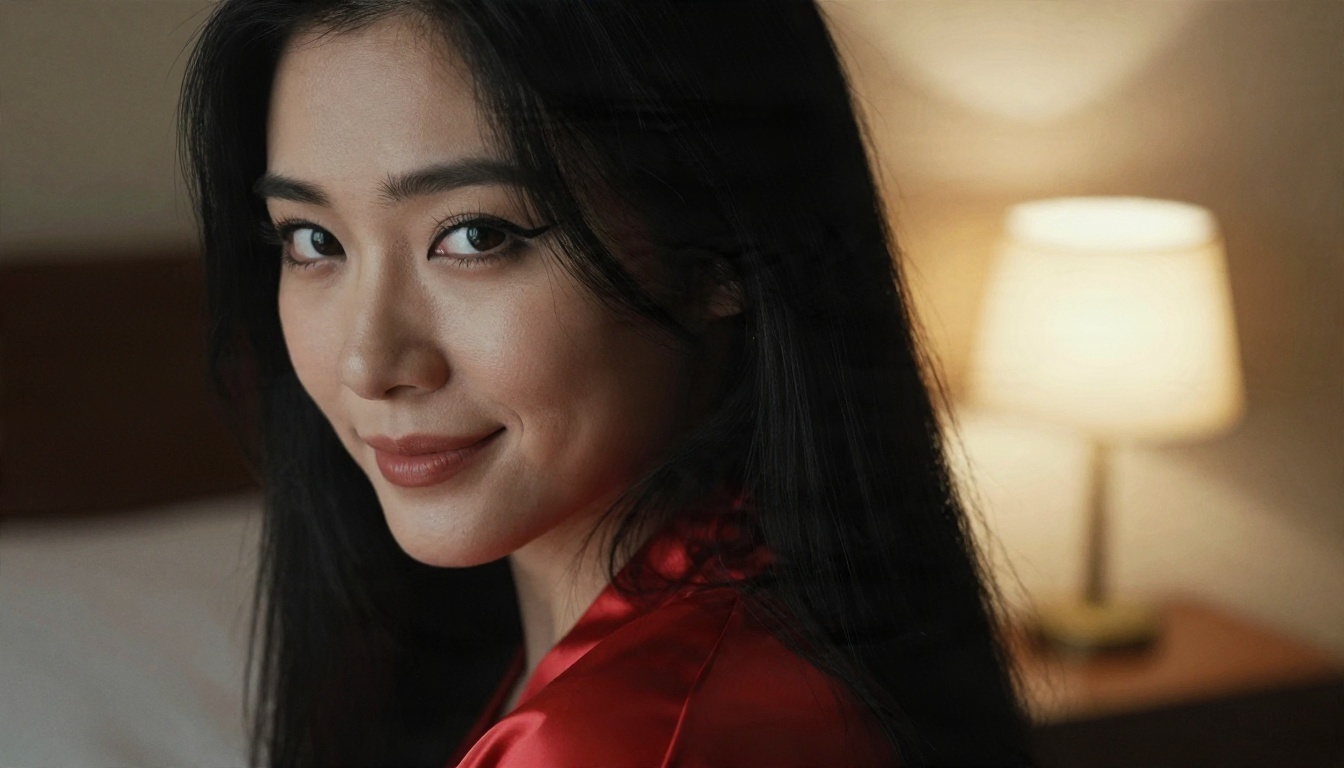
- Adult woman, 29, black hair, dramatic winged eyeliner, red silk robe slipping off one shoulder, warm bedside lamp behind her, 85mm f/1.4, tasteful boudoir.
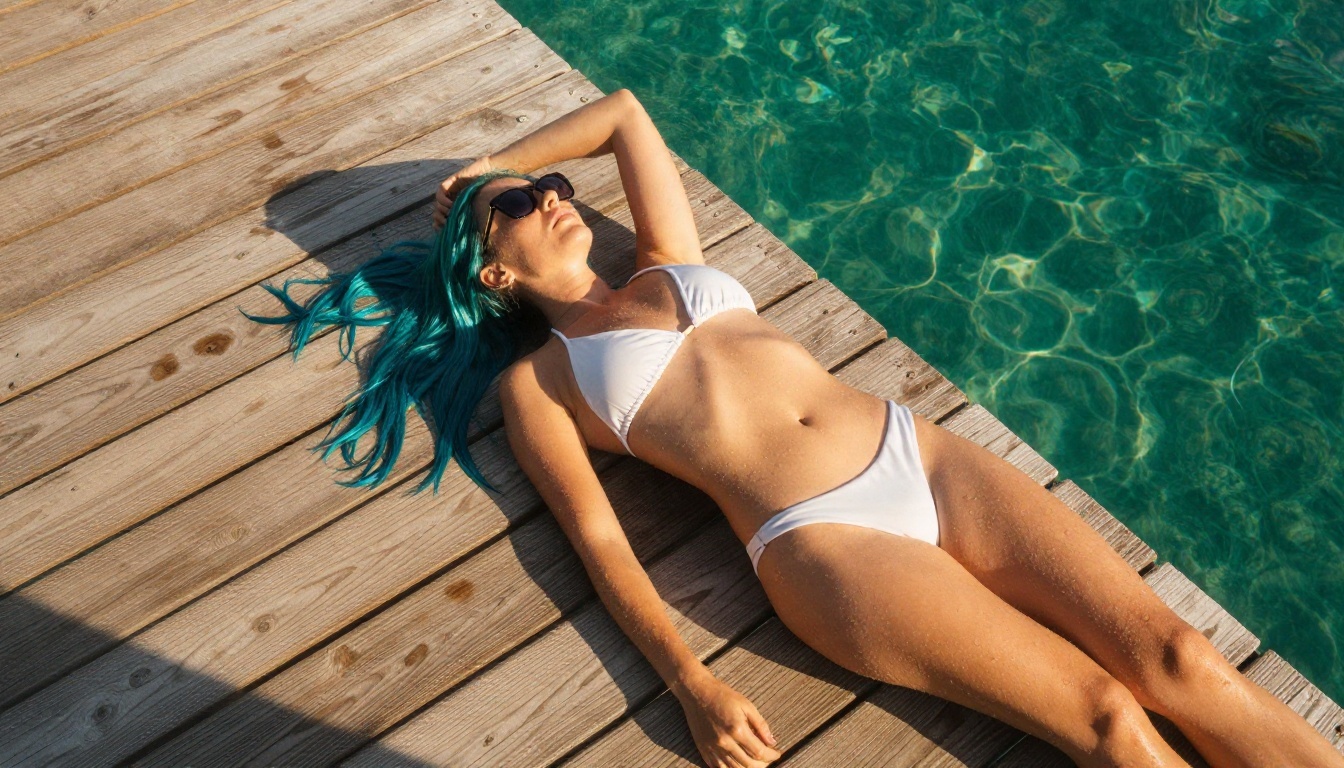
- Adult woman, 26, teal long wig, white bikini, lying on a wooden pier above turquoise water, aerial view, golden hour, wet wood texture.
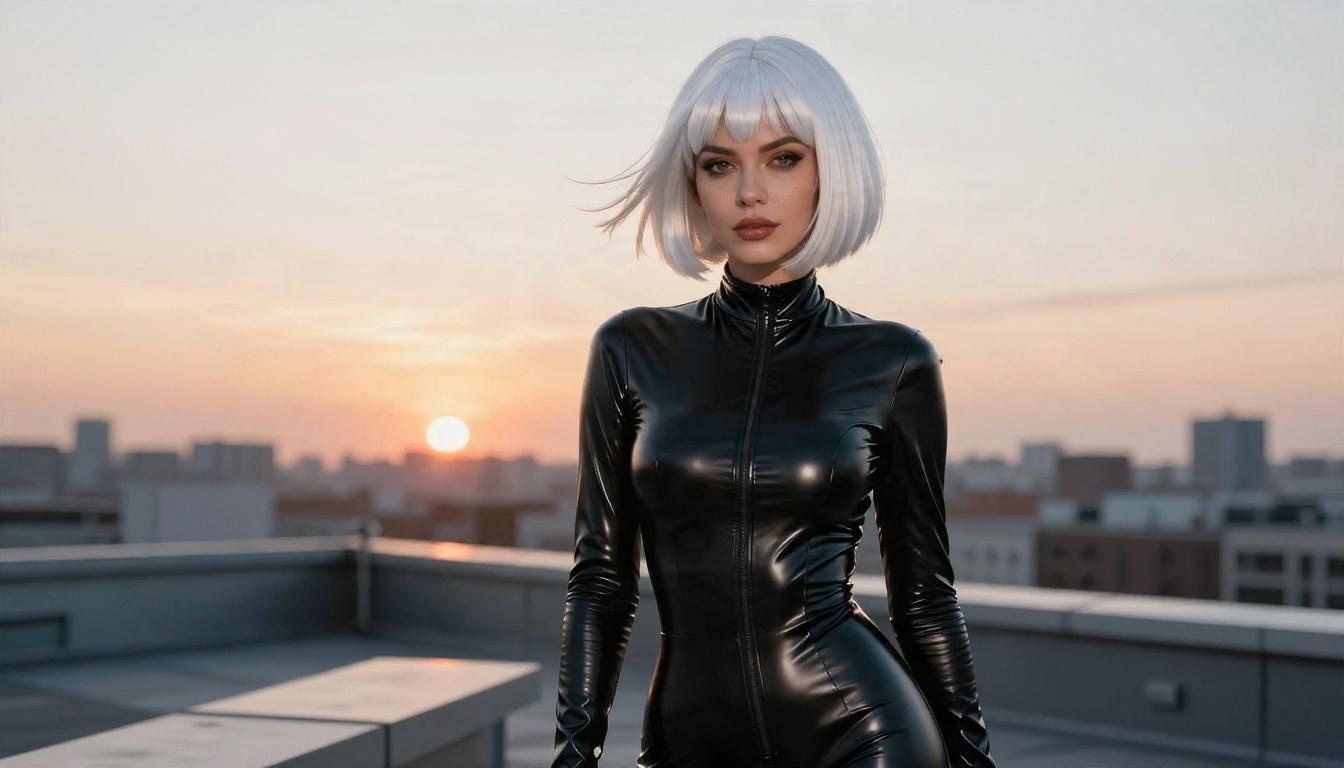
- Adult woman, 30, white bob wig, black fitted jumpsuit, rooftop at dusk, low angle, warm rim light, city skyline blurred behind.
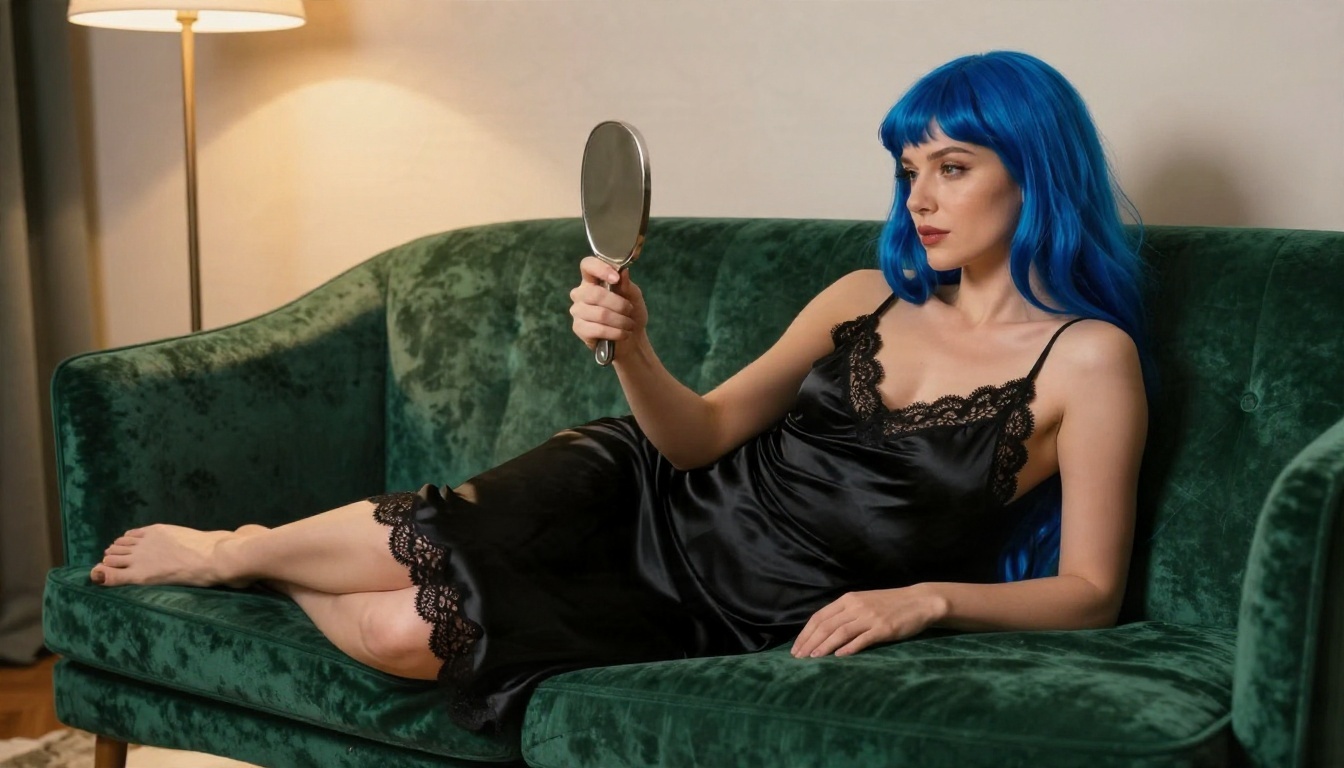
- Adult woman, 27, electric blue long wig, black satin slip dress with lace trim, emerald velvet sofa, side lamp light, 50mm f/1.4.
Fixes When a Prompt Fails
When a generator refuses or returns something off, the fix is almost never "be more graphic". It is usually the opposite.
- Refusal on the first try: replace blunt words with fashion vocabulary. "Silk robe", "lace bodysuit", "swimwear", "glamour editorial" read as photography terms.
- Plastic skin: add "visible pores, subtle freckles, natural highlight on cheekbones".
- Wrong age feel: state the age, add "adult", and describe mature styling such as defined eyeliner and polished makeup.
- Messy hands: simplify the pose. One hand in the hair, the other relaxed.
- Flat lighting: name a single light direction and time of day.
- Costume mush: describe the fabric, not only the color.
💡 Shortcut: Generate with Z Image Turbo first to test the idea, then rerun the winning prompt in Seedream 4.5 for the final version.
Online Apps vs Local Setups
There are two ways to run uncensored generators: in a browser, or on your own machine.
Browser apps win on convenience. No installation, no graphics card requirements, no model downloads of ten gigabytes. You open a page, type, and get an image. The trade-off is that you depend on the platform's rules and limits. That is why choosing a platform with a wide model list and unlimited editing matters.
Local installs give total control, but the cost is real. You need a recent graphics card with plenty of memory, time to set up the software, and patience to download and manage models. Updates can break things. For most people who just want good images this week, it is far more work than it is worth.
| Factor | Online app | Local install |
|---|
| Setup time | Under a minute | Hours |
| Hardware needed | Any device with a browser | Strong graphics card |
| Model variety | Switch with one click | Download each one |
| Privacy | Depends on the platform | Fully on your machine |
| Cost | Free tiers or credits | Hardware and electricity |
| Speed | Seconds on hosted servers | Depends on your card |
If you are not sure, start online. You can always move local later once you know which styles you actually like.
Mistakes That Waste Your Time
Most disappointing results come from the same handful of habits.
- Chasing "uncensored" instead of quality. A tool with no filters and poor image quality is not a win. Pick the model that produces the best skin, light and detail, then work within its limits.
- Writing a paragraph of adjectives. "Sexy, hot, beautiful, stunning" tells the model nothing. Describe the scene instead.
- Skipping the age. Adding an explicit adult age improves anatomy and keeps your work clearly in bounds.
- Using a different model every try. Stick with one model for a full session so you can compare prompt changes fairly.
- Ignoring the edit step. A near-perfect image with one odd strap can be fixed in seconds with Image Editor Pro.
- Trusting unknown sites with your photos. Free apps that ask for uploads and give nothing about their privacy rules are best avoided.
- Forgetting resolution. Pick 2K or 4K from the start. Upscaling a weak image never fully rescues it.
A few more real-world habits that separate good results from average ones:
- Keep a notebook or a text file with every prompt that worked. When a result is great, you will want to reproduce it.
- Build a character sheet in words: wig color, eye makeup, signature accessory. Reusing the same description keeps a character looking consistent across scenes.
- Try one scene in different lighting: morning window, lamp light, golden hour. The mood changes more than any outfit swap.
- Mix cosplay props with everyday settings. A cat-ear headband in a quiet apartment looks more believable than a fantasy backdrop.
- Save the strongest image at full resolution before you edit, so you can always step back.
Start Creating Your Own Images
You do not need a subscription maze, a powerful computer or a folder of cryptic settings to make polished adult-themed, anime-inspired imagery. Open Seedream 4.5 for sharp 4K glamour portraits, then move to PicassoIA Image Editor Pro when you want unlimited tweaks, outfit swaps and fixes. Keep Z Image Turbo handy for quick tests, and reach for Proteus v0.3 when you want a drawn anime look.
Pick one prompt from the list above, change the wig color, change the light, and see what happens. Your first strong image will probably be your third or fourth try, and that is exactly how it should work. When you want more options, browse every model at picassoia.com/en/all-models and build a workflow that fits your taste.


