You type a few lines, hit generate, and ten seconds later a fully formed adult character looks back at you: the hair, the eyes, the outfit, the light, all of it exactly the way you pictured it. That is what a sex character creator does today, and it has nothing to do with the clunky avatar sliders of a few years ago. Modern image models build photoreal glamour portraits from plain language, and the best ones are free to try online.
This article shows you how the process works, which tools deliver the most convincing skin and fabric, and which prompts produce tasteful, non-explicit results you can actually use. Every example below was generated as a raw, photographic portrait of an adult, and every prompt is written so you can copy it and adapt it in under a minute.
💡 Quick answer: For the sharpest results, start with Seedream 4.5 for generation and PicassoIA Image Editor Pro for unlimited edits and variations.
What a Sex Character Creator Does
A sex character creator is any online tool that turns a written description into an attractive adult character image. You describe age range, hair, body language, wardrobe, setting and light. The model returns a portrait. Change one detail, run it again, and you get a new variation of the same idea.
The phrase gets searched for a few different reasons, and it helps to separate them:
- Visual references for writers, game designers and comic artists who need a face and a mood
- Boudoir and glamour concepts for photographers planning a shoot
- Personal character libraries for fans who like building recurring looks
- Social content for creators who want polished, suggestive-but-tasteful imagery
Old creators versus AI generators
The first generation of character makers gave you a doll with sliders. Jaw width, eye size, skin tone. The result always looked like a game asset. Current text-to-image models work differently: they have seen millions of real photographs, so they reproduce pores, flyaway hair, fabric tension and the way window light wraps around a shoulder.
| Feature | Slider-based creator | AI image generator |
|---|
| Output look | Game avatar | Photographic portrait |
| Wardrobe options | Preset list | Anything you can describe |
| Backgrounds | Flat or limited | Full environments |
| Variations | Manual tweaking | New result every run |
| Skill needed | Low | Low, prompts are plain English |
Who actually uses these tools
Most users are not professionals. They are curious people who want a stylish character concept, a moodboard, or a set of recurring portraits. That is why the best workflow stays simple: one clear prompt, a handful of variations, one quick edit pass.
The Non-Explicit Line
Everything in this article stays on the glamour side of the line: swimwear, silk, lace, evening wear, boudoir styling. Think magazine campaign, not explicit content. That boundary is not only a safety choice, it is also a quality choice. Suggestion photographs better than exposure, and implied sensuality tends to look more elegant and more believable.
Adults only, always
Every character you build should be an adult. Put an age range in your prompt, such as "woman in her late twenties" or "woman in her thirties", and keep it there. This habit keeps your results consistent and responsible, and it also nudges the model toward mature facial features and realistic proportions.
Consent and real people
Never build a character that copies a real person without their permission. Describe an invented face, not a celebrity. If you work from a photo of yourself or a model who has agreed, keep that file private and use it only for the purpose they approved.
💡 Rule of thumb: invented adults, clear age range, no real-person likeness without consent, no explicit output.
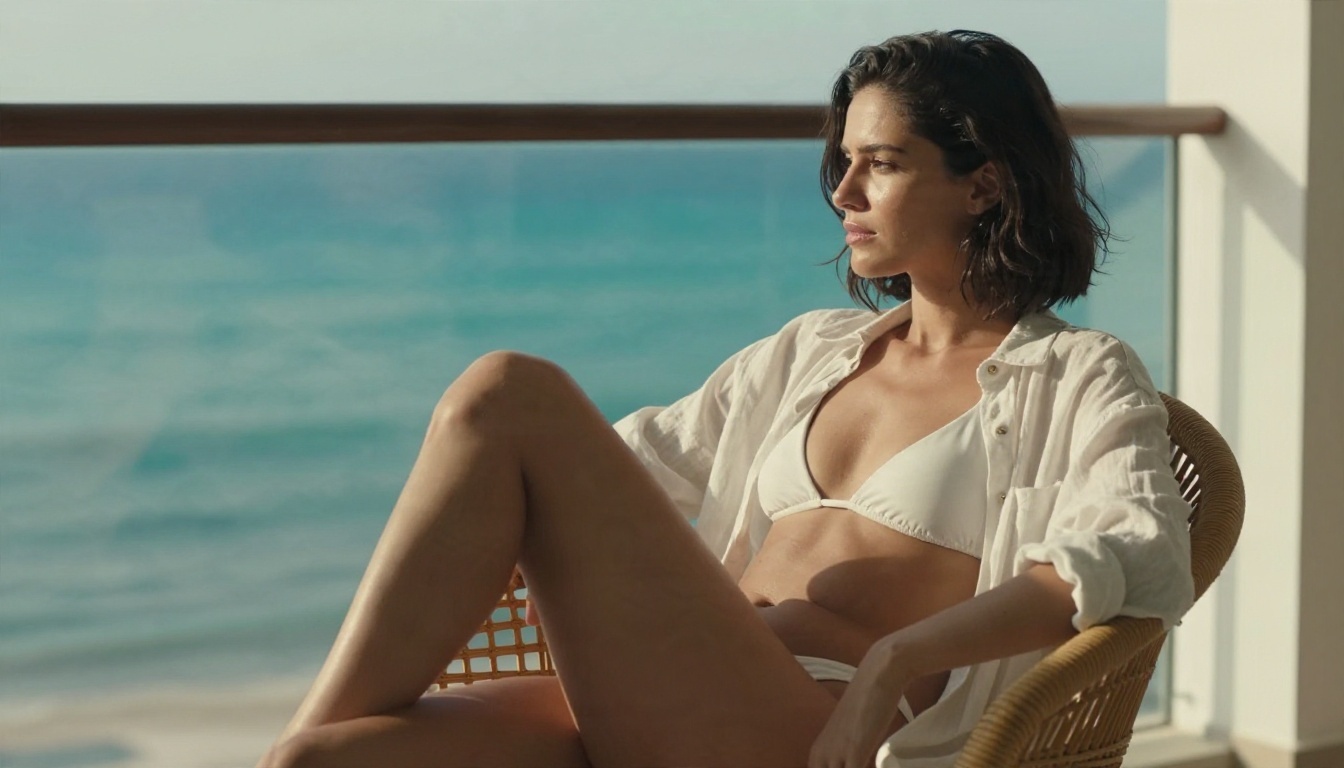
Not every generator is equal. Some blur skin into plastic, some refuse anything suggestive, and some charge per image. Here are the models that handle glamour portraits best, in the order I would try them.
Seedream 4.5 for sharp realism
Seedream 4.5 is the first model to open for adult glamour work. It produces crisp 4K-class images with believable skin, accurate fabric texture and clean hands, and it follows long prompts closely. It also handles suggestive swimwear and lingerie-style fashion without the constant refusals you hit elsewhere, so you can iterate quickly instead of fighting filters.
PicassoIA Image Editor Pro for unlimited runs
PicassoIA Image Editor Pro is where the value shows up. It gives you unlimited generations, which matters when a single character needs fifteen tries to get the pose right. Use it to change outfits, adjust lighting, swap backgrounds or refine a face you already like. Speed is high, and there is no meter ticking in the background.
Z Image Turbo for fast drafts
Z Image Turbo returns sharp images in seconds. It is ideal for drafting: test five wardrobe ideas quickly, pick the winner, then rebuild that prompt in Seedream 4.5 for the final render.
Realistic Vision v5.1 for portrait skin
Realistic Vision v5.1 is a long-standing favorite for lifelike faces. It leans toward natural, slightly imperfect skin, which is exactly what makes a character feel like a real photographed person.
Flux 2 Klein for styled variations
Flux 2 Klein 9B Base LoRA is useful when you want a consistent styled look across a series, for example the same warm film palette across ten portraits.
| Model | Best for | Speed | Link |
|---|
| Seedream 4.5 | Final, high-detail portraits | Fast | Open |
| Image Editor Pro | Unlimited edits and variations | Very fast | Open |
| Z Image Turbo | Quick drafts | Very fast | Open |
| Realistic Vision v5.1 | Natural skin and faces | Fast | Open |
| Flux 2 Klein 9B LoRA | Consistent styled series | Fast | Open |
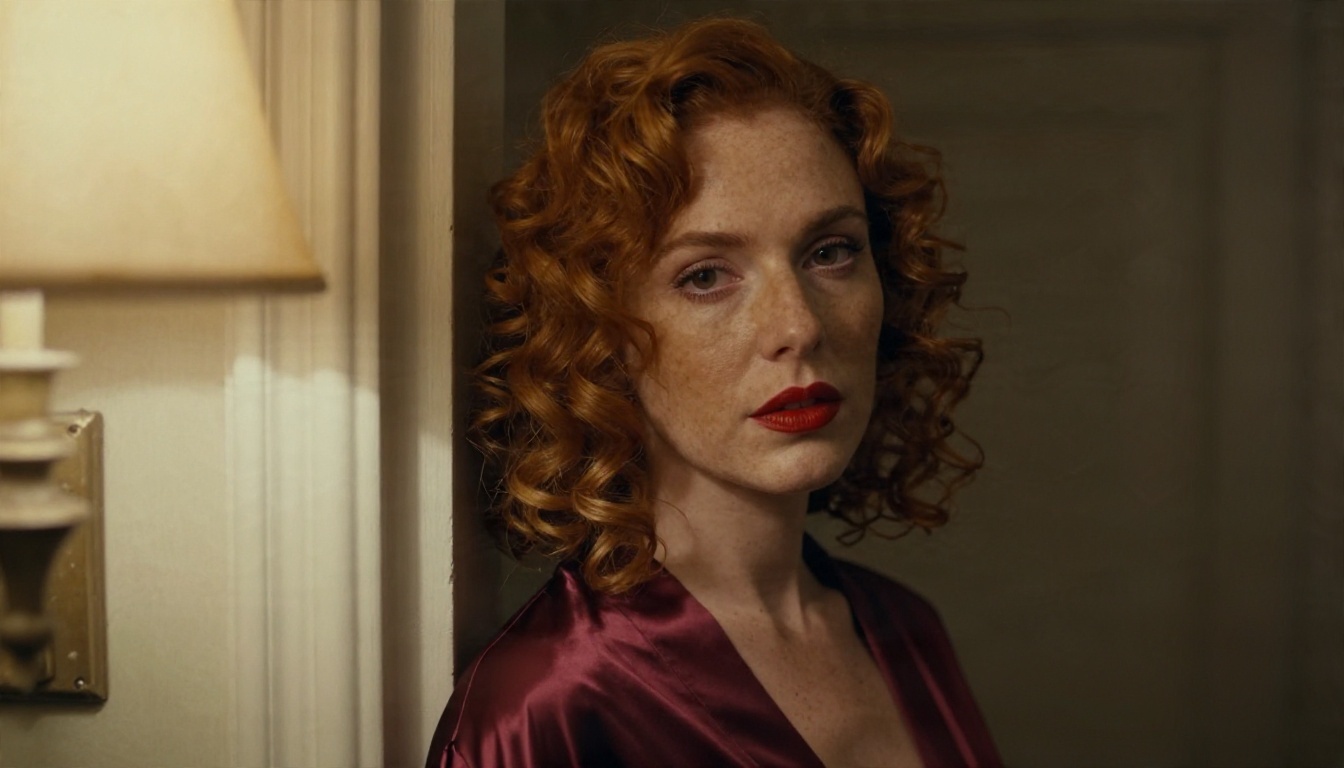
How to Use Seedream 4.5 on PicassoIA
Here is the exact workflow I use for a new character. It takes about five minutes from blank page to finished portrait.
Step 1: Open the model
Go to the Seedream 4.5 page and open the generator. You will see a prompt box and a few settings.
Step 2: Write the character prompt
Use this order: subject and age range, wardrobe, pose, setting, light, camera. A solid starter:
Confident adult woman in her late twenties, long wavy chestnut hair, black satin slip dress with lace trim, standing beside a sunlit window in a loft bedroom, golden morning light from the left, 85mm f/1.8, shallow depth of field, Kodak Portra 400 film grain, realistic skin texture.
Step 3: Set the format
Choose 16:9 for wide scenes, or portrait ratios for close-ups meant for phones. Leave the resolution at the highest option for final renders.
Step 4: Generate, then change one thing
Run the prompt. Then change a single variable: hair color, dress color or light direction. Changing one thing at a time tells you exactly what each phrase does.
Step 5: Refine in Image Editor Pro
Take your favorite result into PicassoIA Image Editor Pro for outfit swaps, background changes and small fixes, and run as many variations as you like since generations are unlimited.
💡 Parameter tip: keep prompts between 40 and 90 words. Shorter prompts leave too much to chance, and longer ones start to contradict themselves.
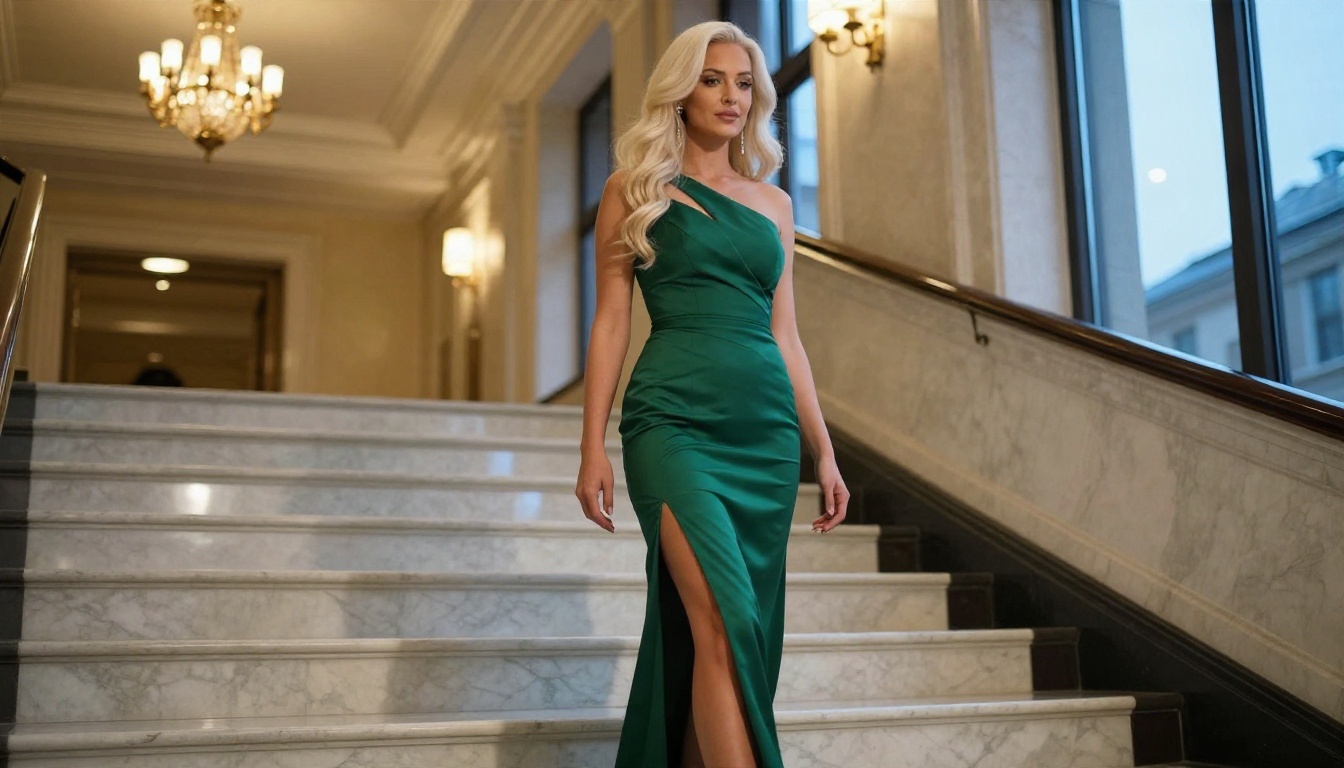
Prompts That Actually Work
A good character prompt reads like a photographer's shot list. Here is the formula, followed by ready-made examples.
The five-part formula
- Subject: age range, hair, face details, expression
- Wardrobe: fabric and color, because fabric words drive realism (satin, lace, linen, leather)
- Setting: a real place, not an abstract one
- Light: direction and quality, such as "soft window light from the left"
- Camera: lens and film look, such as "85mm f/1.8, Kodak Portra 400"
Swimwear and poolside
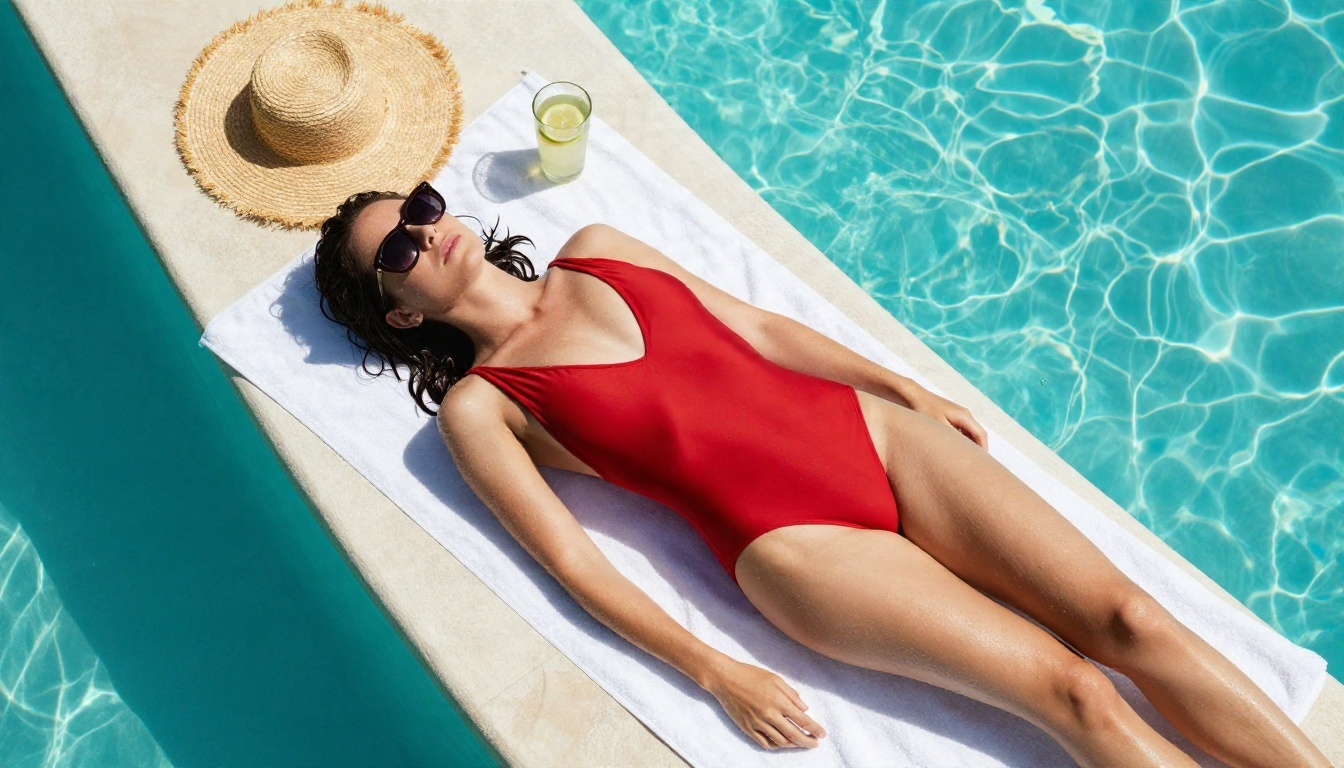
Adult woman in her twenties lying on a white towel at a pool edge, red high-cut one-piece swimsuit, oversized sunglasses, wet dark hair, water droplets on tanned skin, bright midday sun, top-down shot, 24mm lens, natural colors, film grain.
Poolside scenes are among the easiest to get right because strong sunlight gives the model clear cues about shadow and skin sheen.
Boudoir and silk
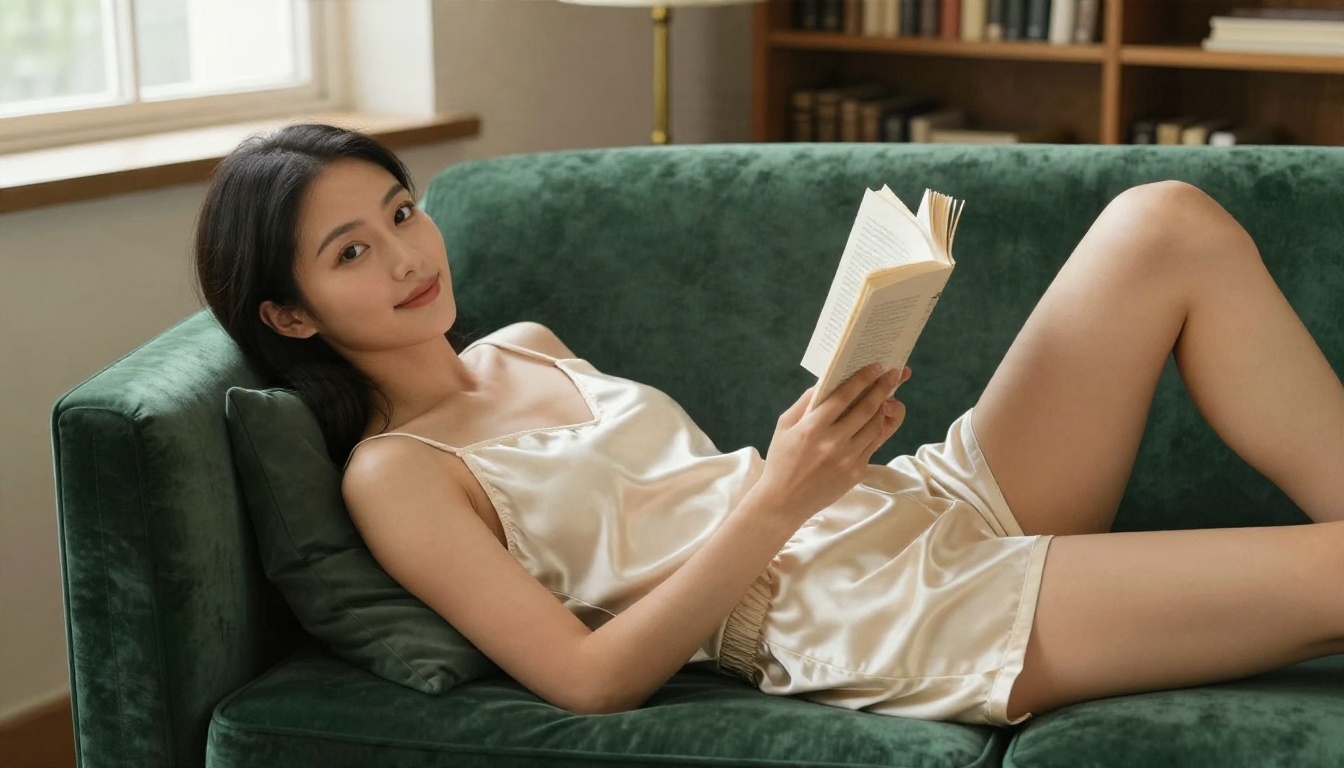
Adult woman in her mid twenties reclining on a velvet green sofa, cream silk camisole and shorts, open book in her hand, warm window light from the left, library shelves blurred behind, 50mm f/1.4, high angle, film grain.
Silk and satin are great test fabrics. If the model renders the folds and sheen well, it will handle almost anything else.
Evening and glamour
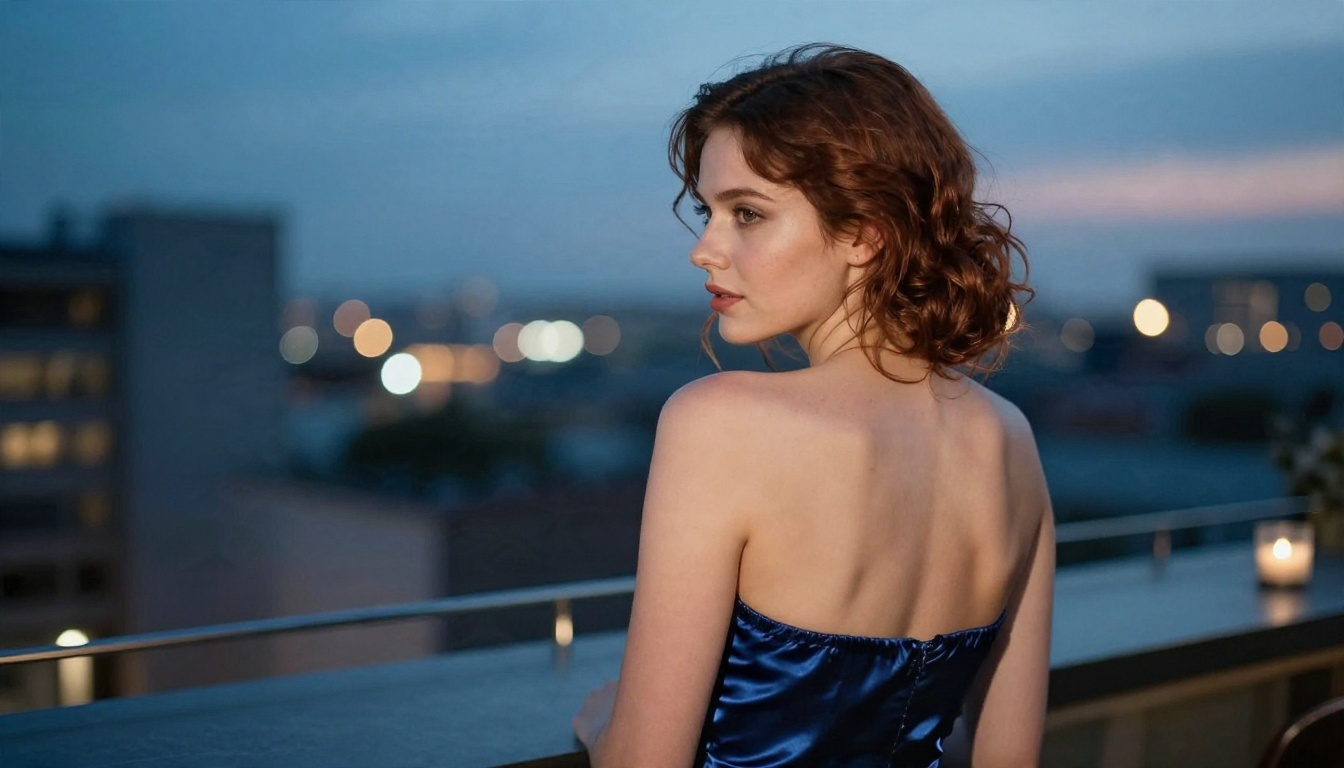
Adult woman in her late twenties, backless navy satin dress, auburn updo, looking over her shoulder at a rooftop bar at blue hour, warm string lights, city lights blurred below, 70mm f/2, Kodak Portra 400.
Build a Consistent Character
One pretty image is easy. A recurring character who looks like the same person across ten scenes is harder, and it is what separates a casual user from a serious creator.
Lock the identity details
Write a short "identity block" and paste it at the start of every prompt. For example: adult woman in her late twenties, short black pixie cut, small nose stud, hazel eyes, light freckles. Do not rewrite it between prompts. Even small word swaps can shift the face.
Change only the scene
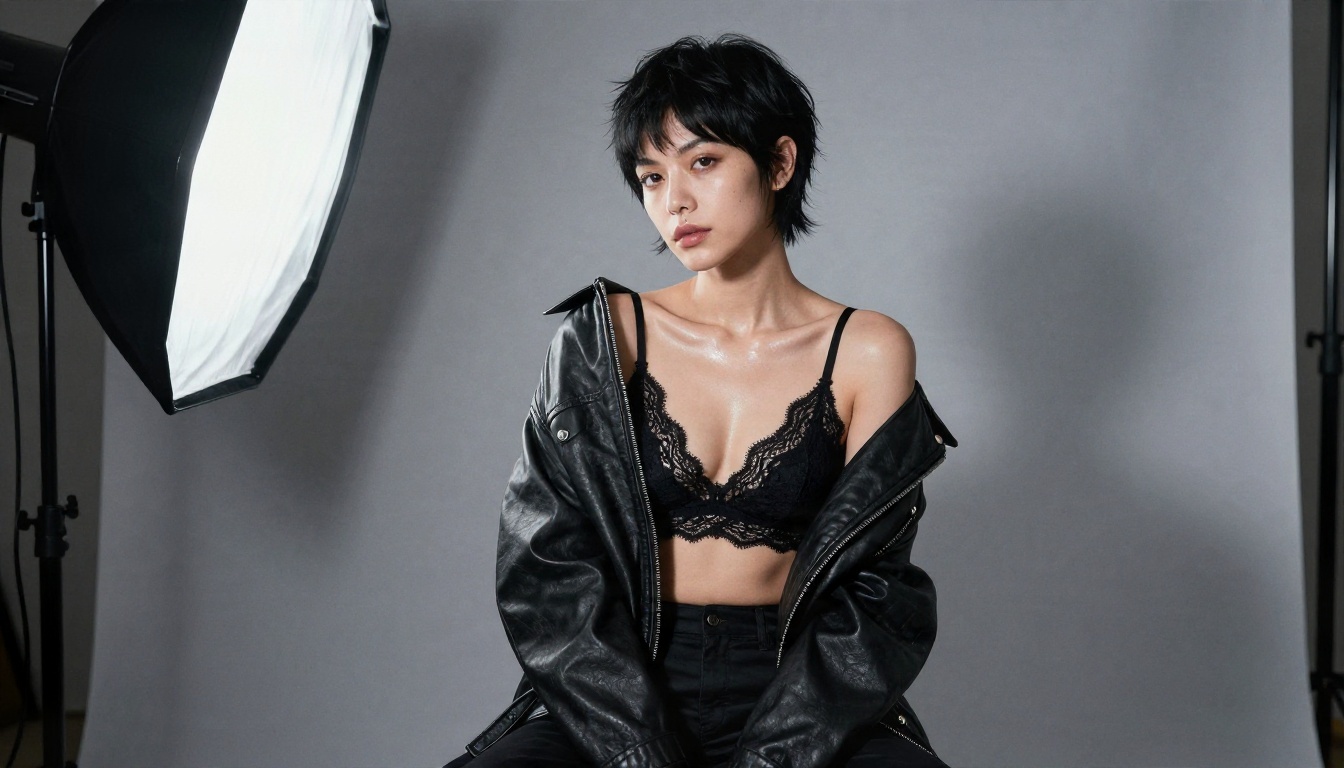
After the identity block, vary wardrobe, place and light. A pixie cut with a leather jacket in a gray studio, then the same character in a linen shirt on a beach. Keeping the identity text fixed is what holds the face steady.
Use edits for continuity
When a face drifts, do not start over. Open the image in PicassoIA Image Editor Pro and adjust only the outfit or background. Since the number of runs is unlimited, you can afford ten careful passes.
Example Looks to Try
Here are different directions you can take, with the lighting and styling choices that make each one work.
The studio portrait
A gray paper backdrop, a single large softbox from one side, and a leather jacket over lace. The soft shadow sculpting does most of the work. This look suits character reference sheets and profile images.
The creator workspace
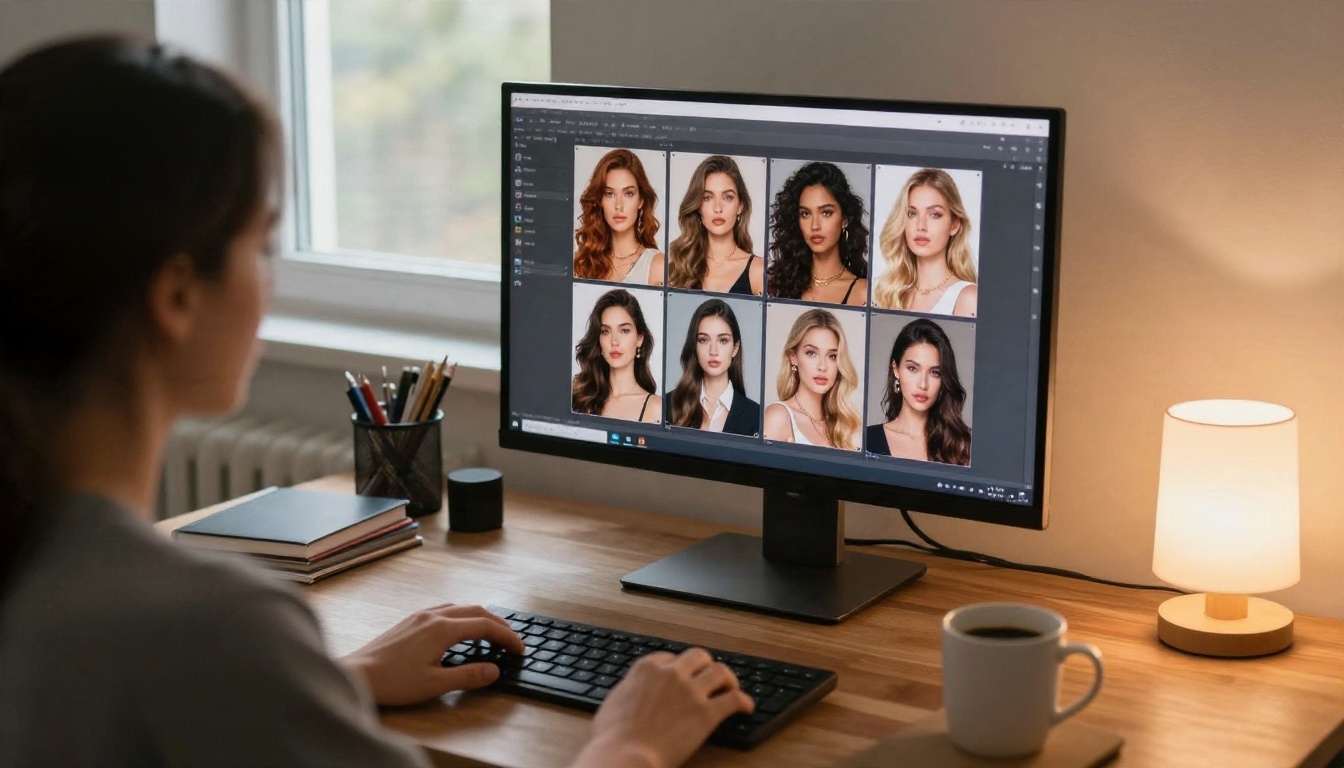
Many people build a whole library of characters, then pick favorites from a thumbnail grid. A simple review habit helps: generate nine variations of one prompt, put them side by side, and note which phrases produced the best ones.
The golden hour beach
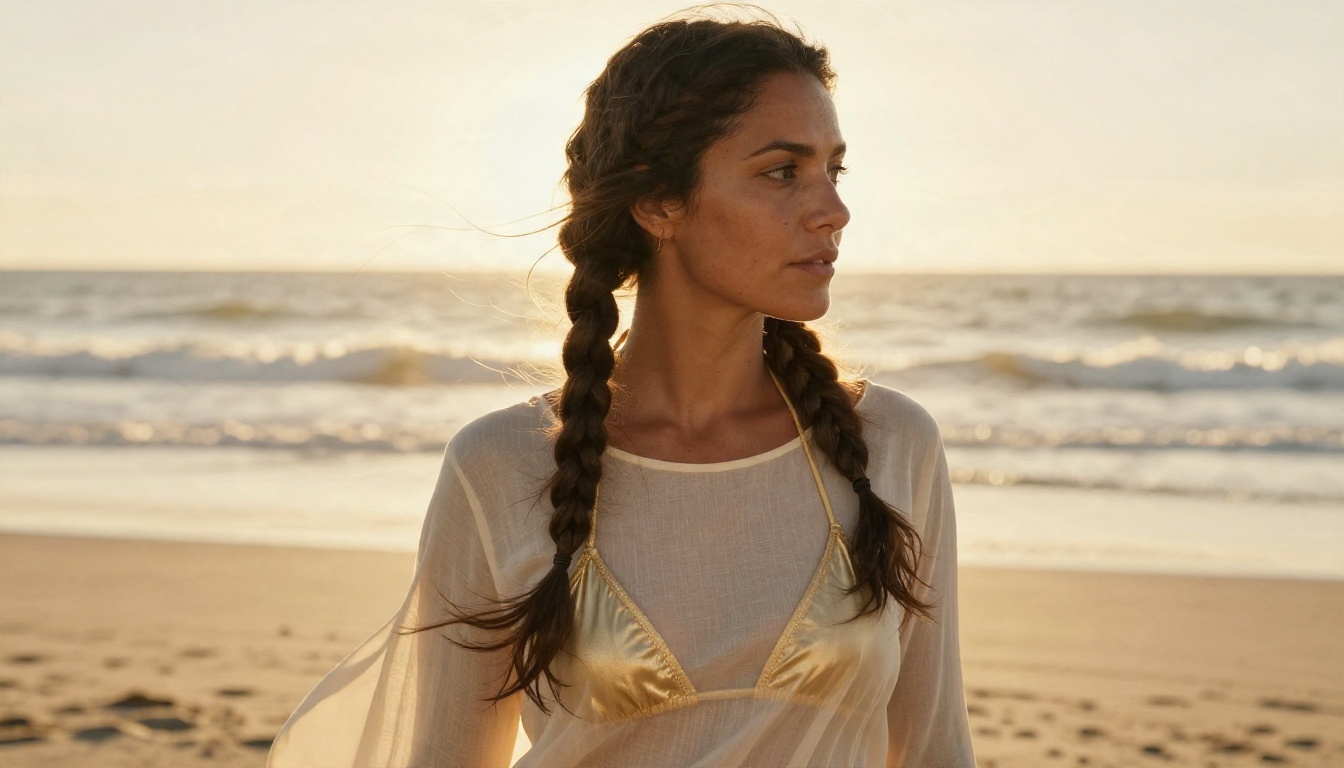
Backlight is flattering. A low sun behind the subject creates a warm rim along hair and shoulders, and a telephoto lens compresses the background into a soft wash. Wind in a sheer cover-up adds natural motion.
The quiet at-home look
Soft lamp light, a book, a velvet sofa. It reads as intimate and relaxed rather than staged, and it is easy to reproduce because the elements are simple.
The rooftop evening
Mixed light is the trick here: warm string lights near the subject, cool blue twilight behind. The contrast gives depth, and a backless satin dress catches both tones.
Fix Common Problems
Even good models slip. These are the issues you will hit most, and what solves them.
Plastic or waxy skin
Add texture words: "visible pores, faint freckles, fine flyaway hairs, natural sheen." Also name a film stock like Kodak Portra 400, which pushes the model toward photographic grain instead of airbrushed smoothness.
Wrong hands and fabric
Ask for simpler poses. Hands resting on a book, a chair or hair are more reliable than hands in complex positions. For fabric, name it exactly: "satin," "lace trim," "linen," rather than just "dress."
Face drift between images
Reuse the identity block word for word, and keep the same lens and light vocabulary. When drift still happens, repair in Image Editor Pro instead of regenerating from scratch.
Filter refusals
If a model refuses a suggestive but tasteful prompt, rephrase with fashion language: "boudoir editorial," "lingerie campaign," "swimwear shoot." Seedream 4.5 and Image Editor Pro are the most forgiving options for adult glamour that stays non-explicit.
💡 Quick checklist before you render: age range stated, fabric named, light direction named, lens named, identity block pasted.
Quick Reference Table
| Goal | Prompt phrase to add |
|---|
| Realistic skin | "visible pores, subtle sheen, fine hair" |
| Soft glamour | "85mm f/1.8, shallow depth of field" |
| Warm film look | "Kodak Portra 400, film grain" |
| Flattering light | "soft window light from the left" |
| Sunset mood | "low backlight, warm rim glow" |
| Fabric realism | "satin folds, lace trim, linen weave" |
Create Your Own Characters Today
You now have the full workflow: pick a clear adult character, write a five-part prompt, render a few variations, then refine. Start with Seedream 4.5 for the first render and move straight into PicassoIA Image Editor Pro for unlimited edits, then run quick drafts with Z Image Turbo whenever you want to test new ideas fast.
Copy one of the prompts above, change the hair color, change the dress, change the light, and see what comes back. That loop of small changes is the whole craft, and it is quick and free to run. When you want more options, browse the full catalog at picassoia.com/en/all-models and try a different model for the same prompt. Open Picasso IA, paste your first prompt, and build the character you have been picturing.


