Type a sentence, wait a minute, and watch a person on screen move the way you described. That is the promise behind every sex videos generator you will find online, and it is mostly true, with some honest caveats. Quality depends on the model you pick, the image you start from, and how you write the prompt. The limits are real too: clip length, resolution, content filters and the rules about consent.
This article stays on the sensual, glamour side of adult AI video: boudoir mood, swimwear, lingerie, slow romantic scenes. It does not describe explicit acts. What you get is a clear picture of what free and online really mean, which models are worth your time, how to write prompts that produce believable motion, and where every tool runs out of road.
💡 Adults only. Use AI video for fictional characters or for people who have clearly agreed to it. Never use a real person's face without their consent, and never depict anyone under 18. Reputable platforms block both.
What a Sex Videos Generator Does
An AI video generator is a model trained on huge amounts of footage. You give it text, a still image, or both, and it predicts a short sequence of frames that matches your request. When people search for a "sex videos generator", they usually want one of three things:
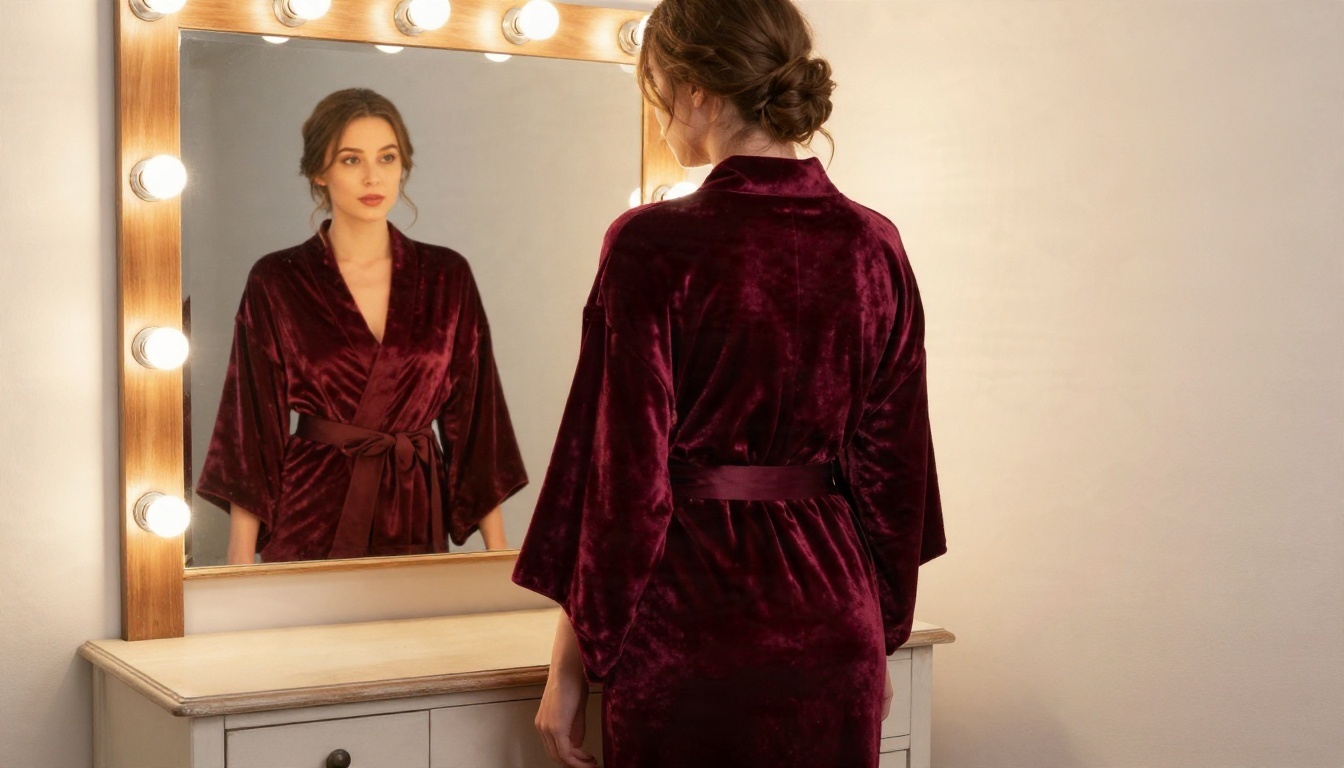
- A sensual clip of a fictional character, such as a woman in a silk robe turning toward the camera.
- A romantic scene between two adults, shot like a film still that begins to move.
- An animated photo: a glamour portrait that gains breathing, hair movement and a slow camera push.

Text to video vs image to video
Text to video starts from words only. It is fast, and it gives the model freedom, which is also its weakness: faces, outfits and rooms change from one generation to the next.
Image to video starts from a still frame you already like. The model keeps the face, outfit, lighting and room, then adds motion. For adult style content this is nearly always the better route, because you approve the look first and animate second. Models such as Wan 2.6 I2V and Wan 2.7 I2V are built for exactly this job.
Why quality jumped
Two years ago, AI clips looked like melting wax. Today the best models handle skin texture, fabric folds, hair strands and even synchronized sound. Some, like Veo 3.1, generate native audio, so a whisper, a breeze or room tone arrives with the picture. That realism is what makes the consent rules matter more, not less.
Free and Online: What You Really Get
"Free" is the most overloaded word in this niche. Before you spend an evening on a tool, know which kind of free you are looking at.
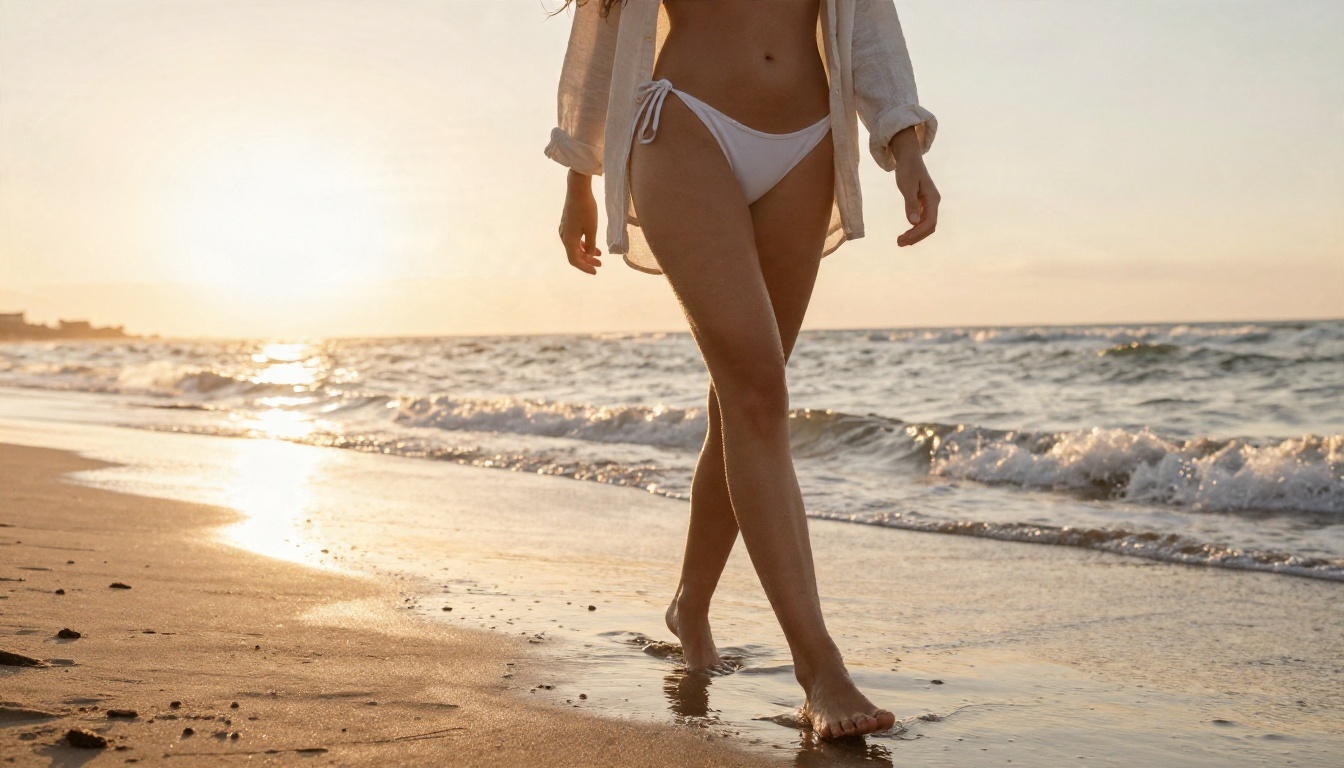
Free trial vs truly unlimited
| Type of free | What it means | Catch |
|---|
| Free trial credits | A handful of generations, then a paywall | Runs out after a few clips |
| Watermarked free tier | Unlimited tries with a logo on every clip | Unusable for sharing |
| Daily quota | A few generations that reset each day | Slow iteration |
| Unlimited free models | No cap on generations | Shorter clips or lower resolution |
The last row is where you want to be. PicassoIA Video is described as a free, unlimited generator for text or image input, and Seedance 2.5 Lite is listed as free and unlimited for clips up to 10 seconds. When retries cost nothing, you can afford the five or six attempts that a good clip usually takes.
Browser based, nothing to install
Everything here runs online. No GPU, no Python environment, no model weights to download. You open a page, upload an image or type a prompt, pick a model, and press generate. That also means your results depend on the platform's filters, which brings us to the next topic.
💡 Why unlimited matters more than resolution. A 720p clip you can retry ten times beats a 1080p clip you can afford once. Draft cheap, then upscale the winner.
Best Models for Adult Style Clips
Not every model treats sensual content the same way. Some refuse almost anything with skin, others allow tasteful boudoir and glamour. The sensible order is to build the still image on a permissive image model, then animate it with a video model that handles motion well.
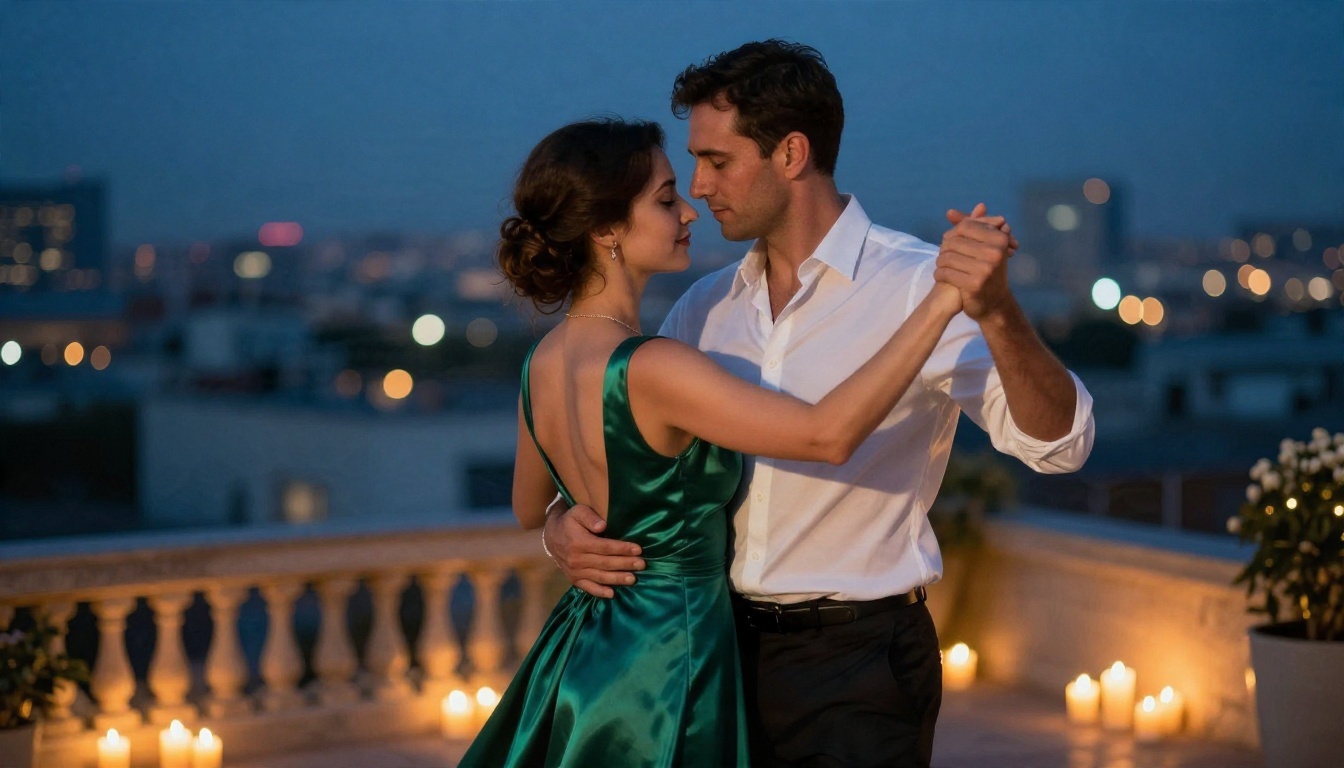
Start with Seedream 4.5 stills
Seedream 4.5 is the model to begin with. It produces sharp 4K images with natural skin, believable fabric and good lighting control, and it is far more relaxed about adult glamour subjects than most mainstream image models. Generate your character here: the outfit, the pose, the room, the light. That image becomes frame one of your video.
Image Editor Pro for fixes
Rarely does the first still come out perfect. A strap sits wrong, a hand looks odd, the background has a stray object. PicassoIA Image Editor Pro lets you edit the picture with plain language, and it offers unlimited generations, so you can fix things as many times as you need before spending anything on motion.
Video models worth testing
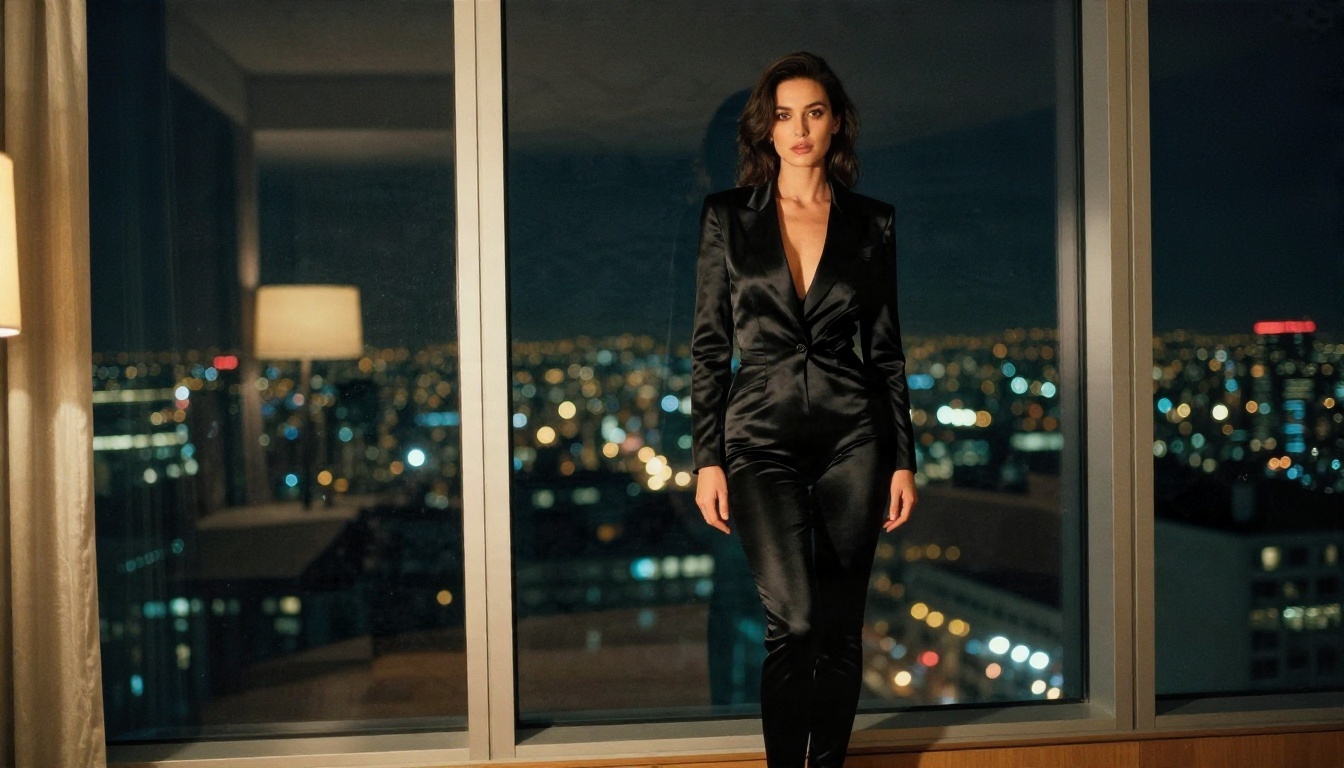
Filters differ from model to model and change over time. If a clip is refused, try a different model with the same image before you rewrite the whole prompt. For more options, browse picassoia.com/en/all-models.
Prompts That Actually Work
Most bad AI videos come from bad prompts. Typing "sexy woman" gives the model nothing to work with, and it fills the gaps with generic, plastic results. A good prompt reads like a shot list.
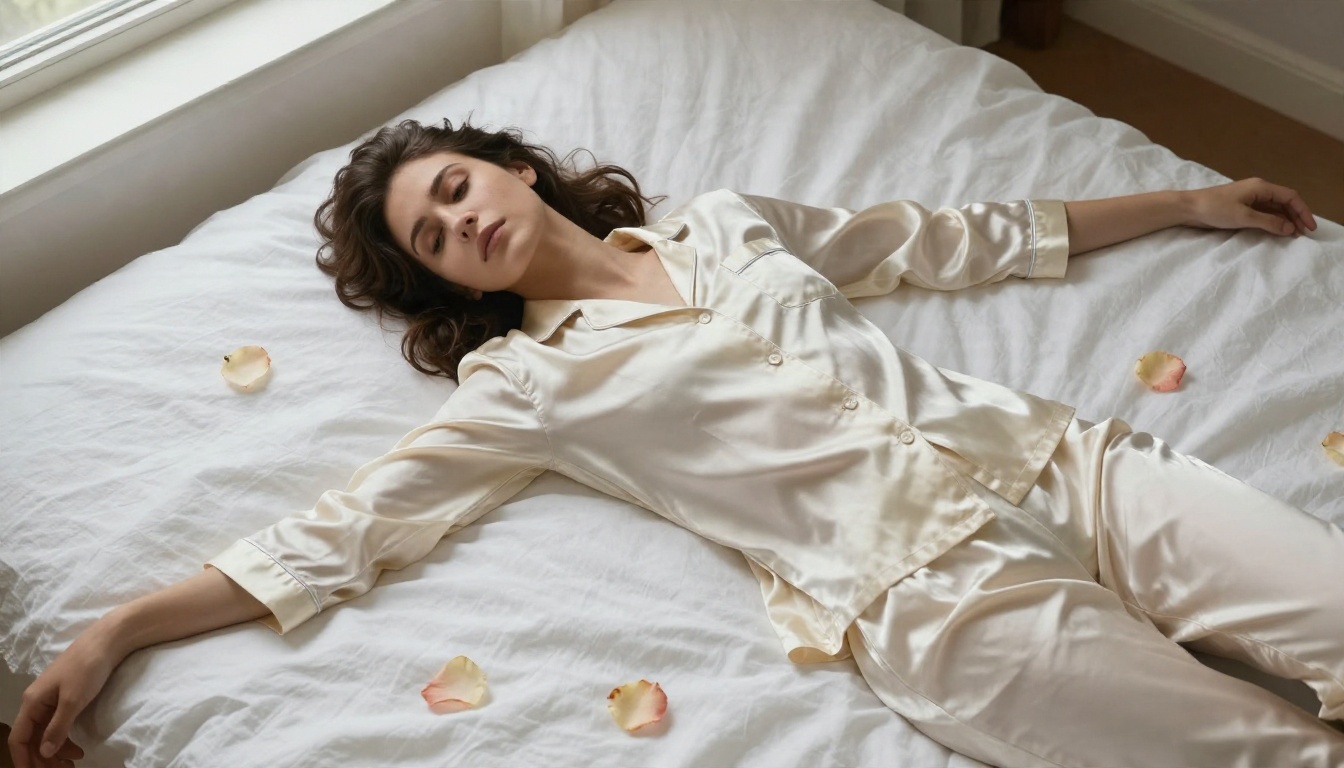
A prompt formula
Use this order every time:
- Subject and starting pose. Who is in frame and what are they doing at second zero?
- Motion over time. What changes across the five seconds?
- Camera. Static, slow dolly in, gentle pan, orbit?
- Light and mood. Window light, candlelight, golden hour?
- Style anchor. Photographic words: 85mm lens, film grain, natural skin.
A working example:
A woman in a champagne silk slip dress sits on the edge of a linen bed, looking down. She slowly raises her head toward the camera and smiles, one hand brushing hair from her shoulder. Slow dolly in. Warm morning light from a window on the left. Shot on 85mm, shallow depth of field, film grain, natural skin texture.
Motion words that behave
Models respond best to verbs they have seen thousands of times in footage. These are reliable:
- Slowly turns, glances, smiles, exhales, tucks hair behind her ear
- Fabric sways, curtains stir, hair moves in a light breeze
- Camera drifts closer, camera orbits left, camera tilts up
Avoid vague or stacked actions such as "dances sensually while turning and walking and laughing". One clear action per clip gives a much more believable result than four fighting for attention.
Negative space in your prompt
Say what you want, not what you fear. "No extra fingers" tends to plant the idea of fingers. Instead, give the hands something simple to do, like holding a coffee cup or resting on a knee. Fewer visible hands means fewer anatomical errors.
The Real Limits
Every guide to this topic should say plainly what you cannot do yet. Here are the limits you will hit.
Duration and resolution
Most clips run 5 to 10 seconds. A few models stretch further: Seedance 2.5 reaches around 30 seconds. Longer clips drift more, because the model has to keep a face and a room consistent across hundreds of frames. The practical answer is to build a scene from several short clips and cut them together.
Resolution varies from 480p drafts up to 1080p and beyond on premium models. A good habit: draft at low resolution, pick the best motion, then upscale with a super resolution or video enhancement tool.
Filters and consent rules
Three kinds of limits apply, and none of them is a bug:
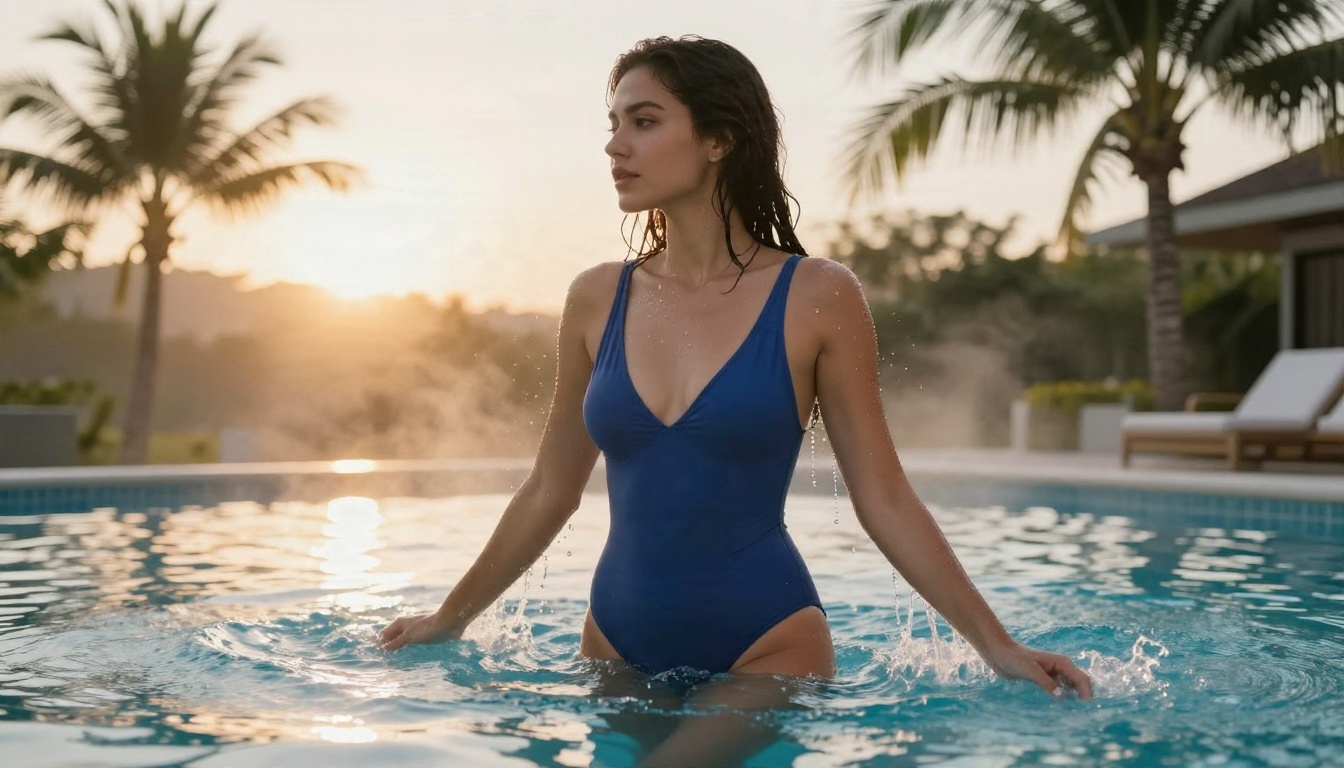
- Platform filters. Many services block anything beyond swimwear. Others allow glamour and boudoir. Pornographic output is blocked or refused on most responsible platforms, and this article does not promote it.
- People you cannot use. Real individuals without consent, public figures, and anyone who looks underage. This is both a legal and a moral line.
- Platform terms. Where you post the result has its own rules. Check them before you upload.
💡 If a prompt is refused, rewording it into photographic language usually fixes a false alarm. "Woman in a silk robe by a window at sunrise" passes where a vague, loaded phrase does not.
Consistency and hands
Faces drift, jewelry vanishes, a sleeve changes color halfway through. Hands are still the weak spot: fingers merge, bend wrongly or multiply. Image to video, a short duration and a simple hand position reduce all of these problems. For character continuity across several clips, a reference based tool such as PicassoIA Bruma Reference to Video is worth testing.
Step by Step Workflow
This is the routine that gets the most from free, online tools.
- Write the still prompt. Describe the character, outfit, room and light in photographic terms. Mention lens and film grain.
- Generate with Seedream 4.5. Make four or five versions and pick the one with the best face and lighting.
- Fix details in Image Editor Pro. Adjust a strap, clean a background, soften a shadow. Unlimited edits mean no pressure.
- Pick a video model. Start with free drafts on Seedance 2.5 Lite or PicassoIA Video.
- Upload the still as frame one. Write a short motion prompt using the formula above. One action, one camera move.
- Compare three takes. Same image, same prompt, different seeds or different models. Keep the best.
- Polish the winner. Move to Wan 2.6 I2V, Kling v3 Video or Veo 3.1 if you want higher fidelity or audio.
- Join the clips. Cut several short takes into a scene with a video editing tool, and add music or voice if you like.
Common Mistakes
Three errors cost people the most time.
Starting with text to video
Skipping the still image is the most common mistake. Without a fixed first frame, you gamble on every generation. Lock the look first.
Overloading the prompt
Fifty words of adjectives do not help. Five clear sentences do. Anything the model cannot picture becomes noise in the video.
Paying before testing
Plenty of tools demand a subscription before you have seen a single output. Use the free and unlimited options to learn how each model behaves, then pay only if you need a specific feature such as 1080p or longer clips.
💡 Quick checklist: adult characters only, one action per clip, image first, three takes, upscale last.
Make Your First Clip Today
You do not need a studio, a camera or a budget to try this. Pick a mood, write a still prompt, and generate it with Seedream 4.5. Fix anything small in PicassoIA Image Editor Pro, where generations are unlimited, then send that image into Seedance 2.5 Lite and watch it move.
Treat the first clip as a test. Change one thing at a time: the camera move, the light, the single action. You will see within a few tries which wording your favorite model responds to. Open Picasso IA now, run your first prompt, and see what a five second shot of your own can look like. When you want more choice, browse every model at picassoia.com/en/all-models.


