You download a flirty AI chat app, send six messages, and a paywall slides over the screen. Sound familiar? That is the standard experience with sexting AI apps in 2027. The free tier teases you, the paid tier costs as much as a streaming bundle, and the content filters change without warning. Before you hand over a card number, it helps to know what each type of app really gives you, where the limits sit, and what you can do instead.
This article breaks down the free options, the real pricing, the caps that catch people out, and a set of alternatives that give adults more creative room. Everything here is for people 18 and over, and it sticks to suggestive, non-explicit territory.
💡 Quick take: Free plans are fine for testing a personality. Paid plans are worth it only if you chat daily. If you mostly want attractive, personalised visuals to go with your chats, an image generator is usually the better spend.
What These Apps Actually Do

Chat Companions vs Roleplay Bots
Most apps in this space fall into two camps. Companion apps such as Replika and Nomi build one ongoing character who remembers your name, your mood and your inside jokes. Roleplay platforms such as Character.AI and CrushOn AI let you pick from thousands of user-made characters, each with a different personality and scenario.
Companion apps feel more personal. Roleplay platforms feel more varied. Neither is automatically better, and the right choice depends on whether you want one steady partner or a rotating cast.
Why People Use Them
The reasons are less scandalous than the headlines suggest. Some people want low-pressure practice at flirting. Others want a private creative outlet, a bit of fantasy writing, or simply company at 1 a.m. that does not judge them. A smaller group uses the chats as inspiration for stories or character art.
That variety matters because it shapes what you should pay for. Someone who wants a daily companion needs memory and voice. Someone who wants fiction needs long context and flexible characters.
Free Options Compared
What Free Plans Include
Free tiers exist mainly to get you attached. You usually get basic text chat, a limited number of characters, and a trimmed version of the memory system. Voice calls, photo features, and the spicier content settings tend to sit behind the paywall.
Here is how the main names compare, based on what recent reviews report. Plans and prices shift often, so check each app before you commit.
| App | Free tier | Typical paid price | Flirty content stance |
|---|
| Replika | Basic chat, tight limits on extras | Roughly $14 to $15 per month | Romantic features mostly paid |
| Character.AI | Free with ads | Around $10 per month | Strict filters, no explicit content |
| Nomi | Limited daily messages | Roughly $13 to $16 per month | Relatively relaxed within limits |
| CrushOn AI | Small monthly message allowance | Around $10 per month | More permissive roleplay |
| Grok | Free access to a chatbot | Premium tiers start much higher | Looser tone, still has rules |
Message Caps You Will Hit
Caps are where free plans bite. Some apps allow a few dozen messages per day. Others give you a small monthly pool that vanishes in one long evening. Reviews I found put free daily limits anywhere between 10 and 100 messages, depending on the platform, and one popular roleplay site offers only about 50 messages a month on its free plan.
💡 Tip: Spend your free messages on a single character instead of testing five. You will learn more about whether the app suits you after one long conversation than after ten greetings.
Real Pricing in 2026

Typical Monthly Costs
Most subscriptions land between $10 and $16 per month. Annual plans knock the price down, often to the equivalent of $8 to $10 monthly, while premium bundles from bigger chatbot brands can run $30 or more. Sources disagree on exact figures, which tells you something: prices change fast, and promotional rates are common.
| Billing style | What you pay | Who it suits |
|---|
| Monthly | About $10 to $16 | Anyone testing for a few weeks |
| Quarterly | About $40 | People who like one character |
| Yearly | About $95 to $100 | Daily users who are sure |
| Premium chatbot tier | $30 and up | Heavy users who want a general assistant too |
Hidden Costs to Watch
The sticker price is rarely the final price. Look out for:
- Credits or gems for photos, voice messages and special scenes
- Auto-renewal that quietly rolls into a pricier annual plan
- Tier locks where the feature you wanted is on the next plan up
- Regional pricing that differs between app stores and websites
Buying through the website instead of the app store sometimes saves a few dollars, but not always. Read the renewal date before you tap confirm.
Limits That Catch People Out

Content Filters Shift Constantly
Almost every platform has a filter, and almost every platform changes it. An app that felt relaxed in spring can feel stiff by autumn after a payment processor, app store or regulator pushes back. Character.AI is the clearest example of a strict approach. Others advertise looser rules but still block certain topics.
If a character suddenly turns cold or refuses to continue, that is usually the filter, not you. Rewording rarely fixes it.
Memory Fades Faster Than You Think
Free plans often shorten the memory window. Your character may forget a favourite nickname, a plot thread or a promise from last week. Paid plans stretch this, but no app remembers perfectly. For long stories, keep a short notes file you can paste back in.
Privacy Is the Real Price

Intimate chats are sensitive data. Many apps store transcripts on their servers, use them to improve models, and have varying rules about deletion. Before you type anything personal, check four things: whether chats are encrypted, whether you can delete your history, whether the app trains on your messages, and what happens to your account if the company shuts down.
💡 Safe habit: Use a nickname, skip real names and workplaces, and never share photos of real people without their clear permission.
Alternatives With More Freedom

Skip the Chat, Build the Visual
Here is the part most app reviews miss. If what you really want is a flirty fantasy that looks good, a chat app is the slow route. An AI image generator lets you design the character, the outfit, the lighting and the mood, then keep the result forever. No message caps, no subscription tied to one persona.
For glamour, swimwear and boudoir-style imagery that stays suggestive without going explicit, start with these models on PicassoIA, in this order:
- Seedream 4.5 for sharp 4K portraits with believable skin and fabric
- PicassoIA Image Editor Pro for unlimited generations and quick edits
- Seedream 4 for fast, reliable 4K results
- Grok Imagine Image 2 for 2K images with a more relaxed, editorial feel
- Qwen Image 3 Pro for photorealistic people with clean detail
PicassoIA gives you uncensored-style freedom for tasteful adult aesthetics and speed that does not depend on a message counter. You type a prompt, and a few seconds later you have a finished picture.
Draft Flirty Text With a Language Model
If you still want the words, a general-purpose language model can help you write playful, suggestive messages, short fiction or character backstories. Every model has its own content rules, so expect it to stay tasteful. Good options on PicassoIA include Llama 4 Maverick Instruct, Gemini 3.5 Flash and Kimi K2.6.
A neat workflow: write the character profile with a language model, then paste the description into an image model to get a matching portrait.
Make Companion Visuals on PicassoIA
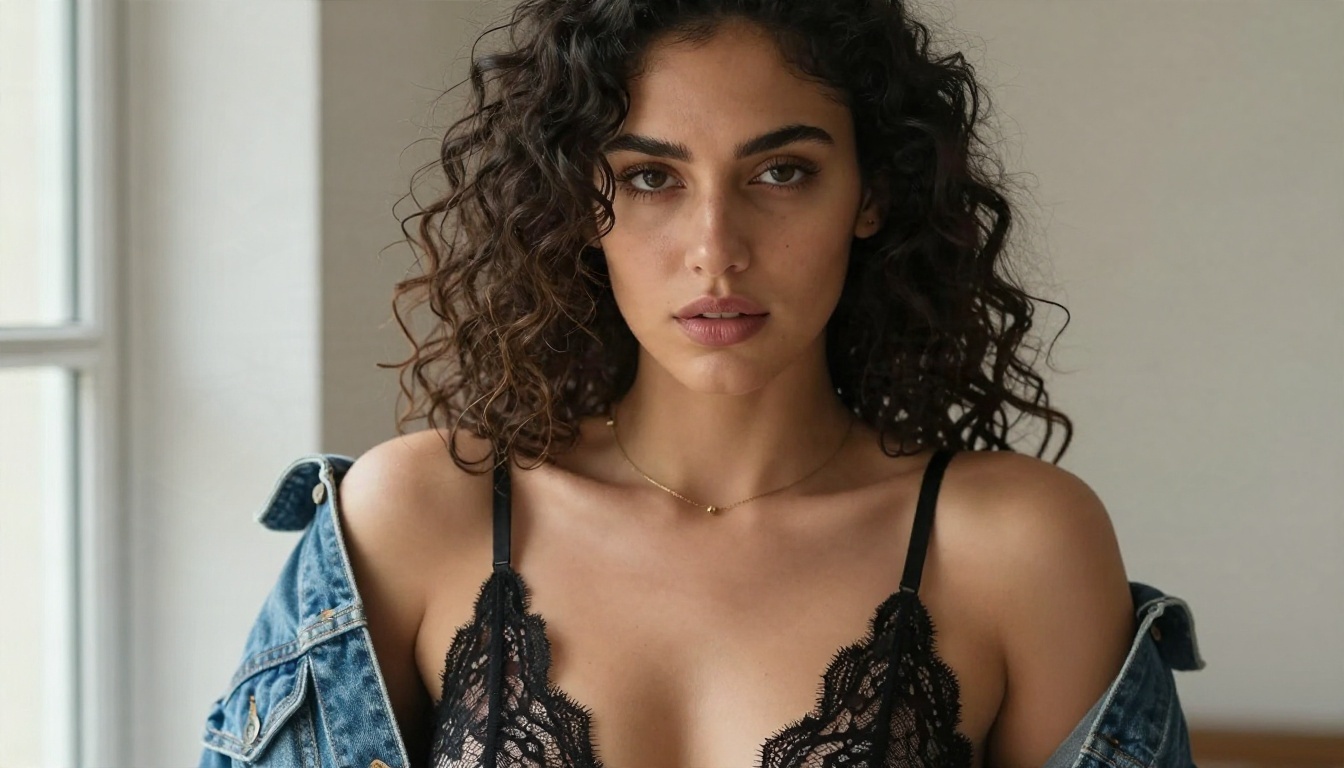
Here is how to build a consistent, attractive character with Seedream 4.5, the model to try first.
- Open the model page and choose the 16:9 or 3:4 aspect ratio, depending on whether you want a wide scene or a portrait.
- Write the subject first. Age (adult), hair, expression, outfit, and pose.
- Add the setting. Hotel room, balcony, vanity, beach, or sofa.
- Set the light. Golden hour from the left, soft window light, warm lamp glow.
- Name the camera. An 85mm lens at f/1.8 gives that shallow-focus portrait look.
- Generate, pick your favourite, and refine by changing only one detail at a time.
Prompt Tips That Work
- Describe skin texture (fine pores, light sheen) so faces do not look plastic.
- Name fabrics such as satin, lace or knit, because the model renders them well.
- Use film language like Kodak Portra 400 and soft grain for a natural, magazine look.
- Keep the mood in plain words: playful, confident, relaxed, intimate.
- Avoid stacking ten adjectives. Three or four strong ones beat a pile.
Edit Without Starting Over
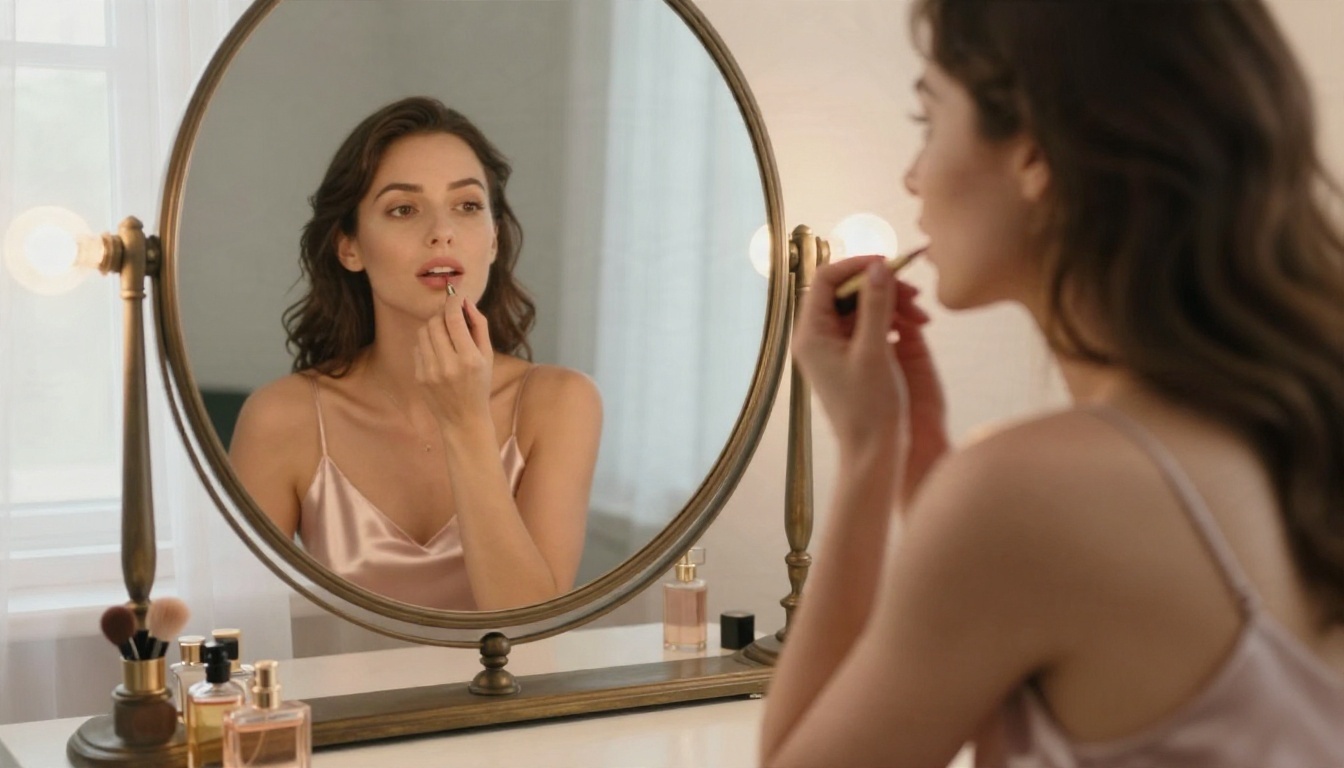
Found a shot you like but the outfit is wrong? Open it in PicassoIA Image Editor Pro. You can change clothing colour, swap the background, soften the light or fix small details with a plain-language instruction. Because generations are unlimited there, you can iterate ten or twenty times without watching a counter.
💡 Pro move: Generate your base image in Seedream 4.5, then use the editor for outfit and background variations. You end up with a whole photo set of the same look.
Safety Rules Worth Following
Age and Consent
Only create images of fictional adults. Never generate or edit pictures of real people without their explicit permission, and never anything involving minors. Reputable platforms enforce this, and so should you.
Protect Your Data
Treat any chat app like a public place until proven otherwise. A few simple habits:
- Use a separate email for companion apps
- Turn off chat training or data sharing if the app offers it
- Pay with a card or method you can cancel fast
- Set a calendar reminder two days before any trial ends
- Delete old conversations you would not want leaked
Try It Yourself

Sexting AI apps are fine for a bit of fun, but their free plans run out fast, their prices add up, and their filters can turn on you overnight. If you want attractive, personal results without a daily cap, make the pictures yourself.
Open Seedream 4.5, write a three-line prompt for your own fictional character, and see what comes back. Then take your favourite into PicassoIA Image Editor Pro and keep refining for as long as you like. When you want even more options, browse the full library at picassoia.com/en/all-models and pick the model that fits your style.


