You open a browser tab, you want a flirty conversation, and you do not want to hand over an email address, a phone number or a credit card first. That is the whole appeal of a sexting bot with no sign up. No profile, no verification email, no onboarding quiz. Just a text box and a character who talks back.
It sounds simple, and sometimes it is. But "no sign up" is a marketing phrase, not a technical promise, and the free tier behind it usually comes with strings attached: message caps, short memory, content filters and fuzzy privacy rules. This article sorts out what you can realistically expect, which kinds of tools work, which prompts give you a playful tone without hitting a wall, and how to protect yourself while you chat.
One boundary up front. Everything here is for adults 18 and over, for consensual, fictional, non-explicit flirting with an AI character. Do not use a bot to imitate a real person without their consent, and never involve anyone underage. Keep it playful, keep it fictional, keep it private.

What "No Sign Up" Really Means
Before you pick a tool, it helps to decode the phrase. A site can skip the registration form and still know quite a lot about you.
No Account Is Not No Logging
When a site says it needs no account, it only says you do not have to create a username and password. It does not say your messages are deleted the moment you close the tab. Many free chat sites still send your text to a server, because that is where the language model runs. Whether that server keeps a copy, for how long, and who can read it depends entirely on the operator's policy.
Some reviews of free companion sites point out that very few of them offer end-to-end encryption for conversations, and that is a reasonable thing to assume by default. Treat every chat like a postcard, not a sealed letter.
Cookies, Tokens and Local Storage
Anonymous chat usually works through one of three tricks:
- Browser cookie or token. The site gives your browser an ID so it can count messages and remember the thread.
- Local storage. The conversation history sits in your browser, not on a server account, which feels more private but disappears if you clear your data.
- IP-based limits. The site counts usage by network address, which is why a free daily cap can reset when you switch from Wi-Fi to mobile data.
💡 Quick test: open the site in a private window. If your previous character and history vanish, the memory is tied to a cookie or local storage. If it all comes back, there is an account of some kind behind the scenes, whatever the homepage claims.

Free Chat Options That Work
There is no single best choice. The right pick depends on how much flirting you want, how long you want the bot to remember you, and how relaxed you are about your data.
Browser-Based Companion Sites
These are the sites built around characters: a barista, a rival, a long-distance partner, a fictional celebrity-style persona. Some let you chat before you register, and some give you a handful of free messages before a prompt appears asking you to create an account.
What to expect on the free tier:
- A daily message cap on some platforms, with others advertising no cap at all.
- A short context window, meaning the character forgets details after a while.
- Slower replies during busy hours.
- Optional paid upgrades for memory, image features and more characters.
Pricing and caps change often, so check the live terms before you commit to any platform.
General LLMs With Flirty Limits
A regular large language model is a different animal. It will happily write banter, romantic texts, love-note drafts, date-night messages and playful roleplay, but it will refuse or steer away from explicit material. That is a feature if you want something tasteful, and a limit if you want the opposite.
Several general-purpose models are available in the PicassoIA collection:
Use them for flirty, suggestive, romantic writing. For anything explicit, expect polite refusals from all of them.
Open-Weight Models at Home
If privacy matters more to you than convenience, running an open-weight model on your own machine keeps every message local. It takes some setup and a decent graphics card, and the quality depends on the model size. It is the closest thing to a truly private chat, but it is not a no-effort option.
| Option | Sign up needed | Typical limit | Privacy feel | Best for |
|---|
| Companion site, guest mode | Often none at first | Daily or total message cap | Unclear, check policy | Quick, casual flirting |
| Companion site, free account | Email | Daily cap or slow queue | Account-linked history | Ongoing characters |
| General LLM chat | Varies | Fair-use limits | Depends on provider | Romantic, tasteful writing |
| Local open-weight model | None | Your hardware | Messages stay on your device | Maximum control |

Prompts That Set the Mood
A bot is only as good as the setup you give it. A vague opener such as "talk to me" gets a vague, generic reply. A clear character brief gets personality, pacing and a tone that stays consistent for more than three messages.
Character Setup Prompt
Paste this first, then tweak the details:
"You are Mara, a witty, confident 29-year-old bookshop owner. We are two adults who enjoy playful, teasing banter. Keep replies to two or three sentences, stay in character, and let the flirting build slowly. Suggestive is fine, explicit is not. Ask me one question at the end of each message."
Why it works: it names a personality, sets reply length, defines pacing, states a boundary and gives the bot a question habit that keeps the chat moving without you doing all the work.
Tone and Boundary Prompts
Short steering lines are useful mid-conversation:
- "Slow down a little and build the tension."
- "Make this more playful and less serious."
- "Switch to a sweet, romantic tone."
- "Pause the roleplay. Let's talk normally for a minute."
- "Keep it suggestive, not graphic."
Good bots respect these. If a bot ignores a clear "stop" or "slow down", close the tab. Consent matters even when the other side is software, because it shapes the habits you bring to real conversations.
Prompts for Long-Distance Couples
An AI can also be a writing partner for real relationships. If you and your partner are apart, try:
- "Write five flirty good-morning texts for my girlfriend, each under 20 words, warm and a little cheeky."
- "Suggest three playful questions I can send tonight that build anticipation for our weekend."
- "Rewrite this message so it sounds confident and relaxed instead of nervous."
That kind of use is often more useful than a pure character chat, because you end up with messages you actually send to a real person who actually wants them.
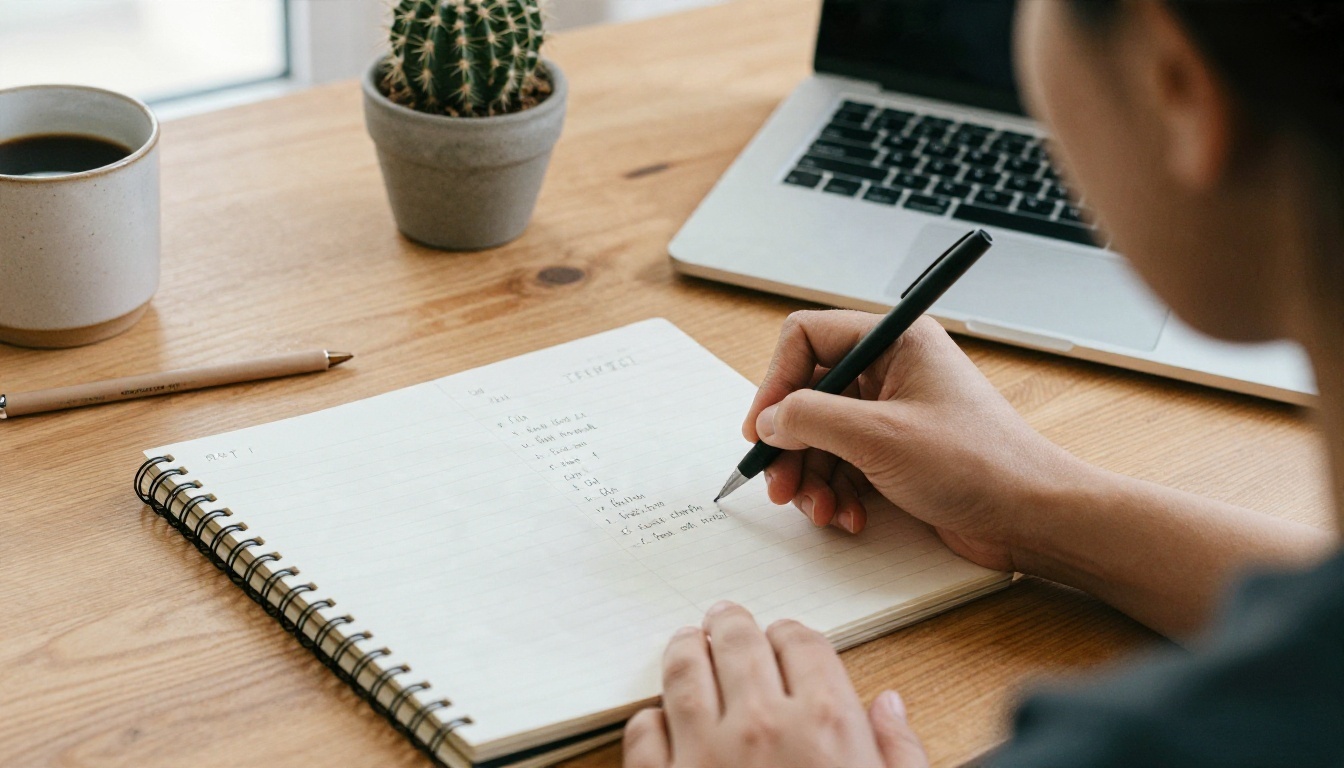
💡 Prompt formula: Who the character is + how long replies should be + what tone to hold + what is off the table + how to end each message.
Limits You Will Hit
Free and anonymous come with predictable ceilings. Knowing them in advance saves frustration.
Message Caps and Memory
| Limit | What happens | Workaround |
|---|
| Daily message cap | Chat locks until the next reset | Pace yourself, use longer messages |
| Short memory | Character forgets names and details | Re-paste a short character summary every so often |
| Queue or slow replies | Long waits at peak hours | Try off-peak times |
| Session loss | History vanishes when cookies clear | Copy the setup prompt to a note on your device |
A trick that helps with short memory: keep a three-line summary of your character and the story so far in a private note. When replies start drifting, paste it back in and the bot snaps back into character.
Content Filters
Almost every mainstream tool has filters. Even the ones that advertise freedom usually block certain categories entirely, and for good reason. Expect these behaviors:
- Soft redirects, where the bot changes the subject or turns the scene romantic instead.
- Hard refusals, where it states it cannot continue.
- Silent rewrites, where replies come back toned down without explanation.
If you are building your own chat product or community, a moderation model like Llama Guard 4 12B can screen messages for unsafe categories, which is exactly the kind of safeguard a responsible flirting app should have.
Privacy Rules Worth Following
The riskiest thing about an anonymous chat is the false sense of safety it creates. The words feel disposable, but a server may not treat them that way.
Safe Habits
- Never share real identifying details. No full name, address, workplace, phone number or face photos.
- Use a made-up persona for yourself, not only for the bot.
- Skip payment details on sites you have not checked. If a "no sign up" site suddenly asks for a card, stop and read the terms.
- Look for a deletion option and a plain-language retention policy.
- Do not reuse passwords if you do eventually create an account, and use a throwaway email address for low-stakes chats.
- Keep screenshots private. A saved chat is a saved chat, even if the site deletes it.
- Be wary of lookalike sites pushing downloads or browser extensions. A legitimate web chat needs neither.
Red Flags to Close the Tab
- The site demands you verify through a social media account.
- It asks for photos of you.
- There is no privacy policy anywhere.
- It pushes you toward a download "to continue chatting".
- Pricing is vague, with trial terms hidden in small print.
Pair Chat With Photoreal Images
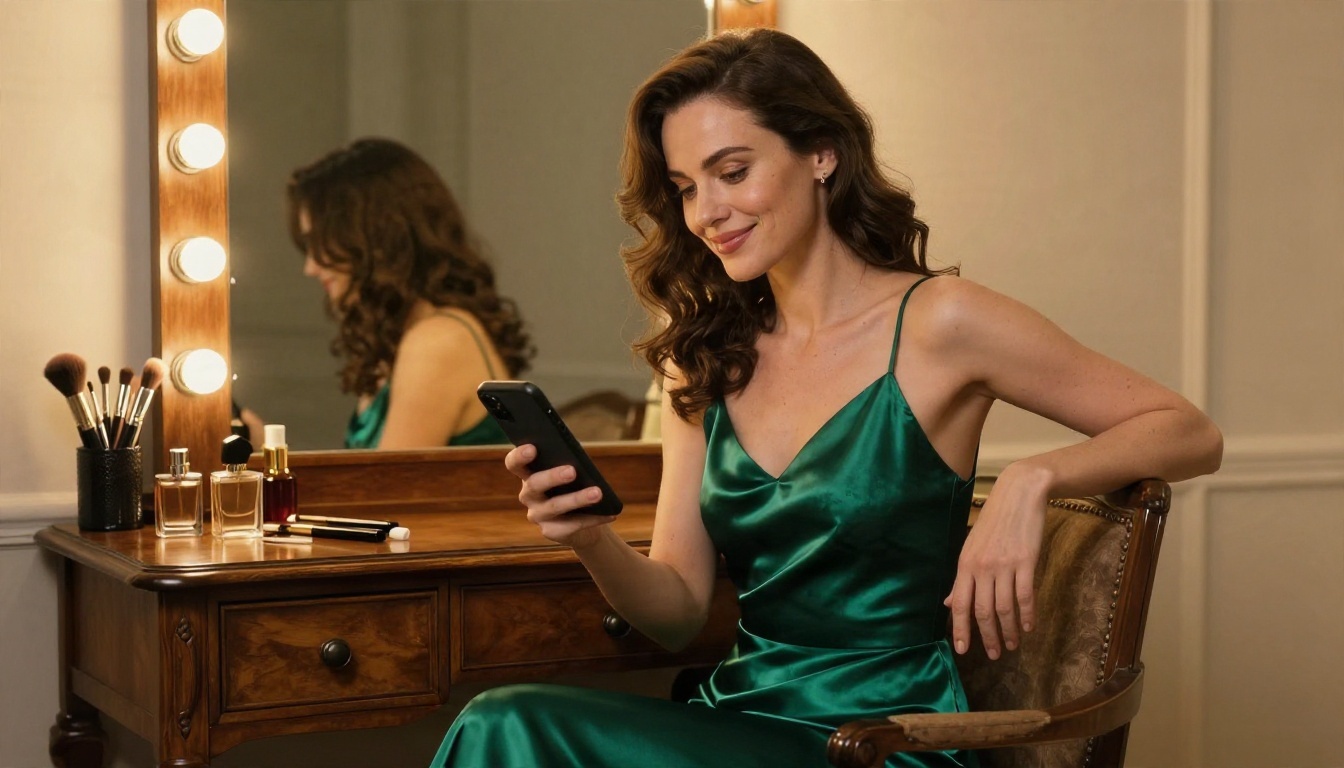
Text is only half of the experience for many people. A character feels more real when it has a face, a style and a setting, and that is where image generation fits in. For tasteful, glamour-style, non-explicit visuals, two tools on PicassoIA lead the pack.
Seedream 4.5 for Glamour Portraits
Seedream 4.5 is the first model to try. It produces sharp, photoreal people with believable skin, fabric and lighting, and it is fast enough that you can iterate on a character look in a few minutes. It handles suggestive, attractive portraits such as satin outfits, evening light and stylish poses without losing realism.
How to use it:
- Open the model page and choose a 16:9 or 3:4 ratio depending on whether you want a scene or a portrait.
- Write the subject first: "adult woman in her late twenties, wavy chestnut hair, black satin camisole, cream cardigan."
- Add the setting and light: "velvet sofa, golden hour window light from the left."
- Add camera details: "85mm f/1.8, shallow depth of field, Kodak Portra 400 grain."
- Generate, then adjust one detail at a time: outfit, lighting or angle.
💡 Prompt tip: describe skin and fabric textures. Words such as "visible pores", "satin sheen" and "knit wool fibers" push the result away from the plastic look.
Image Editor Pro for Unlimited Edits
PicassoIA Image Editor Pro is the follow-up tool. It offers unlimited generations, so you can tweak a look dozens of times without watching a counter, change an outfit, fix a detail or shift the background. If you plan to build a consistent character across many pictures, this is where you will spend most of your time.
A simple workflow:
- Generate your base portrait with Seedream 4.5.
- Bring it into Image Editor Pro and change one thing per pass: a jacket color, a hairstyle or the room.
- Keep a short text note of the winning prompt so you can reproduce the character later.
For more options, browse the full catalog at picassoia.com/en/all-models.

Who Should Use These Bots
Not everyone needs one, and not everyone will enjoy one. Here is a fair read.
They suit you if:
- You want low-pressure practice at flirting and writing playful messages.
- You like interactive fiction and character-driven roleplay.
- You are curious about the technology and want to see how far it goes.
- You want help drafting messages for a real partner.
They probably do not suit you if:
- You expect total privacy from a free, anonymous website.
- You hope a bot can replace real connection. It cannot, and the best use is as a supplement.
- You tend to overshare when you feel safe.
💡 Reality check: a bot mirrors you. It is trained to be agreeable, so its enthusiasm is not evidence of anything. Enjoy it for what it is, a writing partner with a persona.
Quick Answers to Common Questions
Can I really chat with no account at all? Sometimes, for a few messages. Most sites eventually ask you to register once you hit a cap.
Is a no sign up bot anonymous? It is less identifying than a full account, but your IP address, device and message content can still be recorded.
Why does the bot forget me? Models have a limited context window. Paste a short summary of your character and story to restore it.
Why did it refuse my message? Content filters. Rephrase toward a romantic or suggestive tone, or switch to a different character setup.
Can I use the same character for images? Yes. Write a fixed description of the character's look and reuse it in every image prompt.
Are free tiers always free? Watch for trial wording. Confirm there is no automatic charge before you enter any payment info.
Build Your Own Character on PicassoIA
The best version of this experience is the one you design. Start with a text model to write your character's voice, then give that character a face and a world. Draft the persona with Claude Sonnet 5 or GPT 5.6 Luna, generate the portrait with Seedream 4.5, and refine it with PicassoIA Image Editor Pro until the look is exactly right.
Pick a name, write a three-line personality brief, set your boundaries, and try your first batch of images tonight. Everything you need is on the platform, and you can browse every available tool at picassoia.com/en/all-models.


