Every few weeks a new "sexy AI app" lands in the app store promising flirty conversation, stunning glamour photos and a free plan that "never runs out." Then you open it, send eight messages, generate two pictures, and a paywall slides up over your screen. If that sounds familiar, you are not alone. The gap between the marketing and the actual free tier is the single biggest frustration people have with this whole category.
This article lays out what you can realistically expect from a sexy AI app in 2027: what the free options give you, how chat and image generation differ, where the limits tend to hide, and how to build a setup that does not nag you every ten minutes. Everything here stays on the tasteful side of the line, meaning suggestive, stylish and attractive, never explicit.
What a Sexy AI App Really Is
The phrase covers three different products that get lumped together:
- Companion chat apps that give you a persona to talk to, with a flirty or romantic tone.
- Glamour image generators that turn a text prompt into a photo of a stylish, attractive person in swimwear, lingerie-style fashion or evening wear.
- Hybrid apps that offer both, usually with a credit system that makes you spend the same balance on messages and pictures.
Most people searching for this term want one of the first two, and they want it free. That is a reasonable expectation, but it helps to know how each piece is built, because the cost structure is completely different.
Chat is cheap, images are not
Text replies cost a tiny fraction of what an image costs to produce. That is why almost every service gives away a decent amount of chat. A single generated picture, especially at high resolution, uses far more computing power than a short reply. So when a free plan gets stingy, it is almost always the images that get capped first.
Why the label confuses people
A lot of "sexy" apps are simply a general chatbot or image model wrapped in a themed interface. The underlying model decides what content is allowed, and the app adds its own rules on top. Two apps that look identical can behave very differently once you start typing.
Free Options: What You Actually Get
I looked at how the big mainstream assistants handle free users, because they set the baseline. The picture is messy. Several of them have stopped publishing exact message counts and now use rolling windows, where your allowance refills after a few hours rather than at midnight. Image generation on free plans ranges from a small daily handful to nothing at all, and the numbers shift from month to month, so always check the current plan inside the app before you count on anything.
| Type of free tier | What you usually get | Typical catch |
|---|
| Big-name chat assistant | Generous text chat, a few images | Rolling caps, strict content rules |
| Search-engine assistant | Daily image "boosts" | Slows down after the boosts run out |
| Themed companion app | A handful of free messages | Paywall after the trial credits |
| Open model on a hosted site | Fast image generation | Queues, watermarks or daily caps |
| Unlimited editor tools | No counter on edits | Fewer chat features |
💡 Tip: If an app asks for a card before you have written a single prompt, assume the free tier is a trial, not a plan.
The mainstream wall
The household-name assistants are excellent at conversation and decent at pictures, but their policies keep adult-leaning requests out. A swimwear shot might pass one day and get refused the next. If your goal is glamour photography with a confident, flirty mood, you will spend a lot of time rephrasing prompts to dodge refusals. That wastes your free allowance on failed attempts.
The themed app trap
Dedicated companion apps are friendlier about tone, but they monetize through credits. Typical patterns include a small starter balance, extra credits for "special" photos, and a monthly subscription that still has a ceiling. The advertised price rarely tells you how many images you actually get.
Chat: Flirty Conversation Without the Credit Meter
If what you want is a playful, charming conversation partner, the model behind the chat matters more than the app. Good chat comes down to memory of context, a consistent voice and the ability to follow a persona description. Several large language models on PicassoIA handle that well.
- Kimi K2.6 holds a long conversation and keeps a character voice steady.
- Granite 4.1 8B is a lightweight chat model that responds quickly.
- Claude Sonnet 5 writes natural, witty dialogue and is strong at building a character backstory.
- Gemini 3.5 Flash answers fast and also reads images you upload.
Build a persona once, reuse it
The trick that saves the most time is writing a single persona card and pasting it at the start of every session. Include a name, a personality in three adjectives, how she or he speaks, hobbies, and a few things to avoid. A good card is about 120 words. After that, the chat feels consistent, and you are not paying for an app to "remember" what you can store yourself.
Use chat to write better image prompts
Here is a workflow most people overlook. Ask a language model to turn your rough idea into a detailed photo prompt with lens, lighting and fabric details. Then feed that prompt to an image model. The chat step costs almost nothing, and the quality jump in your images is obvious.
Images: Where the Real Limits Show Up
This is where a sexy AI app either earns its keep or disappoints. Three limits matter most.
- Daily generation caps. The number of images you can make before the counter blocks you.
- Resolution and watermarks. Free output is often small, compressed or stamped with a logo.
- Content filters. Rules that refuse swimwear, lingerie-style fashion or even a plain portrait with a moody tone.
A fourth limit is less obvious: speed. Free users often wait in a queue behind paying customers, so a ten-second job becomes a two-minute wait.
What good glamour output looks like
The best results look like real photography, not a glossy cartoon. That means believable skin texture, natural light direction, a specific lens feel and fabric that folds the way real fabric does. When you write prompts, borrow the vocabulary of a photographer: "85mm f/1.8," "golden hour light from the left," "Kodak Portra 400 color," "soft film grain." The model responds to those details.
Glamour styles that work reliably
| Style | Prompt ingredients | Mood |
|---|
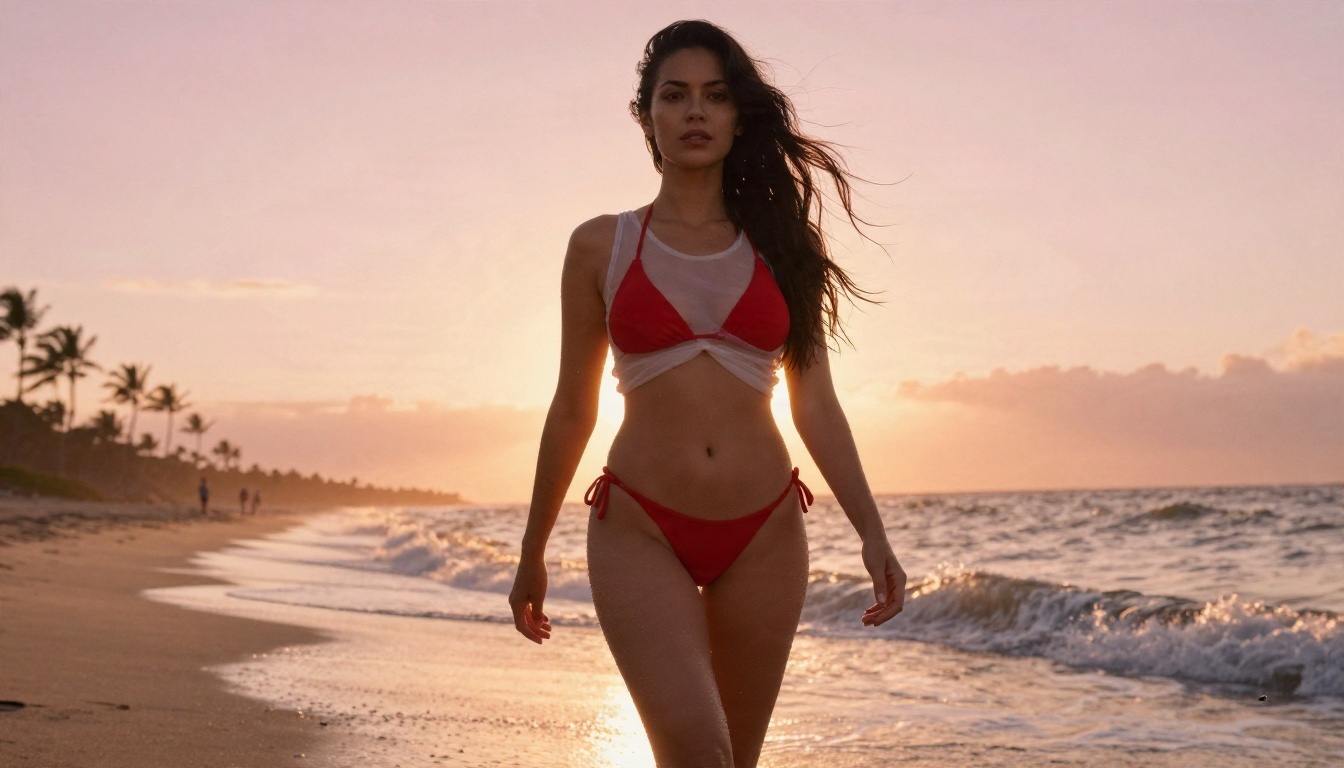
| Beach sunset | Bikini, wet sand, backlight, 35mm | Warm, carefree |
| Hotel suite | Satin slip dress, sheer curtains, window light | Intimate, polished |
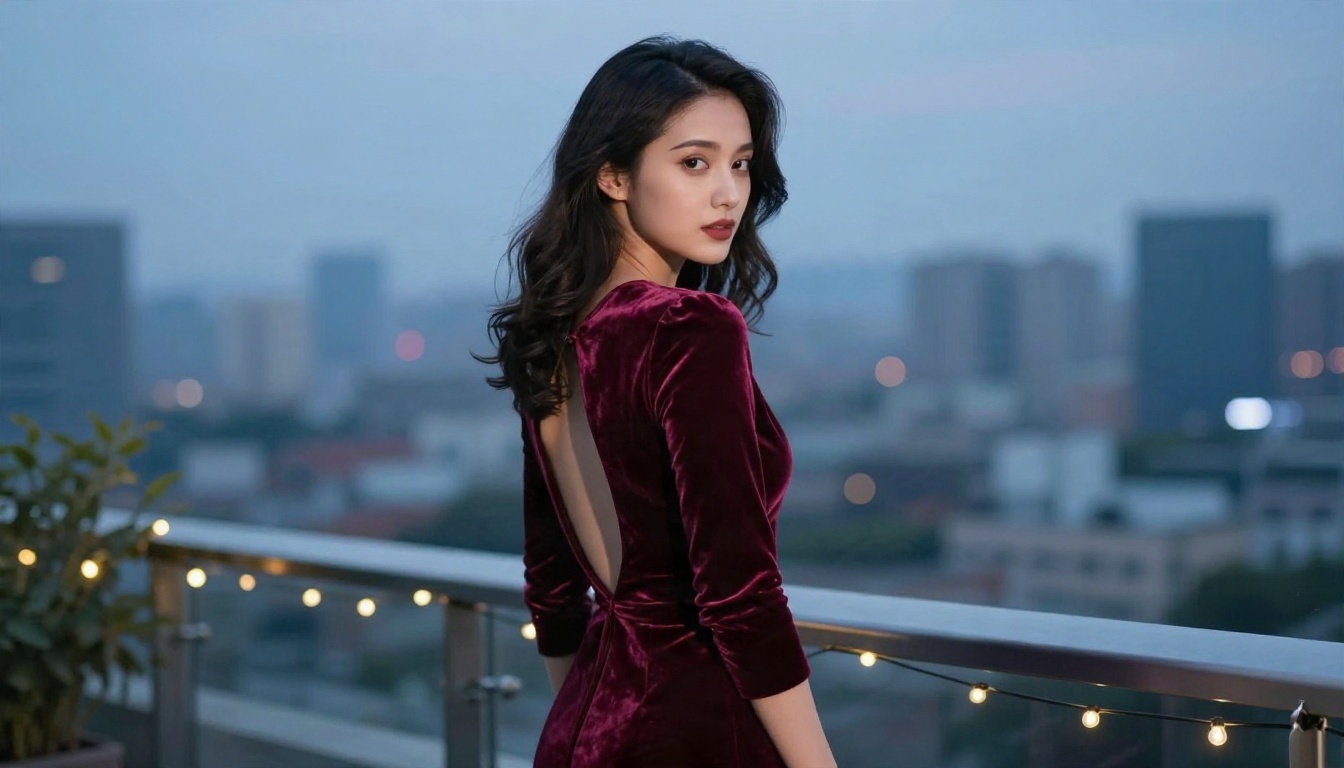
| Rooftop evening | Velvet dress, blue hour, string lights | Elegant, confident |
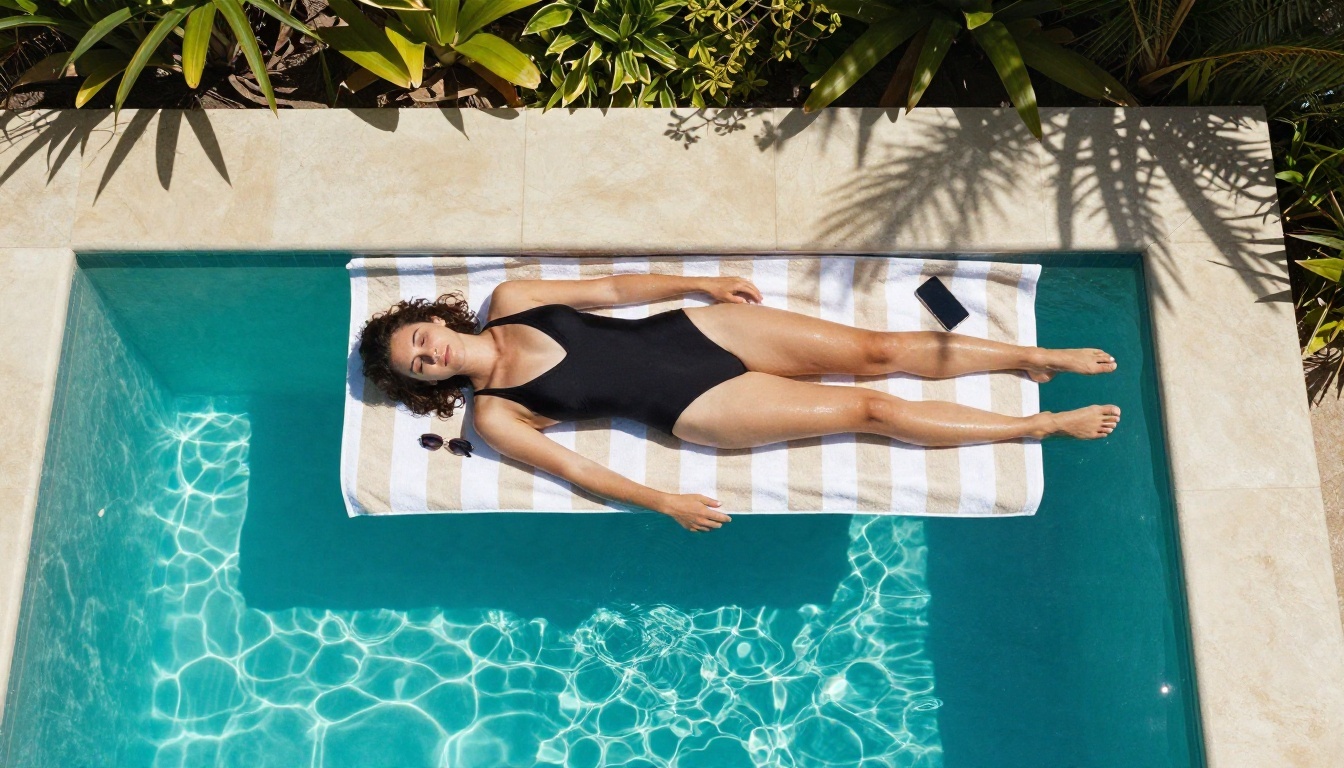
| Poolside from above | One-piece swimsuit, striped towel, hard sun | Playful, summery |
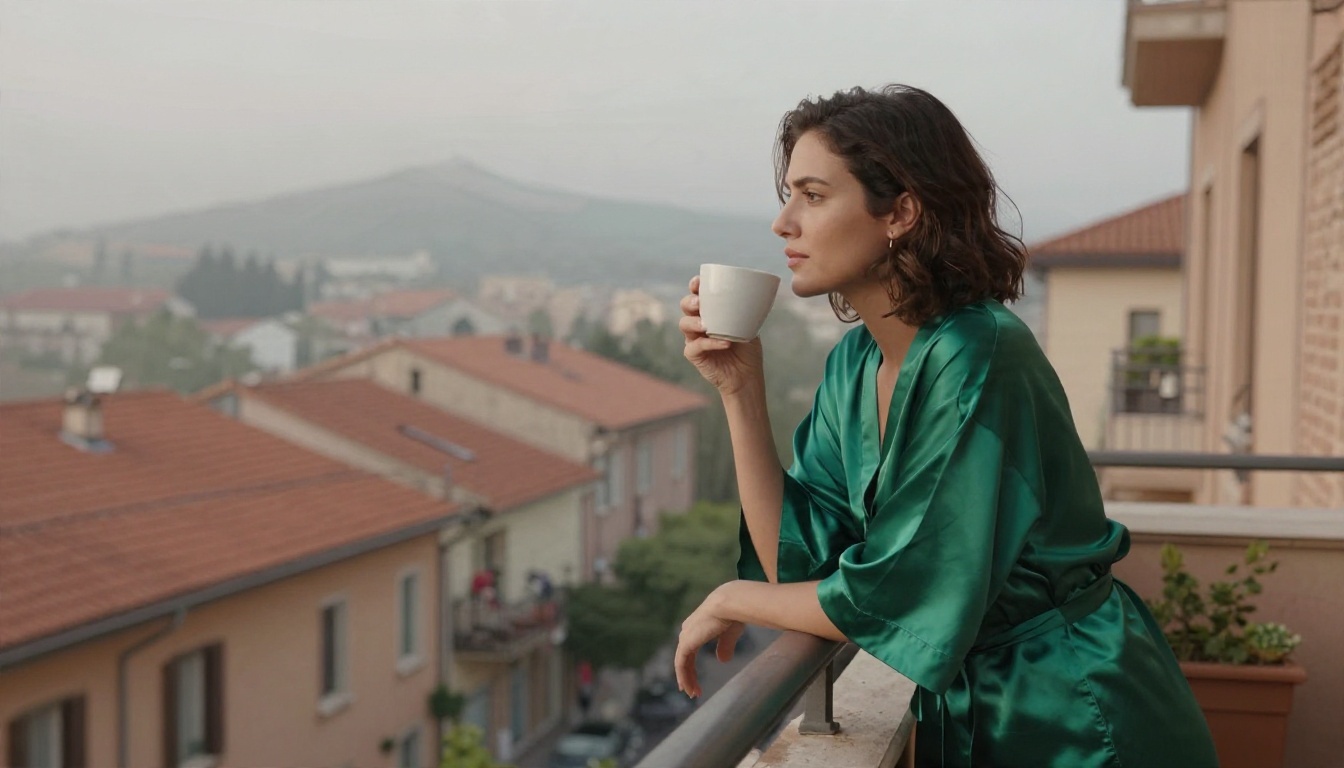
| Morning balcony | Silk robe, coffee, soft mist | Relaxed, romantic |
The Best Models for Glamour Images
If you want attractive, suggestive photography without the hit-or-miss refusals of mainstream assistants, these are the models worth trying, in the order I would use them.
1. Seedream 4.5
Seedream 4.5 is my first pick for this kind of work. It produces sharp 2K and 4K images, handles skin, fabric and lighting convincingly, and accepts reference images so you can keep a face or outfit consistent across a series. It can also create up to 15 related images in one run, which is perfect for a "photoshoot" set of the same character in different settings.
2. PicassoIA Image Editor Pro
PicassoIA Image Editor Pro solves the limits problem directly: it runs unlimited edits with no daily quota, and most edits finish in a few seconds. You can feed it up to three reference images and tell it what to change, such as swapping an outfit, changing the setting or adjusting the light. For people who burn through free credits on trial and error, this is the biggest value on the list.
3. Z Image Turbo
Z Image Turbo is built for speed. Use it when you want to test ten prompt ideas quickly before you commit to a high-resolution render.
4. Flux 2 Klein 9B Base LoRA
Flux 2 Klein 9B Base LoRA is useful when you want a stylized, consistent look from a LoRA, for instance a recurring fashion aesthetic across your set.
💡 Tip: Draft with the fast model, finish with the sharp one. You save time and keep your best generations for the version that counts.
How to Use Seedream 4.5 on PicassoIA
Here is the exact workflow I use for a glamour set.
- Open the Seedream 4.5 page on PicassoIA.
- Write your prompt in the text box. The limit is 4,000 characters, which leaves plenty of room for detail.
- Set size to 2K for drafts and 4K when you are happy with the composition.
- Choose aspect ratio. Use 16:9 for wide scenes, 3:4 or 2:3 for full-length portraits and 9:16 for phone wallpapers.
- For a photoshoot series, set sequential image generation to auto and raise max images to between 4 and 8.
- To keep one face across multiple scenes, upload a reference in image input. You can add up to 14.
- Run the generation, pick the best frame and refine the prompt with one change at a time.
A prompt template that works
A confident woman in a [outfit] standing at [location] during [time of day], [light direction] light, [camera angle], 85mm f/1.8 shallow depth of field, realistic skin texture, natural film grain, Kodak Portra 400 tones.
Swap the brackets and keep everything else. Changing only one variable per run tells you exactly what each word does.
Parameter tips
- Be specific about fabric. "Satin," "velvet," "lace" and "linen" each give different highlights.
- Name the light. "Golden hour from the left" beats "nice lighting" every time.
- Keep one subject. Crowded scenes dilute the face and body detail.
- Skip stacked adjectives. Three precise words beat ten vague ones.
Editing Without a Counter
Generating from scratch is only half of the workflow. The other half is fixing small things: a different dress color, a new background, softer light, a cleaner crop. On most apps, every tweak spends another credit. That is how a free plan disappears in one evening.
With PicassoIA Image Editor Pro, the edits themselves do not count against a quota. A simple routine looks like this:
- Generate a base image with Seedream 4.5.
- Open it in Image Editor Pro.
- Describe one change per edit, such as "change the dress to emerald green" or "move the scene to a balcony at sunrise."
- Repeat until the result is right.
Three edits that make a big difference
- Relight the scene. Ask for warmer, lower sun from the left to add depth.
- Swap the setting. Keep the person, change the room or the beach.
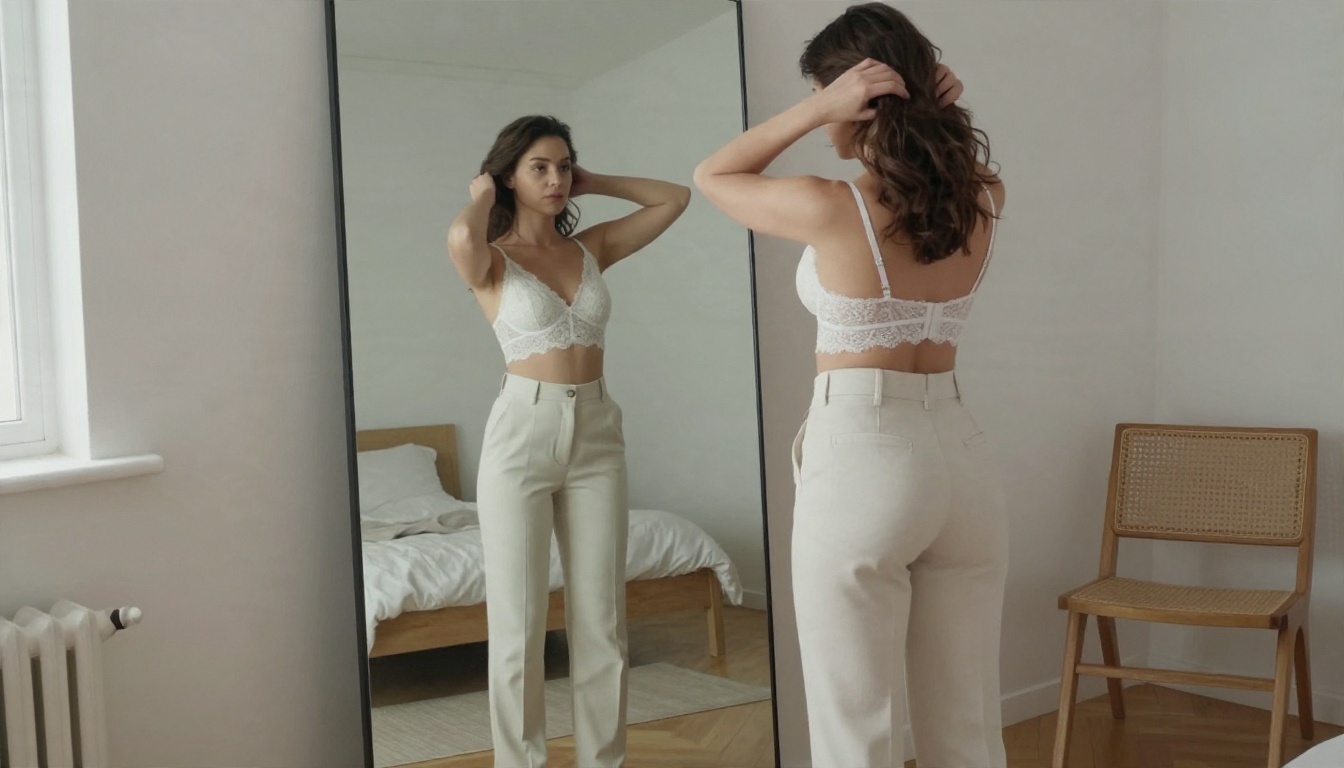
- Adjust the outfit. Try a different color or fabric without redrawing the whole face.
The Real Cost of "Free"
Here is a blunt comparison of what each approach costs you in time and frustration, not only money.
| Approach | Money | Daily limit | Refusal risk | Best for |
|---|
| Mainstream assistant | Free or low | Rolling caps | High | Casual chat |
| Themed companion app | Credits | Credit balance | Medium | Roleplay chat |
| Hosted open model | Free tier | Queues and caps | Medium | Quick tests |
| PicassoIA models | Varies by model | Depends on model | Lower for glamour | Photo sets |
| Image Editor Pro | Low cost per edit | None on edits | Lower | Endless tweaks |
Three mistakes that waste credits
- Vague prompts. "Sexy woman" gives you a generic result and eats an attempt. Describe the outfit, the place and the light.
- Changing five things at once. You cannot tell what worked. Change one thing.
- Rendering at max size too early. Draft small, finish large.
Staying Safe and Sensible
A sexy AI app is only fun when you keep a few ground rules.
- Only create fictional or consenting subjects. Never generate images of a real person without their clear permission.
- Keep it for adults. Everything depicted should be an adult character.
- Guard your data. Do not upload private photos to apps you have not checked. Read how they store files.
- Watch for subscription traps. Check the cancel path before you pay.
- Keep content tasteful. Suggestive and stylish is the goal. Explicit material belongs nowhere in a public blog workflow, and many platforms will block it anyway.
What about privacy in chat?
Treat every companion chat as something that could be stored. Skip real names, addresses, workplaces and anything you would not want read back to you. A persona card written once and pasted per session lets you keep personal details out of the app entirely.
Your Move: Build Your Own Setup
The best sexy AI app is usually not one app. It is a small toolkit where each piece does what it does best:
- A chat model for persona and dialogue, such as Kimi K2.6 or Claude Sonnet 5.
- A strong image model for the main photos, led by Seedream 4.5.
- An unlimited editor for polishing, with PicassoIA Image Editor Pro.
- A fast draft model for quick tests, like Z Image Turbo.
That combination gives you the three things the typical app takes away: freedom to experiment, speed, and no sudden paywall in the middle of a good idea.
Ready to try it yourself? Pick a setting, write a prompt with a real lens and a real light direction, and make your first photo on PicassoIA today. Then edit it five different ways without watching a counter. When you want to see everything else on offer, browse the full catalog at picassoia.com/en/all-models and build the toolkit that fits your style.


