Search for sexy AI apps and you get a wall of near identical lists, each one pushing a different subscription. Half of them promise "no limits" and then lock the good stuff behind a paywall. The other half wrap a filter around everything and refuse to say a flirty sentence. If you just want to know which tools are actually free, which ones are fun to talk to, and where you can make glamour style images without a headache, this is the straight version.
I split the whole category into three jobs, because that is how people really use these apps: chatting with a flirty AI companion, running character roleplay, and generating attractive, photorealistic images. Each job has different free options, different traps, and different tools worth your time. Everything here stays on the tasteful side: suggestive, stylish, glamorous, never pornographic.
💡 Quick answer: For free chat, mix a companion app with a general language model. For roleplay, write your own character card and reuse it. For images, start with Seedream 4.5 and PicassoIA Image Editor Pro, covered in detail below.
What Counts as a Sexy AI App
The phrase is vague, so it helps to sort the field before comparing anything. Three categories keep showing up, and mixing them up is the main reason people end up disappointed after downloading the wrong app.
Chat companions
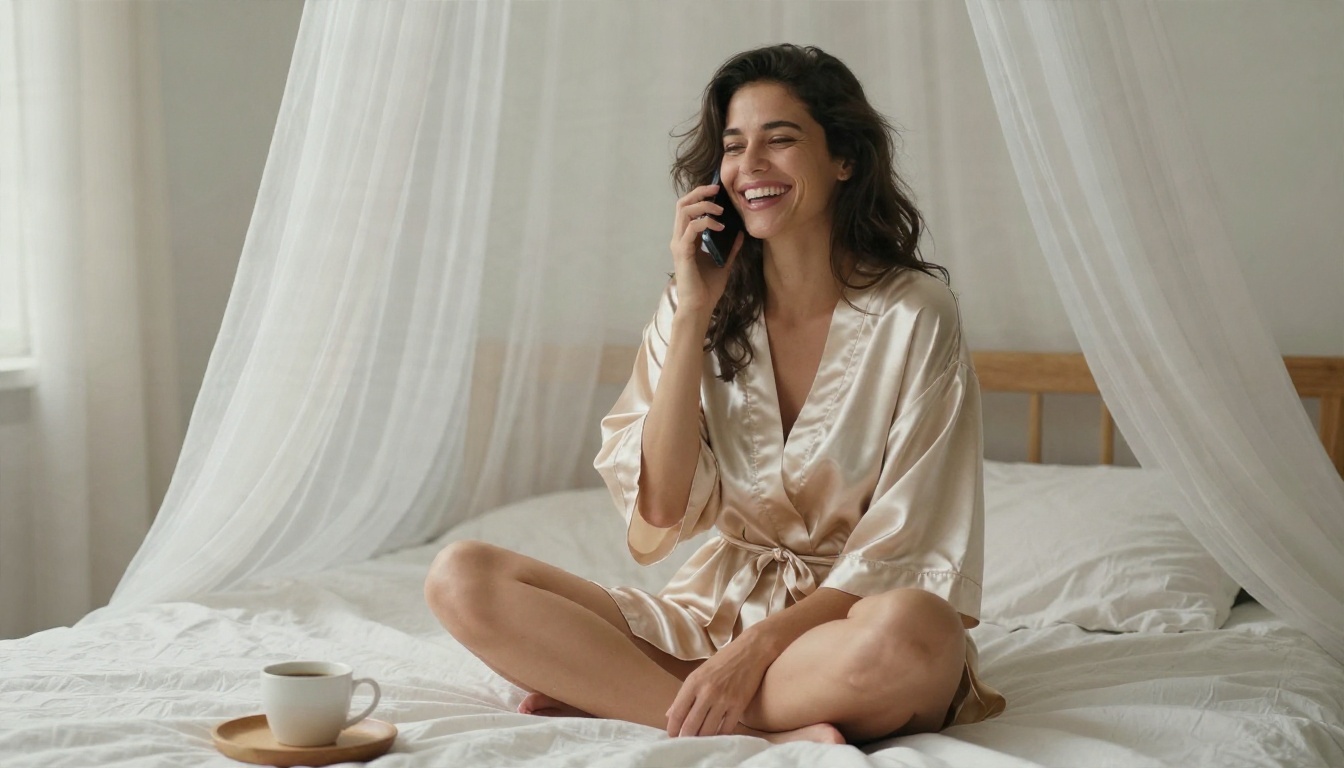
These are apps built around a persistent character who texts you back. Names you will see constantly include Replika, Kindroid, Nomi, Candy AI and Pi. They remember your name, your preferences and your last conversation, and they lean into warmth, teasing and flirtation. The free tiers usually cap messages, hide voice features, or limit memory.
Roleplay platforms
Roleplay sites such as Character.AI, Talkie, Polybuzz and Backyard AI are less about one companion and more about a huge library of characters: a noir detective, a rival at a gala, a ship captain. You pick a scenario and play it out. Content filters vary wildly from one platform to the next, and they change often, so check the current rules inside each app before you get attached to it.
Image generators
This is the visual side: tools that create glamour portraits, beachwear shots, boudoir style editorial photos and character art from a text prompt. The best ones produce skin texture, lighting and fabric that look like a real photoshoot. Many people pair an image generator with a chat app so their companion has a consistent face.
Free Options That Actually Work
"Free" means three different things in this market, and the difference matters more than the logo on the app.
What free really means
| Type of free | What you get | The catch |
|---|
| Free trial | Full features for a few days | Card required, easy to forget to cancel |
| Freemium | Unlimited basic text chat | Daily caps on images, voice and memory |
| Genuinely free tier | Ongoing access without paying | Slower speed, queues, fewer models |
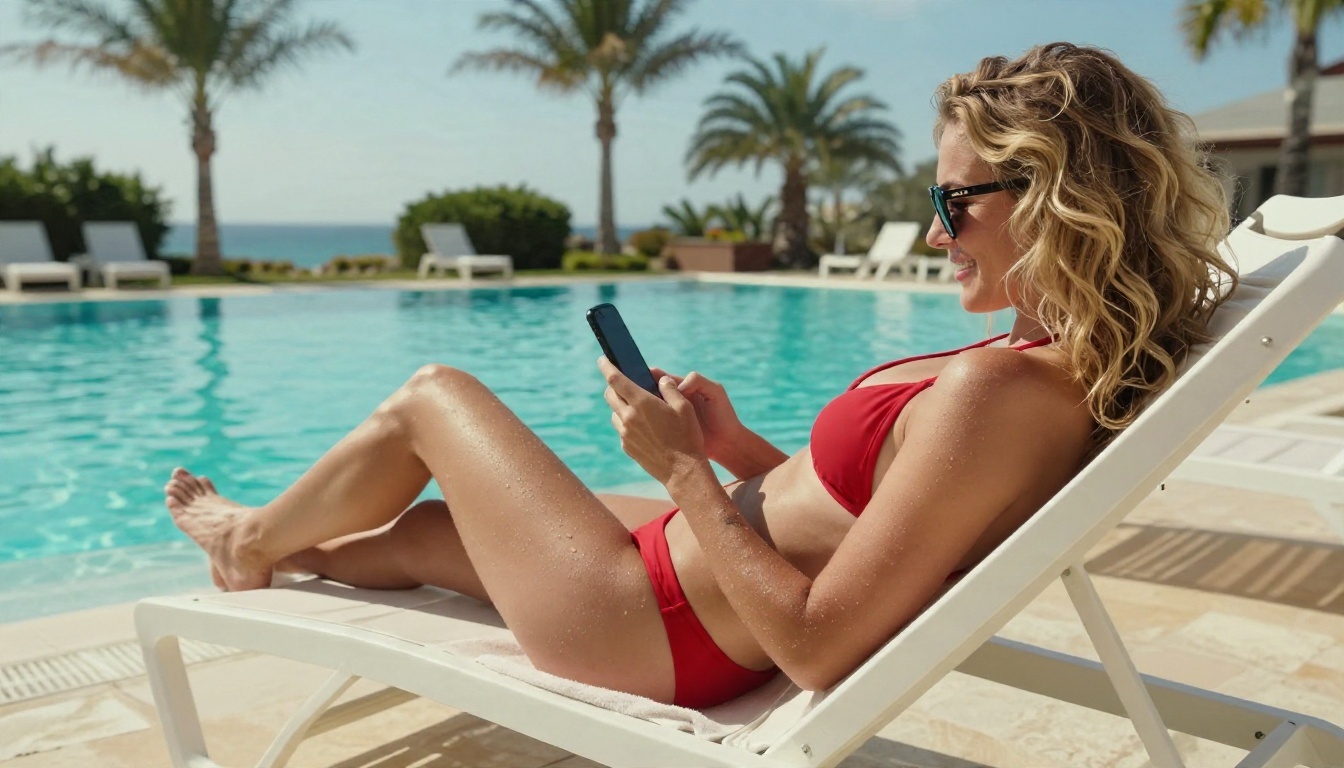
Freemium is the most common model. You get a charming first week, then the app starts nudging you to pay for the features that made it feel personal. That is not a scam, but you should know it before you invest hours in a relationship with a character that gets paywalled.
Free chat apps
Character.AI has long been described as the most generous free option for sheer character variety, though its filters are among the tightest in the category. Replika keeps core text chat free and takes a restrained approach to mature content. Pi is often recommended for uncapped, friendly conversation, and Kindroid is frequently mentioned as a balanced free tier. Policies and limits change quickly, so treat any ranking, including this one, as a snapshot and check the app's own content rules before you commit.
Free image generation
Image generation is where free options get more interesting. On PicassoIA, models like Seedream 4.5 and PicassoIA Image Editor Pro are built for photorealistic portraits, and Image Editor Pro in particular is designed for unlimited generations, which removes the daily cap anxiety that comes with most freemium apps.
💡 Tip: Ignore any app that asks for a credit card before you can send a single test message or generate one test image. Good free tiers let you try the product first.
Best Chat Options Right Now
Chat is the easiest job to get started with and the hardest to get right, because personality is subjective. A companion that feels witty to one person feels robotic to another.
Companion apps for daily chat
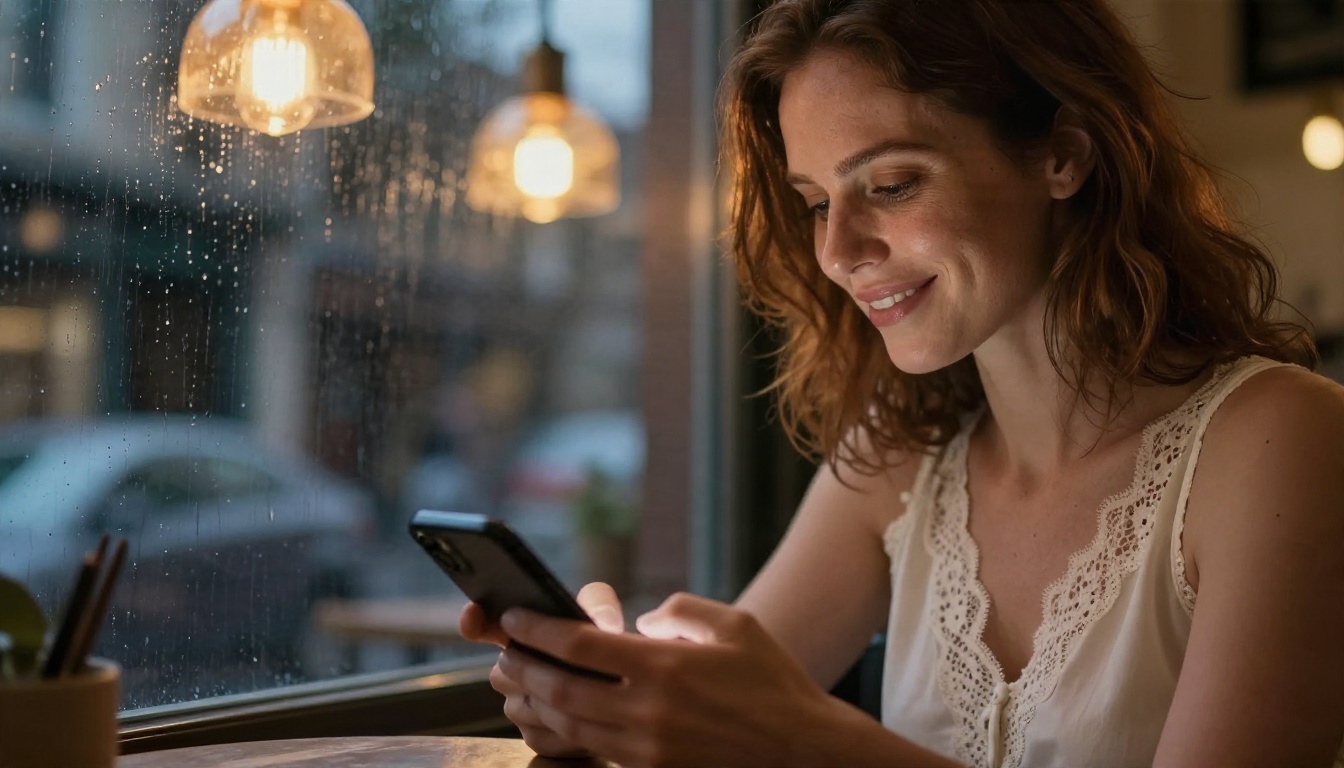
If you want a character that remembers you, a dedicated companion app is the simplest route. Expect a short onboarding where you pick a name, a look and a personality. The good ones feel warm after a few messages; the weaker ones loop the same compliments. Test with a free account for two or three days and notice whether the conversation still surprises you on day three.
Build your own with a language model
There is a second route that people overlook: use a general language model and give it a persona. You write a short character description, set the tone, and the model plays the part. On PicassoIA you can do this with models such as Gemini 3 Flash, Kimi K2.5, Deepseek V3.1 or Llama 2 7B Chat. For flirty, playful and romantic conversation that stays tasteful, a well written persona prompt works surprisingly well. Mainstream models keep their own safety behavior, so expect them to decline explicit requests, and plan around that instead of fighting it.
For faster replies, GPT 5.6 Luna is tuned for quick text turns, which suits back and forth banter. For longer stories where tone and detail matter, Claude Sonnet 5 and Gemini 3.1 Pro hold a character voice well over many turns.
A persona prompt that works
Here is a simple template you can paste into any chat model:
- Name and age: an adult character, clearly stated
- Personality: playful, confident, a little teasing
- Speaking style: short messages, light humor, occasional emoji
- Boundaries: flirty and romantic, never explicit
- Memory rule: "Remember details I tell you and bring them up later"
That fifth line does a surprising amount of work. It pushes the model to reference earlier details, which is what makes a chat feel personal instead of generic.
Roleplay Without the Awkwardness
Roleplay is where the biggest quality gap appears. A good scene has pacing, atmosphere and a character who stays in character. A bad one reads like two people reading from different scripts.
Write a character card
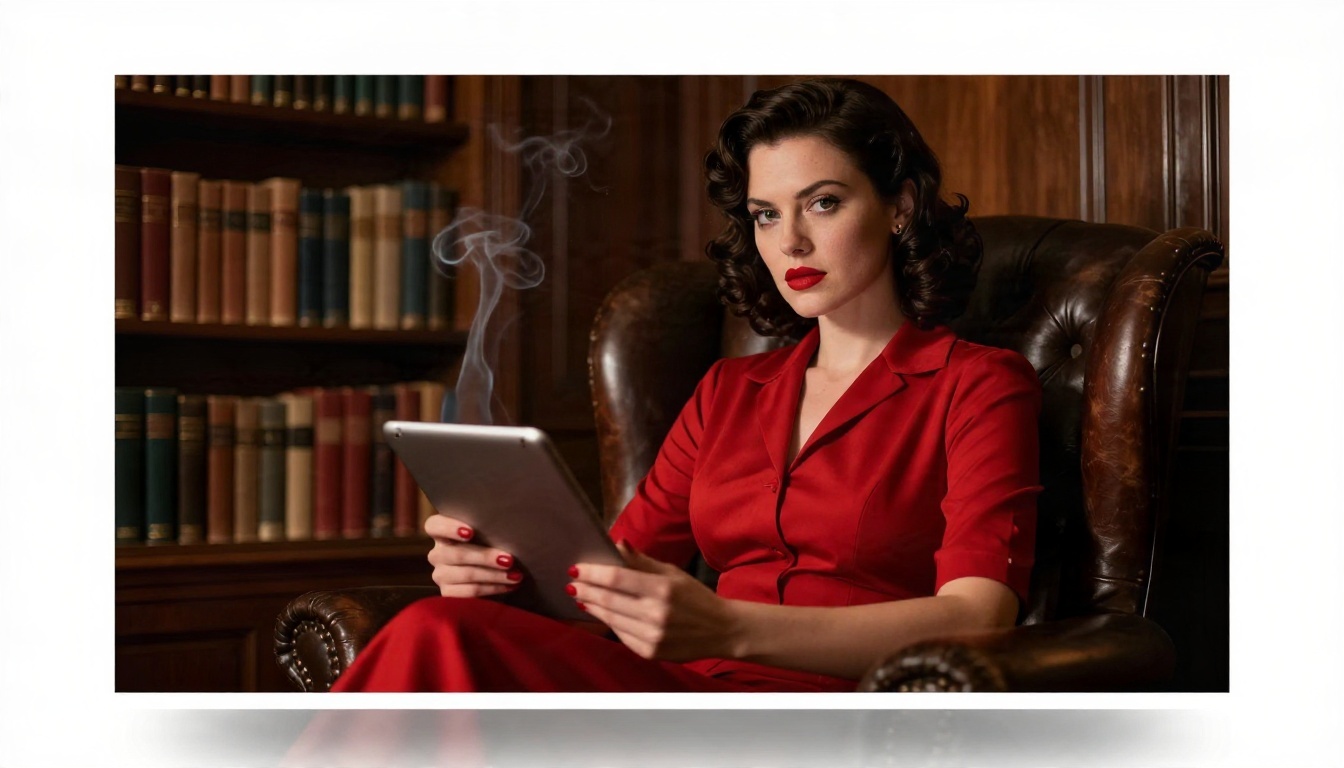
Instead of relying on a platform's preset characters, write your own card. Keep it under 200 words and include four things: who the character is, what they want in this scene, how they speak, and what they will never do. A noir femme fatale who answers every question with a question will stay consistent far longer than a vague "mysterious woman."
Set the scene first
Open with a short scene description, like a setting, time of day and mood, before the first line of dialogue. Models pick up on atmosphere. "A dim library, rain on the windows, a lamp burning low" produces a very different tone than starting with a bare greeting.
Keep scenes consistent
Long roleplay sessions drift. The character forgets the setting, changes personality or repeats phrases. Two habits help:
- Recap every 15 to 20 messages. Write two sentences summarizing what has happened and paste them in.
- Restate the character rules when the voice slips. One line is usually enough.
💡 Tip: If a platform's filter keeps interrupting a harmless scene, rewrite the scene with more atmosphere and less direct phrasing. Suggestion tends to work better than bluntness, both for filters and for storytelling.
Image Generators for Glamour Portraits
Images are where "sexy" gets visual, and the quality difference between tools is huge. Cheap generators still produce waxy skin, strange hands and flat lighting. The better ones produce results you would mistake for a real photoshoot.

Seedream 4.5 first
Seedream 4.5 is the model I would reach for first for glamour and fashion style portraits. It handles skin texture, fabric sheen and soft studio lighting well, and it produces up to 4K detail, so a swimsuit or satin dress photo looks like a magazine shoot. It is also fast, which matters when you iterate through ten variations to find the right look.
Image Editor Pro for unlimited runs
PicassoIA Image Editor Pro is the second tool to open. Its big advantage is unlimited generations, so you can experiment freely with outfits, poses and settings without watching a counter. It is also an editor, which means you can adjust an existing image: change the outfit color, soften the lighting, fix a detail, or move the scene to a different location.
Other models worth trying
Once you have a baseline, a few other models offer different looks:
Different models interpret the same prompt differently, so run one prompt through two or three of them. You will often find one that nails the mood immediately.
How to Make Sexy AI Images
Here is the exact workflow I use. It takes about ten minutes the first time and under two minutes once you have a prompt you like.
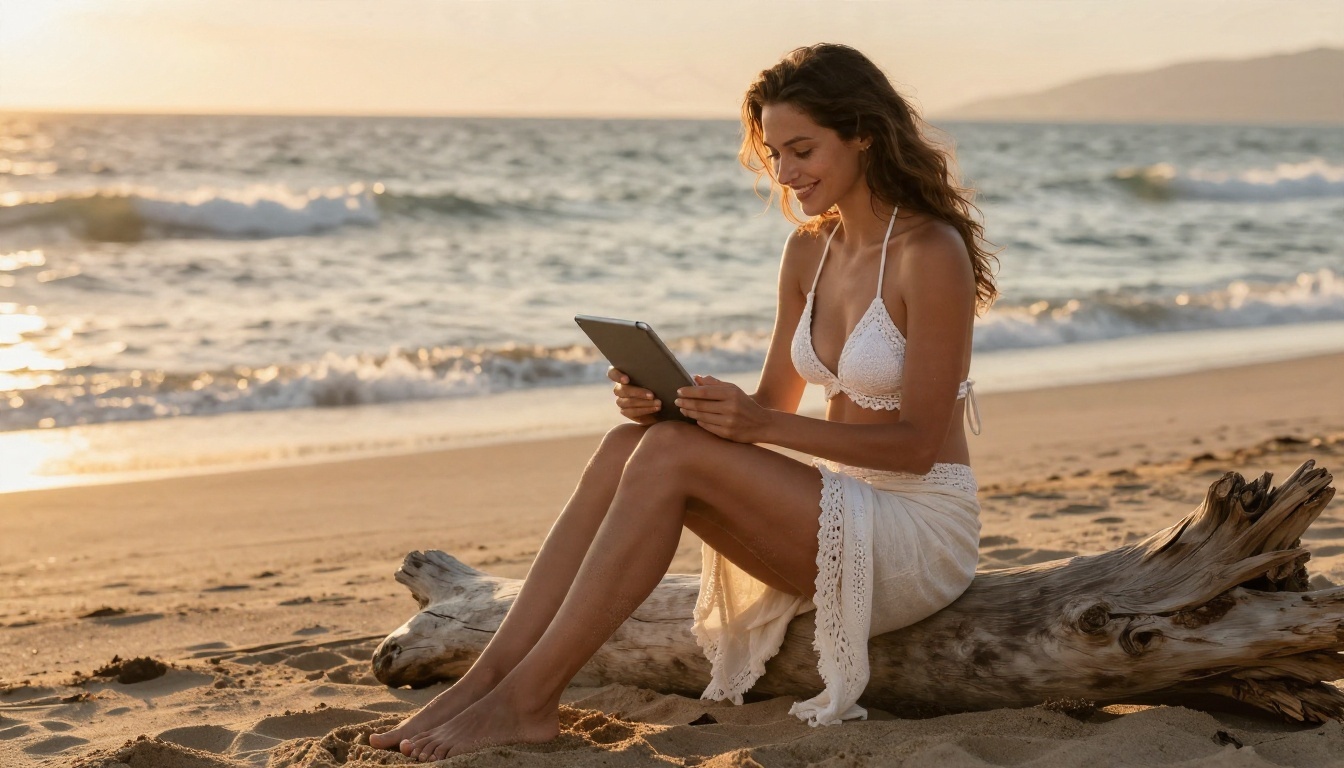
Step by step in Seedream 4.5
- Open Seedream 4.5 on PicassoIA.
- Write your prompt in this order: subject and pose, outfit, setting, lighting, camera.
- Choose a 16:9 or 3:2 ratio for landscape scenes, or 2:3 for full body portraits.
- Generate four variations and pick the closest one.
- Open that result in PicassoIA Image Editor Pro to adjust the details.
- Repeat with small prompt changes until the look is right.
A prompt that works
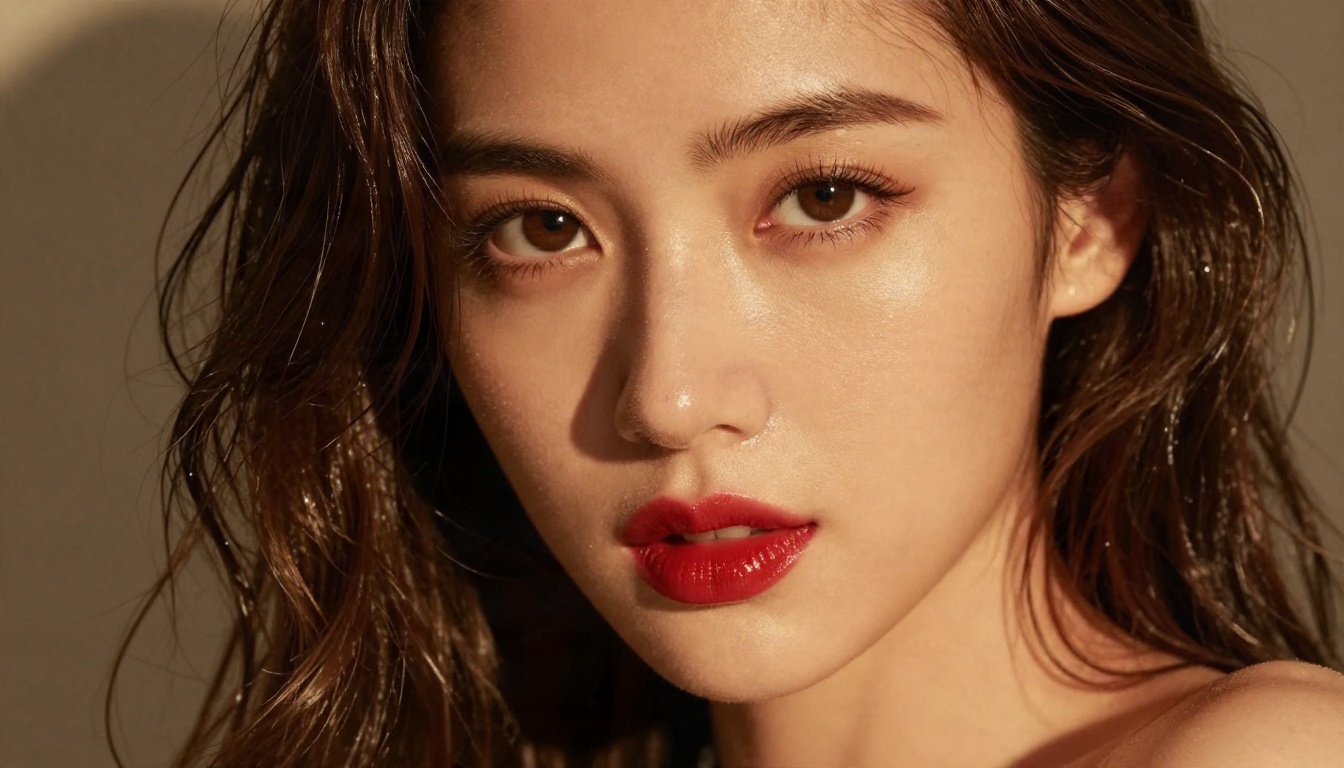
Adult woman in a satin slip dress reclining on a velvet chaise at golden hour, soft window light from the left, 85mm lens at f/1.8, shallow depth of field, visible skin texture, Kodak Portra 400 film grain, tasteful editorial glamour
Notice what it includes: an outfit, a place, a light direction, a lens and a film stock. Those last three are what separate a flat render from a believable photograph.
Parameter tips
| Setting | Recommended | Why |
|---|
| Aspect ratio | 16:9 for scenes, 2:3 for portraits | Matches how the image will be used |
| Variations | 4 per prompt | Enough choice without wasting time |
| Lighting words | "golden hour," "softbox," "window light" | Soft light flatters skin and fabric |
| Lens words | "85mm f/1.8," "35mm f/2.8" | Controls background blur and perspective |
| Film words | "Kodak Portra 400," "film grain" | Adds natural color and texture |
Prompt mistakes to avoid
- Too many adjectives. "Sexy, hot, gorgeous, stunning" adds nothing. Describe the pose, outfit and light instead.
- No light direction. Without it, you get flat, even illumination that looks artificial.
- Skipping the camera. A lens and aperture in the prompt noticeably improve realism.
- Changing everything at once. Edit one thing per round so you know what caused the improvement.
Side by Side Comparison
Here is how the three jobs compare across the factors people care about most.
| Companion apps | Roleplay platforms | Image generators |
|---|
| Best for | Daily flirty chat | Story scenes | Glamour portraits |
| Free tier | Limited messages | Generous, with filters | Often unlimited on some tools |
| Content filters | Varies by app | Often strict | Varies by model |
| Memory | Built in, paid upgrades | Short per session | Not applicable |
| Setup time | 5 minutes | 2 minutes | 2 to 10 minutes |
| Main risk | Subscription creep | Filter interruptions | Prompt trial and error |
If you want only one tool to start, pick by what you enjoy most. Talkers should begin with a companion app or a persona prompt in a language model. Storytellers should write a character card. Visual people should open an image model.
Privacy and Safety Basics
This part is not glamorous, but it matters more than any feature list. Intimate chats and personal photos are sensitive data, and the companion app business is not known for restraint with it.
Keep it adult and consensual
Only create content featuring fictional adults. Never generate images of real people without their consent, and never use a real person's photo as a base for suggestive content. Beyond the legal and moral problems, it is also the fastest way to get an account banned. Use invented characters and you avoid the entire issue.
Protect your data
- Use a separate email address for companion apps.
- Skip sharing your real name, address, workplace or face photos in chat.
- Read how long the app keeps chat logs, and whether you can delete them.
- Check whether your conversations are used to train models.
Watch your spending
Subscription creep is the main way people overspend. Set a calendar reminder the day before any trial ends, and check what the monthly price becomes after an intro discount. Credits for images or voice messages add up quickly, especially when a character nudges you to buy more at an emotional moment. A rule that works: decide your monthly limit before you open the app.
Try It Yourself Today
You do not need a stack of subscriptions to get started with this. A reasonable setup looks like this:
- Chat: Pick a language model like Gemini 3 Flash or Kimi K2.5, paste the persona template above, and start talking.
- Roleplay: Write one character card and one scene opener, then save them in a note so you can reuse them.
- Images: Open Seedream 4.5 for your first glamour portrait, then refine it in PicassoIA Image Editor Pro with unlimited generations.
PicassoIA keeps the whole loop in one place: write the character with a language model, generate her portrait, adjust the details, and iterate as many times as you want without paying per attempt. That uncensored, unlimited approach to tasteful creative work is the main reason it is worth bookmarking, and the speed makes experimenting actually enjoyable.
Pick one prompt from this article, change the outfit and the lighting, and run it. Your first result will probably be good, your tenth will be better, and by then you will know exactly what you like. When you want to see every option, browse the full model list at picassoia.com/en/all-models and try a few side by side.


