Most people searching for a sexy AI companion want the same thing: someone who answers at midnight, remembers their favorite joke, flirts back with some wit, and doesn't charge them after ten messages. The reality is messier. Free plans exist, but they come with caps. Roleplay chat can be great, but it breaks the moment the model forgets who it's playing. Voice is the feature that makes it feel alive, and it's usually the first thing locked behind a subscription. This article walks through what you actually get, where the walls are, and how to assemble a flirty, personal companion yourself with chat models, speech models and photoreal image tools that you control.
💡 Adults only. Everything here assumes you are 18 or older and that every character is a fictional adult. Keep it suggestive and tasteful, and respect the content rules of whichever tool you use.
What a Sexy AI Companion Really Is

Strip away the marketing and a companion app is three things glued together: a language model that writes the replies, a persona that tells it who to be, and a front end that adds a face, a voice and a memory. Once you see those three layers, every product decision starts to make sense, including why some feel warm and others feel like a vending machine.
The Three Layers Under the Hood
The chat layer is a large language model. It decides tone, humor, pacing and how much it plays along. The persona layer is a block of instructions: name, age, job, speech habits, boundaries, backstory. The sensory layer is everything else: an avatar image, a synthesized voice, push notifications that say good morning.
Quality comes mostly from the first two. A mediocre persona on a great model still feels flat, and a vivid persona on a decent model can feel surprisingly human. That is good news if you ever want to build your own.
Who Actually Uses Them
Mostly people who want low-pressure conversation: flirting practice, late-night company, creative storytelling, or a romantic roleplay they'd never write with a human. Some use it as a writing partner for fiction. Others just like a voice that says their name. None of those motives is strange, and knowing yours helps you pick the right setup.
Free Options and Where They Stop

"Free" in this space almost always means free to start, not free to keep. The pattern is consistent across the category, and you can predict it before you sign up.
What Free Tiers Usually Include
Expect a daily message allowance, a handful of preset characters, basic text chat, and maybe a few sample images. Some give you a short trial of voice. Memory is shallow: the character remembers the last few exchanges and loses the rest.
That's enough to test whether you like the personality. It is rarely enough for a real ongoing story.
The Paywall Pattern
The upgrade prompts tend to land at predictable moments: right as a scene gets interesting, when you ask for a voice reply, or when you request a picture. This isn't sinister, it's how the economics work, because voice synthesis and image generation cost real compute per request.
| Feature | Typical free tier | Typical paid tier |
|---|
| Text messages | Daily cap | Much higher or unlimited |
| Voice replies | Short trial or none | Included with limits |
| Photos or selfies | A few samples | Monthly credits |
| Long-term memory | A few recent turns | Extended memory |
| Custom persona | Presets only | Full editing |
| Content filter | Strict | Often looser |
💡 Quick test before you commit: send the same three prompts to any app: a flirty opener, a roleplay setup with a scene, and a callback to something you said earlier. How it handles that third one tells you more about memory than any feature list.
Roleplay Chat That Stays Interesting

The difference between a flat chat and a captivating one is almost never the model. It's the setup. A few minutes spent on the opening instructions pays back for hours.
Write a Character Card
Give the model a short card with concrete details instead of adjectives. "Playful and confident" is vague. "Runs a small bakery, teases people who order plain coffee, texts in lowercase, never uses emojis except a wink" is a person.
A solid card includes:
- Name, age (adult), and occupation
- Speech habits: short or long messages, slang, pet names
- Backstory in three lines, no more
- What she wants from the conversation
- Boundaries you want respected, written plainly
Keep the Plot Moving
Static chats die fast. Give the scene a location, a time and a small tension. A candlelit dinner where your date is running late is richer than "hi, how are you." Ask the character to describe what she sees and does, not just what she says.

Scenes that tend to work well:
- A first date that goes slightly off script
- Old friends meeting again after years
- A hotel bar conversation between strangers
- A slow-burn story where nothing happens for ten messages, on purpose
Models That Handle It Well
On PicassoIA you can pick the chat engine yourself. Claude Sonnet 5 is strong at holding a voice and staying in character over long threads. GPT 5.6 Luna is fast and good for snappy back-and-forth. Gemini 3.5 Flash keeps replies quick, and Deepseek v3.1 is a solid pick for longer, more descriptive storytelling. Kimi K2.6 is worth a try if you like a more literary tone.
💡 Every mainstream language model follows its own content policy. Romantic, flirty and suggestive writing is usually fine. Explicit material is often declined or softened, so plan your story around tension and atmosphere rather than detail.
Voice Makes It Feel Real
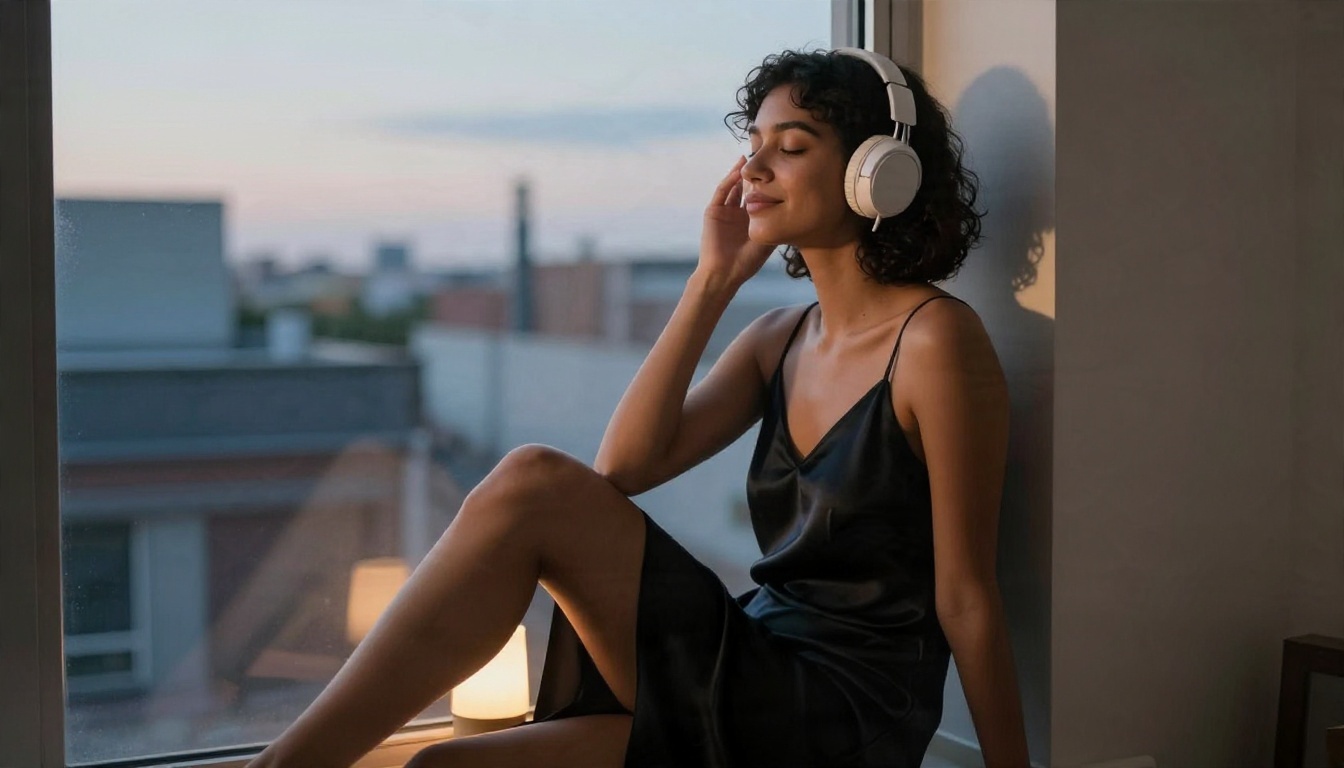
Text is intimate. A voice is closer. Hearing a warm, slightly teasing "good morning" changes how the same sentence lands, which is exactly why voice is the first feature to be paywalled.
Text to Speech Options
You can build a voice layer on PicassoIA by sending your companion's replies through a text-to-speech model:
Tip: write the line the way it should be spoken. Short sentences, a pause marked with a comma, a trailing "mm" if the model supports it. Punctuation does most of the acting.
Voice Cloning With Consent
Voice Cloning lets you build a custom voice from a sample. Use it only with a voice you own or one you have clear permission to use. Cloning a real person without their agreement, whether an ex, a celebrity or a coworker, is both unfair to them and a fast way to end up in trouble. Designing an invented voice is the safer and more creative route.
The Limits Nobody Mentions

Every companion, free or paid, runs into the same handful of walls. Knowing them in advance saves frustration and money.
Memory Is Shorter Than You Think
Language models work inside a context window. Anything outside it is gone unless the app summarizes it for you. That's why a character can forget your name after a long evening. The fix is simple: every so often, paste a short "story so far" paragraph back into the chat. It costs thirty seconds and restores the thread.
Filters Shape the Experience
Apps set their own content rules, and so do the models underneath. A strict filter can interrupt a scene mid-sentence, and a loose one can drift somewhere you didn't want. Read the content policy before you pay, not after. If you prefer to steer, writing your own persona gives you far more control over tone than any preset.
Privacy and Emotional Balance
Treat every chat as something that may be stored. Skip real names, addresses, workplaces and financial details. Check whether an app lets you delete conversation history.
There's also a human side. A companion is good company, but it is built to keep replying. If you notice it replacing sleep, friends or plans, that's the signal to step back. Use it as a pleasant addition to your life, not the center of it.
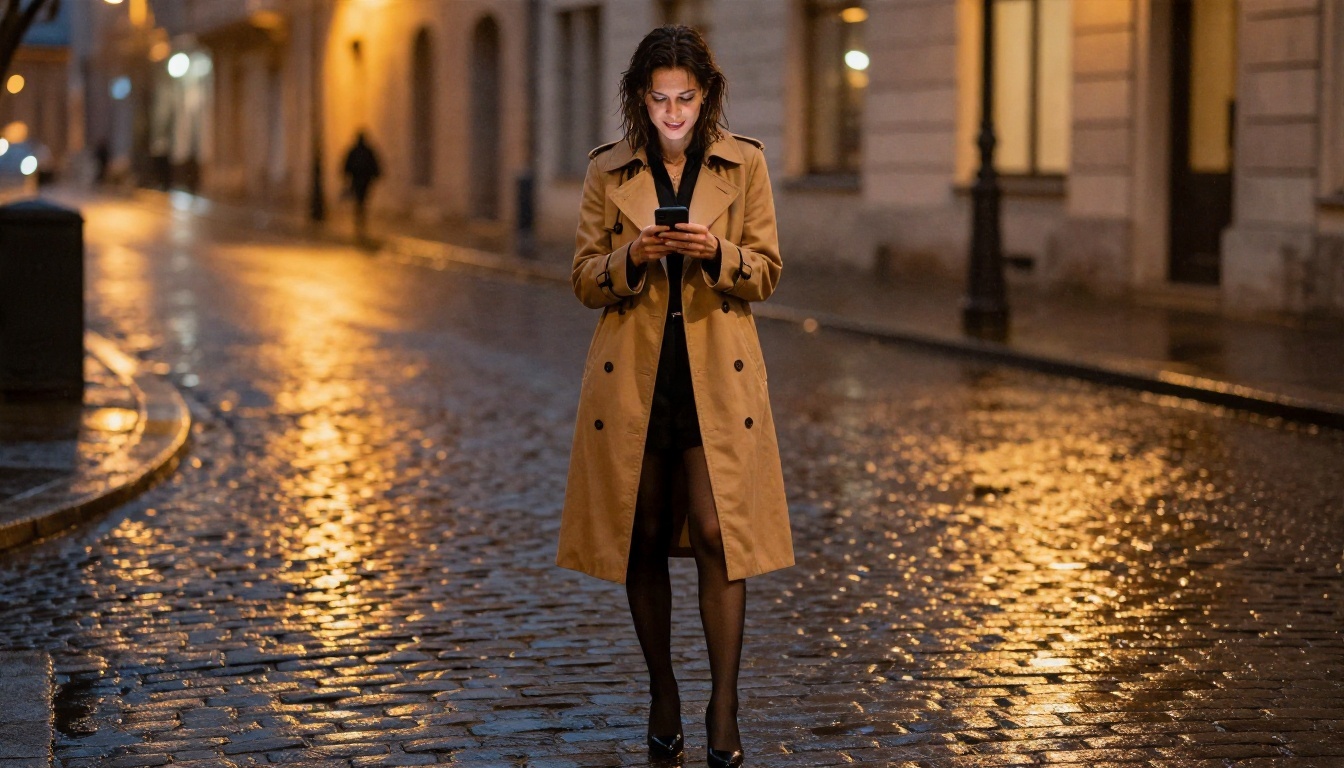
Build Your Own on PicassoIA
Instead of renting a companion that someone else controls, you can assemble one from parts. It takes an evening, and you decide the personality, the voice, the look and the rules.
Step One: The Chat Brain
Pick a language model from the options above, paste in your character card and open with a scene. Keep the card under 200 words. If replies feel generic, add two oddly specific details about her habits.
Step Two: The Voice
Copy a reply into a text-to-speech model, choose a voice that fits the persona and adjust speed so it sounds like talking, not reading. Save the settings you like so every message sounds consistent.
Step Three: The Look
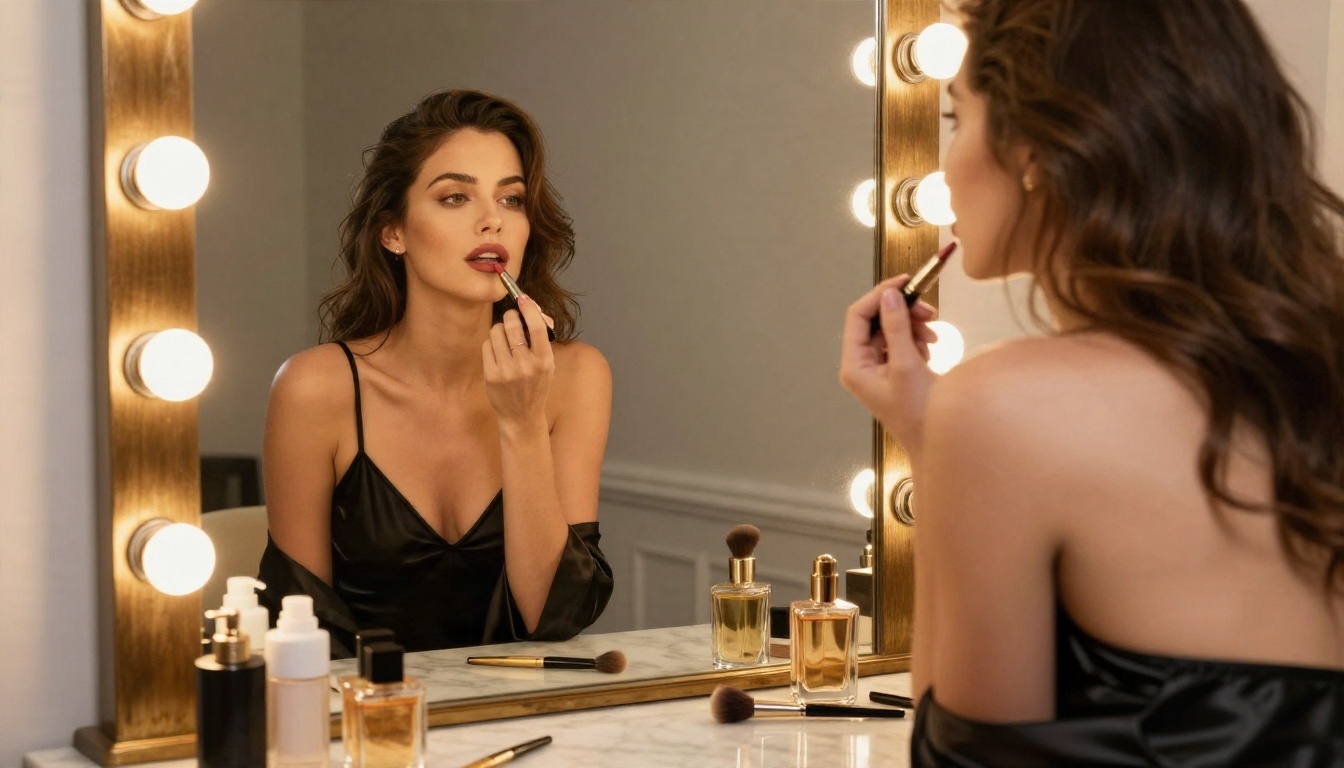
A companion is easier to connect with when she has a face. Here is the order I'd work in for glamour, boudoir and swimwear style visuals:
- Seedream 4.5 is the first model to reach for. It produces sharp, photoreal 4K results with natural skin and fabric, and it handles suggestive, glamour-style prompts with far fewer roadblocks than most mainstream tools.
- PicassoIA Image Editor Pro is the follow-up for editing and variations. It offers unlimited generations, so you can adjust outfits, backdrops and poses as many times as you like without watching a credit counter. It's fast, which matters when you're iterating.
Keep everything non-explicit and adult. Suggestive, stylish, tasteful: that's where these tools shine, and it's where the most attractive results tend to live anyway.
💡 Keep a short "look sheet" for your character: hair color, skin tone, signature outfit, lighting mood. Paste it at the start of every image prompt and she stays recognizable from picture to picture.
How to Use Seedream 4.5 on PicassoIA

Seedream 4.5 is the quickest way to give your companion a face. Here is the workflow.
- Open the model page. Go to the Seedream 4.5 page on PicassoIA and sign in.
- Write the subject first. Start with who she is and what she's doing: "adult woman with chestnut waves in an ivory satin robe, curled on a cream sofa, reading a message on her phone."
- Add the setting. Name the room, the time of day and two props. Props make an image feel lived in.
- Describe the light. Warm lamplight from the right, blue dusk from the window, soft rim light on the hair. Light is what separates a photo from a render.
- Name the camera. An 85mm lens, shallow depth of field and a film stock look such as Kodak Portra 400 push the result toward a real photograph.
- Choose 16:9 for scenes, 3:4 or 2:3 for portraits. Wide frames suit environments, tall frames suit faces.
- Generate, then iterate. Change one thing at a time: the outfit, the angle, the lighting. Send your favorite into PicassoIA Image Editor Pro for further tweaks.
Parameter tips
- Use concrete fabric words like satin, lace, linen and silk. They give clearer texture than "sexy outfit."
- Mention skin texture such as freckles, soft sheen and natural pores to avoid a plastic look.
- Keep hands simple. A phone, a glass, a book. Fewer props, fewer mistakes.
- Avoid stacking more than three moods. "Intimate, warm, playful" works. Ten adjectives blur the result.
Try It Yourself Tonight
A sexy AI companion doesn't have to be a monthly subscription with a message meter. You can write the character, choose the chat model, give her a voice and generate the photos, all in one place, with the freedom to change anything when it stops feeling right.
Start small. Pick a chat model, write a 150-word persona, and generate one portrait with Seedream 4.5. Then take that portrait into PicassoIA Image Editor Pro and try five different outfits and backdrops, since the generations are unlimited. Add a voice with Speech 2.8 HD and listen to the first line out loud.
You will quickly find what works for you. When you want more options, browse the full catalog of chat, voice and image models at picassoia.com/en/all-models and build the companion you actually want to talk to.


