You typed a flirty prompt into Grok, got a half-decent picture, then hit a wall the moment you asked for something a bit bolder. Sound familiar? That gap between what you picture and what Grok will actually render is why "sexy Grok prompts" is such a busy search. People want wording that gets the most attractive, glamorous result without tripping a filter, and they want to know whether any of it is free.
This article gives you both. You'll find copy-ready prompt examples, an honest look at free access and limits, a list of the exact things that get blocked, and a set of uncensored image models you can use today when Grok says no. Everything here stays on the suggestive, tasteful side: swimwear, lingerie-style fashion, boudoir lighting and glamour. Nothing explicit.
💡 Quick answer: Grok can produce attractive, sensual-looking images from well-written prompts, but moderation still applies even in its most permissive settings. If you want fewer refusals and unlimited tries, Seedream 4.5 and PicassoIA Image Editor Pro (both linked below) are the better fit.
What "Sexy Grok Prompts" Really Mean
Grok Imagine vs. Grok Chat
Two different things hide behind the word "Grok." The chatbot answers questions and writes text. Grok Imagine is the image and short video generator from xAI. When people say "sexy Grok prompts," they almost always mean prompts typed into Imagine, because that's where pictures get made.
The distinction matters because each one has its own rules. The chat side will happily help you write a prompt, while the image side decides whether that prompt gets rendered. A common trick is to ask the chatbot to polish your wording first, then paste the result into the image tool.
Why People Search This
Three reasons come up again and again:
- Wording: "How do I say it so the model gives me a glamorous look and not a bland stock photo?"
- Access: "Is there a free way to try this?"
- Walls: "Why did my prompt get blocked, and what do I use instead?"
The rest of this article answers those three questions in that order.
15 Sexy Grok Prompt Examples
Every prompt below is built for adults, fictional subjects only, and non-explicit results. Swap clothing, setting and light to taste. Notice that none of them name a real person: that is the fastest way to get blocked, and it's also a line you shouldn't cross.
Portrait and Boudoir Prompts
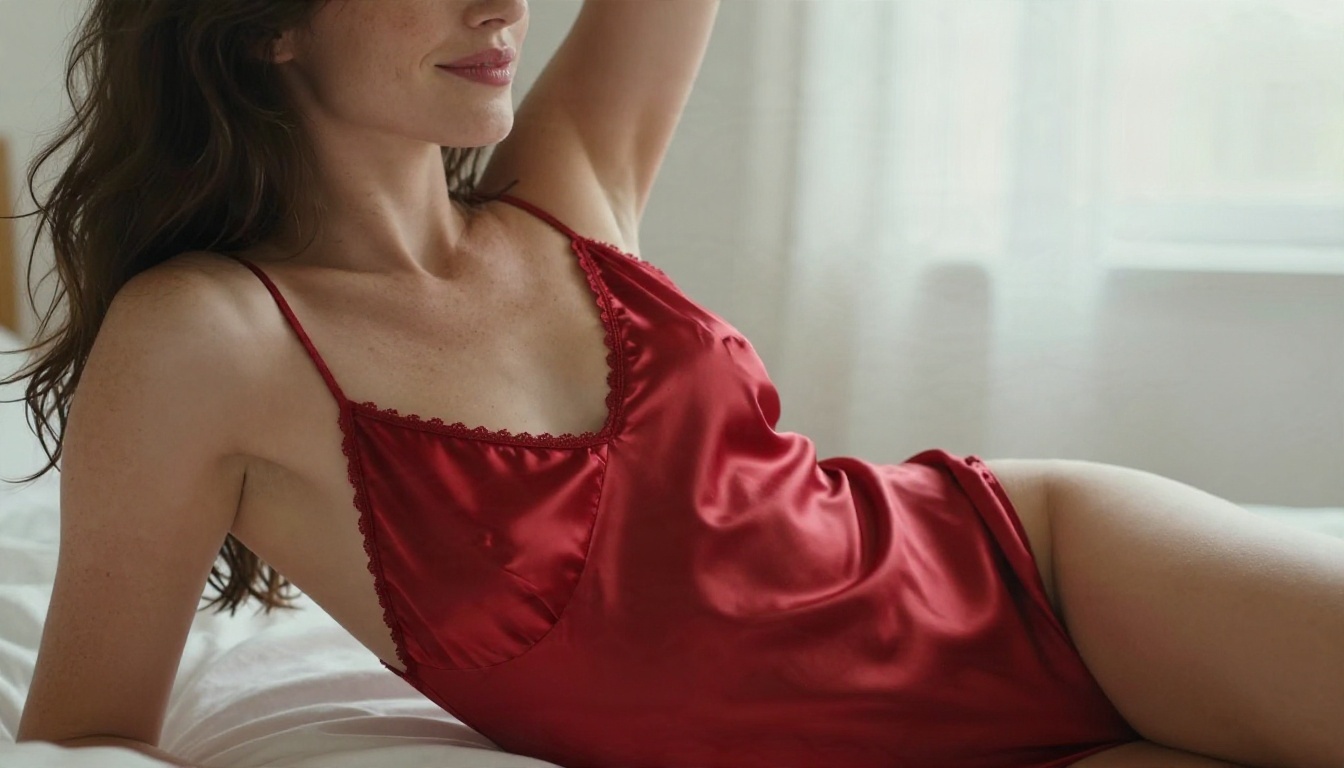
- "Close-up portrait of a woman in a red satin camisole lounging on white linen sheets, one arm behind her head, soft morning window light from the left, visible skin texture, 85mm lens, shallow depth of field, warm film tones."
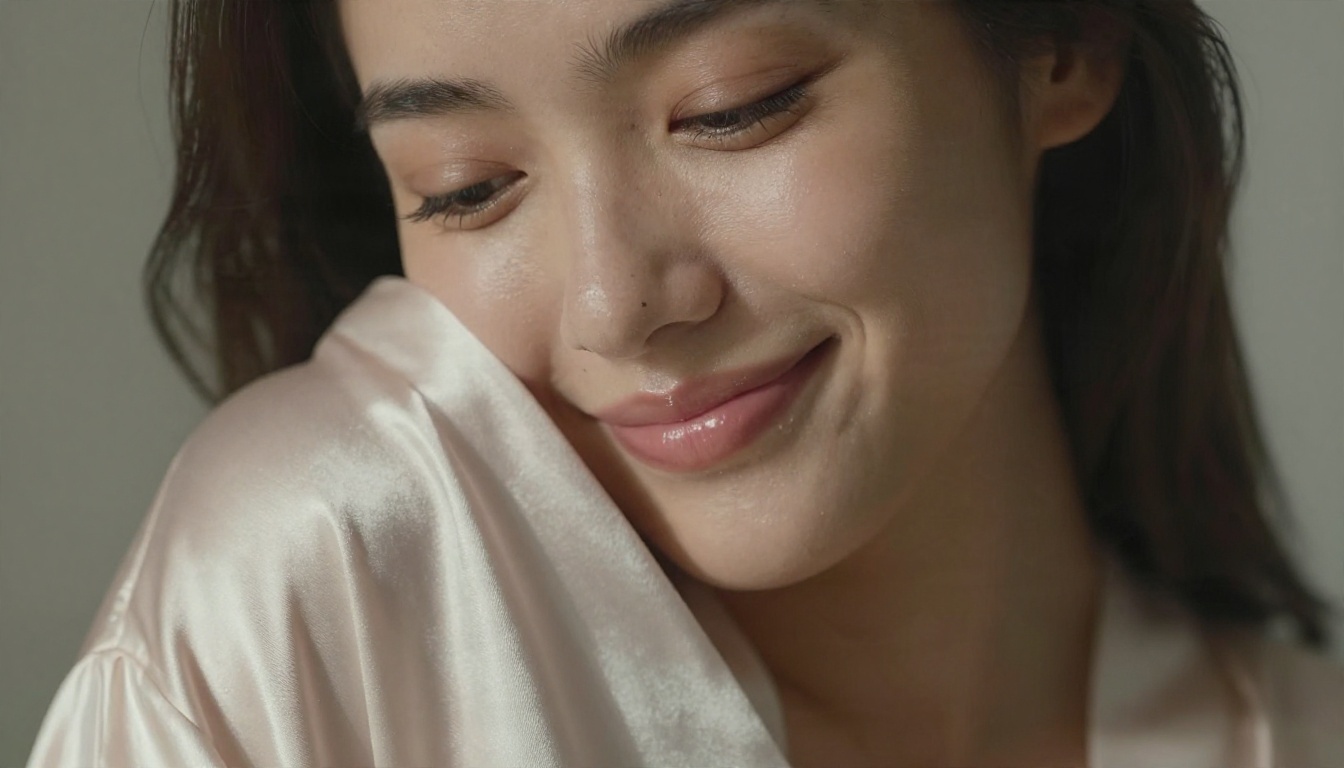
- "Woman in a champagne silk robe slipping off one shoulder, half-lit face, wet-look lips, tiny beauty marks, macro portrait, soft shadow falloff."
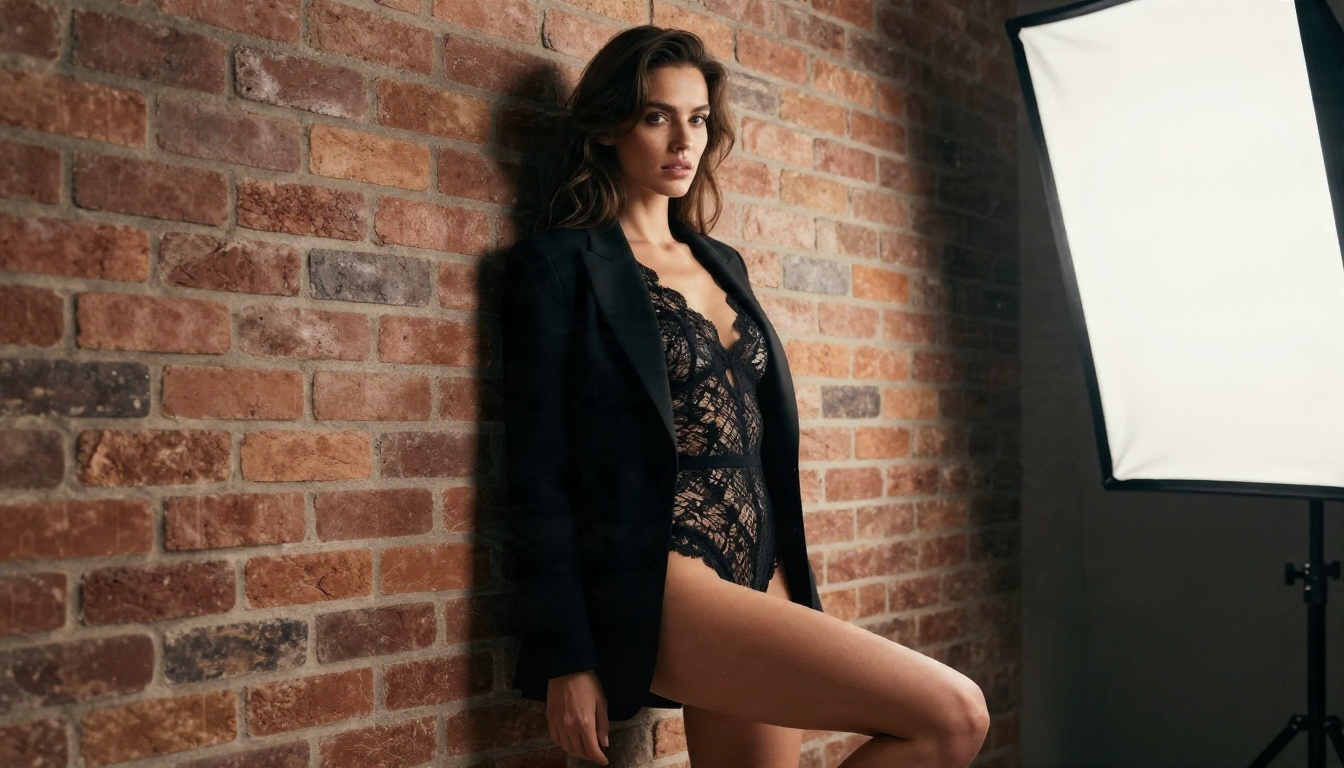
- "Black lace bodysuit under an open tailored blazer, leaning on a brick wall, large softbox from the right, direct gaze, fashion magazine look."
- "Woman in an oversized cream sweater and nothing else visible below the hem line cropped out, sitting on a window seat with rain outside, cozy and intimate mood."
- "Black silk slip dress on a cream velvet chaise longue, golden hour light through sheer curtains, playful half smile, luxury penthouse."
Beach and Swimwear Prompts
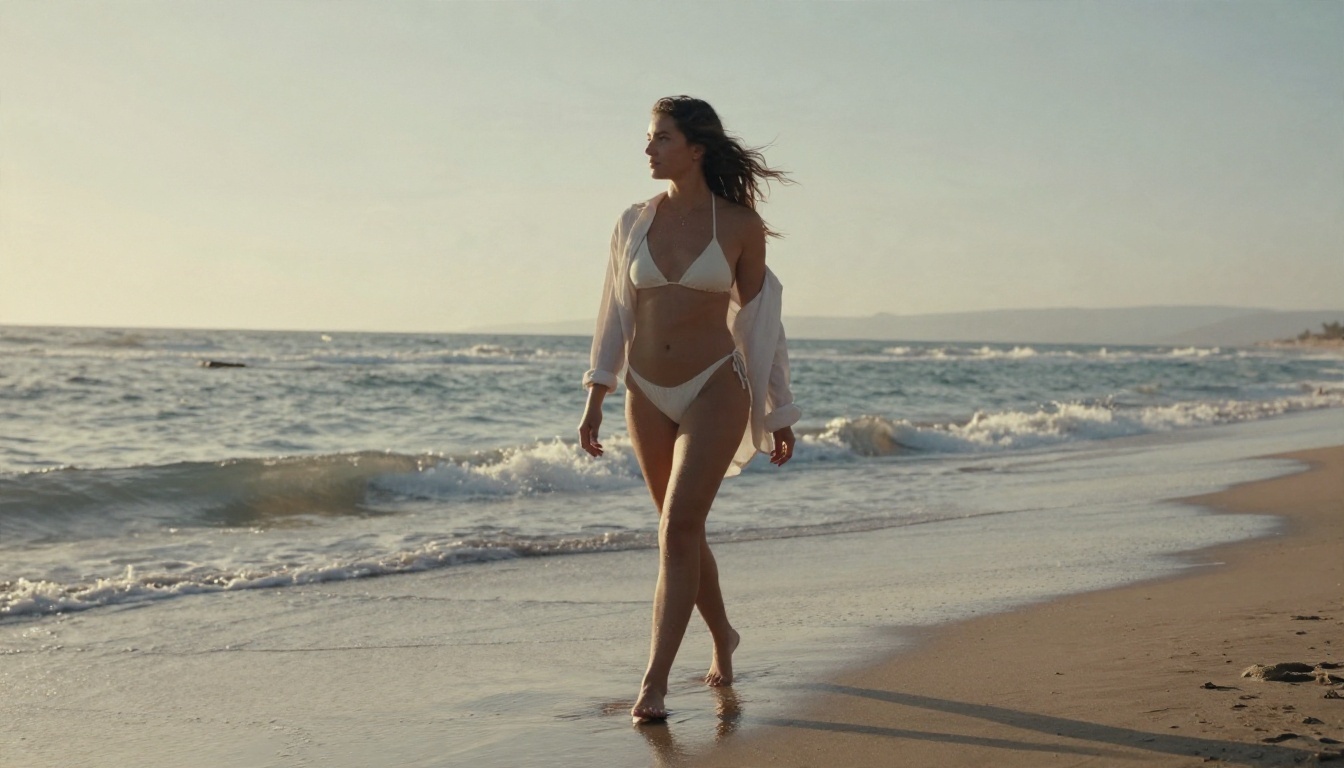
- "White string bikini with a loose linen shirt, walking through shallow waves at sunrise, backlight rim on her shoulders, wet sand reflections."
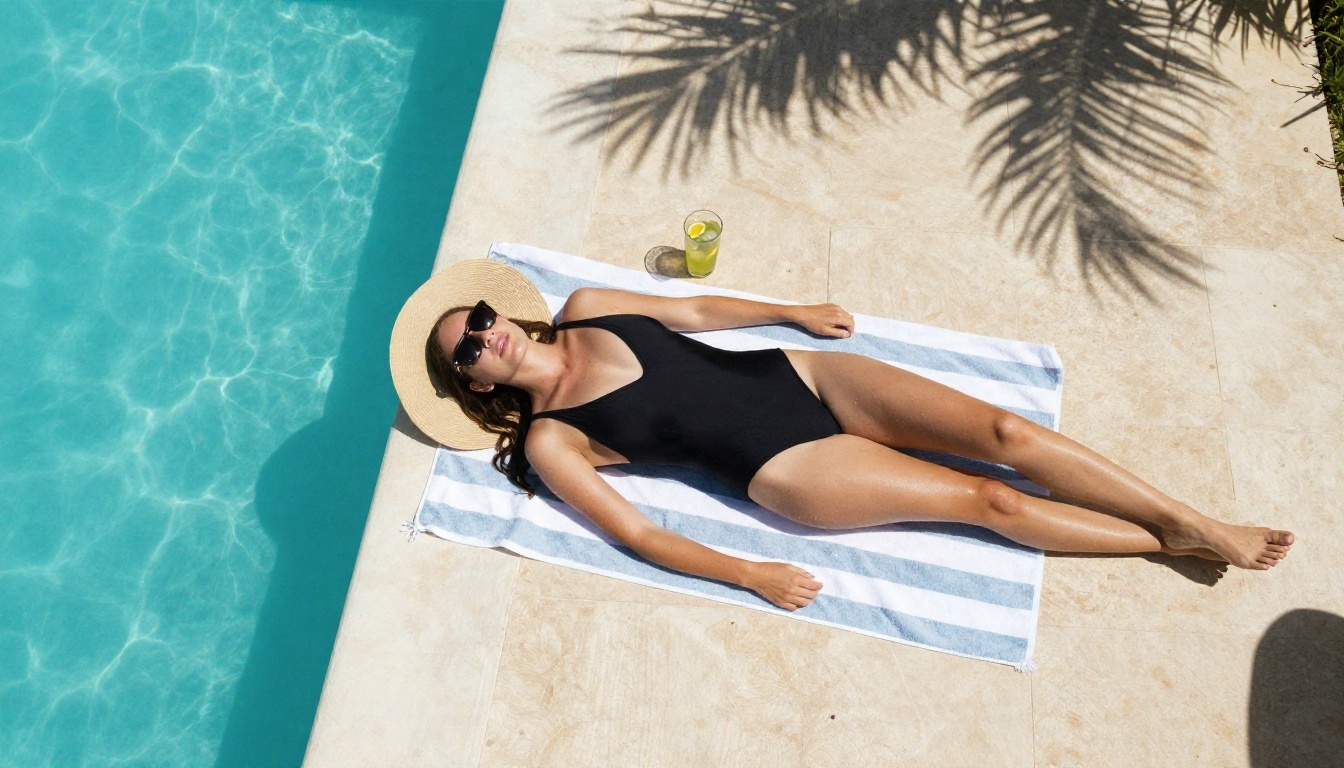
- "Black one-piece swimsuit, sunglasses and sunhat, lying on a striped towel beside a turquoise pool, top-down view, bright midday sun, crisp shadows."
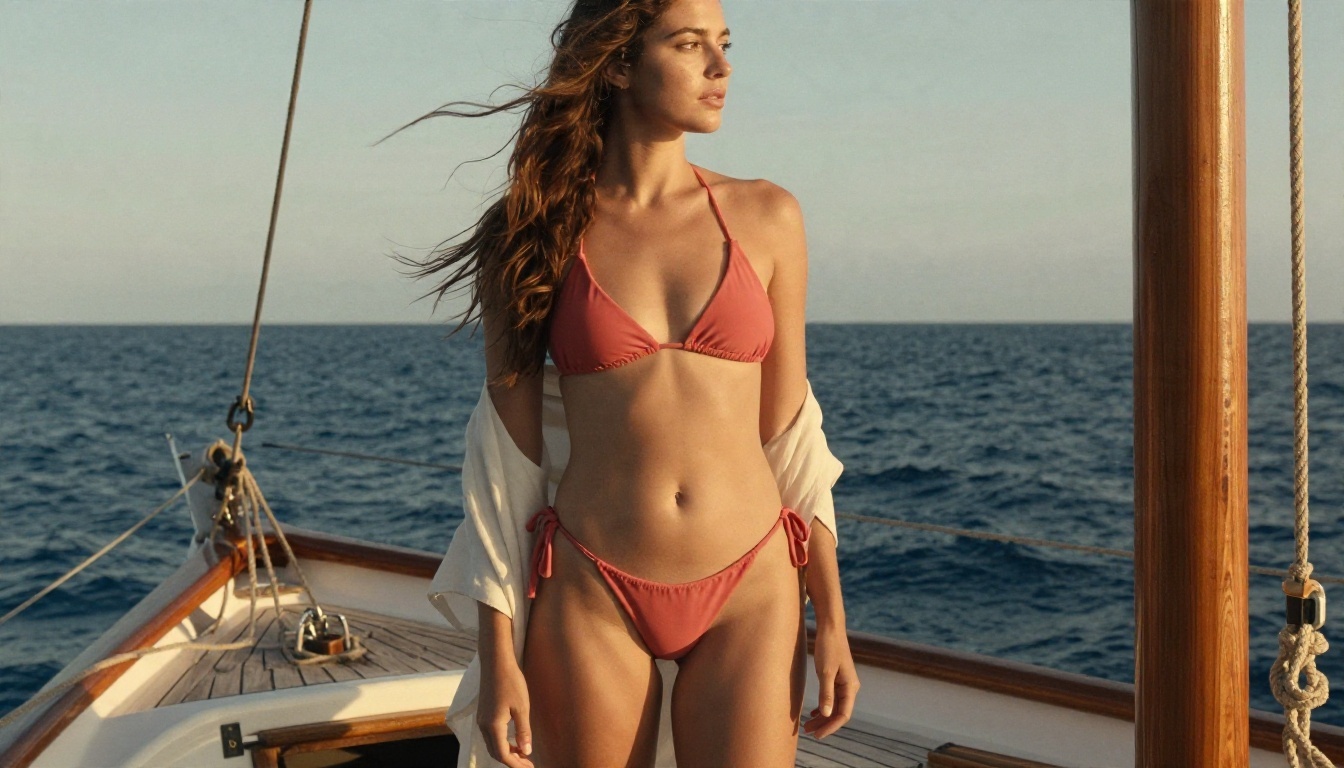
- "Coral two-piece bikini and open white kimono on a wooden sailboat deck, golden hour, hair lifted by wind, ocean horizon behind."
- "Woman in a high-waisted vintage swimsuit on a Riviera pier, 1960s film look, soft grain, pastel sky."
Evening and Fashion Prompts
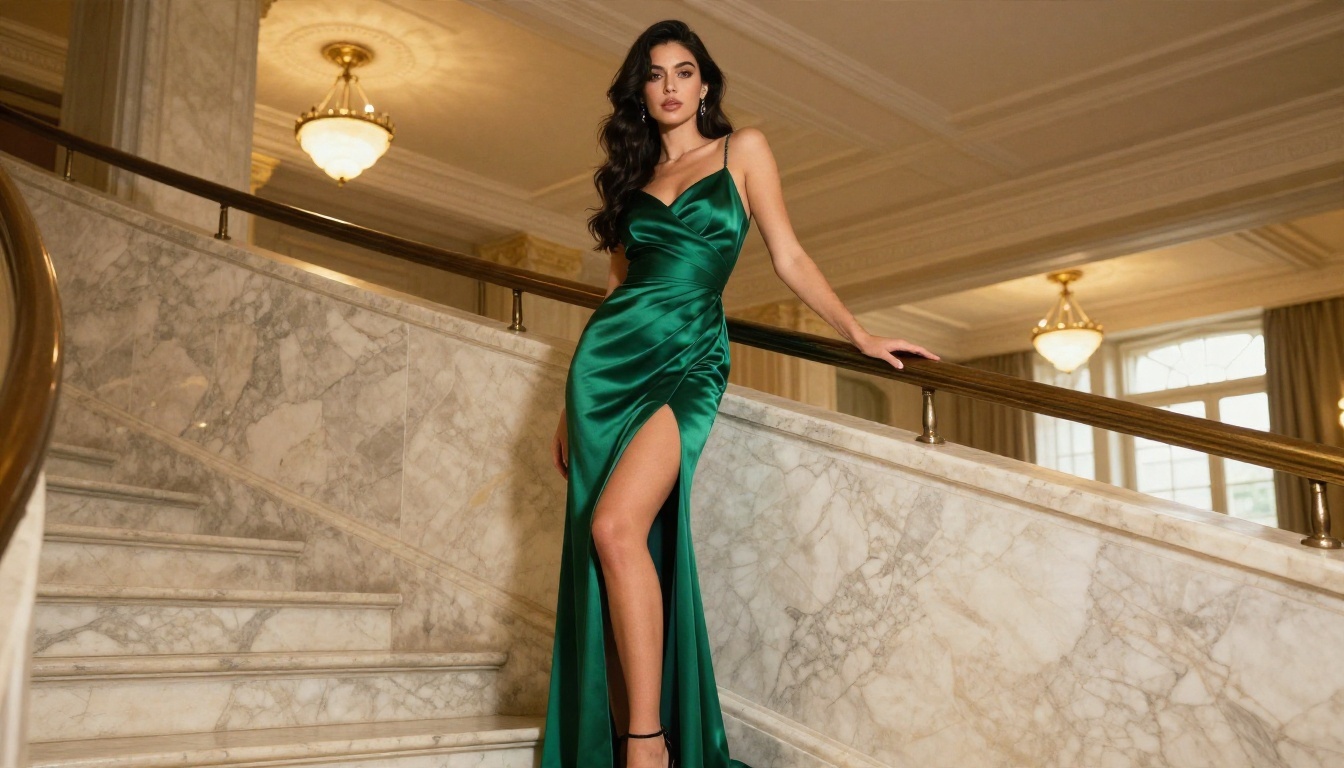
- "Emerald satin gown with a high leg slit at the top of a marble staircase, looking over her shoulder, warm chandelier light."
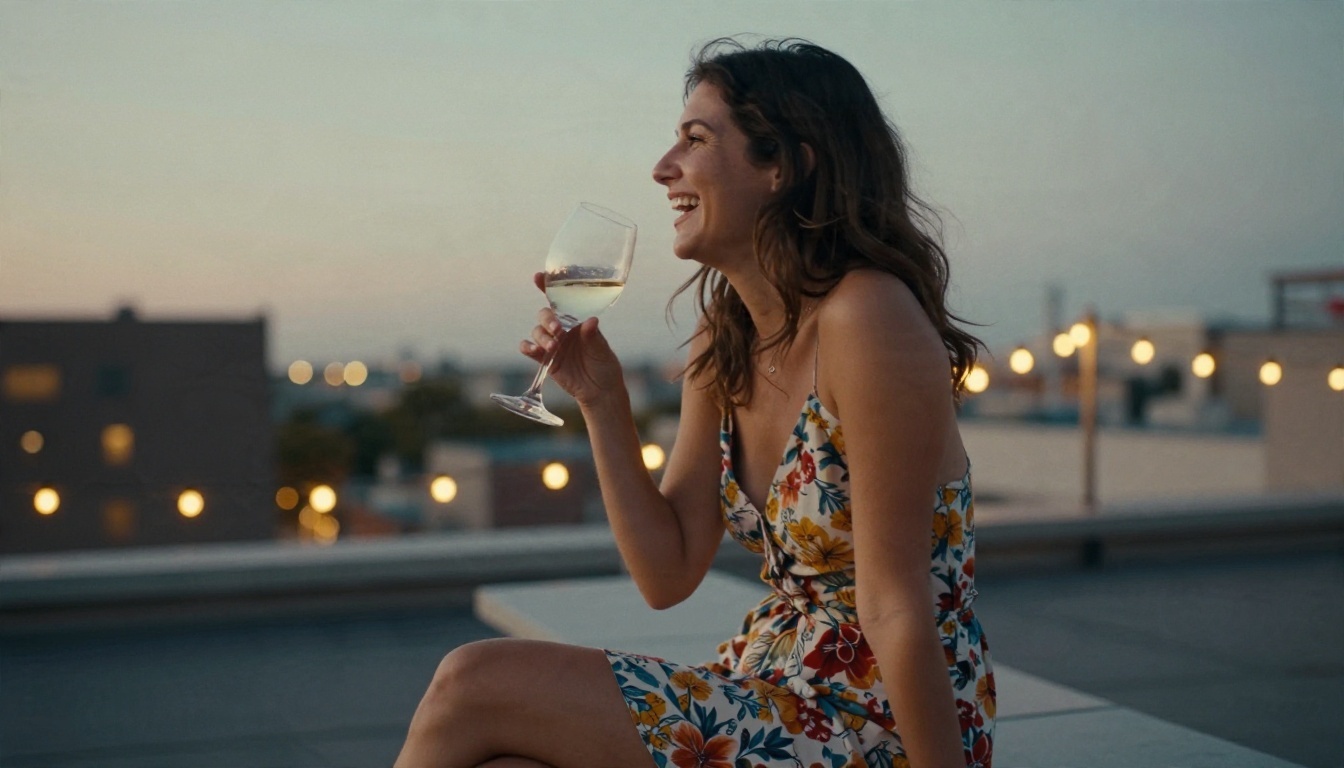
- "Short floral summer dress on a rooftop at dusk, city lights blurred below, laughing with a wine glass, string lights."
- "Red velvet cocktail dress in a dim jazz club, warm tungsten light, smoke haze, candid mood."
- "Backless black evening dress seen from behind in a hotel corridor, glancing back, soft hallway light."
- "Leather jacket over a silk camisole on a night street after rain, reflections on the pavement, 35mm film look."
- "White shirt and tailored shorts at a vineyard terrace, late afternoon sun, relaxed flirtatious smile."
The Prompt Formula That Works
The prompts above follow one structure. Use it as a template and you'll get fewer random results:
| Slot | What to write | Example |
|---|
| Subject and pose | Who, what they wear, what they do | "Woman in a black silk slip, seated sideways" |
| Setting | One specific place | "Sunlit penthouse, floor-to-ceiling windows" |
| Light | Direction and time of day | "Golden hour from the left, soft shadows" |
| Camera | Lens and framing | "85mm, shallow depth of field, eye level" |
| Texture | Skin, fabric, grain | "Visible pores, silk sheen, film grain" |
| Mood | One or two words | "Confident, playful" |
💡 Tip: Lighting words do more for "sexy" than clothing words. Warm directional light, a little skin texture and a shallow focus often read as more sensual than a skimpier outfit.
Is Grok Free for This?
What Free Users Get
This is the part that changes fastest, so treat any number you read online with suspicion, including here. Reports from 2026 disagree with each other. Some say free access to Grok Imagine was removed or cut down heavily, while others describe limited daily caps for lower tiers. What does seem consistent: free or low-tier accounts get the tightest limits, and heavy use is more likely to hit a cap or a stricter filter.
If you plan to rely on Grok for this kind of work, check the current limits inside the app before building a workflow around it.
Paid Tiers and Spicy Mode
Grok Imagine launched with a "Spicy" setting that loosened some filters for adult-oriented output. Coverage since then has been mixed. Some sources say it still exists on mobile apps for paying subscribers. Others say it was pulled after public backlash early in 2026. xAI's own wording, according to explainers, is that enabling an adult setting does not switch moderation off.
So the safe reading is this:
- Paying may give you more generations and slightly looser handling.
- Moderation still runs in the background.
- Rules can change without much notice.
Where Grok Hits a Wall
Moderation Triggers
Grok's filters check your prompt and, in many cases, the finished image too. That second check explains the most irritating behavior: a prompt that looks innocent gets accepted, renders, and then disappears or comes back blurred because the output looked too revealing.
Prompts That Get Blocked
| Request type | Typical result |
|---|
| Real people, celebrities, public figures | Blocked, and it's also a rule you should respect |
| Anything suggesting a minor or youthful look | Blocked, always, no exceptions |
| Explicit nudity or sexual acts | Blocked or blurred |
| Heavily revealing clothing at the edge of nudity | Inconsistent: accepted one day, refused the next |
| Edits of a real person's photo | Often blocked |
The inconsistency is the real frustration. The same prompt can pass at noon and fail at night, because filters and model updates shift under you.
How to Rephrase Safely
When a prompt gets refused, change what you describe, not how cleverly you disguise it:
- Swap a specific revealing garment for a silhouette and fabric: "fitted satin dress with a high slit."
- Lead with setting and light, and let the clothing sit in the second half of the sentence.
- Use fashion vocabulary (editorial, boudoir lighting, swimwear campaign) in place of vague suggestive words.
- Keep the subject a fictional adult, described by styling and not by age cues.
Trying to trick the filter with misspellings or coded words usually backfires, and it wastes your daily generations.
Uncensored Alternatives That Work Today
If you keep running into refusals, the practical move is to switch tools rather than fight one. These models are on PicassoIA, listed in the order I'd try them for adult-oriented glamour work.
Seedream 4.5 First
Seedream 4.5 is the strongest starting point. It handles skin texture, fabric sheen and soft light better than most models, which matters because those three details create the "sexy" feeling in a photo. It's also forgiving with swimwear, lingerie-style fashion and boudoir scenes, so you hit fewer dead ends than on Grok.
Try the black silk slip dress prompt from the examples above. You should get a believable skin tone, realistic satin folds and a natural highlight on the shoulder without any extra coaxing.
⚠️ Heads up: Seedream 5 Lite blocks adult content, so don't pick it for this kind of work. Seedream 4.5 is the one to use.
Image Editor Pro for Unlimited Runs
PicassoIA Image Editor Pro is the one to open when you want to iterate without counting. It offers unlimited generations, so you can run the same prompt twenty times, nudge the lighting, change the outfit, and keep the winner. For people who burned through a Grok daily cap in an hour, that's the big difference. It also edits: upload a render you like and ask for a different dress color, a new background, or softer light.
Other Models Worth Trying
You can see the whole catalog at picassoia.com/en/all-models.
How to Use Grok Imagine on PicassoIA
Grok's image models are available on PicassoIA too, which is handy if you like the Grok look and want everything in one place. These are better for glamour and fashion-style portraits than for anything bolder, so keep the prompts in the tasteful range.
Models to pick from:
Steps:
- Open the Grok Imagine Image 2 page and choose the text-to-image tool.
- Paste a prompt built with the formula table above: subject, setting, light, camera, texture, mood.
- Set the aspect ratio to 16:9 for wide scenes like beaches and rooftops, or portrait for single-figure fashion shots.
- Generate, then change one thing per run (light direction, outfit color, or lens) so you can see what each change does.
- If you hit a refusal, move the same prompt to Seedream 4.5 or Image Editor Pro instead of rewriting it five times.
💡 Tip: Keep a note of the three prompts you like best. Reusing a proven structure and swapping only the setting gives more consistent results than writing from scratch each time.
Mistakes That Waste Your Generations
1. Writing a long list of adjectives. "Sexy, hot, seductive, alluring, gorgeous" tells the model almost nothing. One concrete light source beats five vague words.
2. Naming real people. Besides triggering filters, it's a line that harms real individuals. Use fictional characters.
3. Changing five things at once. When the result improves or collapses, you won't know why. Change one variable per run.
4. Ignoring the camera. A lens and a distance (85mm portrait, 24mm top-down) give you very different intimacy levels. Close and shallow feels personal. Wide and bright feels like a vacation photo.
5. Fighting a filter for twenty tries. If a prompt keeps failing, the tool is the problem, not your wording. Switch models.
6. Skipping texture. Skin pores, fabric weave, sea spray and film grain are what make an image look photographed and not rendered. Always add one texture detail.
A Few Rules Worth Keeping
Adult image generation works best when you keep it simple and responsible. Only create fictional adult subjects. Never prompt for a real person's likeness, never use youthful cues, and never share images in a way that could be mistaken for a real photo of someone. Those rules aren't just about avoiding blocks: they're what keeps this hobby from hurting anyone.
Within those limits there's a huge amount of room. A single prompt can become a dozen different moods just by shifting the hour of the day, the lens or the fabric.
Try Your Own Prompts Today
Take two or three prompts from the list above, paste them into Seedream 4.5 and see how the same words play out compared to Grok. Then move your favorite to PicassoIA Image Editor Pro and run it as many times as you like, changing the light, the outfit and the setting until it looks exactly the way you pictured it.
Picasso IA puts all of these models under one roof, with no daily cap on Image Editor Pro, so experimenting costs you nothing but a few minutes. Browse the full lineup at picassoia.com/en/all-models, pick a model, and start building your own set of sexy prompts that actually work.


