Most people who search for sexy roleplay AI are not after anything complicated. They want a chat partner that stays in character, flirts with some wit, remembers what happened ten messages ago, and does not shut the whole thing down after one raised eyebrow. That sounds simple. In practice, it depends on three things: which app or model you pick, how you set the scene, and what you do when the story drifts.
This article walks through all three. You will see which kinds of free apps are worth trying, ten chat prompts you can paste right now, two sample conversations that show the pacing, and a few fixes for the problems everyone hits. We also show how to run a roleplay chat with a language model on PicassoIA and how to add photorealistic pictures to your story. Everything here stays suggestive and tasteful, because the best slow-burn scenes are built on tension, not on explicit detail.

What Sexy Roleplay AI Really Is
A sexy roleplay AI is a chatbot, usually built on a large language model, that plays a character in a romantic or flirtatious scene while you play yourself or another character. You type what your character says or does, and the AI answers in voice, adding setting, mood and reactions.
Flirty chat versus explicit chat
There is a wide range inside this niche. On one end you have playful banter, compliments, teasing and dates that build slowly. On the other end sits fully explicit content, which many platforms block and which we do not write about here. This article lives in the first zone: romance, chemistry and suggestion.
That focus is also practical. Models write better when they have room to build atmosphere. A scene on a rooftop at dusk with a nervous first kiss gives the AI more to work with than a blunt request ever will.
Why people use it
💡 People rarely use roleplay AI for one reason only. It is writing practice, social rehearsal, entertainment and companionship, often in the same evening.
Common reasons include:
- Creative writing: drafting romance scenes, building characters, testing dialogue.
- Confidence: practicing how to flirt or how to hold a conversation without pressure.
- Long-distance company: a story to unwind with after work.
- Curiosity: seeing how far a character can feel believable.

Free Apps Worth Trying
The market changes fast, and so do content rules. An app that allowed romantic roleplay last spring may have tightened its filters since. Always read the current terms before you commit time to a character.
What "free" usually means
Most free roleplay apps follow the same pattern: a daily message cap, slower replies at peak hours, shorter memory, and a paid tier that removes the limits. That is fine for a trial. It becomes annoying when a scene is just getting good and the app asks for a subscription.
Here is how the main categories compare:
| App type | Examples (plain text) | Free tier | Strength | Weak spot |
|---|
| Character platforms | Character.AI, Talkie, Chai | Generous, with ads or caps | Huge library of ready characters | Filters can interrupt romance |
| Companion apps | Replika, Nomi, Kindroid | Limited, many features paid | Persistent memory and a stable persona | Best features sit behind a paywall |
| Open frontends | SillyTavern, local models | Free if you run it yourself | Full control over prompts and memory | Needs setup and a decent computer |
| General chat models | LLMs on PicassoIA | Free to try | Strong writing, you control the character | You write the setup yourself |
The do-it-yourself route
General chat models give you the most control, because you write the character sheet. You decide the personality, the setting, the pace and the limits. The trade-off is that you carry the setup. The prompt section below fixes that.
Models like Llama 4 Maverick Instruct, DeepSeek V3.1 and Gemini 3.5 Flash handle conversational romance and descriptive writing well. Each model has its own safety behavior, so expect flirty, atmospheric writing rather than anything graphic.
Age checks and privacy
Treat every roleplay app as a public place. Do not share your full name, address, workplace or financial details with a character, no matter how warm the conversation feels. Check whether chats are stored, used for training or visible to staff. And use only platforms that require adult users, because this whole niche is strictly for people over 18.

Chat Prompts You Can Copy
A good roleplay starts with a good opening message. Skip the one-liner and give the model a short brief. Think of it as handing an actor a script outline.
The setup prompt template
Paste this at the start of a new chat and fill in the brackets:
"You are [character name], a [age, adult only] [profession or archetype] with a [personality traits] personality. The scene: [place and time]. Write in third person, present tense, in short paragraphs with dialogue. Keep the tone flirtatious, witty and suggestive, never explicit. Let attraction build slowly. Never speak or act for my character. End each reply with a small hook so I can respond."
Every line in that template earns its place. Age and archetype anchor the voice. The scene gives atmosphere. Tense and length keep replies readable. "Never speak for my character" stops the model from taking over. The hook keeps the rhythm of a real exchange.
Ten scene starters
Use these as your first message after the setup prompt:
- The coffee shop regular: "You notice me at the same corner table every morning. Today you finally bring my order over yourself."
- Noir bar: "It's 1947, rain outside. You are the singer nobody trusts, and I'm the detective who keeps showing up."
- Rooftop dinner: "You booked a table for two on a rooftop. I am the date you did not expect."
- Rival coworkers: "We have been competing for the same promotion. The office is empty tonight and the lights are low."
- Vacation stranger: "We met on a yacht tour and missed the last boat back. Neither of us is in a hurry."
- Old flame: "It has been ten years. You walk into the wedding reception and see me across the room."
- Book club: "You picked the steamy novel for this month. I am pretending I did not blush."
- Rainy night texting: "Our train was cancelled. You text me from the other platform."
- Dance class: "You are the instructor, and I keep stepping on your feet on purpose."
- Slow-burn neighbors: "Your lights are on again at midnight. I knock and ask to borrow sugar."

Prompts for pacing and tone
Sometimes the story needs a nudge mid-chat. Keep a few of these ready:
- Slow down: "Pause on this moment. Describe the room, her expression and the silence before she answers."
- Add tension: "Introduce a small obstacle: a ringing phone, a knock at the door, a rival walking in."
- Sharpen the voice: "Rewrite your last reply with more wit and fewer adjectives."
- Reset the character: "Reminder: you are still [name]. Stay in voice, stay playful, keep it suggestive."
- Change scene: "Skip ahead to the next morning and describe how the two of us act around each other."
💡 Tip: Short, specific instructions beat long ones. Models follow "describe the silence before she answers" far better than "make it more romantic."
Examples of Roleplay Conversations
Reading examples is the fastest way to calibrate what good output looks like. Both samples below are suggestive without crossing into explicit territory.
Noir bar, a slow burn
You: I slide onto the stool beside you and tip my hat. "Heard you were looking for someone who asks fewer questions."
AI (as Vivian): Vivian lets the smoke curl from her glass before she turns. Her red dress catches the amber light as if it were made for this room. "Fewer questions, Detective? You have asked three since you sat down." A faint smile. "Buy me a drink, and I might answer the fourth."
You: "Name your poison."
AI: "Whatever you are having. I like to know what kind of trouble I am sharing a bar with." She angles her stool a little closer, just enough that her knee brushes your coat.
Notice what works here. The AI gives a physical detail, a line of dialogue, a small gesture and an open hook. Nothing explicit, yet the tension is obvious.

Texting on a rainy night
You: Still stuck on platform six. Tell me you are somewhere warmer.
AI (as Maya): Window seat, sweater two sizes too big, candle going. I would say I feel bad, but you left me on read for an hour yesterday. 😏
You: Bold of you to keep score.
AI: I keep score on everything that matters. Come over, and I will tell you who is winning.
Texting scenes work because short messages keep the pace quick. If you prefer longer prose, ask for it in your setup prompt.

Fix the Usual Problems
Even good models stumble. Here are the five issues that show up most.
The bot forgets details
Long chats push early details out of the model's context window. Every 20 to 30 messages, paste a short recap: names, setting, what just happened and how the characters feel. Two or three sentences are enough.
Replies feel rushed
If the story jumps to the finish line in three messages, add a pacing rule to your setup prompt: "Build tension over at least ten exchanges before any physical contact. Focus on glances, words and atmosphere." This works better than telling the model what not to do.
The character turns generic
Generic output usually means a vague setup. Give your character three specific habits, such as "taps her ring against glass when nervous," "answers questions with questions," "hums old jazz while thinking." Quirks produce personality.
The app blocks a harmless line
Filters are blunt tools. When a flirty line gets blocked, rephrase it with more setting and less directness. A rooftop, a glance and a half-finished sentence work better than a bare request. If a platform keeps refusing mild romance, that platform is the wrong fit. Switch tools instead of fighting the rules.
You want more variety
Rotate the genre: noir, vacation fling, office rivalry, period drama, fantasy court. Each genre brings its own vocabulary, which keeps the writing from repeating itself.
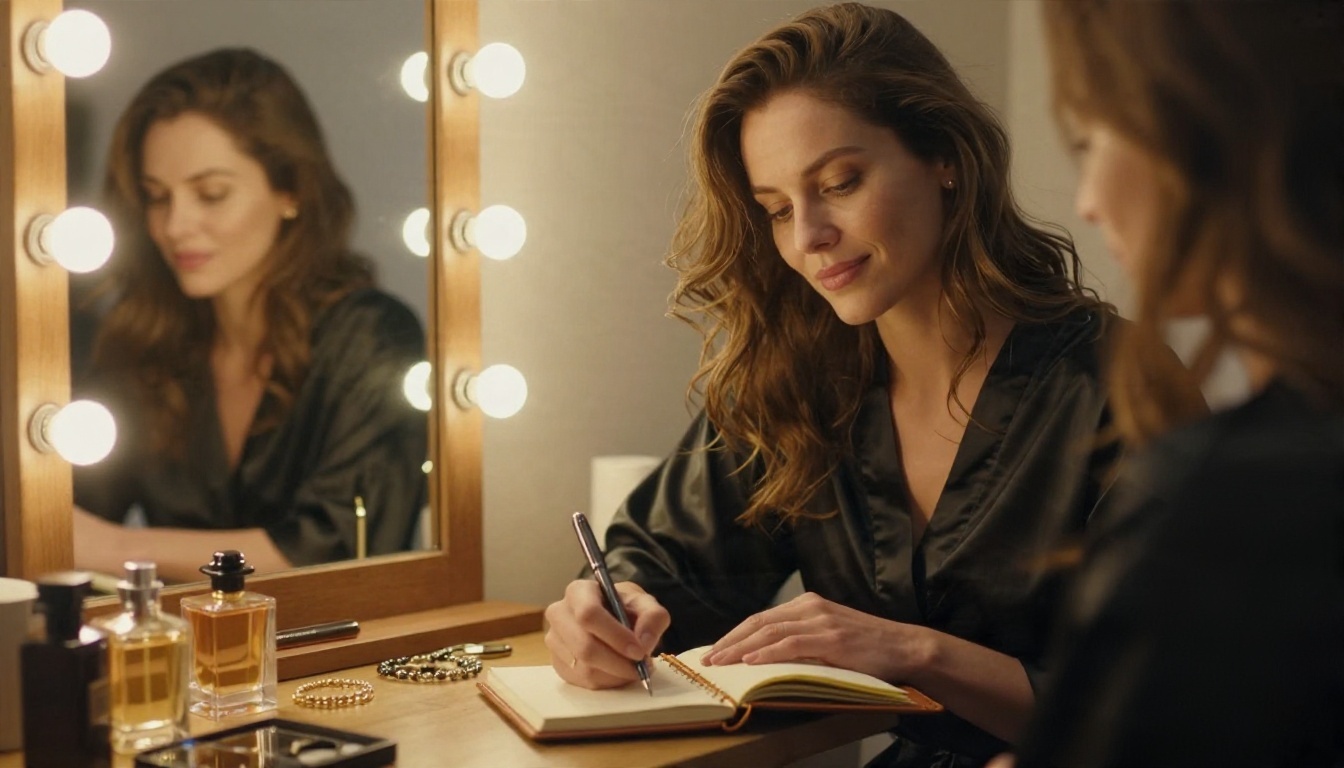
Run a Roleplay Chat on PicassoIA
PicassoIA hosts many language models in the same place, so you can switch voices without hunting for a new app. This is a good way to test one character with several models and keep the version that writes best.
Step by step
- Open a chat model page such as Llama 4 Maverick Instruct.
- Paste the setup prompt from the template above into the prompt box.
- Add your first scene starter below it.
- Run the model and read the first reply. If the voice is off, edit the setup and run again.
- Continue the chat by pasting your next line along with a short recap of what has happened so far.
- Try the same setup on DeepSeek V3.1 or Gemini 3.5 Flash and compare the tone.
Which model for which job
💡 Tip: Keep temperature moderate if the model exposes that setting. Very high values make characters erratic, and very low values make them dull.

Add Pictures to Your Story
A scene lands harder with a picture. Once your character exists in words, you can give them a face, a wardrobe and a setting. Keep the images tasteful: glamour, evening wear, bedroom light, silk and lace, never explicit.
Seedream 4.5 for the main portrait
Seedream 4.5 is the first model to try for character portraits. It produces sharp, photorealistic skin, fabric and light, and it follows long prompts closely. Describe your character the way you did in the setup prompt: hair, outfit, lighting, camera lens. For example: "Adult woman in a red satin dress at a smoky 1940s bar, amber pendant light, 50mm lens, shallow depth of field, film grain."
Image Editor Pro for tweaks
PicassoIA Image Editor Pro is built for unlimited edits. Use it to change an outfit, shift the background from a bar to a balcony, or adjust the lighting without redoing the portrait. Fast iteration is the real value here: you can keep the same character across several scenes and generate as many variations as you like.
More image models to test
If you want a different look, try Grok Imagine Image 2, Grok Imagine Image Quality or Qwen Image 3 Pro. Each handles skin tones and lighting a little differently, so a quick side-by-side test with the same prompt shows which one fits your character.

Prompt formula for character images
Use this structure for consistent results:
- Subject and pose: who she is and what she is doing
- Setting: room, city, weather, time of day
- Light: direction and color, such as "warm lamp from the left"
- Lens: "85mm f/1.8, shallow depth of field"
- Texture: "visible skin pores, satin sheen, film grain"
If an image gets blocked by a safety filter, that is a signal to tone the wording down: swap a revealing outfit for evening wear or a robe and let the mood carry the picture. Suggestion is almost always more attractive than exposure.
Try Your Own Story Tonight
You now have the whole loop: pick a tool, write a setup prompt with a clear scene and pacing rules, use a starter, keep the chat alive with short recaps, and give your characters a face with photorealistic images.
Here is a simple plan for tonight:
- Choose a genre from the ten starters above.
- Open a chat model on PicassoIA and paste your setup prompt.
- Play ten exchanges and note where the voice feels off.
- Generate a portrait of your character with Seedream 4.5.
- Tweak the look in PicassoIA Image Editor Pro and plug the result into your next scene.
Picasso IA puts chat models and uncensored-friendly, photorealistic image tools in one place, so you can write the story and picture it without switching platforms. Browse every model at picassoia.com/en/all-models, pick a favorite pair, and start your first scene. The best roleplay is the one you actually write, so open a chat and say hello to your character.


