You typed "uncensored" into a search bar, found Senzia, and now you are wondering whether something better exists. It does. The real question is what you want from an AI image generator: speed, realism, fewer refusals on glamour and swimwear shots, or simply a free plan that does not run out after three tries. This article sorts through all of that, so you can pick a tool and start making photographs that look like photographs.
Quick answer: the best sites like Senzia are the ones that give you fast generation, believable skin and fabric, and room for tasteful adult aesthetics such as bikinis, lingerie-style fashion and boudoir lighting, without turning every request into a refusal. On PicassoIA, the strongest options today are Seedream 4.5, PicassoIA Image Editor Pro, Z Image Turbo and Flux 2 Klein 9B Base LoRA.

What Senzia Actually Offers
Senzia is a freemium web platform that bundles AI image, video and audio generation in one place. Listings describe it as a browser tool that works from text prompts, reference photos or sound clips, and it is marketed heavily around the idea of "no restrictions."
That pitch explains the traffic. People who have hit walls with mainstream generators, the kind that refuse a woman in a swimsuit on a beach, naturally go looking for something looser.
The free tier
Free access is the hook. You can try the tool without paying, which is useful for a first impression. The usual catch with freemium generators is the same everywhere: limited daily credits, slower queues for free users, lower resolution outputs, and watermarks or upsell prompts once you want something sharper.
If you only want to test an idea, that is fine. If you want to produce a full set of images for a project, you will feel the ceiling quickly.
The uncensored label
Here is where caution helps. Independent write-ups found no clear public documentation from Senzia that defines an uncensored mode, lists what is prohibited, or explains how moderation works. "Uncensored" appears to be marketing language rather than a documented feature.
That does not make the tool bad. It means you should treat the claim as unverified and test with your own prompts before you build a workflow around it.
💡 Tip: Run the same three test prompts on every generator you try: a swimwear beach portrait, a moody hotel-room fashion shot, and a close-up face. You will learn more in ten minutes than from any marketing page.
Why People Look for Alternatives
Nobody searches for "sites like" a tool they are fully happy with. The complaints around free uncensored generators repeat themselves, and they are worth naming so you can avoid them.
Queues and credit limits
Free tiers throttle you. A generator that takes two minutes per image and gives you five credits a day is a demo, not a workflow. Photographers and creators who iterate on lighting, outfit and pose need dozens of attempts per concept.
Inconsistent realism
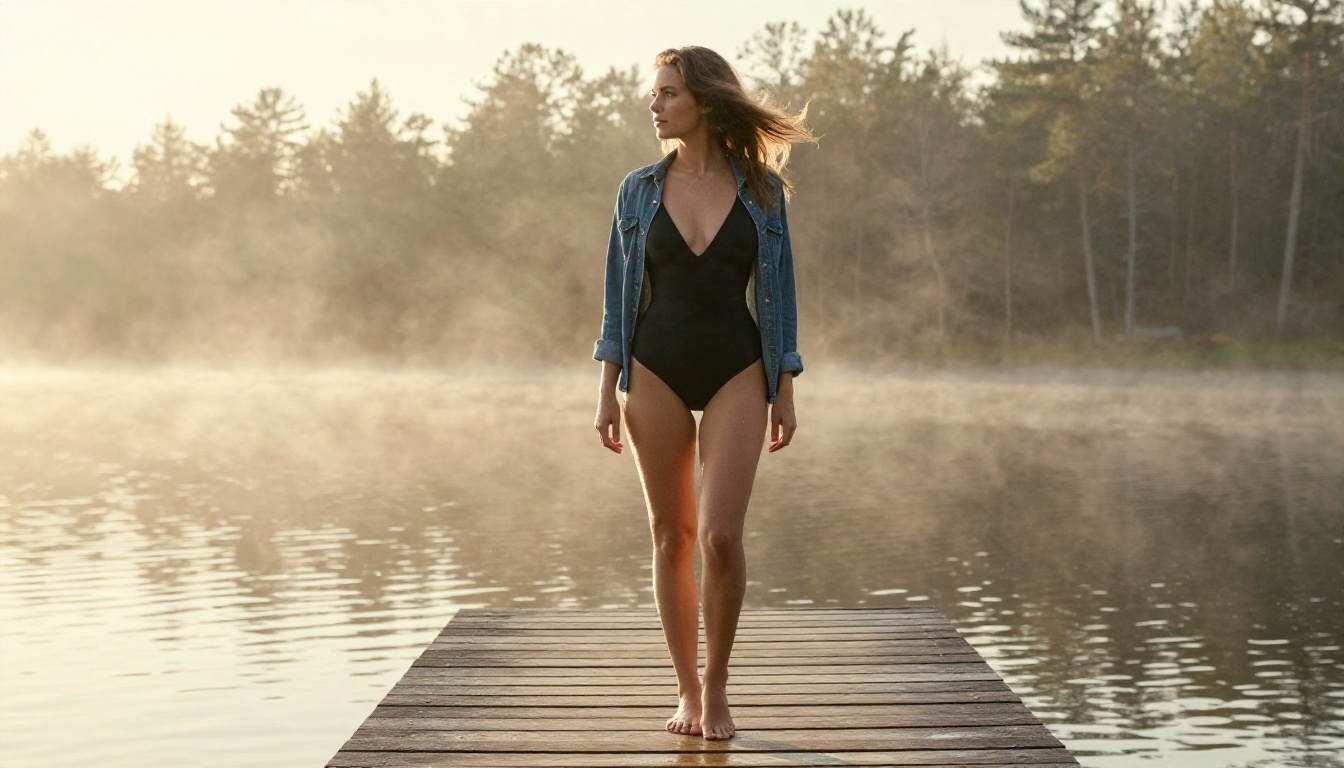
Many "uncensored" tools run older or smaller models. The result is the familiar plastic look: waxy skin, mismatched fingers, fabric that melts into the body. Removing filters does not make a model better at anatomy or light. A strong base model does.
Unclear rules
When a tool never explains what it allows, you find out by getting blocked, or worse, by getting an account warning. A generator with clear, consistent behavior saves time even if it is slightly stricter on paper.
Best Sites Like Senzia Compared
Here is a side-by-side look at the alternatives that matter for photorealistic, non-explicit glamour and fashion work.
| Tool | Best for | Speed | Strength | Limit to know |
|---|
| Seedream 4.5 | Portraits, swimwear, editorial looks | Fast | Skin, fabric, 4K detail | Stays non-explicit |
| PicassoIA Image Editor Pro | Unlimited iterations and edits | Fast | No generation cap | Best with a clear base photo or prompt |
| Z Image Turbo | Rapid drafts and batches | Very fast | Sharp output in seconds | Less nuance on complex scenes |
| Flux 2 Klein 9B Base LoRA | Styled looks and LoRA control | Medium | Consistent style | Needs more prompt care |
| Senzia | Quick free tests | Varies | Free entry | Moderation rules unclear |
Seedream 4.5 first
If you only try one model, make it Seedream 4.5. It handles skin texture, hair strands, satin, lace and linen with the kind of detail that usually separates a convincing photograph from an obvious render. It follows long prompts well, which matters when you describe lighting direction, lens choice and wardrobe in one go.
For swimwear and glamour, it reads direction like a photographer would: "golden hour from camera left, 85mm, shallow depth of field" translates into what you expect.
Image Editor Pro for unlimited runs
PicassoIA Image Editor Pro is the answer to the credit problem. It offers unlimited generations, so you can iterate on a pose, swap an outfit, adjust a background and try ten variations without watching a counter. That freedom is the real value behind the word "uncensored": not a promise of anything goes, but room to keep working until the image is right.
Z Image Turbo for speed
When you are testing concepts, speed wins. Z Image Turbo produces sharp images in seconds, which makes it a great sketchpad. Use it to lock composition and mood, then move the winning prompt to Seedream 4.5 for the final render.
Flux 2 Klein 9B LoRA for styles
If you want a consistent look across a series, such as the same film stock feel or the same wardrobe style, Flux 2 Klein 9B Base LoRA is worth the extra setup. It rewards precise prompts and gives you more control over style than a generic generator.
How to Get Similar Results on PicassoIA
Senzia is not on PicassoIA, so there is no way to run it here. For similar results today, the closest match for realistic, flexible image creation is Seedream 4.5. Here is a simple workflow.
Step by step
- Open the model page. Go to Seedream 4.5 on PicassoIA.
- Write a subject line. Start with who and what: "young woman in a sage-green satin bikini top and open linen shirt, seated on a cream daybed."
- Add the setting. Name a real place with textures: "Mediterranean villa terrace, whitewashed wall, terracotta pots."
- Set the light. Be specific: "low golden hour sun from camera left, soft bounce from cushions."
- Choose camera language. "85mm f/1.8, shallow depth of field, eye level."
- Add film feel. "Kodak Portra 400 palette, gentle film grain, natural skin texture."
- Pick 16:9 for banners or 4:5 for social. Generate, then iterate on a single variable at a time.
- Refine in Image Editor Pro. Move the best frame to PicassoIA Image Editor Pro for unlimited edits and variations.
Parameter tips
- Keep prompts between 60 and 120 words. Short prompts drift; very long ones can dilute the main subject.
- Change one thing per run. If you alter light, outfit and location together, you will not know what worked.
- Name the lens. "35mm" gives environmental context, "85mm" flatters faces, "135mm" compresses distance.
- Describe imperfections. Freckles, flyaway hair and natural creases in linen make the result believable.
💡 Tip: If a face looks too smooth, add "visible pores, fine peach fuzz, natural skin texture" and remove words like "flawless" or "perfect."
Prompts That Look Like Real Photos
The gap between a plastic image and a believable one is almost always in the prompt. These patterns work across Seedream 4.5, Z Image Turbo and Flux 2 Klein.
Light and lens
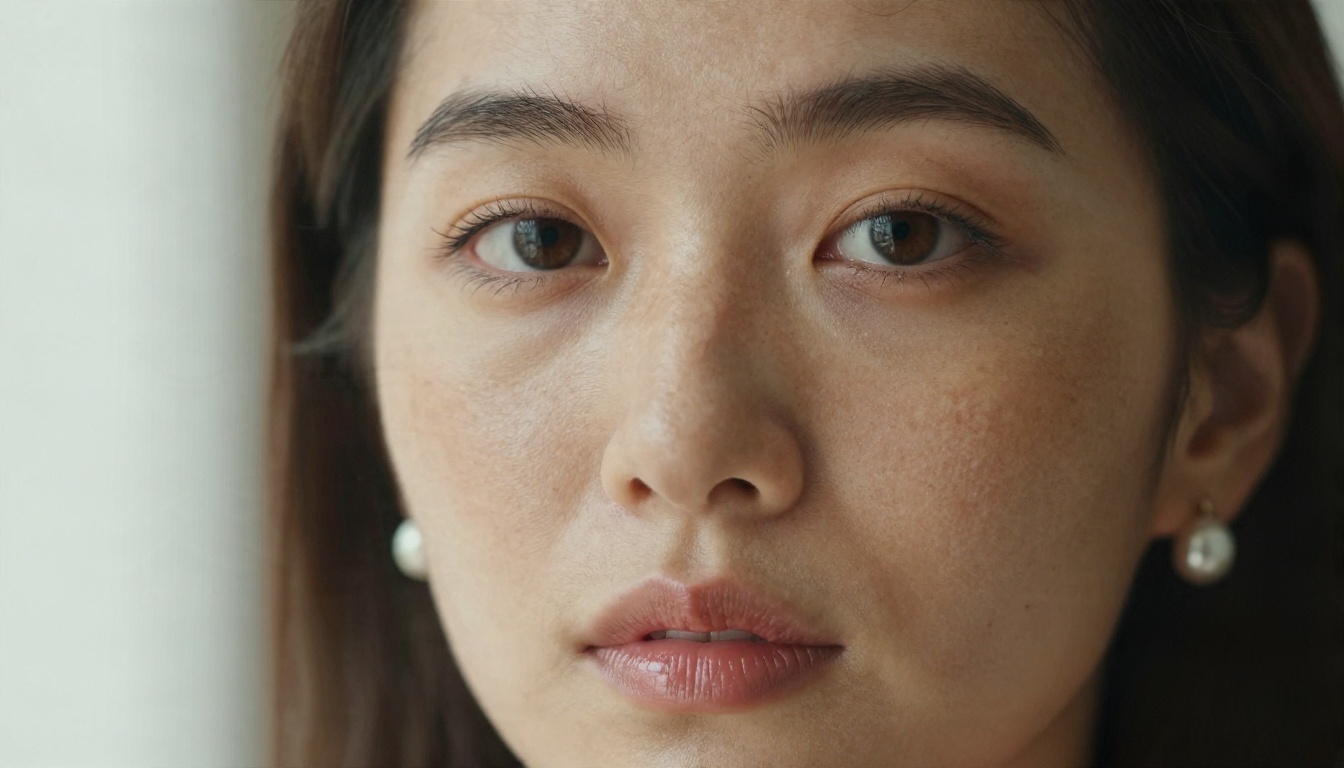
Describe light like a photographer. "Soft window light from the left with gentle shadow on the right cheek" produces dimension. "Hard midday sun with short crisp shadows" produces the high-contrast look of a beach shoot. Vague phrases like "beautiful lighting" give the model nothing to hold.
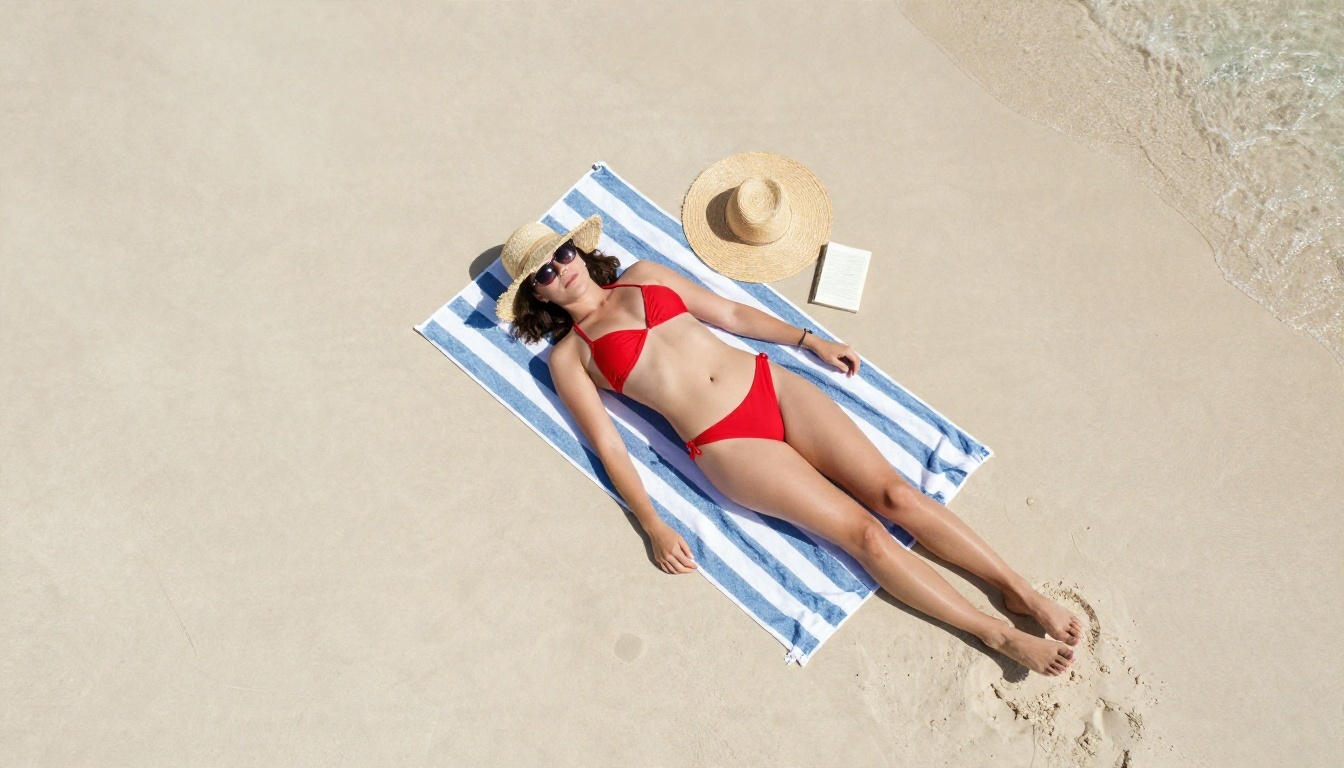
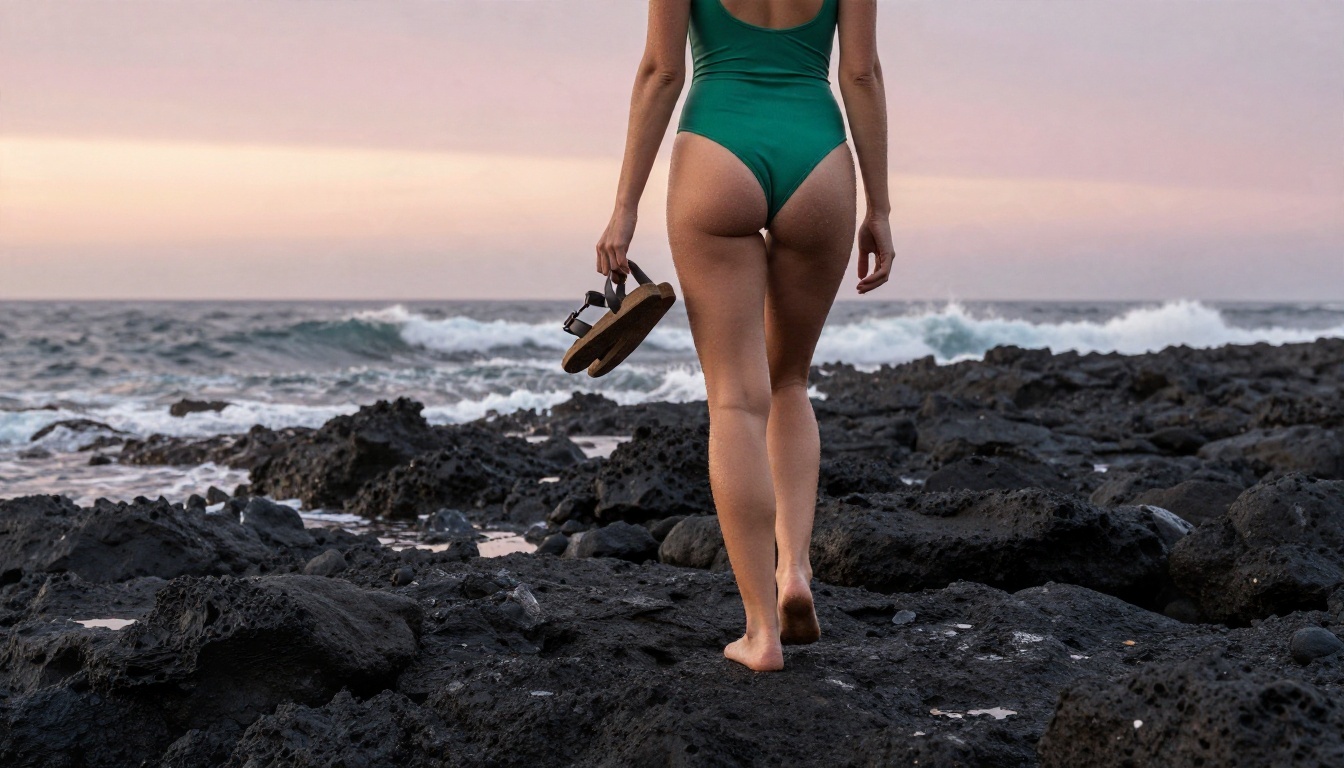
Pair light with a lens. A 105mm portrait lens gives you tight, flattering close-ups. A 24mm from above gives you the aerial flat-lay feel of a beach towel scene. A 135mm long lens compresses a coastline into layered planes of rock, sea and sky.
Skin and fabric
Believable glamour work depends on texture. Mention the weave of linen, the sheen of satin, the pattern of lace, droplets of water on skin, sand grain on a towel. These small anchors tell the model to render real surfaces rather than airbrushed gloss.
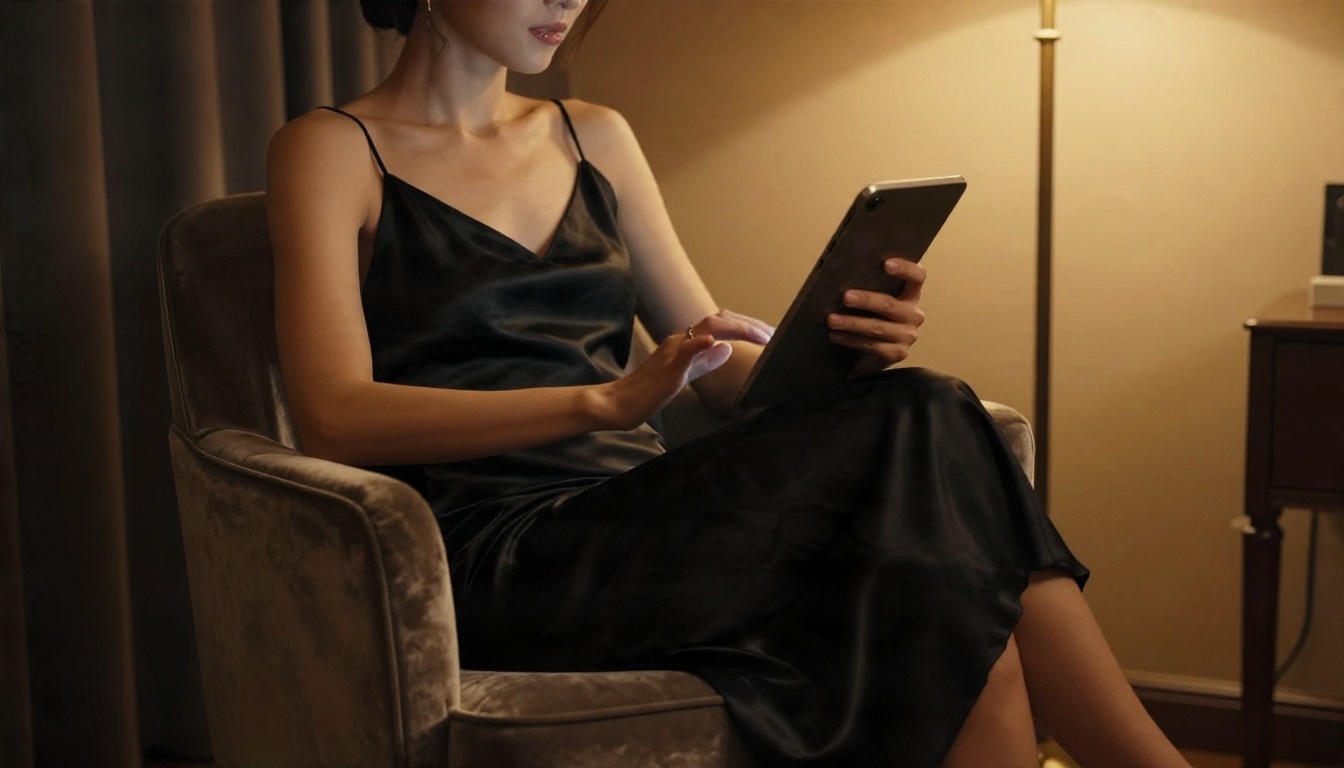
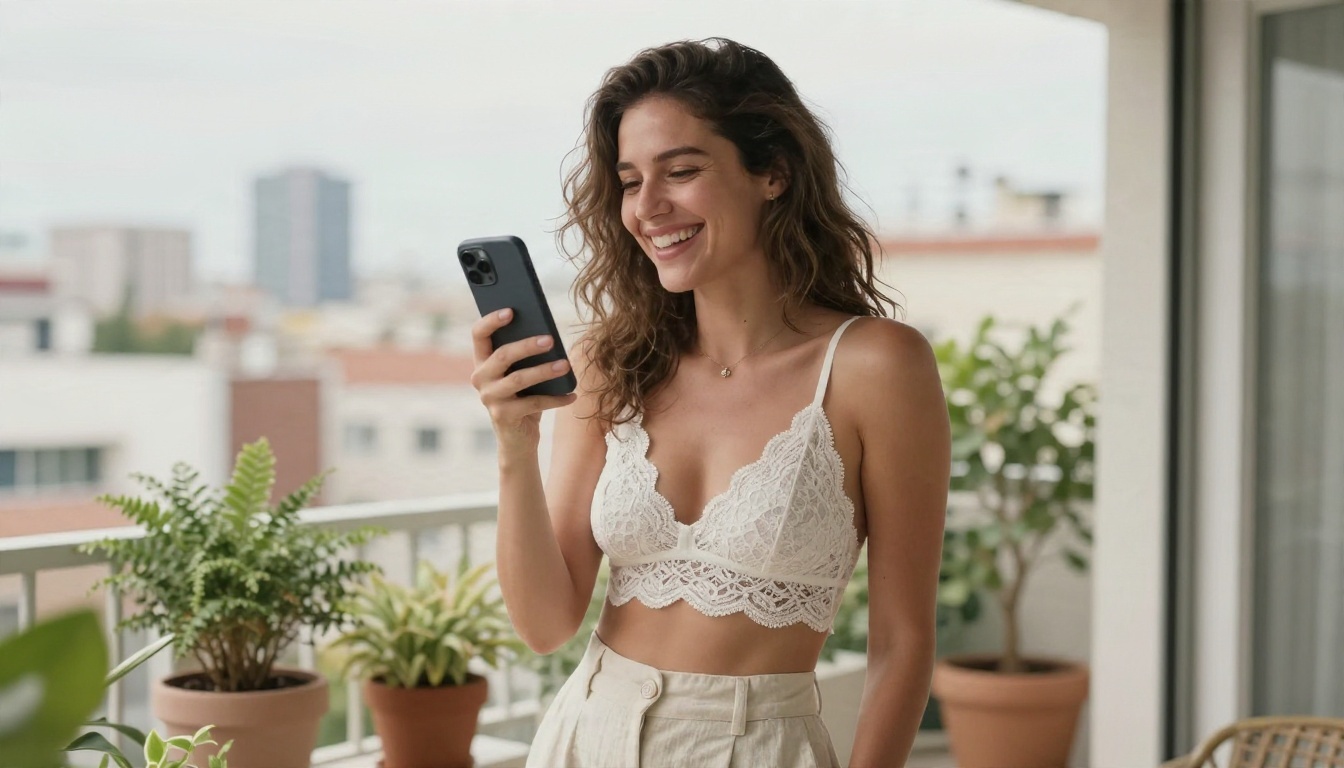
For adult aesthetics that stay tasteful, lean on wardrobe and mood: a silk slip dress in a dim hotel room, a one-piece swimsuit at dusk, a lace bralette on a sunny balcony. Suggestion and atmosphere read as more professional than anything explicit, and they keep your images usable on more platforms.
Common mistakes
| Mistake | What happens | Fix |
|---|
| "Perfect flawless skin" | Waxy, plastic faces | Ask for pores and fine peach fuzz |
| Stacking five styles | Muddy, confused look | Pick one film stock and one mood |
| No light direction | Flat, even image | Name the side and the time of day |
| Huge crowded scenes | Hands and details break | Keep one subject and a few props |
| Skipping the lens | Generic framing | Name a focal length and aperture |
Free vs Paid: The Real Cost
Free is attractive, but the true price of a generator is the time you spend waiting and redoing. A tool that gives you ten usable images in ten minutes beats one that gives you two in an hour.
What free tiers hide
Free plans often cap resolution, add watermarks or slow your queue. Some also store and review prompts for moderation without telling you how. When a service is vague about those details, assume the least private version.
Where value shows up
Value shows up in unlimited iteration. With PicassoIA Image Editor Pro, you can rework a single concept as many times as needed. Pair that with the fast drafts of Z Image Turbo and the final-quality detail of Seedream 4.5, and you have a full pipeline without counting credits.
Safety Checks Before You Sign Up
Whatever generator you choose, a few checks protect you and the people in your images.
- Read the content policy. If a site cannot tell you what it allows, move on.
- Look at the privacy page. Know whether prompts and outputs are stored.
- Never use real people's likeness without permission. Generate original characters or use your own photos with consent.
- Keep adult content non-explicit. Tasteful glamour travels further, stays shareable and avoids account problems.
- Avoid sites that ask for unusual permissions. A browser tool should not need access to your contacts or files.
💡 Tip: Save your best prompts in a notes file with the model name and settings. A good prompt is reusable, and a reusable prompt is worth more than any single image.
A realistic workflow
Here is a simple loop that works for most creators. Draft ten quick concepts in Z Image Turbo. Pick the two strongest. Rebuild them in Seedream 4.5 with longer, more detailed prompts. Take the best result into Image Editor Pro to adjust background, outfit or crop. Finish with a final pass for sharpness. That is an hour of work for a set that looks like it came from a studio.
Try It Yourself Today
You do not need to gamble on a tool with vague rules and a credit meter. Start with a single prompt, a single model and one clear idea. Write down the light, the lens and the wardrobe, press generate, and see how close it lands to what you imagined.
Begin with Seedream 4.5 for realism, switch to PicassoIA Image Editor Pro when you want unlimited variations, and keep Z Image Turbo around for quick drafts. If you want a consistent look across a whole series, bring in Flux 2 Klein 9B Base LoRA.
Ready to make your own photorealistic images with Picasso IA? Pick a model, paste in a prompt from this article, and change one detail at a time. For every model available, including more image generators to test, head to picassoia.com/en/all-models and see which one fits your style.