You made a striking glamour portrait with AI, and now you want people to see it. That is where the trouble starts. Instagram may quietly bury it, Facebook may delete it, and TikTok may flag your account before the post gets a single view. Meanwhile a few other networks will happily host adult-leaning art as long as you tag it properly. Knowing which is which saves you from strikes, shadowbans, and lost audiences.
This article sorts the social media that allows NSFW content into three groups: platforms that welcome it, platforms that tolerate it with conditions, and platforms that will punish you for it. It also explains the rules that apply to AI-generated adult art specifically, and how to make tasteful, non-explicit images that survive moderation almost anywhere.
💡 A quick note on accuracy: platform policies change often, sometimes within weeks. Treat everything below as a snapshot of how these networks generally behave, and read the current rules of any platform before you post.
What "NSFW" Means Online
The term is slippery. On one network, NSFW means a swimsuit photo. On another, it means fully explicit material. Before picking a platform, you need to know where the line sits for each type of content.
Three tiers of adult content
Most moderation systems, formal or not, sort adult material into rough levels:
| Tier | What it looks like | Typical treatment |
|---|
| Suggestive | Swimwear, lingerie, boudoir, implied nudity | Allowed on most networks, but may get reduced reach |
| Nudity (non-sexual) | Artistic nudes, topless beach scenes | Allowed only on a few platforms, usually behind a sensitive-content label |
| Explicit | Sexual acts, genital focus | Banned on nearly every mainstream network |
Most creators who build an audience around AI glamour work in the first tier. It is the safest ground, it travels furthest, and it keeps your account out of trouble. Everything in this article assumes consensual, adult subjects and images that stay on the suggestive side.
Why AI art gets extra scrutiny
Moderation teams and automated filters treat AI imagery with more suspicion than ordinary photos. There are three reasons:
- Deepfake risk. Realistic images of real people without consent are banned almost everywhere, and filters often cannot tell a fictional face from a stolen one.
- Labeling rules. A growing number of networks ask creators to mark synthetic images as AI-generated.
- Community backlash. Many art communities ban AI posts outright, whatever the platform allows.
That last point matters more than most people expect. A platform can permit adult content while a specific community inside it removes your post in minutes.
A handful of networks have built clear systems for adult content: age gates, sensitive-content toggles, and tagging. These are your best starting points.
X (formerly Twitter)
X has been the most open of the large networks. Its rules have allowed consensually produced adult content, including synthetic content, as long as it is labeled as sensitive and kept out of profile photos, banners, and other places where it would appear to everyone. Viewers must opt in to see it.
The upside is reach. The downside is that the platform's tolerance has been tested by public controversy over AI image tools, and regulators in several regions have pushed back. Expect the rules to keep shifting. Always mark your media as sensitive, and keep your bio and header clean.
Reddit
Reddit lets communities mark themselves as 18+ and requires posts in those spaces to carry an NSFW tag. Adult content is permitted on the platform, but the real rules live inside each subreddit. Some communities welcome AI art, some require a specific flair, and many ban it entirely.
Before posting, read the sidebar rules of the community. Look for requirements such as verification, AI labels, or minimum account age. A post that follows the platform's policy but ignores the subreddit's rules will still be removed.
Tumblr
Tumblr reversed its 2018 adult content ban at the end of 2022. It now allows a wider range of nudity and adult themes, though it still prohibits sexually explicit acts and material with an overt focus on genitals. Artists report that automated enforcement can still be uneven, so your account may need an occasional appeal. For suggestive AI portraits, it remains a relaxed home with a long tradition of visual blogging.
Pixiv and other art-first sites
Pixiv, the Japanese illustration community, uses an R-18 tag system and asks creators to mark AI-generated works. Art-first sites like this tend to have the clearest labeling workflows, which makes them useful if you want your adult-leaning work to sit beside other illustrators and photographers rather than inside a general feed.
The second group allows some adult material, but only with restrictions, and enforcement can be strict.
Bluesky
Bluesky uses a labeling system. Creators apply adult-content labels to their posts, and users decide in their settings whether to see them. That is more flexible than a flat ban, but the platform has also tightened its community guidelines, and reports describe stricter handling of adult art in recent updates. Label everything accurately, and check the latest guidelines before you build a posting routine around it.
Discord and Telegram
Both let you run age-restricted servers or channels. Discord requires NSFW channels to be marked as such, and the content stays in those channels. Telegram has looser rules in private groups but moderates public channels more strictly. These are good places to share a preview with a small audience, less so for finding new followers.
Subscription platforms
Several membership sites allow adult-leaning art behind a paywall, with their own rules for what is acceptable, often tied to payment processor requirements. Policies on AI-generated content differ from one to the next. Some require disclosure, some restrict specific types of imagery. Read the content policy first, because payment providers can force sudden changes.
💡 Rule of thumb: the more a platform depends on payment processors and advertisers, the stricter its adult content rules tend to be.
Some of the biggest audiences sit on networks where adult content is simply not welcome.
Instagram and Facebook
Meta's apps remove nudity and restrict sexually suggestive content, and their automated systems are famously aggressive. Artists, including those working with entirely clothed or stylized subjects, have reported wrongful removals. Swimwear and fashion content usually survives, but borderline images may be hidden from Explore and hashtag pages even when they stay on your profile.
TikTok, YouTube, and Pinterest
These networks ban nudity and sexually suggestive material in most forms, and reach drops fast for anything flagged as borderline. Pinterest has also been pushing back on low-quality synthetic images in recent months. If your audience lives here, keep your posts to fashion, beauty, and lifestyle imagery, and send people elsewhere for anything more mature.
Quick comparison
| Platform | Adult content | AI labeling | Best for |
|---|
| X | Allowed with sensitive label | Encouraged | Reach |
| Reddit | Allowed in NSFW communities | Depends on community | Niche audiences |
| Tumblr | Nudity allowed, explicit acts banned | Tags recommended | Visual blogs |
| Pixiv | R-18 system | AI tag expected | Art communities |
| Bluesky | Label-based | Label required for adult posts | Small, growing audience |
| Discord | Age-restricted channels only | Server rules | Private communities |
| Instagram / Facebook | Heavily restricted | Label expected | Safe glamour only |
| TikTok / YouTube / Pinterest | Largely banned | Label expected | Fashion and lifestyle |
Rules That Apply to AI Art
Whatever platform you choose, a small set of rules keeps showing up. Break one of these and the platform will not care how tasteful your work was.
Consent and real people
Never generate adult images of a real person without their consent. This is the single fastest route to a permanent ban, and in many places it is also a legal problem. Use fictional characters, invented faces, or models who have agreed in writing.
Adults only
Every subject must be clearly an adult. Prompts that hint at youth, such as school settings or childlike features, are banned everywhere and can lead to reports to authorities. Keep descriptions plainly adult.
Labels and disclosure
Mark AI-generated work as such where the platform asks for it, and apply the sensitive-content label whenever you post anything suggestive. Labels protect you. A labeled post that gets flagged is usually restored on appeal. An unlabeled one rarely is.
Placement matters
Even on friendly networks, adult-leaning images should stay out of profile photos, banners, and usernames. Those spots are visible to everyone, including people who never opted in.
How to Stay Within Limits
You can post mature-leaning work without constant takedowns if you build a few habits.
Keep the image suggestive, not explicit
Automated filters respond to skin exposure, pose, and framing. Glamour portraits with fabric, light, and mood tend to pass more often than images that rely on exposure. Beautiful lighting and strong styling get you further than anything shocking.
Build a funnel, not a feed
Use a safe network as your front door and a more permissive one as your home base:
- Post your most fashion-forward images on a mainstream network with a link in your bio.
- Send interested followers to an adult-friendly platform where labels and age gates are built in.
- Keep the two audiences separate so one account's flags do not cascade into the other.
Protect your accounts
- Keep backups of every image you post.
- Use a separate email for each platform.
- Save screenshots of your labels and settings in case you need to appeal.
- Never rely on one network for your whole audience.
💡 Tip: if a post gets removed, appeal it once, politely, and quote the exact policy you followed. Repeated appeals and angry messages tend to make things worse.
Making the Images Themselves
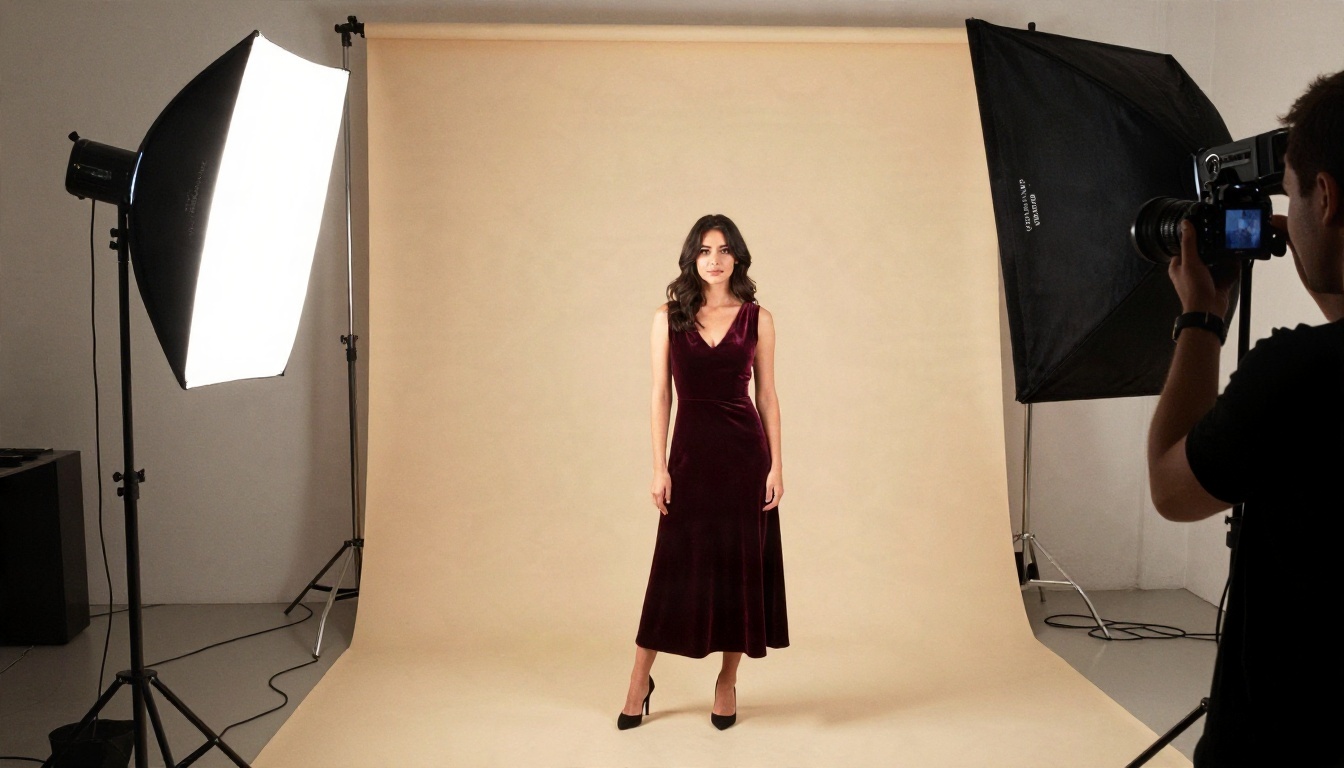
Good content starts at the source. The model you choose changes how much freedom you have, how realistic the skin and fabric look, and how many images you can make before you run out of credits. On PicassoIA, a few models stand out for glamour and portrait work, and the order below is how I would approach them.
Seedream 4.5 first
Seedream 4.5 is the model I would reach for first. It produces sharp, photographic portraits with convincing skin texture, believable fabric, and natural light, and it handles swimwear, lingerie-style fashion, and boudoir lighting without constant refusals. It is fast, which matters when you are trying ten variations of the same pose. For suggestive glamour that stays on the right side of platform rules, it is hard to beat.
PicassoIA Image Editor Pro for unlimited runs
PicassoIA Image Editor Pro gives you unlimited generations, which changes how you work. Instead of rationing attempts, you can iterate freely: adjust the outfit, change the lighting, swap the background, and keep refining until the image is ready to post. It is also useful for editing an existing image, for example softening a pose that might trigger a filter before you publish.
Other models worth a try
| Model | Strength | Link |
|---|
| Qwen Image 3 Pro | Photorealistic portraits with clean detail | Open model |
| Z Image Turbo | Very fast sharp images for quick drafts | Open model |
| Flux 2 Klein 9B Base LoRA | Styled looks and consistent characters | Open model |
If you want a broader view, the full model list lives at picassoia.com/en/all-models.
A Simple Prompt Workflow
Strong prompts are the difference between a flat image and one that looks like a magazine shoot. Here is a repeatable process.
Step by step
- Open Seedream 4.5 and choose a 16:9 or portrait ratio depending on where you plan to post.
- Describe the subject. Write age, styling, pose, and expression. State that she is an adult.
- Set the scene. Add the room, outdoor location, or backdrop, and a few props that give the image a story.
- Choose the light. Specify direction and quality, such as "soft morning light from the left" or "golden hour backlight".
- Name the camera. Mentioning an 85mm lens with shallow depth of field gives you that portrait look.
- Add texture words. Skin pores, fabric sheen, film grain, and natural highlights make the result feel photographed.
- Generate several variations, then pick the one with the most natural expression.
- Refine in Image Editor Pro if you need to change clothing, background, or framing.
Parameter tips
- Use a seed when you find a face you like, so you can keep the same character across a series.
- Keep prompts focused. Ten clear details beat thirty vague ones.
- Avoid describing real people by name. It leads to filter problems and legal trouble.
- Generate at the highest resolution available, then downscale for each platform. Compression on social networks is harsh.
💡 Pro move: build a small "style sheet" of prompts that work for your character, including lighting, wardrobe, and lens. Reusing it keeps your feed visually consistent.
Common Mistakes to Avoid
Even careful creators slip up. These are the errors that cause most account problems.
Posting everything everywhere
Cross-posting the same adult-leaning image to every network is the quickest way to get flagged. Match the image to the platform. A fashion version belongs on Instagram. A bolder version belongs on a network with proper labels.
Skipping the label
Creators often assume a label will reduce reach, so they leave it off. Then a report comes in and the account is penalized for unmarked content. A label costs you a few views. A strike costs you far more.
Ignoring community rules
On Reddit, Discord, and similar spaces, the local rules matter more than the platform's policy. Read them first, every time.
Using real faces
Training or prompting a model on someone's photos without permission is a serious violation. Fictional characters are safer, and they also give you something you own and can build a brand around.
Relying on a single platform
Policies shift, payment processors change their demands, and networks reverse course. Keep a mailing list or a second home so a sudden ban does not erase your audience.
Make Your Own Images Today
The short version: X, Reddit, Tumblr, Pixiv, Bluesky, and age-restricted Discord spaces are where adult-leaning AI art has the best chance to live, as long as you label it and follow each community's rules. Instagram, Facebook, TikTok, YouTube, and Pinterest are better for fashion-style versions of the same work. Whatever you choose, keep subjects adult, fictional, and consensual, and keep images suggestive rather than explicit.
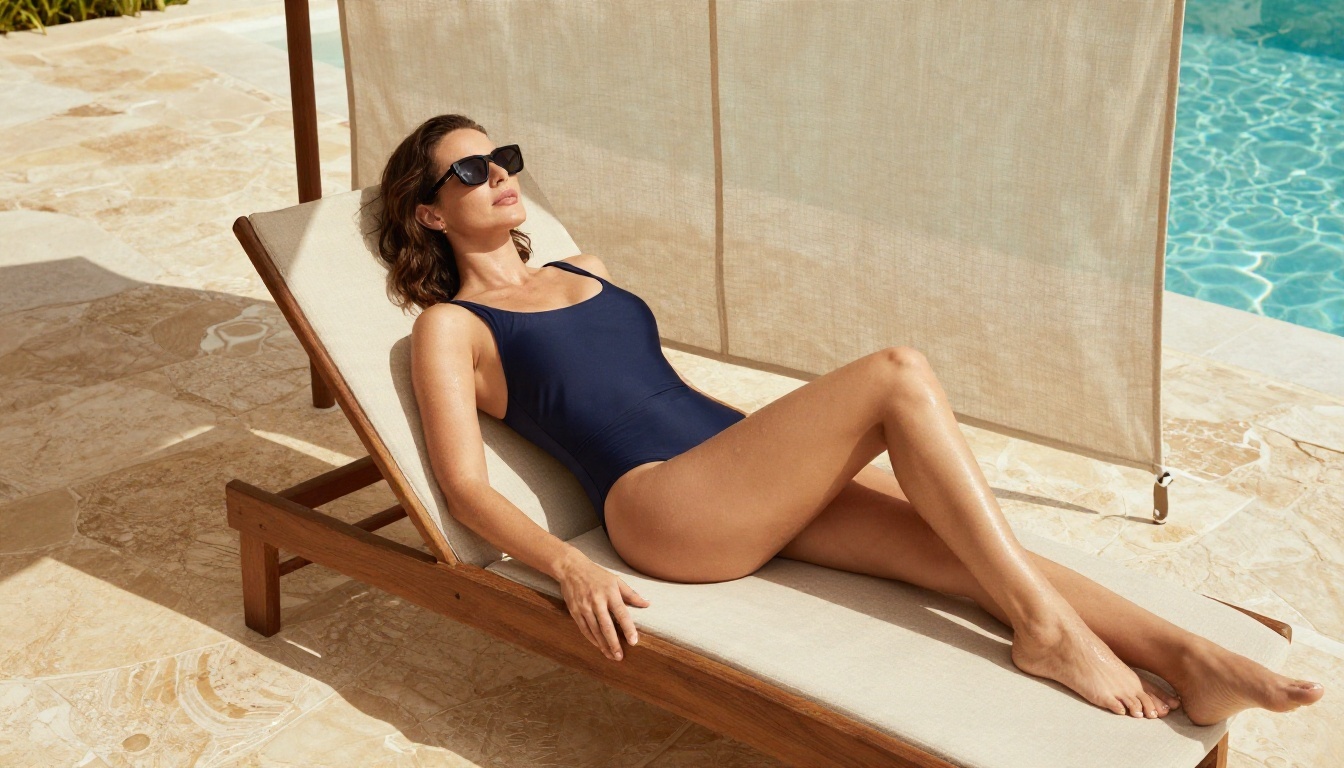
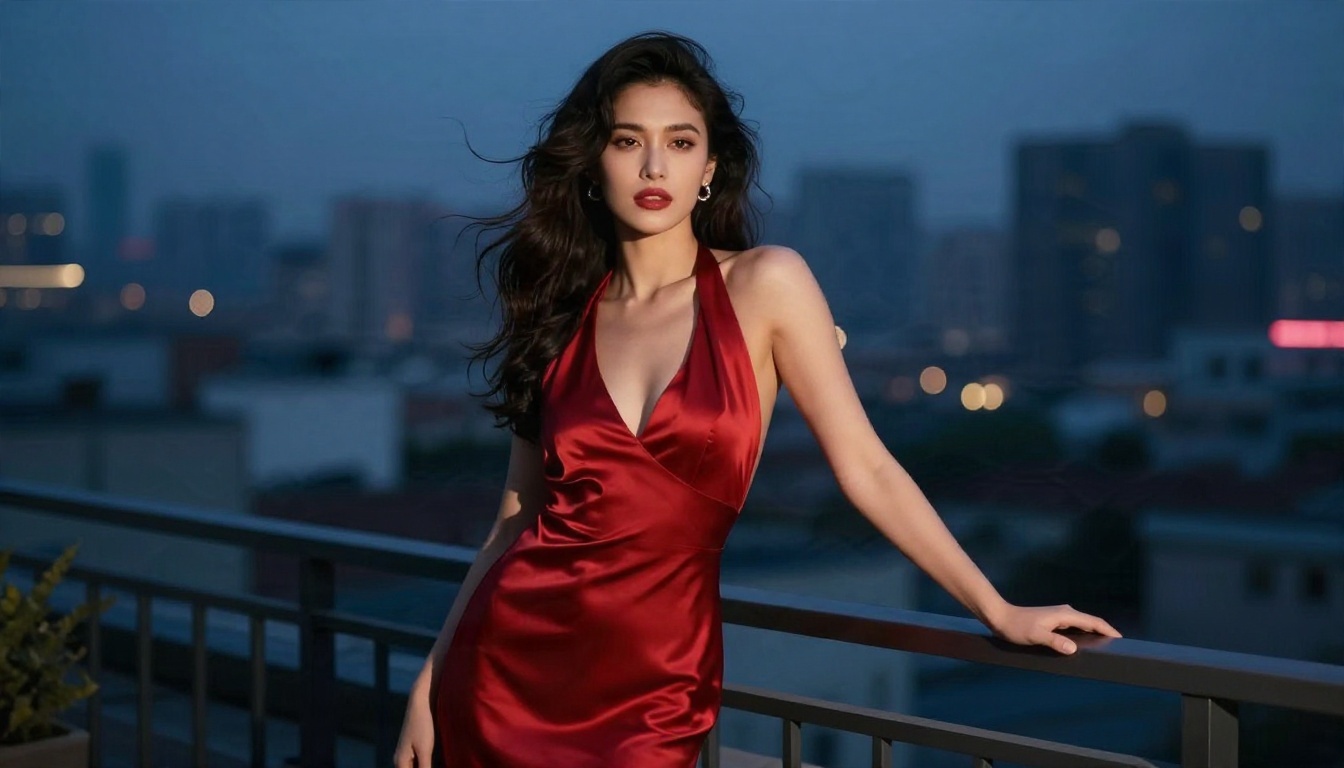
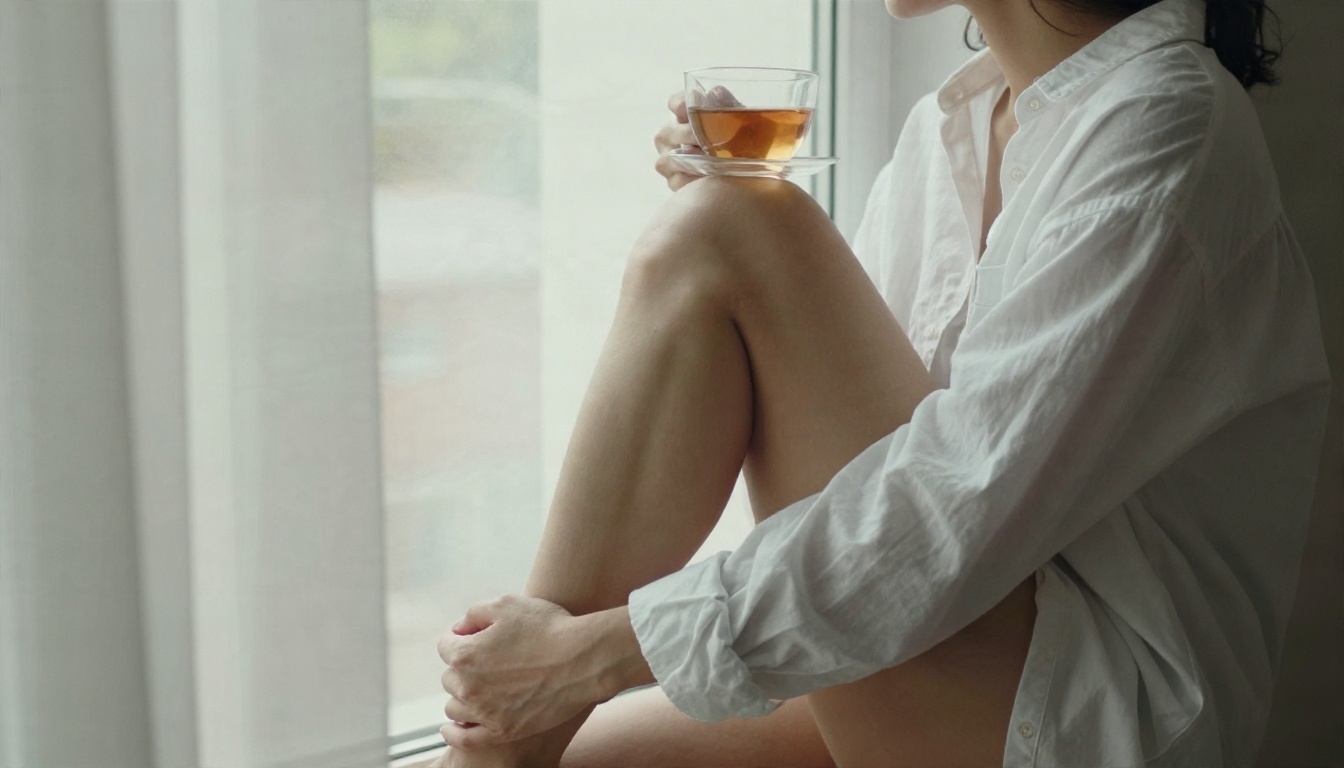
The images are the easy part. Open Seedream 4.5 on PicassoIA and write your first prompt with a subject, a location, a light source, and a lens. Then move to PicassoIA Image Editor Pro to adjust and refine without worrying about running out of attempts. Try a swimwear editorial at golden hour, a silk robe by a hotel window, or an evening gown on a rooftop, and see which style gets the best response from your audience.
When you want more options, browse the full catalog at picassoia.com/en/all-models and test a few models side by side. Your next favorite portrait is one prompt away.


