Sora 2 made a lot of noise when it launched, and a year later people still search the same three questions: how good is the video really, how long can a clip be, and is there a way to use it without paying a fortune? This article answers all three with numbers, side by side comparisons, and a practical route to results today. Where I cite public figures, they come from published comparisons and arena style rankings, and I flag the ones that disagree with each other. Where I describe settings, they come from the model page on PicassoIA.
The short version: Sora 2 is still excellent at physical realism and synced sound, but it is not the longest, not the sharpest, and not the cheapest. Several alternatives beat it on at least one of those axes, and a few are free or unlimited.
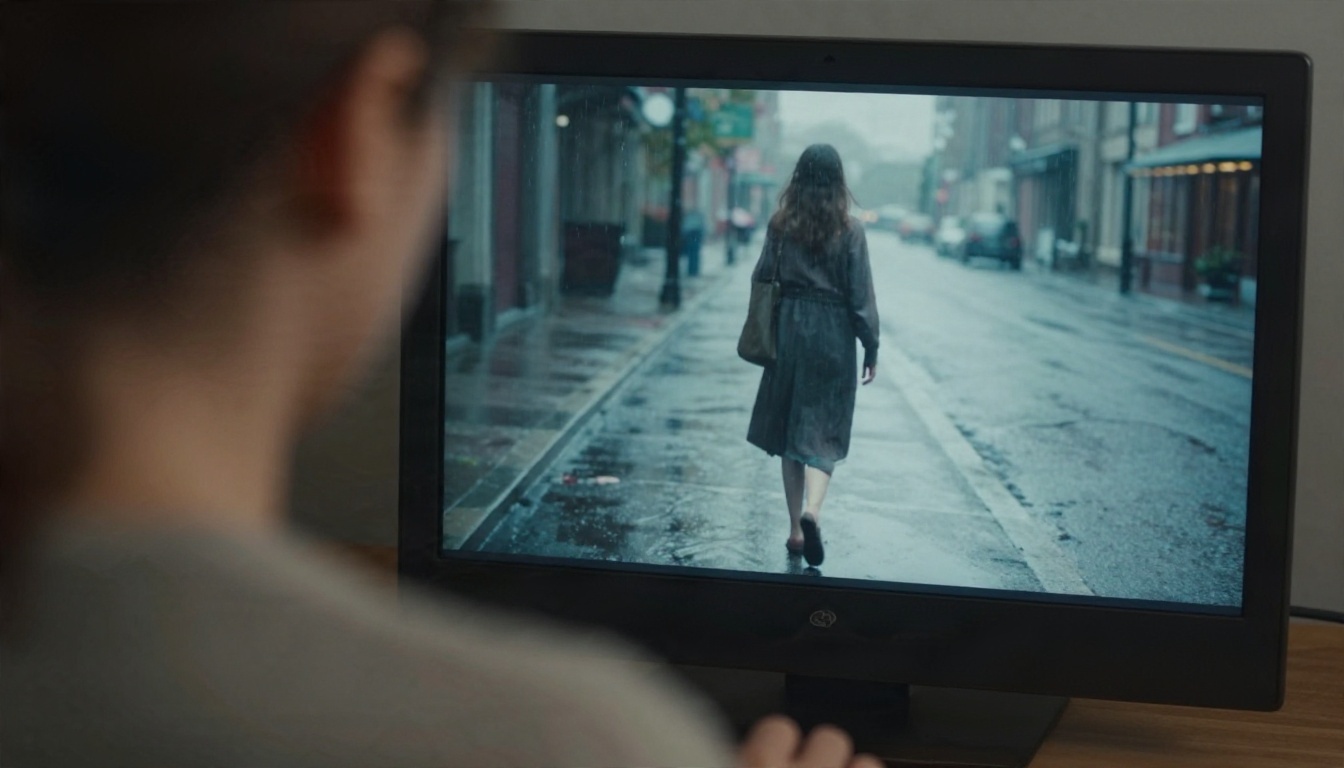
What This Benchmark Measures
A benchmark is only useful if you know what it scores. Most "Sora 2 vs everything" posts mix five different things into one number, so let me separate them.
The five test areas
| Area | What it checks | Why it matters |
|---|
| Physics and motion | Water, cloth, gravity, collisions | Bad physics is the fastest way to spot AI footage |
| Subject consistency | Faces, clothing and props across the clip | Breaks the illusion in any shot longer than 4 seconds |
| Audio sync | Dialogue, footsteps, ambience that match the picture | Saves a whole sound design pass |
| Resolution and sharpness | Output pixels and fine texture | Decides whether the clip survives a big screen |
| Length and cost | Maximum seconds per clip and price per second | Decides whether you can build a real scene |
How to read the numbers
Public arena rankings use blind votes, which makes them the most credible numbers available. In a text to video arena updated in March 2026, Veo 3.1 with audio sat first at roughly 1381 Elo, with Sora 2 Pro close behind at about 1367. That is a small gap. A difference of 14 points means voters pick the leader only slightly more than half the time.
💡 Tip: Treat any benchmark from a vendor's own blog as marketing. Arena style blind voting is noisier but far harder to rig.
Individual blog scorecards disagree with each other, sometimes by a full point. One favors Sora 2 on physical realism (9.5 out of 10 against 9.0 for Veo 3.1), while another calls Veo 3.1 the clear winner on physics heavy scenes. Both can be true on different prompts.
Sora 2 Video Quality Results
Physics and motion
This is where Sora 2 earned its reputation. Water splashing against rock, a ball bouncing off a wall, fabric catching wind: these look believable more often than in most rivals. Think of the kind of shot where spray hangs in the air and the light scatters through it.
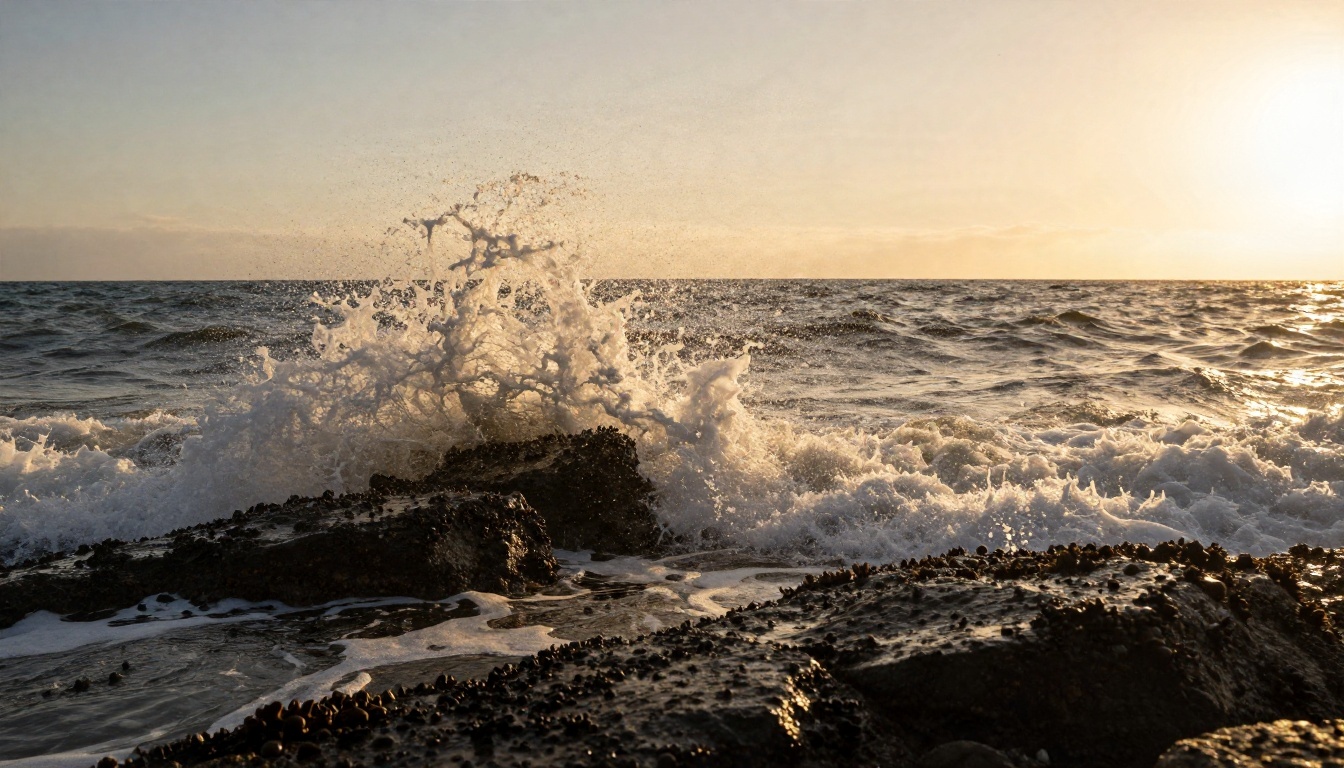
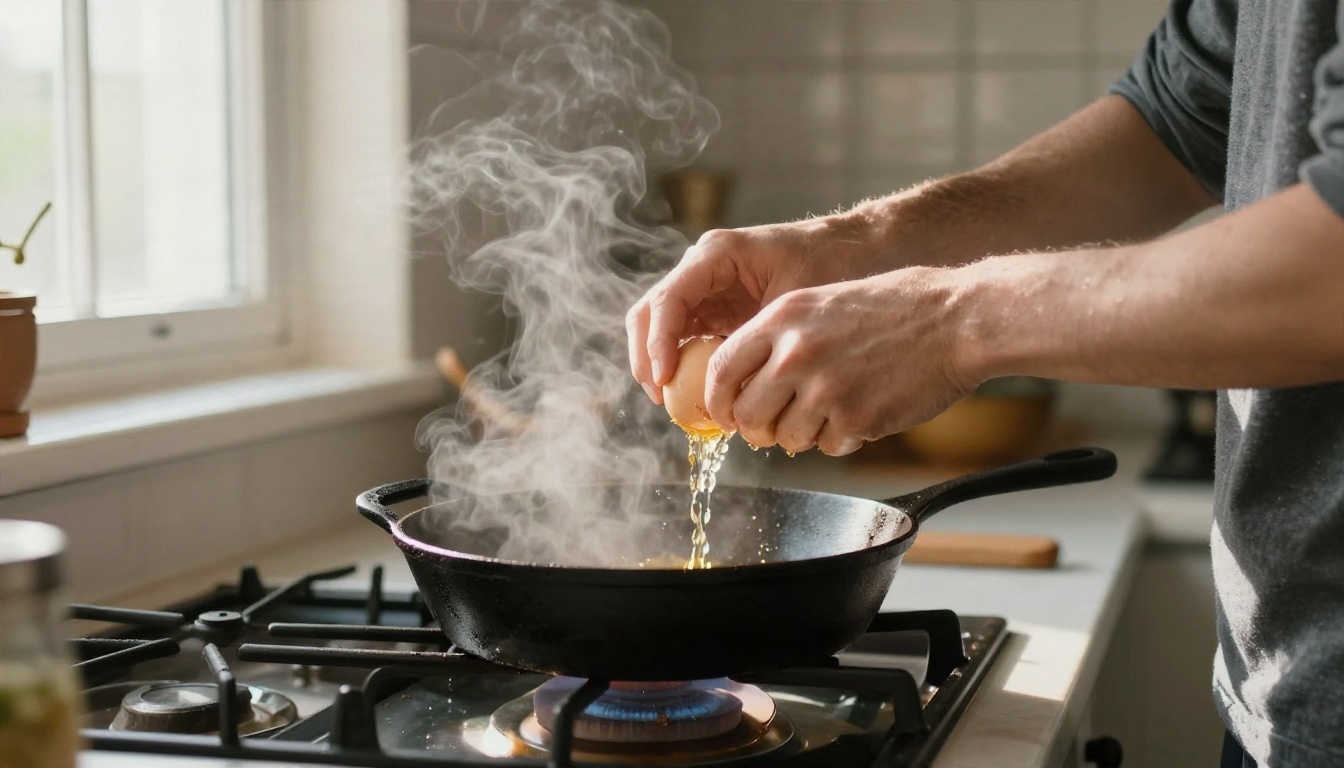
In practice, a prompt like "waves hit wet black rocks at sunset, spray drifting left, handheld camera" gives you consistent foam behavior and believable light. Where it still slips: fast hand to object interaction, such as cracking eggs or threading a needle, where fingers occasionally merge with the object.
Faces and character consistency
On character consistency, comparisons tend to put Kling v3 slightly ahead. One scorecard gave an older Kling version 9.5 against 8.5 for Sora 2. Sora 2 holds a face well across 4 to 8 seconds, but drift appears in the final seconds of longer clips: eye color shifts, a hairline moves, jewelry changes.
Practical fix: use a reference image as the first frame. The Sora 2 model page supports an input reference, which anchors the face, wardrobe and setting from frame one.
Audio that matches the picture
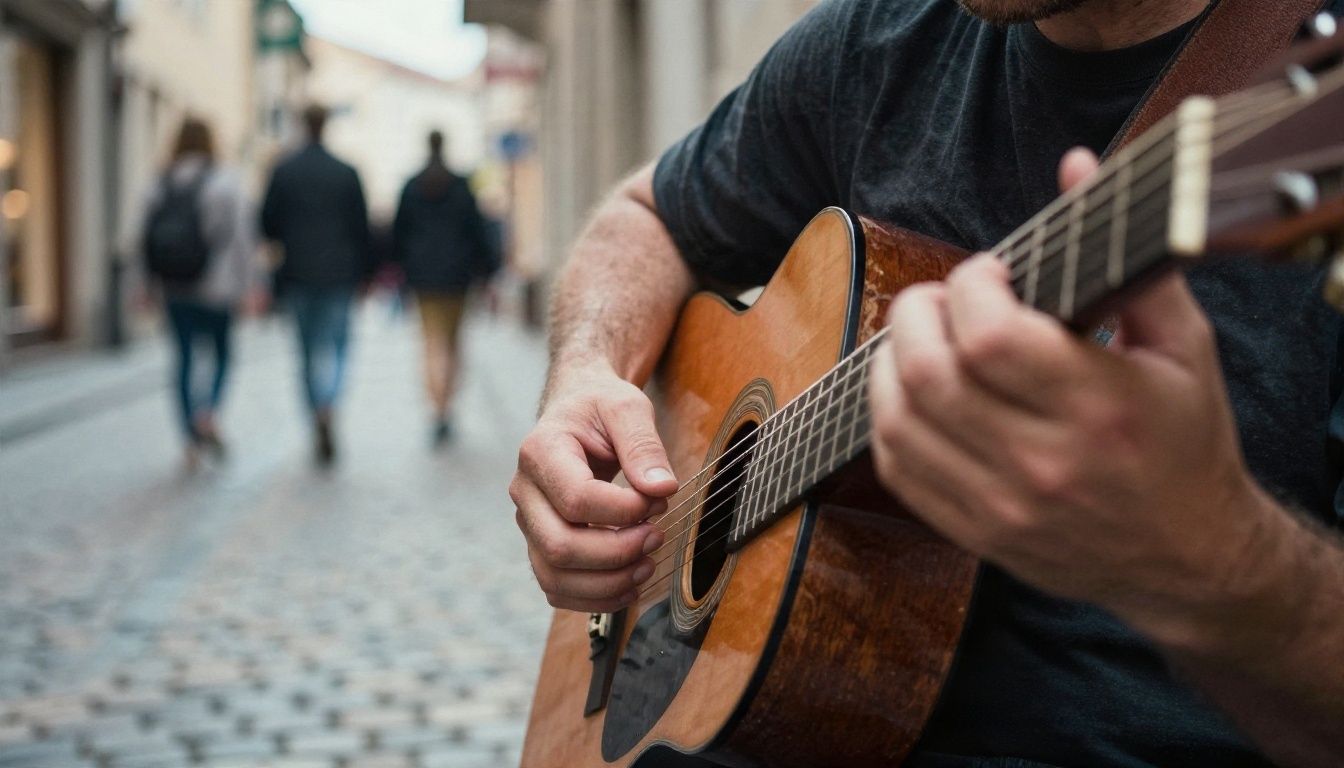
Synced audio is the second reason people pick Sora 2. Footsteps land on the right frame, a guitar strum lines up with the finger motion, room tone changes with the space. Competing models have closed the gap, and Veo 3.1 now matches or beats it in many arena votes, but Sora 2 remains very strong for ambient scenes and short dialogue.
💡 Tip: Describe the sound in your prompt. "Crisp footsteps on cobblestone, distant chatter, a single acoustic guitar" produces better audio than leaving it blank.
Sora 2 Length Limits Explained
What the public app allows
Reports about public plan limits conflict, so here is what most sources agree on and what they do not:
- Standard paid tier: somewhere between 5 and 15 seconds per clip, often at 720p. Sources disagree on whether the cap is 10 or 15 seconds.
- Top tier: up to roughly 25 seconds at 1080p according to most sources, though one says 20.
- Free access: several sources say the free tier was removed in January 2026 because of server capacity. A few lower quality sites still describe limited free generations, so treat those with suspicion.
- Extending clips: one source claims chained extensions can reach 120 seconds in total. I could not confirm that, so do not plan a project around it.
The takeaway: if you need more than about 12 seconds in one take, you will be stitching clips together no matter which plan you pay for.
What you get on PicassoIA
Here the numbers are exact, because they come straight from the model settings:
| Setting | Options |
|---|
| Duration | 4, 8 or 12 seconds |
| Orientation | Portrait 720x1280 or landscape 1280x720 |
| Audio | Synced, generated with the clip |
| First frame | Optional input reference image |
Sora 2 Pro is also listed for higher fidelity work, so you can compare both versions on the same prompt.
How to Use Sora 2 on PicassoIA
You do not need an invite, an API key or a code editor. The page lets you generate in the browser.
Step by step
- Open the Sora 2 page on PicassoIA.
- Write your prompt: subject, action, camera move, light, and sound.
- Choose seconds: 4 for tests, 8 or 12 for finished shots.
- Choose aspect_ratio: portrait for Reels and Shorts, landscape for YouTube and websites.
- Optionally upload an input reference image. It must match the chosen aspect ratio.
- Generate, review, and tweak one variable at a time.

Parameter tips that save credits
- Test at 4 seconds first. If the motion looks wrong at 4 seconds, it will not improve at 12.
- One camera move per prompt. "Slow dolly in" works. "Dolly in, orbit, then crane up" produces mush.
- Match the reference ratio. A landscape image with a portrait setting fails or gets cropped.
- Write the sound. Name two or three sounds, no more.
- Avoid text in frame. Signs and captions still wobble across frames.
💡 Tip: Use your own OpenAI API key only if you already have credit with them. Otherwise the platform handles generation without one.
Free Alternatives That Work Today
If Sora 2's length or cost is the problem, these models on PicassoIA are worth a test run. Each one has its own strength.
Seedance 2.5 Lite for unlimited clips
Seedance 2.5 Lite is the clearest answer to "free and unlimited." It generates clips of up to 10 seconds at 480p or 720p from text or an image, with no per clip cost or daily counter for Elite and Infinite members. That is close to the 12 seconds Sora 2 offers, at a price that does not scale with every retry. When you need a longer shot, Seedance 2.5 goes up to 30 seconds per video.
Wan 2.6 for photo animation
Wan 2.6 I2V animates a still photo into video, which is useful when you already have the exact frame you want. Wan 2.6 T2V handles pure text prompts at HD quality. A faster variant, Wan 2.6 I2V Flash, suits quick drafts.
Veo 3.1 for audio and polish
Veo 3.1 outputs 1080p with native audio and leads many blind arena votes. If the full model is more than you need, Veo 3.1 Fast and Veo 3.1 Lite trade some polish for speed and lower cost.
Kling v3 for faces and motion
Kling v3 Video is a strong pick for people on screen. For 1080p output straight from text, try Kling v3 Omni Video. If you already have a performance video and want a character to copy it, Kling v3 Motion Control is built for that.
Side by Side Comparison
| Model | Max clip length | Resolution | Audio | Best for |
|---|
| Sora 2 | 12 s on PicassoIA | 720p | Synced | Physics, ambient sound |
| Sora 2 Pro | Higher tier option | HD | Synced | Polished hero shots |
| Veo 3.1 | Short clips | 1080p | Native | Overall quality, dialogue |
| Kling v3 Video | Short clips | Up to 1080p | Varies by mode | Faces, character consistency |
| Seedance 2.5 Lite | 10 s | 480p and 720p | Not a focus | Unlimited testing |
| Seedance 2.5 | 30 s | HD | Included | Longer scenes |
| Wan 2.6 I2V | Short clips | HD | Varies | Animating your own photos |
💡 Tip: Run the same prompt through two models before committing. Ten minutes of testing will tell you more than any benchmark chart.
Pick the Right Model
If you need the best physics
Start with Sora 2. Water, smoke, cloth and bouncing objects are its home turf. Compare against Veo 3.1 on the same prompt, because the lead is small and prompt dependent.
If you need long takes
Go with Seedance 2.5 for up to 30 seconds in a single video. Avoid stitching if you can, because every cut is a place where lighting and faces can drift.
If you need volume on a small budget
Draft with Seedance 2.5 Lite, then re-render your best prompt in a higher tier model. This workflow cuts the cost of failed attempts to nearly zero.
If you need a believable person
Try Kling v3 Video first, then feed a clean portrait into Sora 2 as the first frame for a comparison.
Make Your First Clip Today
Benchmarks help you narrow the field, but your own prompt is the only test that counts. Open Sora 2, write a 4 second prompt with one subject and one camera move, and see what comes back. Then run the same idea through Seedance 2.5 Lite and Veo 3.1 and compare the three clips side by side.
If you want to browse everything before choosing, the full catalog lives at picassoia.com/en/all-models. Pick a model, type a prompt, and start creating your own videos on Picasso IA.


