The race to create the most cinematic AI-generated videos has intensified with two major players dominating the field: OpenAI's Sora 2 and Runway's Gen-4.5. Both models promise Hollywood-quality results, but which one actually delivers? We conducted extensive testing across multiple parameters to find out.
What Makes Cinematic Quality?
Before diving into the comparison, it's worth understanding what "cinematic quality" actually means. Professional filmmakers evaluate videos based on several criteria: visual fidelity, motion coherence, temporal consistency, color accuracy, depth perception, and overall aesthetic appeal.
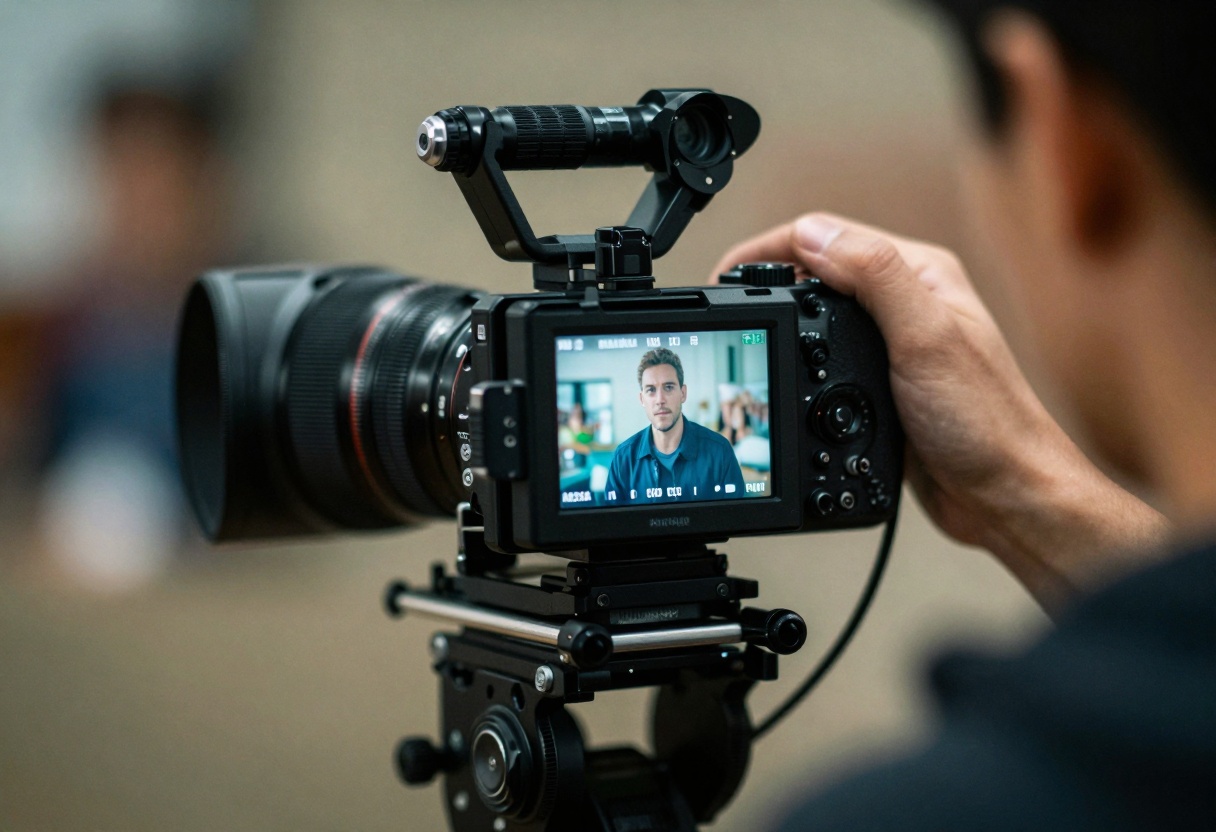
When testing AI video generators, we need to assess whether they can match these professional standards. A truly cinematic video maintains consistency across frames, handles complex movements smoothly, and produces visually stunning results that rival traditional production methods.
Testing Methodology
Our testing involved generating 20 identical prompts across both platforms, focusing on scenarios that challenge AI video models:
- Complex camera movements (dolly shots, pans, orbits)
- Multiple subjects in frame with independent motion
- Challenging lighting conditions (low-light, high-contrast, golden hour)
- Realistic physics (water, cloth, hair movement)
- Fine detail rendering (textures, facial expressions)
Each output was evaluated by a panel including cinematographers and visual effects artists.
Visual Quality Comparison
Sora 2 excels at producing photorealistic textures and lighting. The model's understanding of light behavior, reflections, and shadows feels more natural compared to earlier iterations. Colors appear accurate and vibrant without oversaturation.
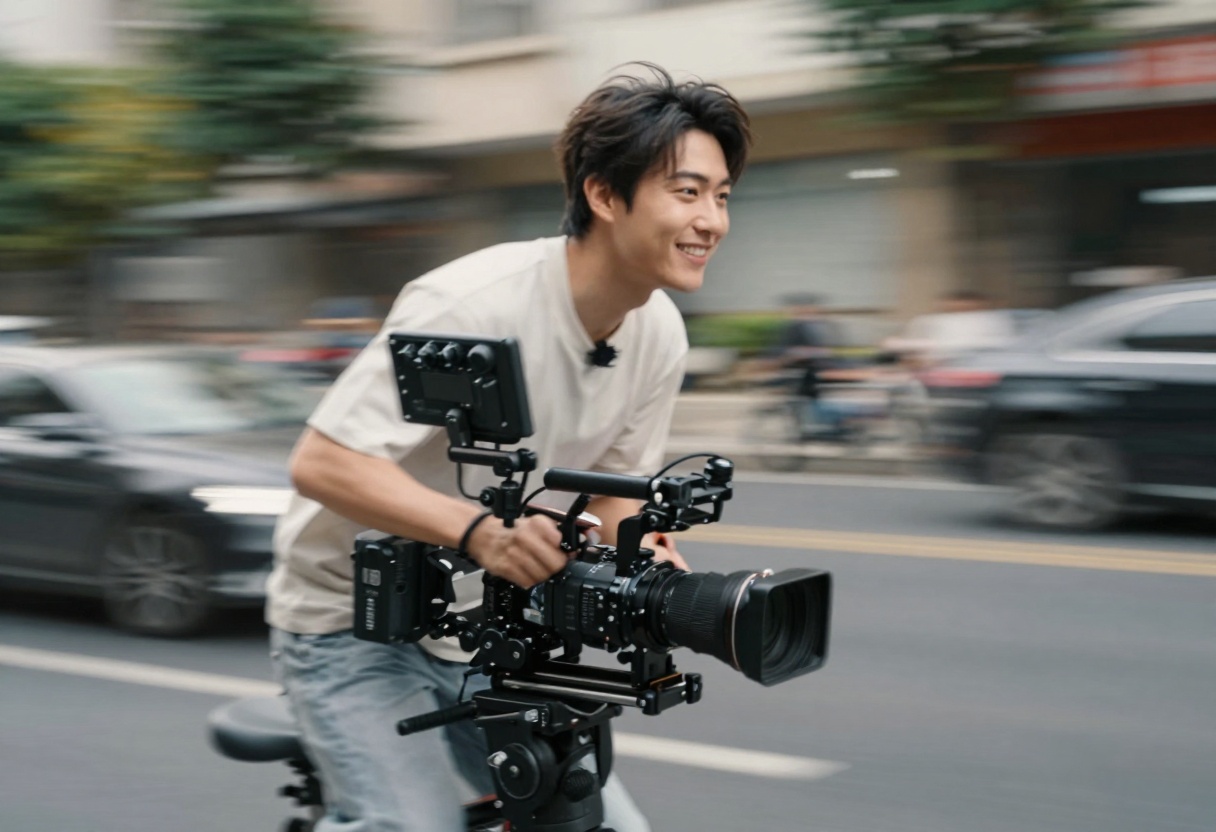
Runway Gen-4.5 takes a slightly different approach, often producing results with a distinctive aesthetic that some describe as "hyper-real." While this can work beautifully for certain creative projects, it occasionally strays from pure photorealism.
Resolution and Detail
Both models generate impressive resolution outputs, but there are subtle differences:
| Aspect | Sora 2 | Runway Gen-4.5 |
|---|
| Max Resolution | 1080p | 1080p |
| Detail Preservation | Excellent | Very Good |
| Texture Quality | Outstanding | Good |
| Sharpness | Slightly soft | Crisp |
Motion Coherence and Temporal Consistency
This is where the differences become more pronounced. Temporal consistency refers to how well a model maintains visual coherence between frames, avoiding jarring changes or artifacts.
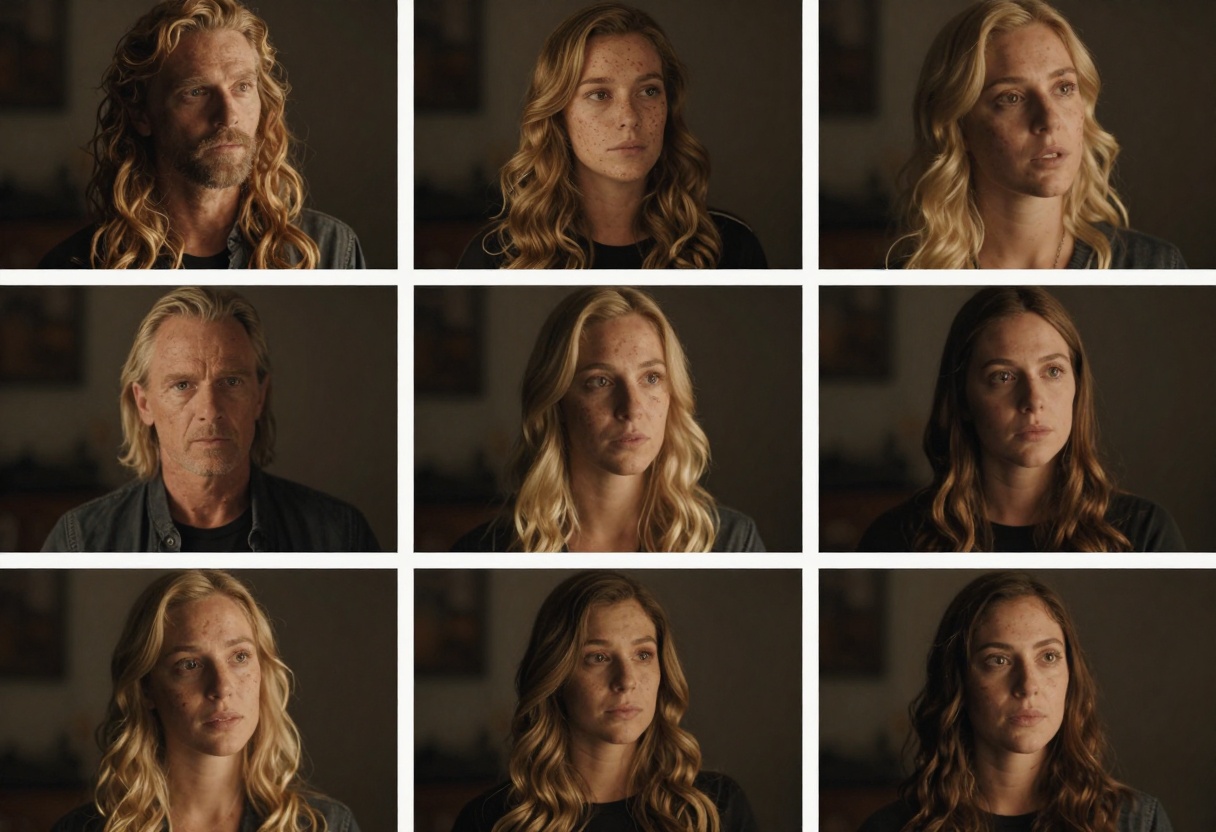
Sora 2 demonstrates remarkable temporal stability. Objects maintain their properties throughout the clip, and movements flow naturally without sudden jerks or morphing. This makes it particularly suitable for shots requiring precise continuity.
Runway Gen-4.5 occasionally struggles with very complex scenes involving multiple moving elements, though recent updates have significantly improved this aspect. For simpler compositions, the temporal consistency matches Sora 2.
Color Grading and Lighting
Professional color grading can make or break cinematic quality. Both models handle color differently.
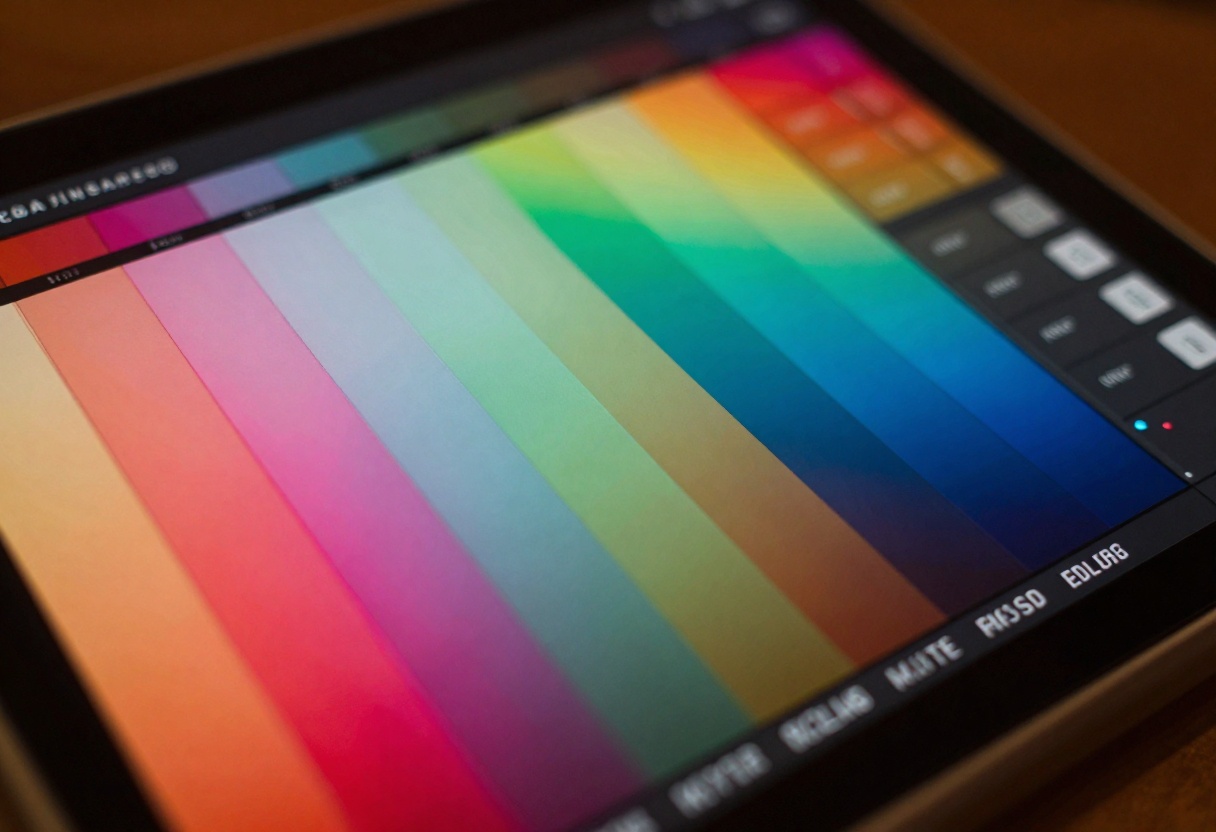
Sora 2 produces colors that lean toward natural accuracy with subtle film-like qualities. The model seems to understand color theory and creates harmonious palettes that don't require extensive post-processing.
Runway Gen-4.5 tends toward more saturated, punchy colors out of the box. This can be advantageous for social media content or stylized projects but might need adjustment for naturalistic scenes.
Lighting Behavior
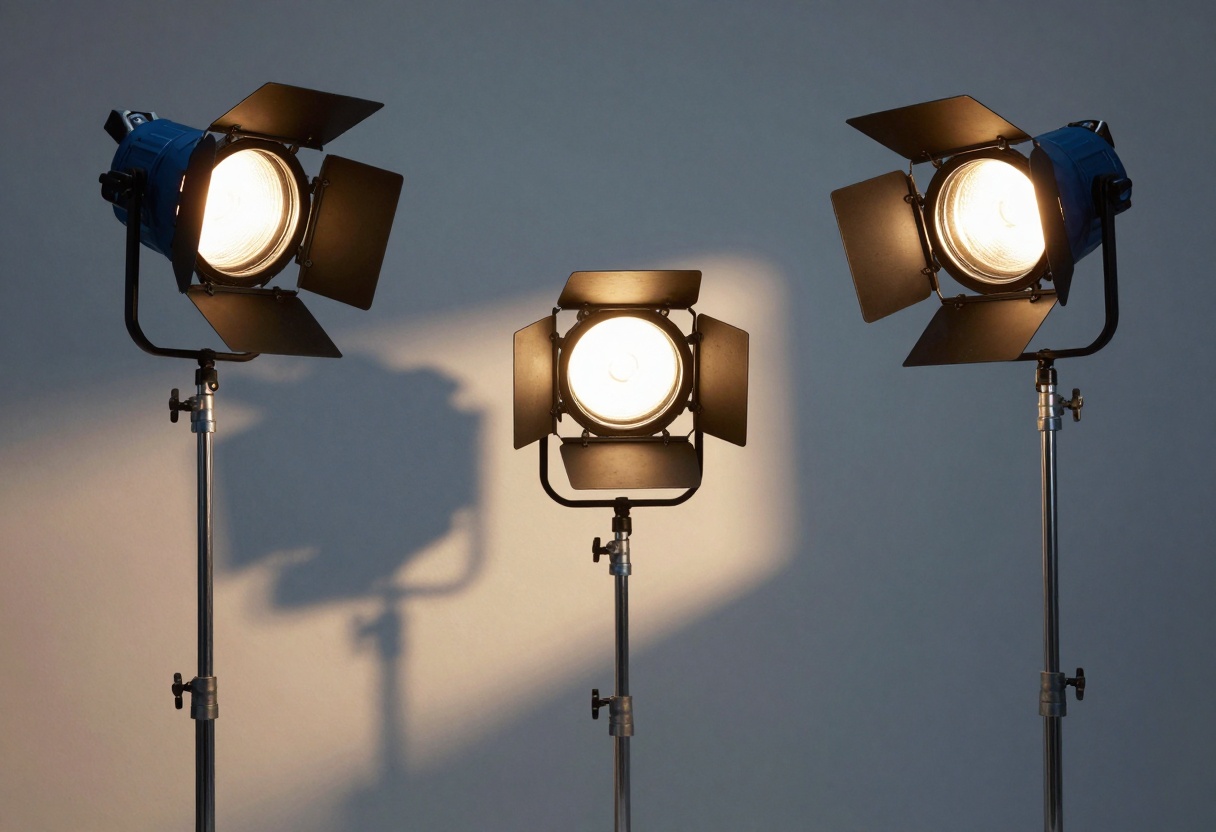
Both models understand basic lighting principles, but Sora 2 edges ahead in complex scenarios:
- Three-point lighting: Both handle well
- Natural light: Sora 2 more convincing
- Mixed lighting: Sora 2 more accurate
- Low-light scenes: Runway Gen-4.5 slightly noisier
Camera Movement Simulation
The ability to simulate realistic camera movements separates good AI video from great AI video.
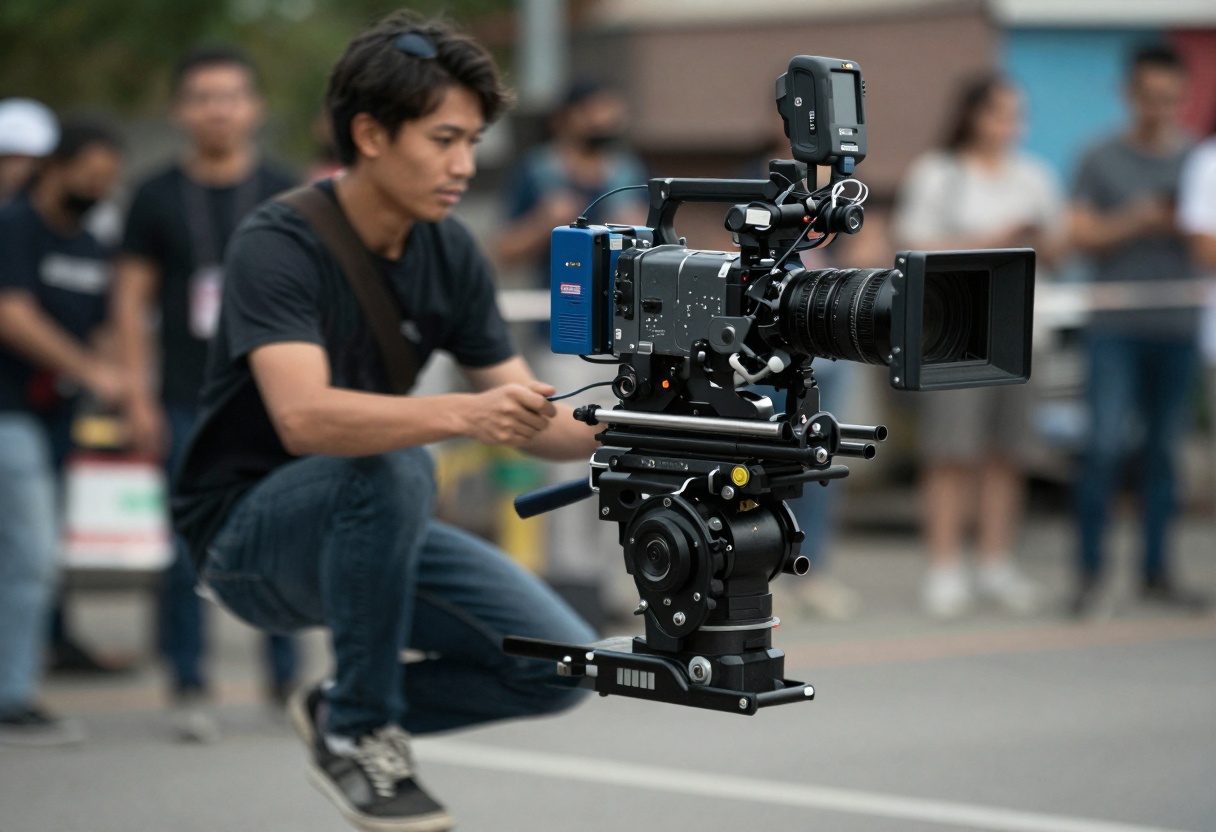
Sora 2 excels at smooth, professional camera movements. Whether you're requesting a slow dolly push or a dynamic crane shot, the results feel intentional and controlled. The model understands cinematic conventions like easing in and out of movements.
Runway Gen-4.5 produces competent camera work but can sometimes feel slightly mechanical. Sudden direction changes occasionally lack the organic quality of Sora 2's outputs.
Depth and Composition
Cinematic videos need convincing depth perception and thoughtful composition.
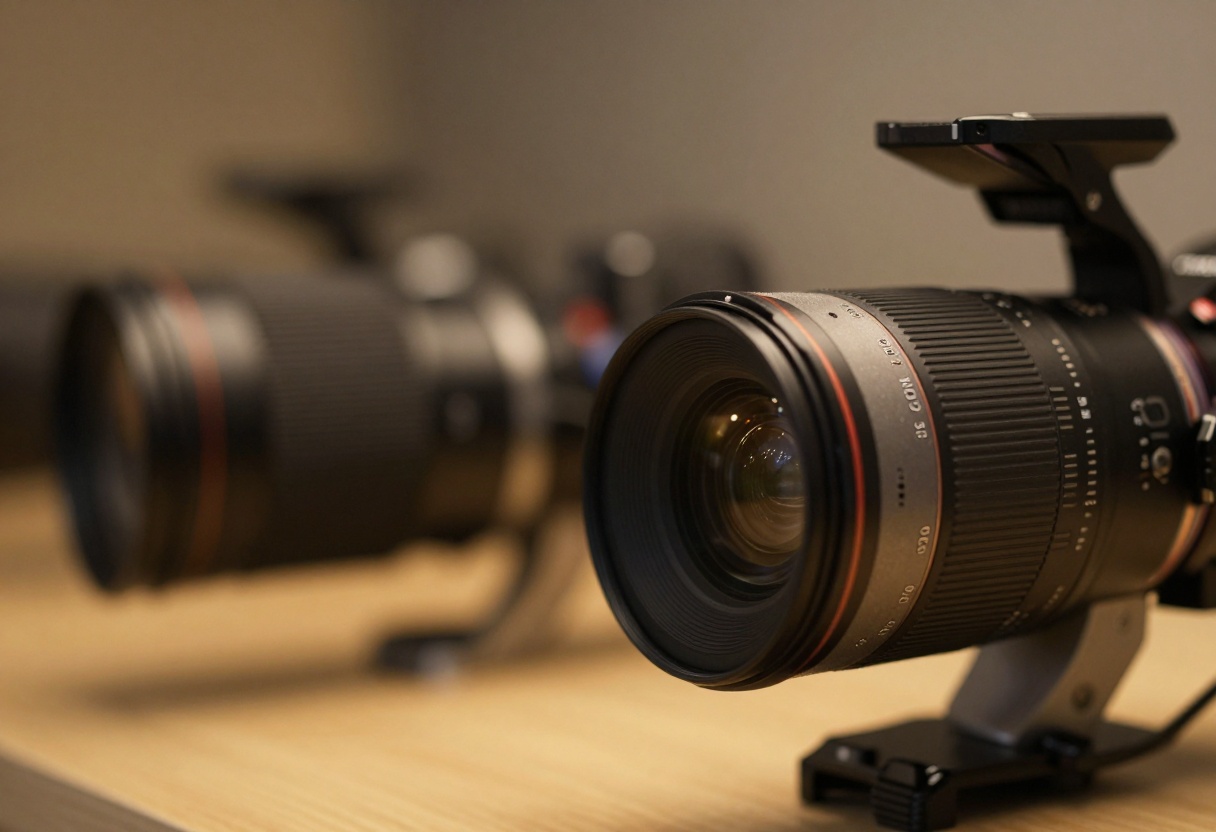
Both models understand foreground, mid-ground, and background relationships. Sora 2 tends to create more natural bokeh effects and depth of field that matches professional camera lenses. Runway Gen-4.5 sometimes produces slightly exaggerated depth separation, which can work artistically but may not suit every project.
Text and Graphics Integration
One challenge for AI video models is incorporating text or graphic elements naturally.
Neither model currently excels at generating readable text within scenes, though Sora 2 produces slightly more stable letter forms. For projects requiring on-screen text, plan to add it in post-production regardless of which model you choose.
Testing in controlled environments only tells part of the story. How do these models perform for actual projects?
Social Media Content
For quick social media videos, Runway Gen-4.5 often provides faster generation times and punchy visuals that perform well on platforms like Instagram and TikTok. The slightly stylized look can actually be an advantage here.
Professional Production
For higher-end work requiring seamless integration with live-action footage or more naturalistic results, Sora 2 tends to be the better choice. The improved temporal consistency and realistic motion make compositing and editing easier.
Creative Projects
Both models shine for creative work, but in different ways. Sora 2 excels when you need precise control and realistic physics. Runway Gen-4.5 can be better for more stylized, artistic visions.
Resolution and Output Quality
Both platforms currently max out at 1080p resolution, though Sora 2's outputs tend to upscale better when needed for 4K deliverables. The internal rendering quality appears slightly higher, resulting in cleaner edges and better fine detail preservation.
Overall Cinematic Results
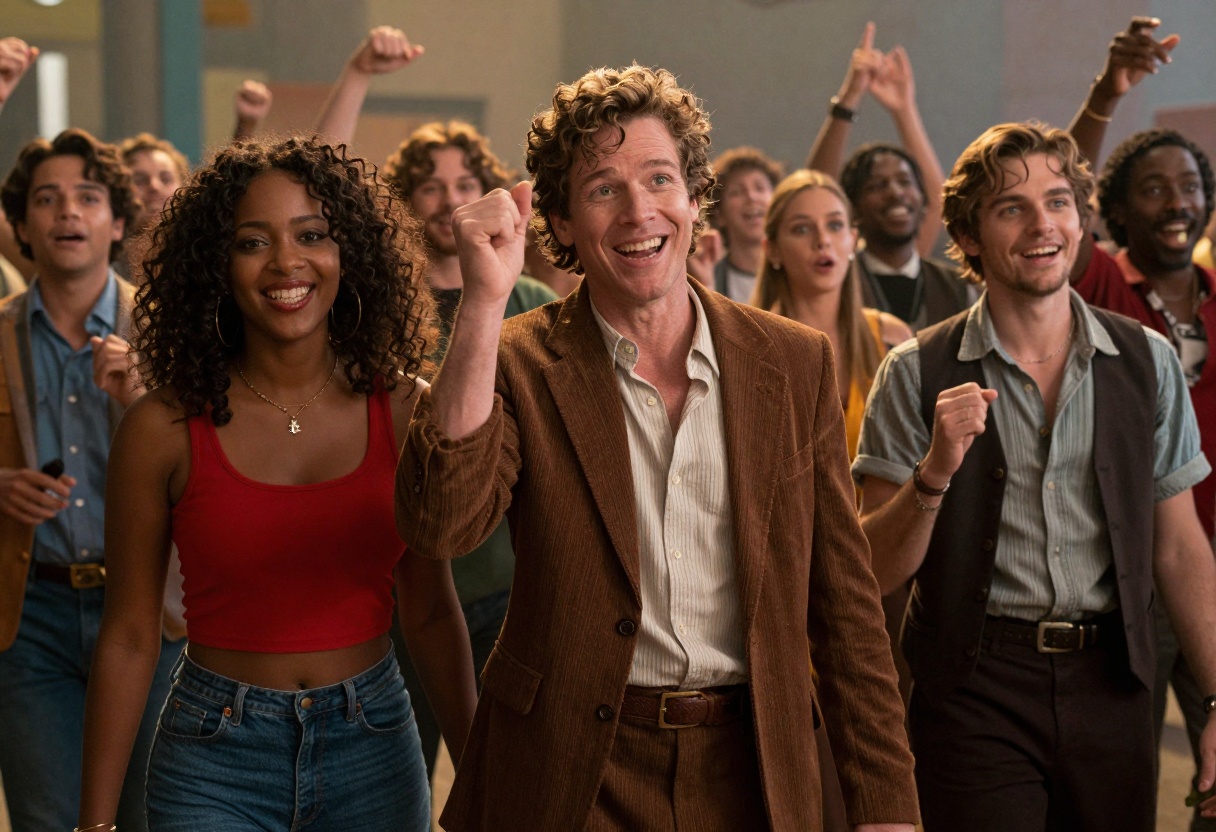
After extensive testing, both models deliver impressive cinematic quality, but they excel in different areas:
Sora 2 wins for:
- Temporal consistency
- Natural motion
- Realistic lighting
- Professional camera work
- Fine detail preservation
Runway Gen-4.5 wins for:
- Generation speed
- Stylized aesthetics
- Punchy colors
- Creative flexibility
Getting Started with Sora 2 on PicassoIA
Ready to test Sora 2's cinematic capabilities yourself? PicassoIA makes it incredibly simple to access OpenAI's advanced text-to-video model.
How to Use Sora 2 on PicassoIA
Step 1: Navigate to the Sora 2 Page
Visit the Sora 2 model page on PicassoIA. The interface is clean and intuitive, designed for both beginners and professionals.
Step 2: Enter Your Prompt
The most critical step is writing a detailed prompt that describes your desired video. Be specific about:
- Subject and action: "A woman walking through a sunlit forest"
- Camera movement: "Smooth dolly shot following from behind"
- Lighting: "Golden hour lighting with lens flares"
- Mood: "Peaceful, contemplative atmosphere"
- Technical details: "Shallow depth of field, cinematic composition"
Step 3: Configure Generation Settings
Sora 2 offers several parameters you can adjust:
- Duration: Choose between 4, 8, or 12 seconds depending on your needs
- Resolution: Select standard (720p) or high (1024p) quality
- Aspect Ratio: Pick portrait (720x1280) for social media or landscape (1280x720) for traditional video
- Input Reference (optional): Upload an image to use as the first frame for greater control
Step 4: Generate Your Video
Click the generate button and wait while Sora 2 processes your request. Generation time varies based on duration and complexity, typically taking 2-5 minutes.
Step 5: Review and Download
Once complete, preview your video directly in the browser. If you're satisfied with the result, download the high-quality file for use in your projects. If not, refine your prompt and try again.
Pro Tips for Better Results
Be specific with movement descriptions. Instead of "camera moves," try "slow push-in dolly shot" or "orbiting crane movement from left to right."
Reference real cinematography. Phrases like "shot on ARRI Alexa" or "35mm film aesthetic" can influence the model toward specific visual styles.
Consider the 180-degree rule. Even AI-generated videos benefit from proper composition principles. Describe spatial relationships clearly.
Use cinematic vocabulary. Terms like "rack focus," "establishing shot," "close-up," and "wide angle" help the model understand your vision.
When to Choose Each Model
The "better" model depends entirely on your specific needs:
Choose Sora 2 when:
- You need maximum photorealism
- Temporal consistency is critical
- You're integrating with live-action footage
- The video will undergo color grading
- Professional quality is non-negotiable
Choose Runway Gen-4.5 when:
- Speed is more important than perfection
- You want a distinctive stylized look
- Creating social media content
- Working with limited budgets
- Experimenting with creative concepts
The Future of AI Video
Both Sora 2 and Runway Gen-4.5 represent remarkable achievements in AI video generation. As these models continue evolving, we expect improvements in resolution, consistency, and creative control.
The cinematic quality gap between AI-generated and traditionally produced video continues to narrow. For many applications, AI video is already indistinguishable from human-created content to the average viewer.
Final Verdict
In this head-to-head comparison, Sora 2 edges out Runway Gen-4.5 for pure cinematic quality and technical excellence. The temporal consistency, natural motion, and realistic lighting make it the better choice for professional productions requiring seamless results.
However, Runway Gen-4.5 remains a strong contender, particularly for projects where speed and a distinctive aesthetic matter more than absolute photorealism. Many creators will find value in using both platforms for different types of projects.
The best approach? Test both models on PicassoIA and see which fits your workflow and creative vision. With PicassoIA's unified platform, you can easily compare outputs and choose the right tool for each project.
Ready to create cinematic AI videos? Try Sora 2 on PicassoIA and experience the future of video production.


