You typed "Sora AI free" into a search bar because you want to make a video from a sentence, and you don't want to hand over a credit card to do it. Fair. The trouble is that the answer changed several times in a few months, and half the pages ranking for this question still describe a free tier that no longer works the way they say. This article gives you the straight version: what "free" actually meant, what the limits were, whether a no sign up option exists, and what to use instead when the free door closes.
💡 Quick answer: Sora was never free in the "unlimited, no strings" sense. A small free allowance existed for a short window, then it was cut back, and recent reports point to the service being wound down in spring 2026. If you want a Sora style model you can try now, Sora 2 on PicassoIA is the closest option.
What Happened to Free Sora
The timeline matters because most "is Sora free" answers online are frozen at one moment. Here is how it unfolded, based on what I could verify across several reports. Where sources disagreed, I say so.
The Original Free Tier
When OpenAI opened Sora 2 to the public in late 2025, free users got a small daily allowance. The number most often cited was 6 generations per day, while ChatGPT Plus and Pro subscribers kept higher limits and anyone could buy extra generations. One guide describing that period also said free output was capped at 480p and carried a visible watermark.
That is a taste, not a workflow. Six attempts a day sounds fine until you realize a single good clip often takes three or four tries to get the motion, framing and audio right.
The January 2026 Cutback
In early January 2026, reports said OpenAI tightened free usage, citing overwhelming demand. Sources disagreed on the wording. Some said free access was removed entirely, others said it was paused. Either way, the practical result was the same: a free account no longer guaranteed you could render a clip, and many people saw "limit reached" messages even when their counter said they had generations left.
Where Sora Stands Now
The latest reports go further and say the Sora web and app experience was shut down in spring 2026. The dates in those reports don't match, one pointing to late March and another to late April, so treat the exact day as unconfirmed. What is consistent is the direction: free Sora generation is gone or heavily restricted, and anything promising "unlimited free Sora" deserves suspicion.
⚠️ Heads up: Before you trust any page claiming a working free Sora login today, check the official OpenAI site yourself. Plenty of lookalike pages exist purely to collect email addresses.
Is Sora AI Really Free?
Short answer: no, not in any way that holds up over a week of real use. Free was a limited trial at best and a closed door at worst.
The Honest Breakdown
| Question | Honest answer |
|---|
| Was there ever a free tier? | Yes, briefly, with small daily caps |
| Is it unlimited? | No, never |
| Could you remove the watermark for free? | No, according to reports of the free tier |
| Is the free tier reliable today? | No, access was cut back in 2026 |
| Do third party "free Sora" sites work? | Some run similar models, but they are not OpenAI's product |
Hidden Costs You'll Hit
Even when a free allowance existed, the real price showed up elsewhere:
- Time. Waiting in queues during peak hours, then retrying failed renders.
- Quality. Lower resolution and watermarks make clips unusable for client work or monetized channels.
- Rights. Free output usually comes with tighter commercial terms than paid output. Read them before posting anything for a brand.
- Lock in. Building a workflow around a tool that can change its limits overnight is risky.

Sora Free Limits You Should Expect
If you do find any free Sora style access, assume the following limits apply. They are the standard shape of every free AI video tier, and they match what was reported for Sora.
Daily Generation Caps
Caps are usually counted per day or per rolling window. The old Sora number was around six clips. Other free video tools range from one or two clips to a handful. A cap this small is built to let you sample, not to let you produce.
Watermarks and Resolution
Free clips commonly come out at 480p with a mark in the corner. At 480p, a video looks soft on a phone and bad on a monitor. Watermarks are the bigger problem if the clip is going anywhere public.
Clip Length
Most free tiers also shorten clips. Paid or higher tier access typically gives you longer takes. For reference, Sora 2 on PicassoIA offers 4, 8 or 12 second clips in either portrait (720×1280) or landscape (1280×720).
| Limit type | Typical free tier | Typical paid tier |
|---|
| Clips per day | 1 to 6 | 30 or more, or credit based |
| Resolution | 480p | 720p to 1080p |
| Watermark | Yes | Usually removable |
| Clip length | 4 to 5 seconds | 8 to 12+ seconds |
| Queue priority | Low | Higher |
No Sign Up Options: The Reality
The search phrase "no sign up" carries a lot of hope. Here is what can and can't exist.
Why Anonymous Access Is Rare
Video generation is expensive to run. Every clip burns serious GPU time, so providers want an account to stop abuse, count usage and tie it to a payment method. That is why OpenAI tied Sora to ChatGPT accounts. A real "no sign up, no limits, no watermark" video generator would be giving away money, and it won't stay that way for long.
None of the 2026 reports I found described any way to use Sora without an account. If a site says otherwise, it is either running a different model under a borrowed name, or it is a lead capture page.
What Low Friction Looks Like
Realistic no hassle access means:
- A fast signup. An email and a few seconds, not a card number.
- Clear limits shown up front. You see what you get before you start.
- A try before you pay model. You can judge output quality first.
- Honest labeling. The page says which model is actually running.
That is a more useful target than "no sign up", and it is where PicassoIA sits: you can test models quickly and see what you're getting before committing.
Best Sora Alternatives to Try
Sora style output, meaning realistic motion, physical plausibility and synced audio, is no longer exclusive. Several strong models cover the same job, and each is on PicassoIA with its own page.
Sora 2 and Sora 2 Pro
If you want the Sora look specifically, Sora 2 generates short videos with synced audio from a text prompt, and the model page describes it as free to try online. For longer or higher fidelity work, Sora 2 Pro targets HD output. Always check the current allowance on the model page, because limits can change.
Seedance 2.5 Lite and Seedance 2.5
Seedance 2.5 Lite is built for 480p and 720p clips up to 10 seconds, and its page says Elite and Infinite members can generate without a per clip cost or daily counter. If you plan to iterate a lot, that unlimited angle is the closest thing to what people hoped free Sora would be. The full Seedance 2.5 pushes length much further, up to 30 seconds.
Wan 3 and Veo 3.1 Fast
Wan 3 is a strong pick for cinematic motion, and Wan 3 Prime goes to 1080p. Veo 3.1 Fast outputs 1080p video from text and is a good fit when you want speed with native audio. Veo 3.1 Lite is a lighter option for quick tests.
| Model | Best for | Notes |
|---|
| Sora 2 | The Sora look with synced audio | 4, 8 or 12 second clips |
| Sora 2 Pro | Higher fidelity HD output | For final quality |
| Seedance 2.5 Lite | High volume iteration | Up to 10 seconds, 480p and 720p |
| Seedance 2.5 | Long single takes | Up to 30 seconds |
| Wan 3 | Cinematic movement | Strong camera motion |
| Veo 3.1 Fast | Fast 1080p with audio | Quick turnaround |
💡 Smart workflow: Draft with a lighter model such as Seedance 2.5 Lite until the prompt works, then run the final version on Sora 2 or Sora 2 Pro. You spend your best generations only when the idea is already proven.
How to Use Sora 2 on PicassoIA
Sora 2 is the simplest route to the Sora style without hunting for a working free login. You type a prompt and get a short video back, no coding needed.
Step by Step
- Open the model page. Go to Sora 2 on PicassoIA.
- Write your prompt. Describe the subject, the action, the camera move and the light in one or two sentences.
- Choose the duration. Pick 4, 8 or 12 seconds. Start at 4 while you test.
- Pick the orientation. Choose portrait (720×1280) for Reels, Shorts and TikTok, or landscape (1280×720) for YouTube and the web.
- Optional: add a reference image. Upload a still as the first frame to lock in the look. It must match the aspect ratio of the video.
- Generate and review. Watch the clip, check motion and audio, then adjust one thing at a time.

Parameter Tips
- Keep the default of 4 seconds while testing. Shorter clips are faster to judge, and you only extend once the motion is right.
- Match the aspect ratio to the platform before generating. Cropping afterwards throws away detail.
- Use a reference image when consistency matters. It anchors color, subject and framing.
- Change one variable per run. If you change the prompt, duration and orientation together, you won't know what fixed it.
- Optional API key. The model also accepts your own OpenAI API key, in which case OpenAI bills you directly. Skip it if you just want to experiment.
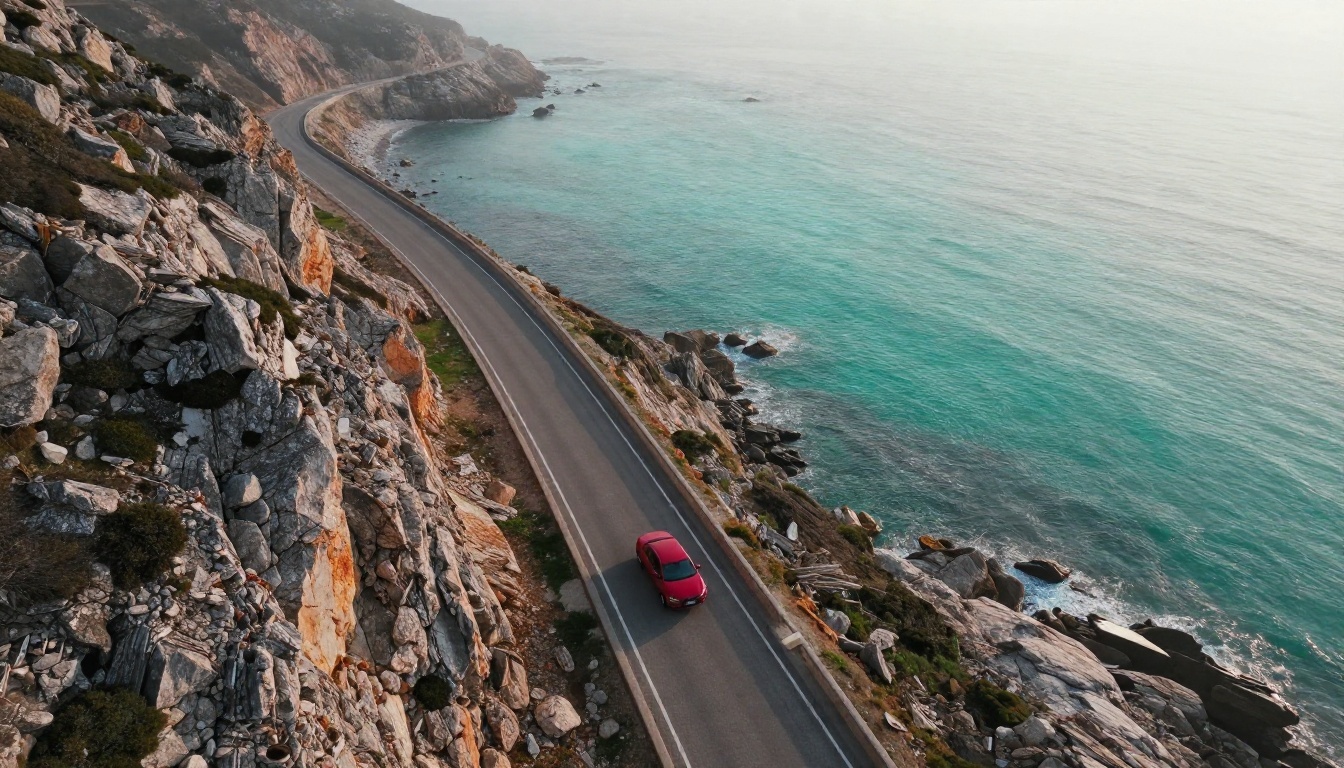
💡 Prompt template: "[Subject] [action], [setting], [camera move], [light and mood], [sound]." For example: "A red car drives along a cliffside road, aerial view slowly tracking forward, early morning mist, soft low sun, the sound of waves and engine hum."
Prompts That Save Your Credits
Whether your allowance is six clips or a paid bundle, every failed render costs you. A few habits cut waste fast.
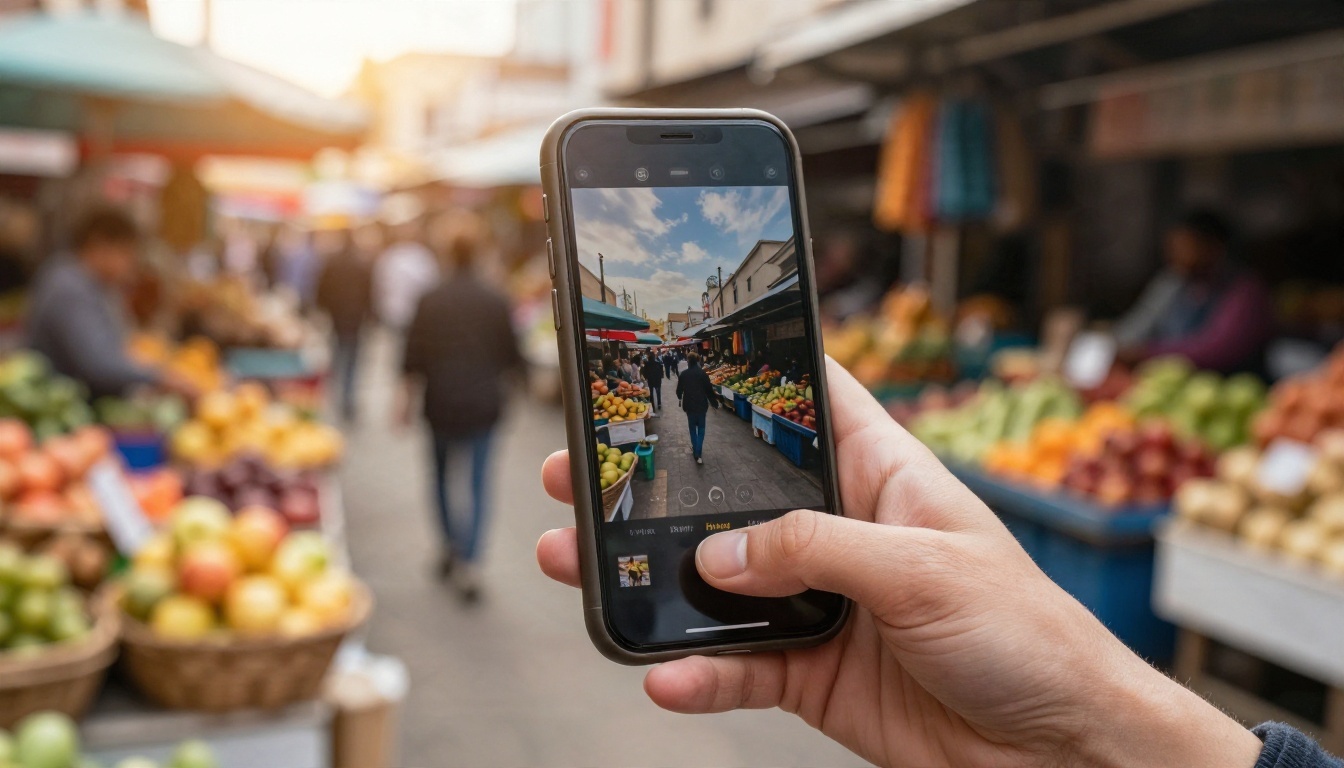
Be specific about motion. "A woman walks" gives the model too much freedom. "A woman walks toward the camera, hair moving in a light breeze, slow dolly back" gives it a plan.
Name the camera. Phrases like low angle, aerial, handheld, slow push in and static tripod change the whole feel of a clip.
Describe the light. "Golden hour from the left" or "overcast soft daylight" gives the render a grounded, believable look.
Describe the sound. Models with synced audio respond to cues like "street ambience, distant chatter, footsteps on gravel".
Keep it to one scene. Short clips can't carry a story. One subject, one action, one camera move.
⚠️ Avoid this mistake: Stuffing five ideas into one prompt. Models average them and you get a muddy result. Split them into separate clips and cut them together.
Free vs Paid: The Real Cost
The cheapest option isn't always the lowest price tag. Think in terms of cost per usable clip, not cost per generation.
| Scenario | Best approach |
|---|
| Casual experiment, a few clips | Use a free or trial allowance |
| Social posts, several per week | A lighter model with high or unlimited volume |
| Client or brand work | A paid model with clean, watermark free output |
| Testing prompts before a final render | Draft light, finish on a higher tier model |
If a tool saves you an hour of retries, it paid for itself. If it forces you to render twelve times to get one decent clip, the "free" label is misleading.
Start Making Your Own Videos
You don't need to wait for a free Sora login to reappear. Open Sora 2, write one clear sentence, and see what comes back in under a minute. If you want to iterate without counting clips, try Seedance 2.5 Lite, then compare the same prompt on Wan 3 and Veo 3.1 Fast.
The best way to find your favorite is to run the same prompt through three models and pick the winner. Browse everything available at picassoia.com/en/all-models, pick a model, and make your first clip today.


