You typed a spicy prompt into Sora, waited a few seconds, and got a polite refusal. Sound familiar? That is the experience almost everyone has when they test Sora AI nude requests, and it is the reason so many people search for rules, prices and workarounds that actually exist. This article gives you the short version first: Sora does not allow nude or sexual content, there is no secret toggle, and paying more does not change that. After that, we go through what Sora costs, whether you can use it for free, and which tools give you adult-friendly glamour results without constant blocks.
💡 Quick answer: Sora blocks nudity and sexual content on every plan. If you want beautiful, suggestive, non-explicit adult imagery, use an image model built for it, such as Seedream 4.5 or PicassoIA Image Editor Pro.
Short Answer: No, Sora Blocks It
Let's remove the suspense. OpenAI's video model is designed as a mainstream product, and its usage rules prohibit sexual content, nudity and anything that reads as erotic. That applies to the free tier, the paid tiers and, according to most reports, the top-priced Pro level too. There is no "adult mode," no age-verified unlock and no setting buried in the account page.
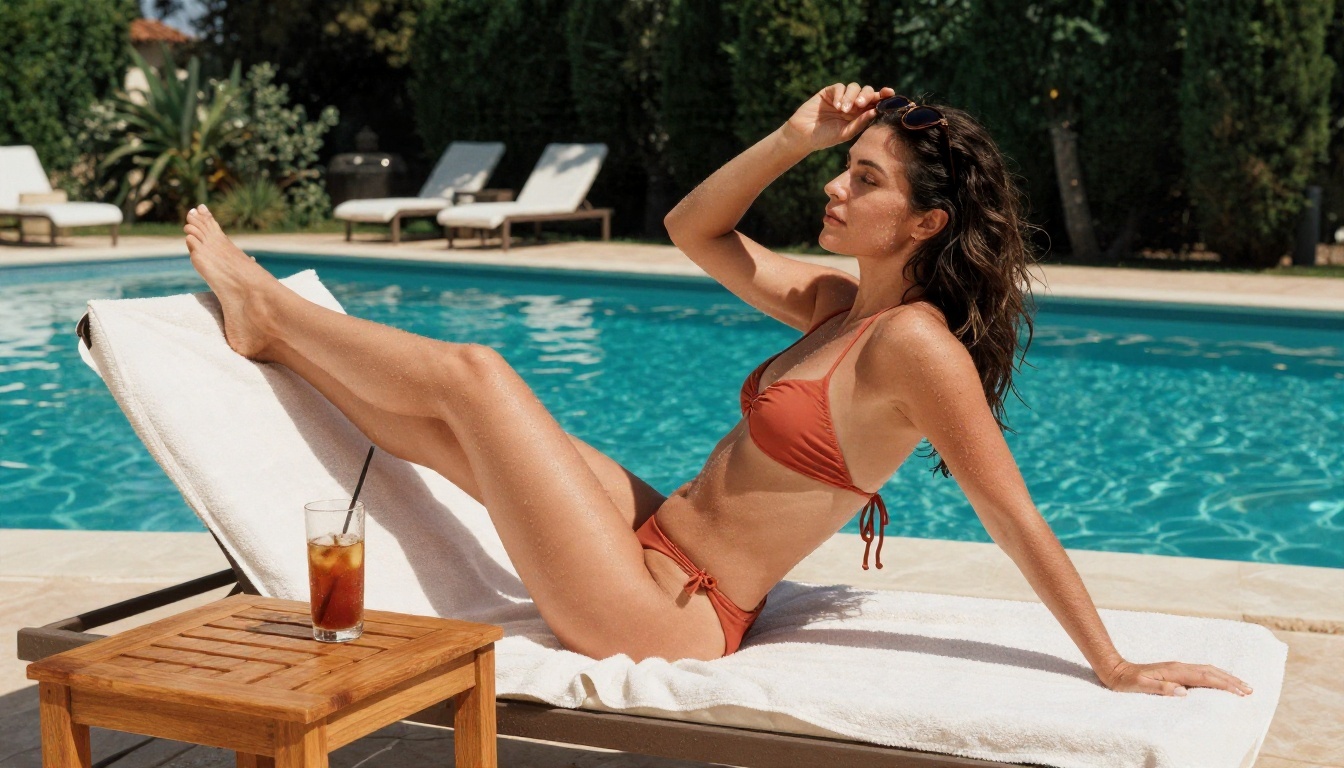
That does not mean Sora is useless for fashion, beach, travel or lifestyle footage. A woman in swimwear by a pool is a normal commercial subject, and general models handle it reasonably well when the framing stays clearly non-sexual. The line gets crossed when the prompt asks for exposed anatomy, undressing, or anything with erotic intent.
What the Filters Catch
Sora applies checks at several moments, not just one. Think of it as three layers:
- Prompt screening: your text is scanned before generation starts. Words and phrases tied to nudity or sexual acts trigger an instant refusal.
- Output screening: even when a prompt passes, the finished frames can be scanned. A clip that drifts toward revealing content may be discarded.
- Image upload checks: if you start from a reference photo, the picture itself is evaluated, which is why uploading a swimsuit shot and asking for "less clothing" fails.
The rules also reach implied content. Reports describe the policy as covering visually suggestive scenes, not only explicit ones, so phrasing like "barely dressed" or "sheer with nothing underneath" will often get flagged.
Why OpenAI Draws the Line
There are practical reasons, and they are not going away. A video generator that can make realistic people can also make realistic fakes of real people. Early in the Sora 2 rollout, public attention focused on deepfakes and copyright problems, and that pressure pushed the company toward strict moderation instead of looser rules. Payment processors, app store policies and legal exposure around non-consensual imagery all push the same direction.
⚠️ Heads up: Pages that promise a "Sora nude jailbreak" are almost always scams, malware bait, or paywalled fake tools. Do not give them your card or your login.
Is Sora Free Right Now?
This is where the information gets messy, and I would rather tell you that plainly than guess. Reports published in 2026 disagree with each other about the current status of the product.
Access Status in 2026
Some sources say the consumer Sora app was wound down in spring 2026, with the developer API continuing on a limited schedule before a full sunset later in the year. Other guides still describe a free app tier, a ChatGPT subscription route and a usage-based API as three ways in. I could not confirm which version matches what you will see today, so the safest move is to check OpenAI's own announcement page before paying for anything.
What is consistent across sources:
- Free access, where it existed, was limited and invite-gated at various points.
- Free users never got special content permissions. The same rules applied.
- Free usage was always capped, usually by the number of clips per day or per month.
Free Tier Limits
When free generation was available, expect these kinds of caps:
| Free tier trait | What it usually meant |
|---|
| Clip length | Short clips, a few seconds up to around ten |
| Resolution | Lower output, sometimes with a visible watermark |
| Daily quota | A small number of generations, then a wait |
| Queue speed | Slower than paid users during busy hours |
| Content rules | Identical to paid plans, no nudity |
So the honest answer to "is Sora AI nude free?" is this: the nude part is not available at any price, and the free part is unclear and may have changed.
Sora Pricing Breakdown
If you do want Sora for normal, non-adult video, here is the pricing picture as it was reported through 2026. Treat the numbers as approximate and verify them before you subscribe.

| Route | Approximate cost | Best for |
|---|
| Free tier (when open) | $0 | Testing a prompt or two |
| ChatGPT Plus bundle | About $20 per month | Casual creators |
| ChatGPT Pro bundle | About $200 per month | Heavy users, longer or higher quality clips |
| Developer API | Billed per second of video | Apps and automation |
Subscription vs API
A subscription is predictable. You pay one monthly amount and get a quota, which suits hobbyists and anyone producing a handful of clips a week. The API charges by usage, which works better for products that generate video on demand, but the bill can climb fast if you iterate a lot. Because each clip usually takes several tries, your real cost per usable clip is often two to five times the sticker price of a single generation.
Cost per Clip
A realistic way to budget: decide how many finished clips you need, multiply by three attempts each, then price that number of generations. If you only need still images for glamour or boudoir style shots, video pricing is the wrong tool entirely, and an image model costs a fraction of that.
💡 Tip: Draft your concept as a still image first. Once the composition looks right, animate it. You save most of your generation budget this way.
How to Use Sora 2 on PicassoIA
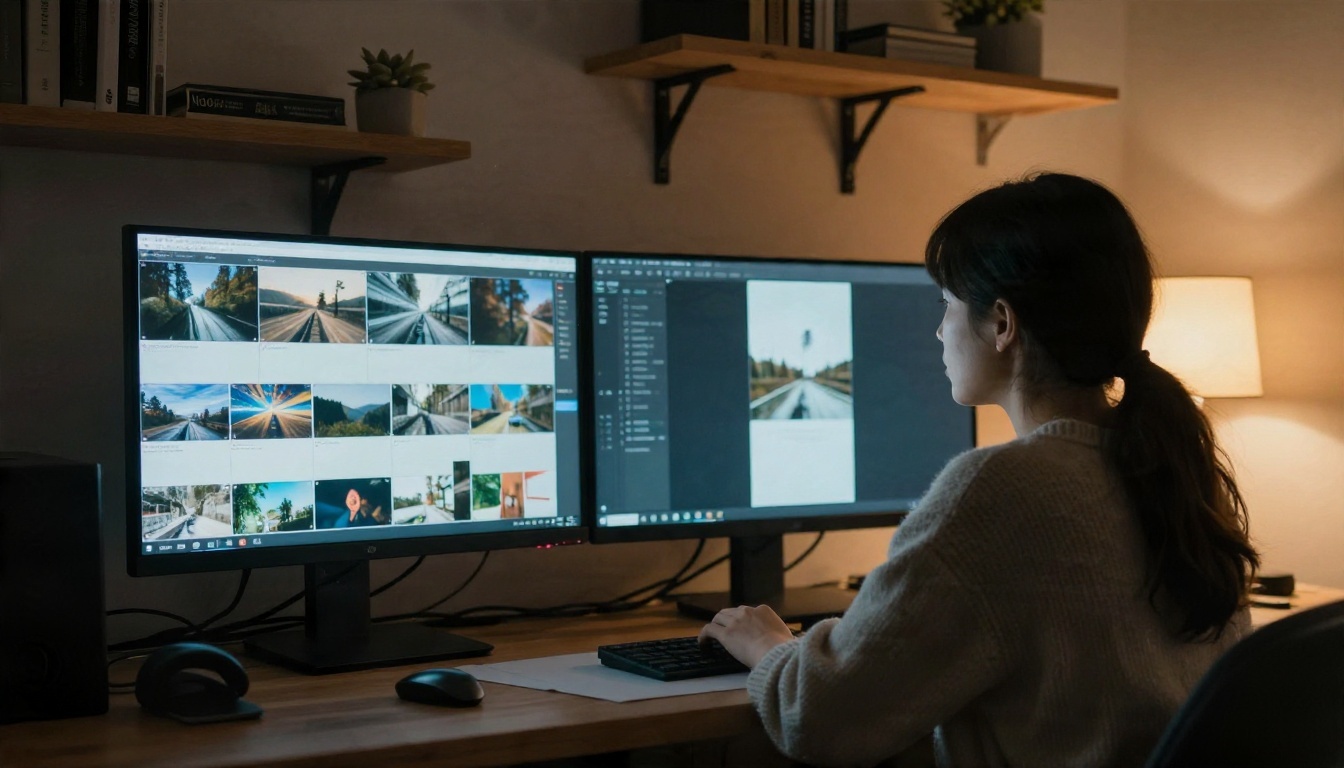
If you want Sora style video for non-adult subjects, you can run Sora 2 or Sora 2 Pro directly on PicassoIA. Expect the same moderation behavior that comes with the model, so keep prompts to fashion, travel, product and lifestyle scenes.
Step by Step
- Open the Sora 2 page and sign in.
- Write one clear sentence describing the subject, the setting and the camera move.
- Pick the clip length and aspect ratio that match where the video will be posted.
- Generate, review, and adjust only one variable per retry, such as lighting or camera speed.
- Move to Sora 2 Pro when you need a sharper final version of a concept you already like.
Parameter Tips
- Describe motion in order: "She walks to the edge of the pool, pauses, turns toward the camera."
- Name the lens and light: "85mm, soft window light from the left" gives more believable skin and fabric.
- Keep one subject: crowded scenes multiply errors in hands, faces and reflections.
- Skip the risky words: if a prompt gets blocked, rewriting around the subject's mood instead of the body usually fixes legitimate requests.
Adult Friendly Alternatives That Work
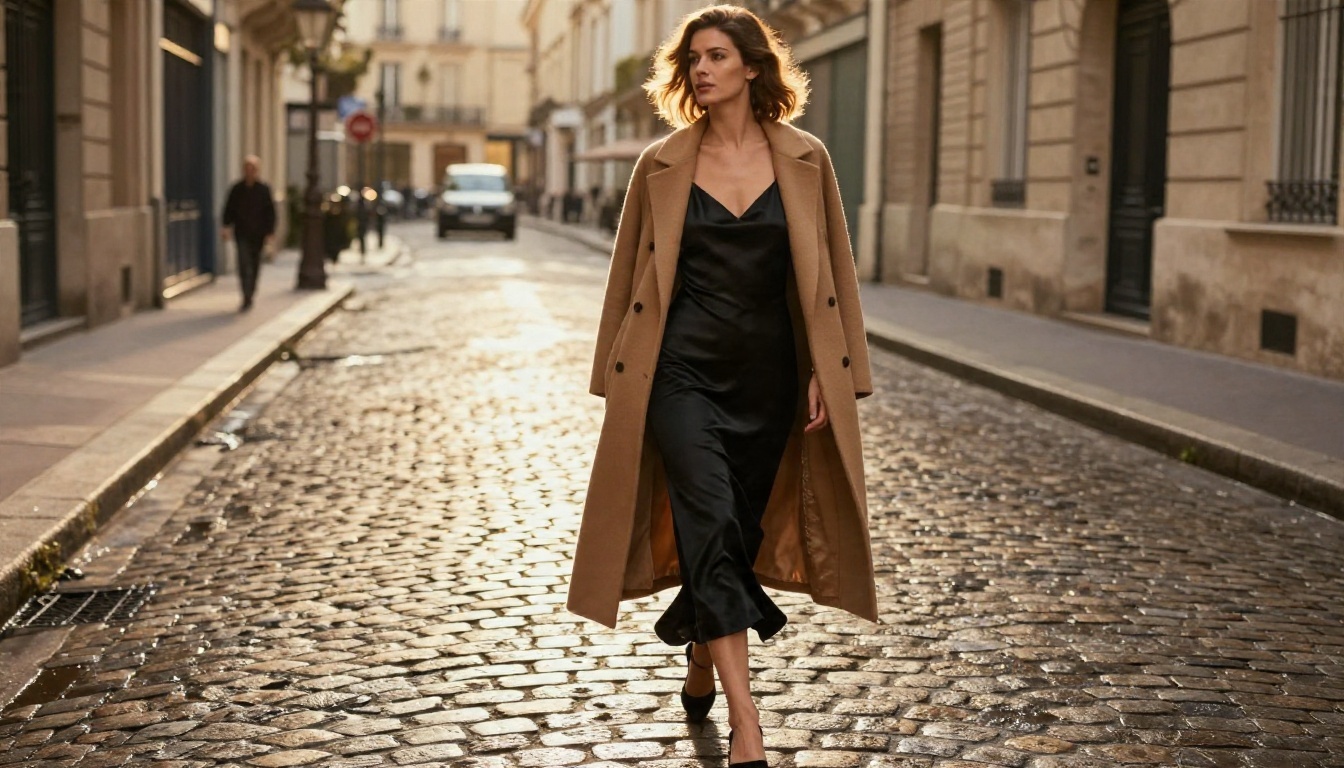
If your goal is suggestive, beautiful, non-explicit adult imagery, an image model is the better starting point than a video model. You get faster results, lower cost and far more control over pose, outfit and lighting. These are the options I would try, in this order.
Seedream 4.5 First
Seedream 4.5 is the model I would lead with for glamour work. It produces sharp, high resolution photographs with believable skin texture, natural fabric behavior and very good lighting. It is also fast, so you can run ten variations of a boudoir or swimwear concept in the time one video clip would take to render. It follows detailed prompts well: outfit, pose, lens, lighting direction and mood all land more reliably than on most competitors.
PicassoIA Image Editor Pro
PicassoIA Image Editor Pro is the second stop, and its biggest advantage is unlimited generations. That changes how you work. Instead of rationing attempts, you can iterate freely: change the outfit, adjust the background, relight the scene, refine the face. It also works as an editor, so you can start from your own photo or a previous render and keep improving it rather than starting over.
Qwen Image 3 Pro and Flux 2 Klein
Two more options are worth a test:
- Qwen Image 3 Pro is strong on photorealism and handles complex scenes with multiple props and textures.
- Flux 2 Klein 9B Base LoRA is a good pick when you want a particular look or style applied consistently across a set of images.
Quick Comparison
💡 Tip: Want to browse more options? The full catalog lives at picassoia.com/en/all-models, with image, video, editing and enhancement tools in one place.
How to Use Seedream 4.5 for Glamour
Since Seedream 4.5 is the best fit for this topic, here is a short workflow that works whether you are making swimwear, lingerie style fashion or boudoir portraits.
Build the Prompt in Layers
Write your prompt in this order, and keep each part short and concrete:
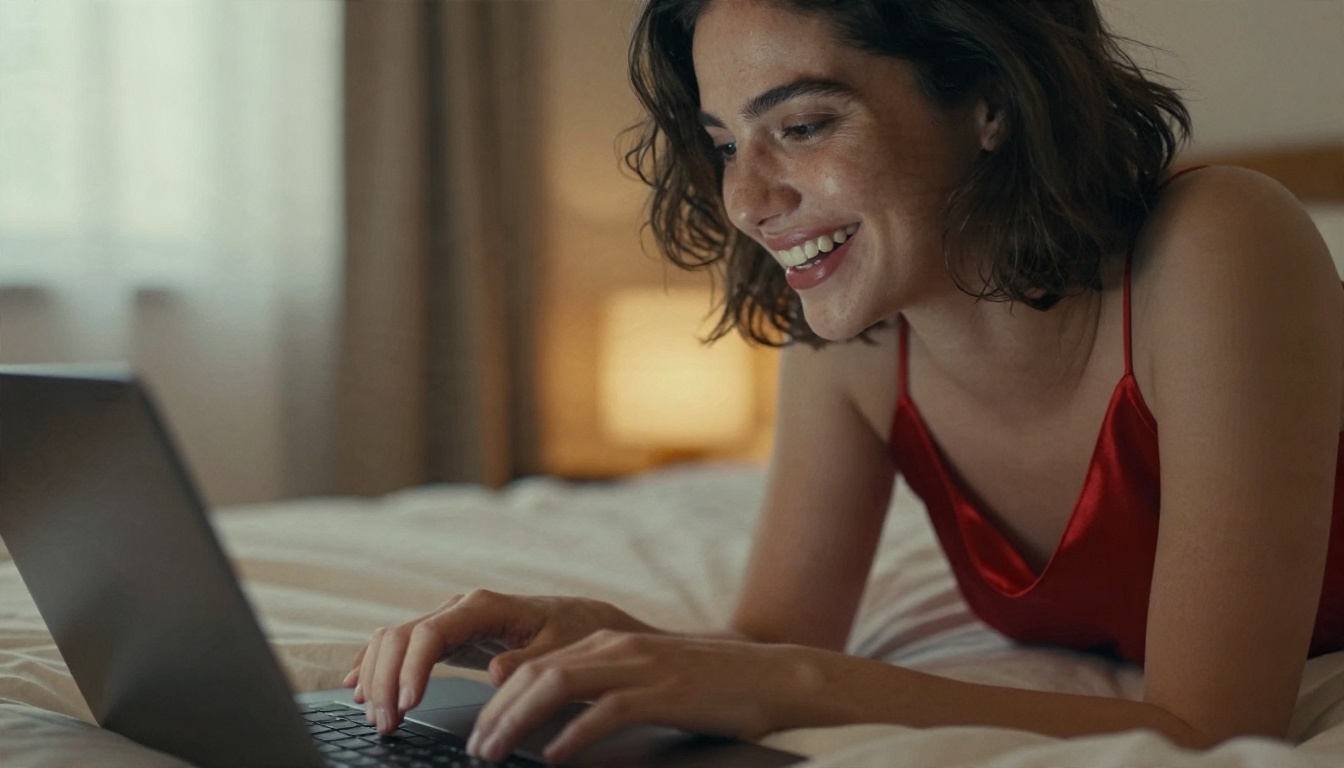
- Subject and pose: "adult woman, mid thirties, seated on the edge of a bed, relaxed posture."
- Outfit: "red silk camisole, loose waves in her hair." Name the fabric, because silk, lace, knit and denim all render differently.
- Setting: "sunlit loft bedroom, linen sheets, brass lamp."
- Light: "soft window light from the left, warm highlights."
- Camera: "85mm lens, shallow depth of field, Kodak Portra 400 film grain."
Refine in Image Editor Pro
Take your favorite result into PicassoIA Image Editor Pro and adjust details without regenerating the entire scene. Because generations are unlimited, you can swap an outfit color, soften the background, or fix a small flaw as many times as you like.
Animate It Afterward
Once you have a still you love, you can bring it to life with a video model for non-adult motion, such as hair moving in a breeze or a slow camera push. This is the cheapest way to get a polished short clip, because you only pay for video generation once the composition is already right.
Common Mistakes to Avoid
Most failed attempts come from the same handful of errors. Avoiding them saves time and money.
Asking a Mainstream Video Model for Adult Content
This is the number one mistake. Sora is built to refuse it, and the more you rephrase, the more likely your account is flagged. Use a tool whose rules match your goal.
Writing Vague Prompts
"Sexy woman, nice photo" gives you generic stock results. Specific beats vague every time: name the fabric, the light direction, the lens and the mood. Detail produces glamour; adjectives produce clichés.
Skipping the Still Image Stage
Jumping straight into video burns credits. Build the look as a still, polish it, then animate only if you need motion.
Falling for "Free Nude Sora" Sites
Any site that claims to offer unlimited, uncensored Sora is not offering Sora. Expect phishing, subscriptions that are hard to cancel, or stolen content.
Rules Worth Following
Adult AI imagery comes with a few lines that matter regardless of which tool you choose:
- Adults only. Every subject must be clearly an adult. No exceptions, no ambiguity.
- No real people without consent. Never generate suggestive images of a real person's face, a coworker, a celebrity or an ex. That causes real harm and, in many places, is illegal.
- Keep it non-explicit. Beautiful, suggestive and artistic is the target. Pornographic output is outside what these workflows are for.
- Label AI work. If you publish or sell the images, say they are AI generated.
- Respect platform rules. Social networks and stock sites each have their own limits on adult content.
⚠️ Reminder: Photorealistic AI people are not real people, but treat them with the same care you would give a real model's image rights. Do not pass them off as photographs of someone who exists.
Try It Yourself Today
Here is the plan in plain terms. Skip the endless search for a Sora nude workaround, because it does not exist. If you want video for safe subjects, run Sora 2 or Sora 2 Pro on PicassoIA. If you want tasteful adult glamour, open Seedream 4.5, write a layered prompt with fabric, light and lens details, and refine the result in PicassoIA Image Editor Pro, where generations are unlimited.
Start with one concept, such as a poolside swimwear shot or a morning boudoir portrait, and generate ten variations. Pick your favorite, polish it, and see how far a good prompt gets you. When you want more tools to experiment with, the full catalog is at picassoia.com/en/all-models. Open PicassoIA, create your first image today, and see what your own prompts can produce.


