Nobody ever got a truly unfiltered Sora. Every prompt you typed was checked before generation, every frame was checked after it, and even the audio transcript went through a classifier. If you searched for "Sora AI unfiltered" because a clip was rejected for reasons you could not see, you are in good company. This article explains what Sora actually blocked, why simple prompts got flagged, what happened to OpenAI's own Sora app, and which free alternatives and prompts get you a finished video today.
I will be direct about one thing: there is no magic switch that removes safety rules, and I will not pretend there is. What you can do is write prompts that stay clear of the triggers, and pick models whose policies fit your project. Both are covered below.

Sora's Filters, Plainly Explained
Three Layers of Checking
Sora 2 ran moderation at several points, not just at the prompt box. According to OpenAI's published safety material from launch, the system looked at:
- Your text prompt, before anything was generated.
- Output video frames, scanned as the clip was produced.
- Audio transcripts, because Sora 2 generates synced sound.
- Scene descriptions and comments, when clips were shared in the feed.
That layering is why a prompt can pass the first check and still return an error. The text looked fine, but one frame crossed a line.
💡 Tip: If a clip fails after a long wait, the problem is usually in what the model drew, not what you wrote. Rewrite the scene, not just the wording.
Where Sora Stands Now
Here is the part many "unfiltered" posts skip. OpenAI announced in March 2026 that it was shutting down Sora. The consumer app and web version closed in late April 2026, and the developer API was scheduled to follow in September 2026. Video generation from text inside ChatGPT stopped as well.
The free allowance was already shrinking before that. Free users started with a generous daily number of clips in autumn 2025, then saw it cut to a much smaller figure, with paid extras sold on top.
Sora 2 and Sora 2 Pro are both listed on PicassoIA, so you can still try the model there. Just keep in mind that the model's own moderation travels with it.
What Sora Blocks
The table below summarizes the categories that caused the most rejections, based on what OpenAI published and what creators reported.
| Category | What happened | Why it triggers |
|---|
| Real people | Blocked unless the person had opted in through the cameo system | Likeness protection |
| Copyrighted characters | Often returned a guardrail error | Rights holders and legal exposure |
| Minors | Extra-strict thresholds, especially for teen accounts | Child safety |
| Mature themes | Heavily filtered, especially with people in frame | Usage policy |
| Uploaded photos of people | Restricted at launch, stricter for image-to-video later | Consent and misuse |
| Harmful content | Always blocked | Usage policy |
Real People and Likeness
Sora 2 would not recreate a real person from a prompt or a photo unless that person had set up a verified cameo. Each cameo use notified the owner, who could remove the video or revoke access. A known gap was historical figures and deceased celebrities, which sat outside the likeness protection and drew criticism.
For creators, the practical lesson is simple: describe a type of person, not a named individual. "A woman in her thirties with short auburn hair and a green coat" works. A celebrity name does not.
Copyrighted Characters
At launch the policy was reported as opt-out, then CEO Sam Altman said rights holders would have to opt in. Reports conflicted on how it worked in practice, but the user experience was consistent: prompts naming famous franchises often came back with a message saying the request may violate guardrails.
Writing "a cartoon plumber with a red cap" instead of a brand-name character does not make a rejection less likely. It can look like an attempt to dodge the rule. Original characters are the safer route.
Minors and Mature Themes
Accounts that appeared to belong to under-18 users got tighter thresholds, and a filtered feed. Anything involving children or young-looking people in an image upload faced strict limits. Sexual content involving minors is prohibited everywhere, with no exceptions and no workarounds.
Adult-themed material in general was filtered hard. If your project is glamour, swimwear, boudoir or fashion with a sensual edge, Sora was never the best fit, and the alternatives section below is more useful.

Why Prompts Get Rejected
Most rejections are not about dark intent. They come from ambiguity that a classifier reads in the worst way.
Vague Words Trigger Flags
A few patterns cause the most false alarms:
- Body-focused phrasing without a clear fashion or sports setting.
- Violence words used casually, such as "shoot," "attack" or "explode," when you meant a camera shot, a sports play or a movie effect.
- Real names of any person, brand or franchise.
- Young-sounding descriptors like "girl" or "boy" in scenes with any physical contact, even innocent ones.
- Medical or weapon details that sound instructional.
Swap each one for a neutral, specific version. "Photographer shoots a portrait" becomes "photographer takes a portrait." "A girl in the park" becomes "a woman in her twenties jogging through a park."
Image Uploads of People
Uploading a photo of a real person as a first frame was one of the most restricted actions. If your clip depends on a face, expect friction. A safer path is to generate your subject first with an image model, then animate that original image. You keep control, and nobody's likeness is involved.

Free Alternatives Worth Trying
If Sora's rules do not fit your project, switch the tool rather than fight the filter. Different models draw lines in different places, and some are far more relaxed on fashion and glamour work.
Image Models for Glamour and Adult-Leaning Looks
For stills with a sensual, editorial feel (swimwear, resort shoots, boudoir-style portraits), start with Seedream 4.5. It renders skin, fabric and water with real texture, and it is a strong first stop when other tools refuse a fashion prompt. Then use PicassoIA Image Editor Pro for retouching and variations, since it offers unlimited generations, so you can iterate without watching a counter.
Keep everything non-explicit. The goal is attractive and tasteful, the way a magazine shoot would be.
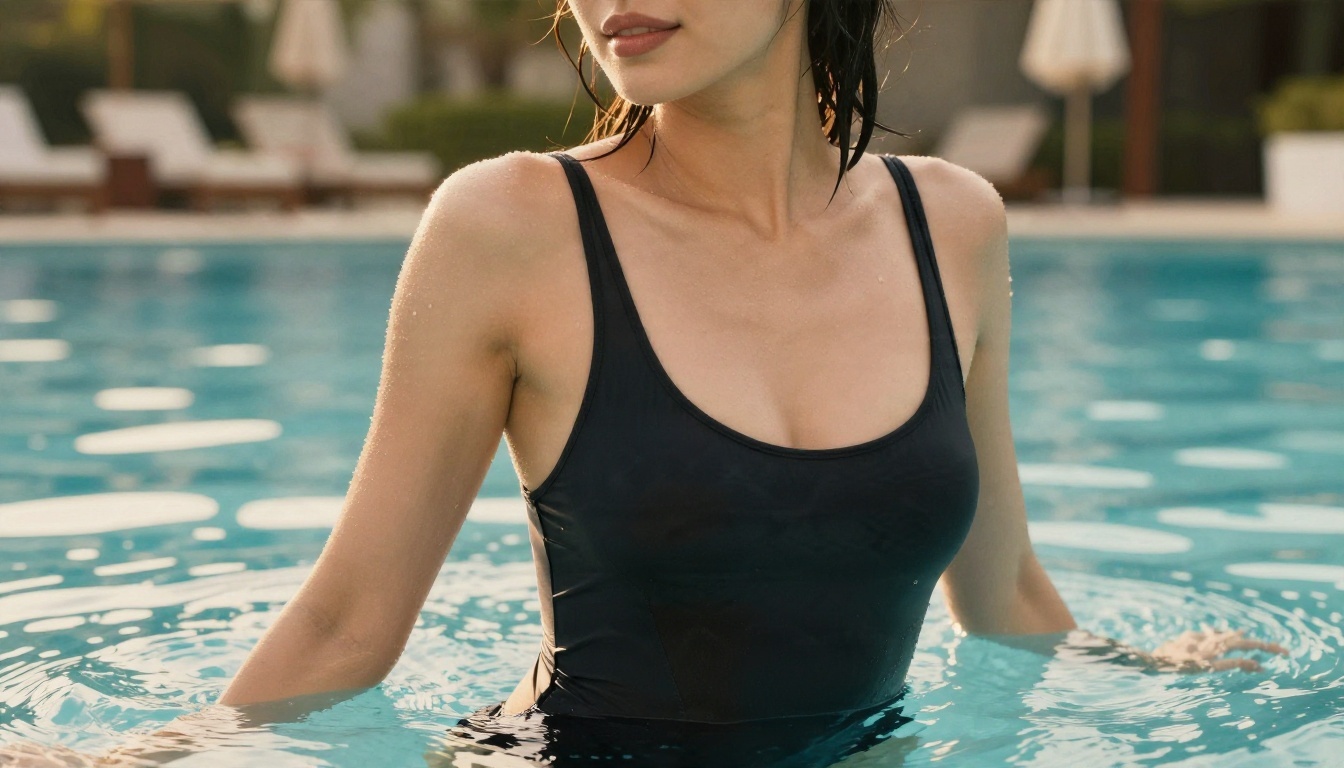
An image like this one, made as a still, can then become the first frame of a video. That two-step method gives you more control than typing a long scene description and hoping.
Video Models With Different Rules
Kling v3 Video is a strong pick for natural movement and camera moves. Wan 2.6 I2V is built to animate a still photo, and Wan 2.6 T2V handles text-only prompts. For synced sound, Veo 3.1 and the cheaper Veo 3.1 Fast are worth a test. When you only need a quick draft, LTX 2.5 Fast returns results in seconds.
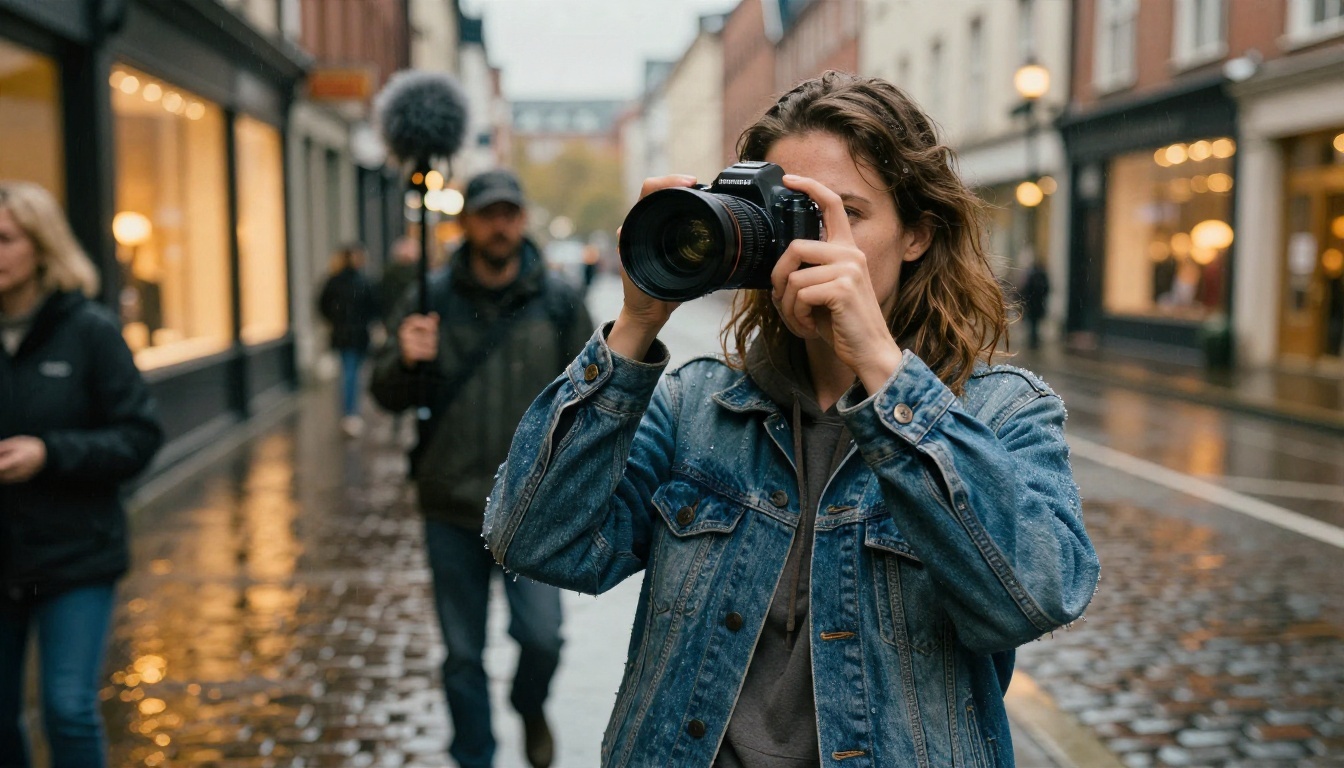
💡 Tip: Run the same prompt through two models. A clip that one model refuses or botches often works first try in another.
How to Use Sora 2 on PicassoIA
Sora 2 on PicassoIA gives you text-to-video with synced audio, free to try online, with no coding. Here is the workflow:
- Open the model page. Go to the Sora 2 page and open the generator.
- Write your prompt. Describe subject, action, setting, light and camera in one or two sentences.
- Pick a duration. Choose 4, 8 or 12 seconds. Start with 4 seconds for testing, because short clips are quicker and cheaper to iterate.
- Choose the aspect ratio. Portrait outputs 720x1280 for phones. Landscape outputs 1280x720 for widescreen.
- Add a first frame if you want continuity. The optional reference image sets the opening frame, and it must match the video's aspect ratio.
- Generate and review. If the clip is rejected, simplify the prompt and remove names, ambiguous words and anything that could read as a real person.
- Step up to Pro. When a draft looks right, run the same prompt on Sora 2 Pro for higher fidelity.
| Setting | Recommended starting value | Why |
|---|
| Duration | 4 seconds | Fast test, easy to adjust |
| Aspect ratio | Landscape | Fits most editors |
| Reference image | Your own generated still | Avoids likeness flags |
| Prompt length | 40 to 80 words | Enough detail, fewer ambiguous terms |
You can also paste your own OpenAI API key into the optional field. In that case OpenAI bills you directly, not PicassoIA.

Prompts That Pass Moderation
A good video prompt reads like a shot description from a cinematographer. Use this structure: subject and action, setting, light, camera movement, mood. Below are four patterns you can adapt.
A Cinematic Street Scene
A woman in a long olive coat walks along a rain-soaked city street at dusk, warm shop windows reflecting on wet cobblestones, soft overcast light with tungsten spill from the right, slow dolly-in at eye level, shallow depth of field, subtle ambient rain and distant traffic.
This works because it names no real person, no brand and no ambiguous physical detail. The mood comes from light and weather.
A Glamour Beach Moment
A woman in a red summer dress walks along a sunlit seaside promenade at golden hour, wind moving her hair, palm trees and calm sea behind her, warm backlight from the right, low-angle tracking shot, soft waves and gulls in the audio.
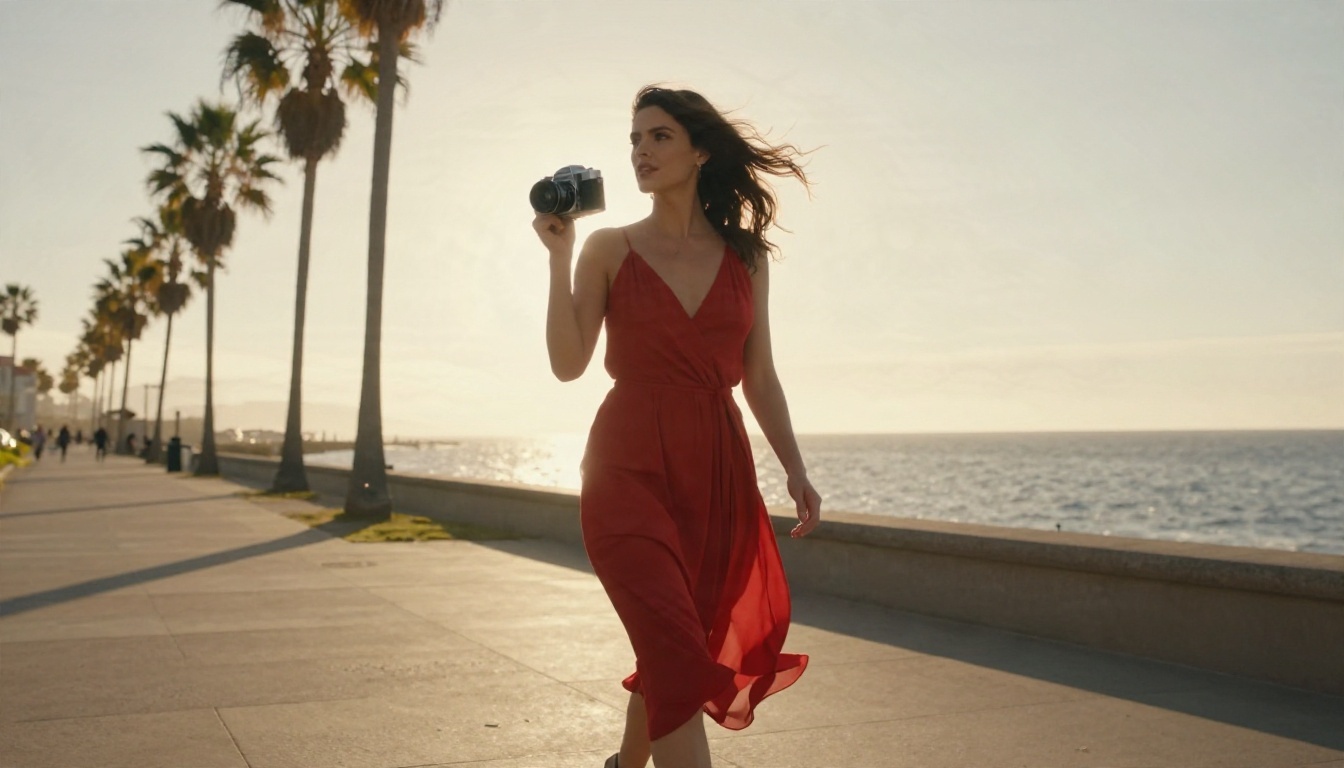
Notice the wardrobe and setting are clear and ordinary. If you want swimwear, state the location (resort pool, beach, yacht deck) so the model reads it as fashion, not something else.
A Nature Establishing Shot
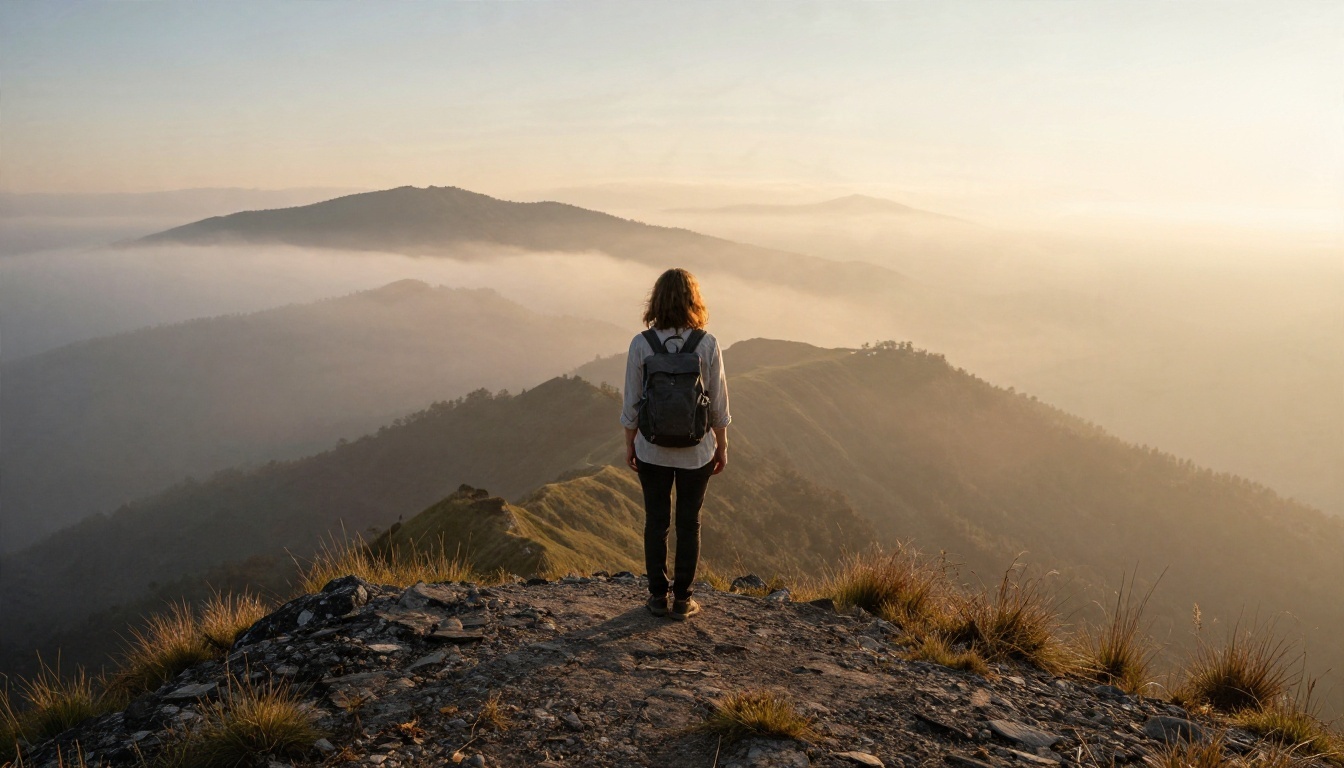
A hiker in a linen shirt stands on a mountain ridge at sunrise, layered fog filling the valley below, golden sidelight from the right, slow aerial pull-back revealing the whole landscape, wind and distant birds in the audio.
Landscape prompts almost never get flagged, which makes them ideal for testing a new model's quality before you try anything complicated.
A Detail Close-Up
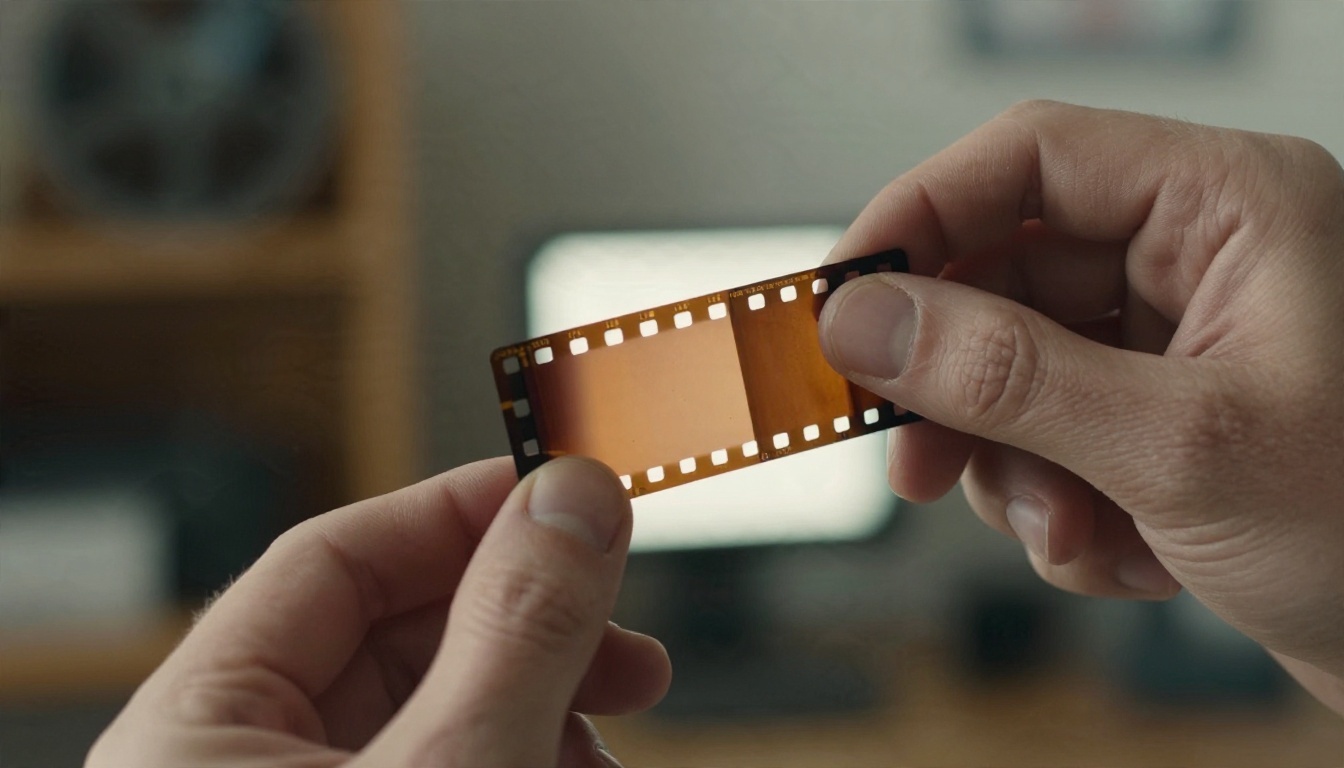
Macro shot of a hand holding a strip of vintage film up to a window, tiny frames glowing warm in the daylight, slow rack focus from the fingertips to the background shelves, soft room tone.
Object-focused shots are another low-risk option. Hands, tools, food, fabric and light all render beautifully and avoid likeness questions altogether.
Mistakes That Waste Credits
Most wasted generations come from the same handful of habits:
- Stuffing the prompt. Ten ideas in one paragraph confuse the model and raise the odds of a flagged frame. One scene, one action.
- Naming celebrities or franchises. Describe an original character instead.
- Retrying the identical prompt. If it failed once, it will fail again. Change something real.
- Skipping the still. Generating an image first, then animating it, gives you a locked look and fewer surprises.
- Ignoring audio. Sora 2 and Veo 3.1 produce sound, so mention it. A sentence about ambience improves realism.
- Going long too early. Test at 4 seconds, then extend to 8 or 12.
💡 Tip: Keep a text file of prompts that worked. Reusing a proven structure and changing only the subject is the fastest way to build a library of clips.
Make Your Own Clips Today
Sora's rules were strict, its free tier shrank, and OpenAI closed its own app. None of that means you are stuck. Start with a still in Seedream 4.5, refine it with PicassoIA Image Editor Pro, then animate it with Kling v3 Video, Wan 2.6 I2V or Sora 2.
Pick one prompt from the section above, change the subject to something of your own, and run it on two different models. Within a few minutes you will see which one suits your style, and you will have a clip that no filter stopped.
Browse every available image, video, audio and editing model at picassoia.com/en/all-models and start creating.


