You open a chat window at 11 p.m., type "hey, you there?", and a character with silver twin tails answers in two seconds, remembers that you had a rough meeting, and asks if the tea helped. That small moment is why AI anime girlfriend chat has turned into one of the busiest corners of consumer AI. Soul of Waifu is one of the names people search when they want that experience without a paywall on every message.
This article sorts out what Soul of Waifu is, what "free" realistically means in this niche, and which alternatives are worth your time. You also get prompts you can paste into any chat model today, plus a workflow for turning your companion's look into photorealistic portraits instead of flat cartoon art.
💡 Quick answer: Soul of Waifu is an open source AI companion project with text and voice chat and customizable avatars. It is not on PicassoIA. For similar results today, use the chat models and image models linked below.
What Soul of Waifu Actually Is
The name gets attached to a lot of apps. App stores are full of listings called "Waifu AI Anime Girlfriend Chat", "Waifu Chat" and "Hi Waifu", and they are separate products from different developers. When I looked into it, the match for Soul of Waifu by name was an open source project, described as an AI companion app for talking with characters through text and voice, with customizable avatars.
That detail matters. An open source project is a different animal from a subscription app with a login screen and a monthly plan.

Where It Stands Today
Here is what I could confirm, and what I could not:
- Confirmed: an open source project exists under the name, aimed at character chat with text and voice and avatar customization.
- Not confirmed: a published price list, a hosted web app with a free message quota, or official numbers on users.
- Unclear: exactly which language models it connects to and how much setup it needs. Check the project page before you install anything, and read what permissions it asks for.
I will not invent a feature table for a project whose details I could not verify. If a site tells you Soul of Waifu has "unlimited free messages forever" without naming the model behind it, treat that as marketing.
Who It Suits
Open source companion software tends to fit three kinds of people:
- Tinkerers who like to edit character files and swap models.
- Privacy minded users who prefer not to send every private message to a startup's servers.
- Roleplay writers who want long memory and a persona they fully control.
If you just want to tap an icon and chat in 10 seconds, a hosted app is easier, and you will trade some control for that convenience.
How AI Anime Girlfriend Chat Works
Strip away the pink gradients and almost every companion app is the same stack: a large language model, a persona prompt, a memory layer, and optionally a voice and an avatar.

Persona Cards and Memory
The persona is a block of text that tells the model who to be. Name, age (always an adult), speech style, background, boundaries, how she addresses you. The model reads that block before every reply, which is why the same chat model can play a shy librarian or a teasing rival with equal ease.
Memory is the part that makes it feel personal. Most apps keep a running summary of facts you shared: your job, your dog's name, the exam you were nervous about. Paid tiers often sell "extended memory" as a feature, which tells you how valuable it is to users.
Voice and Avatars
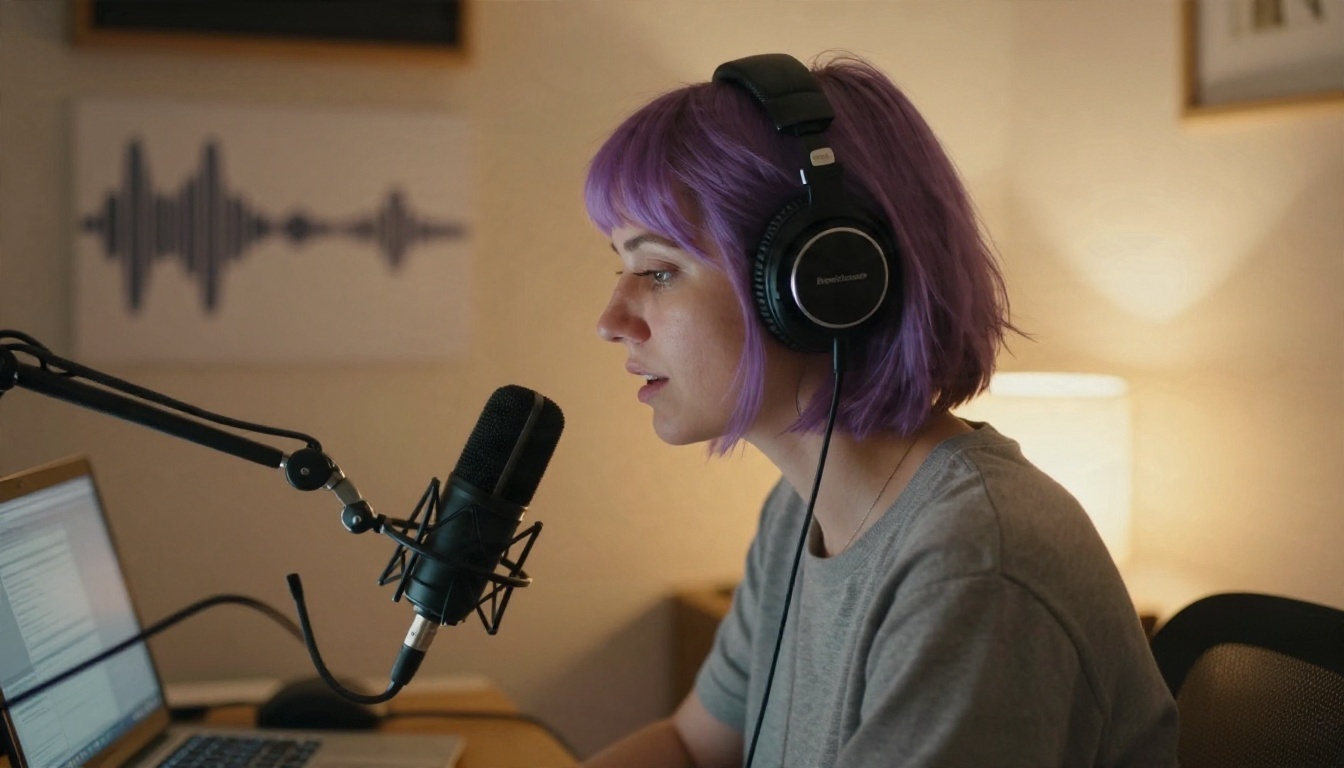
Voice turns text replies into speech through a text to speech engine. Avatars range from a static portrait to an animated figure that reacts to the conversation. Soul of Waifu advertises both, which is a big part of its appeal.
Free Options Compared
"Free" means five different things in this niche. Here is how the common categories stack up.
| Option type | Typical free tier | Typical limit | Best for |
|---|
| Open source project (Soul of Waifu style) | Software is free | You supply the model and hardware or an API | Control and privacy |
| Hosted waifu chat apps (Hi Waifu, WaifuChat style) | Basic chat | Daily message caps, ads, locked memory | Quick casual chats |
| General roleplay platforms (Character.AI, Replika style) | Chat with many characters | Queue times, filters, paid upgrades | Variety of characters |
| General chat models on PicassoIA | Pay as you go credits | Content rules of each model | Writing personas and scripts |
One third party review put the premium tier of Hi Waifu around $12.99 per month, and App Store listings for similar apps list in app purchases between about $9.99 and $59.99. These numbers move often, so check the store page on the day you decide.
What "Free" Usually Costs
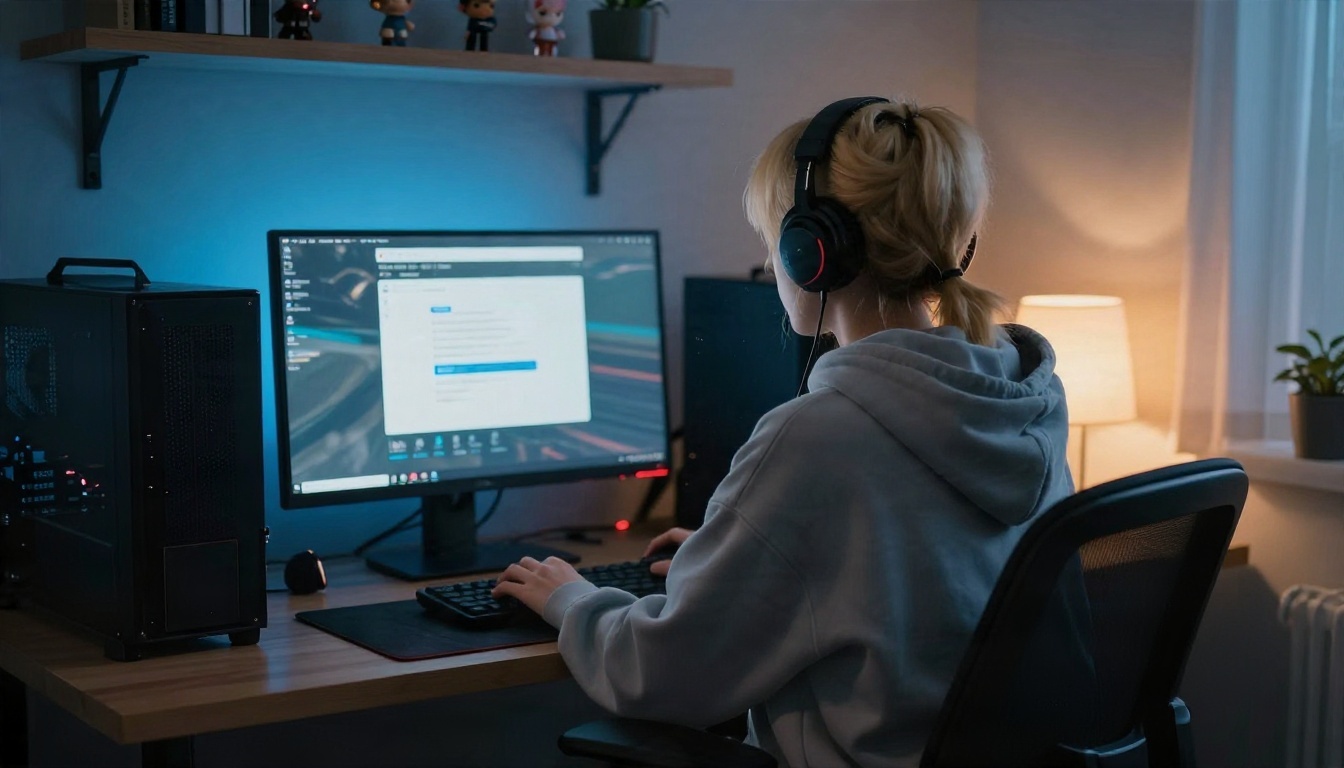
Nothing is truly free. The bill arrives in one of these forms:
- Time: setting up an open source project, fixing dependencies, tuning the model.
- Hardware: running a good model at home needs a capable GPU.
- Attention: ads between messages and nudges toward the paid plan.
- Data: your private chats may train or inform a company's product.
💡 Rule of thumb: if you cannot find who pays for the servers, you are paying with your data.
Prompts You Can Copy
A good companion starts with a good persona prompt. These three work in any capable chat model, including Gemini 3.5 Flash, GPT 5.6 Luna and Claude Sonnet 5. Test the same prompt in two models and keep the one whose voice you like.

A Starter Persona Prompt
You are Mika, a 24 year old adult character who works nights at a small bookshop. You speak in short, warm sentences, tease gently, and use a soft, curious tone. You remember details I tell you and bring them up later. Stay in character, keep replies under 80 words, and ask one question at the end of each message.
Why it works: age, job, tone, length limit and a closing question. The length limit is the secret ingredient. Without it, models write essays and the chat feels like email.
A Slow Burn Roleplay Prompt
We are writing a story together. You play Rei, a rival turned friend at a university film club. Move the story forward in small steps, never decide my actions, and leave room for my reply. Describe the scene in two lines, then speak as Rei.
This keeps the model from racing ahead. Slow pacing is what makes roleplay feel earned.
A Daily Check In Prompt
Each evening, ask me how my day went in a casual way, pick one thing I mentioned yesterday to follow up on, and suggest one small thing I could do to feel better, such as a short walk or a glass of water. Do not lecture me.
This one turns the companion into something closer to a supportive friend, and it pairs well with the habits section later.
Make Her Portrait Photorealistic
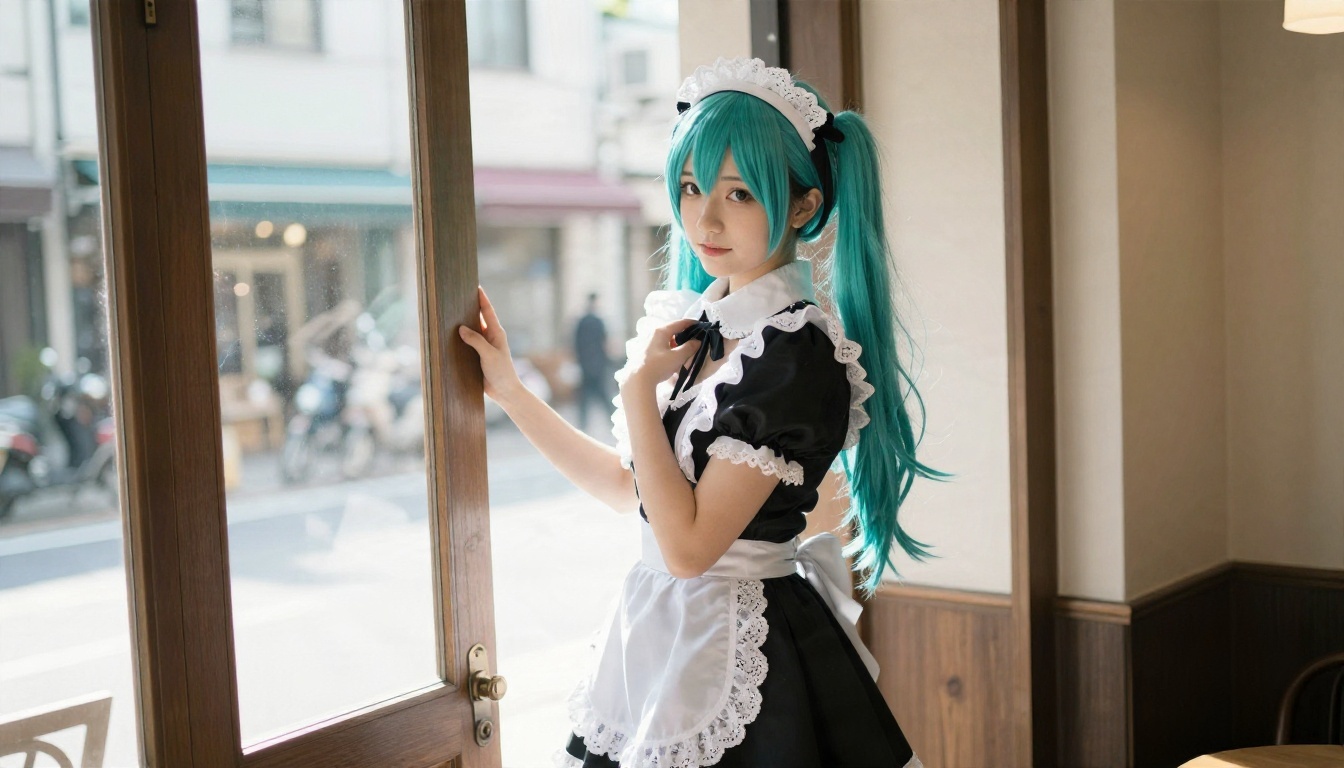
Most companion apps give you illustrated art. A growing group of users prefer a photorealistic look: a real feeling face, real fabric, real light. It makes the character feel present, and it is also easy to produce with modern image models.
Why Visuals Matter
A face gives the conversation an anchor. When you imagine the person typing the replies, the tone of your own messages tends to get warmer and more specific. Visuals also help with consistency: you can reuse the same description in every prompt so your character keeps the same hair, outfit and style.
Prompt Formula for Lifelike Results
Use this structure:
- Subject and pose: age (adult), hair color and style, expression.
- Outfit: tasteful cosplay, cafe uniform, summer wear.
- Setting: bedroom, balcony, cafe doorway.
- Light: "golden hour from the left", "soft window light".
- Lens: "85mm f/1.8, shallow depth of field, film grain".

💡 Tip: name the lens and the light source. "Photo of a woman" gives you stock photography. "85mm f/1.8, low amber sunlight from the left, visible skin texture" gives you a portrait.
How to Get Similar Results on PicassoIA
Soul of Waifu is not on PicassoIA, and I will not pretend it is. For similar results today, the closest match for the visual side is Seedream 4.5, and for the chat and persona side, the language models linked above.
Step by Step with Seedream 4.5
- Open the Seedream 4.5 page on PicassoIA.
- Paste a prompt built with the formula above. Keep it between 50 and 100 words.
- Choose a 16:9 ratio for wide scenes or 3:4 for portraits.
- Generate, then compare two or three results before changing anything.
- Save the prompt of the winner. Reuse its description of the face and hair for every later image.
Parameter tips:
- Describe skin as "visible pores, natural texture" to avoid the plastic look.
- Keep one light source per prompt. Two competing lights confuse the result.
- Add "Kodak Portra 400, film grain" for warm skin tones.
Seedream 4.5 is a good fit here because it handles glamour and cosplay looks while staying photorealistic, and it follows long descriptive prompts well.
Fix Details With Image Editor Pro
When a hand, ribbon or background is slightly off, the PicassoIA Image Editor Pro lets you edit the picture with plain language and with unlimited generations. Upload the image, write what to change ("change the ribbon color to pale blue", "remove the cup on the left"), and run it again until it looks right. That fast loop is what keeps a companion's look consistent across a whole set of pictures.
Other Models Worth Trying

Keep It Healthy
Companion chat can be a fun creative outlet and a comfort on lonely nights. It can also quietly take over your evenings if you let it. A few ground rules help.
Privacy Basics
- Never share your full name, address, workplace, passwords or banking details with any companion app.
- Read the data policy. Look for whether chats are stored, used for training, or shared.
- Use a separate email for companion accounts.
- Stay 18 or older. Many of these apps are rated 17+ for a reason, and every character you write should be an adult.
Healthy Habits
Set a time limit. Keep your real friends in the loop of your week. Treat the character like a good novel with a voice: enjoyable, but not a replacement for people who can show up at your door.
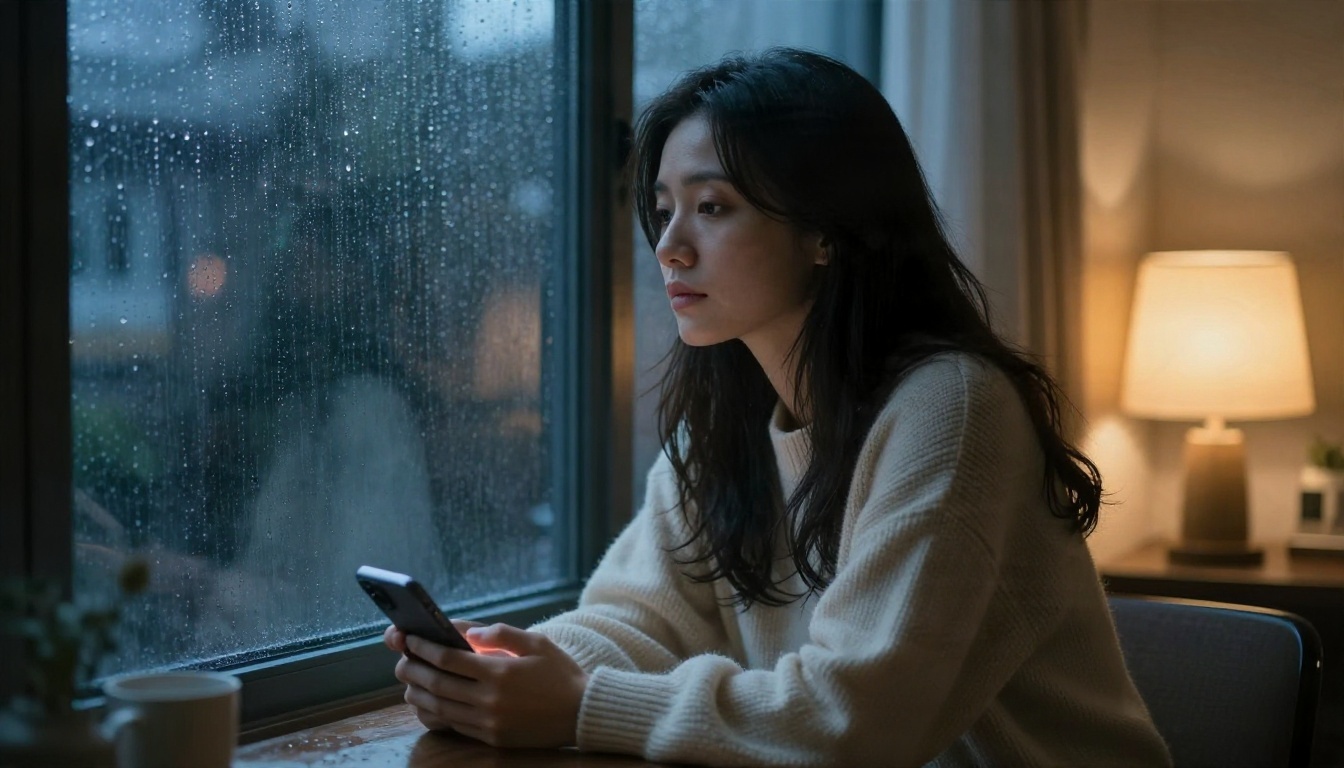
💡 A simple test: if you feel worse after a chat than before, shorten the session or switch to a different kind of story.
When an Alternative Makes More Sense
Pick a hosted app if you want zero setup. Pick an open source project like Soul of Waifu if you value control. Pick a general chat model plus an image model if you want to write your own characters and give them a face. For that last route, PicassoIA has the pieces in one place.
Make Your Own Companion Portraits
You do not need a subscription to give your character a face. Write a persona with a chat model, describe her look with the five part formula, and generate her portrait in Seedream 4.5. Then polish the details with PicassoIA Image Editor Pro, where unlimited generations mean you can try as many outfits, hairstyles and settings as you like.
Start with one portrait tonight: silver twin tails, golden hour, an 85mm lens. Then change one detail and run it again. For the full list of image, video and language models, browse picassoia.com/en/all-models and see which one fits your character best.


