Most people who type "spicy" into an image generator get one of two results: a plastic, over-smoothed doll face, or a blocked request. Neither is what you wanted. The good news is that spicy AI art, meaning suggestive, glamorous, magazine-style imagery, is mostly a prompting and settings problem. Get the light, the fabric, the lens and the pose right, and the output looks like a real photo shoot instead of a filter.
This article gives you copy-ready prompt examples, an honest look at the free tools that are worth opening, and the best settings for realistic skin and believable lighting. Everything here stays tasteful and non-explicit: think bikinis, silk, lace, evening dresses and boudoir mood, not pornography.
💡 Quick answer: Start with Seedream 4.5 for the most photographic results, then use PicassoIA Image Editor Pro for unlimited edits and variations. Write prompts like a photographer's shot list, not like a list of adjectives.
What Spicy AI Art Really Means
"Spicy" is a loose label. In practice it covers a range of looks that sit between casual portraiture and full adult content. Knowing where your target sits helps you write a sharper prompt and pick the right tool.
The Spectrum From Soft to Bold
| Level | Typical look | Example wardrobe | Best use |
|---|
| Soft | Flirty, warm, natural | Sundress, linen shirt, wet hair | Social posts, mood boards |
| Medium | Glamour, boudoir mood | Silk robe, slip dress, bikini | Fashion concepts, character art |
| Bold | Editorial, dramatic | Lace bodysuit, plunging neckline, slit gown | Magazine-style covers, posters |
This article lives in the soft-to-bold range. Every prompt below keeps the subject covered and the tone suggestive rather than explicit. That is not only safer, it also produces better pictures, because tasteful photography relies on light, shape and attitude.
Why People Search for It
Three reasons come up again and again:
- Character design: writers and game creators want attractive, believable characters without hiring a model for every scene.
- Fashion and swimwear concepts: brands and small shops mock up looks before a real shoot.
- Personal creativity: many people simply enjoy making glamour portraits and want tools that do not flinch at the word "bikini".
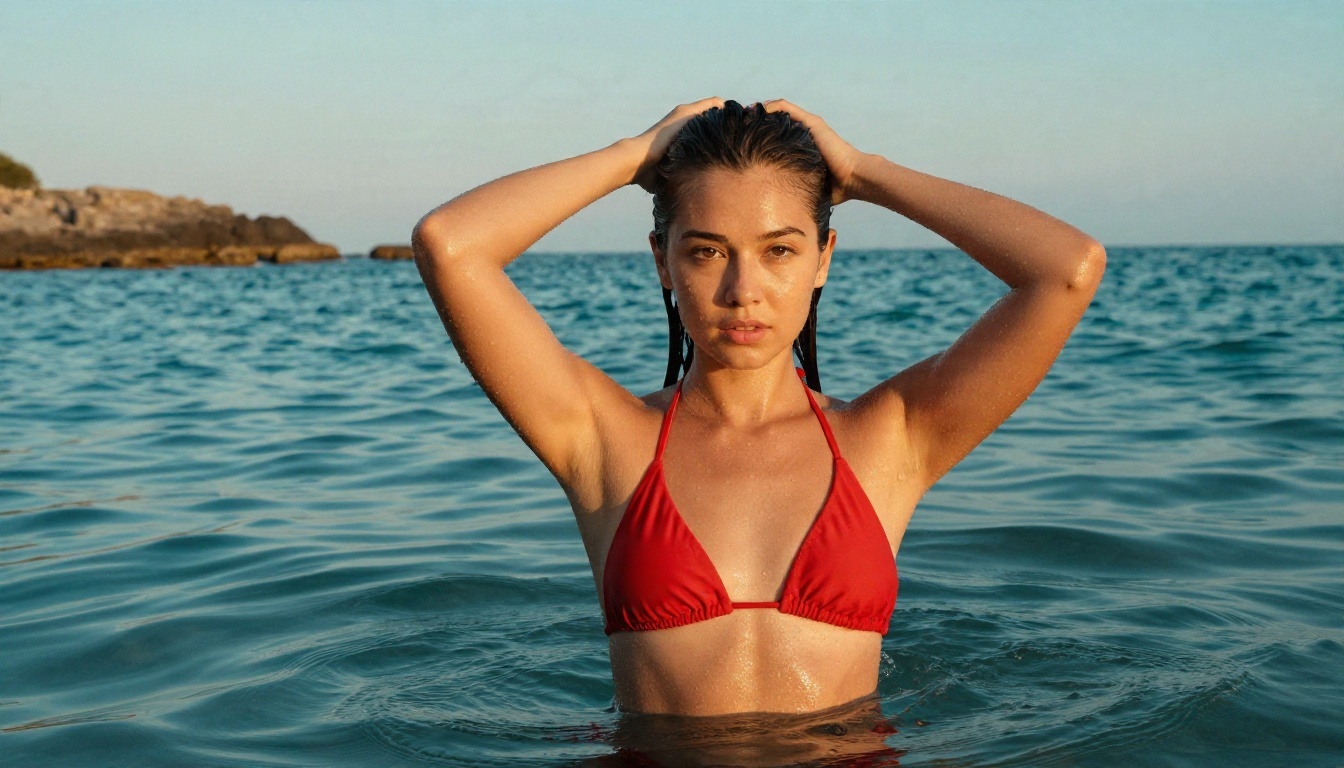
How a Good Spicy Prompt Works
A strong prompt is built in layers. Each layer answers a question the model would otherwise guess at, and guessing is where the plastic look comes from.
The Six Layers
- Subject and pose: who she is, what she is doing, where she is looking.
- Wardrobe and fabric: the garment, the material, how it sits on the body.
- Environment: the room or location, with two or three concrete props.
- Light: direction, quality and time of day.
- Camera: lens length, aperture, angle and distance.
- Film and texture: grain, color palette, skin detail.
Here is the formula in one line:
[Subject + pose] + [wardrobe + fabric] + [environment] + [light direction] + [lens + aperture + angle] + [film stock + skin texture]
💡 Tip: Name a fabric, not just a color. "Black satin slip dress" gives the model a specular highlight to render. "Black dress" gives it nothing to work with.
Words That Add Realism
Certain phrases pull the output toward photography. Use them freely:
- Visible skin pores, fine peach fuzz, light freckles, natural sheen on the collarbone
- Shallow depth of field, 85mm f/1.4, focus on the eyes
- Window light from camera left, soft bounce fill, gentle rim light
- Kodak Portra 400, fine film grain, soft highlight roll-off
- Linen weave, velvet pile, silk sheen, wet fabric clinging naturally
Words That Hurt Realism
Skip these, since they push the model toward illustration or heavy retouching:
- "Perfect skin", "flawless", "airbrushed"
- "Ultra detailed 8K masterpiece" with nothing else
- "Trending on" anything
- Stacks of quality tags with no scene description
Prompt Examples You Can Copy
These are written in the shot-list style that works across modern photographic models. Paste one, then change the wardrobe, location or light to make it yours.
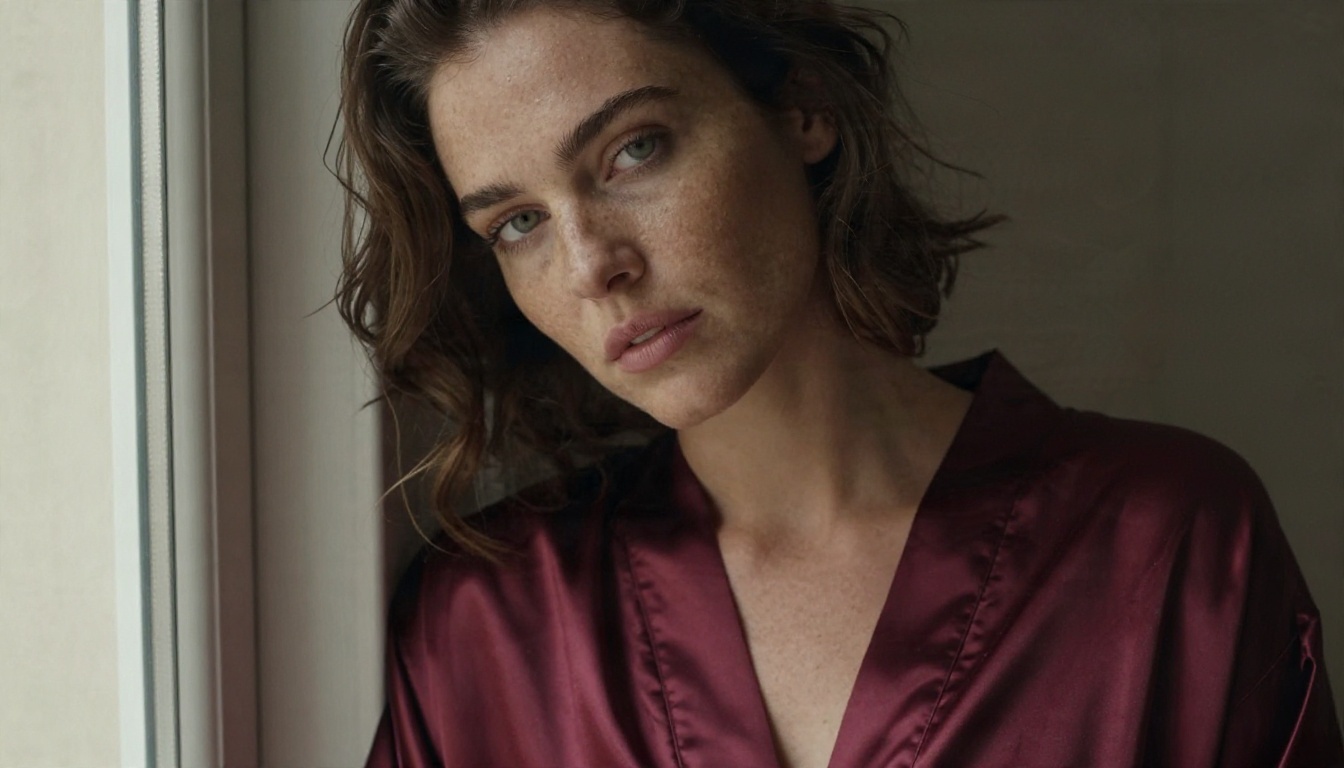
Boudoir Portrait
Close-up portrait of a woman with freckles and green eyes wearing a deep burgundy silk robe loosely tied, leaning against a window frame in a dim Parisian apartment, soft overcast daylight from the left, visible skin pores and fine hairs, silk specular highlights, 105mm f/1.8 shallow depth of field, moody warm tones, Kodak Portra 400 grain, RAW photograph.
Why it works: the overcast window gives soft, flattering contrast, and the silk robe provides a highlight that reads as real fabric. The close crop keeps attention on the eyes and skin.
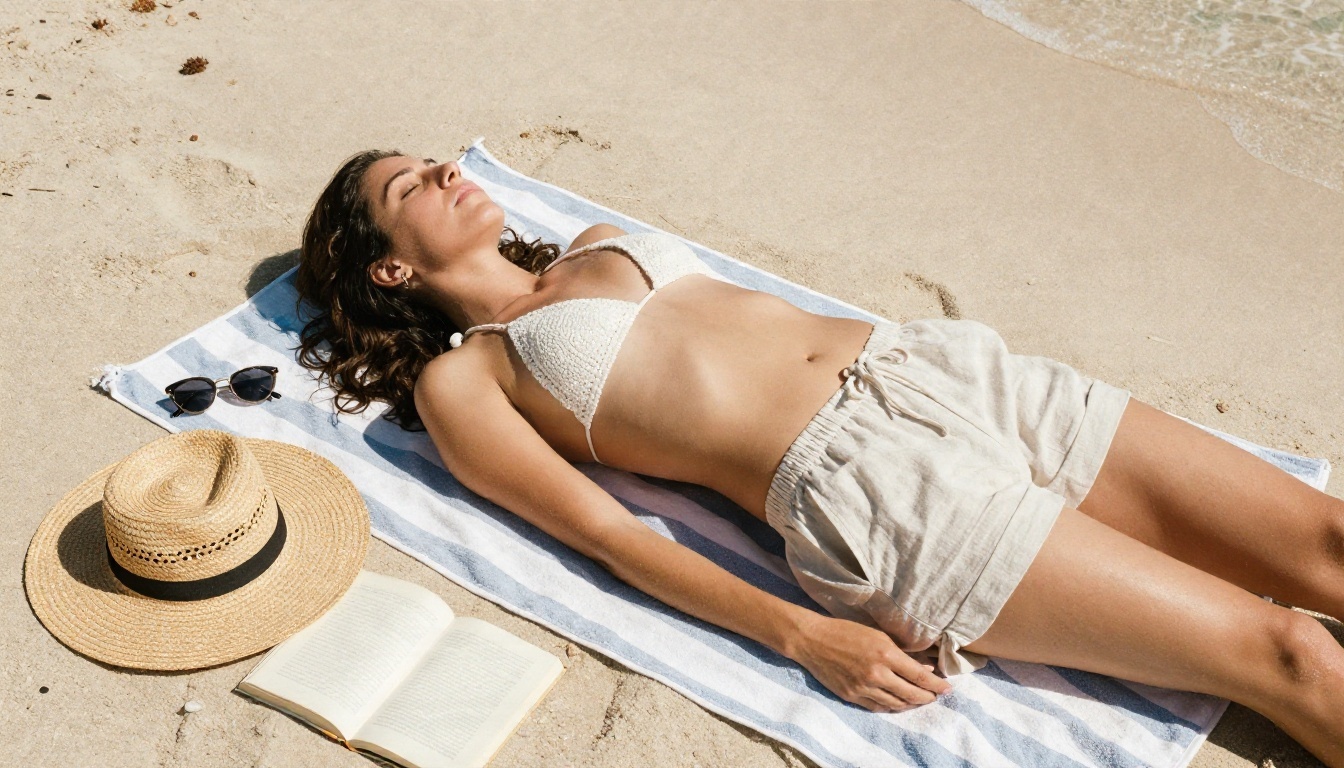
Beach and Swimwear
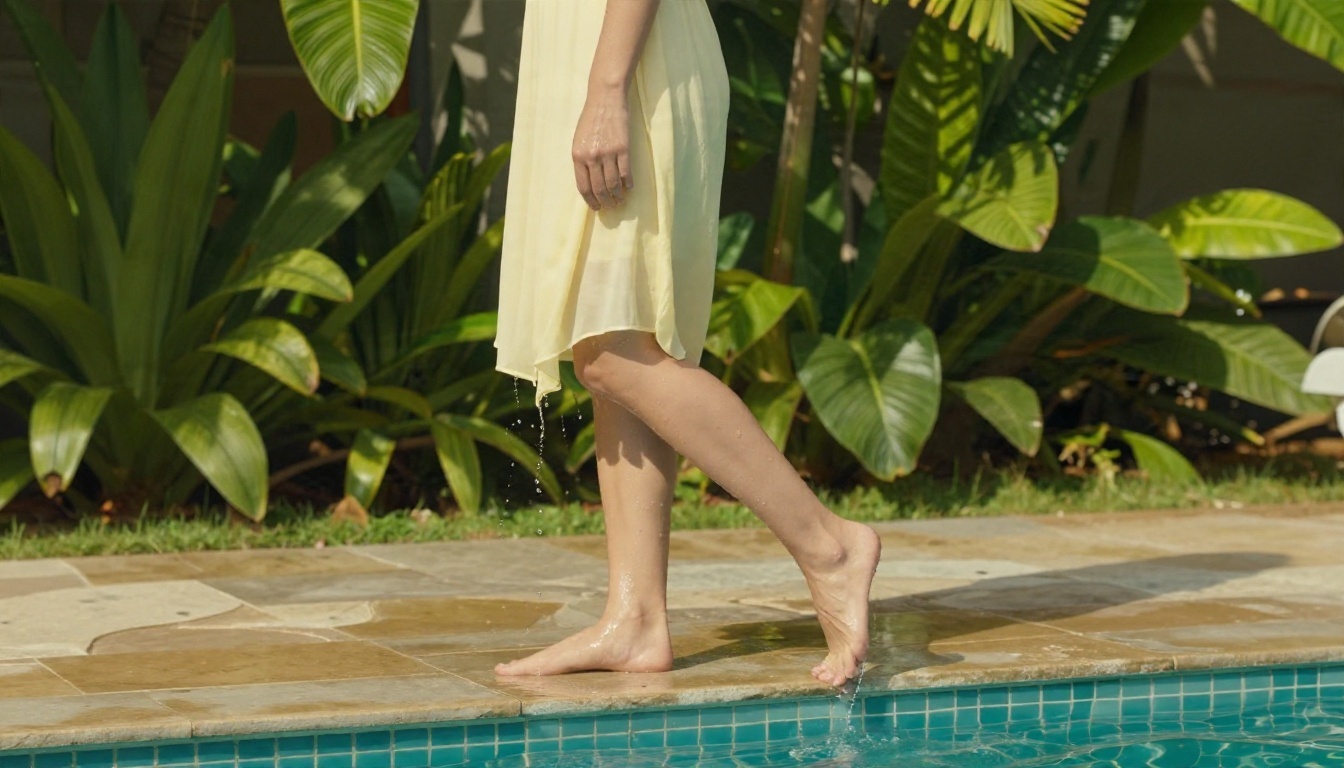
Overhead shot of a woman in a white crochet bikini top and linen shorts lying on a striped beach towel on pale sand, sunglasses, straw hat and paperback beside her, turquoise shallow waves at the frame edge, harsh midday sun with crisp shadows, shot from directly above with a 35mm f/4 lens, sun-warmed skin, Kodak Portra 400 film look.
Why it works: the overhead angle is unusual enough to feel editorial, and the props (hat, book, sunglasses) make the scene feel lived in instead of staged by a machine.
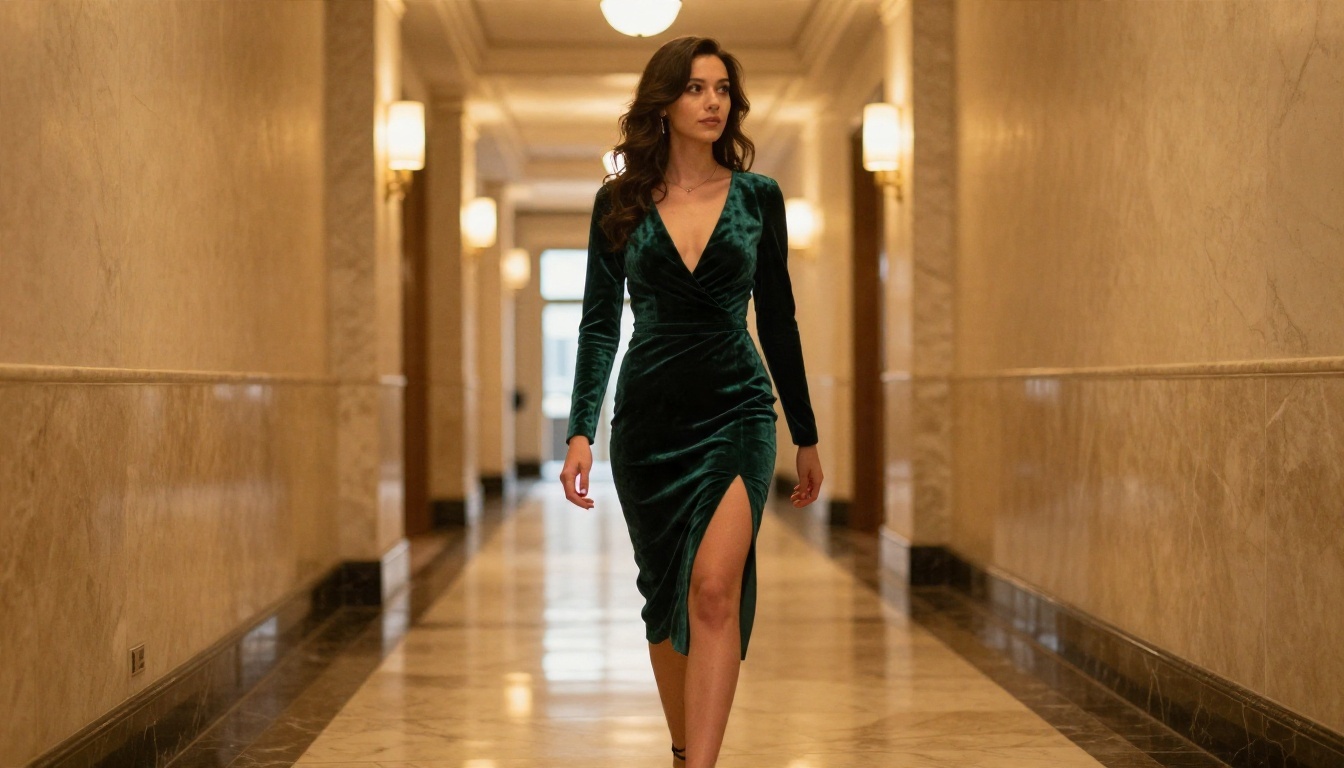
Evening Glamour
Woman in an emerald green velvet evening dress with a deep neckline and thigh slit, walking down a marble hotel corridor lit by warm sconces, glancing back over her shoulder, wide-angle low shot with a 28mm f/2 lens, reflections on polished floor, velvet pile texture, soft daylight at the end of the hall, Kodak Portra 400 grain.
Why it works: the low wide angle adds drama and length, the mixed warm and cool light feels cinematic, and the back-glance is a classic fashion pose.
Loft Editorial
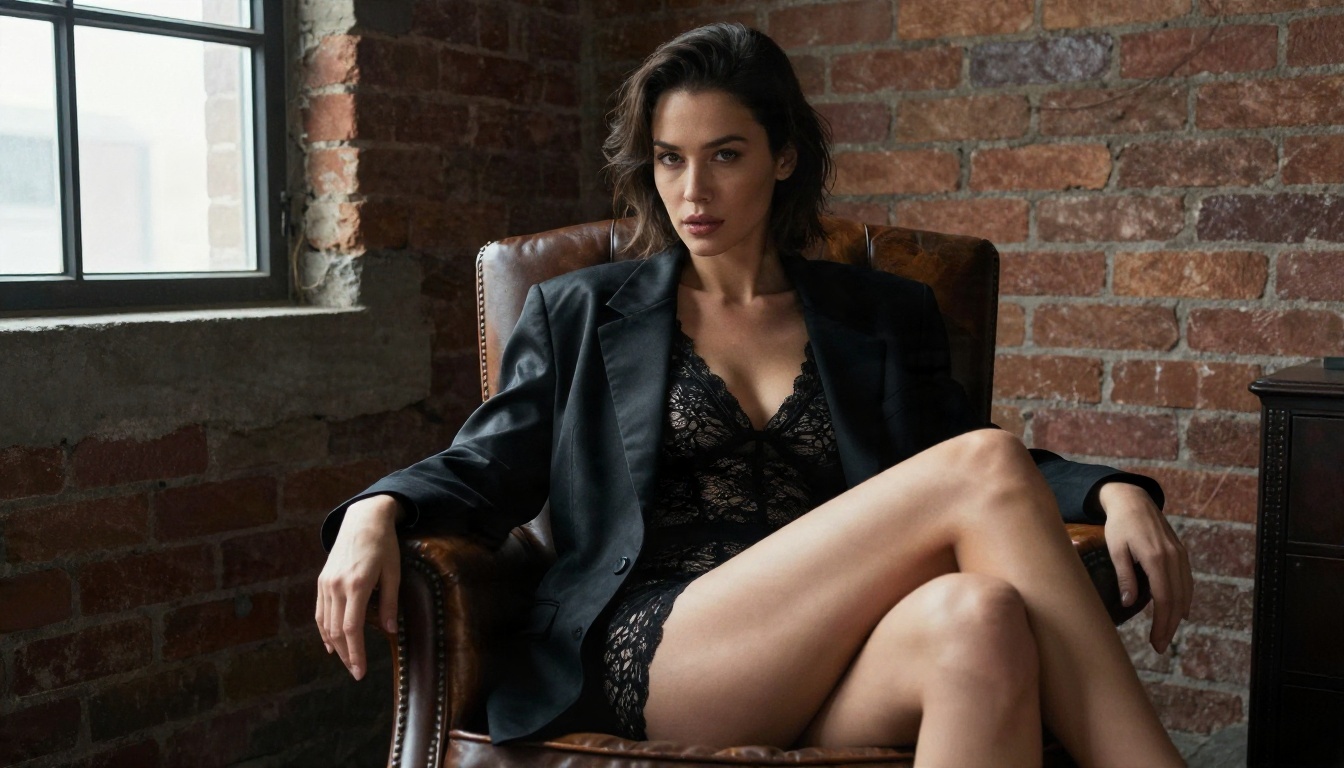
Woman in a black lace bodysuit under an open oversized blazer sitting on a vintage leather armchair in a loft with exposed brick, legs crossed, chin tilted down with a confident look at camera, side light from a large industrial window on camera left, 85mm f/1.4 lens, lace and leather texture, soft shadows, moody warm tones, Kodak Portra 400 grain.
Why it works: pairing lace with a tailored blazer reads as high fashion. The side light carves out shape and texture without needing any extra skin.
Quick Prompt Swap Table
Once you have a base prompt, change one variable at a time:
| Change this | To this | Effect |
|---|
| Light | Golden hour backlight | Warm rim glow, softer mood |
| Lens | 35mm f/2 instead of 85mm | More environment, less compression |
| Angle | Low angle | Taller, more confident presence |
| Fabric | Wet cotton instead of silk | Natural cling, summer feel |
| Film | Portra 400 to a cooler look | Cleaner, less nostalgic palette |
Free is a moving target. Plans, daily credits and content filters change often, so treat any list as a snapshot and check the current limits before you build a workflow around one tool.
What to Look For
Before you commit to a generator, check four things:
- Content policy: does it accept swimwear, lingerie-style and boudoir prompts, or does it refuse at the word "bikini"?
- Photographic quality: are skin and fabric believable, or do you get the smooth plastic finish?
- Generation limits: how many images before you hit a wall?
- Editing tools: can you fix hands, outfits and backgrounds without starting over?
Where PicassoIA Fits
PicassoIA collects dozens of text-to-image models in one place, so you can run the same prompt through several engines and compare. Here are the ones that matter for glamour work, in the order I would try them:
💡 Why the order matters: Seedream 4.5 and Image Editor Pro are the strongest pair for adult-leaning glamour work. One gives you the best first render, the other lets you iterate as many times as you like with no meter running.
A Note on Other Tools
Plenty of other generators exist, including Midjourney, Stable Diffusion front ends and various web apps. Their policies on suggestive content differ and change without much notice. If a tool rejects a perfectly tame bikini prompt, that is a policy choice, not a sign your prompt is wrong. Switching engines is usually faster than rewording for the tenth time.
How to Use Seedream 4.5 on PicassoIA
Seedream 4.5 is my first pick for photographic glamour. Here is a simple routine that works.
Step by Step
- Open the model page and choose Seedream 4.5 from the text-to-image collection.
- Paste your prompt. Use one of the examples above as your base.
- Set the aspect ratio. Choose 16:9 for scenic or editorial frames, 3:4 or 2:3 for portraits.
- Pick the highest resolution you need. The model supports sharp, large output, so start high if the picture is meant for print or a banner.
- Generate and review. Look at eyes, hands, fabric edges and background lines first.
- Change one thing. Adjust only the light, the lens or the wardrobe, then run it again.
- Send the best frame to Image Editor Pro to fix small flaws.
Parameter Tips
- Keep prompts between 60 and 120 words. Shorter prompts leave too much to chance, and much longer ones start to contradict themselves.
- Describe one light source. Two or three competing sources give muddy shadows.
- Name the lens. "85mm f/1.4" for portraits, "35mm f/2" for environmental shots.
- Ask for imperfection. Freckles, fine hairs and a few flyaway strands add realism.
- Reuse your seed when the tool offers it, so you can alter a single variable and compare results fairly.

Best Settings for Realistic Results
Tools differ, but the same logic carries across most photographic models. Use this table as a starting point and adjust from there.
| Setting | Recommended | Reason |
|---|
| Aspect ratio | 16:9 for scenes, 3:4 for portraits | Matches real camera framing |
| Resolution | Highest available, then upscale if needed | Fine skin and fabric detail |
| Prompt length | 60 to 120 words | Enough detail without conflict |
| Guidance or prompt strength | Medium | Too high looks harsh and burnt |
| Batch size | 2 to 4 | Lets you pick the best of a small set |
| Seed | Fixed while testing | Isolates your changes |
Lighting Is the Biggest Lever
Light does more for realism than any quality tag. Try these setups:
- Window light, camera left: soft, flattering, perfect for boudoir and portraits.
- Golden hour backlight: warm rim light around hair and shoulders.
- Overcast daylight: low contrast, gentle skin tones.
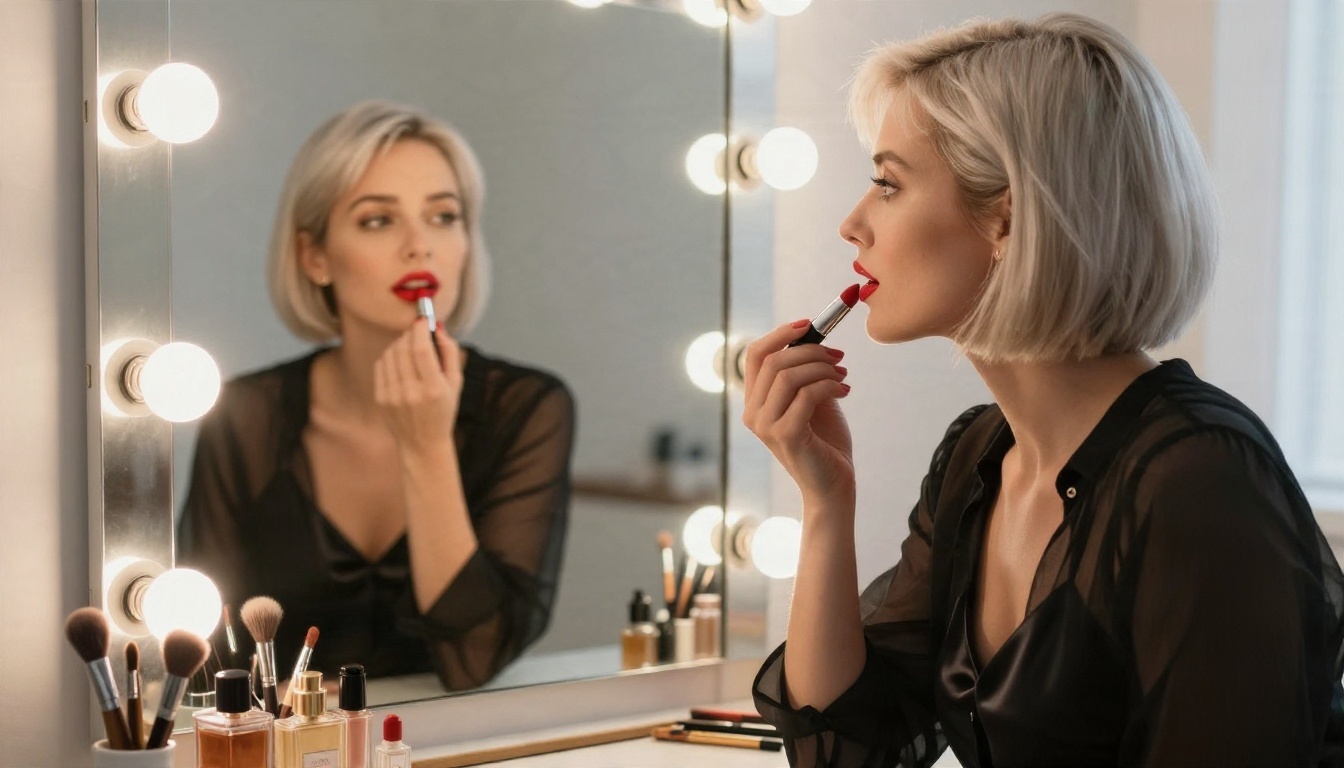
- Practical lamps: vanity bulbs and sconces give a warm, intimate cast.
Camera Choices That Flatter
| Lens | Look | Best for |
|---|
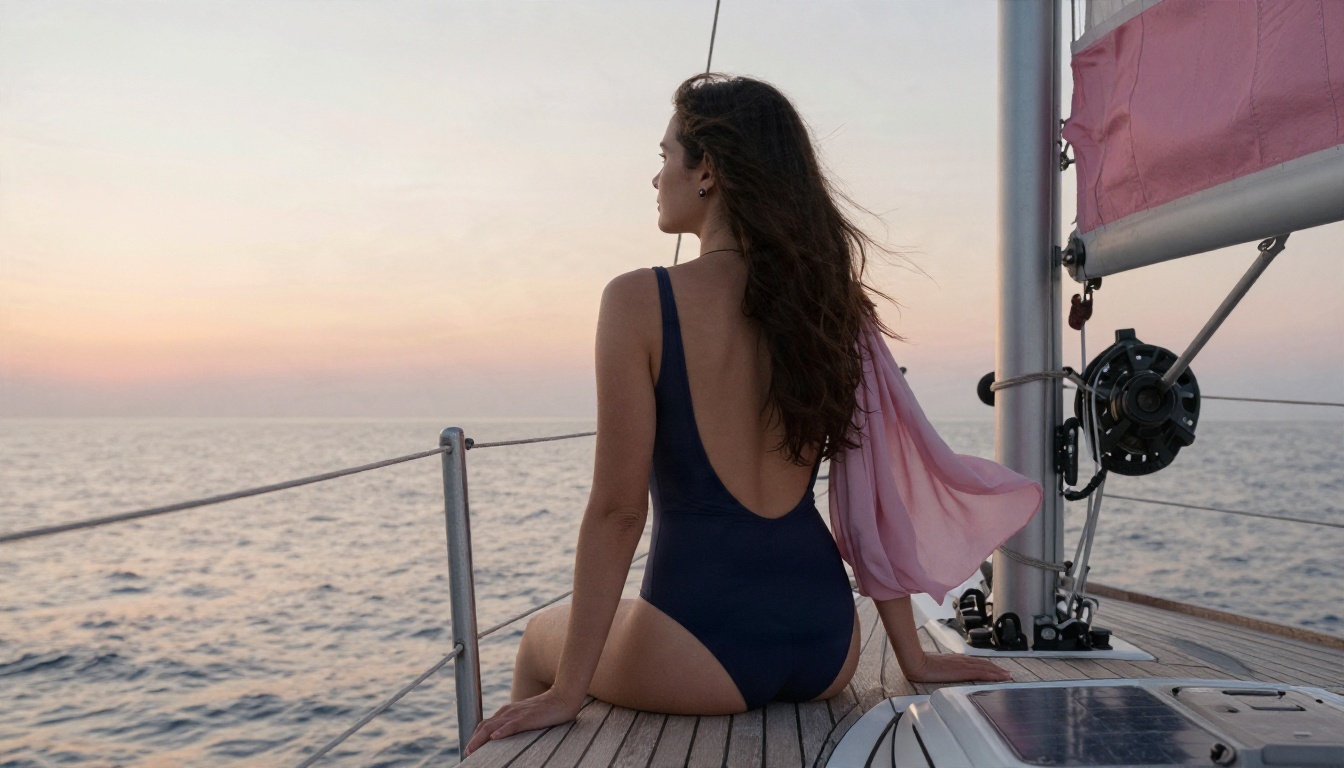
| 28mm to 35mm | Wide, environmental | Hotel halls, beaches, boats |
| 50mm | Natural, neutral | Vanity and tabletop scenes |
| 85mm to 105mm | Compressed, intimate | Close portraits, boudoir |
Negative Prompts and Cleanup
Where a model accepts a negative prompt, a short list is enough:
plastic skin, airbrushed, extra fingers, distorted hands, blurry, text, watermark, cartoon, illustration
If it does not, rewrite the positive prompt to carry the same message: "natural skin texture, correct hands, sharp focus".
💡 Tip: Hands are still the most common failure. Hide them in a pocket, behind hair, or holding a prop like a lipstick or a glass. A clear task for the hands gives the model a believable shape to draw.
Fix Common Mistakes Fast
Most bad results trace back to a short list of causes.
Plastic or Waxy Skin
Add real texture words: visible pores, fine hairs, freckles, natural sheen. Remove "flawless" and "perfect". Drop your guidance setting a notch if the tool has one.
Flat Lighting
Name a direction. "Soft window light from camera left with gentle bounce fill" beats "good lighting" every time.
Same Face Every Time
Change age, hair color, face shape and skin tone in the prompt. Phrases like "late twenties, olive skin, dark chestnut waves" or "short platinum bob, pale skin, light freckles" create real variety.
Blocked or Refused Prompts
Reword toward the photographic: swap loaded words for wardrobe, fabric and mood descriptions. If a tool still refuses a tame request, change tools. Moving the same prompt to Seedream 4.5 or Image Editor Pro on PicassoIA often solves it.
Weak Backgrounds
Name two or three concrete props. A vintage nightstand, a dried pampas bouquet and a leaning mirror do more than "a nice bedroom".
Edit, Refine and Upscale
A first render is rarely the final frame. A short editing pass takes a good image to a great one.
Use Image Editor Pro for Revisions
PicassoIA Image Editor Pro is built for this stage. Because generations are unlimited, you can try a new outfit color, adjust the background or soften a harsh shadow as many times as needed. Ask for one change per pass: "change the dress to deep red satin" or "make the light warmer and lower".
Keep a Consistent Character
If you want the same woman across several scenes, keep her description identical in every prompt: age, hair, skin tone, one or two distinguishing features. Change only the setting and wardrobe. Flux 2 Klein 9B Base LoRA is useful when you want a steady style across a set.
A Simple Workflow
Keep It Safe and Respectful
A few simple rules keep your work on the right side of good taste and good sense.
- Never use a real person's likeness without their clear permission. Generate invented subjects only.
- Keep adults as the subject. Always describe the person as an adult in her twenties or older.
- Stay non-explicit if you plan to share publicly. Most social platforms restrict anything stronger than swimwear and lingerie-style fashion.
- Label AI images when you post them, so viewers know what they are looking at.
Make Your First Batch Today
You now have the full recipe: a six-layer prompt, four ready-to-paste examples, a short list of tools in a sensible order, and settings that keep skin and fabric believable. The fastest way to improve is to run a small batch and compare.
Here is a simple plan for your first session:
- Open Seedream 4.5 on Picasso IA and paste the boudoir prompt.
- Generate two or three versions, changing only the light.
- Move your favorite into PicassoIA Image Editor Pro and refine the outfit and background with unlimited generations.
- Try the beach, evening and loft prompts next, then write your own.
Want to see what else is available? Browse every model at picassoia.com/en/all-models, pick two that look interesting, and run the same prompt through both. Seeing the difference side by side teaches you more than any checklist, and your own style will show up fast once you start experimenting.


