Spicy AI Photo Generator: Free Apps, Prompts, Settings and Alternatives
Looking for a spicy AI photo generator that does not bury you in paywalls? This article compares free apps, shares tested prompts and settings for glamour and boudoir photos, and lists the best alternatives for realistic, non-explicit results.
Type "spicy AI photo generator" into a search bar and you get a wall of apps that promise everything and deliver a blurry preview behind a subscription button. The category is real, though. Plenty of adults want glamour, boudoir, swimwear and fashion portraits that look like they came from a photographer's contact sheet, not from a cartoon filter. This article sorts out what free actually means, which tools are worth your time, and which prompts and settings give you sharp, believable, non-explicit results.
Everything below stays on the tasteful side: suggestive, attractive, editorial. No pornographic content, no real people without consent, and no shortcuts that put your data at risk.
What "Spicy" Really Means
The word "spicy" is a loose label. Some apps use it for anything with bare shoulders, others for fully adult content. Before you pick a tool, decide which lane you want, because that choice shapes every setting later.
Suggestive vs Explicit
Suggestive photography relies on mood: a silk robe sliding off a shoulder, a bikini at golden hour, a backless gown on a balcony. Explicit content removes the mystery. This article is about the first lane. It is also the lane where AI models produce the most convincing photos, because they have seen millions of fashion, swimwear and lingerie editorials during training.
Why Realism Is the Real Goal
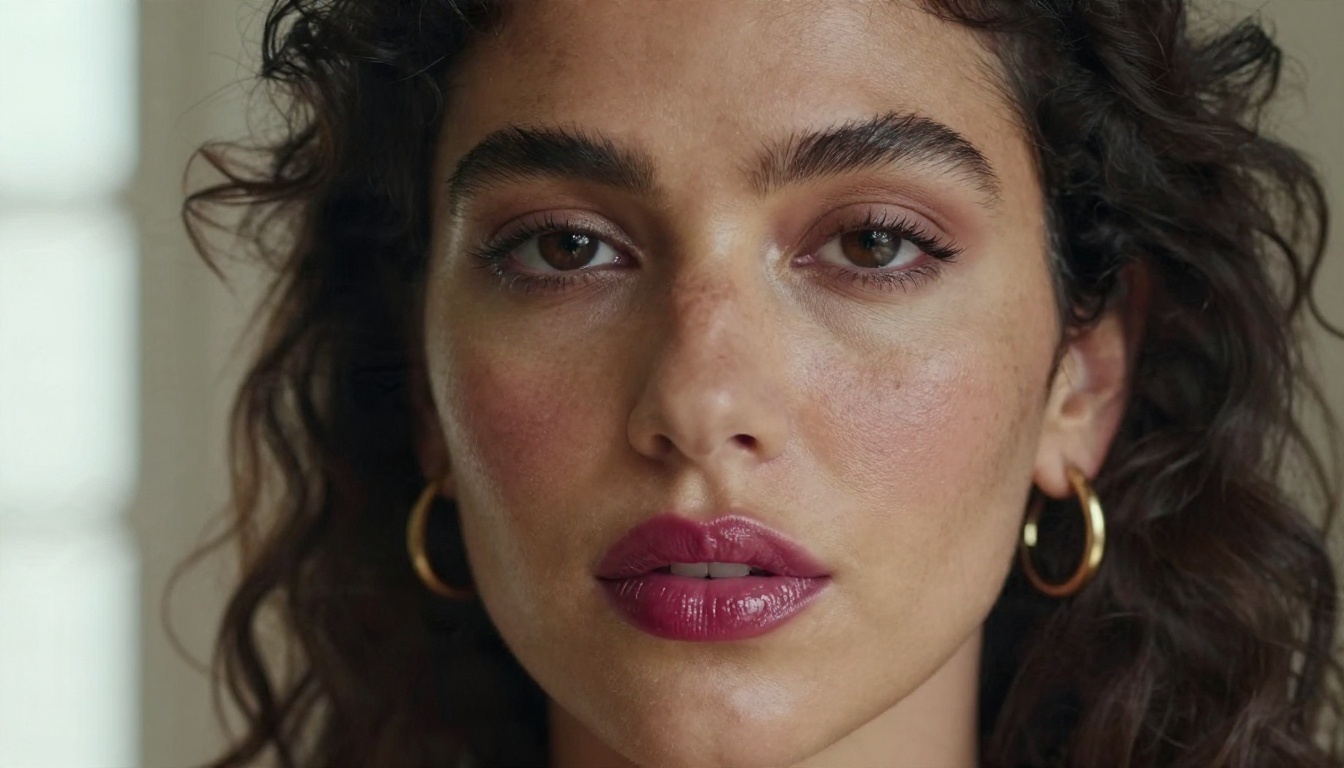
Most people searching for a spicy AI photo generator are not after shock value. They want a portrait that passes as photography: believable skin, real fabric, a lens that behaves like a lens. A model that nails 85mm f/1.8 depth of field and soft window light is worth more than ten that merely allow adult themes.
💡 Quick test: zoom to 200% on the eyes and hands. If the pores, eyelashes and fingers hold up, the generator is good. If they smear, no prompt will save it.
Who Uses These Tools
Creators building mood boards for lingerie and swimwear brands, writers who need character portraits, photographers testing lighting before a shoot, and adults who simply enjoy glamour imagery. All of them need the same thing: control, consistency and speed.
Free Apps: What You Actually Get
Free is the most abused word in this niche. Understanding the pattern saves you time and, in some cases, protects your phone.
Typical Free Tier Limits
Most apps that advertise a free spicy generator use one of four models. The table shows what to expect.
Free model
What you get
What you lose
Daily credits
3 to 10 images per day
Waiting 24 hours for more
Watermarked output
Unlimited previews
Clean downloads
Low resolution cap
Fast, small images
Detail, print quality
Queue priority
Free generations
Speed, often minutes per image
Apps such as Mage.space and PromptChan follow variations of this pattern, and many smaller sites copy it. None of it is wrong, but it means "free" often translates to "a taste, then a paywall."
Red Flags in App Stores
Reports from early 2026 described dozens of so-called nudify apps sitting in the major app stores before being pulled after press attention. That is a good reason to be careful with anything that asks you to install a random APK or iOS app just to make a bikini portrait.
Watch for these warning signs:
Requests for full photo library access before you generate anything
No published privacy policy or data retention statement
Subscriptions that renew weekly with the cancel button hidden
Promises of undressing real photos, which signals a consent problem on top of a safety problem
No named company, no support address, no terms page
Free vs Unlimited
A truly useful free tool lets you iterate. Spicy photos rarely land on the first try, because you will adjust outfit, lighting and framing several times. A cap of five images a day makes that nearly impossible. This is why browser tools with generous or unlimited generation tend to beat mobile apps with credit systems.
Best Models for Spicy Photos
Instead of juggling ten apps, it is more efficient to use one platform that hosts several capable models. On PicassoIA, the order below works well for glamour and boudoir work.
Seedream 4.5 for Photoreal Glamour
Seedream 4.5 is the first model to try. It handles skin texture, fabric sheen and natural light with very little prompt fiddling, and it outputs sharp, high-resolution images. Swimwear, lingerie editorials, evening wear and boudoir scenes all come out looking like photographs rather than renders.
Image Editor Pro for Unlimited Edits
PicassoIA Image Editor Pro is where the free-versus-paywall problem goes away. It offers unlimited generations, which matters when you are refining outfits, backgrounds and poses over dozens of attempts. It is also fast, so iteration feels closer to adjusting a camera than waiting in a queue.
💡 Workflow tip: draft ideas quickly in Image Editor Pro, then recreate your favorite composition in Seedream 4.5 for the final high-resolution version.
More Alternatives Worth Trying
If you want a different look, these models are also on PicassoIA:
Paste a prompt built from five blocks: subject, outfit, setting, light, lens.
Set the aspect ratio. Use 16:9 for scenic editorial shots and 3:4 or 2:3 for portrait framing.
Generate, then look at the result at full size.
Change one variable at a time: light first, then outfit, then framing.
When you like the composition, run it through the upscaler for the final file.
Parameter Tips
Describe light, not mood. "Soft window light from the left" beats "romantic lighting."
Name a lens. "85mm f/1.8" nudges the model toward flattering compression and a blurred background.
Mention skin honestly. Words like "visible pores, natural freckles" prevent the waxy, over-smoothed look.
Keep wardrobe specific. "Champagne silk robe over black lace bralette" works better than "sexy outfit."
Prompts That Actually Work
These are starting points. Copy one, then swap the details to match your idea. All of them describe adults and keep the result suggestive rather than explicit.
Boudoir Morning Prompt
Adult woman in her late twenties reclining on rumpled cream linen sheets, champagne silk robe slipping off one shoulder over black lace bralette, relaxed half-smile, whitewashed loft bedroom, soft morning light from a tall window on the left, 85mm f/1.8, shallow depth of field, visible skin pores, Kodak Portra 400 film grain
Why it works: it names outfit materials, a light direction and a lens, and it invites natural skin detail. The scene feels like a real shoot instead of a generic render.
Beachwear Golden Hour Prompt
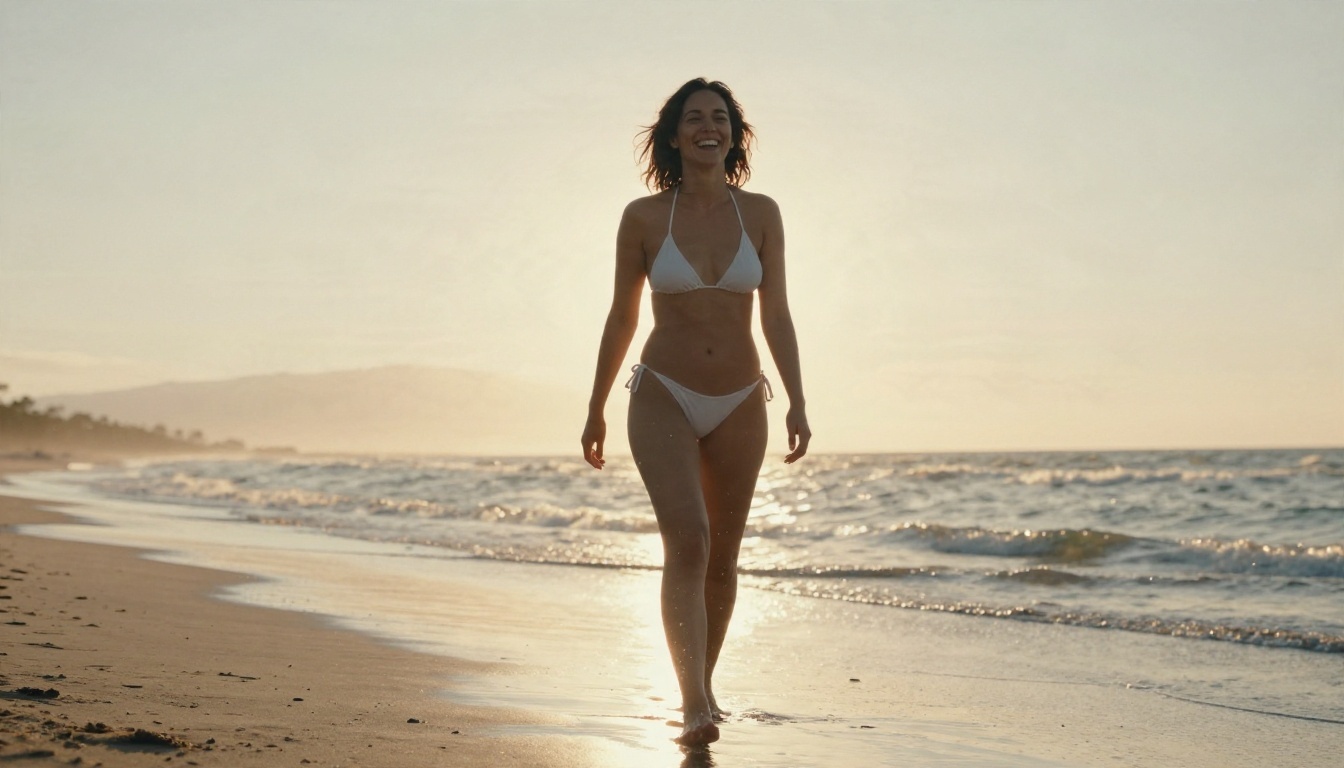
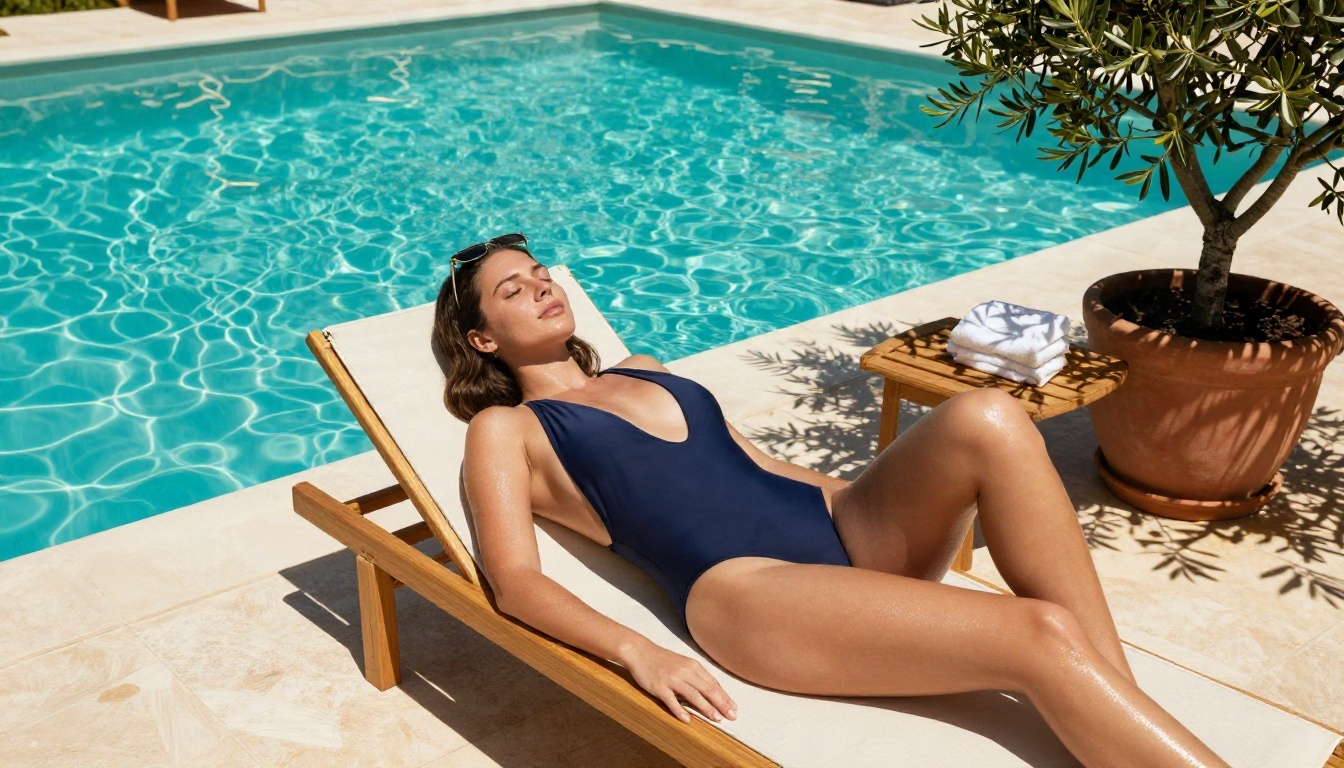
Adult woman in a white bikini walking along a quiet beach at golden hour, low-angle shot, warm backlight rimming her hair, water droplets on tanned skin, wet sand reflecting the sky, 35mm f/2, natural film grain, Kodak Portra 400
Swimwear is the easiest place to start, because the models have plenty of reference material and the result looks natural in almost any setting.
Evening Fashion Prompt
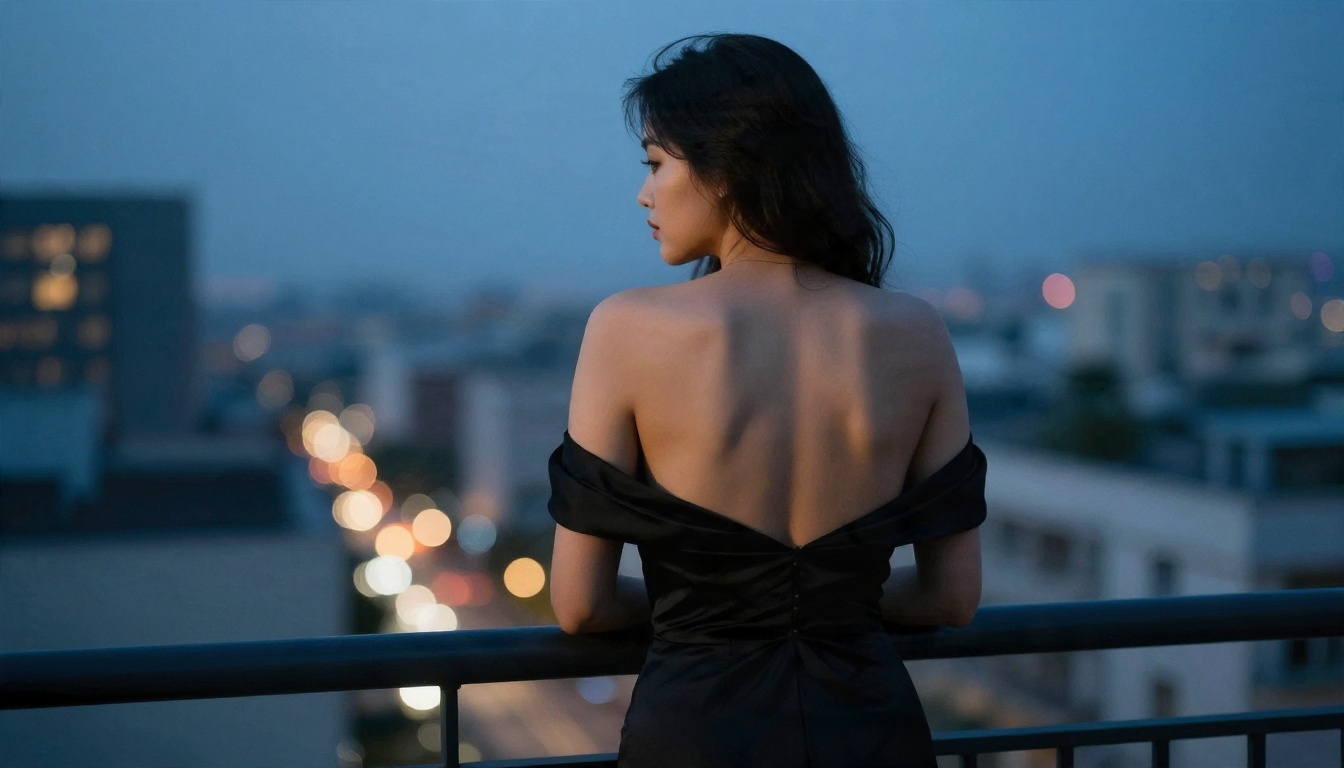
Adult woman in a backless black evening gown standing at a balcony railing at blue hour, seen from behind, gentle rim light on shoulder blades, city lights as soft bokeh, 70mm f/2, film grain, elegant and sensual
Back views and silhouettes are a clever way to keep a picture sensual while avoiding the anatomical mistakes that appear in busy close-ups.
Prompt Mistakes to Avoid
Stacking adjectives: "ultra sexy hot gorgeous stunning" adds noise, not detail.
Vague outfits: the model fills gaps with generic choices.
Too many subjects: one person per image produces cleaner anatomy.
Conflicting light: do not ask for "harsh midday sun" and "soft candlelight" in one line.
Ignoring age: always describe subjects as adults, and never create content that suggests otherwise.
Settings That Make a Difference
Prompts get the attention, but settings decide whether the result looks sharp or soft.
Resolution and Aspect Ratio
Generate at the highest native size the model offers, then upscale only your best picks. Wider frames (16:9) are great for environments, such as a pool terrace or a loft. Tall frames (2:3, 3:4) suit full-length fashion poses and flatter standing figures.
Seeds and Variations
Once a composition feels right, lock the seed if the tool allows it. Then change only the outfit or the light. This is the fastest way to build a consistent set, such as the same woman in a robe, a swimsuit and an evening gown, without the face drifting.
Settings Cheat Sheet
Setting
Recommended
Why
Aspect ratio
16:9 scenes, 2:3 full-length
Matches the type of photo
Lens in prompt
35mm to 85mm
Natural proportions
Light direction
Always named
Adds depth and shape
Film stock
Kodak Portra 400
Creamy skin tones, soft grain
Seed
Locked once you like a frame
Consistency across variations
Upscale
Final picks only
Saves time, protects detail
💡 Add "no neon, no CGI, no illustration" when a model drifts toward a painted or plastic look.
Lighting and Wardrobe Ideas
Lighting does most of the work in glamour photography, and the same is true when you prompt for it.
Light That Flatters
Window light from one side: soft shadows, natural skin gradients.
Golden hour backlight: glowing hair, warm skin, a classic swimwear look.
Overcast alley light: even tone, good for fashion and street editorials.
Warm lamp plus cool window: mixed color temperature that feels cinematic yet believable.
Fabrics That Photograph Well
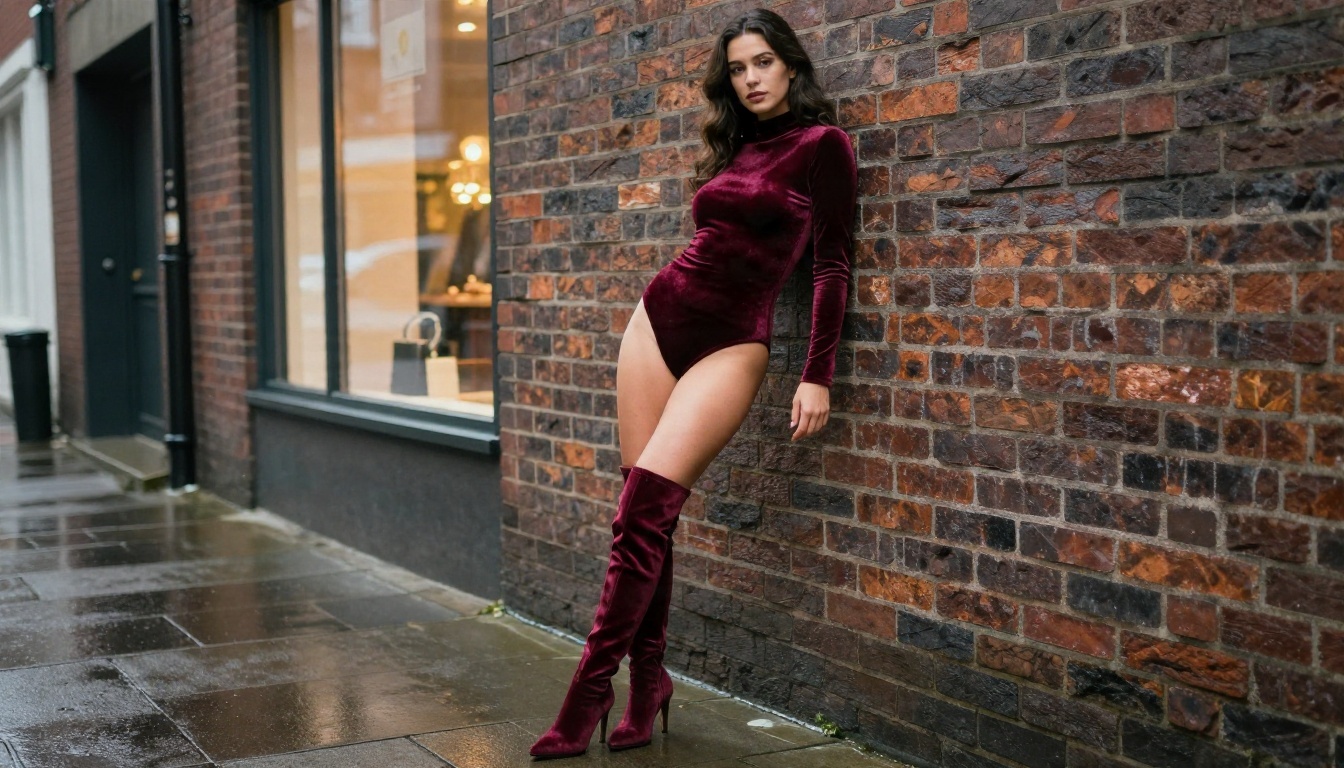
Silk gives specular highlights, lace gives fine patterns, velvet absorbs light and creates depth, linen adds soft texture. Naming the fabric gives the model something concrete to render, and it is one of the cheapest ways to raise realism.
Locations That Add Story
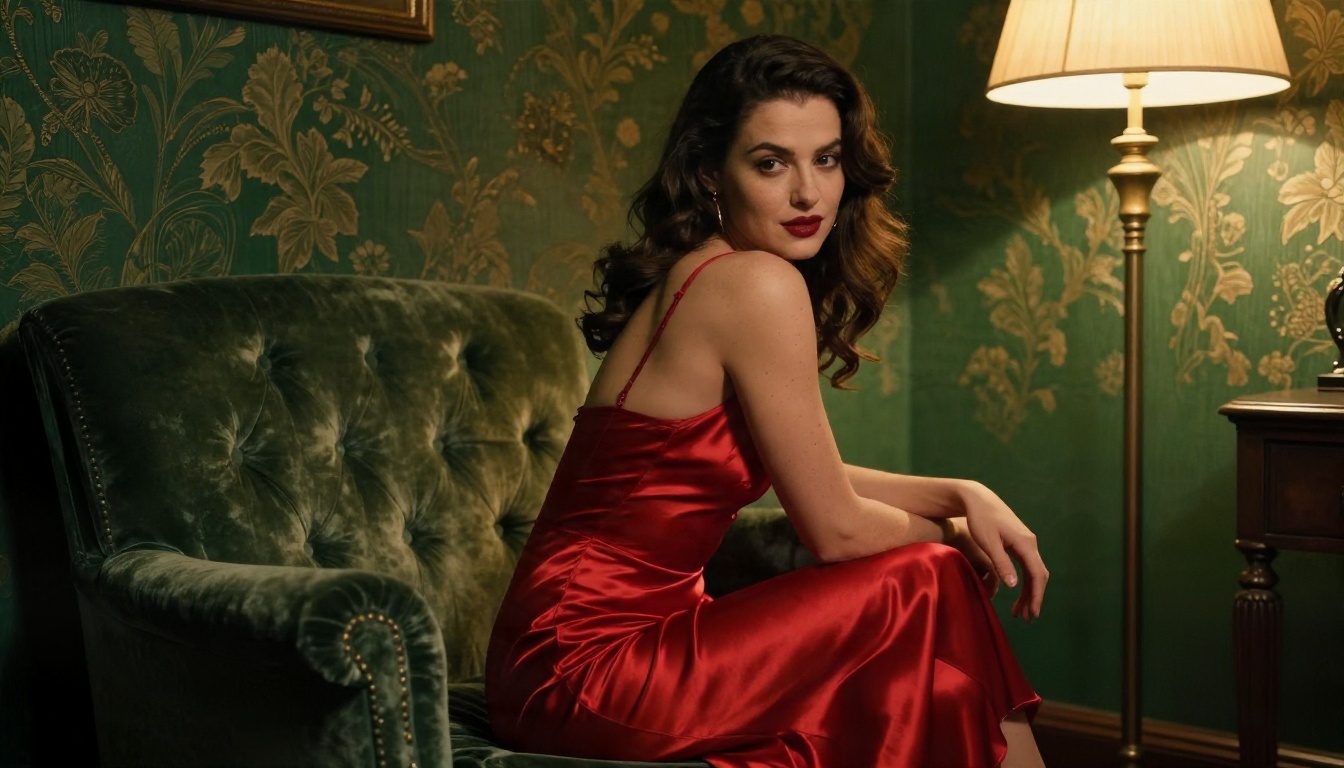
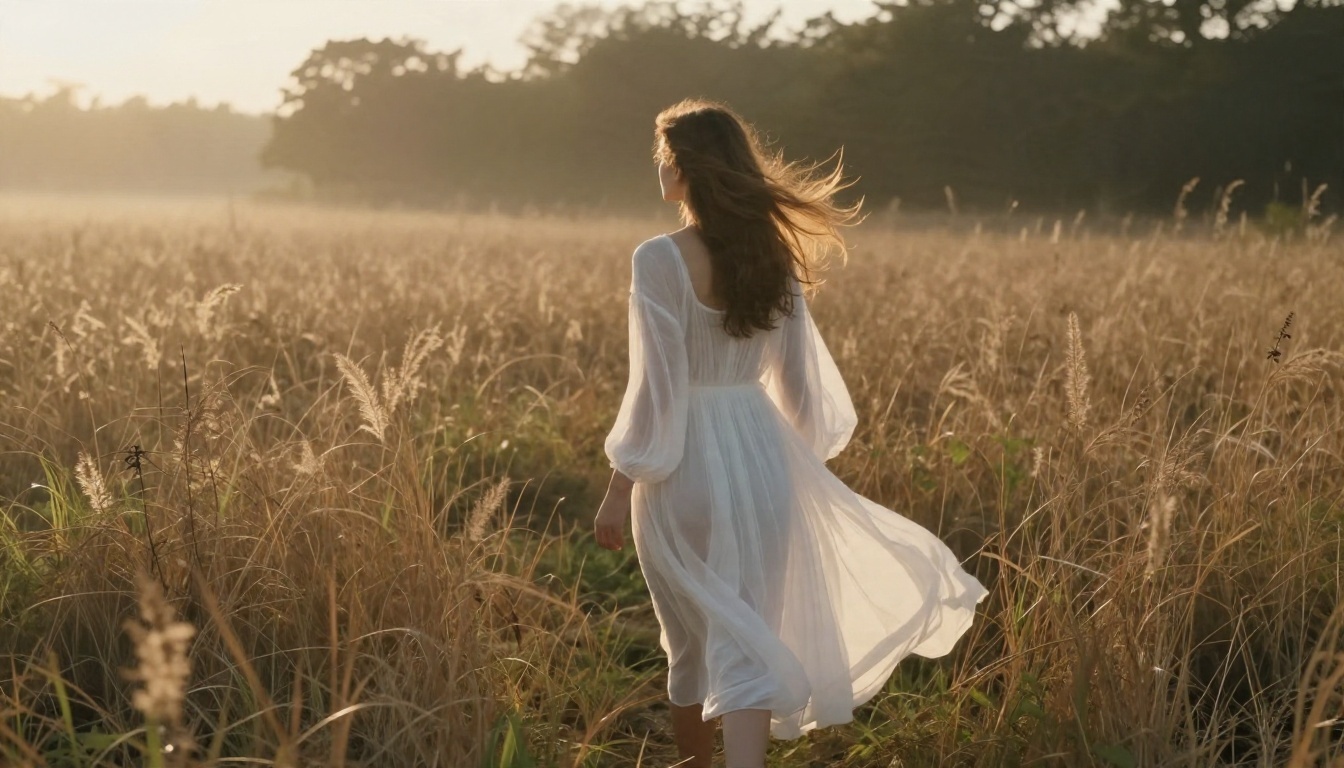
A hotel room with green wallpaper, a hillside villa pool, a rain-wet alley, a sunrise field. Each location gives the model a mood to match, and the outfit instantly feels intentional instead of random.
Rules, Privacy and Safety
This part is not optional. A spicy AI photo generator is only worth using if it keeps you and other people safe.
Consent Comes First
Never upload a photo of a real person to sexualize it without their clear permission. That includes celebrities, coworkers, exes and strangers. Creating synthetic adults from a text prompt is a different situation from editing a real face, and in many places the second one is illegal. When in doubt, stick to fictional characters described from scratch.
Protect Your Own Data
Avoid apps that demand broad device permissions.
Use a tool that has a visible privacy policy.
Do not upload personal photos to services that do not say how they store them.
Prefer browser tools where you control what leaves your device.
Know the Platform Filters
Platforms differ on what they allow. Some models, such as Seedream 5 variants, block adult themes entirely. For glamour, boudoir and swimwear, Seedream 4.5 and PicassoIA Image Editor Pro are the better fits, and both let you work without constant refusals for ordinary lingerie or swimwear prompts. If a generation is blocked, soften the wording or change the outfit rather than fighting the filter.
The pattern is clear: apps that hide the real price behind a paywall cost you the most time, while platforms that give you real model choice let you refine until the photo is right.
Try Your Own Spicy Photos
You now have the pieces: a realistic definition of "spicy," a way to spot weak free apps, tested prompts, and settings that keep skin and fabric believable. The fastest way to see the difference is to run one of the prompts above.
Open Seedream 4.5 for your polished final images, then switch to PicassoIA Image Editor Pro when you want unlimited tries and quick edits. Change one detail at a time, such as the light, the fabric or the lens, and you will see how much control a good prompt gives you.
When you want more variety, browse every available model at picassoia.com/en/all-models and pick the one that matches your style. Start with the boudoir prompt, tweak it to your taste, and build your own set.