Most people who type "spicy" into Grok get one of two results: a refusal, or a bland image that looks like stock photography with the lights dimmed. The gap between those outcomes is almost never the tool. It is the prompt. A good spicy prompt is not about pushing boundaries, it is about mood, lighting, wardrobe and framing, the same ingredients a glamour photographer uses on set.
This article gives you a free spicy Grok prompts generator you can run in your head, in a notes app, or with any chatbot: a six-slot formula, a dozen ready ideas, copy-paste examples, and the settings that make skin, fabric and light look real. Everything here is aimed at tasteful, suggestive, non-explicit imagery of fictional adults: swimwear, evening wear, boudoir styling, golden hour portraits. No real people, no minors, nothing pornographic.
💡 Quick answer: Spicy prompts work best when you describe a photographer's setup (lens, light, location, wardrobe) instead of stacking suggestive adjectives. The camera language carries the mood.
What "Spicy" Means in Grok
The Spicy mode basics
Spicy is an opt-in mode inside Grok Imagine, the image and short video tool from xAI. It arrived in August 2025 and, according to the reports at the time, it sits behind a paid subscription and a couple of content toggles in the app settings. Menu names and options have shifted between app versions, so what you see on your screen may differ from older write-ups.
The practical takeaway: Spicy loosens the default filter so that glamour, swimwear and sensual styling are allowed to appear, but it is still a moderated system. Prompts that name real people, minors, or explicit acts are blocked or quietly toned down.
What it is not
Spicy is not a magic word. Typing "spicy, sexy, hot" over and over usually produces the same stiff pose with an overdone smile. The model reads your whole sentence, so a vague, heavy-handed prompt gets a vague, heavy-handed picture.
Spicy mode is a feature of the Grok app itself. PicassoIA hosts Grok Imagine models as separate image and video tools, which I cover further down, along with better-suited options for adult glamour work.

Slots that do the heavy lifting
Think of the generator as a form with six blanks. Fill each one with a concrete detail and you will out-perform a 200-word adjective pile.
| Slot | What to write | Example |
|---|
| 1. Subject | Adult, age range, hair, mood | "adult woman in her late twenties, wavy chestnut hair, relaxed smile" |
| 2. Wardrobe | Fabric plus cut | "ivory satin slip dress with thin straps" |
| 3. Location | A real, specific place | "boutique hotel suite, sash windows, velvet armchair" |
| 4. Light | Direction, time, quality | "warm golden hour light from camera left, soft shadow falloff" |
| 5. Camera | Lens, aperture, angle | "85mm f/1.8, eye level, three-quarter angle" |
| 6. Texture | Skin, fabric, film stock | "visible skin pores, satin sheen, Kodak Portra 400 grain" |
The fill-in template
Copy this and replace the brackets:
Photograph of an adult [age range] woman with [hair], wearing [fabric + garment], [pose or action] in [specific location]. [Light direction and time of day]. Shot on [lens] at [aperture], [angle]. [Skin and fabric texture], [film stock], raw photography, natural color.
The most common mistake is skipping slot 4. Light is what makes an image feel sensual rather than merely revealing. Backlight on damp hair, window light skimming a shoulder, a lamp glow in a dark room: these do more than any adjective.
12 Spicy Prompt Ideas to Copy
Swimwear and summer
These four are the safest starting point and the most forgiving for beginners, because swimwear is a normal context for a camera.
| # | Idea | Prompt seed |
|---|
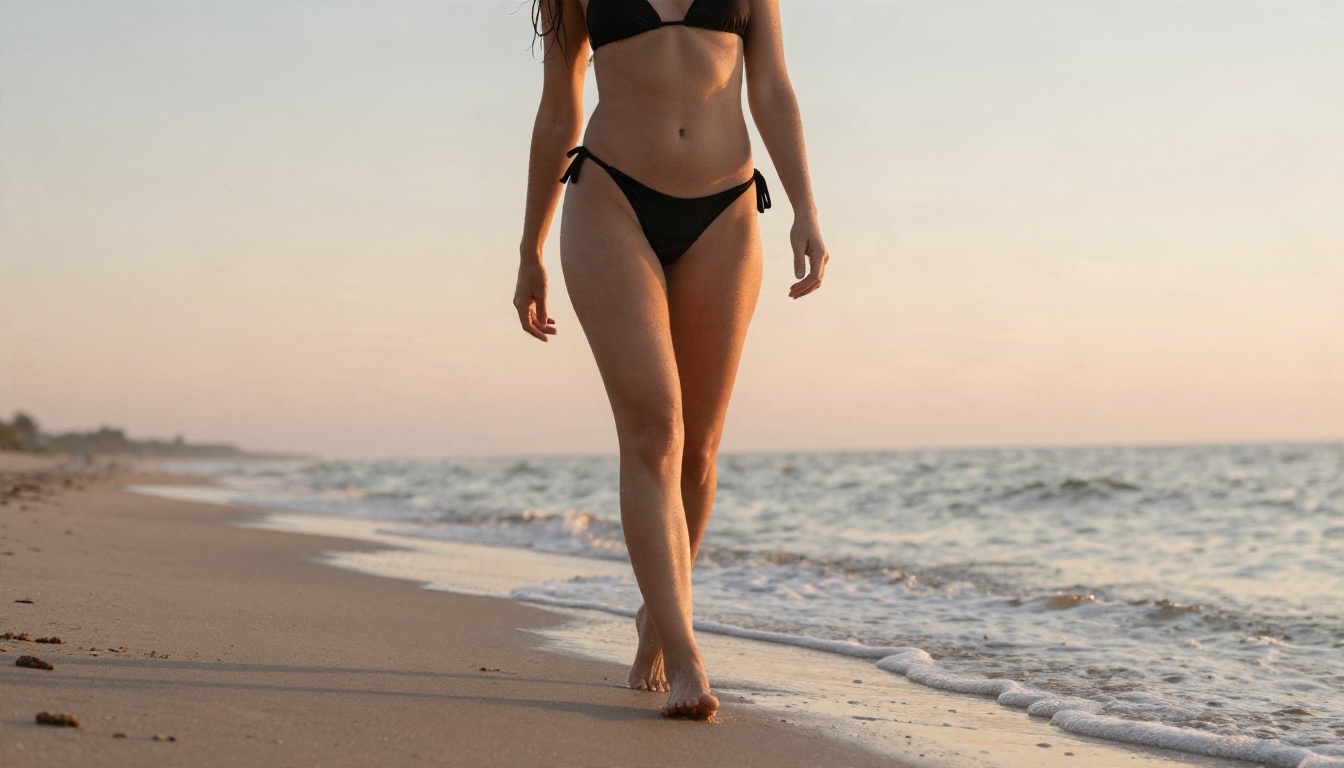
| 1 | Sunrise shoreline | Adult woman in a black bikini walking through foam at sunrise, low angle, 35mm f/2, rim light on damp hair |
| 2 | Villa pool from above | White one-piece swimsuit on a striped lounger, drone view, 24mm, crisp midday shadows |
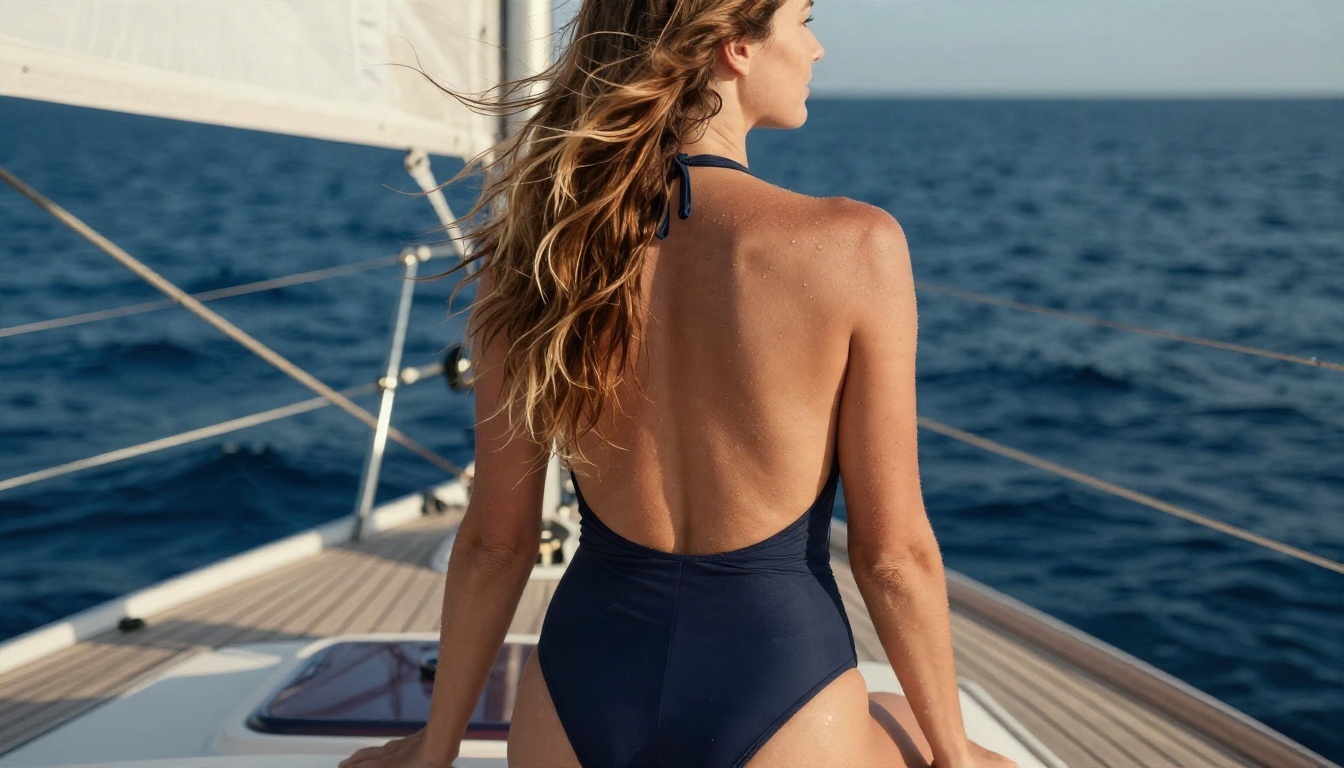
| 3 | Yacht deck | Navy halter swimsuit, over-the-shoulder, teak deck, late afternoon sun, seawater droplets |
| 4 | Cabana shade | Linen cover-up slipping off one shoulder, striped cabana, dappled light, 50mm f/2 |
Evening and boudoir
This is where fabric detail matters. Lace, silk and satin each react to light differently, so name them.
| # | Idea | Prompt seed |
|---|
| 5 | Lace and cashmere | Black lace bodysuit under a draped cardigan, leather armchair, moody window light |
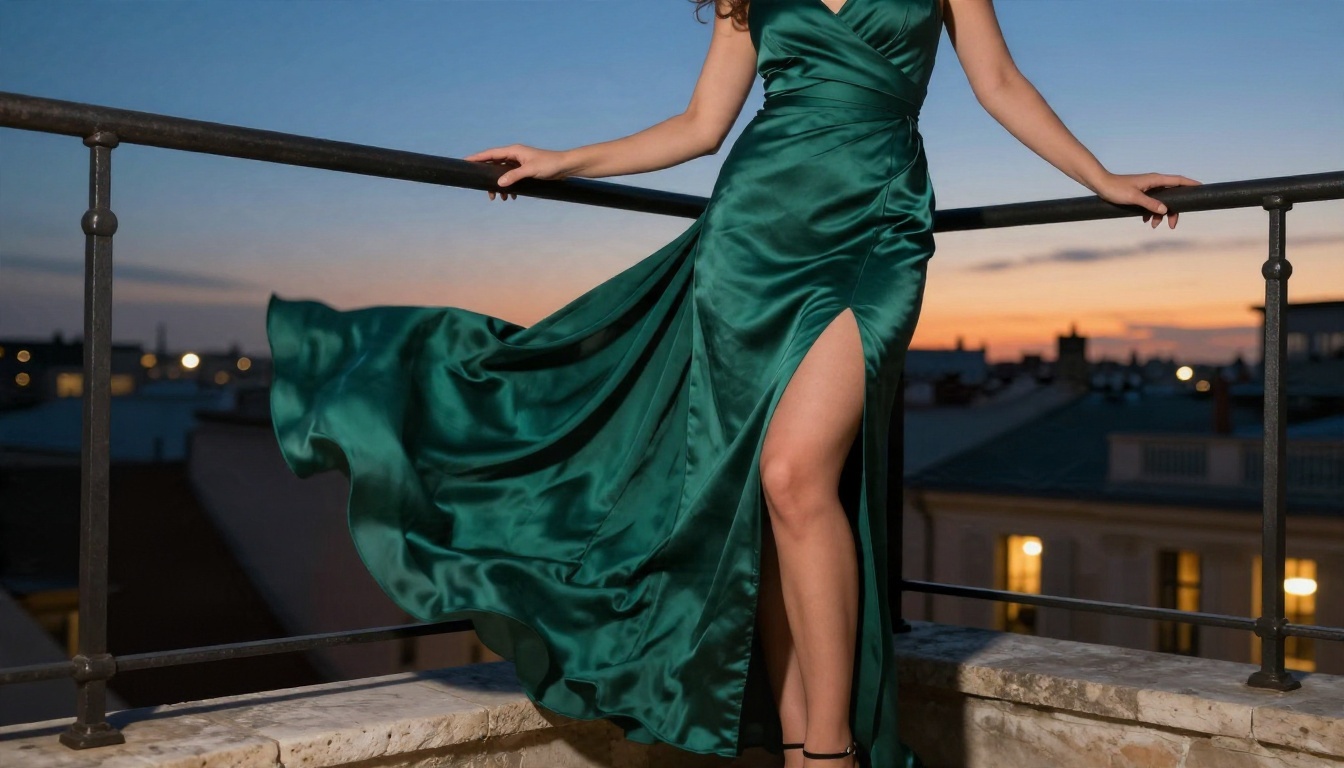
| 6 | Emerald gown at dusk | Silk evening gown with a high slit, stone balcony, blue hour sky, 35mm f/1.8 |
| 7 | Hotel vanity | Satin slip, mirror reflection, warm bulb glow, shallow depth of field |
| 8 | Candlelit dinner | Red velvet dress, candle flames out of focus, 85mm f/1.4, warm shadows |
Everyday and cozy
The "spicy" often comes from the casual, unposed moment. These are very popular because they feel real.
| # | Idea | Prompt seed |
|---|
| 9 | Oversized white shirt | Barefoot in a loft kitchen pouring coffee, morning window light, messy bun |
| 10 | Silk pajamas in bed | Overhead shot, white linen, paperback and tea, soft diffused light |
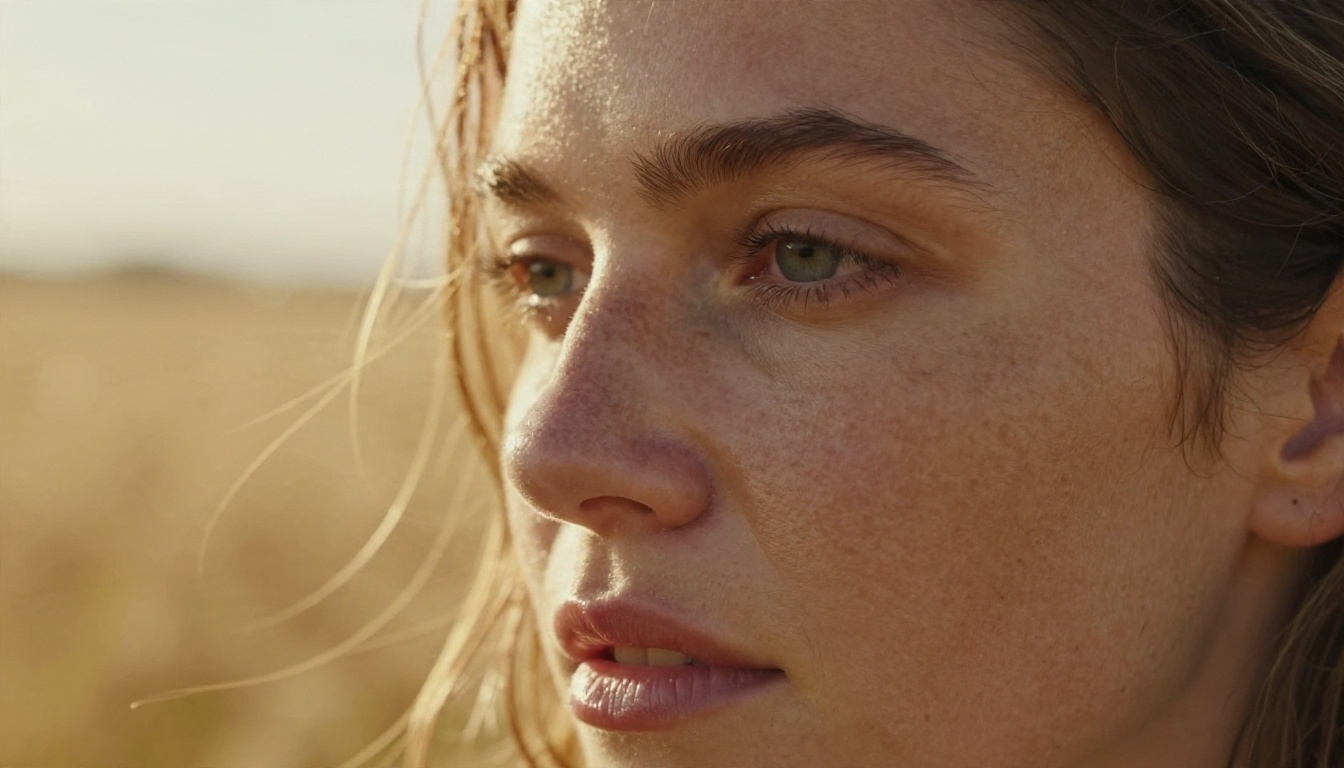
| 11 | Freckled close-up | Damp hair, golden backlight, 105mm f/2, visible pores |
| 12 | Rainy window | Wool sweater, bare shoulder, raindrops on glass, cool light, 50mm |
Copy-Ready Prompt Examples
Golden hour editorial
Photograph of an adult woman in her late twenties with long wavy chestnut hair, wearing an ivory satin slip dress, seated at a walnut desk in a boutique hotel suite. Warm golden hour light from camera left through sheer linen curtains, dust motes in the beams. Shot on 85mm at f/1.8, eye level, three-quarter angle. Visible freckles, fine skin texture, satin sheen, Kodak Portra 400 grain, raw photography, natural color.
Why it works: every slot is filled, the setting is specific, and the light has a direction. Nothing in it relies on a loaded adjective.
Moody boudoir portrait
Medium shot of an adult woman in a black lace bodysuit with a cashmere cardigan over her shoulders, sitting sideways on a vintage leather armchair. Window light from the right, deep shadow falloff, dark green wall, wooden bookshelves. 50mm at f/1.4, confident gaze toward the camera. Lace texture, subtle highlights on skin, film grain, raw photography.
Why it works: contrast does the seducing. Dark wall, single light source, textured fabric.
Sunlit morning at home
Wide lifestyle photo of an adult woman in an oversized white button-up shirt, barefoot in a sunlit loft kitchen, pouring coffee, hair in a messy bun. Bright morning light from large industrial windows on the right, steam rising from the mug. 28mm at f/2.8. Linen texture on the shirt, honest unposed moment, Kodak Portra 400 grain.

💡 Pro move: change one slot at a time. Swap satin for lace, swap morning for dusk, swap 85mm for 35mm. You will see exactly which variable moved the result.
Settings That Change the Result
Aspect ratio and resolution
Wide frames (16:9 or 3:2) suit environmental scenes like balconies, pools and yachts. Portrait frames (3:4 or 2:3) suit close-ups, boudoir and mirror shots. If a tool offers a 2K or 4K option, use it for skin and fabric detail, then downscale for social posts.
Lens and light vocabulary
These phrases are the real "settings" in a text-to-image prompt. The model has seen millions of photos tagged with them.
| Goal | Words to use |
|---|
| Soft, intimate portrait | 85mm f/1.8, shallow depth of field, creamy bokeh |
| Sense of place | 28mm or 35mm, wide environmental shot |
| Warm skin glow | golden hour, backlight, Kodak Portra 400 |
| Moody contrast | single window light, deep shadow falloff |
| Natural, unpolished skin | visible pores, fine peach fuzz, no airbrushing |
| Flattering power angle | slightly low angle, eye level, three-quarter view |
Phrases that backfire
- "Ultra sexy, super hot, extremely seductive": produces stiff, over-posed output and often trips filters.
- "Perfect skin, flawless": gives a waxy, plastic look. Ask for pores and freckles instead.
- "8K masterpiece, trending": these tags add noise, not quality.
- Real names or celebrity likeness: blocked on most platforms, and not something to attempt.
Use an LLM as Your Prompt Generator
The system prompt to paste
You do not need a dedicated website. Any capable chat model can act as a generator if you give it the six-slot formula. Models like Gemini 3.5 Flash, Qwen3.7-Plus and Kimi K2.6 are good at expanding a short idea into a structured prompt. Paste something like this:
You write prompts for photorealistic image models. Subjects are always fictional adults. Output one prompt of 60 to 80 words using these slots in order: subject, wardrobe, location, light, camera, texture. Keep it suggestive and tasteful, never explicit. No real people, no brand names, no text in the image. I will give you a mood in 3 words.
Then feed it moods: "rainy hotel night," "sunburnt pool afternoon," "candle dinner." Each reply is a ready prompt. Generate five at a time and keep the best one.
💡 Chat models have their own safety rules, so a few requests may come back softened or refused. If that happens, simplify the mood and focus on wardrobe, light and setting.
A quick safety check
If you publish or share what you make, run your prompt list through a moderation model such as Llama Guard 4 12B. It flags text that crosses a line before you spend credits on it, which is handy when you batch prompts from a generator.
How to Use Seedream 4.5 on PicassoIA
If you want fewer filter surprises and more control than a single app mode gives you, Seedream 4.5 is the first model to try. It handles skin texture, fabric and lighting extremely well and produces up to 4K output, which makes the six-slot formula pay off.
Step by step
- Open the model page. Go to Seedream 4.5 on PicassoIA.
- Paste your six-slot prompt. Keep it between 50 and 100 words. Put the subject and wardrobe first, camera and texture last.
- Set the aspect ratio. Choose 16:9 for scenes, 3:4 for portraits.
- Pick the highest resolution offered. Detail in lace, satin and skin shows up here.
- Generate two or three variations. Change only one slot each time.
- Save the winner, then refine it in an editor (next step).
| Parameter | Suggested value | Why |
|---|
| Aspect ratio | 16:9 or 3:4 | Match scene or portrait |
| Resolution | Highest available | Skin and fabric detail |
| Prompt length | 50 to 100 words | Enough detail, no clutter |
| Variations | 3 per idea | Compare one change at a time |
Fix details with Image Editor Pro
First drafts are rarely perfect. A hand, a strap or a background object can be off. PicassoIA Image Editor Pro lets you edit the image with plain-language instructions and gives you unlimited generations, so you can retouch freely: "change the dress to deep red," "move the light warmer," "remove the glass on the table." For fast, small edits, P Image Edit responds in under a second, and P Image Edit LoRA is another option for style-driven changes.

Where Grok Imagine Fits on PicassoIA
The Grok family is on PicassoIA as standalone models. Grok Imagine Image 2 creates and edits 2K images, and Grok Imagine Image Quality focuses on 2K output with a quality emphasis. If you want to animate a still, Grok Imagine Video 1.5 turns an image into a short clip with audio.
These are separate models from the Spicy mode inside the Grok app, so do not expect them to behave identically. Use the same six-slot formula and judge the output by what you see.
Which model for which job
| Goal | Best pick | Link |
|---|
| Detailed photoreal glamour | Seedream 4.5 | Open |
| Unlimited retouching and edits | Image Editor Pro | Open |
| Natural, photographic realism | Qwen Image 3 Pro | Open |
| 2K images in the Grok style | Grok Imagine Image 2 | Open |
| Animating a finished still | Grok Imagine Video 1.5 | Open |
Common mistakes to avoid
- Stacking adjectives instead of details. Replace "sensual, seductive" with "backlit damp hair, satin sheen."
- Ignoring the background. A blank room feels staged. A velvet chair and a vase fix it.
- Changing five things per run. You will never know what worked.
- Forgetting that every subject must be an adult. State "adult woman" in every prompt.
Try Your Own Prompts Today
You now have the whole generator: six slots, twelve ideas, three tested examples and a lens-and-light vocabulary. Pick one idea from the tables, fill the template, and run it through Seedream 4.5 on Picasso IA. Then tweak a single slot and compare the two results side by side. Ten minutes of that teaches more than an hour of reading.
When the first draft is close but not quite right, open it in PicassoIA Image Editor Pro and keep iterating with unlimited generations. For more image models to test with the same prompts, browse the full catalog at picassoia.com/en/all-models and see which one renders your favorite light best.


