Most people who search for a Stable Diffusion LoRA for adult content waste their first weekend on the same three mistakes: they download a LoRA built for the wrong checkpoint family, they crank the weight to 1.2 because "more is better," and they copy a prompt with 80 tags that fights itself. The result is melted hands, plastic skin and a hard drive full of files that do nothing. This article fixes that. You will see which free LoRA types are worth your bandwidth, which settings hold up, and which prompts give you suggestive, tasteful glamour instead of mush.
Everything here focuses on non-explicit, photorealistic glamour: lingerie, swimwear, boudoir light, editorial skin texture. That is the part of the NSFW space where a good LoRA makes the biggest difference, and it is also the part you can generate without fighting filters all day.
💡 Quick answer: Pick the checkpoint family first (SD 1.5, SDXL, Pony or Illustrious, Flux), then choose LoRAs trained on that same family. Keep weights between 0.6 and 0.9, use 25 to 30 steps, and write prompts in plain sentences for photoreal models.
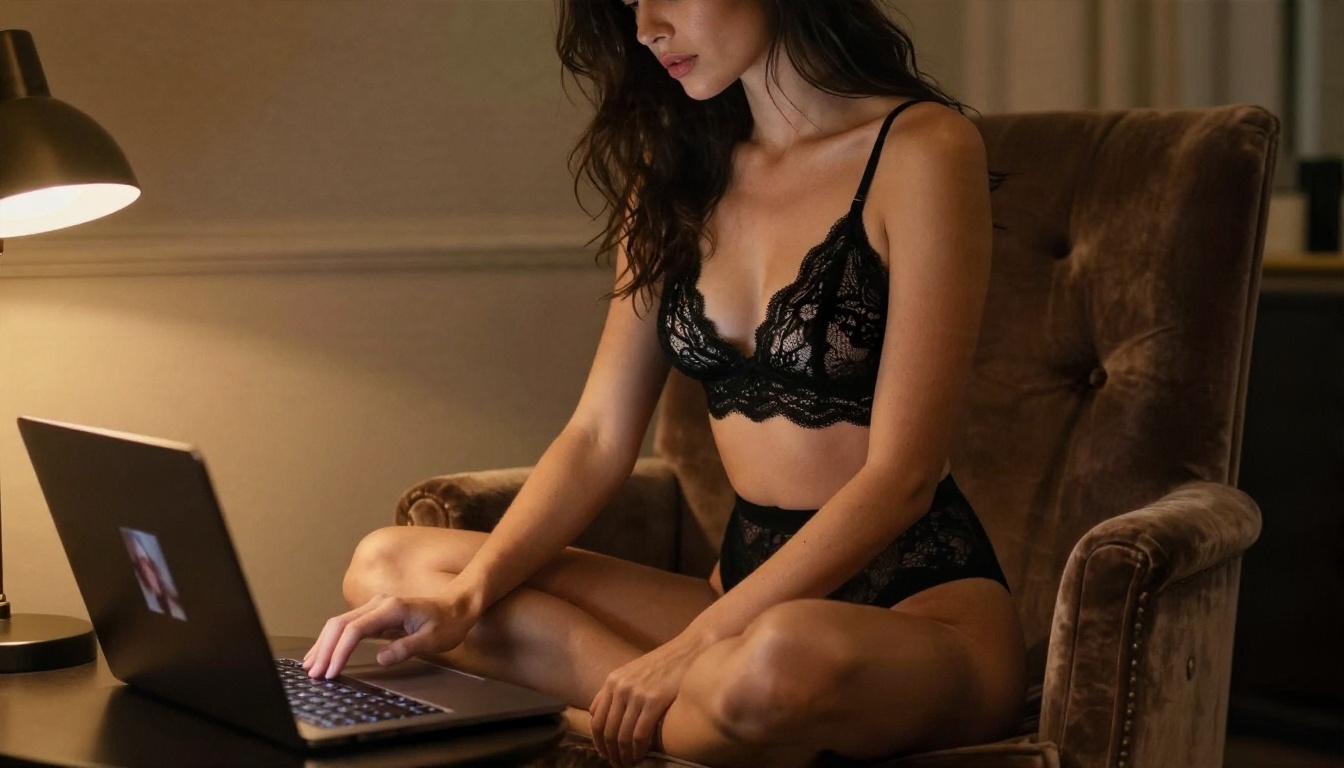
What a LoRA Really Does
A LoRA (Low-Rank Adaptation) is a small add-on file, usually between 10 MB and 300 MB, that nudges a big base model toward a specific look, pose, outfit or face type. You do not replace your checkpoint. You layer the LoRA on top and control how hard it pushes with a weight value.
For adult glamour work, LoRAs usually do one of five jobs:
- Skin and realism: pores, sheen, natural imperfections, less "airbrushed doll" look.
- Lingerie and fabric: lace patterns, satin folds, sheer materials that behave like real cloth.
- Pose and body proportion: consistent anatomy, relaxed boudoir poses, better hands.
- Lighting style: window light, golden hour, softbox gradients, film grain.
- Character or face consistency: the same adult subject across a whole set of images.
Why Base Model Compatibility Decides Everything
The single most common failure is a mismatch. A LoRA trained on SD 1.5 will not load properly on SDXL. A LoRA built for Pony V6 does not behave on Illustrious models, and the reverse is also true. Flux LoRAs only work with Flux. Before you download anything, read the "base model" label on the LoRA page and match it to your checkpoint.
| Base family | Best for | LoRA ecosystem | Prompt style |
|---|
| SD 1.5 | Low VRAM, quick tests | Huge, older | Tag lists |
| SDXL | Photoreal, 1024 px | Large, mature | Sentences plus tags |
| Pony / Illustrious | Stylized and anime-leaning | Very large | Rating and score tags |
| Flux | Natural language, realism | Growing fast | Full sentences |
For photorealistic glamour, SDXL and Flux are the two families that matter. Pony and Illustrious lean toward illustrated looks, so if you want a camera-style result, skip them.
Best Free LoRA Picks by Type
Specific file names change every month on community sites, and some creators take their uploads down. Instead of chasing a single "top 10" list that expires, pick by category and check the download count, recent reviews and sample images before you commit.
Photoreal Skin LoRAs
These are the workhorses. Look for LoRAs described as "realistic skin," "film photography" or "detail tweaker." A good one adds pore-level texture without changing the face. Use them at 0.4 to 0.7. Higher values start to age the subject and add noise to the shadows.
Lingerie and Swimwear LoRAs
Fabric LoRAs are where weights matter most. Lace, mesh and satin all need a lighter hand than people expect. Start at 0.6, then raise in steps of 0.1 only if the pattern is still weak. If the outfit starts bleeding onto skin or the background, you are too high.
Lighting and Mood LoRAs
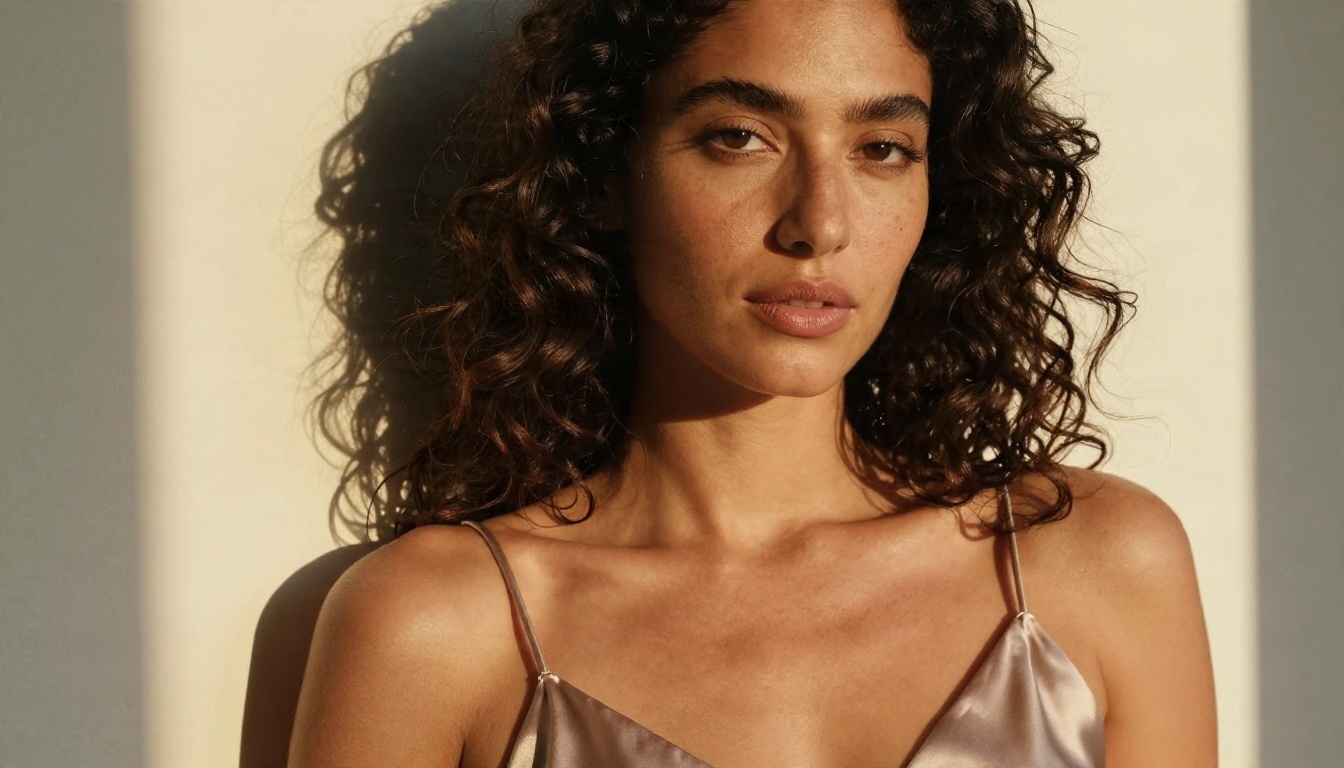
Film grain, window light and golden hour LoRAs deliver the most visible jump for the least effort. They work at 0.5 to 0.8 and stack well with a skin LoRA. A bedroom shot with soft morning light from the left looks expensive. The same shot with flat overhead lighting looks like a catalog.
Pose and Anatomy LoRAs
Useful, but pick carefully. Cheap pose LoRAs often distort hands and shoulders. If a pose LoRA makes faces look the same in every output, lower the weight to 0.5 and let the prompt carry the pose.
💡 Safety check before you download: Only use LoRAs built for adult, fictional or consenting-model content. Never use a LoRA trained on a real person's likeness without their permission, and never generate anyone who looks underage. Adult subjects only, always.
Settings That Hold Up
Community advice on samplers conflicts a lot, so treat the following as a starting grid and adjust per checkpoint.
| Setting | SDXL photoreal | SD 1.5 photoreal | Flux (with LoRA) |
|---|
| Sampler | DPM++ 2M Karras or Euler a | DPM++ SDE Karras | Euler / default |
| Steps | 25 to 30 | 25 to 35 | 28 to 40 |
| CFG / guidance | 4 to 6 | 6 to 8 | 2.5 to 3.5 |
| Resolution | 1024 x 1024 or 1216 x 832 | 512 x 768 then upscale | 1 megapixel |
| LoRA weight | 0.6 to 0.9 | 0.6 to 0.8 | 0.7 to 1.0 |
| Clip skip | 1 | 1 or 2 | not used |
A few rules that save hours:
- Change one thing at a time. If you swap sampler, CFG and LoRA weight together, you learn nothing.
- Fix the seed while you test weights. Otherwise you cannot tell if the LoRA or the dice made the difference.
- Stack at most two or three LoRAs. Past that, they fight each other and the face drifts.
- Lower total weight when stacking. Two LoRAs at 0.8 each behave like one at 1.6.
- Use hires fix or an upscaler after you like the composition, not before.
The Weight Ladder
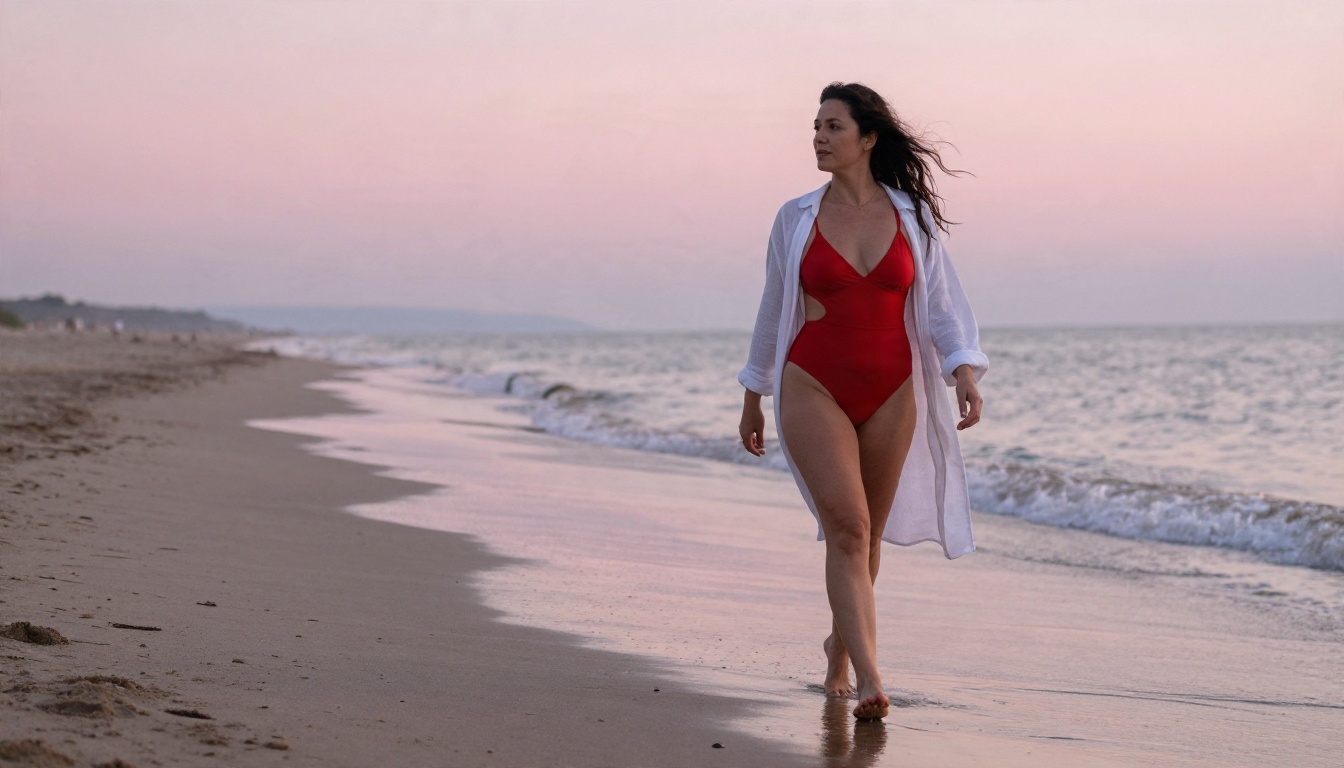
When a new LoRA arrives, run this fixed test. Same prompt, same seed, weights of 0.4, 0.6, 0.8 and 1.0. Pick the lowest weight where the effect is clearly visible. That value is almost always the best one, because a lower weight leaves room for the base model to keep anatomy and lighting intact.
Prompts That Work for Glamour
Photoreal checkpoints respond best to a prompt that reads like a photographer's brief. Subject, outfit, setting, light, lens, texture. Skip the pile of quality tags like "masterpiece, best quality, 8k, ultra detailed" repeated five times. One short line is enough.
A Reliable Prompt Formula
[Adult subject and pose] + [outfit and fabric] + [location] + [light direction] + [lens and film look] + [skin texture cue]
Example:
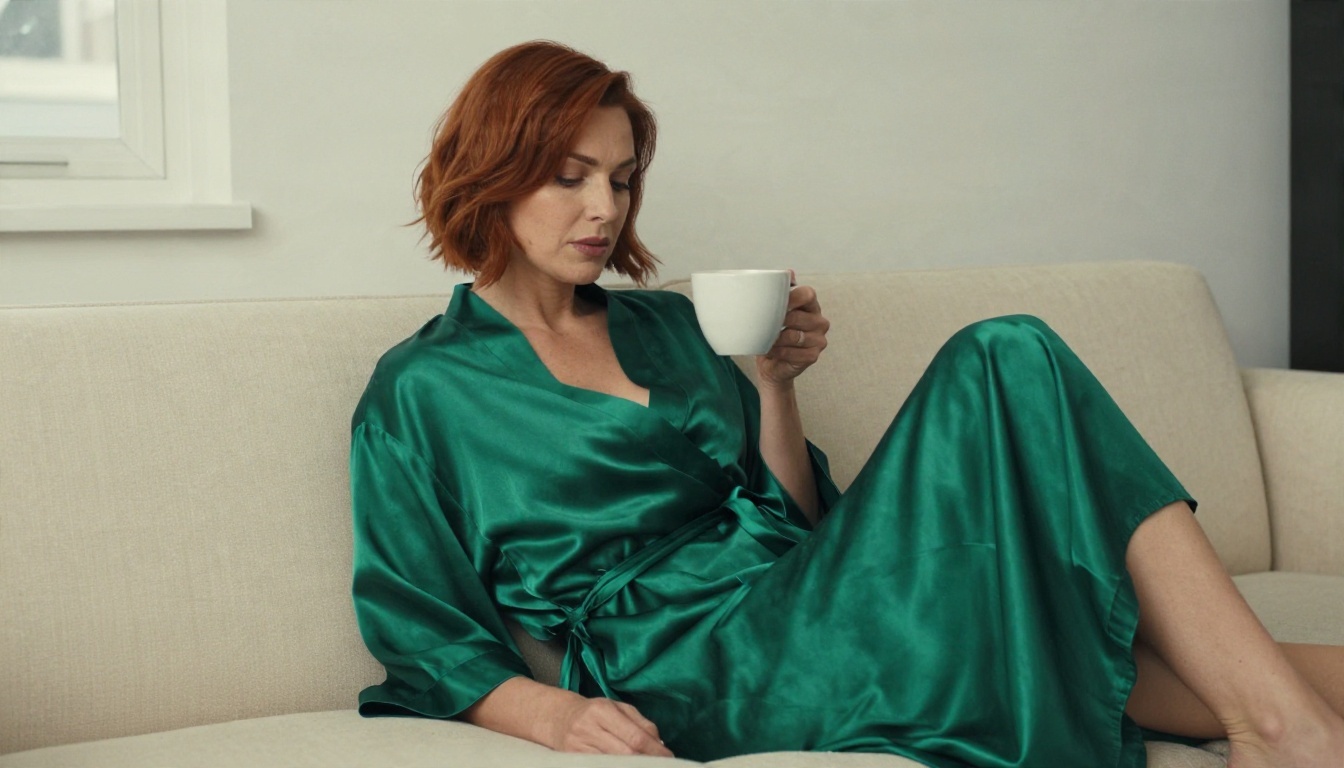
Adult woman in her thirties, short auburn hair, relaxing on a cream sofa in an emerald satin robe, overcast window light from the left, 85mm f/1.8, shallow depth of field, Kodak Portra 400 film grain, natural skin texture with visible pores.
Negative Prompt Starter
For SD 1.5 and SDXL checkpoints, a short negative prompt beats a long one:
- deformed hands, extra fingers, blurry, plastic skin, oversmoothed, watermark, text, cartoon, 3d render, lowres
Flux does not use a negative prompt in the same way, so put the guardrails in the main prompt instead: "natural skin, no retouching, real photograph."
Trigger Words and Tags
Many LoRAs need a trigger word in the prompt to activate. It is listed on the download page. If your LoRA seems to do nothing, check that you typed it exactly, and that your prompt UI is calling the LoRA tag correctly, for example <lora:filename:0.7> in common web UIs.
Fixing Common LoRA Problems
| Problem | Likely cause | Fix |
|---|
| Face looks identical in every image | Weight too high or pose LoRA too strong | Drop to 0.5 to 0.6, vary the prompt |
| Burned, oversaturated colors | CFG too high | Lower CFG by 1 to 2 points |
| Melted hands | Low steps or weak base model | Raise steps to 30, add a hand-fix pass |
| LoRA seems ignored | Wrong base family or missing trigger | Check compatibility, type the trigger word |
| Waxy skin | No texture cue, over-smoothing LoRA | Add "visible pores," lower smoothing LoRA |
| Outfit colors leak onto background | LoRA weight too high | Reduce by 0.2 |
💡 If you keep chasing small fixes, step back and test the base checkpoint with no LoRA. Half the time the checkpoint was the problem, not the add-on.
The Hidden Cost of Local Setups
Running LoRAs locally is powerful and also slow to set up. You need a GPU with 8 to 12 GB of VRAM for SDXL, more for Flux, plus time to manage checkpoints, VAEs, LoRA folders, updates and broken extensions. Every new checkpoint is another multi-gigabyte download. If your goal is simply good-looking, tasteful glamour images, that overhead can eat the whole project.
There is a second catch. Free LoRAs vary wildly in quality, some have unclear licenses, and many were trained on messy data. You can spend hours testing five files and keep none.
A Faster Route on PicassoIA
If you want the look without the setup, Seedream 4.5 is the model to open first. It produces sharp, photoreal skin, fabric and lighting straight from a plain-language prompt, so you get the result most people expect from a stack of LoRAs without any file management. For glamour work, it handles lingerie, swimwear and boudoir lighting well and renders quickly.
Next, try PicassoIA Image Editor Pro. It offers unlimited generations, which matters when you are testing the same idea ten ways, and it is built for editing too: change an outfit color, adjust the setting or fix a detail on an image you already like. Uncensored and unlimited testing is the real value here, because LoRA hunting is mostly trial and error.
If you still want to work with LoRA weights directly, these are worth knowing:
How to Use Flux Dev LoRA on PicassoIA
Flux Dev LoRA is the closest match to the "Stable Diffusion plus LoRA" workflow, without the local install. Here is the process, using the settings the model page exposes.
- Open the model page and find the prompt box.
- Write your prompt with the formula above: subject, outfit, setting, light, lens, texture. Full sentences work best on Flux.
- Paste your LoRA into the Lora Weights field. It accepts a Replicate model name, a HuggingFace address, a CivitAI model address or a direct .safetensors link. Private files may need an API token in the matching field.
- Set Lora Scale between 0.6 and 1.0. Fast mode applies a 1.5x multiplier internally, so start lower than you think. The model page suggests values between 0 and 1.
- Add a second LoRA in Extra Lora only if needed, with its own Extra Lora Scale. Keep the combined weight sane.
- Choose the aspect ratio. 16:9 suits wide boudoir scenes, 4:5 suits portraits, 9:16 suits vertical posts.
- Set steps and guidance. Use 28 to 40 steps and a guidance value near the default of 3.
- Fix a seed while you test weights, then switch it off to explore variations.
- Use image-to-image if you have a reference photo. A prompt strength near 0.8 keeps the overall layout but reshapes the details.
💡 Tip: Turn Go Fast off for final renders. Fast mode is great for drafts, but the full-precision mode gives more consistent results when you are comparing LoRA weights.
A Simple Workflow That Saves Time
Here is a routine that keeps wasted effort low, whether you run local Stable Diffusion or an online model.
- Draft fast. Test composition and mood with a quick model such as SDXL Lightning 4Step. Ten drafts cost almost nothing.
- Pick the winner. Choose one image based on light and pose, not on small details.
- Rebuild at quality. Re-run the same idea in Seedream 4.5 for sharper skin and fabric.
- Edit the details. Open it in PicassoIA Image Editor Pro to adjust an outfit color, a background element or the lighting mood.
- Apply a LoRA only if you need a very specific style. Use Flux Dev LoRA with a single, well-tested file at 0.6 to 0.8.
- Upscale last. Sharpen resolution once, at the end.
Realism Checklist Before You Post
- Is the light direction consistent between face, shoulders and background?
- Do hands have five fingers and believable proportions?
- Does skin show texture rather than a smooth plastic finish?
- Do fabric folds respond to gravity and body shape?
- Is the subject clearly an adult, and is the image non-explicit?
Free Does Not Mean Risk Free
A few practical points before you download or share anything:
- Licenses differ. Some LoRAs forbid commercial use, selling outputs or reposting. Read the page.
- Safetensors only. Prefer .safetensors files over older pickle-based formats, which can carry unsafe code.
- Check the samples. Creators who show their own consistent outputs usually test their work. A page with one cherry-picked image is a warning.
- Respect real people. Do not train or use LoRAs to imitate a real individual without consent. Stick to fictional or properly licensed adult models.
- Keep it tasteful. Suggestive, artistic glamour is easier to share, safer to publish on most platforms and often looks better anyway.
Your Next Ten Images
You now have the rules that matter: match the LoRA to the checkpoint family, keep weights moderate, write prompts like a photographer, and change one variable per test. The fastest way to see all of this working is to try it with a real prompt.
Open Seedream 4.5, paste the sofa prompt from this article, and compare it against the same idea in Flux Dev LoRA with your favorite LoRA at 0.7. Then take your best result into PicassoIA Image Editor Pro and refine it with unlimited tries. When you want more options, browse the full list at picassoia.com/en/all-models and build your own glamour set on Picasso IA today.


