Type "Stable Diffusion no filter" into a search bar and you get a wall of pages promising unlimited, uncensored images for free. Most of them skip the boring part: who pays for the GPU time, what happens to your prompts, and why a "free" tool suddenly asks for a card after five pictures. This article sorts the real options from the marketing. You will see what the filter actually is, what a local install demands, where free online generators run out of road, and which alternatives on PicassoIA give you sharper, more flexible results for glamour and adult-leaning aesthetics without the headaches.
💡 Quick answer: A truly filter-free setup means running the model on your own computer. Online tools are free only inside limits, and those limits are usually credits, queues, watermarks or tighter rules after a few images.
What "No Filter" Really Means
The phrase sounds technical, but it covers three very different things. Before you pick a tool, it helps to know which one you are actually asking for.
The built-in safety checker
The original Stable Diffusion release shipped with a safety classifier that scans each finished image. When it thinks the output is unsafe, it replaces the picture with a blurred or black frame. It runs after generation, so the model has already done the work by the time the checker steps in. That is why some people say "the model has no filter, the wrapper does."
Platform rules versus model behavior
Online services add a second layer on top: prompt blocklists, account rules and terms of service. A hosted site can run the same open weights as your home PC and still refuse half your prompts. So when someone says a website is "Stable Diffusion with no filter," check whether they mean the model or the service.

Why people want the checker off
The reasons are mostly mundane. The checker produces false positives: a portrait in a swimsuit, a classical statue, a medical illustration or a bare shoulder in a fashion shot can all trigger a black square. Photographers, artists and fashion creators get annoyed when a harmless glamour concept gets blocked. Others simply want control over their own machine. Those are legitimate frustrations, and they explain why the search term is so popular.
💡 Reality check: Removing a filter does not remove responsibility. Keep your work lawful, use only adults, never depict real people without consent, and respect each platform's rules.
Running It Locally: The Only True Zero Filter
If you want the checker gone entirely, a self-hosted install is the honest route. The weights are open, the interface software is open, and you decide what runs. There is no server in the middle reading your prompt.
Hardware you actually need
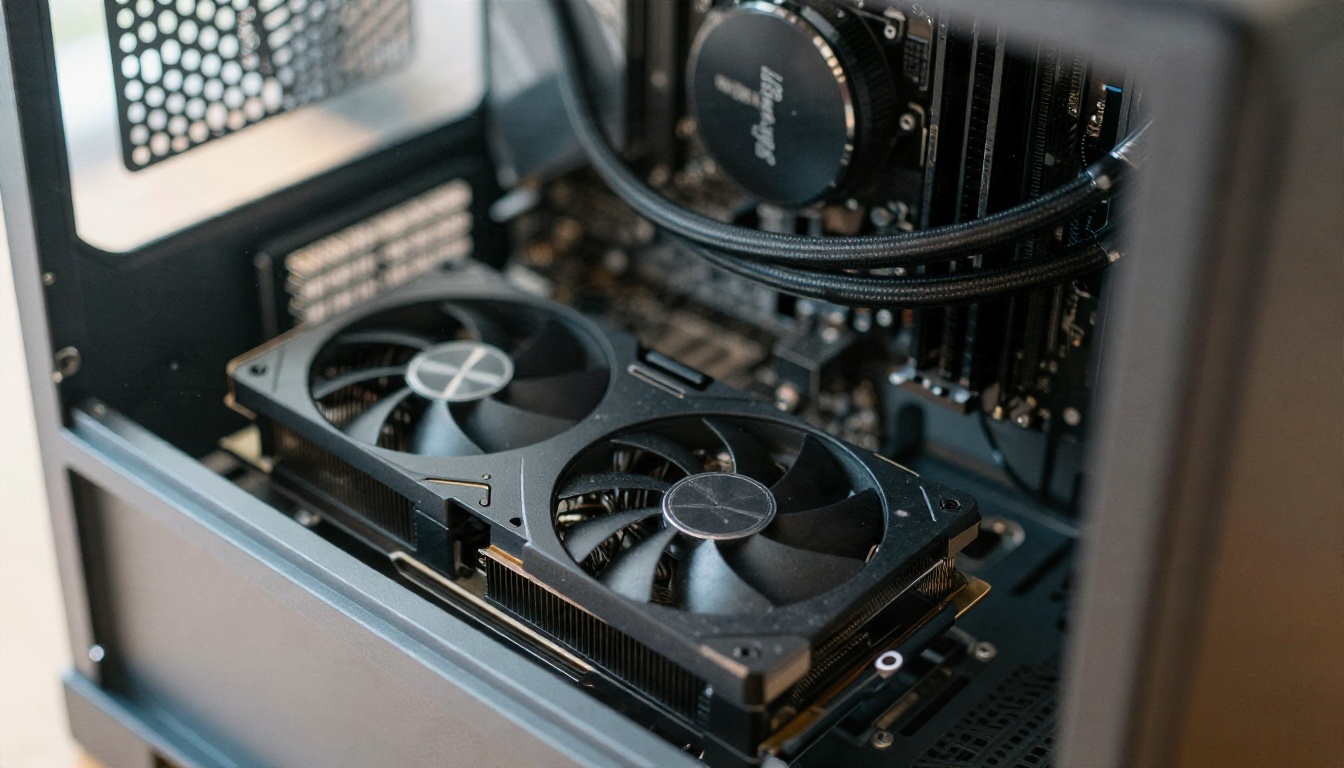
Plan for a recent NVIDIA GPU with at least 8 GB of VRAM or an Apple Silicon Mac with decent memory. Smaller cards can run older checkpoints, but newer models such as Stable Diffusion 3.5 Large are hungry, and you will feel it in render times. A mid-range card produces one image in roughly 10 to 40 seconds, depending on resolution and steps.
| Setup | Typical cost | Speed per image | Filter control |
|---|
| Older laptop, no dedicated GPU | Free | Several minutes | Full, but painful |
| Gaming PC with 8 to 12 GB VRAM | Hardware you already own | 10 to 40 seconds | Full |
| High-end workstation GPU | Expensive | 3 to 10 seconds | Full |
| Rented cloud GPU | Hourly fee | Fast | Depends on the host |
The setup time nobody mentions
Installing Python environments, downloading multi-gigabyte checkpoints, picking the right VAE and fixing driver mismatches can eat a whole weekend. Updates break extensions. Models disagree about file formats. If you enjoy tinkering, that is half the fun. If you just want a good picture tonight, it is a wall.
Where local falls short
Local generation gives freedom, but not quality by default. Raw base checkpoints often produce soft skin, odd hands and generic lighting. Community fine-tunes fix part of that, yet each one adds another file to track and another license to read. You also carry the electricity bill and the heat in your room.
Free Online Options and Their Limits
Plenty of websites wrap open models in a browser form. The pitch is always the same: no install, no cost, no restrictions. Here is how the trade usually plays out.
Credit caps and queues
Free tiers typically hand you a few daily credits or a one-time trial. After that you wait in a queue behind paying users, or you hit a paywall. Some sites throttle resolution, add a watermark, or limit the number of steps. A few small tools run with no sign-up and no daily cap, but they usually trade that for lower quality, slower rendering, and older models.

The privacy trade-off
When you use a hosted generator, your prompts and often your outputs sit on someone else's server. Many free services keep them to improve their product or to moderate abuse. If you care about discretion, read the privacy page before typing anything personal, and never upload photos of people who have not agreed to it.
"Uncensored" claims worth doubting
Be skeptical of any page that says "no limits" in big letters. Many of those claims are affiliate-driven comparison posts written to push a subscription. Rules also change fast: a service that was relaxed last spring may have tightened after a public controversy or after a payment processor complained. Some well-known cloud tools removed free tiers and strengthened filters during 2026.
| What the site says | What often happens |
|---|
| "Unlimited free images" | Slow queue, watermark or hidden daily cap |
| "No filter" | Prompt blocklist applied before generation |
| "No sign-up" | Lower quality, older model, ads |
| "Private" | Prompts stored for moderation or training |
| "Uncensored for life" | Policy changes after payment or legal pressure |
A Better Path: Alternatives on PicassoIA
Between a weekend of driver fixes and a free site that throttles you after three images, there is a middle option: a hosted platform with strong models and generous generation limits, where you do not manage hardware at all. For suggestive glamour work such as swimwear, evening wear and fashion portraits, these are the models worth trying, in this order.
Seedream 4.5 for photoreal glamour
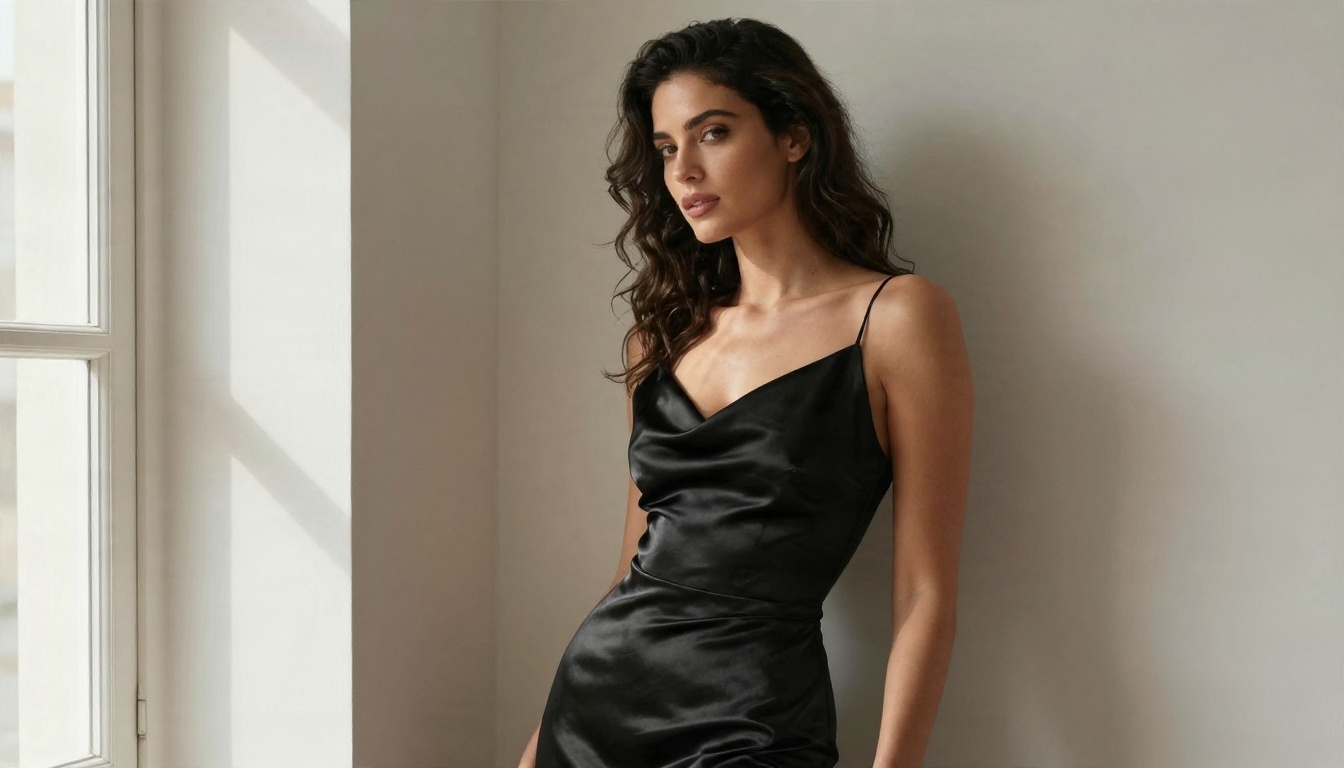
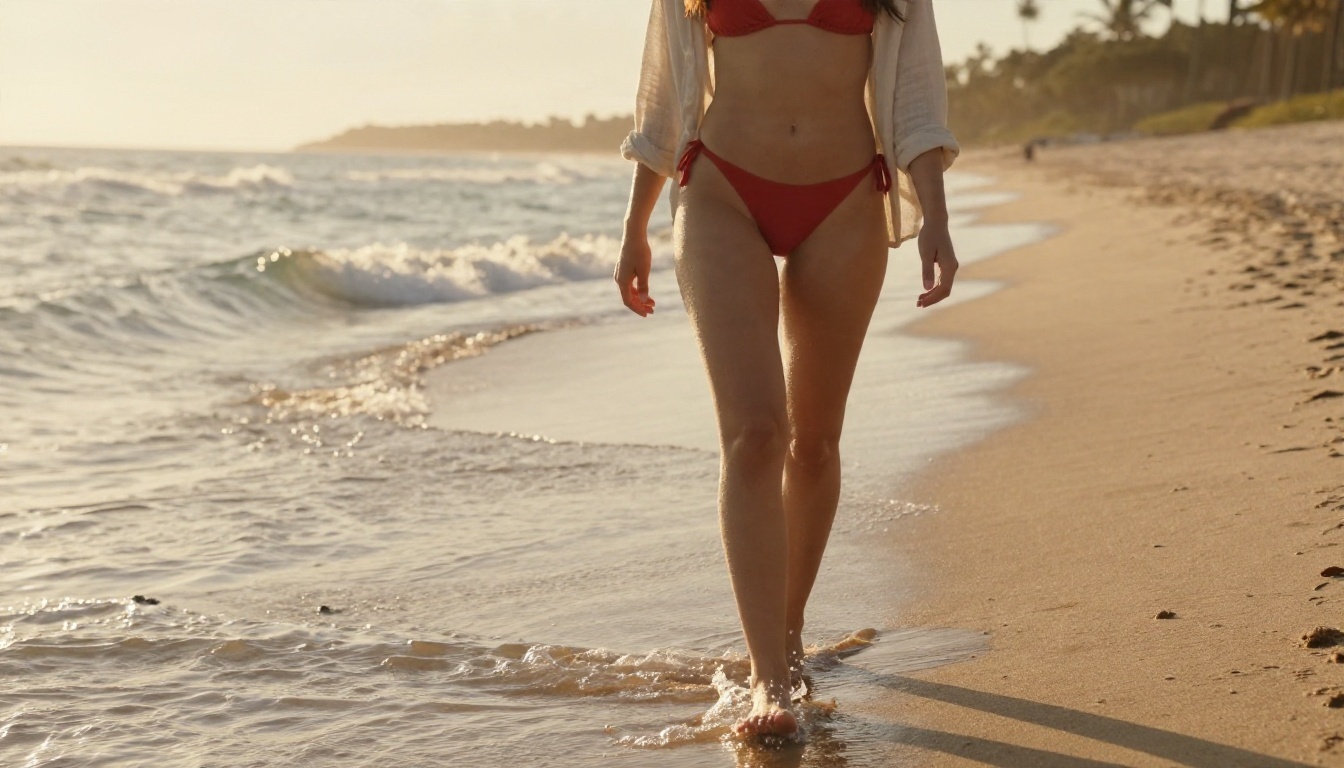
Seedream 4.5 is the first model to open for this kind of work. It renders skin texture, fabric sheen and window light with a polish that raw Stable Diffusion checkpoints rarely reach, and it outputs up to 4K. It follows long, detailed prompts well, so you can describe the pose, the lens and the light the way a photographer would. It is quick, which matters when you want to iterate ten times on one idea.
PicassoIA Image Editor Pro for unlimited runs
PicassoIA Image Editor Pro is the one to pick when you want to keep experimenting without watching a credit counter. It offers unlimited generations, and it also edits: change an outfit, shift the background, fix a hand, or adjust the lighting on a picture you already like. For creators who iterate heavily, that freedom is what people were really searching for when they typed "no limits."
Other models worth a test
Different models suit different looks. Here is a short comparison.
💡 Tip: Run the same prompt through two or three models. Differences in skin tone, grain and lighting become obvious in seconds.
How to Use Stable Diffusion on PicassoIA
If you still prefer the Stable Diffusion look, you can use it in the browser without installing anything. The Stable Diffusion model page works like this.
Step 1: Open the model
Go to the Stable Diffusion page on PicassoIA and sign in. You land on a prompt box with a few settings underneath. There is nothing to download.
Step 2: Write a photographer's prompt
Skip vague words like "beautiful." Describe the subject, the setting, the light and the lens. For example: a woman in a black satin dress by a sunlit plaster wall, soft window light from the left, 85mm f/1.8, natural skin texture, film grain. The more concrete the picture in your head, the better the result.
Step 3: Tune the settings
| Setting | Suggested value | Why |
|---|
| Aspect ratio | 16:9 for scenes, 3:4 for portraits | Matches how the image will be used |
| Steps | 25 to 40 | Cleaner detail without long waits |
| Guidance | Medium | Too high looks harsh and oversaturated |
| Seed | Fix it once you like a result | Lets you change one detail at a time |
Step 4: Iterate, then upscale
Generate four or five variants, pick the strongest, and change one thing per round: the light, the pose or the outfit. When you have a winner, send it through a super-resolution tool to add detail for print or large screens. For faster drafts, try SDXL Lightning 4Step, which returns an image in a few steps. For more output control, SDXL Multi ControlNet LoRA lets you guide pose and structure.
Prompt Habits That Beat Any Filter Hack
Most blocked or ugly images are not a filter problem. They come from weak prompts. These habits solve more than any workaround.
Say what you want, not what you fear
Long negative prompts full of "no blur, no extra fingers, no bad anatomy" often confuse a model more than they help. Spend those words on positive detail: skin texture, fabric type, light direction, camera height.
Borrow the vocabulary of photography
Words like golden hour, softbox, rim light, shallow depth of field and Kodak Portra 400 grain pull the model toward realistic output. Add a lens length and an angle (low angle, over the shoulder, close-up) so every image in a set feels different.
Keep it tasteful and non-explicit
Suggestive does not have to mean explicit. Swimwear, evening dresses, silhouettes and warm window light create attractive, polished images that work on far more platforms and survive far fewer rejections. It also keeps your portfolio safe to share.
Edit instead of regenerating
If a picture is 90 percent right, do not roll the dice again. Use an editor to fix the last 10 percent. That is where PicassoIA Image Editor Pro saves hours compared with starting over.
Safety, Rules and Common Mistakes
Freedom works best with a few ground rules. Here are the mistakes that cause the most trouble.
- Using real people's faces without consent. This is the fastest route to account bans and legal trouble.
- Depicting anyone who looks underage. Never. Every subject must be clearly an adult.
- Trusting unknown "uncensored" sites with personal data. Never reuse passwords and never upload private photos.
- Downloading unverified checkpoints. Files from random sources can carry malicious code. Stick to well-known repositories and verified formats.
- Ignoring licenses. Some community models restrict commercial use. Read before you sell prints.
💡 Rule of thumb: If a service asks for more personal data than a normal photo app would, close the tab.
Which Option Fits You
The pattern is simple. Local gives control but costs time and hardware. Random free sites cost nothing upfront but charge you in queues, quality and privacy. A solid hosted platform sits in the middle: fast, high quality and easy to switch between models when one does not fit.
Try Your Own Images Today
You do not need a monster GPU or a sketchy website to get great results. Open Seedream 4.5 for a polished glamour shot, then take the best result into PicassoIA Image Editor Pro and keep refining it with unlimited generations. Prefer the classic look? Run the same prompt through Stable Diffusion and compare the two side by side.
Write one detailed prompt tonight, change one detail per round, and see how far a single idea can go. When you want to try more, browse the full catalog at picassoia.com/en/all-models and pick the model that fits your next concept.


