Stable Diffusion XL turned three years old this year, and it still powers more adult-themed AI art than almost any other open model family. The reason is simple: thousands of community checkpoints, LoRAs and workflows exist for it, and a mid-range gaming GPU can run it. The catch is that the stock model was trained with a safety filter in mind, so the best SDXL NSFW results come from fine-tuned checkpoints, careful prompts and the right sampler settings, not from the base file. This article walks through the models people actually use, the prompt formulas that hold up, the exact numbers to start with, and the online options for anyone who does not want to install anything.
A quick note on scope. Everything here focuses on suggestive, glamour-style imagery of adult subjects: lingerie, swimwear, boudoir lighting, tasteful implied nudity. That is the part of the topic where SDXL is strongest and where results look good rather than uncanny.
Why SDXL Still Matters for Adult Art
SDXL launched in mid 2023 with a native resolution of 1024 by 1024, two text encoders and a much better grasp of anatomy than Stable Diffusion 1.5. Newer architectures have arrived since, but SDXL kept its lead in one area: ecosystem depth. If you want a very specific look, there is probably a checkpoint or LoRA for it.
What the base model holds back
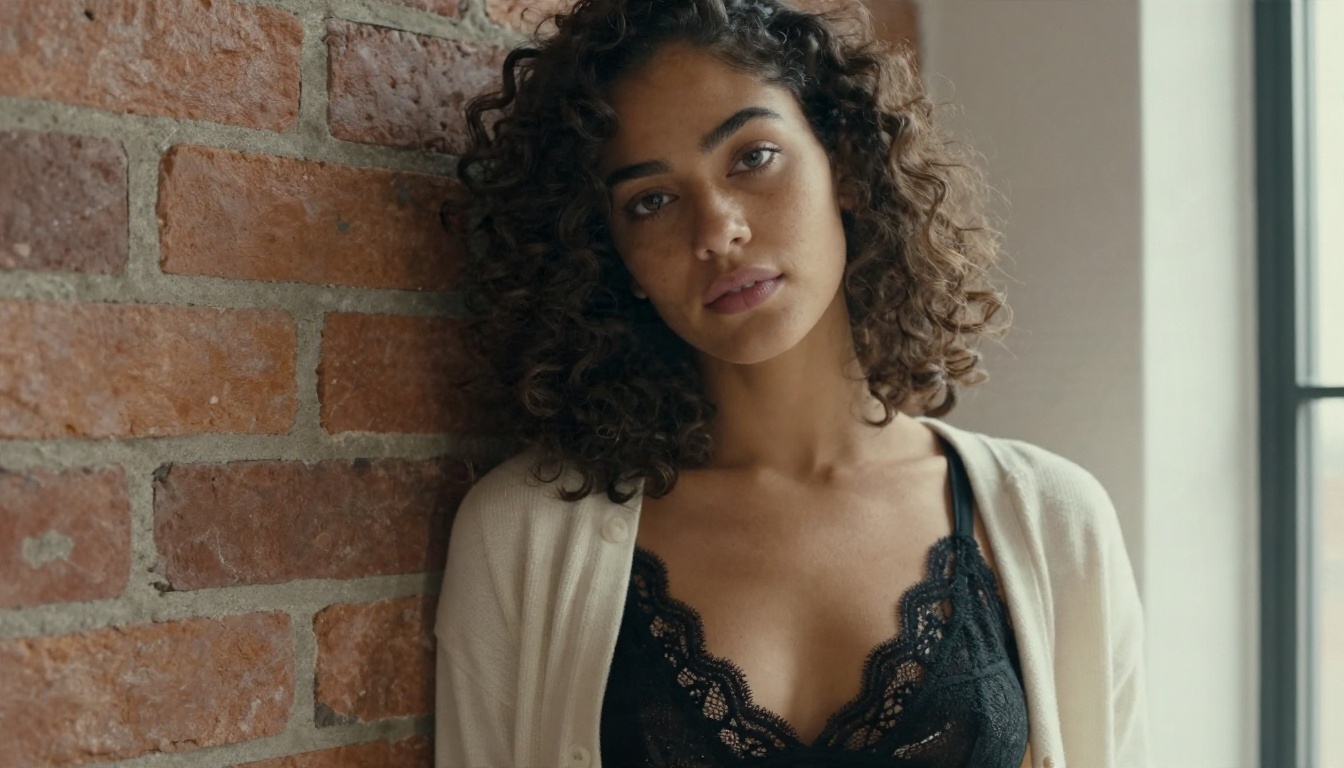
The official SDXL base checkpoint tends to blur, crop or soften anything beyond swimwear. Skin can look waxy, hands drift, and prompts for lingerie often return generic fashion photos. That is not a bug in your setup. It is how the base weights were trained. Community fine-tunes retrain the model on curated photo sets, which is why the base file is rarely the right choice for glamour work.
Who gets the most from it
SDXL suits three kinds of users:
- Hobbyists with a GPU who like tweaking samplers, LoRAs and ControlNet poses.
- Creators who need consistency, such as a recurring character across many scenes.
- Anyone testing prompts before moving to a faster hosted model.
If you fall into none of those groups and just want a good picture in under a minute, skip ahead to the online section.
Best SDXL NSFW Models Right Now
Names change fast on community sites, but a handful of checkpoint families have stayed on top for a long time. Here is how they compare.
| Checkpoint family | Style strength | Prompt style | Best for |
|---|
| Pony Diffusion V6 XL | Stylized and semi-real, huge tag knowledge | Danbooru-like tags plus score tags | Characters, poses, variety |
| Juggernaut XL | Photoreal, cinematic skin | Natural language | Glamour portraits, boudoir |
| RealVisXL | Photoreal, clean faces | Natural language | Editorial, swimwear, close-ups |
| CyberRealistic XL and similar | Photoreal with strong lighting | Natural language plus tags | Studio and lingerie shots |
| Pony realism merges | Real-looking skin on a Pony base | Score tags plus natural language | Best of both worlds |
Pony Diffusion V6 XL
Pony is the most popular base for adult-oriented SDXL work. It understands an enormous range of poses and concepts, but it needs its own prompt language. Almost every good Pony prompt begins with score tags such as score_9, score_8_up, score_7_up, and most users set CLIP skip to 2. Leave those out and quality drops noticeably. Pony is not photoreal by default, so many people pick a realism-tuned merge built on top of it.
Juggernaut XL and RealVisXL
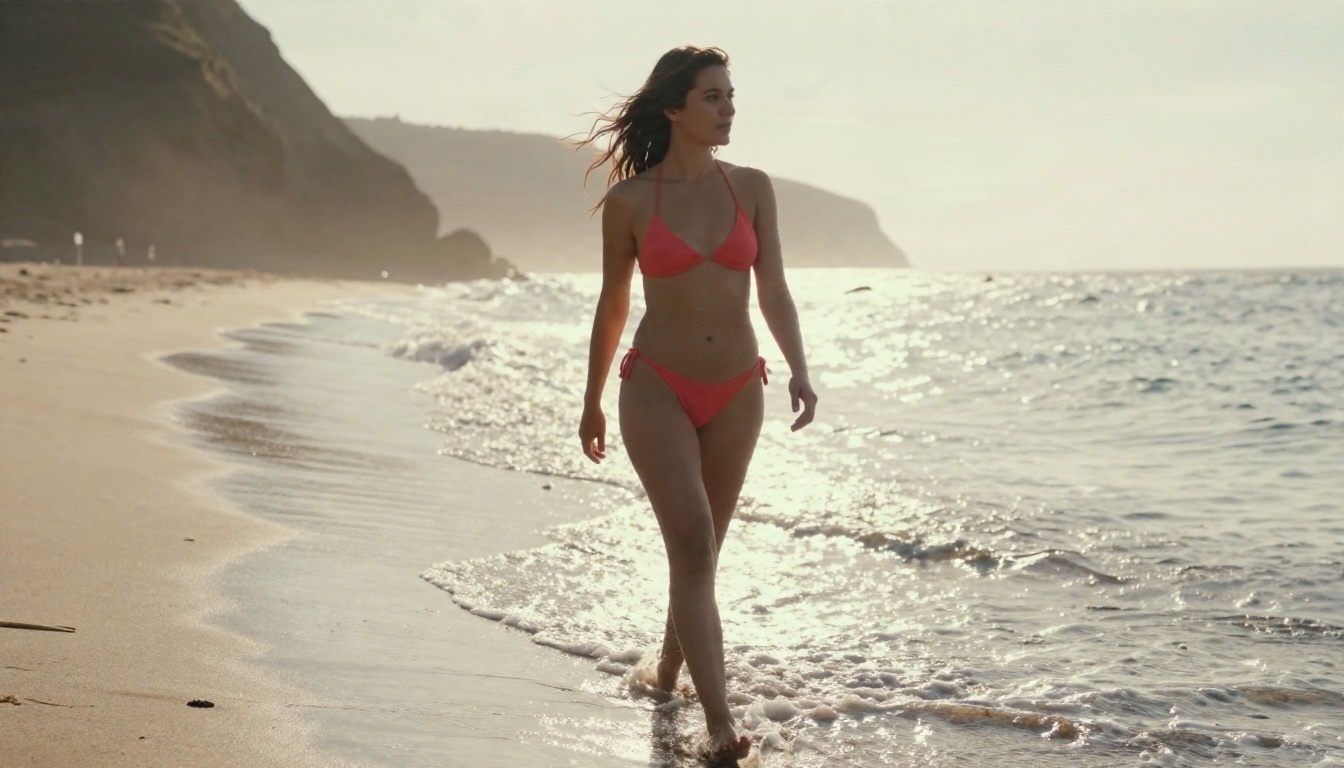
If your target is believable skin, window light and film-like color, these two families are the safest bet. They respond well to normal English sentences, which makes prompting much easier than Pony. Juggernaut leans cinematic with strong contrast. RealVisXL leans clean and natural, which is why its output looks great for swimwear and portrait work.
💡 Tip: Always read the license on the checkpoint page. Some creators restrict commercial use or ask that you do not host their model on a paid service.
Other checkpoints worth a test
Two more categories deserve a look. Realism merges of Pony mix its pose knowledge with photographic skin, and Lightning or Turbo distilled versions trade a little detail for speed, rendering in 4 to 8 steps instead of 30. Distilled models are excellent for drafting ideas before a final high-quality pass.
On PicassoIA, the SDXL-based options include SDXL Lightning 4Step for fast drafts, RealVisXL v3.0 Turbo for photoreal portraits, and SDXL Multi ControlNet LoRA when you need pose control. The plain SDXL base checkpoint itself is not on PicassoIA, and the community checkpoints above are separate downloads.
Prompts That Actually Work
A good prompt is a structured description, not a pile of adjectives. For photoreal checkpoints, build it in this order: subject, clothing, pose, environment, light, camera, film look.
A photoreal formula
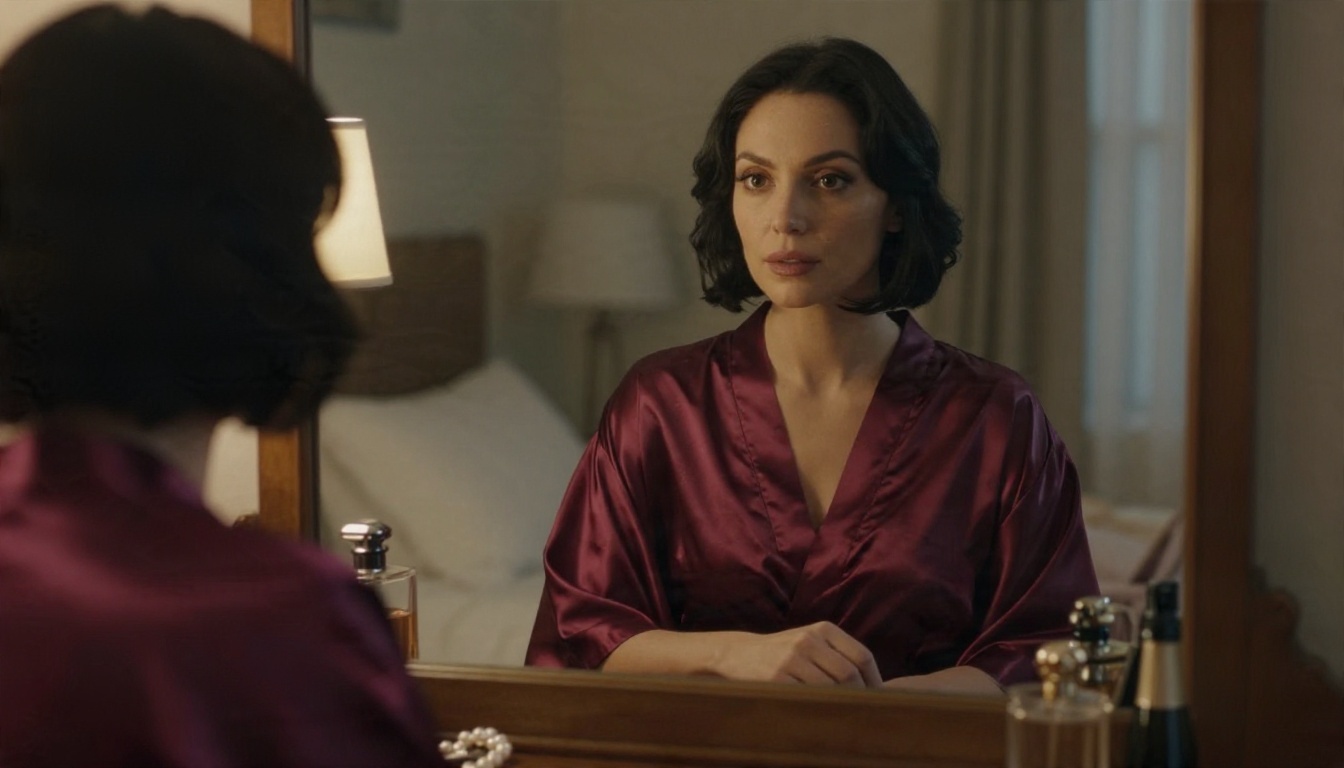
Here is a template that works well on Juggernaut and RealVisXL style checkpoints:
RAW photo, woman in her twenties with a sleek black bob, burgundy satin robe loosely tied, seated at a vintage vanity, warm tungsten lamp from the left, perfume bottles on the table, 50mm f/1.4, shallow depth of field, soft film grain, Kodak Portra 400, natural skin texture
Notice what is in there: a lens, a light direction and a film stock. Those three details do more for realism than words like "ultra detailed" or "masterpiece", which add very little on modern checkpoints.
Negative prompts that help
A short negative prompt beats a giant one. Start with this:
blurry, lowres, deformed hands, extra fingers, plastic skin, oversharpened, watermark, text, cartoon, 3d render
Long negative lists copied from old forum posts can actually flatten your image. Add terms one at a time only when you see a specific problem.
Pony score tags
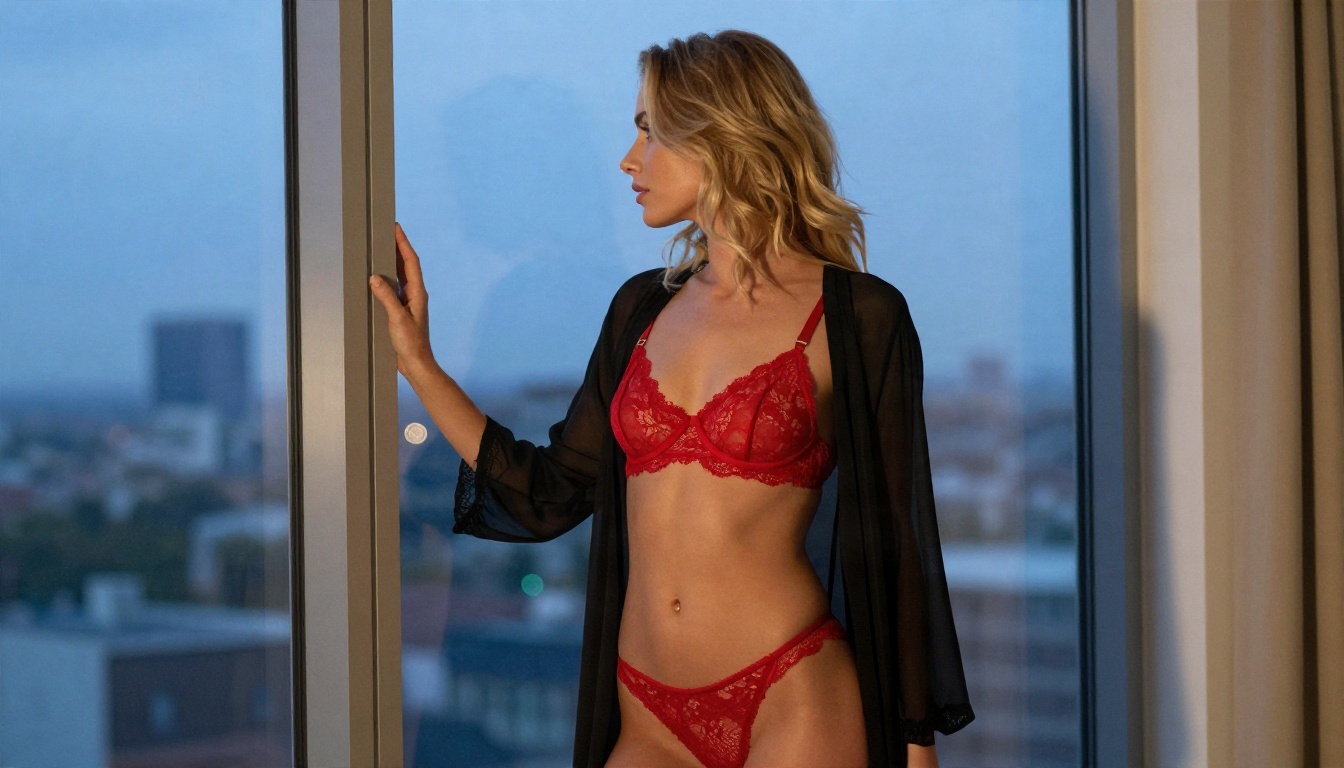
For Pony based checkpoints, the structure changes. A working start looks like this:
score_9, score_8_up, score_7_up, photo, 1girl, blonde hair, red lace lingerie, sheer black robe, standing by window, city at blue hour, side view
Pony reads tags, so shorter comma separated phrases usually beat flowing sentences. Pair it with a negative prompt of score_6, score_5, score_4, blurry, watermark.
Weighting and wording tips
- Use weights sparingly:
(lace detail:1.2) is fine, (lace detail:1.8) usually breaks the image.
- Name the light, not just the mood. "Soft window light from the right" works better than "romantic".
- Describe fabric by material: satin, lace, knit, linen. Textures render far better with specific words.
- Keep the clothing description short and concrete. Long clothing lists create contradictions.
Settings: Sampler, Steps, CFG
Most bad SDXL images come from settings, not prompts. Community testing has settled on a reliable starting range, and these numbers are a sound place to begin rather than strict rules.
| Setting | Photoreal checkpoints | Pony based checkpoints | Distilled (Lightning or Turbo) |
|---|
| Sampler | DPM++ 2M Karras | Euler a or DPM++ 2M Karras | Model specific, often Euler |
| Steps | 25 to 35 | 25 to 30 | 4 to 8 |
| CFG scale | 4 to 7 | 5 to 7 | 1 to 2 |
| CLIP skip | 1 | 2 | 1 |
| Resolution | 832x1216 portrait | 832x1216 portrait | 1024x1024 or similar |
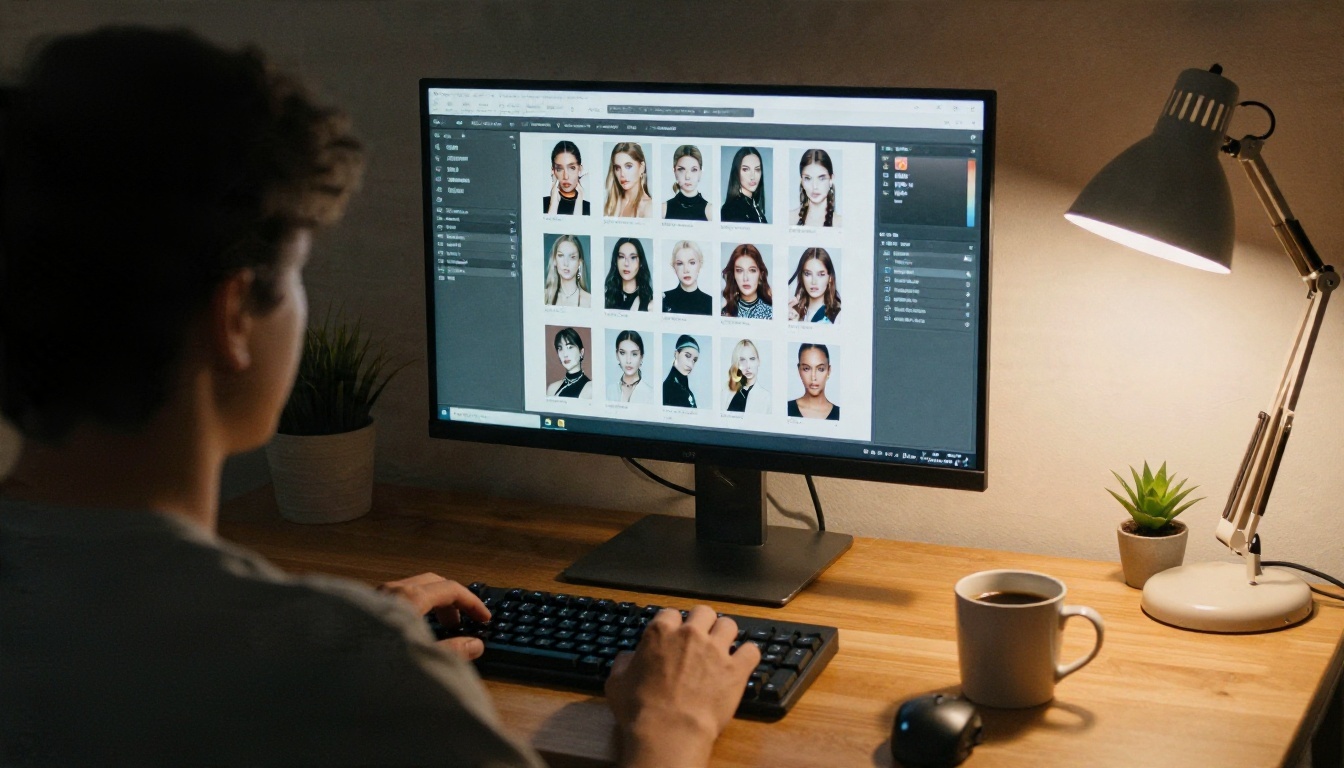
Lower CFG tends to look more natural and photographic. Going above 9 often brings burnt highlights and harsh, oversharpened skin.
Resolution and aspect ratio
SDXL was trained around one megapixel. Stick to sizes like 832x1216 for portraits, 1216x832 for landscape scenes and 1024x1024 for squares. Generating at 512 or at 2048 directly causes duplicated limbs and melted faces. If you want a bigger final image, upscale afterwards.
Hires fix and upscaling
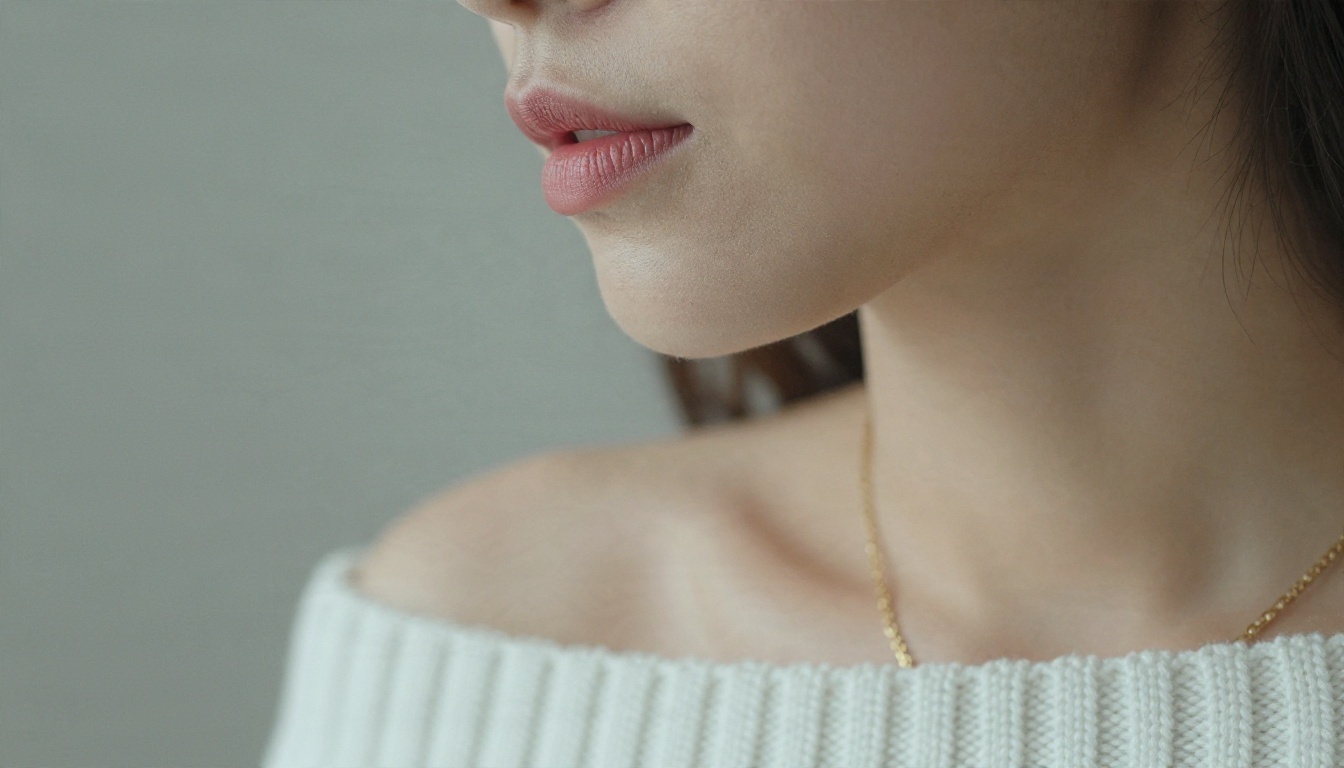
For the sharpest results, render at native size, then run a second pass with denoise strength between 0.3 and 0.45 at 1.5x scale. Higher denoise changes the face. Lower denoise barely adds detail. A dedicated upscaler is another route, and it keeps skin pores crisp instead of smoothing them.
LoRAs, ControlNet and inpainting
Three add-ons give you the most control:
- LoRAs push a look, pose style or character. Keep their weight between 0.5 and 0.9 and never stack more than three.
- ControlNet locks a pose or composition from a reference photo, which is the fix for stubborn anatomy.
- Inpainting repairs hands, eyes and straps without redoing the whole picture. Mask only the problem area and use a denoise of 0.4 to 0.6.
Running SDXL Locally vs Online
You can run SDXL in a few ways, and the right one depends on your hardware, patience and budget.
Hardware you need
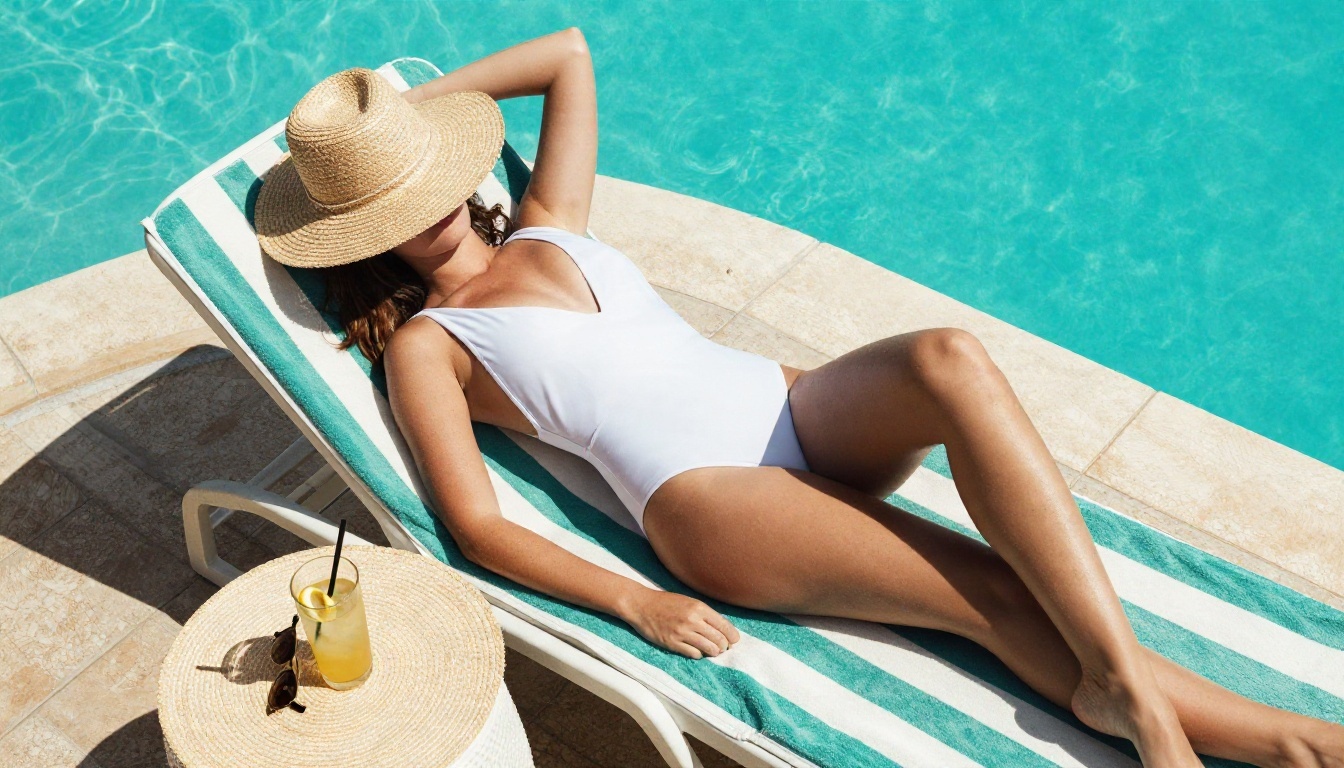
A card with 8 GB of VRAM runs SDXL, though 12 GB or more is far more comfortable, especially with ControlNet and hires passes. Expect around 10 to 30 seconds per image on a recent mid-range card at 30 steps. Older cards or laptops with 4 to 6 GB struggle, and out of memory errors become routine.
Online options compared
Hosted services remove the setup, but filters, pricing and speed differ a lot. Here is the practical trade-off:
| Option | Setup | Filters | Cost model | Best for |
|---|
| Local install (Automatic1111, ComfyUI, Forge) | Heavy | None, you decide | Free after hardware | Tinkerers with a GPU |
| Rented cloud GPU | Medium | None | Hourly | Occasional heavy sessions |
| Community checkpoint sites | Light | Varies, often strict | Credits | Trying specific checkpoints |
| Hosted image platform | None | Depends on the model | Credits or unlimited | Fast, polished results |
💡 Tip: Before paying for any online generator, test whether it actually allows glamour and lingerie prompts. Many advertise "NSFW" and then blur everything.
How to Get Similar Results on PicassoIA
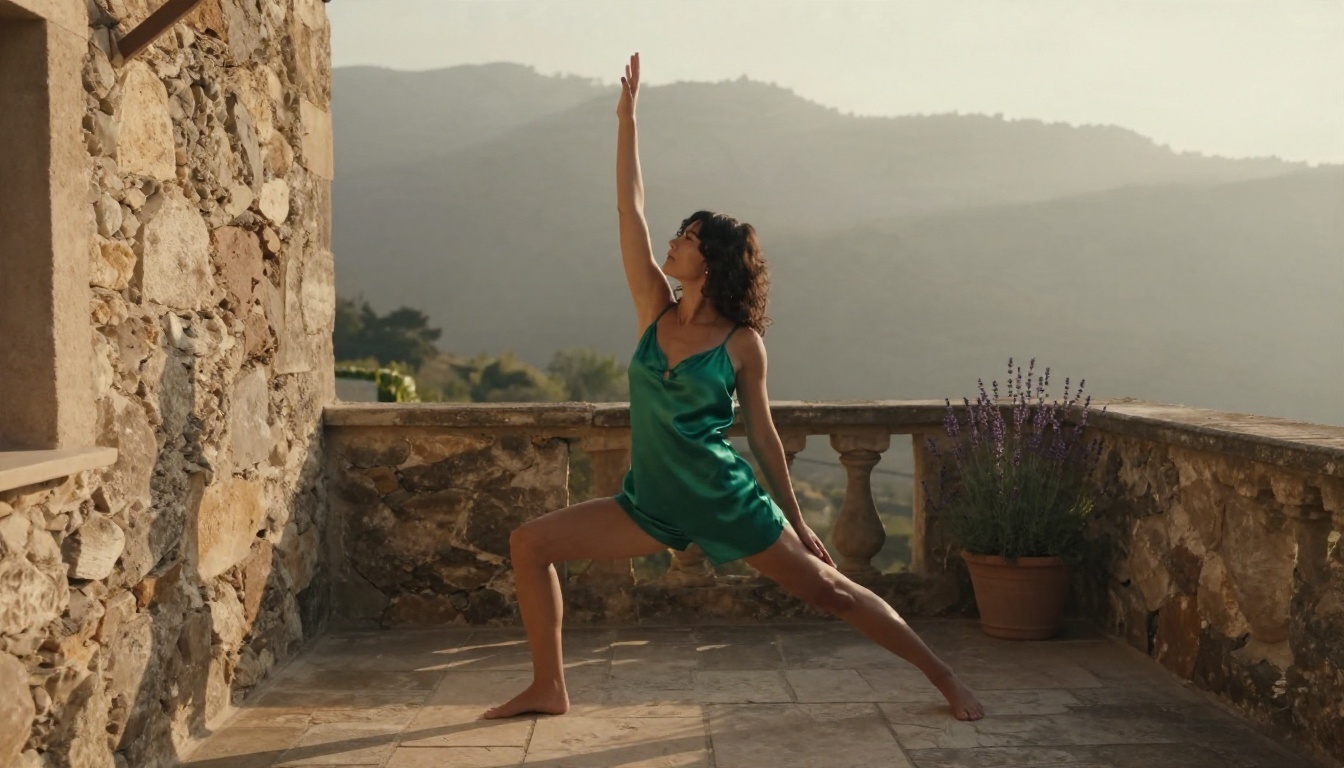
If you want the look of a polished SDXL photoreal checkpoint without the install, the quickest route is to use newer models that handle glamour prompts directly. Seedream 4.5 is the one to start with. It produces sharp, photographic skin and lighting, follows long natural language prompts closely, and renders in seconds.
Step by step with Seedream 4.5
- Open the Seedream 4.5 page and choose a 16:9 or 3:4 aspect ratio depending on whether you want a scene or a portrait.
- Write your prompt as full sentences. Reuse the photoreal formula from earlier: subject, clothing, pose, environment, light, lens, film stock.
- Skip score tags and giant negative lists. Natural language works better here.
- Generate, then refine one detail at a time, such as the light direction or the fabric, instead of rewriting everything.
- Save the versions you like and iterate from the best one.
💡 Tip: SDXL habits like (word:1.4) weighting are not needed. Describe what you want clearly and let the model interpret it.
Image Editor Pro for unlimited edits
Once you have a base picture, PicassoIA Image Editor Pro handles the editing side with unlimited generations. Use it to change an outfit color, adjust the background, fix lighting or try several variations of the same pose without worrying about running out of credits. It plays the role that inpainting plays in a local SDXL workflow, with far less setup.
More models to try
When you want a different flavor or keep SDXL-style workflows, these are worth testing:
The full catalog lives at picassoia.com/en/all-models.
Mistakes That Ruin Good Renders
Most failures come from the same handful of habits. Fix these first.
- Cranking CFG past 9. Skin burns out and edges turn harsh. Drop it to 5 or 6.
- Using the wrong resolution. Anything far from one megapixel invites double heads and stretched bodies.
- Mixing Pony tags with a non-Pony checkpoint. Score tags do nothing useful on a photoreal model and can confuse it.
- Overlong negative prompts. They flatten contrast. Keep them under about 20 words.
- Stacking too many LoRAs. Two or three at moderate weights beat six at full strength.
- Skipping the second pass. A light hires fix or upscale adds pores, fabric weave and eye detail.
A short troubleshooting list
| Problem | Likely cause | Fix |
|---|
| Waxy, plastic skin | CFG too high or no film cues | Lower CFG, add "natural skin texture, film grain" |
| Warped hands | Low steps, weak composition | Use ControlNet or inpaint the hands |
| Washed out colors | VAE mismatch | Select the checkpoint's recommended VAE |
| Face changes after upscale | Denoise too high | Use 0.3 to 0.4 |
| Same face every time | Fixed seed or strong LoRA | Randomize the seed, lower LoRA weight |
💡 Reminder: Only create imagery of adult, fictional subjects. Do not use real people's likeness without consent, and keep your output within the rules of any platform or community you share it on.
Make Your Own Images Today
SDXL remains a flexible tool if you enjoy tuning checkpoints, samplers and LoRAs, and the numbers above give you a solid starting point: DPM++ 2M Karras, 25 to 35 steps, CFG 4 to 7, native resolution, with a short negative prompt and a light second pass. If you would rather skip the setup, open Seedream 4.5 on PicassoIA, paste one of the photoreal prompts from this article, and see how close you get on the first try. Then take the result into PicassoIA Image Editor Pro for unlimited edits and variations. Change the light, swap the outfit, try a new location, and keep the versions you like. Browse every available option at picassoia.com/en/all-models and start creating.


