Suno v6 arrived on September 9, 2026, and it did far more than bump a version number. Three new models replaced every older one, the editor now accepts plain-language instructions aimed at a single section of a song, and you can feed it a photo or a phone video as a creative reference. The price tags look familiar, but the download caps hiding behind them change the math entirely. This breakdown walks through the release date, every new feature and the real cost of each plan, so you can decide in five minutes whether Suno v6 deserves a slot in your monthly budget.
💡 Quick answer: Suno v6 launched on September 9, 2026. Free accounts get v6-mini, Pro costs $10 a month, Premier costs $30 a month, and the number of downloads, not the number of credits, is the limit that actually bites.
| Detail | Suno v6 |
|---|
| Release date | September 9, 2026 |
| Models | v6, v6-wild, v6-mini |
| Longest song | Up to 8 minutes |
| Free plan | v6-mini only, 50 credits per day, no commercial rights |
| Pro plan | $10 per month, 2,500 credits, 20 downloads |
| Premier plan | $30 per month, 10,000 credits, 60 downloads |
The Release Date and Rollout
What Happened on September 9
Suno shipped v6 on September 9, 2026 as a family of three models instead of a single flagship. According to Suno, all three were trained from scratch on licensed catalogue material from Warner Music Group, BMG and Believe, not on the data behind earlier versions. Paid accounts received the full lineup on day one, while free accounts got the lighter model.

The timing is worth noticing. Download limits dated September 3 are now in force, and they apply to every song in your library, including tracks made long before v6 existed. The launch week therefore felt like two announcements stacked together: a stronger model and a stricter allowance.
Why Older Models Are Gone
Every model from v4 through v5.5 retired with the launch. Old songs still play, yet you cannot regenerate or extend them on those versions, and there is no rollback switch. Custom models you trained earlier were not deleted. They were upgraded to run on v6 instead.
💡 Tip: Unused downloads do not roll over to the next month. Decide which older tracks deserve one of your downloads before you try rebuilding them on v6.
Three Models, Three Jobs
Picking the right model matters more in v6 than it did in v5.5, because each one is tuned for a different outcome.
| Model | Who gets it | Best for | Personality |
|---|
| v6 | Pro and Premier | Polished, release-ready songs | Follows the prompt closely |
| v6-wild | Pro and Premier | Experiments and surprises | Less predictable, fails more by design |
| v6-mini | Everyone, including Free | Fast drafts and quick ideas | Lighter and quicker |
Suno v6 for Polished Songs
The flagship v6 is built to follow your prompt and deliver polished songs in nearly any genre. Early testers reported cleaner vocals, wider stereo mixes and less of the shimmer and distortion that haunted v5.5, with rock, techno and folk showing the biggest jumps. Think of it as the model you pick when the lyrics are final and the brief is clear. It is available on Pro and Premier only.
v6-wild for Happy Accidents
v6-wild is the experimental sibling. It is deliberately tuned away from average taste, which means more surprising arrangements, stranger instrument choices and a higher failure rate by design. Treat it like a sketchbook: generate a batch, delete most of it and keep the one idea you would never have written yourself. Pro and Premier subscribers can use it.
v6-mini for Free Drafts
v6-mini is the faster, lighter model that every account gets, including free ones. Free accounts receive 50 credits per day. Because one generation costs 10 credits and returns two songs, that works out to roughly ten drafts a day. The catch is the fine print: no commercial rights, and only seven downloads for the entire life of the account. It is a sketch pad, not a release tool.
New Features Worth Your Time
Suno lists several changes, but four of them genuinely change how you work. The first three are below, and the fourth, Max Mode, gets its own explanation in the pricing section.
Section Editing in Plain Language
Before v6, fixing one weak chorus meant rerolling the whole song and hoping the verses survived. Now you can aim an instruction at one part of an existing track and leave the rest alone. Requests can look like this:
- Turn the second chorus into gospel and keep everything else.
- Replace the word "river" in the bridge with "highway".
- Strip the drums from the first verse and bring them back at the chorus.
Single-lyric swaps work the same way, so a typo in one line no longer costs you an entire generation.

Mashups and Sampling
Mashups let you pull elements from several of your own songs into a single request: vocals from one track, drums from another. Sampling goes a step further. You can isolate a riff from an existing song and build a brand new beat around it. Both tools work only with your own catalogue, a limit that exists because of licensing, so you cannot sample a commercial release.
Photo and Video Prompts
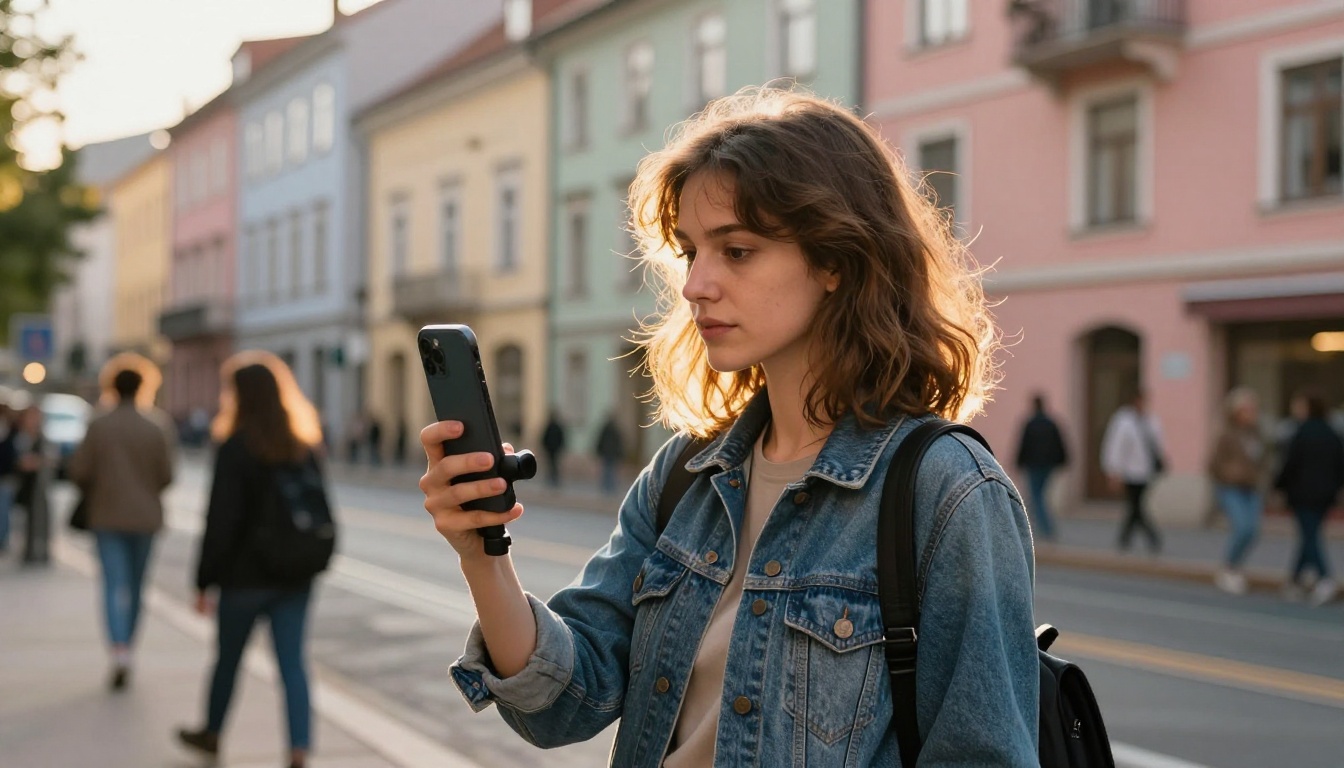
Suno v6 takes text, audio, an image and even a phone video as input. Film a slow walk through your neighborhood, upload the clip and ask for a track that matches its rhythm. Upload a photograph and ask for the song that scene would play. Multimodal prompts burn extra credits, so test the idea on v6-mini before spending Pro credits on it.
A few starting points worth trying: a clip of rain on a window paired with a request for slow piano, a photo of an empty highway at dusk paired with a road-trip country brief, or a short clip of your own band rehearsing paired with a mashup of your two best demos. Keep the written part of the prompt short and let the media carry the mood.
Other changes worth a quick mention:
- Vibe-based creation: describe a feeling or a genre instead of writing a technical brief.
- Sharper prompt response: all three models follow instructions more closely than v5.5 did.
- Custom models: one review lists a cost of 100 credits, a minimum of six of your own tracks and a limit of three models per account.
Suno v6 Price and Plans
Free, Pro and Premier Compared
Suno v6 runs on the existing plans, so there is no new tier to buy. What changed is what each tier lets you keep.
| Feature | Free | Pro | Premier |
|---|
| Monthly price | $0 | $10 | $30 |
| Price with annual billing | n/a | $8 per month | $24 per month |
| Credits | 50 per day | 2,500 per month | 10,000 per month |
| Models | v6-mini | v6, v6-wild, v6-mini | v6, v6-wild, v6-mini |
| Downloads | 7 for the life of the account | 20 per month | 60 per month |
| Commercial rights | No | Yes | Yes |
| Extra downloads | n/a | $2.99 each | $2.99 each |

💡 Heads up: a few reviews list higher monthly prices than the ones above. Check the plan screen inside your account on the day you subscribe, because pricing pages change.
The Download Cap Problem
Here is the part the marketing skips. One generation costs 10 credits and produces two songs. On Pro, 2,500 credits buy 250 generations, which is 500 songs. You can download 20 of them. Roughly 96% of what you make stays a draft. Premier follows the same pattern: 10,000 credits buy 2,000 songs, yet only 60 downloads are included, so about 97% stay drafts.
That means downloads, not credits, set your real ceiling. Extra downloads cost $2.99 each with no volume discount. Do the arithmetic and Pro plus extras costs about $30.93 once you reach 27 releases in a month, which is the point where Premier becomes the cheaper plan. Premier subscribers also reportedly get Studio exports of multitracks and stems that do not spend downloads, a real advantage for anyone who finishes songs in a DAW.
A quick way to pick a plan:
- Free: testing prompts and getting a feel for v6-mini, with no plan to publish.
- Pro: four or five finished songs a week. Twenty downloads is plenty if you audition inside the app and only download the winners.
- Premier: a song or two every day, or a workflow built around stems and multitracks for mixing outside Suno.
Credits and Max Mode
Max Mode roughly doubles the credits each generation burns, which halves your draft capacity but improves quality on tracks meant for release. Songs can run up to 8 minutes, and one review reports that anything past 2 minutes requires Max Mode. The Variety setting rewrites your style prompt automatically, and reviewers found it produced shorter, weaker results than a prompt you write yourself. Leave it off when you already know the sound you want.
Where v6 Still Falls Short
Vocals and Mix Complaints
The reception is split. Some testers praised cleaner vocals and wider mixes, while critics described audio that sounded muffled, dull and strangely lifeless, with vocals buried in the mix. Others complained the model ignores specifics such as BPM, tempo and instrumentation. Vocal artifacts remain, and asking for deliberate imperfection can still produce something unnaturally precise.
The practical answer is volume. Generate several takes, compare them on good speakers, and use section editing to patch the weak moments instead of starting over. If the vocal sits too low in a take you otherwise love, download it and fix the balance in your editing software rather than burning more credits on a reroll. A gentle EQ cut in the muddy low mids can also help with the dullness some reviewers mention.
Licensing and Label Lawsuits
The deals with Warner Music Group, BMG and Believe give v6 a cleaner story than its predecessors. Universal Music and Sony Music, however, have not licensed content to Suno, and litigation from them and others remains unresolved. Suno states that v6 was not trained on the data used for earlier models, but the legal picture is still moving.
Commercial rights attach to downloaded tracks on paid plans only. If you plan to monetize anything, subscribe first, download the final version and keep your own records. This is general information, not legal advice.
Add Video and Album Art
Suno v6 hands you audio. A release also needs motion and artwork, and both are fast to produce on Picasso IA.
Turn a Song Into a Music Video
Pick the strongest 15 to 30 seconds of your track, describe the scene in one cinematic sentence and generate clips that match the mood. Seedance 2.5 handles longer clips, Veo 3.1 suits realistic scenes with sound, Kling v3 Video is a good pick for cinematic motion, and Wan 3 works well for stylized sequences. On a budget, Picasso IA Video is a free option for quick tests.
Album Art That Matches the Mood
Generate the artwork first and you can use it twice: as your release image and as an image reference inside a Suno v6 prompt. GPT Image 2 delivers crisp detail, Ideogram v4 Quality is the better choice when the art needs lettering, and Seedream 4.5 handles photographic portraits well.
| Task | Model | Why it fits |
|---|
| Longer lyric video clips | Seedance 2.5 | Clips up to 30 seconds |
| Realistic scenes with sound | Veo 3.1 | 1080p output from text |
| Art with a title on it | Ideogram v4 Quality | Strong lettering |
| Detailed single image | GPT Image 2 | Crisp, controllable detail |
💡 Prompt tip: name the lens, the light and the palette. "35mm lens, window light from the left, warm amber tones" gives you far better results than "cool album art".
Other Music Models to Test
No single generator wins every genre, and v6 is still a subscription with download caps. Picasso IA hosts several music models you can try side by side:
Run the same 50-word prompt through two or three of them and compare. You will hear within a minute which one fits your voice, your genre and your budget.
Pair any of them with the video tools above and you can finish a full audio-visual package without leaving one platform. A short instrumental from Stable Audio 2.5 makes a clean bed under a Seedance 2.5 clip, and a full song from Lyria 3 Pro gives you a track to cut footage against.
Make Your Own Song Today
Suno v6 gives you the song. Picasso IA gives you the album art, the music video and a shelf of alternative music models in one place. Pick a track you are proud of, write a 60-word photo prompt that matches its mood, and generate your first piece of artwork with GPT Image 2 in under a minute. Then animate it, and watch a draft turn into something you can publish.
Ready to experiment? Open Picasso IA, browse the full model library and create your first image, video or track today.


